
Create Fast Image Drafts with Nano Banana 2
Create product visuals, posters, diagrams, and reference-image edits with Nano Banana 2 on Ezier. Start from a prompt or source image, then refine text, layout, and subject detail.
Best uses for Nano Banana 2
Nano Banana 2 works best when you need a usable image direction quickly: product scenes, social posts, diagram-style visuals, localized labels, and reference edits that keep the main subject recognizable.
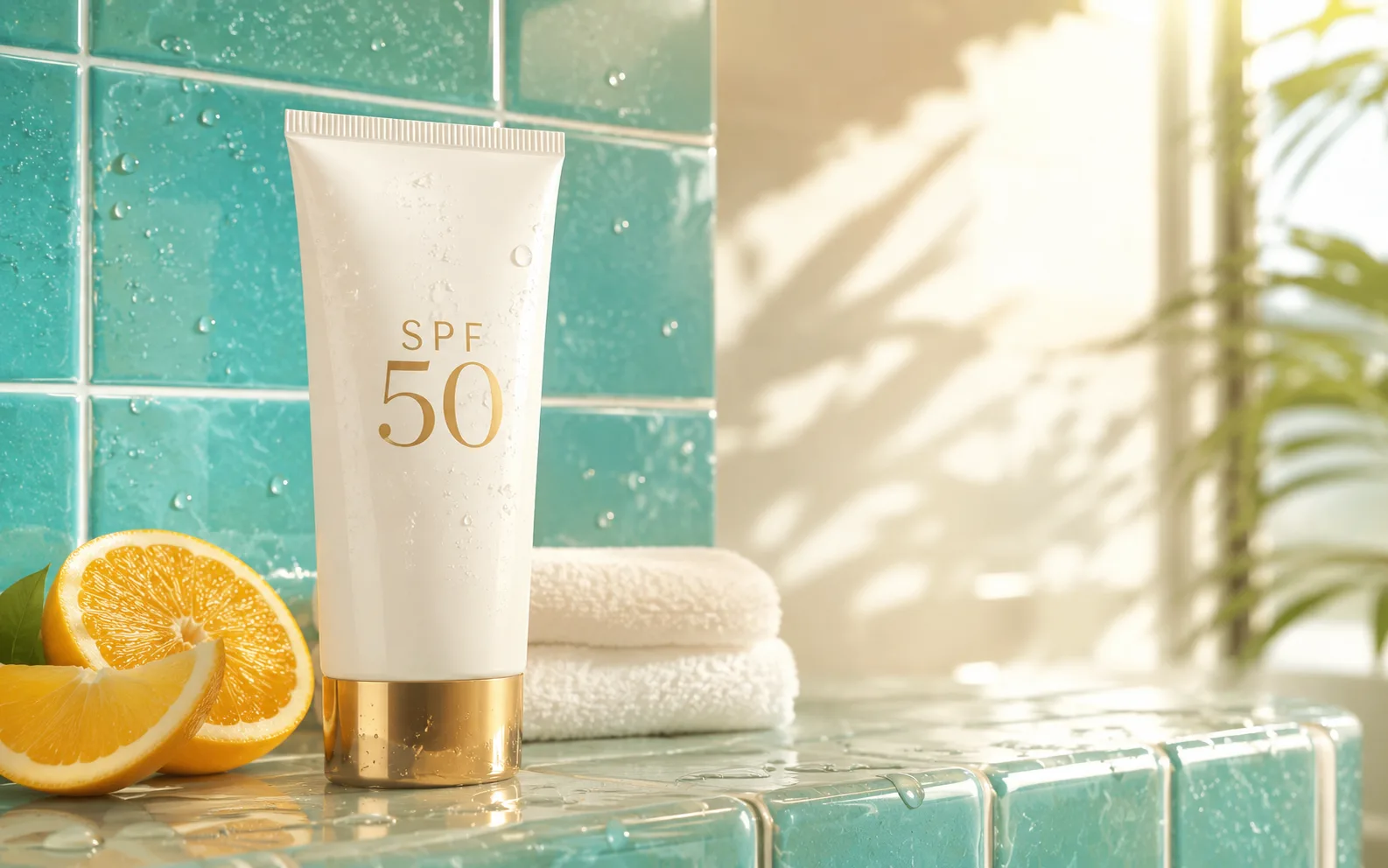
Create a clean product hero image for a mineral sunscreen tube on a warm bathroom shelf. Use soft morning light, realistic material texture, readable label text "SPF 50", and empty space for a web headline.
How to use Nano Banana 2 on Ezier
- 01
Start with the asset type
Name the thing you want first: product photo, poster, infographic, social post, character sheet, or reference edit. That gives Nano Banana 2 a clearer layout target.
- 02
Write the visual brief
Describe the subject, scene, composition, lighting, final use, and any exact words that should appear. Keep image text short enough to check at a glance.
- 03
Add a source image when it matters
Upload a source image for identity, product shape, room layout, or style preservation. Say what can change and what should stay recognizable.
- 04
Review before you refine
Check credits, generate, then inspect text, faces, hands, logos, and product details. Refine with one clear correction instead of stacking vague style changes.
What Nano Banana 2 handles well
The useful edge is not just speed. Nano Banana 2 is a good fit when the draft still needs short readable text, stable subjects, and enough structure to become a real asset.
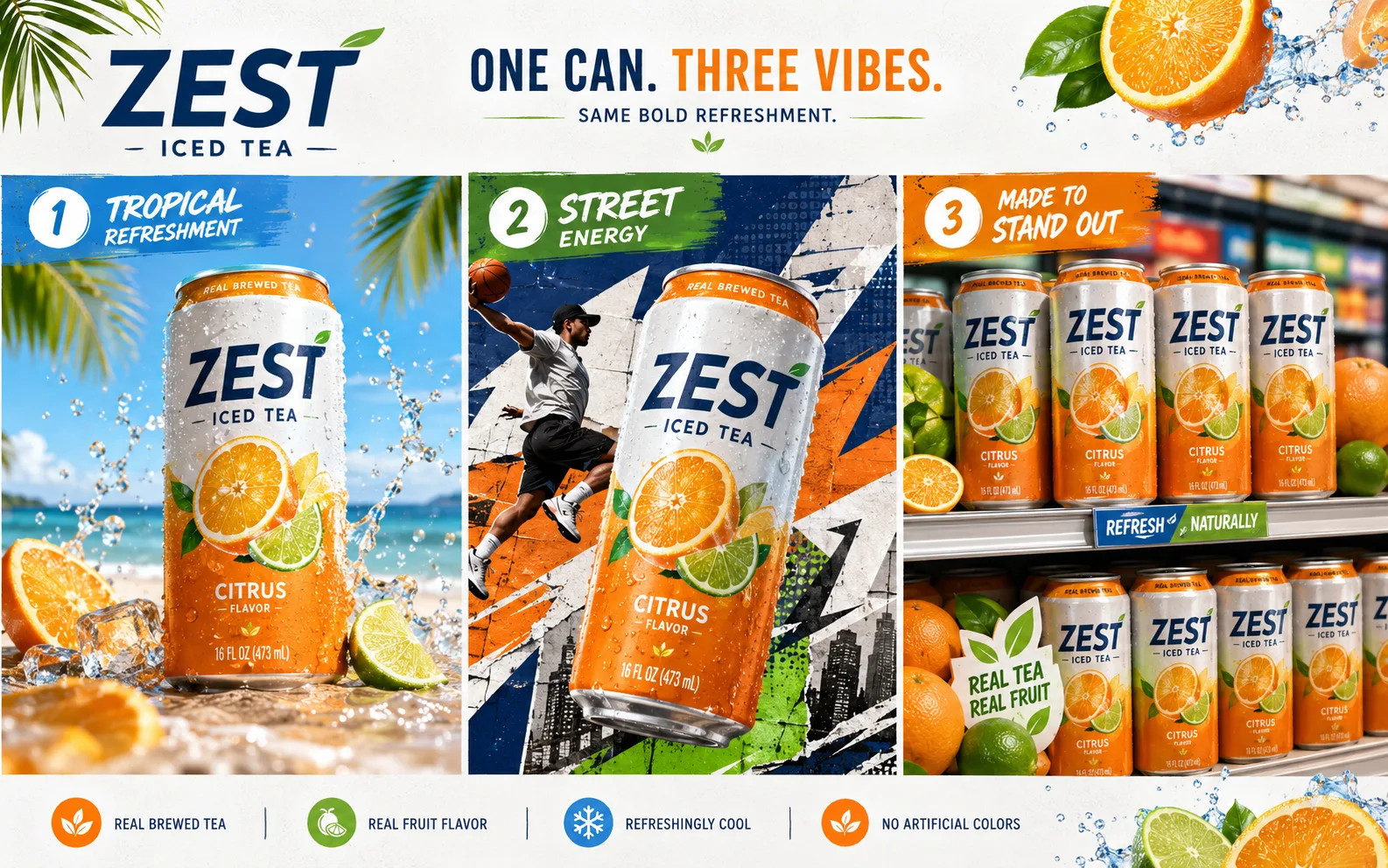
Fast drafts with real direction
Nano Banana 2 is useful when you need several image directions quickly, but the draft still has to show the right product, scene, layout, and lighting idea.
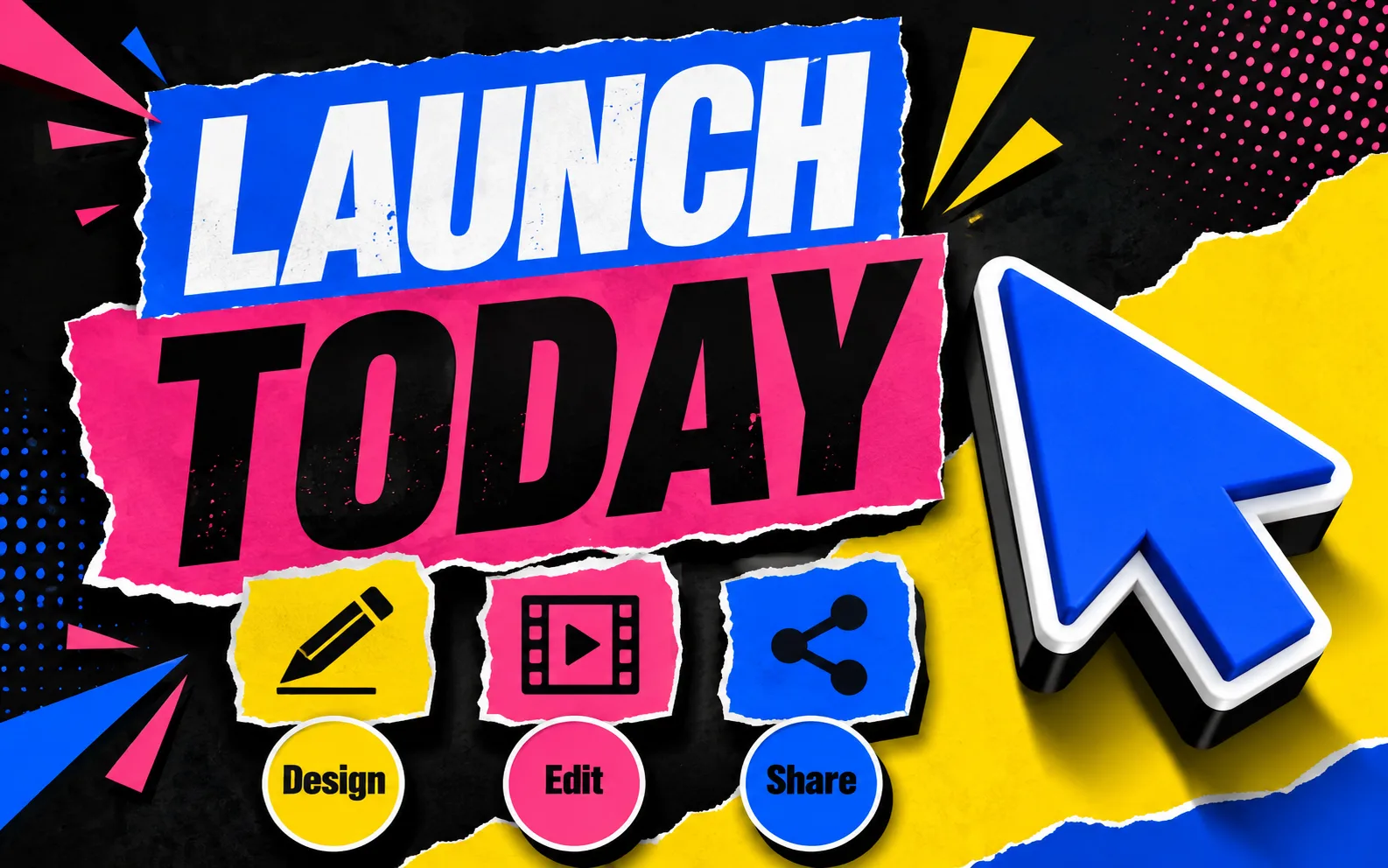
Short text and diagram work
Use it for posters, labels, diagrams, infographics, and translated visual assets. Quote exact words, keep labels brief, and review every line before publishing.

Edits that keep the subject intact
For people, products, or characters, describe the traits that must stay stable before changing the setting, camera angle, lighting, background, or visual style.
Get better Nano Banana 2 results
For better results, keep the asset type clear, keep image text short, and name the details that should stay the same after each edit.
- Gemini 3.1
- Flash ImageA Google image model tuned for fast prompt-based generation, editing, and higher-volume creative work.
- 512px-4K
- Output rangeMatch the canvas to the job: smaller drafts for quick social tests, larger output when text or product detail needs room.
- 4 + 10
- Reference inputsPublic docs describe up to four character images and 10 object images for reference-guided composition.
Give it a format before a style
A prompt that starts with "product card", "launch poster", "infographic", or "profile edit" usually gives the model a cleaner structure than style words alone.
Keep text visible and short
Use one headline or a few labels. Put exact wording in quotes, avoid long paragraphs, and leave enough blank space around the words.
Protect the important details
For edits, name the face, product shape, logo, room layout, clothing, pose, or camera angle that should not drift.
Use size as a quality choice
Small drafts are fine for quick review. Posters, product cards, diagrams, and label-heavy images need more room for readable details.
Restart before the image gets muddy
If several refinements make the image less clean, keep the best version and start a fresh prompt with the protected details included.
Check anything factual
For diagrams, product labels, translated text, prices, badges, or claims, review the final image manually before using it publicly.
Nano Banana 2 in Ezier
Start a Nano Banana 2 draft without leaving the editor.
Write the brief, add a source image when it helps, check the credit estimate, then review and refine the result in Ezier.
Nano Banana 2 FAQ
Practical answers for creating and editing images with Nano Banana 2.
What is Nano Banana 2?
Nano Banana 2 is a Google image model for fast generation and editing. It is useful for product scenes, visual drafts, short text, diagrams, and reference-image edits that need recognizable subjects.
Can I use Nano Banana 2 online?
Yes. On Ezier, write a prompt, add a reference image when it helps, check credits, and generate Nano Banana 2 images directly from the browser.
Do I need a Google API key to use Nano Banana 2 on Ezier?
No. Ezier lets you use Nano Banana 2 without setting up Google AI Studio, Gemini API, or Vertex AI yourself.
Is Nano Banana 2 free to use?
You can start with the credits available on your account. The final credit cost depends on the selected settings and the estimate shown before generation.
Can Nano Banana 2 edit uploaded images?
Yes, when image input is available. Add a source image, describe the exact change, and name the details that should stay recognizable.
What resolution does Nano Banana 2 support?
Google docs describe 512, 1K, 2K, and 4K image-size options for Gemini 3.1 Flash Image. In Ezier, use the size controls shown on the page.
Can Nano Banana 2 create readable text in images?
It can help with short headlines, labels, posters, and diagrams. Keep the wording brief, quote exact text, and review the final image before publishing.
More to try
Compare what works with Nano Banana 2
Check related image models, refine the output with tools, or turn the idea into video.

AI models
Compare models
Choose a better fit before you generate.
AI image tools
Create or edit images
Make, clean up, or upscale stills.
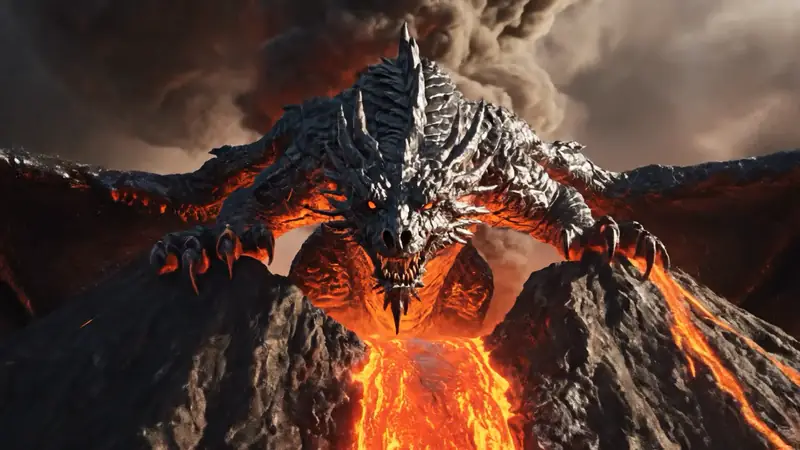
AI video tools
Turn images into motion
Animate a still or create a clip.
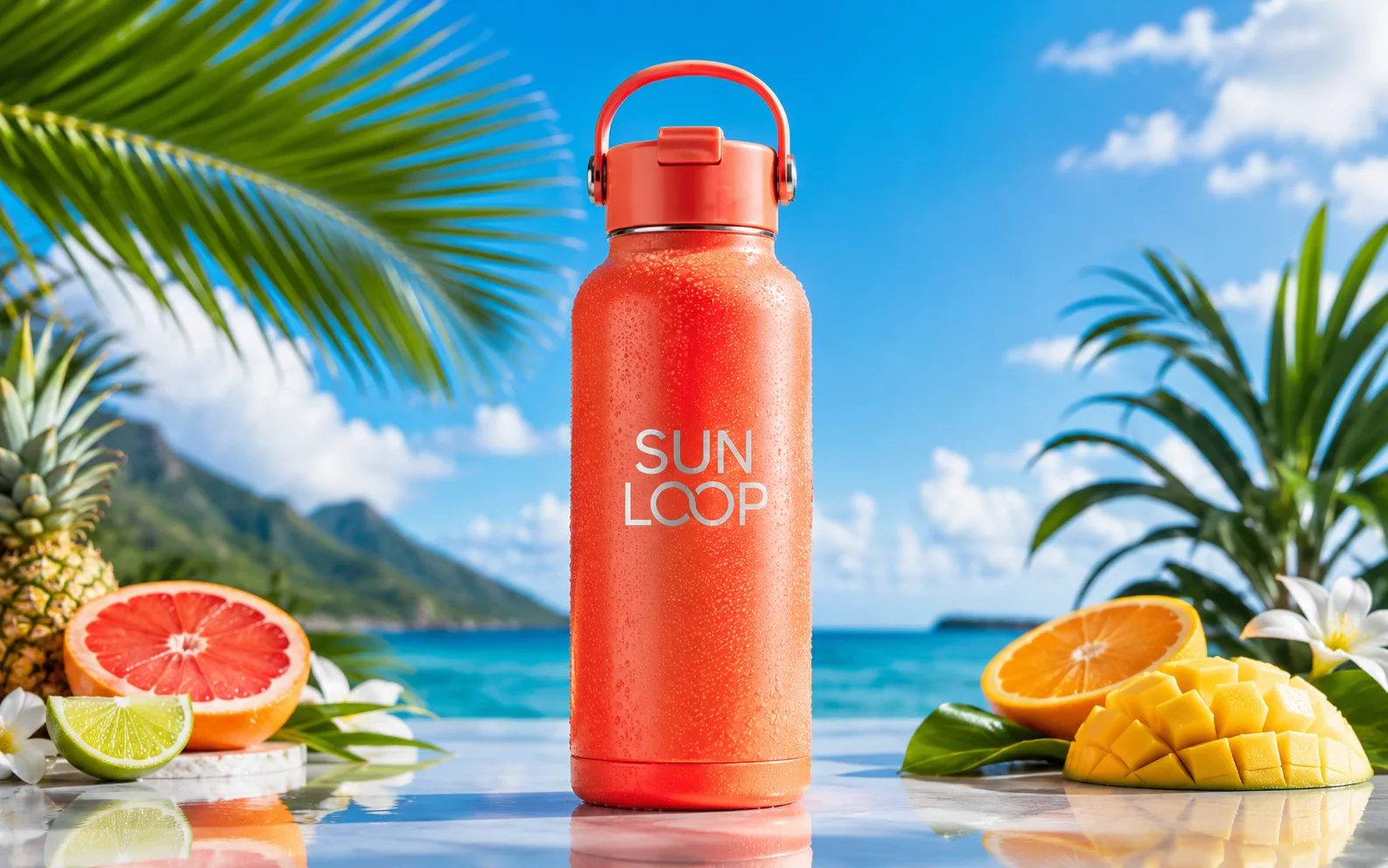
Nano Banana Pro
More control
Use for detailed prompts and readable text.
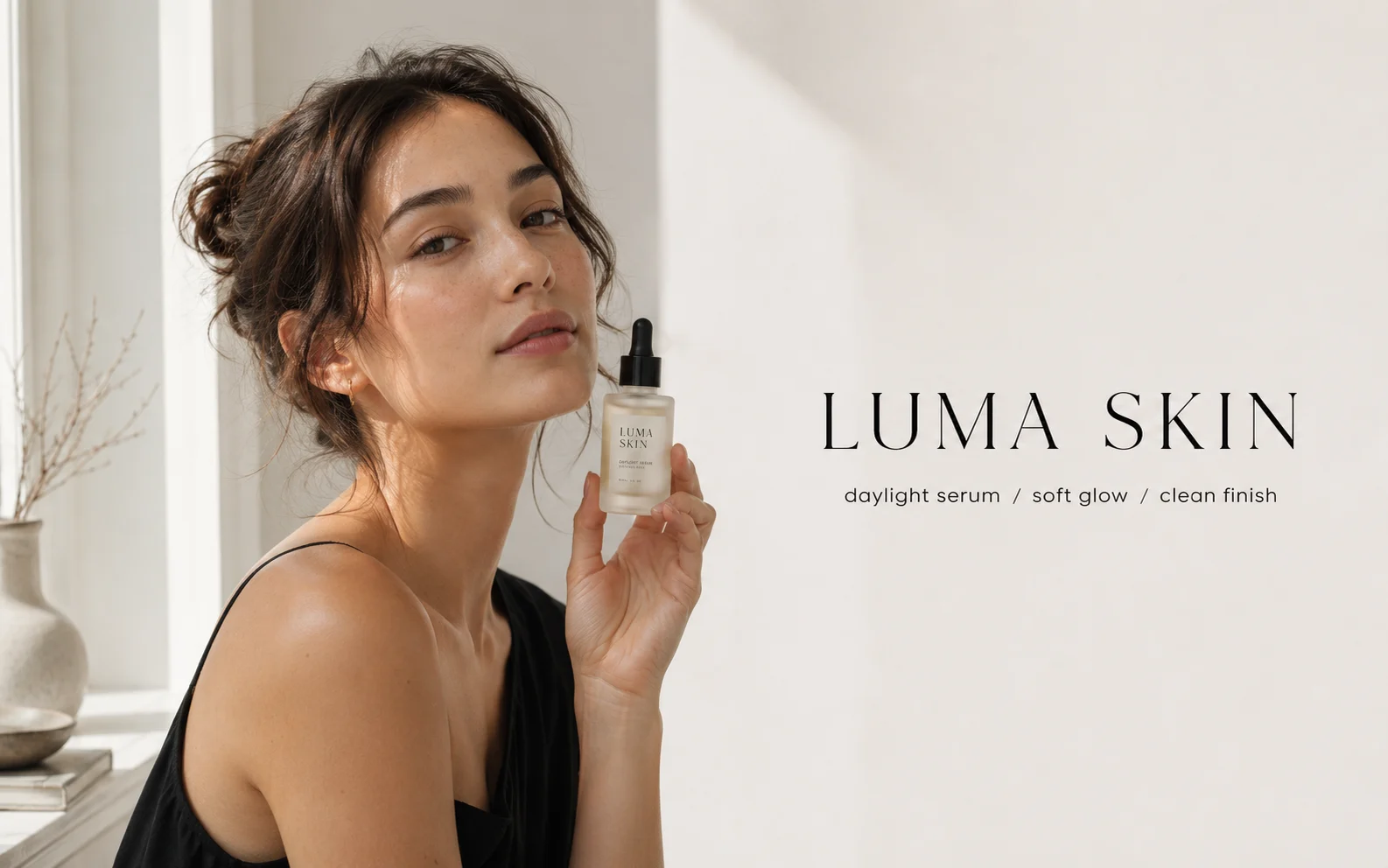
GPT Image 2
Polished visuals
Use for ads, product shots, and clean edits.
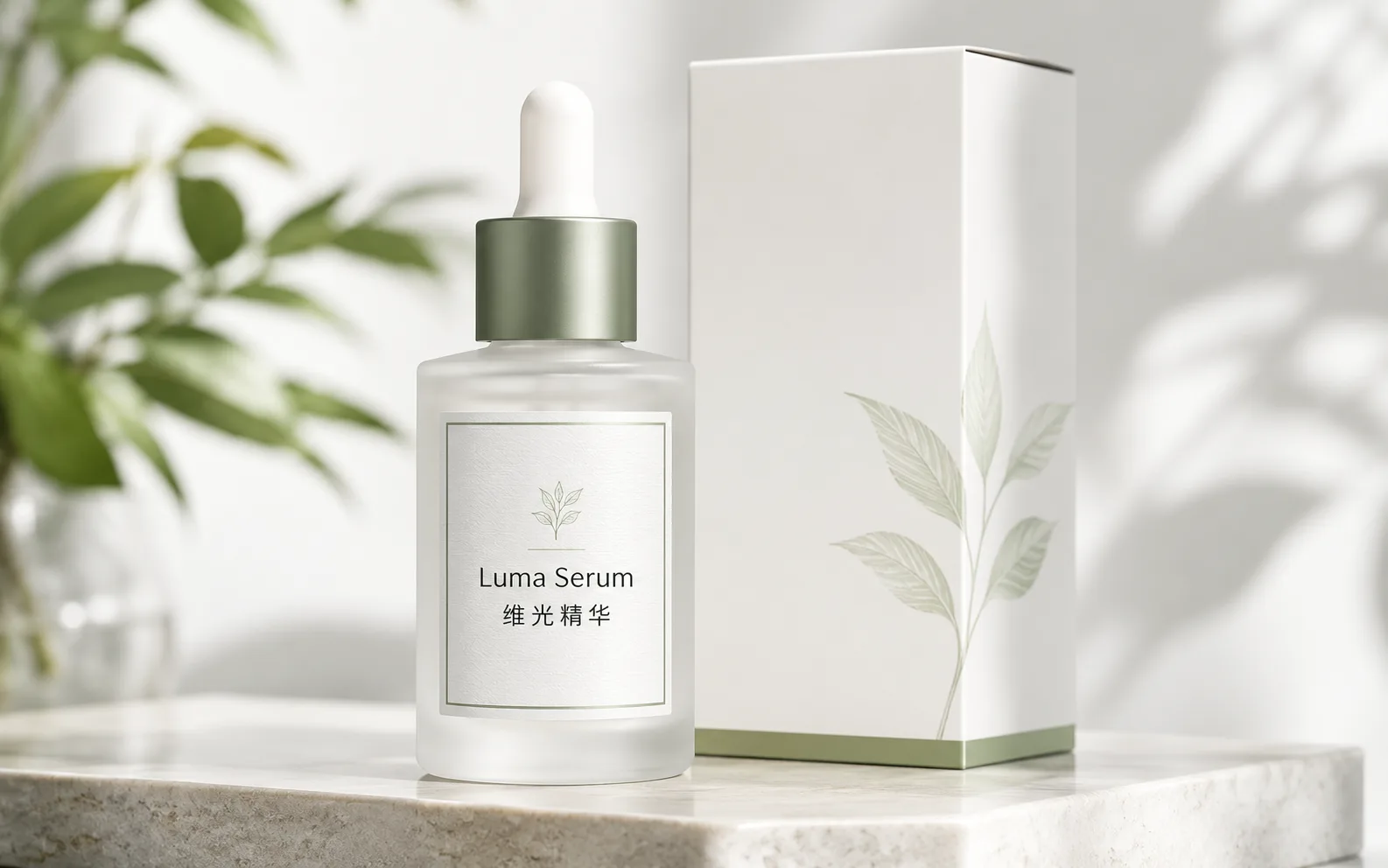
Qwen Image
Readable text
Use for labels, posters, and diagrams.
Wan Image
Video-ready frames
Use when the image may move next.
Nano Banana AI
Nano Banana family
Explore more Google image options.
GPT Image
Quick OpenAI drafts
Use for quick concepts and simple edits.
AI models
Compare models
Choose a better fit before you generate.
AI image tools
Create or edit images
Make, clean up, or upscale stills.
AI video tools
Turn images into motion
Animate a still or create a clip.
Nano Banana Pro
More control
Use for detailed prompts and readable text.