
White Background Generator for Product Photos, Portraits, and More
Upload one photo and replace the background with white. Use it when you need a cleaner image for listings, menus, profile pictures, or simple marketing layouts.
How to make a photo background white
Upload one image, run the white background edit, then check the result before you download it.
- 01
Upload your image
Choose a PNG, JPG, WEBP, or GIF file up to 20MB.
- 02
Generate the white background
Run the tool to keep the main subject and replace the original background with white.
- 03
Check the details
Look closely at hair, fur, glass, laces, hands, shadows, or thin product edges before you save the result.
- 04
Download and reuse it
Use the finished image in product listings, menus, profile cards, printed materials, and other clean layouts.
Where a white background helps most
These examples show the kind of photos that often become easier to reuse once the original scene is removed.
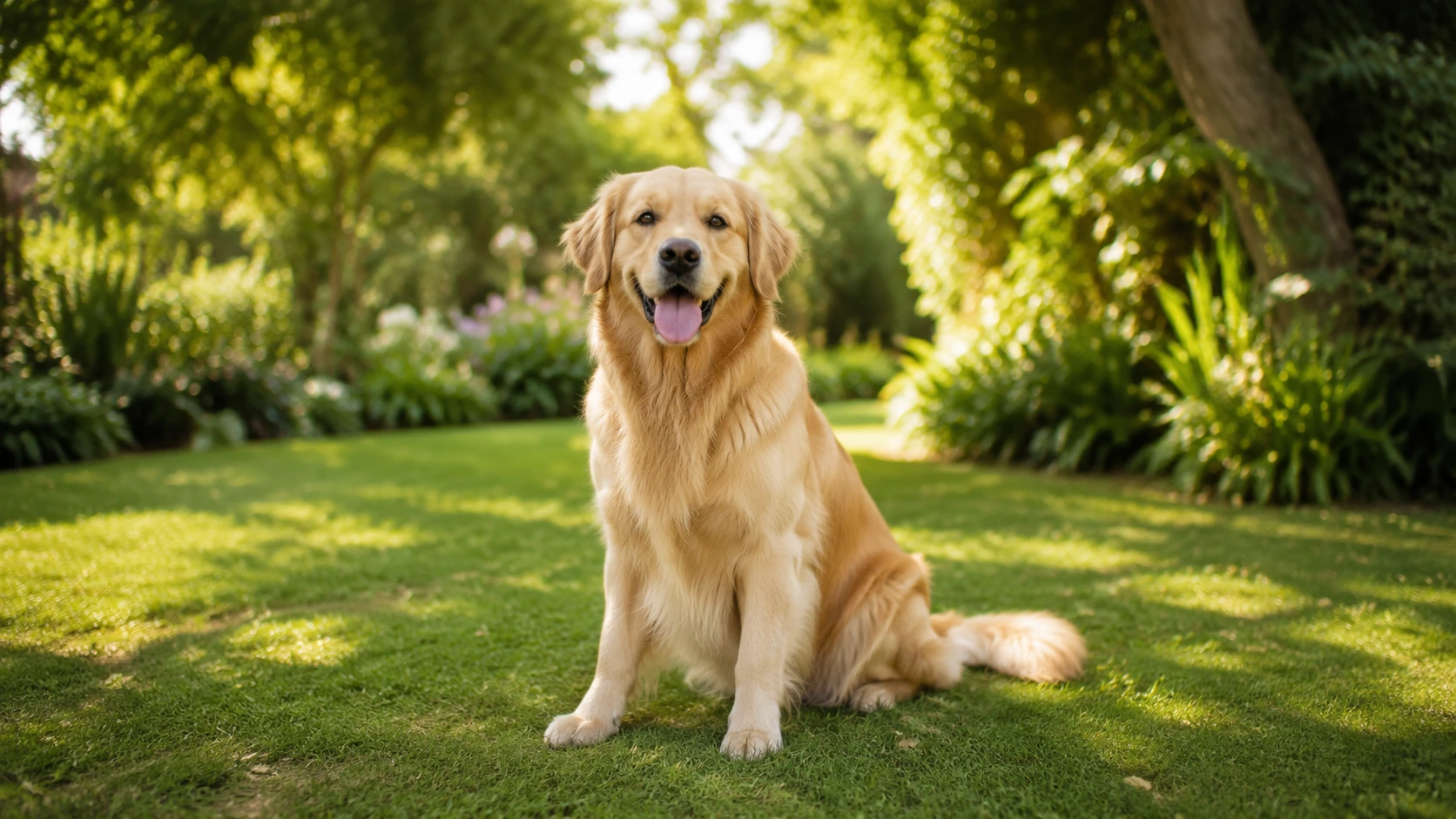
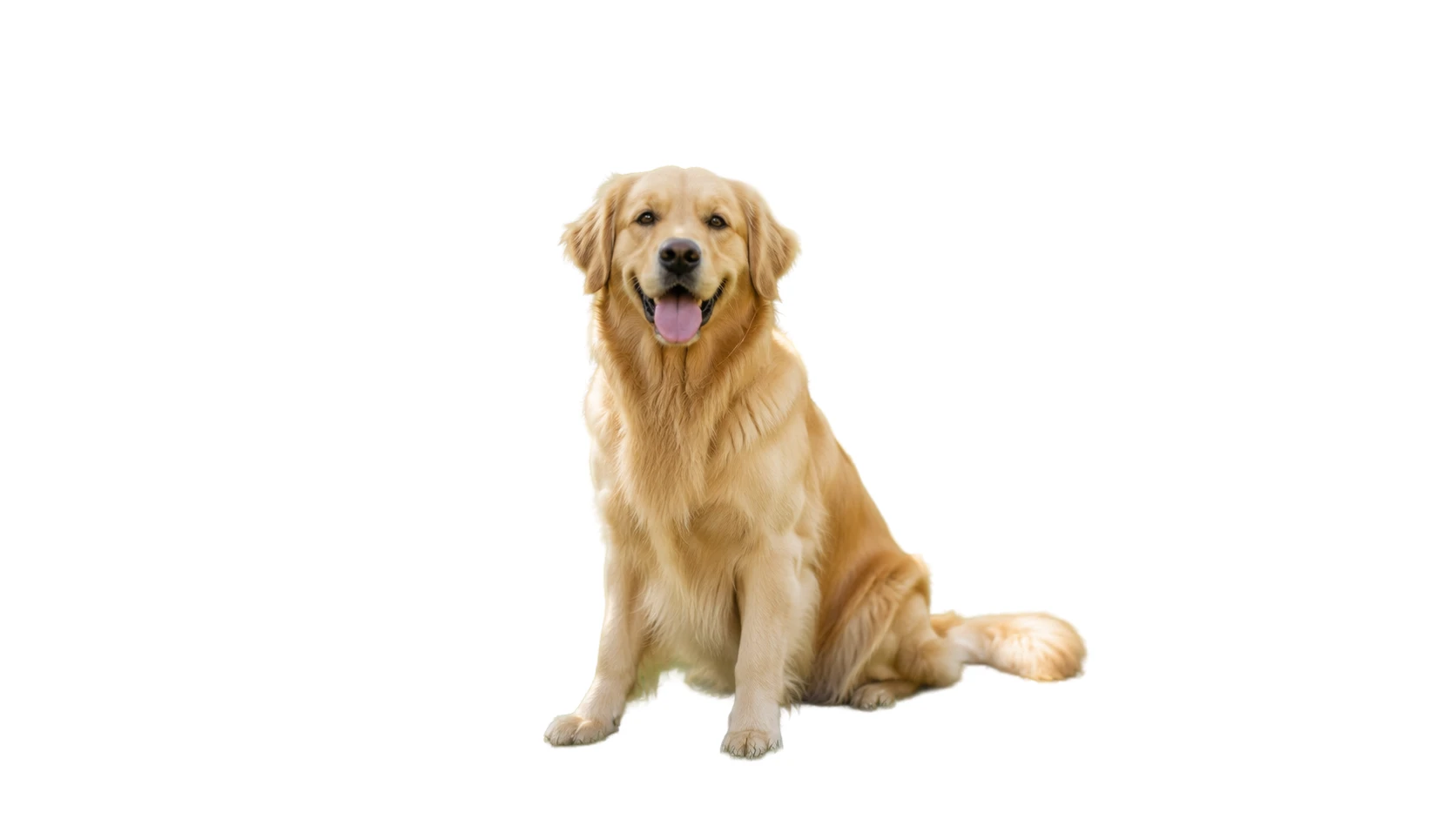
Pet photos that feel cleaner and easier to place
Removing the garden scene makes the dog the clear focal point, which is useful for pet profiles, adoption listings, and simple social graphics.
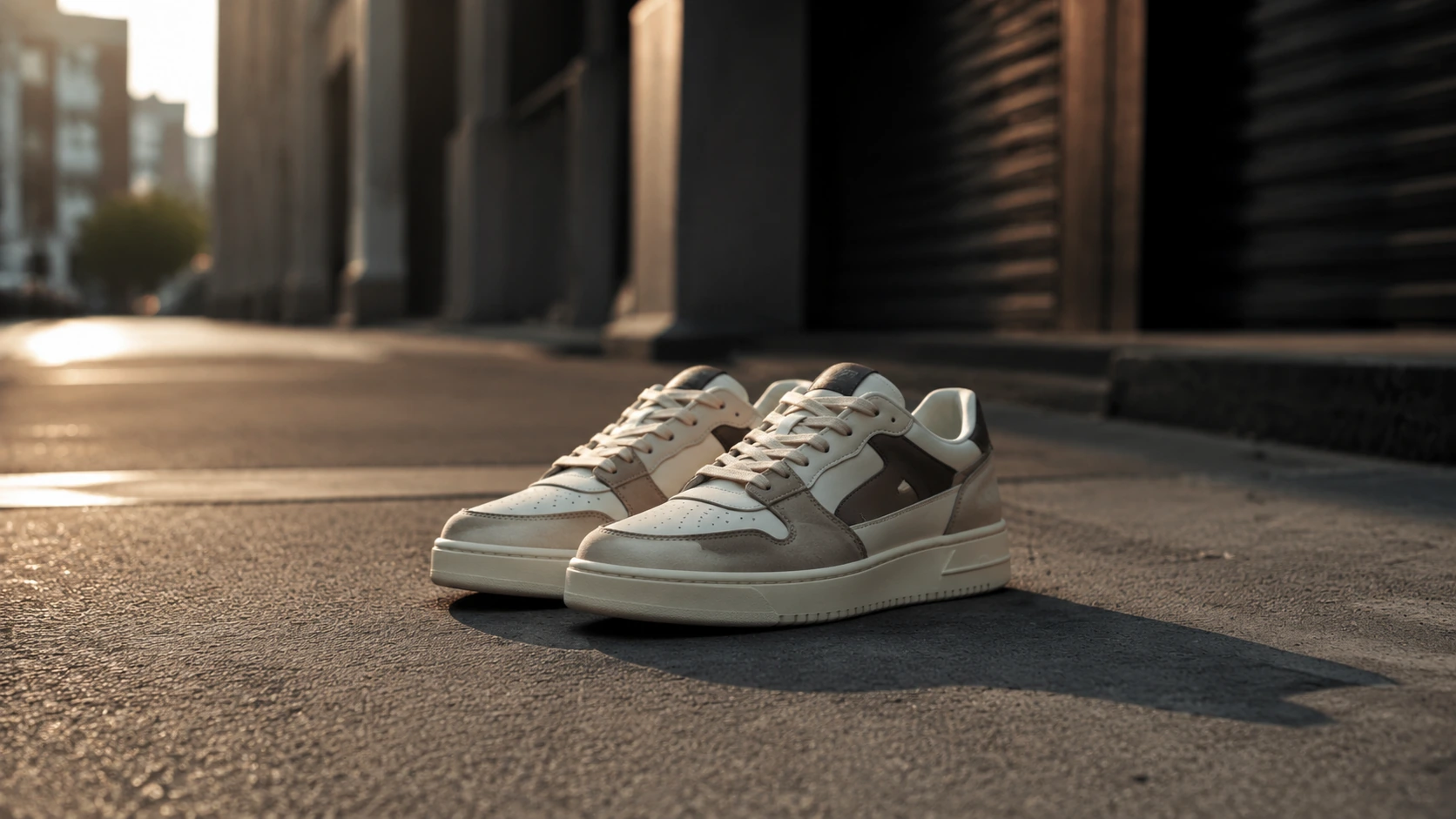
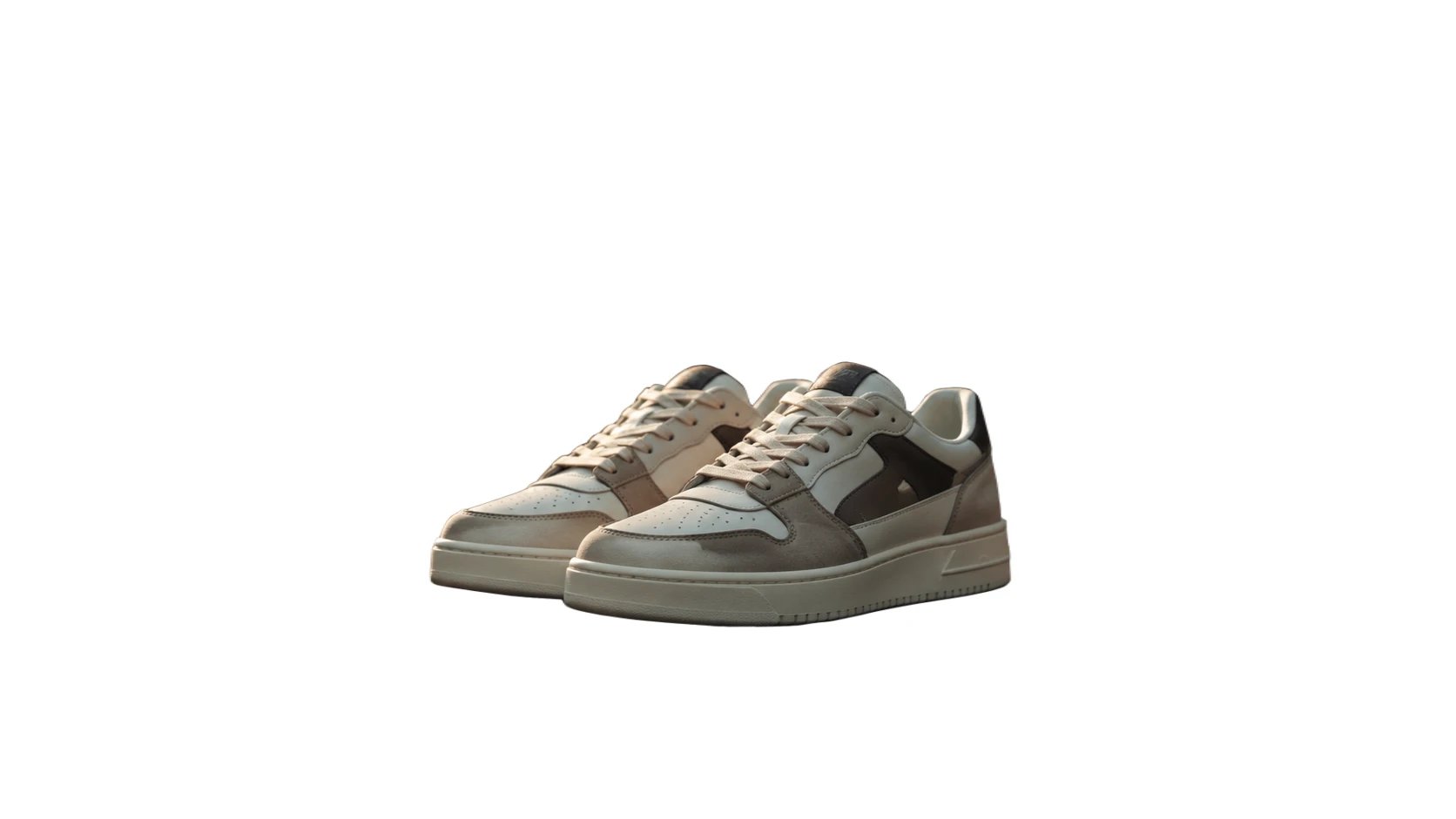
Sneaker photos that look ready for listings
A white background helps the pair stand out in catalog grids, resale listings, and product promos without competing street scenery.
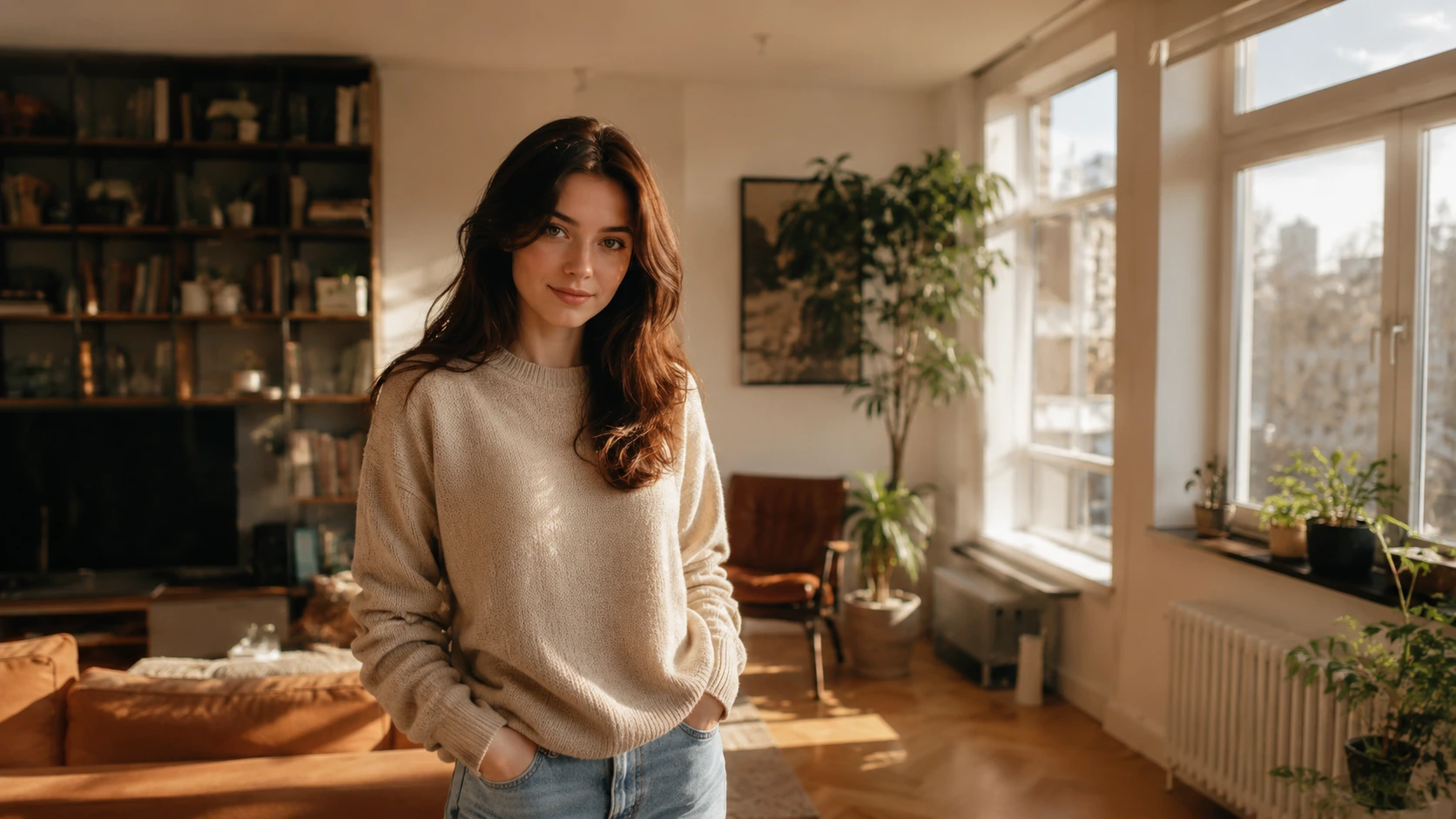
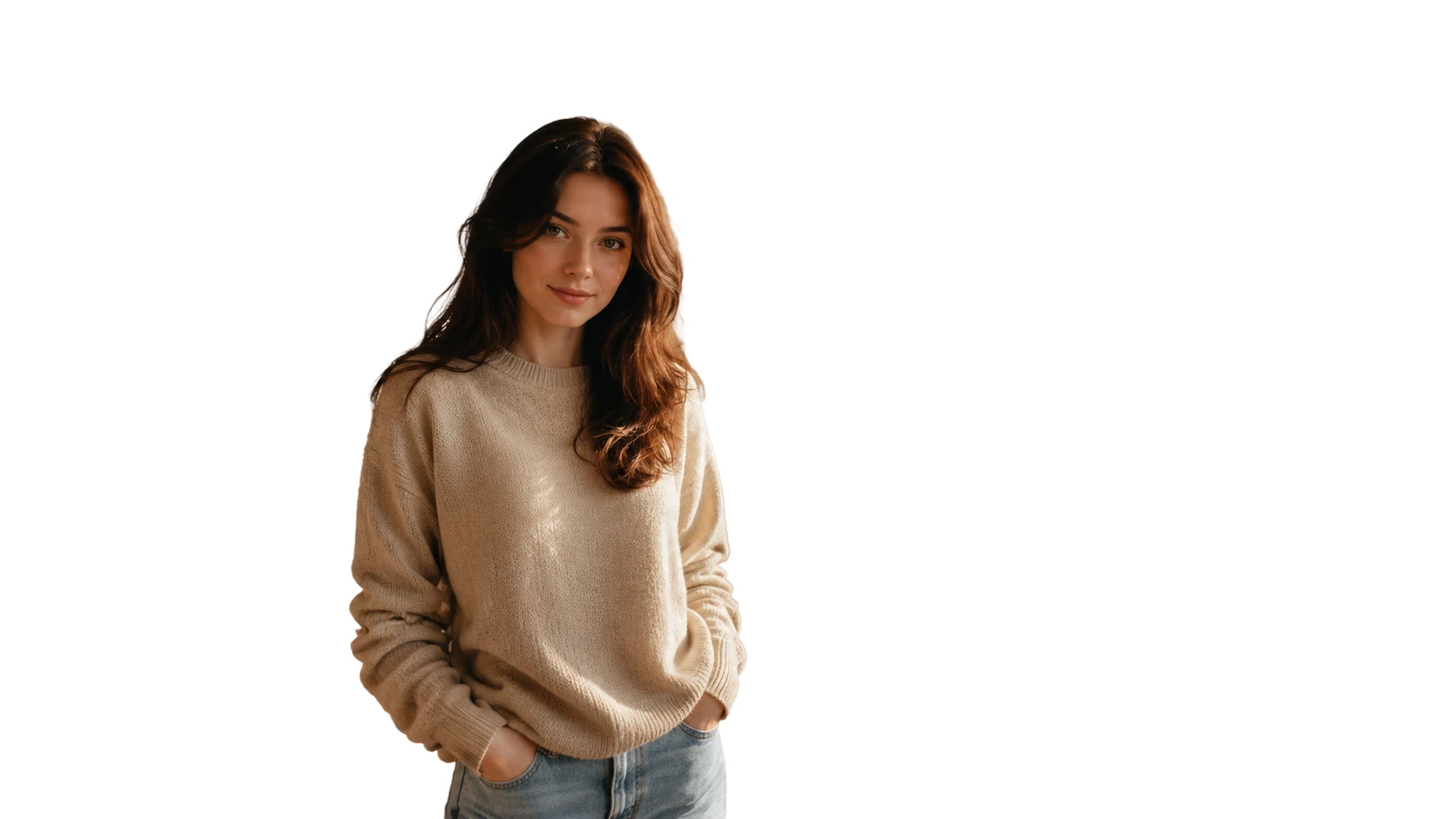
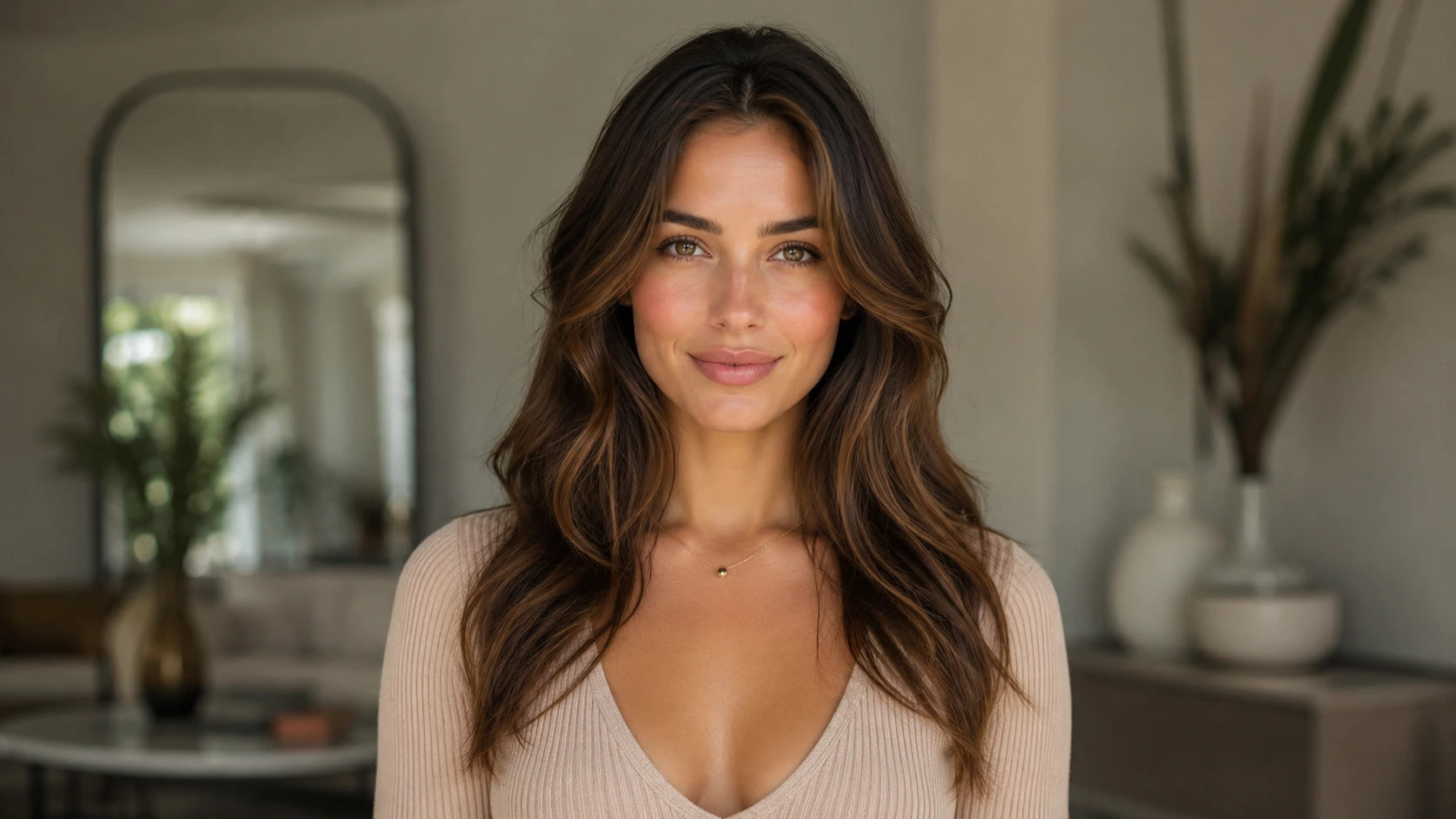
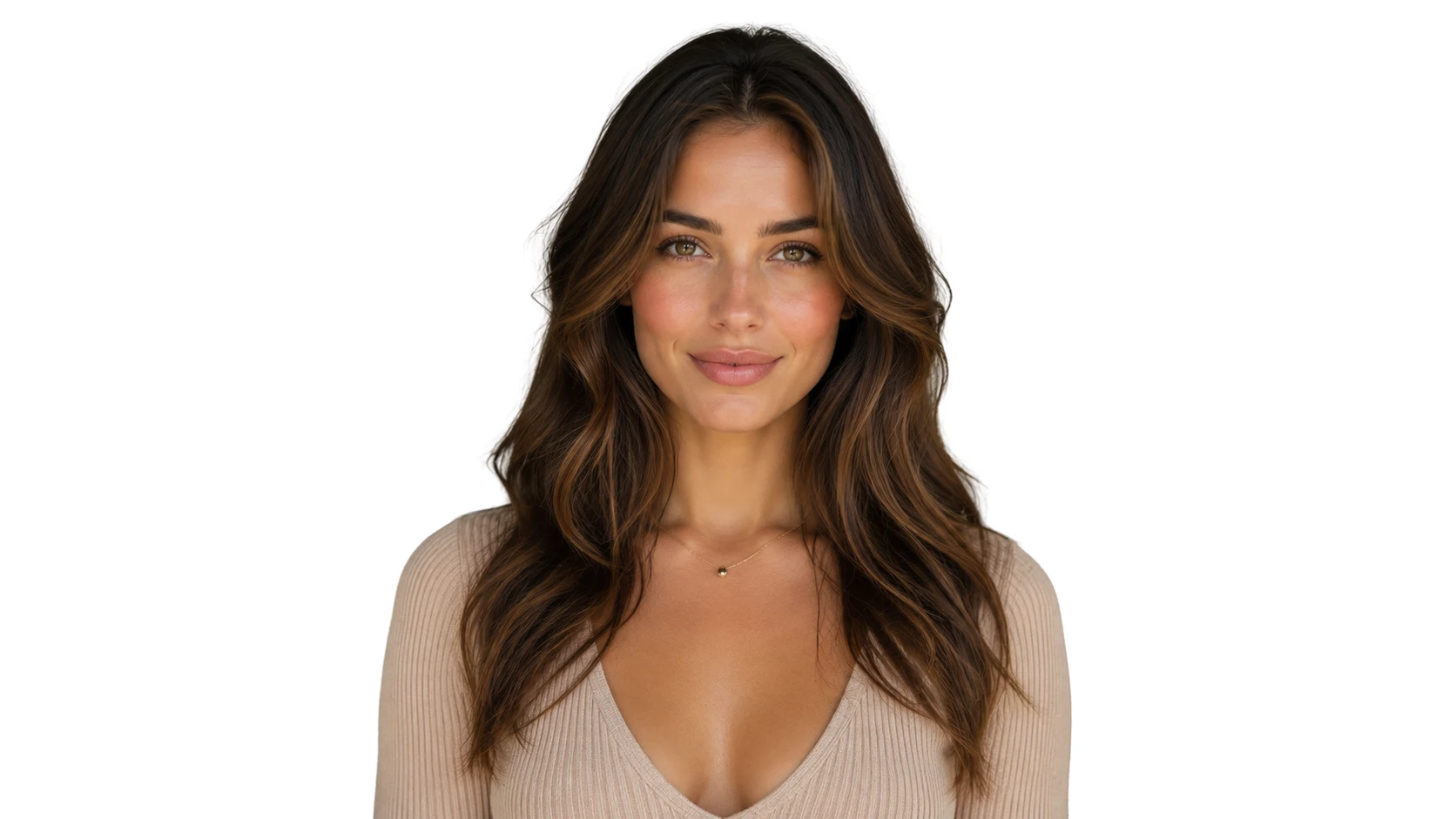
Portraits that feel simpler and more professional
Taking the room out of the frame makes the photo easier to use in team pages, speaker bios, profile cards, and other profile-first layouts.
What helps you get a cleaner result
The best results usually start with one clear subject, decent lighting, and edges that still stand out from the original background.
Start with the clearest file you have
If the photo looks dark, soft, or compressed, use Image Enhancer first so the subject is easier to separate from the background.
Look for subject separation
Photos usually clean up better when the main subject stands apart from the background instead of blending into it.
Review fine and reflective details
Hair, fur, laces, glass, shiny surfaces, and thin outlines are the first places where edge issues tend to show up.
Watch light subjects on light scenes
White clothing, pale fur, cream packaging, and bright highlights may need a closer look when the original background is also bright.
Ready to clean up the background?
Turn one photo into a clean white-background image.
Upload your image, make the background white, and download a version that is easier to place in listings, documents, profile layouts, and simple designs.
White Background Generator FAQ
Quick answers about what this tool changes, which photos fit best, and what to expect from the download.
What does this tool change?
It is meant to keep the main subject and replace the original scene behind it with a plain white background.
Can I use it for more than product photos?
Yes. It can also work well for portraits, pet photos, car photos, food photos, and other single-subject images that need a cleaner presentation.
Can I use a phone photo?
Yes. A phone photo can work well if the main subject is clear and the edges are still visible against the original background.
Will the finished file have a white background or a transparent one?
This tool is for white-background output. If you need a transparent cutout instead, use Background Remover.
What file types can I upload?
The uploader accepts PNG, JPG, WEBP, and GIF files up to 20MB.
Related paths
Explore related image tools
Explore another image step, check model options, or make the output move.

AI image tools
More image tools
Create, edit, clean up, or upscale stills.

AI models
Compare image models
Pick a better model before making more versions.
AI video tools
Make it move
Animate a still or turn it into a clip.

AI Image Generator
Start from any idea
Create a fresh image from a prompt.
Text to Image
Prompt-first creation
Turn a written idea into an image.

Image to Image
Use a reference
Restyle or revise an existing image.
Image to Prompt
Describe a reference
Turn visible image details into a reusable AI prompt.
AI Logo Generator
Brand marks
Create logo ideas from a short brief.
Product Picture Generator
Product visuals
Create polished product photos and campaign scenes.