Live streams
Air horns for wins, sad trombones for fails, applause for chat milestones — trigger them live without alt-tabbing to a sample folder.

AI Soundboard: trigger 26 instant sound effects with one tap. Meme sounds, air horns, applause — online soundboard for streams and fun.
Can't find the sound you want? Generate a custom sound effect
Tap any pad and the sound plays instantly — no download, no setup, no signup. The board holds 26 built-in effects organized by category (Reactions, Horns, Impacts, UI) with search, so the right sound is one tap away during a stream, a podcast recording, or a video edit.
Pads are grouped by category — Reactions, Horns, Impacts, UI. Type in the search box to jump straight to a sound.
Click or tap any pad to trigger the sound immediately in your browser. Tapping a pad again replays it from the start; several pads can play at once.
Hit Stop all to silence every playing pad in one click.
For live use, capture your browser audio in OBS, Streamlabs, or your streaming software so viewers hear the board too.
One tap to play, organized by category — built for live moments.
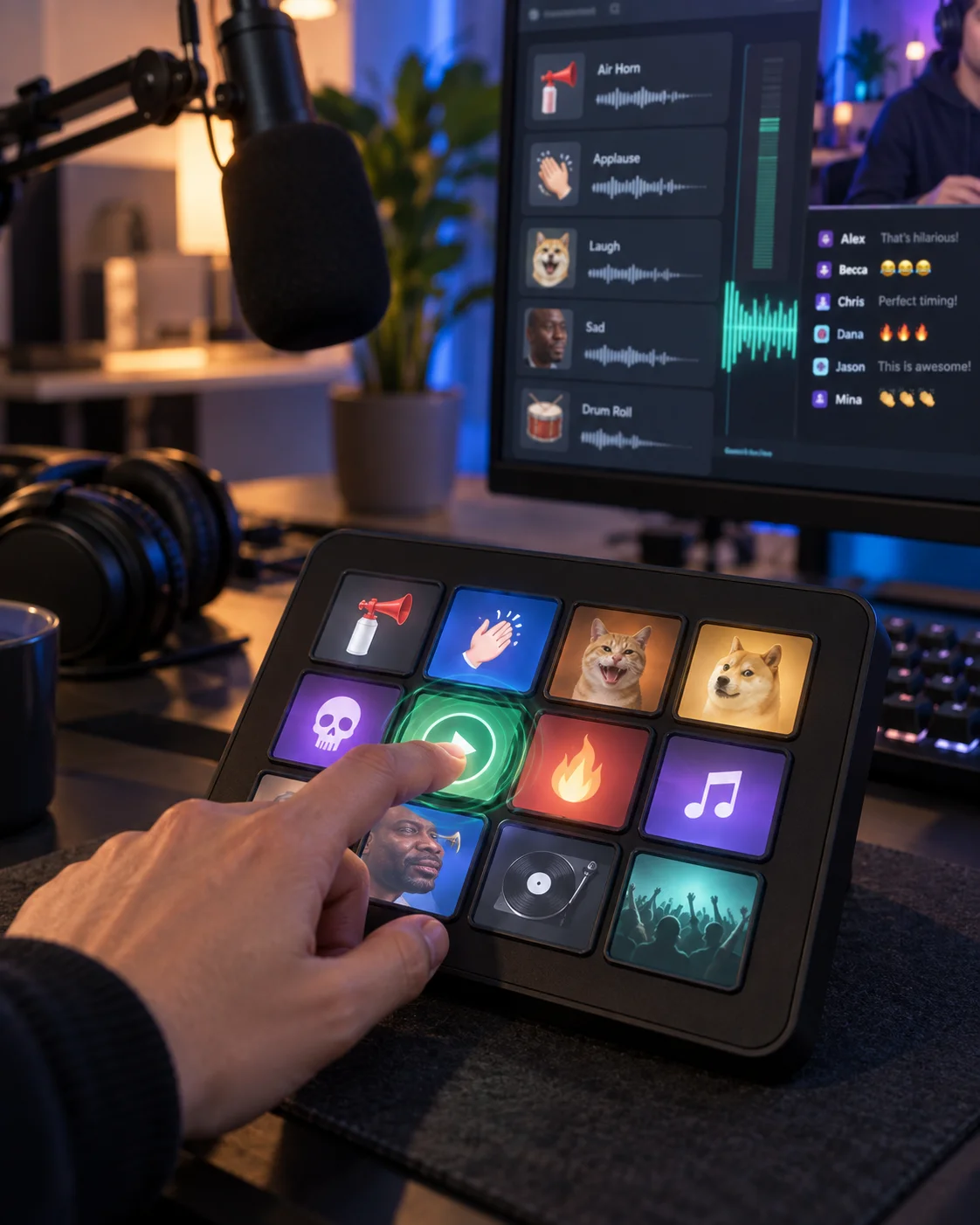
Every pad plays the moment you tap it. Zero latency between the joke landing and the air horn.
Reactions, Horns, Impacts, and UI in one grid with search — no digging through sample packs mid-stream.
Every tap restarts the sound, so punchlines and stingers always land clean.
Use Stop all to end overlapping effects before you speak or cue the next sound.
Streams, podcasts, edits, and calls — anywhere a sound lands better live than in post.
Air horns for wins, sad trombones for fails, applause for chat milestones — trigger them live without alt-tabbing to a sample folder.
Stingers, transitions, and audience reactions on tap while recording, so the energy stays in the take instead of the edit.
Audition meme sounds and UI effects instantly, then download the keepers to drop on your timeline.
A rimshot for your friend’s joke, a dramatic hit for story time — the board works in any call that shares browser audio.
Tap any pad to play the sound instantly — no download, no signup needed. Great for streams, calls and fun.
Yes, route the browser audio into your stream via your streaming software’s audio capture.
26 built-in effects across Reactions, Horns, Impacts, and UI — including air horn, applause, crowd cheer, sad trombone, rimshot, dramatic hit, record scratch, UI pop, bruh, vine boom, crowd wow/aww, siren, train horn, bike horn, alarm, doorbell, cinematic boom, whoosh, explosion, glass break, and UI notification sounds — all searchable by name.
Custom generation lives on the AI Sound Effects Generator page — this board is for instant playback of the built-in set.
Yes — playing all 26 sounds is free with no signup. Downloading is free too; just log in to save any sound to your device.
More AI audio tools
Generate custom effects, browse the library, or make background music for your stream.
Text to Speech
Create new narration
Turn any script into natural spoken audio.
AI Music Generator
Generate instrumental music
Create instrumental tracks from a text prompt.
AI Song Generator
Add lyrics and vocals
Turn lyrics and ideas into complete songs.
AI Beat Maker
Build a beat
Build beats and grooves from a short prompt.
AI Voice Cloning
Create a custom voice
Replicate a specific real voice from a sample.
AI Voice Changer
Transform recorded audio
Transform a recording into a different voice.
AI Sound Effects Generator
Generate a sound effect
Generate any sound effect from a description.
AI Voice Over
Narration workflows
Produce voiceovers for video and presentations.
Voice Over Advert
Ad and promo voiceovers
Create voiceovers tuned for ads and promos.
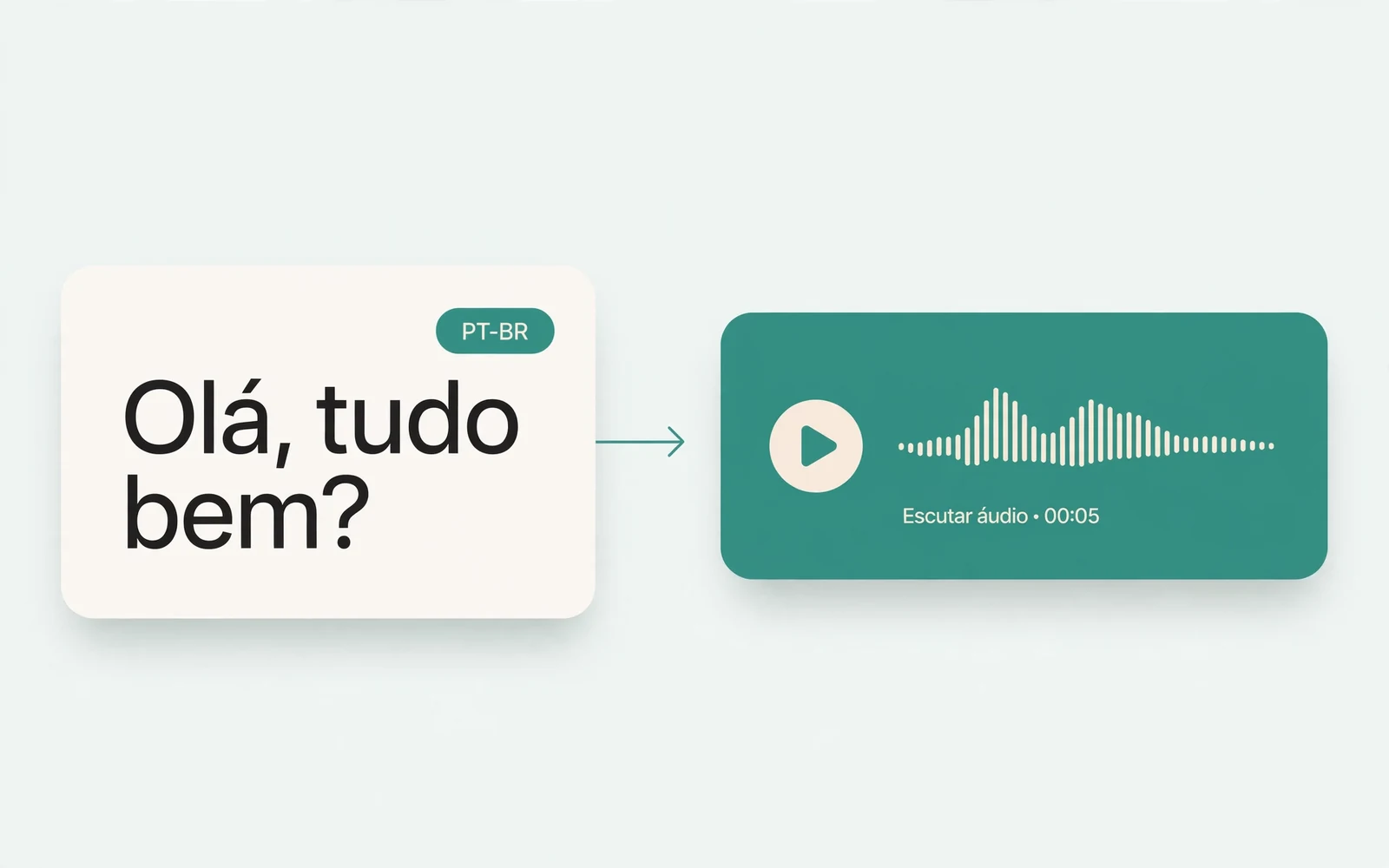
Portuguese Text to Speech
Portuguese speech
Generate natural Brazilian Portuguese speech.
British Accent Generator
British English voices
Convert text to British-accented English speech.
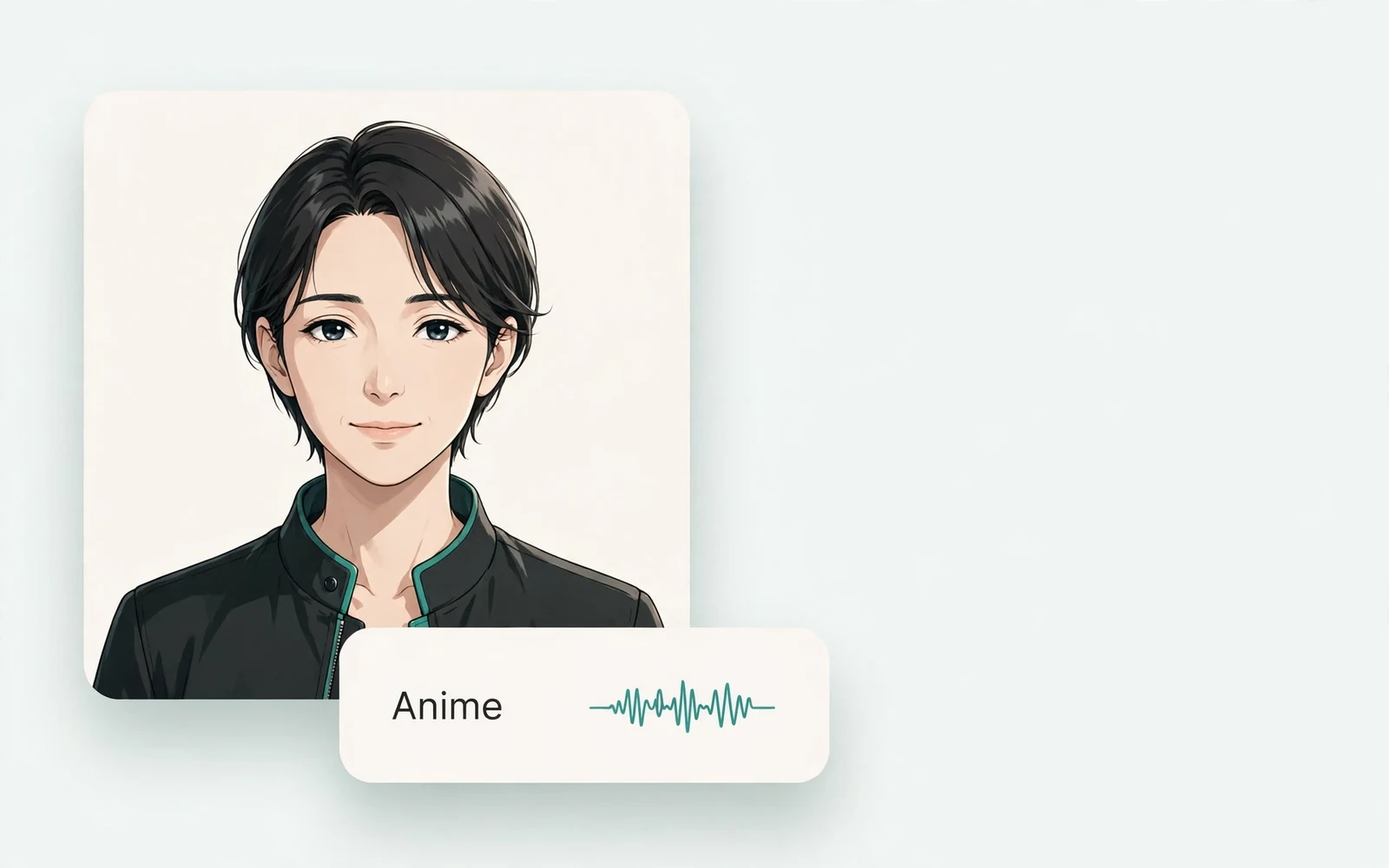
Anime Voice Changer
Anime character voices
Restyle a recording with an anime character voice.
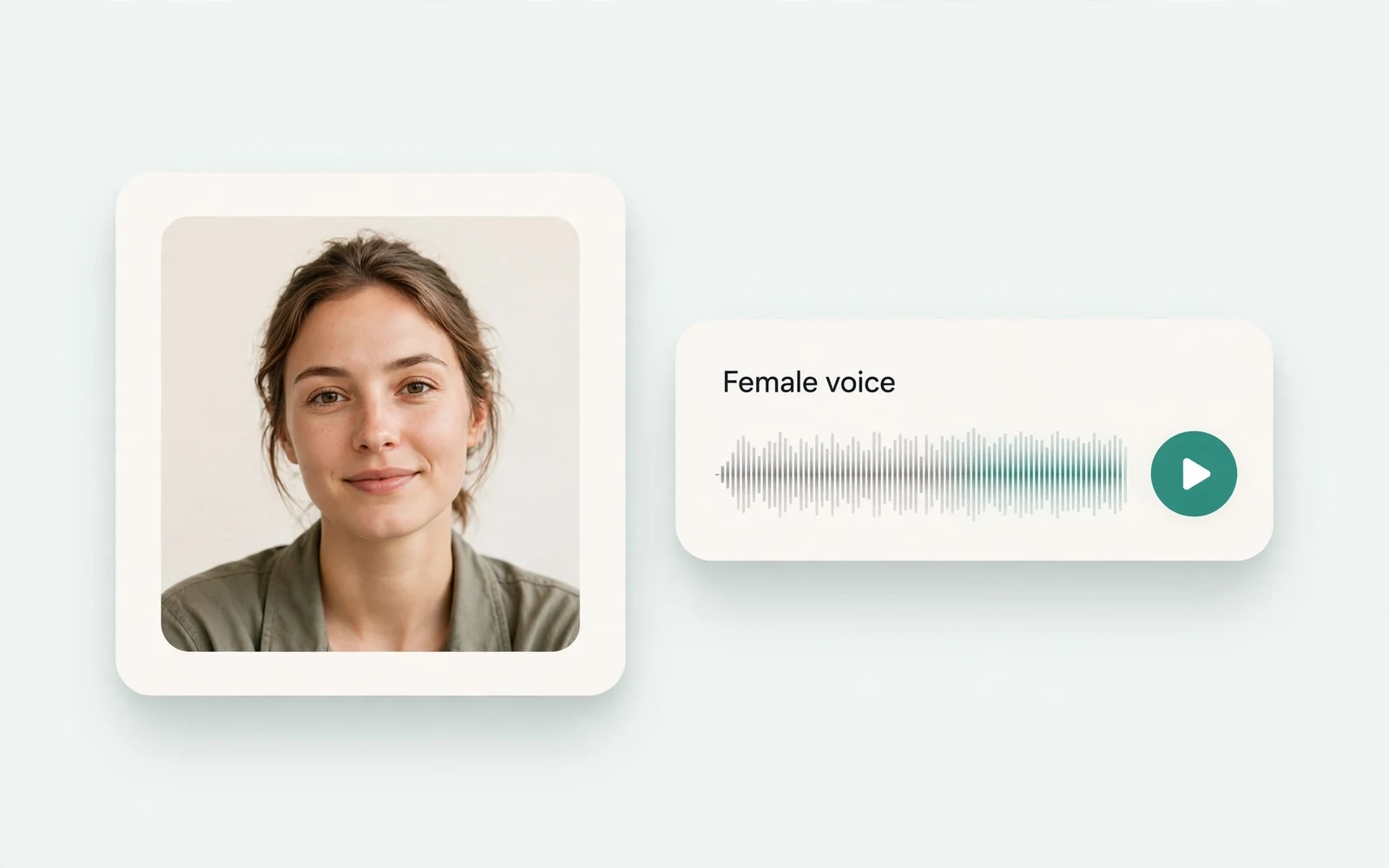
Girl Voice Changer
Young feminine voices
Convert a recording into a young feminine voice.
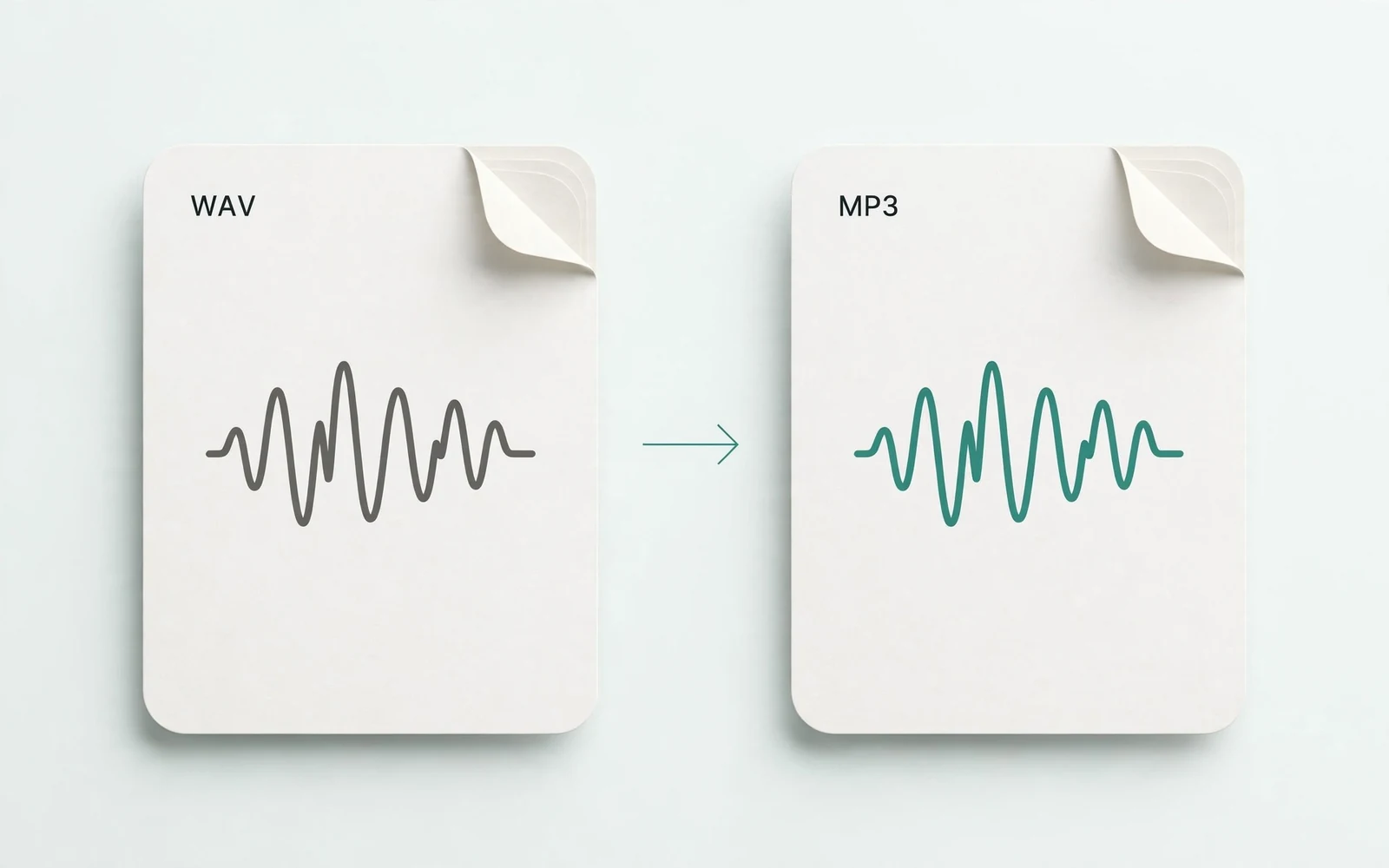
Audio Converter
Convert an audio file
Convert audio files between formats.
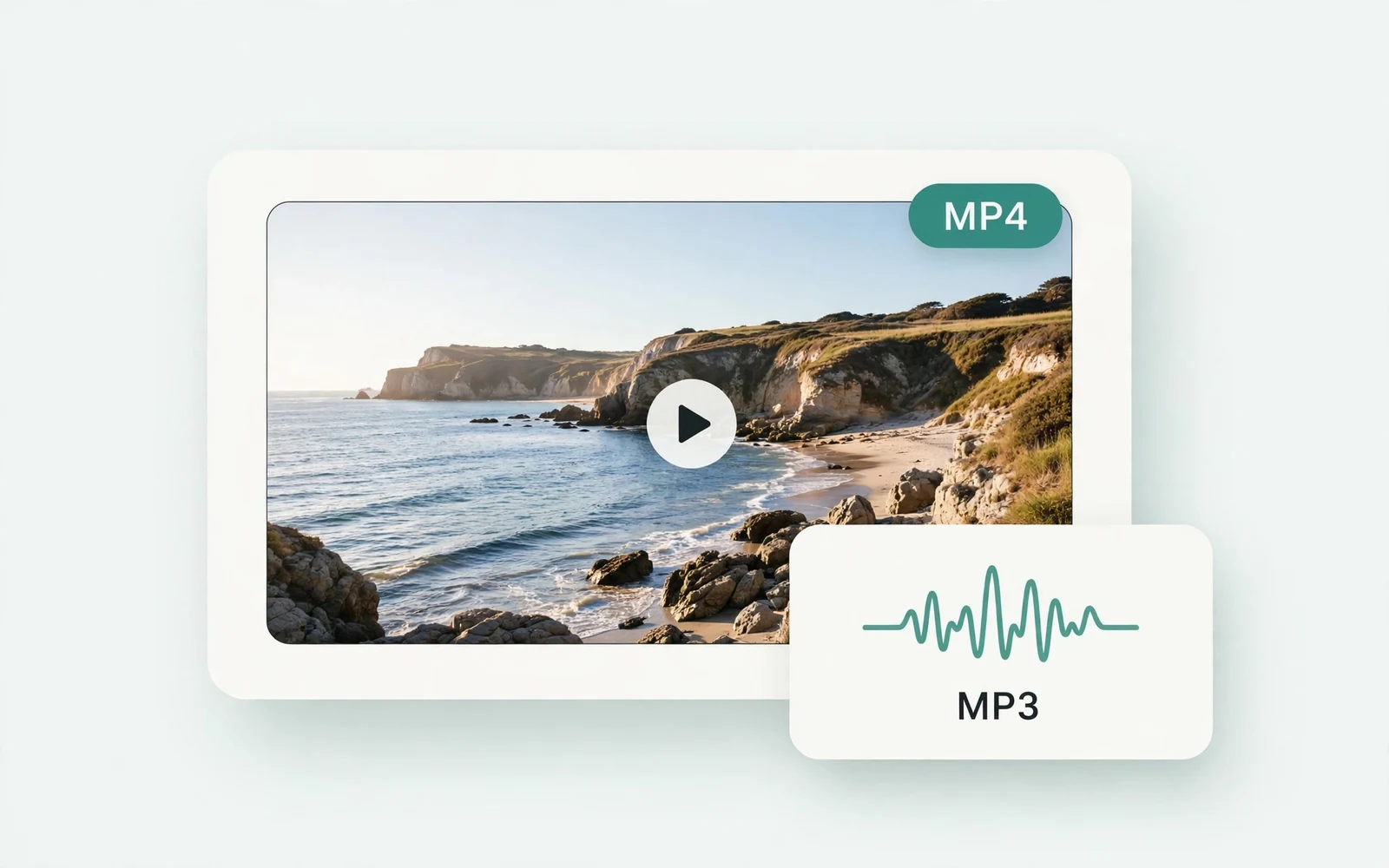
MP4 to MP3 Converter
Extract audio from MP4
Extract the audio track from an MP4 video.
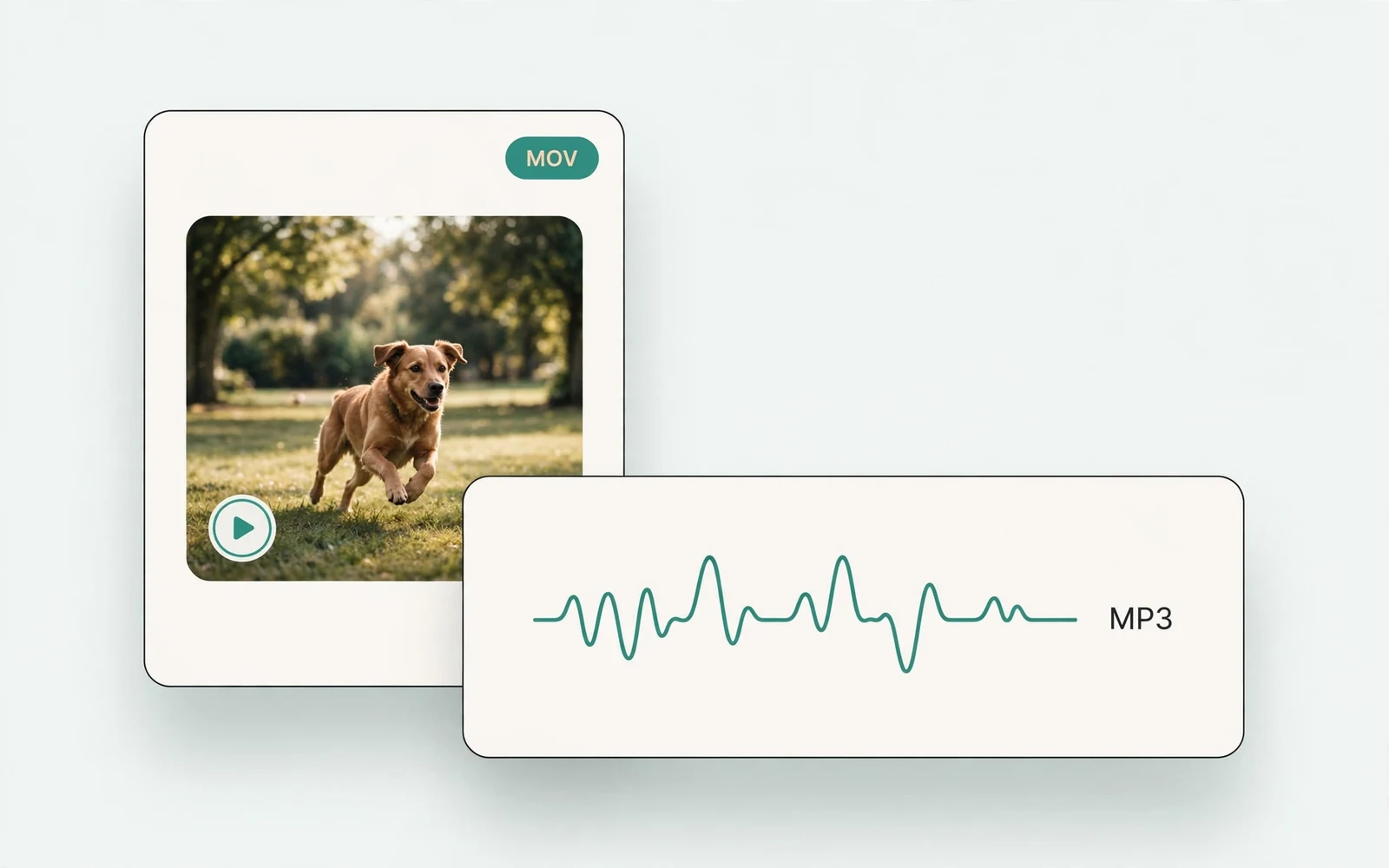
MOV to MP3 Converter
Extract audio from MOV
Extract the audio track from a MOV video.
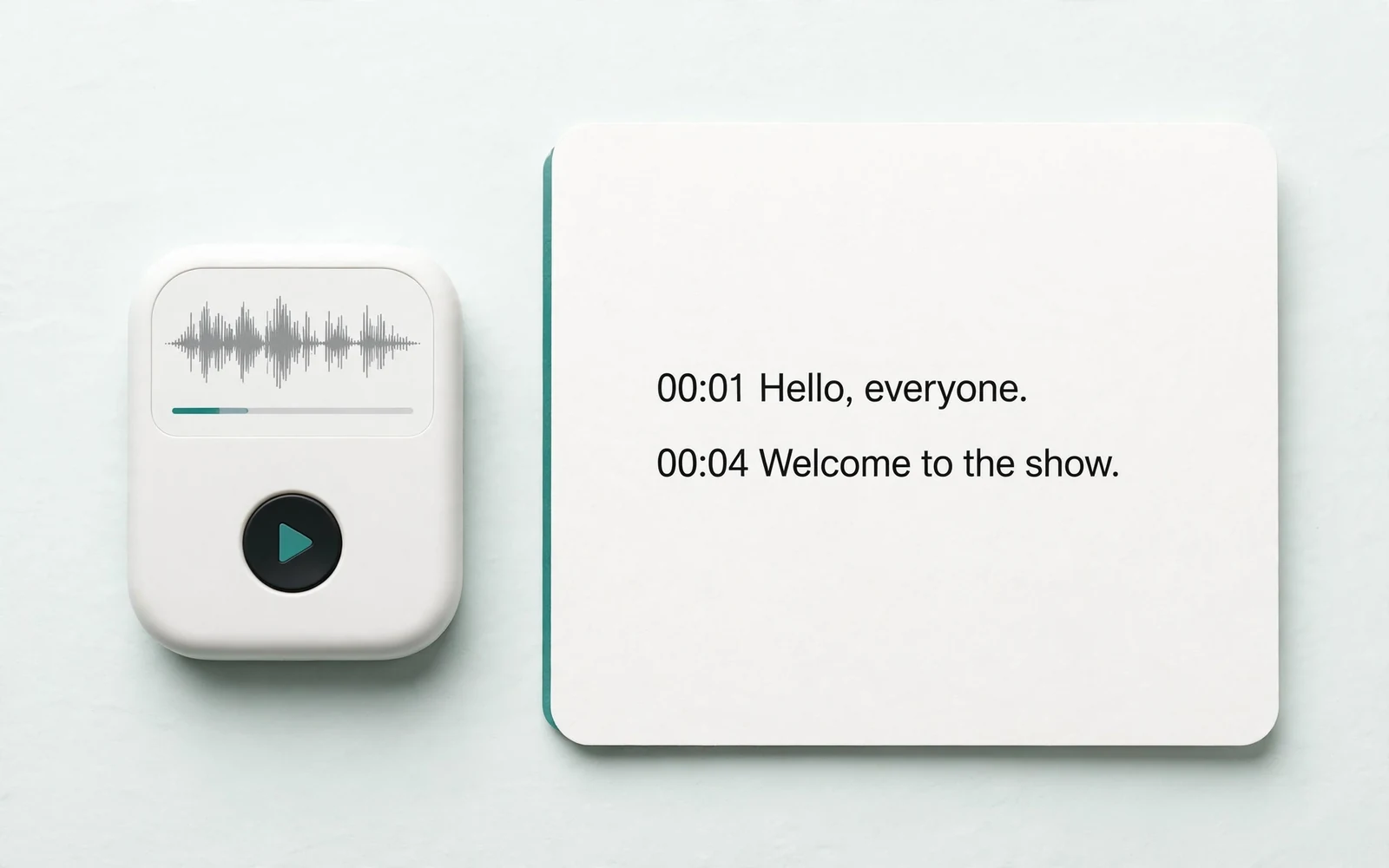
Audio to Text
Transcribe a recording
Transcribe any recording into text.
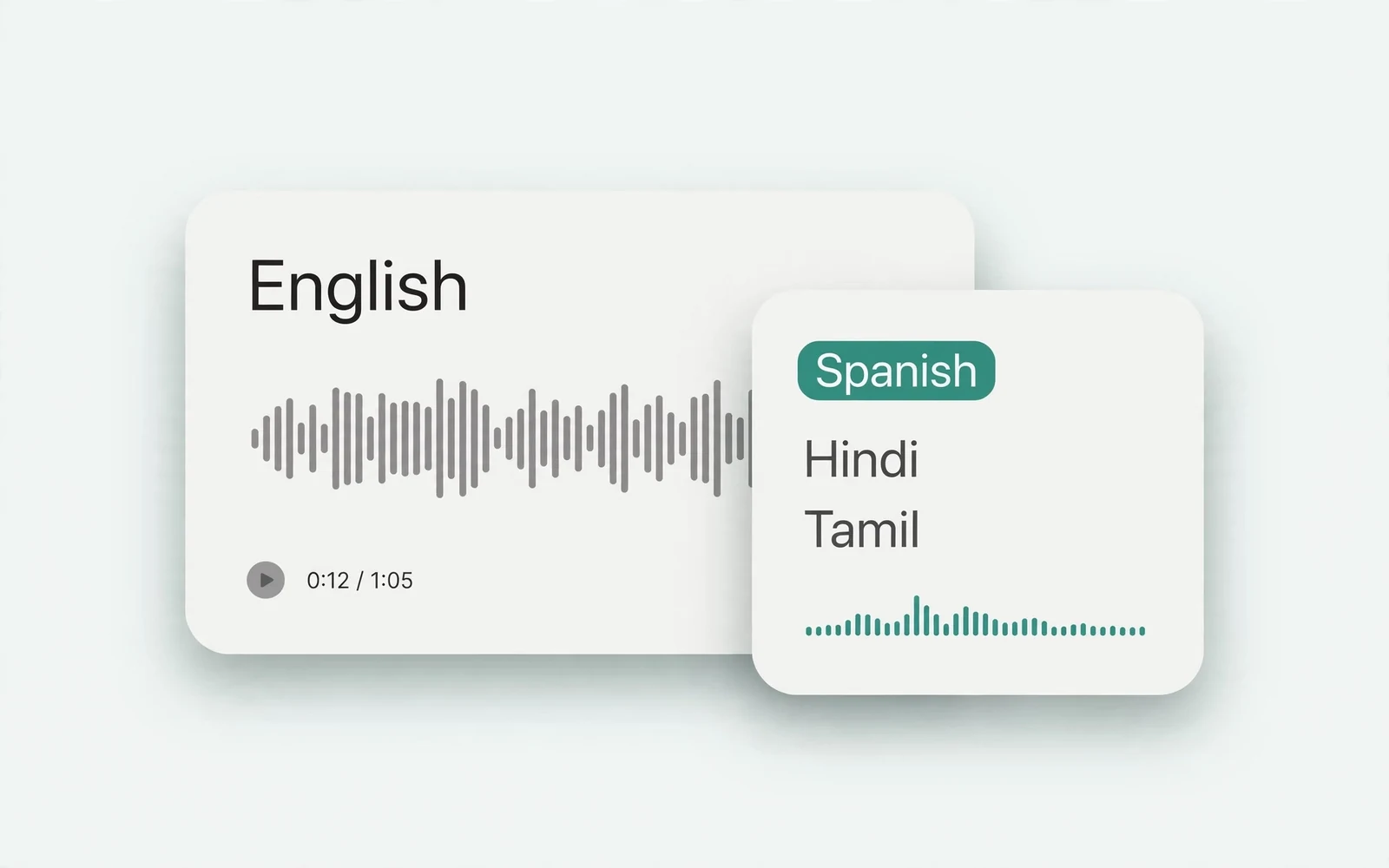
Audio Translator
Translate spoken audio
Translate spoken audio into another language.
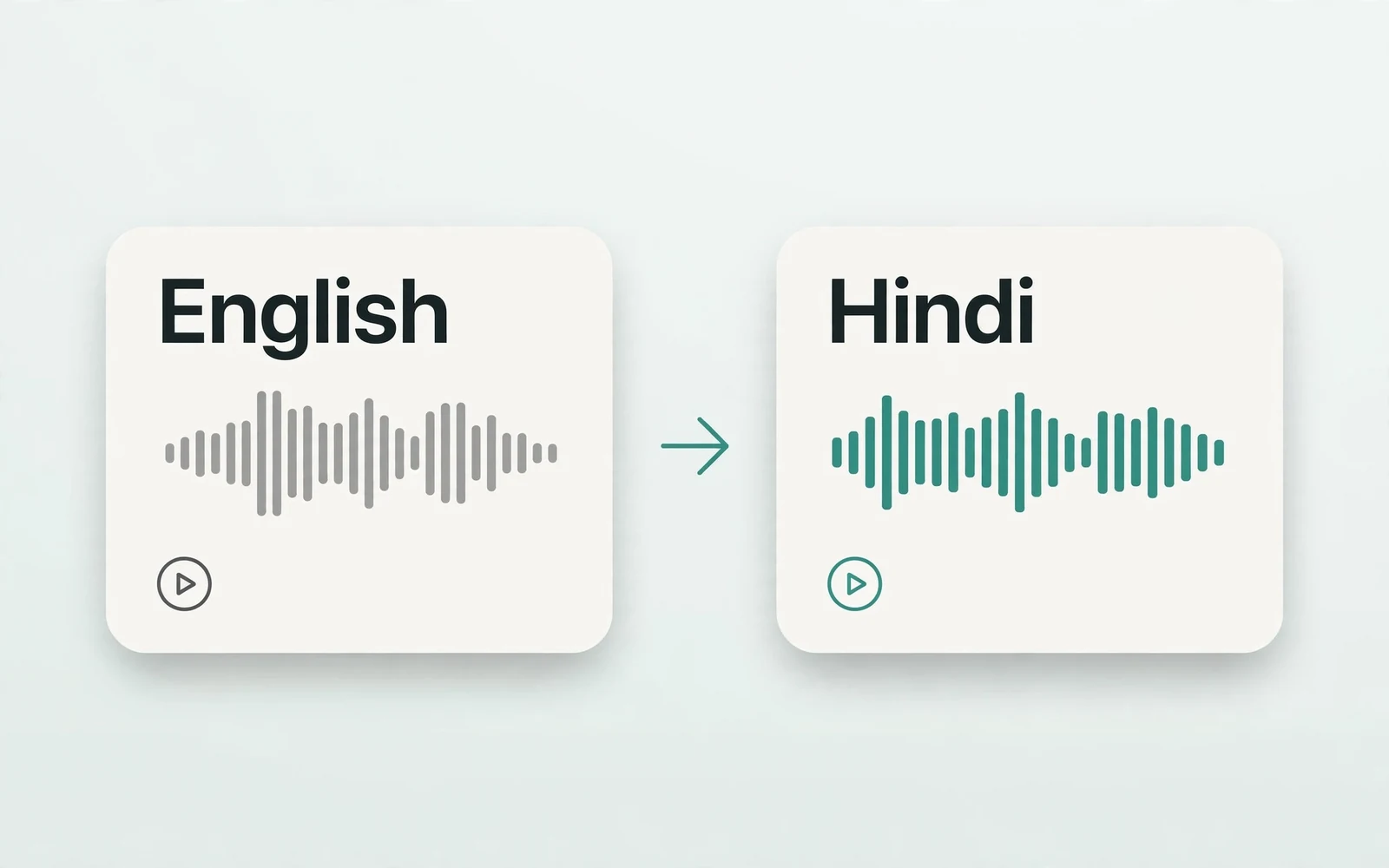
English to Hindi Voice Translator
English to Hindi audio
Turn English speech into Hindi audio.
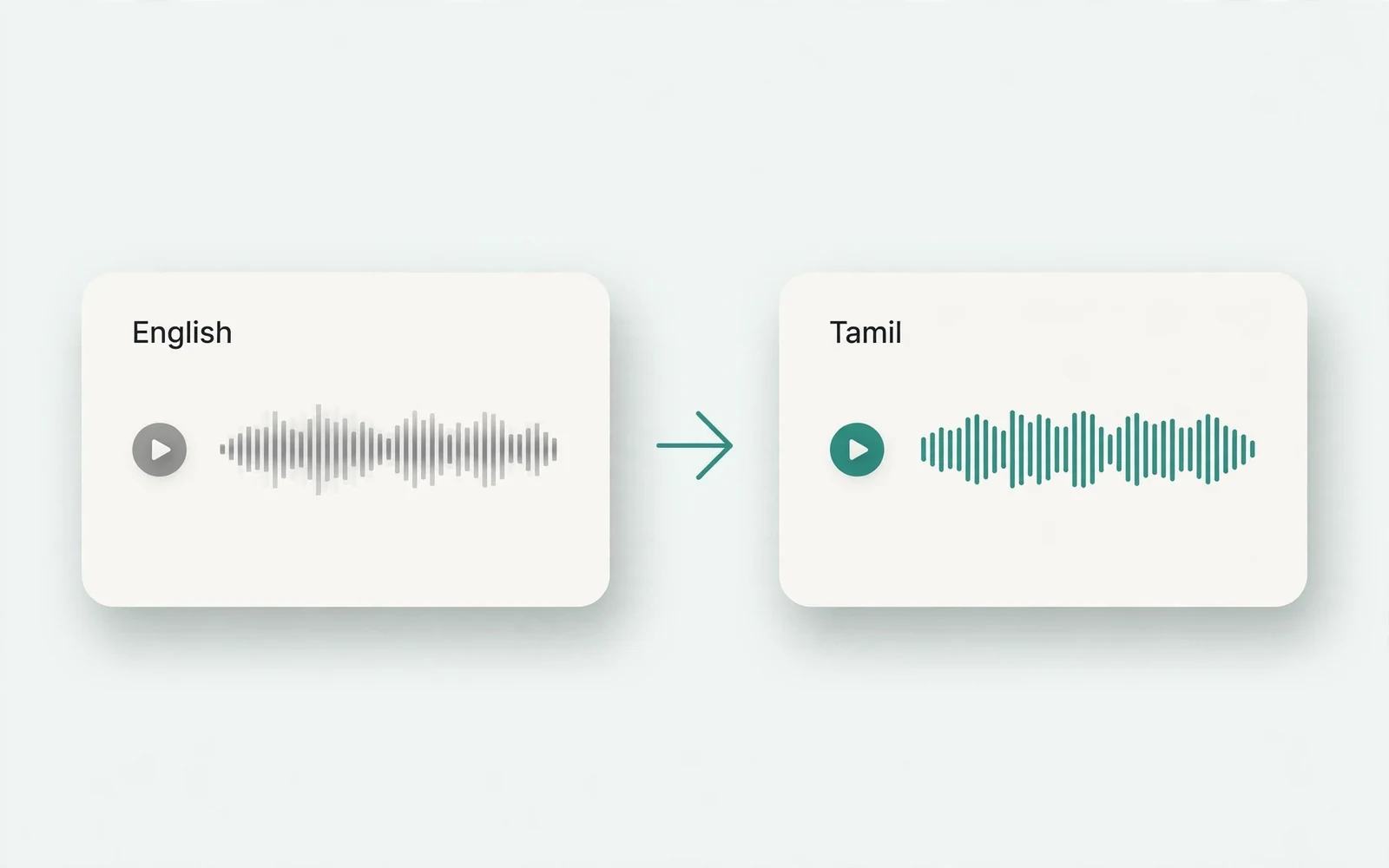
Translate English to Tamil Audio
English to Tamil audio
Turn English speech into Tamil audio.
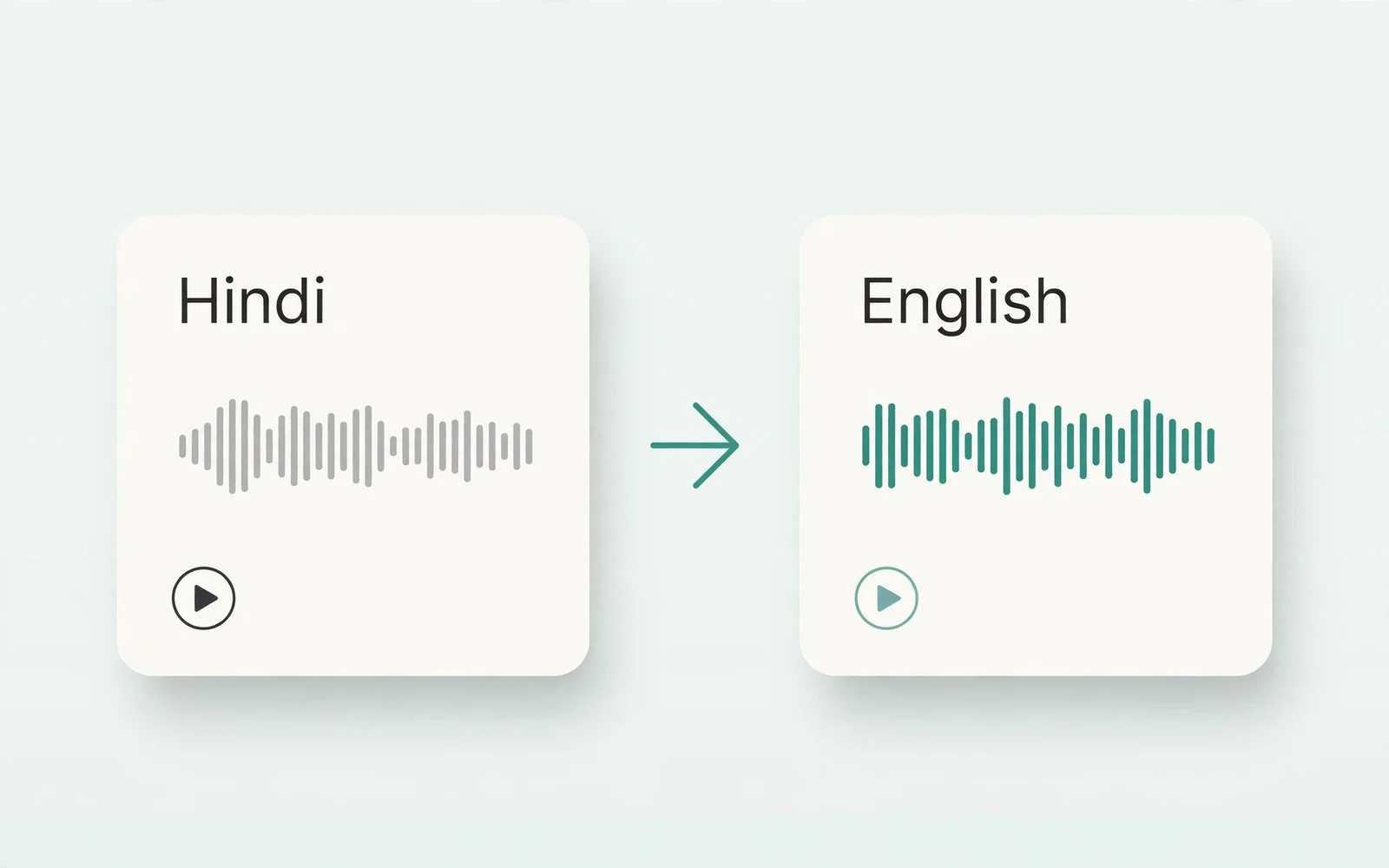
Hindi to English Voice Translation
Hindi to English audio
Turn Hindi speech into English audio.
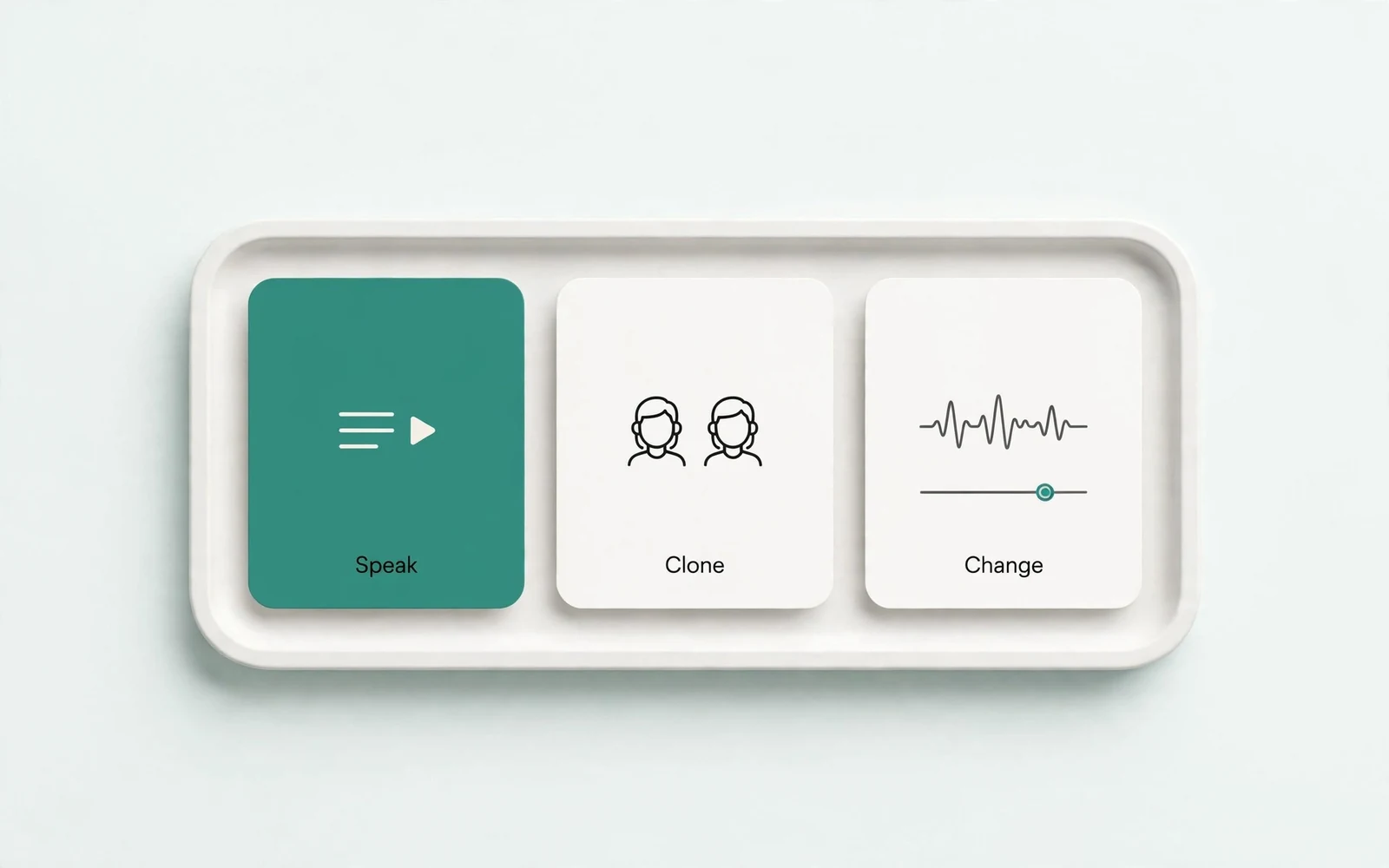
AI Voice Generator
Design a new voice
Design a brand-new voice from a description.