
Turn One Idea Into a Social Post Worth Sharing
Start with a free, platform-ready caption, shape it in your voice, then add an image built from the same creative direction. You only use credits when you generate the image.
Create your post
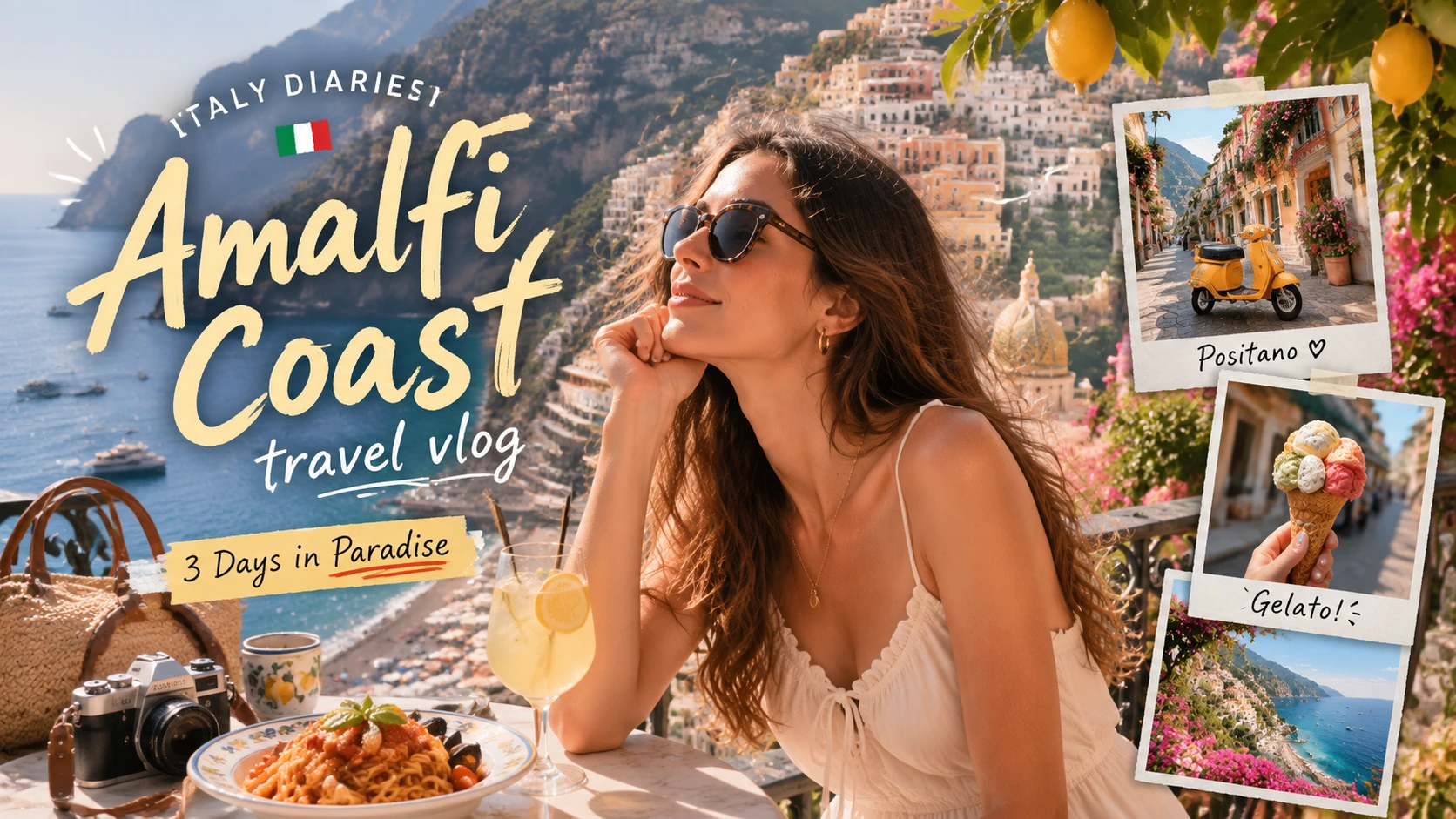
From rough idea to a post with a clear point of view
One brief sets the direction. You shape the words. AI carries the same idea into the image.
- 01
Start with what matters
Share the story, offer, update, or announcement—and the detail you want people to notice first.
- 02
Set the voice for the platform
Choose where you’re posting and how you want to sound, from polished and professional to lively or playful.
- 03
Make the caption sound like you
Generate your first draft for free, then tighten the message, add your voice, and copy the version you want to publish.
- 04
Give the post a visual hook
Choose the format and create an image from your original brief. This is the only step that uses credits.
Make more of the stories already in your day
Turn everyday moments, useful ideas, and behind-the-scenes details into posts with a clear point of view.
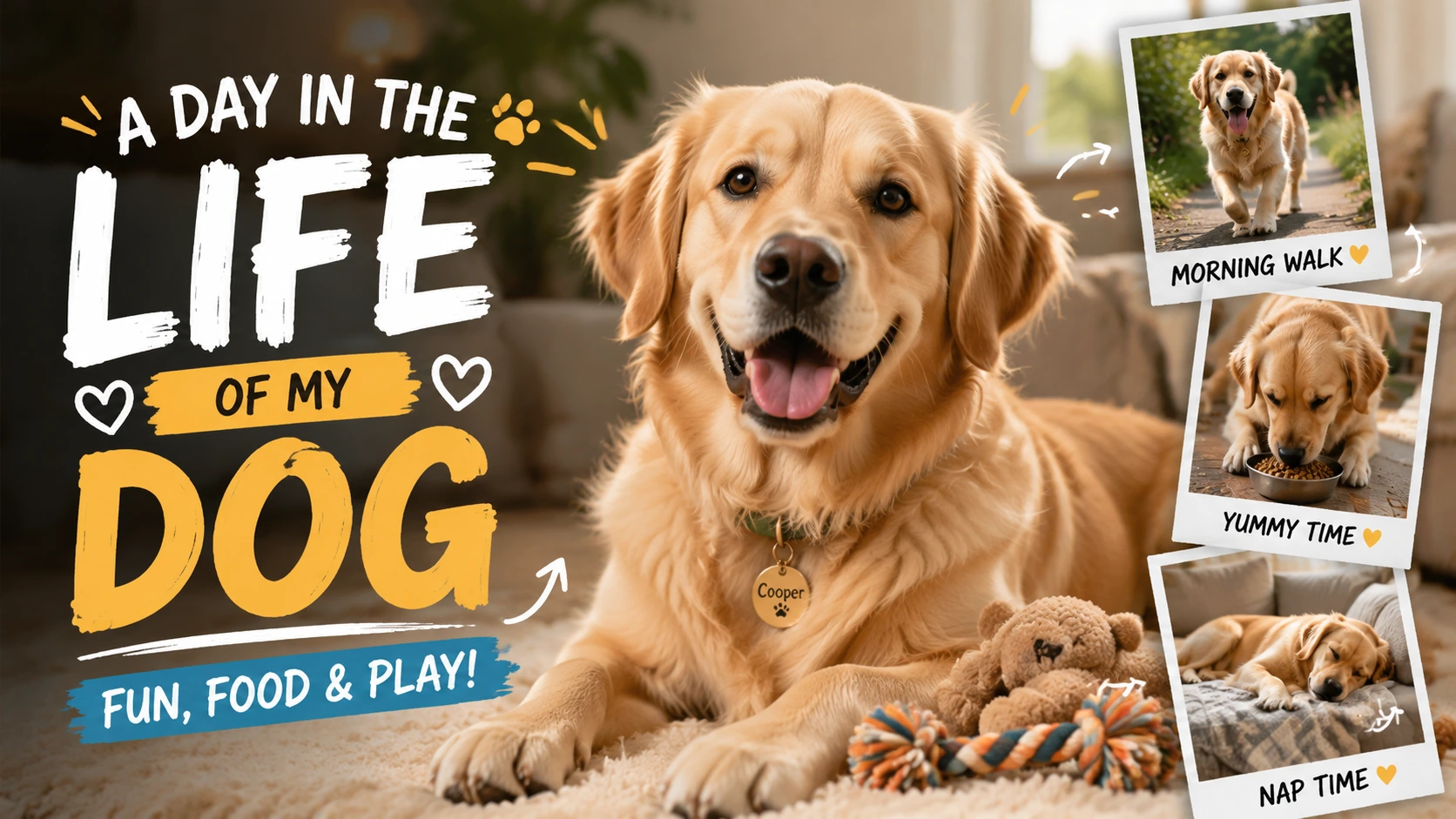
Make everyday pet moments post-worthy
Turn walks, meals, milestones, and mischief into a playful update that lets your pet’s personality lead.
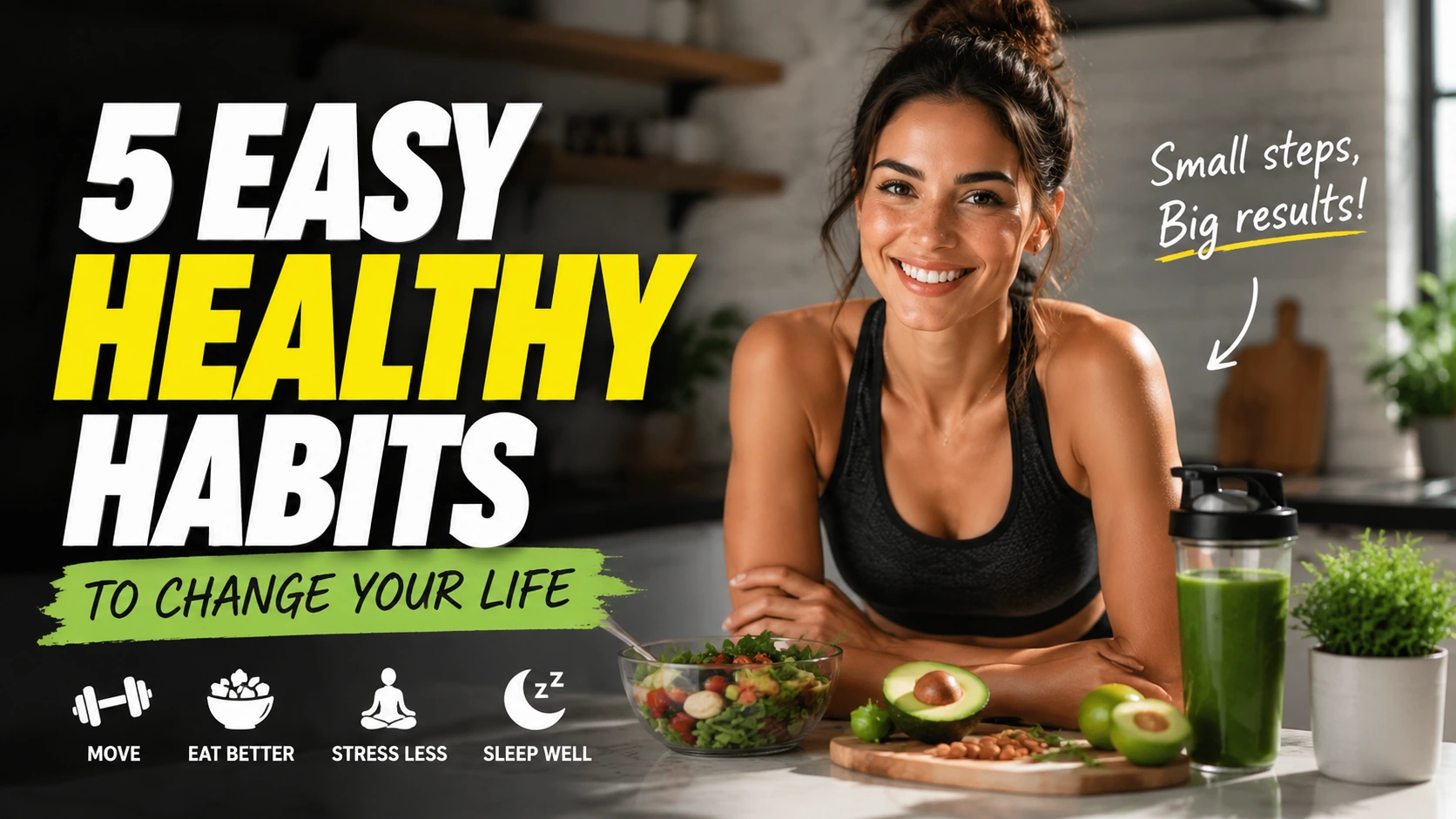
Turn one useful idea into a save-worthy post
Shape a habit, reminder, or wellness tip into a focused post people can understand at a glance and come back to later.
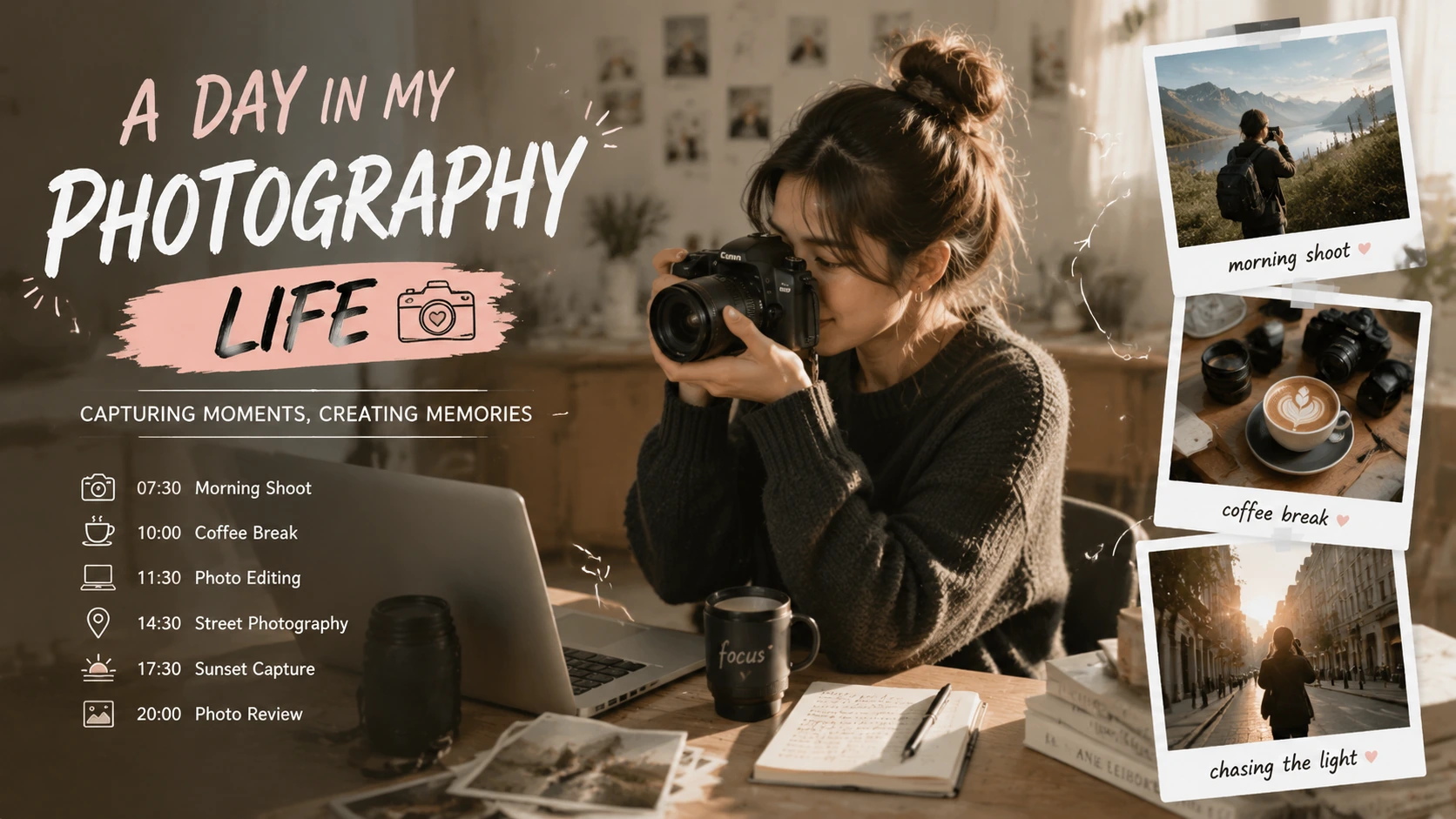
Give your niche a look people recognize
Bring photography, travel, study, craft, or behind-the-scenes stories together with a stronger theme across the caption and image.
Make every part earn its place
A few sharp edits can make your post easier to notice, read, and remember.
Earn attention in the first line
Lead with the part worth knowing: the surprise, the benefit, the change, or the question your audience already has.
Give the caption room to breathe
Use short paragraphs, cut the warm-up, and keep the main message visible before hashtags or supporting details.
Design for the smallest preview
Check that the subject and main idea still land in mobile feeds, profile grids, and tighter crops.
Keep important words under your control
Review any text inside the image. Add exact headlines, prices, dates, or brand wording in an editor before you publish.
Your next post starts with one sentence
Bring the idea. Leave with a post made for the feed.
Draft the caption for free and make it yours. If the idea deserves an image, bring it to life with credits when you’re ready.
Social Media Post Generator FAQ
What to know about captions, image direction, credits, and publishing your finished post.
Can I try the caption before spending credits?
Yes. Generate, edit, and copy your caption for free. Credits are only deducted when you choose to create the image.
Does changing the caption update the image direction?
The image direction stays tied to the original topic, platform, and tone you chose. You can edit the caption freely, but those edits won’t change the image.
Which social media platforms can I create posts for?
You can choose Instagram, YouTube Thumbnail, X/Twitter, LinkedIn, RedNote, or Facebook before generating the caption.
Can I rely on text inside the generated image?
Treat it as a visual draft. Check every word and add exact headlines, prices, dates, or brand language in an editor before publishing.
When should I use this instead of a general image generator?
Use it when you want a caption and image direction built from the same social post brief. Use a general image generator when you only need a standalone visual.
Keep creating
Keep working from here
Continue with image edits, compare model quality, or send the result into a video workflow.
AI image tools
More image tools
Create, edit, clean up, or upscale stills.

AI models
Compare image models
Pick a better model before making more versions.
AI video tools
Make it move
Animate a still or turn it into a clip.
Social Media Banner Generator
Platform-ready banners
Create social headers, channel art, and campaign banners from a prompt.
Infographic Generator
Visual explanations
Turn processes, comparisons, timelines, and facts into structured visuals.
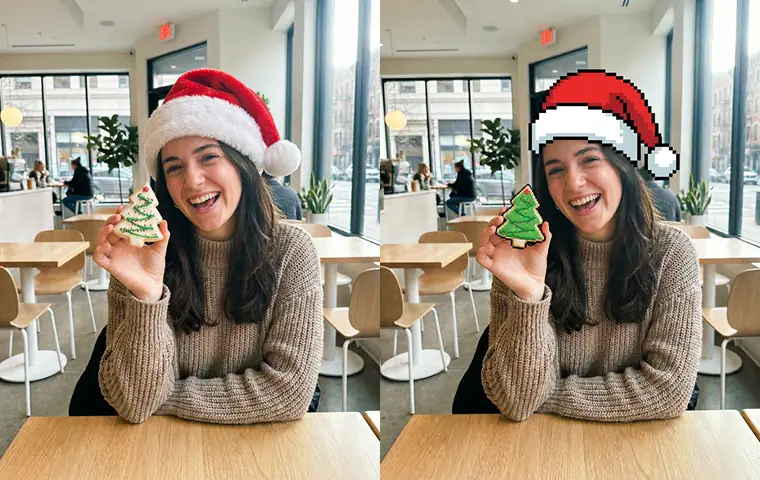
AI Image Generator
Start from any idea
Create a fresh image from a prompt.
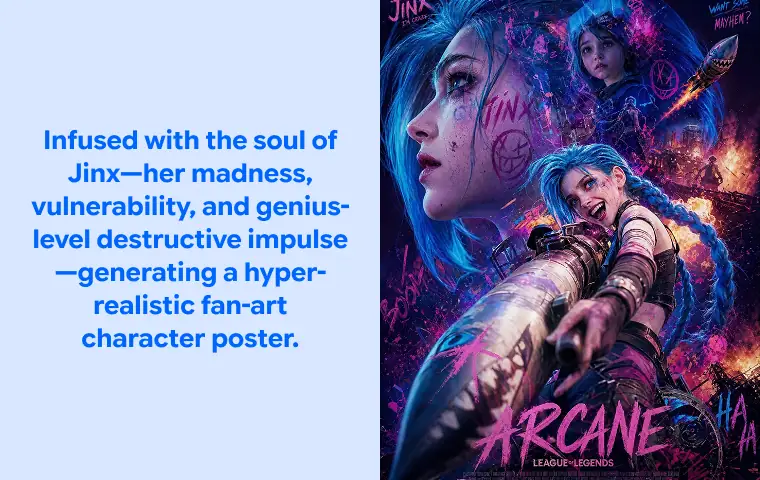
Text to Image
Prompt-first creation
Turn a written idea into an image.
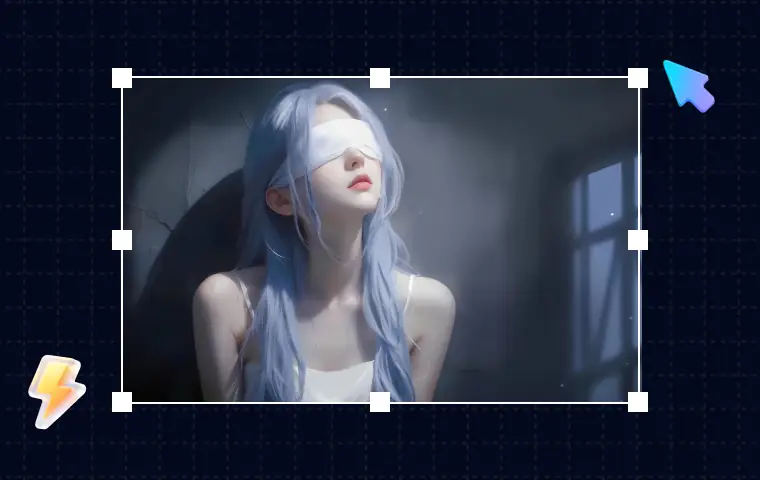
AI Image Editor
Prompt-based edits
Change an image without starting over.

Product Picture Generator
Product visuals
Create polished product photos and campaign scenes.