
Shopify product photography
Paste your Shopify product link or upload a photo. Get lifestyle, on-model, and studio shots in one batch, then download your favorites.
Product
Works best with a clear photo of the product on its own.
Style
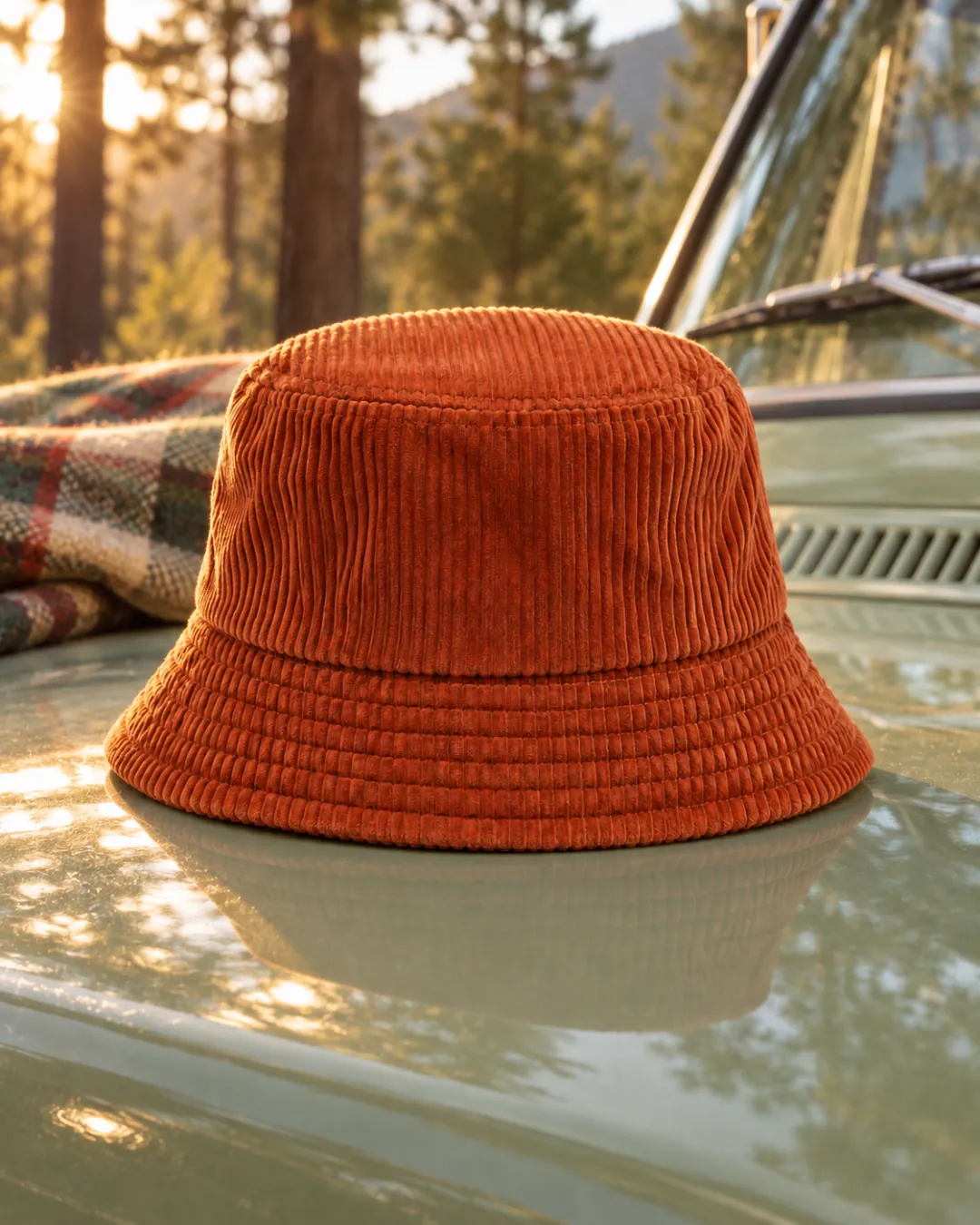
Your product in a real setting, like a kitchen counter, a desk, or outdoors.
Photos per style
2 photos
More optionsNo direction
Each photo keeps your product's shape, color, and label. Check every photo before you use it in an ad.
Add a product link or photo to start.
Example
From one product photo to a batch of ad shots
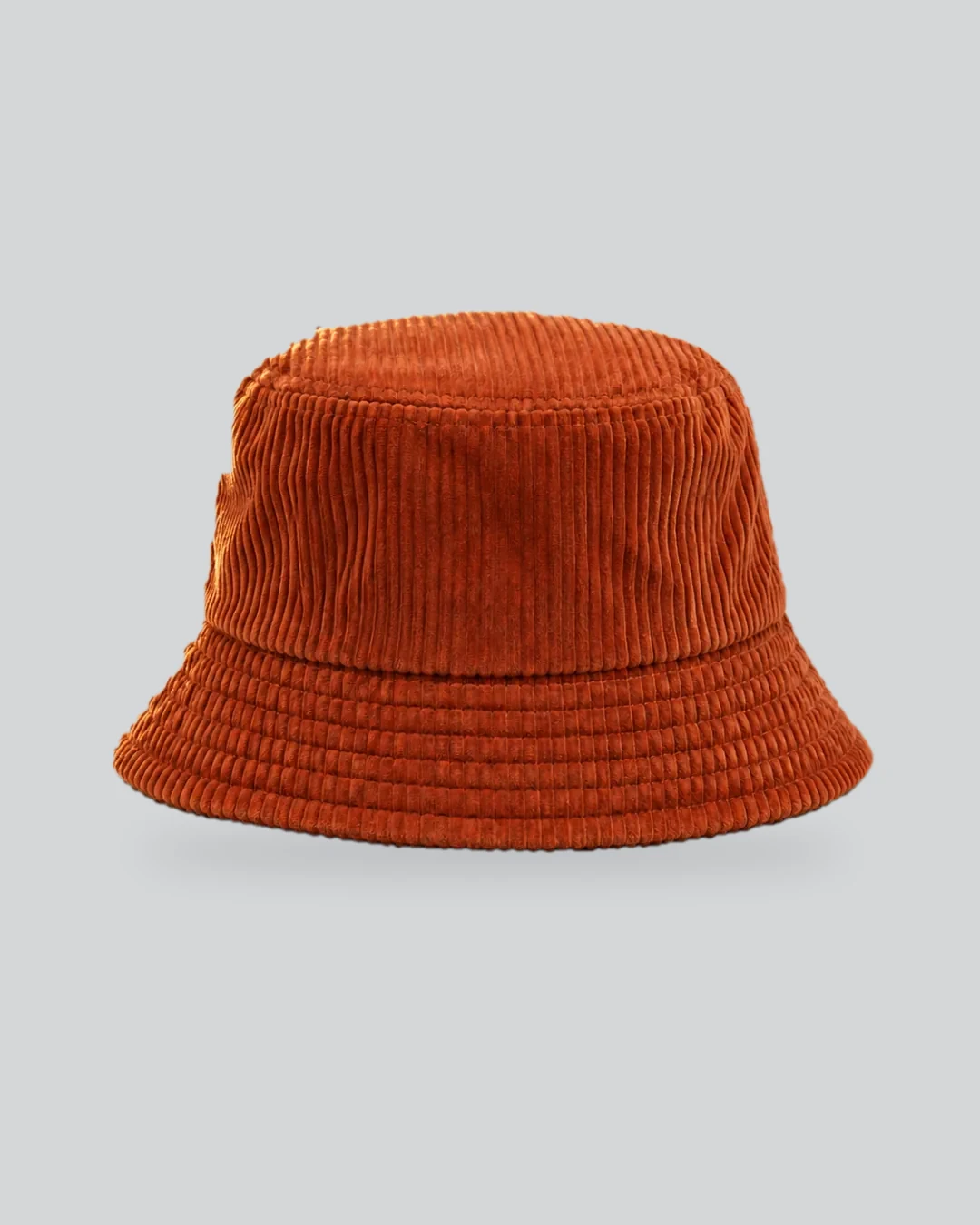
 On a model
 Studio color
Shopify product photography in four steps
One product photo in, a batch of ad shots and a video sample out. No photoshoot, no editing app.
Add your product link or photo
Paste a product page link or choose a clear photo from your device or library.
Pick styles and batch size
Choose lifestyle, on-model, or studio color and decide how many versions of each to make, up to 12 photos at once.
Check each shot against your original
Drag the line on any result to compare it with your photo. Look closely at shape, color, and label before you use it.
Turn your favorites into a video ad
Pick up to five shots and watch a free vertical sample with captions.
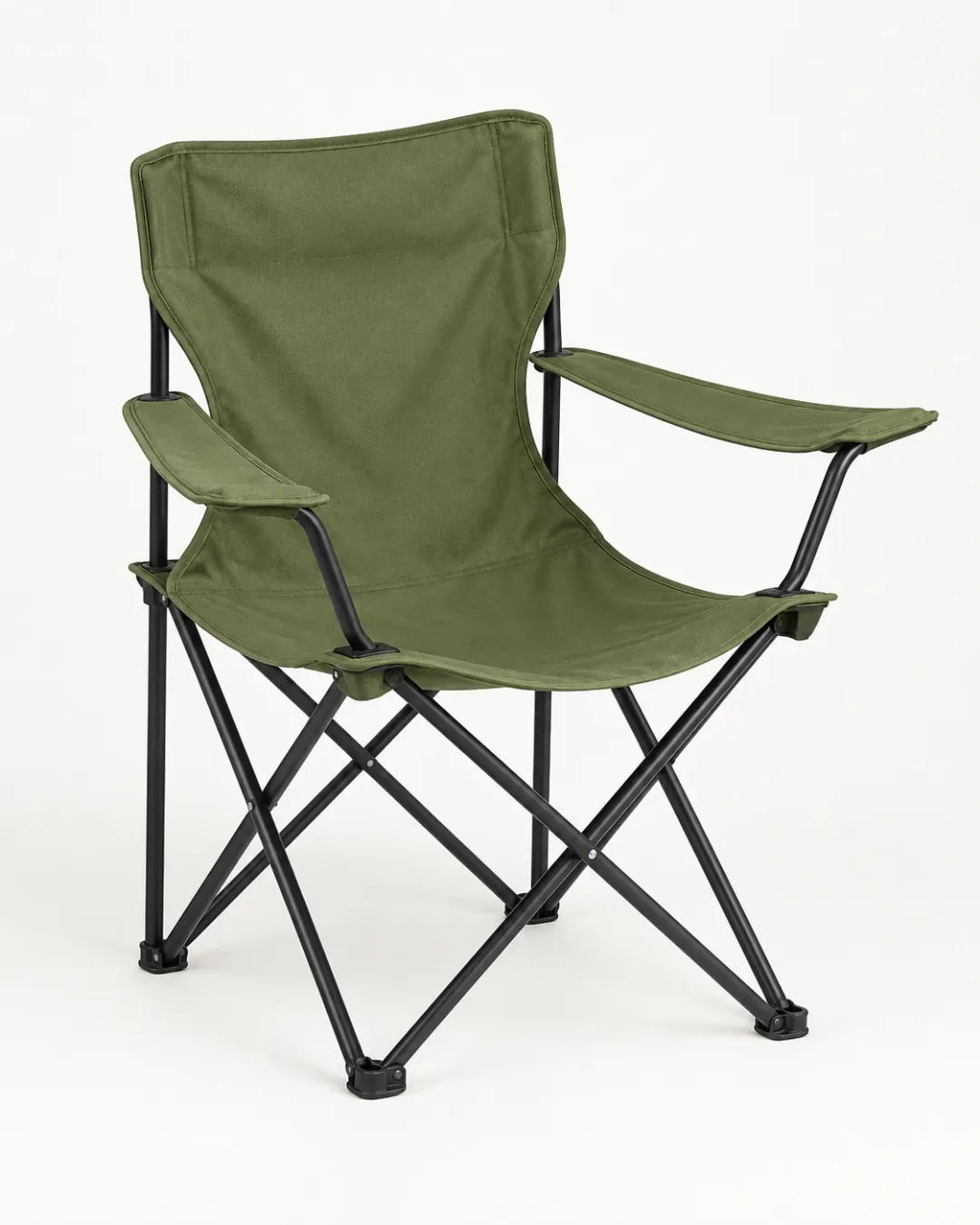
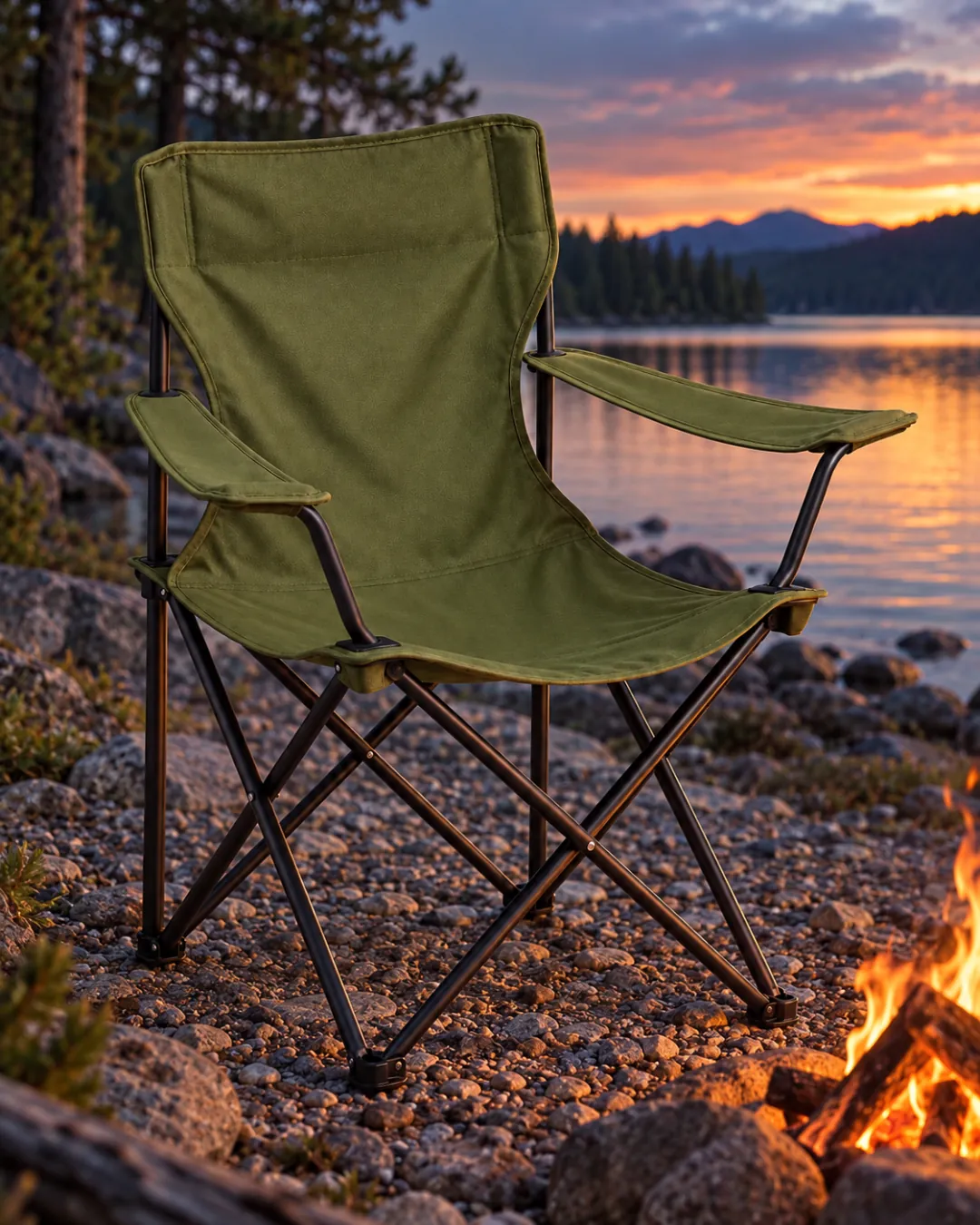
Lifestyle
Lifestyle shots that sell the setting
Your product in a real setting, like a kitchen counter, a desk, or outdoors.
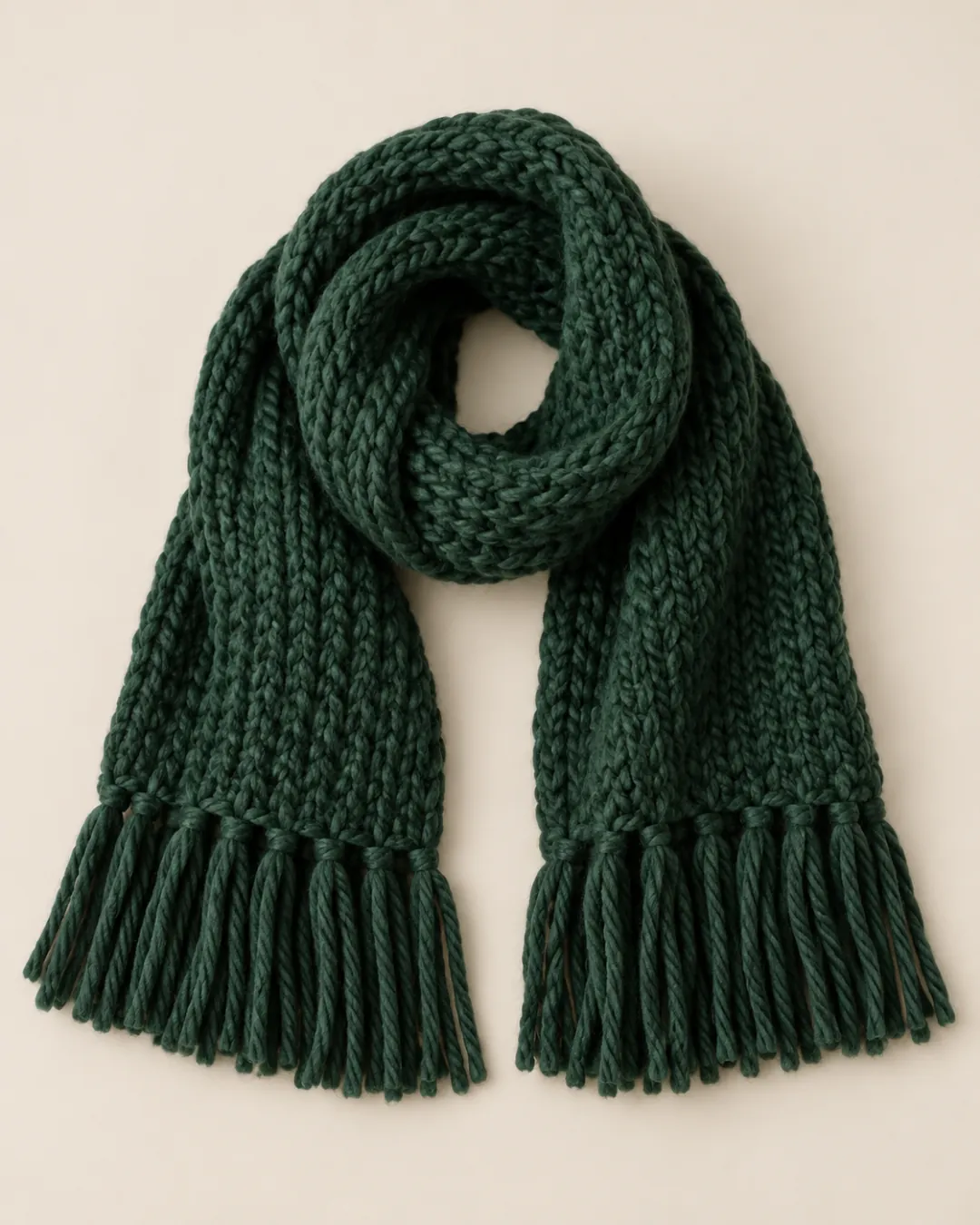
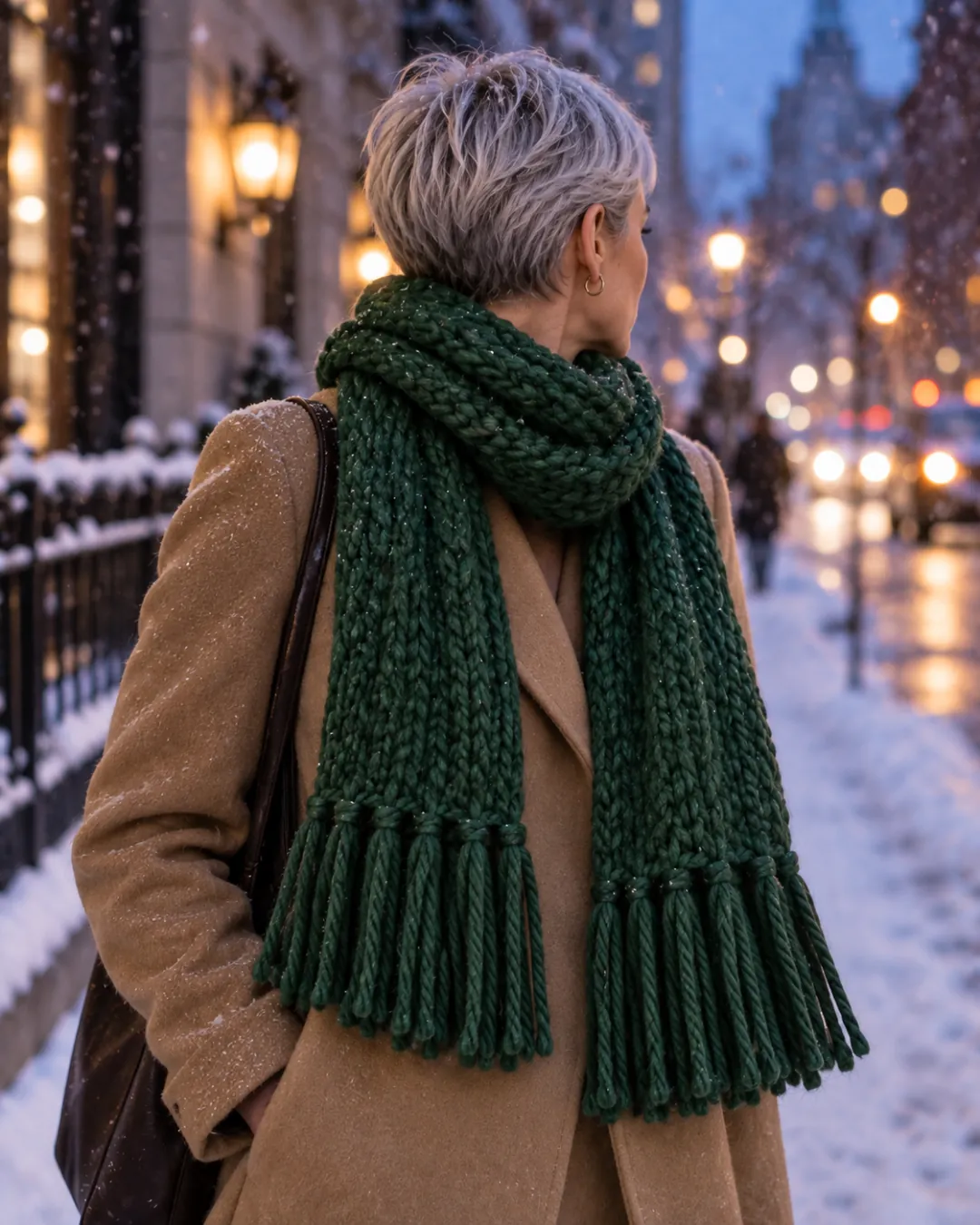
On a model
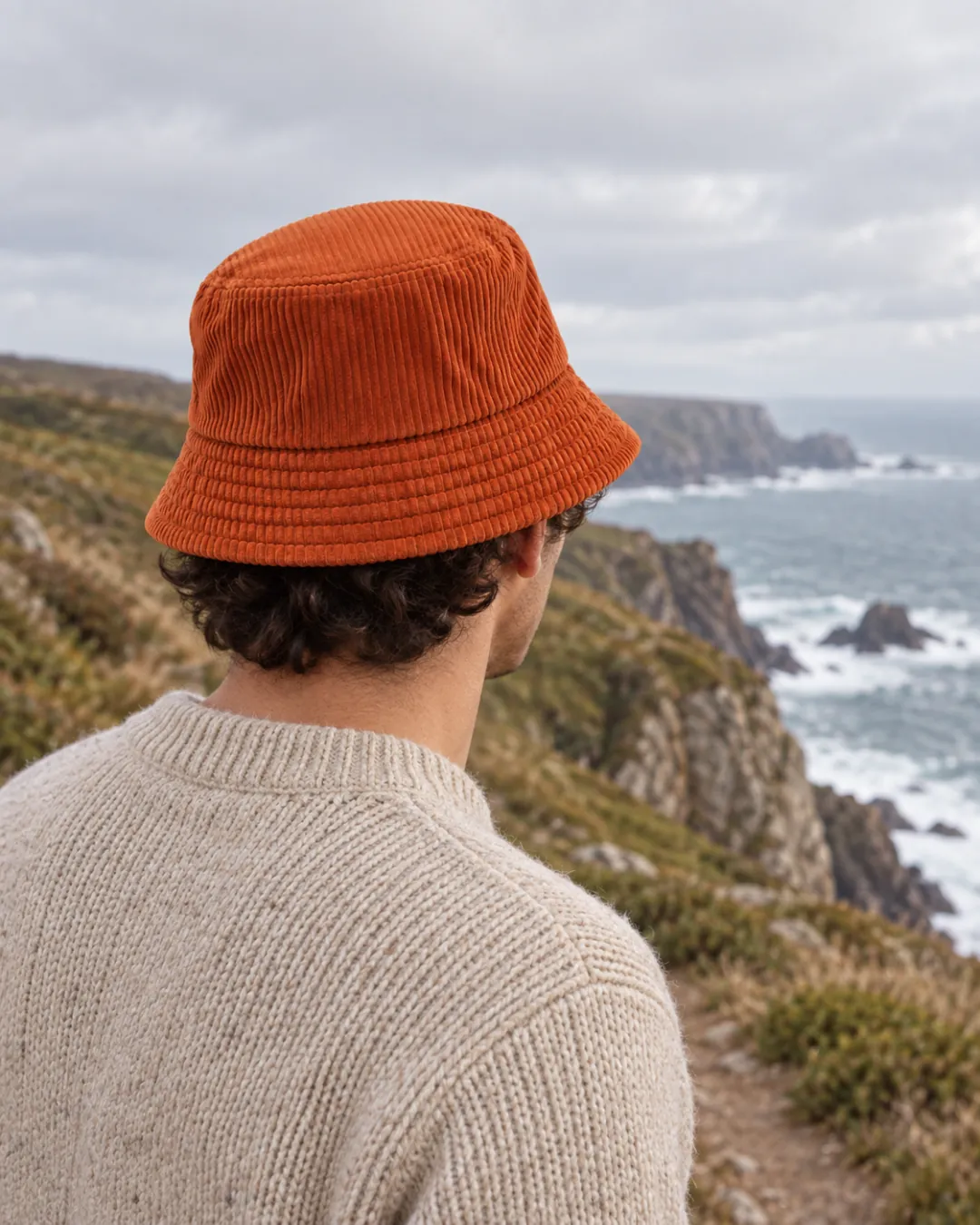
On-model photos without a photoshoot
Worn or held by a person. Best for apparel, bags, jewelry, and handheld items.
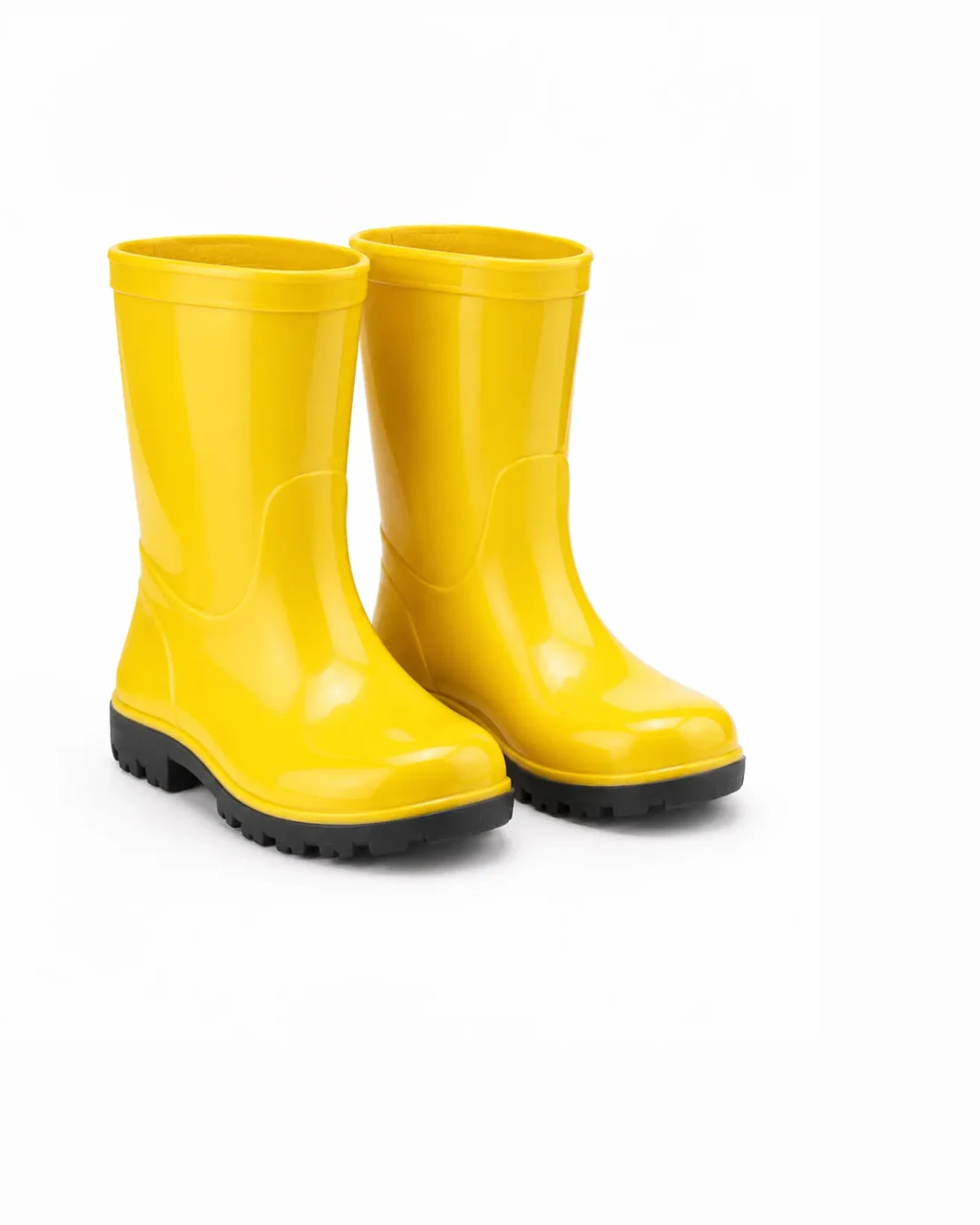
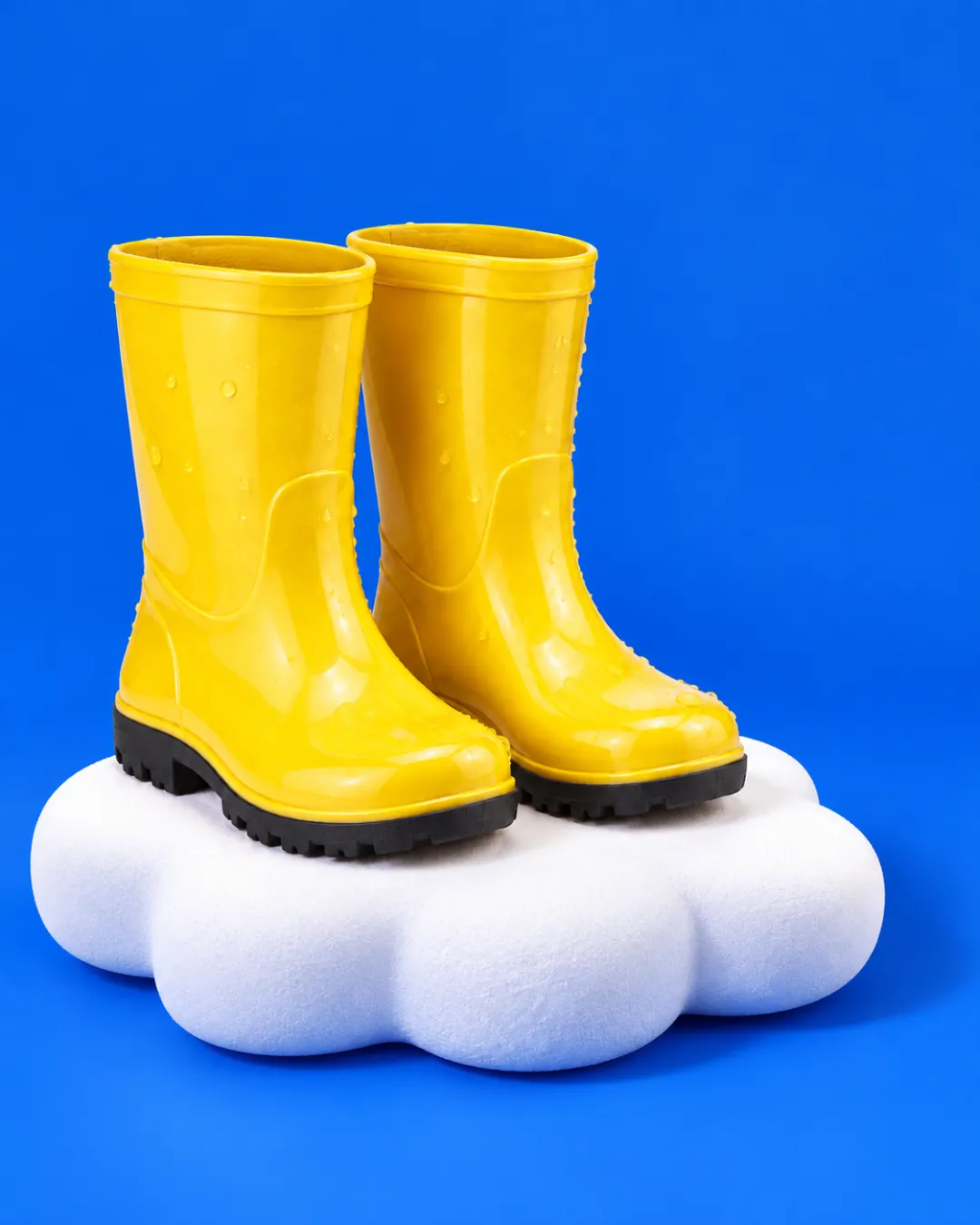
Studio color
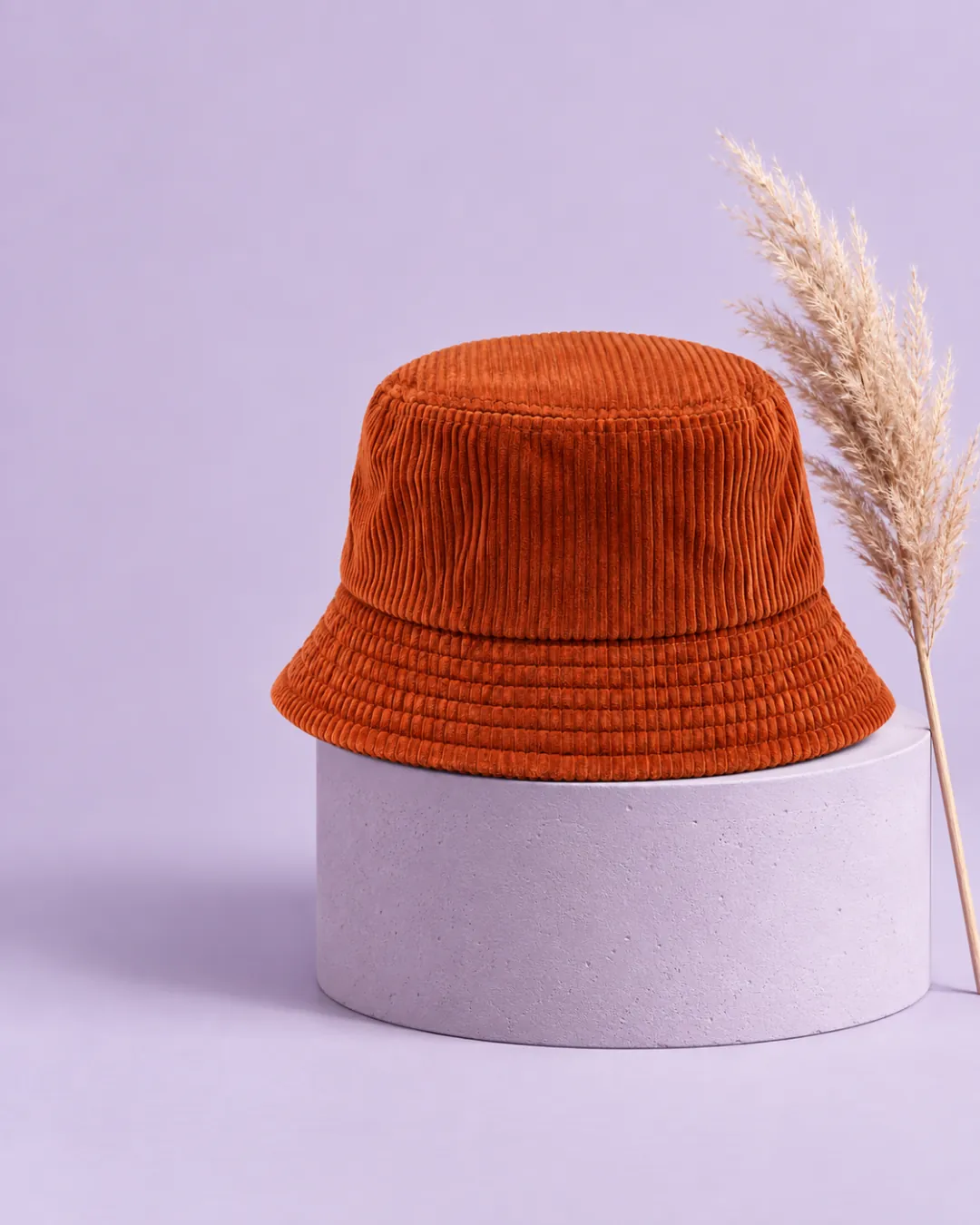
Studio color for ads that pop
A clean color backdrop with soft props. For ads, not a plain white cutout.
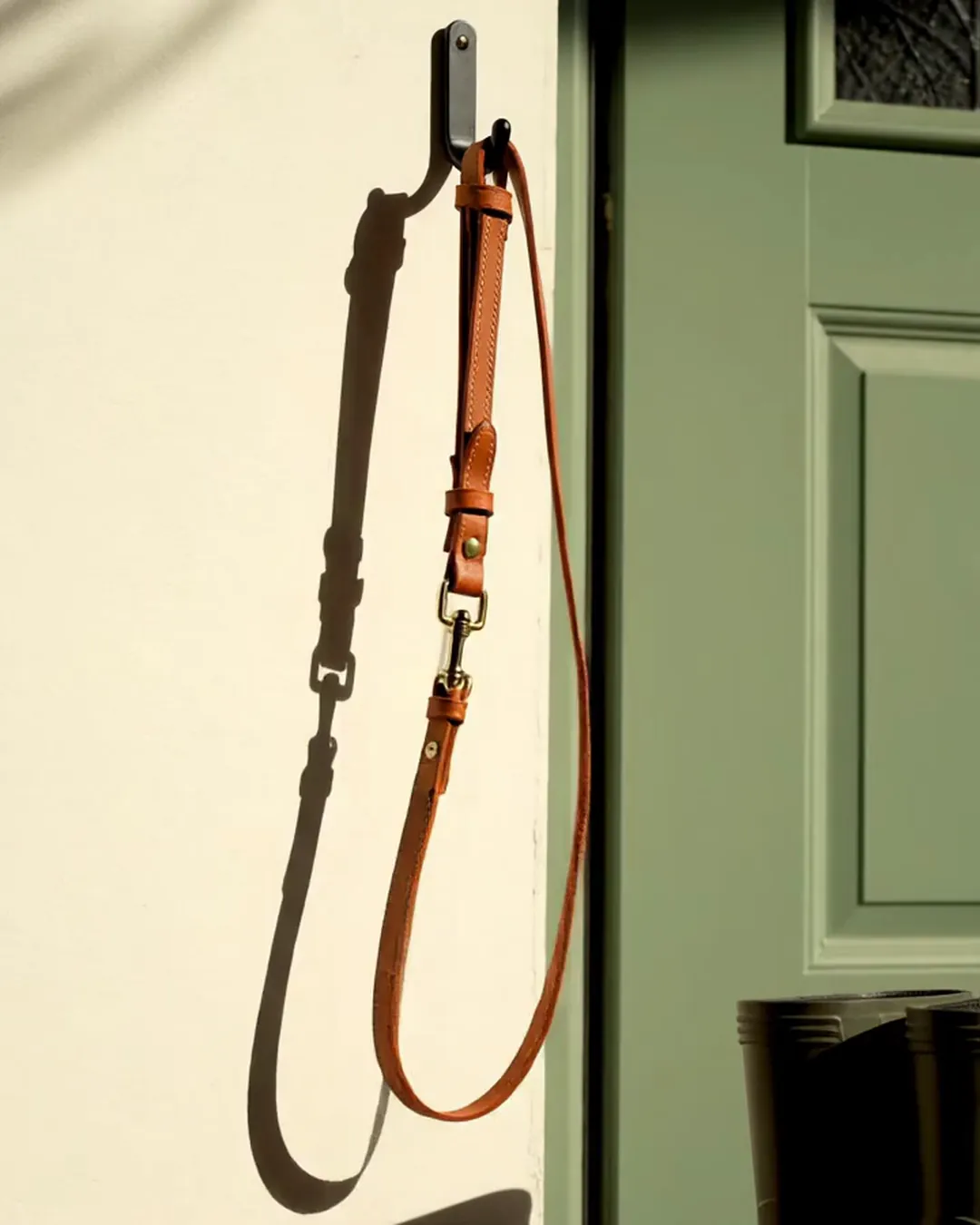
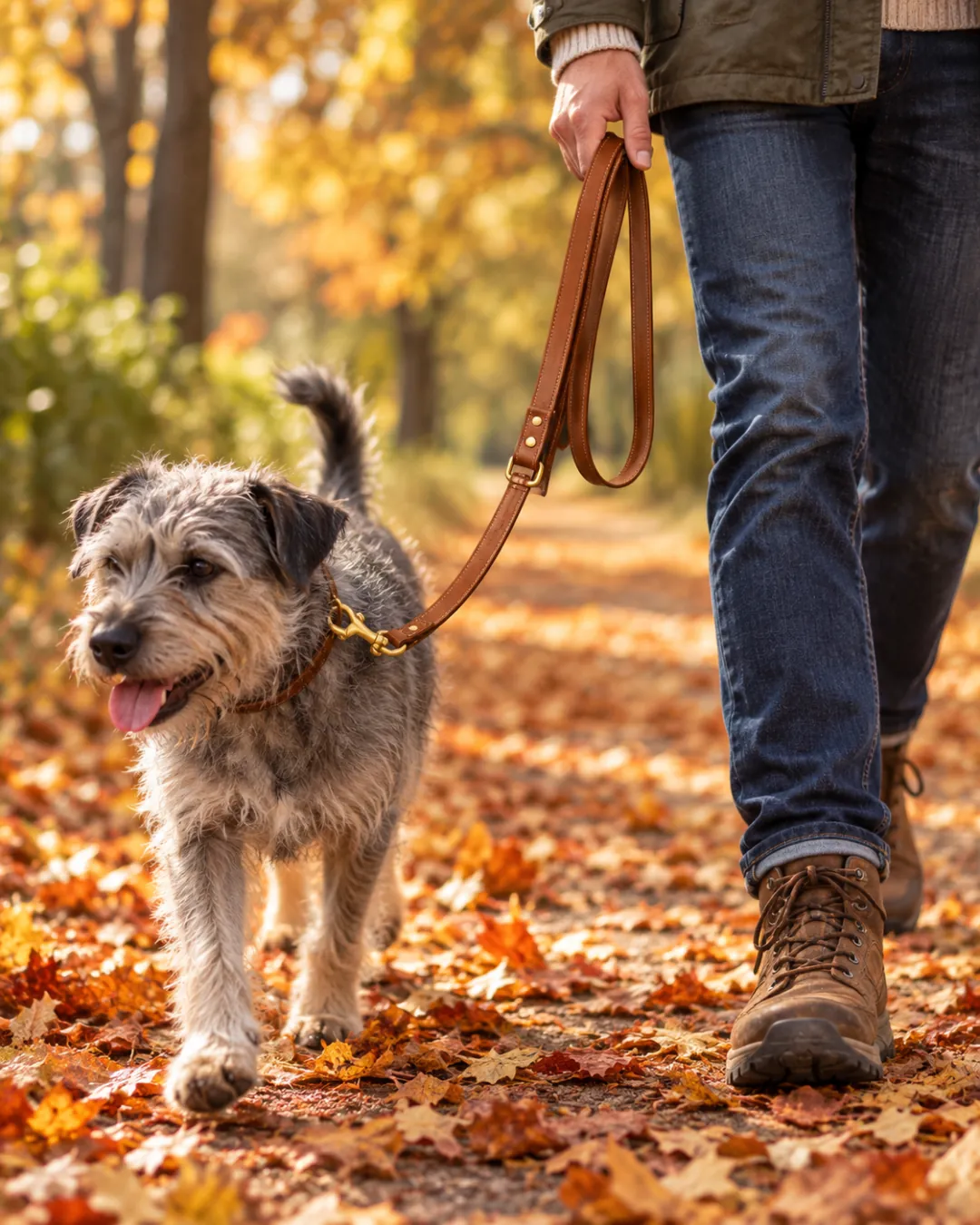
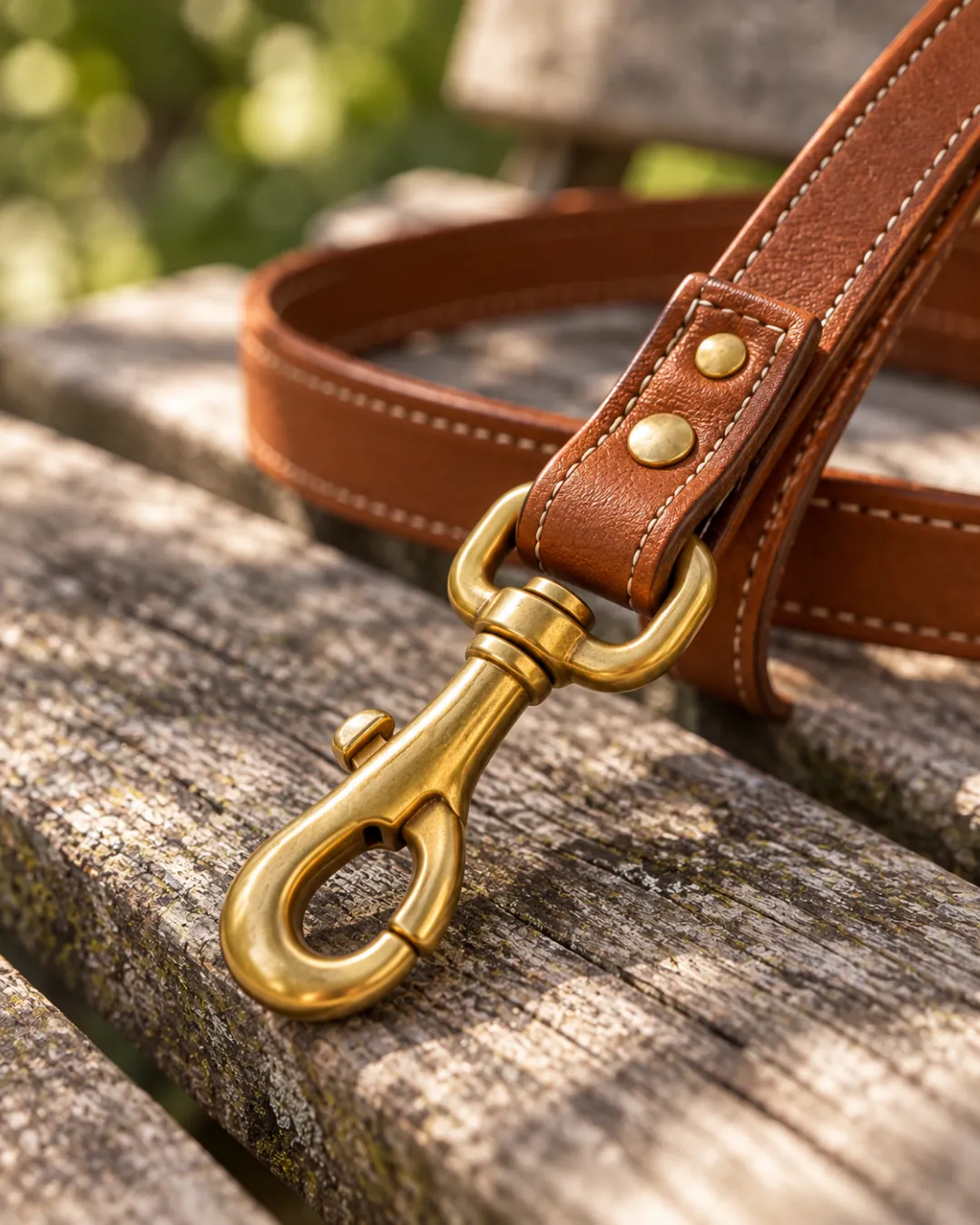
Video ad
Turn your favorite shots into a video ad
Pick up to five photos and see a vertical sample with captions. You can adjust your selection on this page.
Need a different kind of product photo?
This page makes ad shots and a video ad. For simpler jobs, these tools are quicker.
Shopify product photography
Start with your product link
Paste a product page link or upload a photo, then pick your styles.
Shopify product photography FAQ
Answers about stores, product accuracy, batch size, and credits.
Do I need a Shopify store?
No. You can upload a product photo and make a batch of ad shots even if you do not have a Shopify store. Shopify is a trademark of Shopify Inc. Ezier AI is not affiliated with or endorsed by Shopify.
Will the product look the same?
The image instructions ask for the same shape, color, and label. Check every generated photo before using it in an ad, especially product details and any text.
Can I get photos of a person wearing my product?
Choose On a model for a person wearing or holding the product. Results for clothing and detailed patterns can vary, so inspect each image closely.
How many photos can I make at once?
Choose up to three styles and four photos per style, for up to 12 photos in one batch.
How are credits used?
Each generated photo uses the number of credits shown on the page before you generate. The video sample is free. HD video download is not available yet.
AI ad tools
More ways to make your ad
Each tool starts from something different. Pick the one that matches what you have.
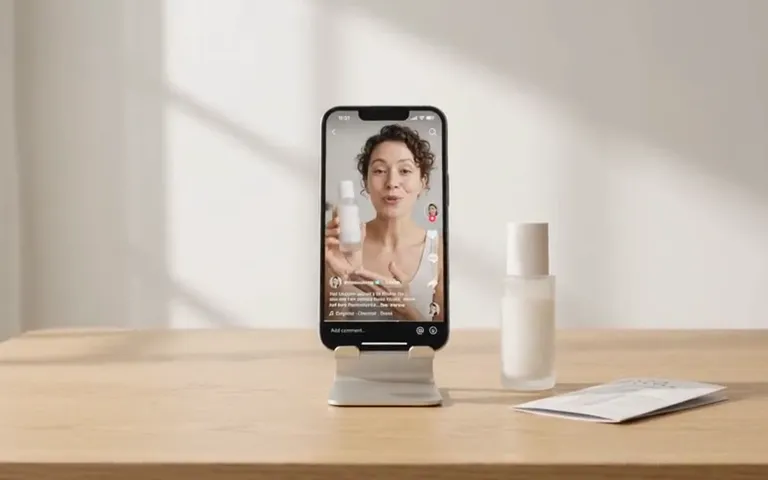
AI ad maker
Choose where to start
Start your video ad with a product link, photo, or description.
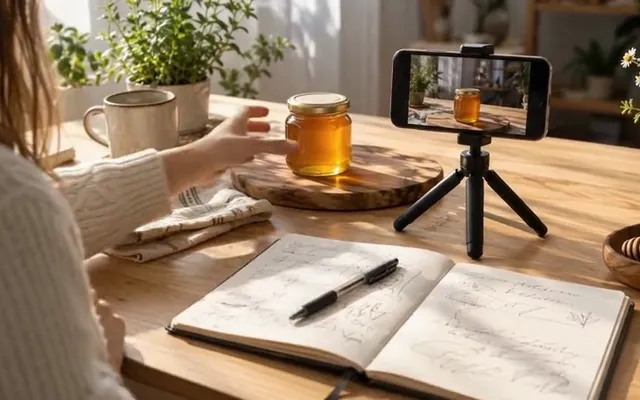
UGC Ad Script Generator
No script yet
Get three ad scripts, each with a hook, a body, and a call to action.
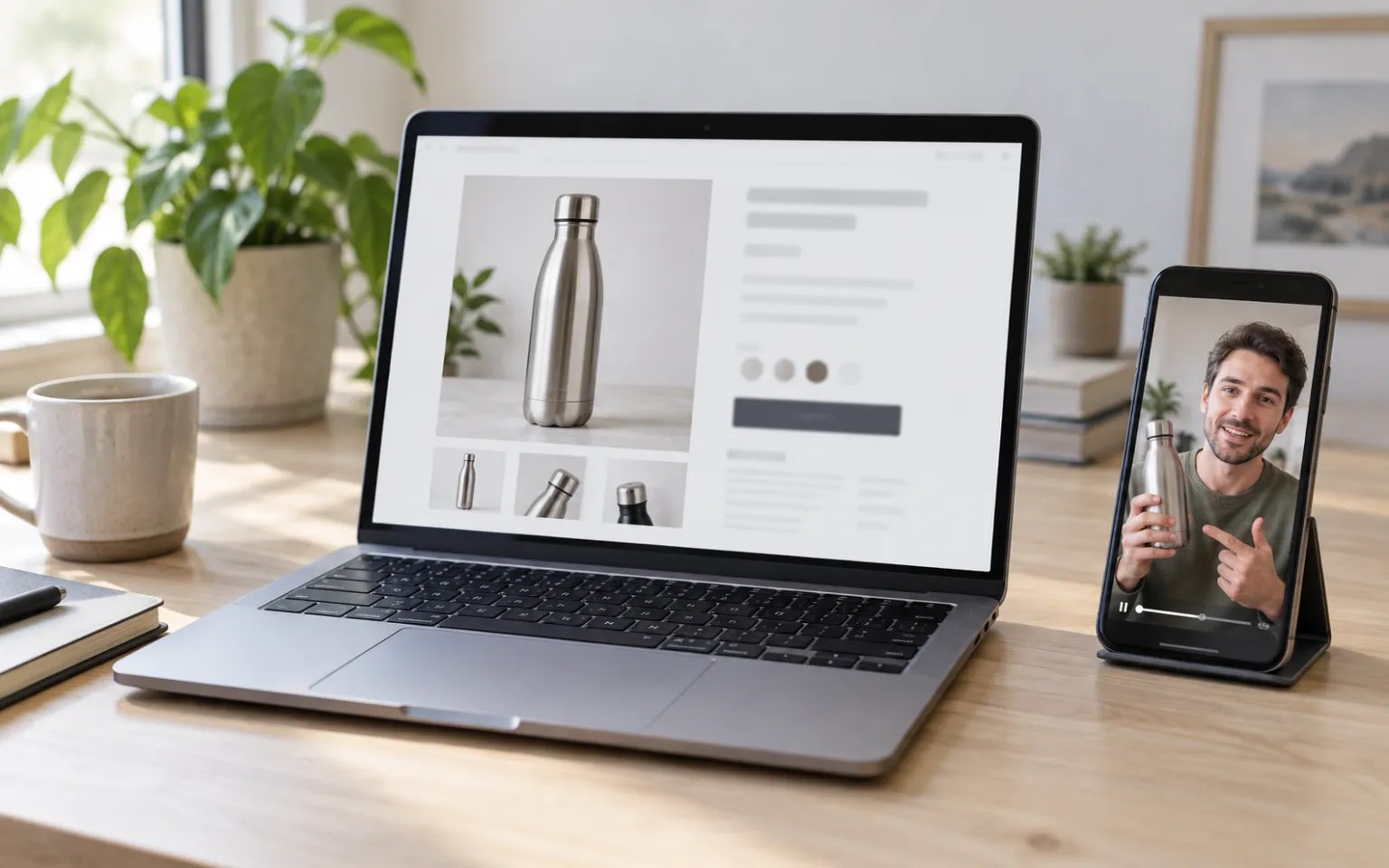
URL to Video Ad Generator
Have a product page
Read a product page, review the details, and preview a free video sample.
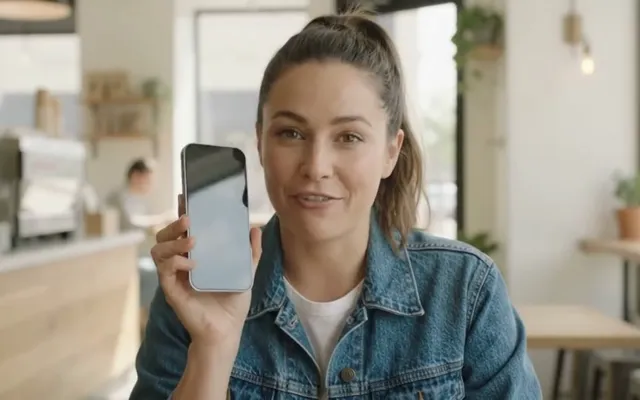
AI UGC Video Generator
Want a person on camera
Choose from hundreds of AI presenters and give them your script.
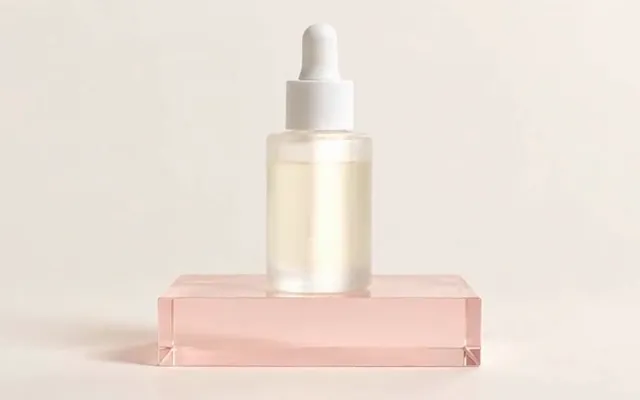
AI Product Video Generator
Have product photos
Turn up to five product photos into a video ad. No presenter needed.
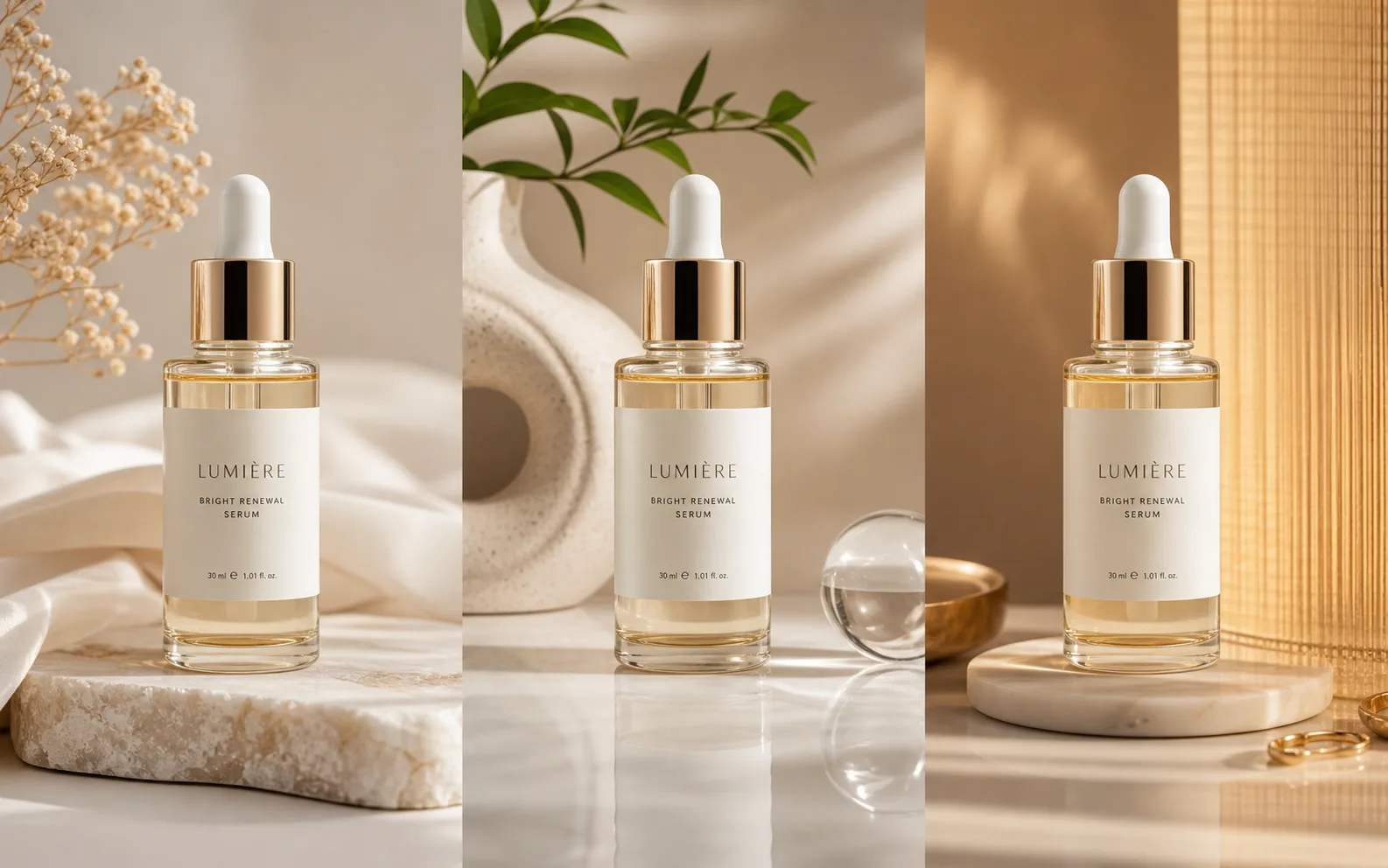
Ad Creative Testing Studio
Have an ad already
Make several image versions of one ad, ready to test.