
AI product video generator
Turn up to 5 product photos into a short video ad with captions. Watch a free sample right here, no presenter needed.
Product images
0 of 5Use 3 to 5 photos for a smoother video. The first one opens it.
Script
Generate three scripts, choose one, then edit it before creating your video.
Story
Visual hook → three benefits → CTA
Add at least one product image.
Example: Product showcase
Insulated water bottle · Visual hook → three benefits → CTA
Script
- Hook
- See the stainless steel insulated water bottle up close.
- Body
- This is the stainless steel insulated water bottle. Let's look at it from a few angles and focus on the details that matter.
- CTA
- Explore the stainless steel insulated water bottle for yourself.
Fills in the product field.
Make your own
- 1Add up to 5 product photos
- 2Write a script, or let us write three
- 3Watch your free sample
Make a product video ad in three steps
Start with the photos you already sell with. No filming, no presenter, no editing timeline.
Add product photos
Upload up to five photos or paste image links. The first photo opens the video, so start with your best shot.
Write or pick a script
Describe your product and get three scripts to compare, or write the voiceover yourself. Choose a product showcase or an unboxing.
Watch your free sample
Each photo gets a slow zoom while your script plays as captions. Your browser can read the voiceover when it supports speech.
From store photos to a video that sells
Three products, three photos each. The same photos you use on your product page become a vertical ad.
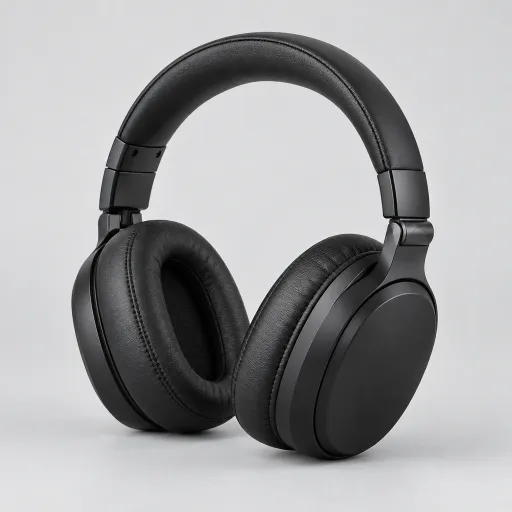
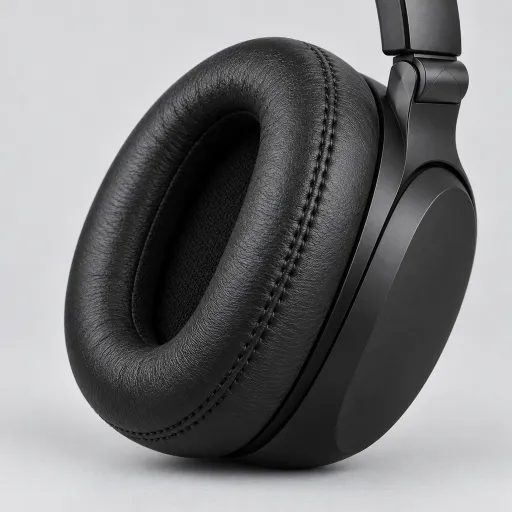
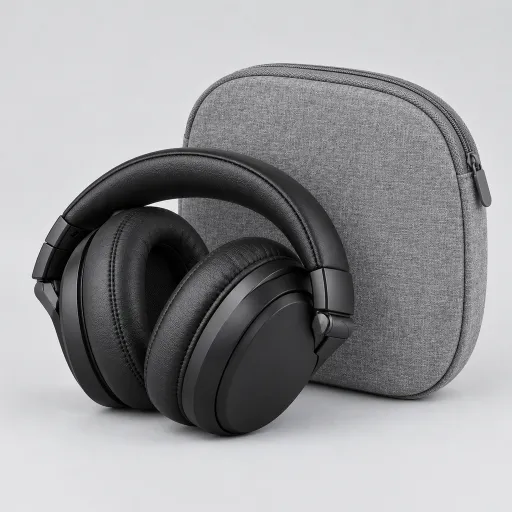
Product showcase
A showcase that moves
Three angles of the same product, one benefit per shot. The hook names what makes it worth a look, and the last line tells shoppers where to go.
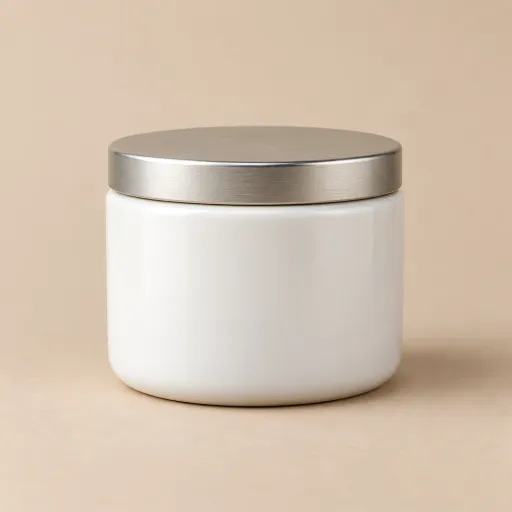
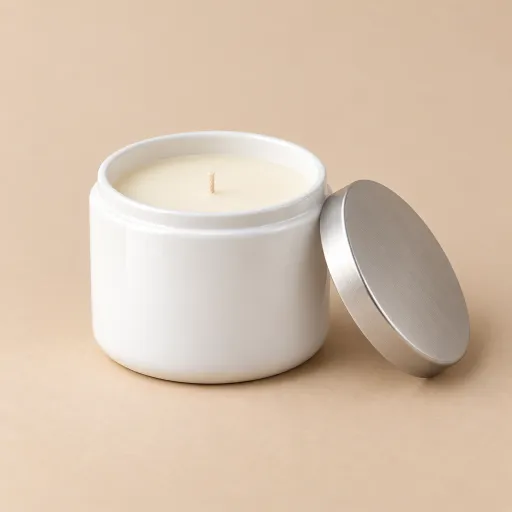

Unboxing
Unboxing without a camera crew
Show the box, what’s inside, and the product in use. Buyers see what arrives before they order, which is what an unboxing is for.
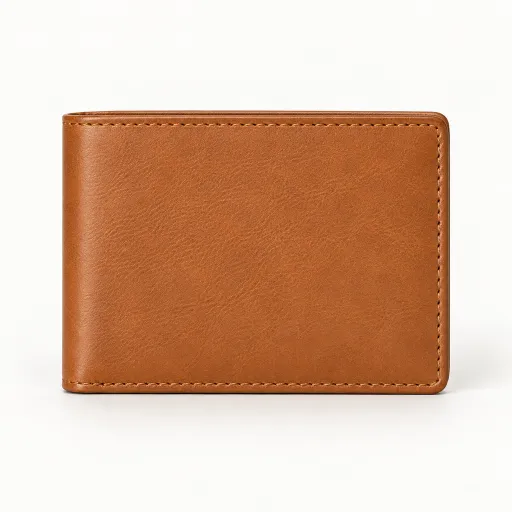
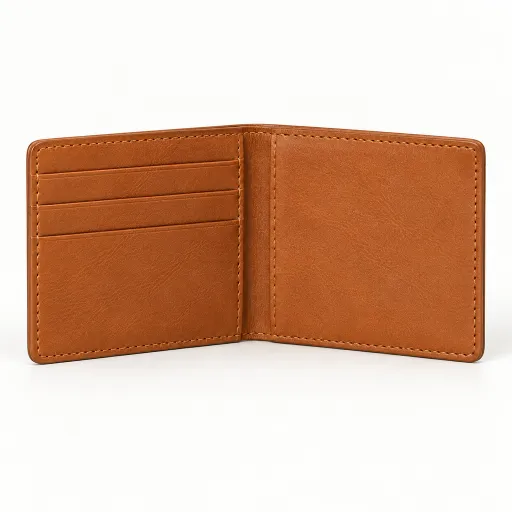
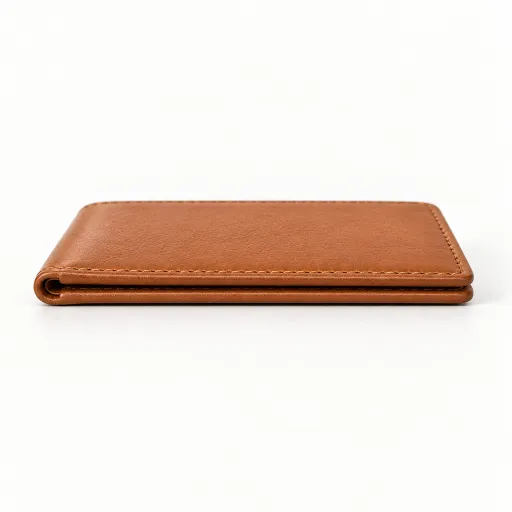
Product showcase
Turn flat-lay photos into a scroll-stopper
Flat-lay shots already look good on a product page. With captions and a slow zoom, they hold attention in a feed too.
Photos that make a better product video
Your video can only show what your photos show. These make the biggest difference.
Shoot on a clean background
Plain backgrounds keep the eye on the product and leave room for captions. Busy scenes compete with the words on screen.
Leave room around the product
The video is vertical and each photo slowly zooms in. Keep some space around the product so nothing important gets cropped.
Show one detail per photo
One photo for the whole product, one for the material or texture, one for what’s included. Each caption then has a matching shot.
Keep claims you can prove
If a photo can’t show it and the product can’t do it, leave it out of the script. Check every line before you post the ad.
AI product video generator
Get your product video started
Add your product photos, pick a story, and watch a free sample with captions.
AI Product Video Generator FAQ
Answers about photos, scripts, the free sample, and downloads.
What does the AI product video generator make?
A vertical 9:16 video ad built from your product photos. Each photo gets a slow zoom, and your script plays as captions from the hook to the call to action. You watch a free sample with a watermark in your browser.
How many product photos can I use?
One to five. Three to five gives the video more variety; with one photo, that photo zooms for the whole video. The first photo is the opening shot.
Do I need a model or a presenter?
No. This tool makes product-only videos. If you want a person to talk about your product, choose “Add an AI presenter” after your sample, and your photos come with you.
Can I write my own voiceover?
Yes. Choose “My own words” and write the script. The first sentence becomes the hook, the last becomes the call to action, and the rest is the body.
Can I use photos from my Shopify store?
Yes. Upload them or paste their image links. To get lifestyle shots first, make them with Shopify product photography, then turn the ones you like into a video.
Is the free sample really free?
Yes. Writing scripts and making samples is free, and you can make as many samples as you need. HD download isn’t available yet.
Do I need to sign in?
You can add photos and write your script without signing in. You sign in when you generate a sample. Your settings stay in this browser tab during the session.
AI ad tools
More ways to make your ad
Each tool starts from something different. Pick the one that matches what you have.
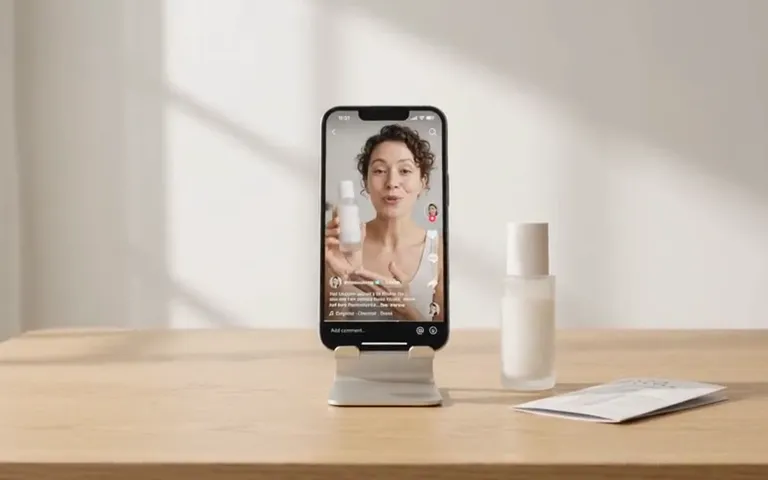
AI ad maker
Choose where to start
Start your video ad with a product link, photo, or description.
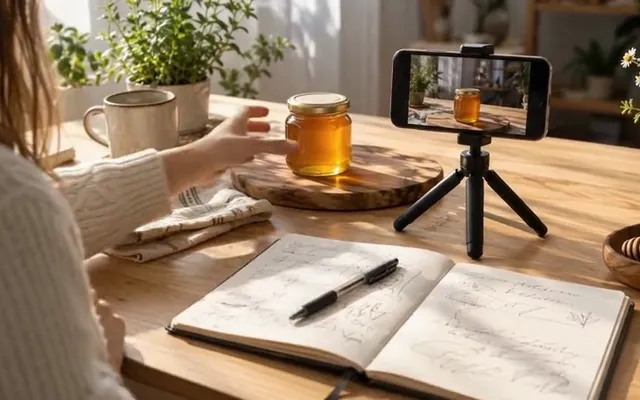
UGC Ad Script Generator
No script yet
Get three ad scripts, each with a hook, a body, and a call to action.
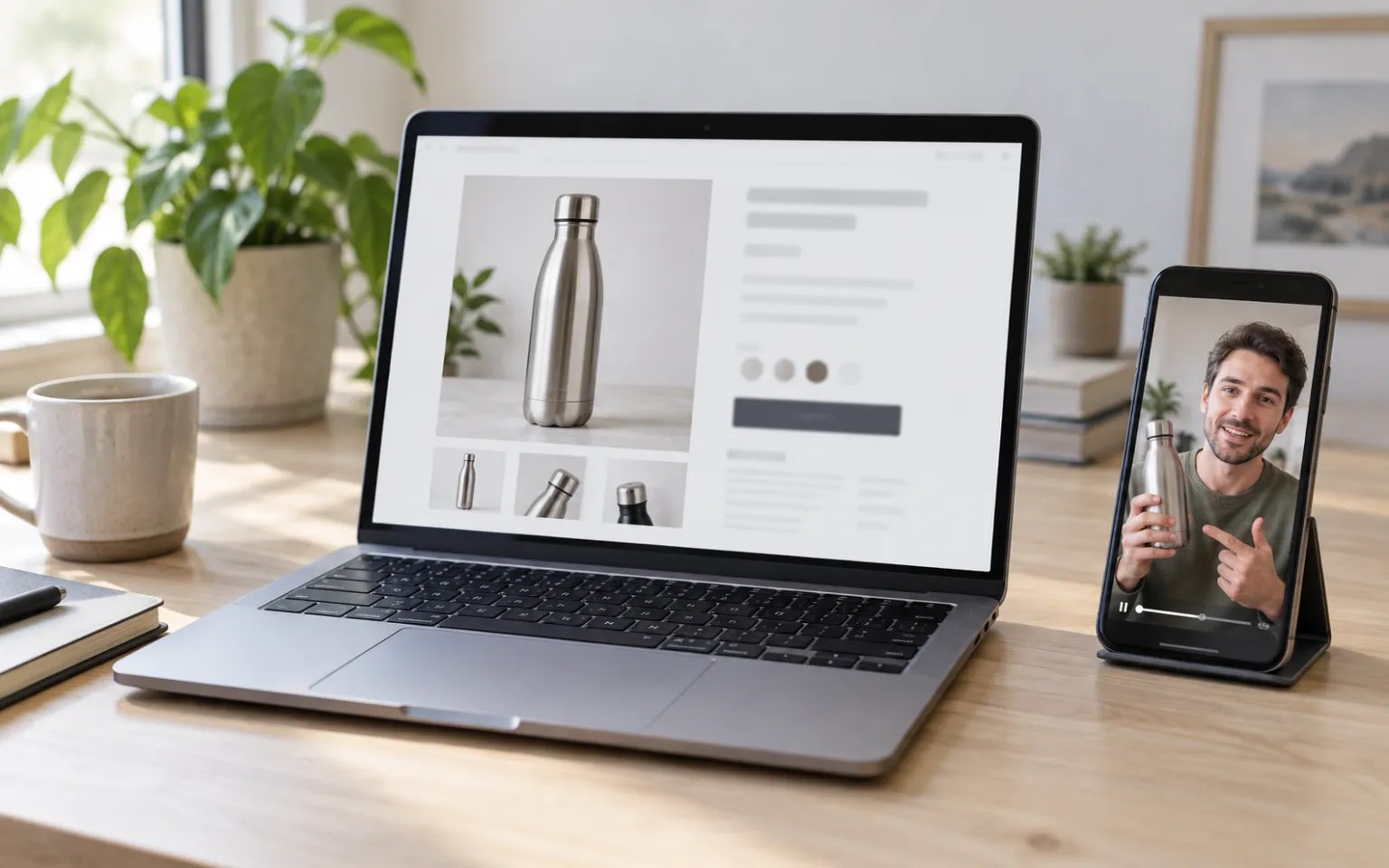
URL to Video Ad Generator
Have a product page
Read a product page, review the details, and preview a free video sample.
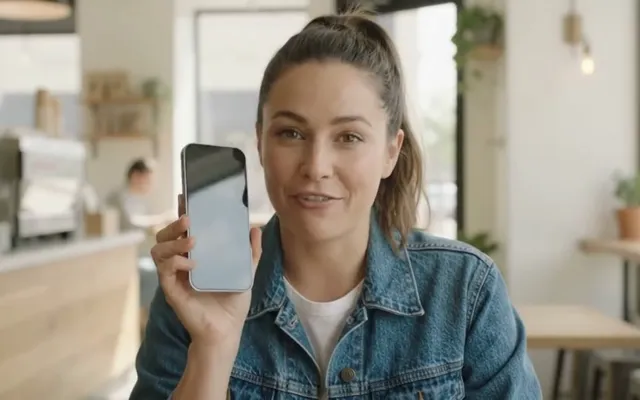
AI UGC Video Generator
Want a person on camera
Choose from hundreds of AI presenters and give them your script.
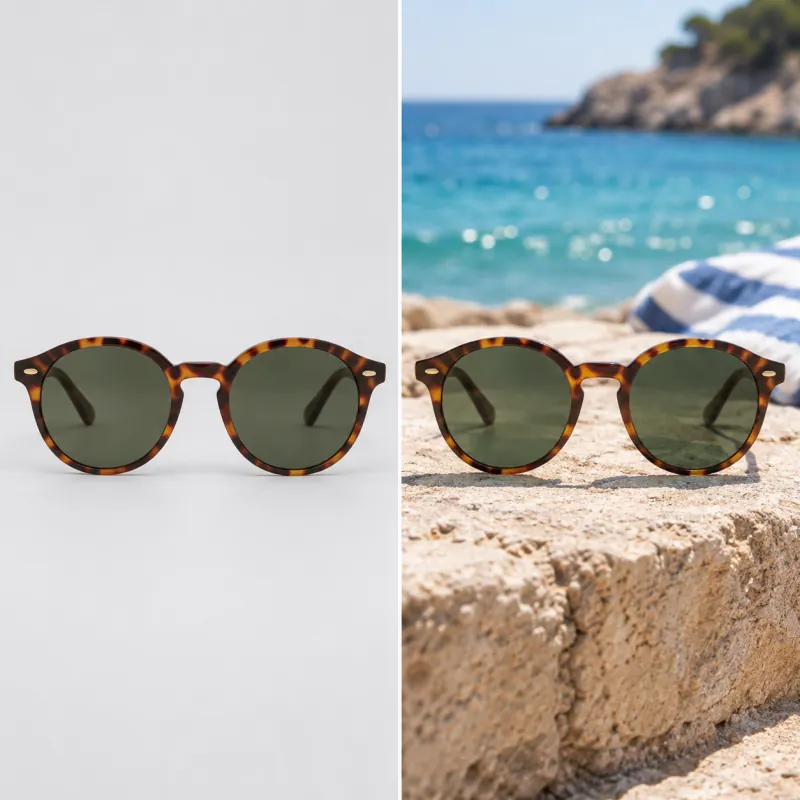
Shopify product photography
Need better photos first
Make lifestyle shots in several styles from one product photo.
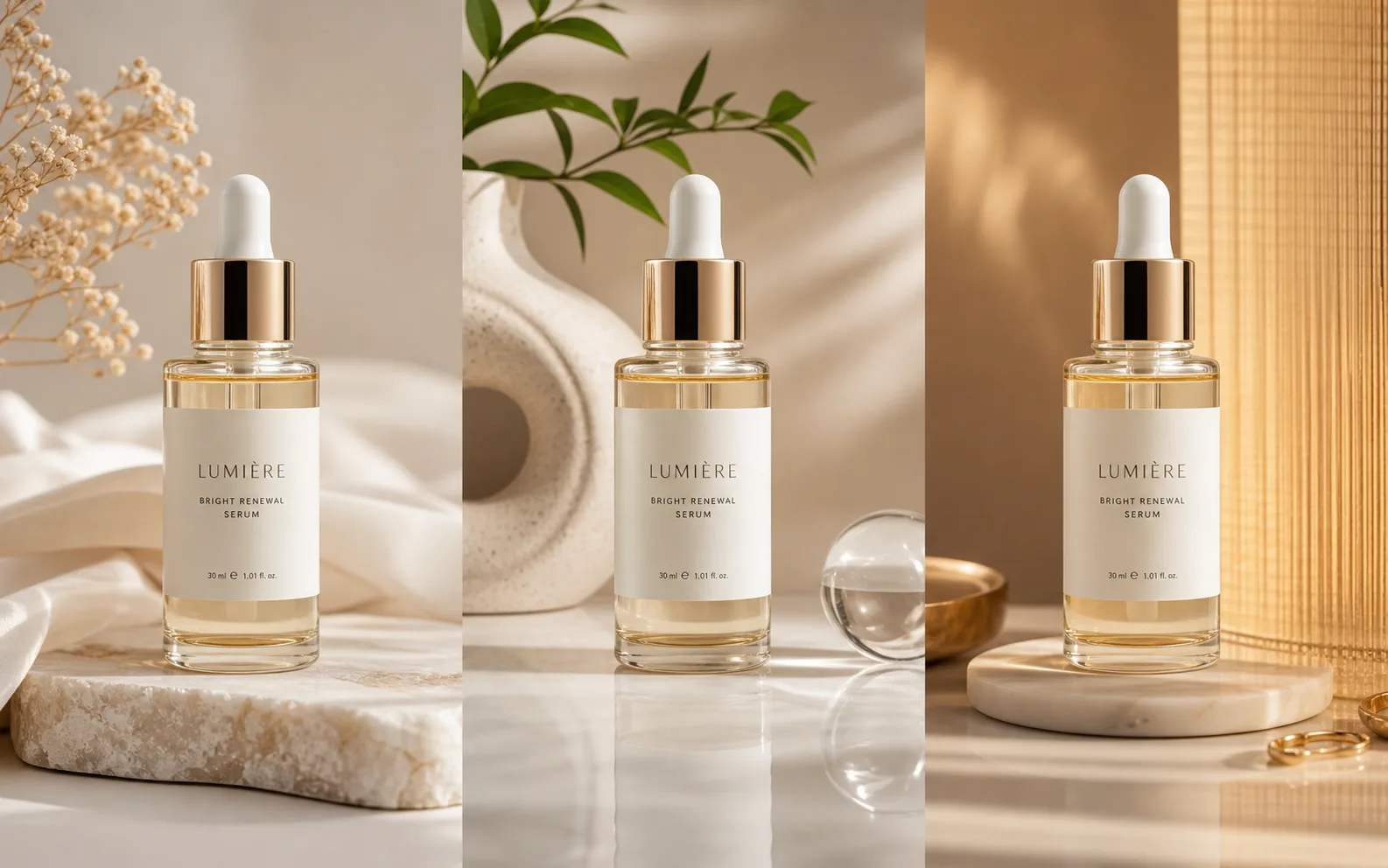
Ad Creative Testing Studio
Have an ad already
Make several image versions of one ad, ready to test.