AI ad maker Make a video ad for your product.
Start with a product link, photo, or description. Review your product details in the next tool, then create your ad.
Choose an ad tool
Write a script, make a video, or prepare image ads to test.
UGC Ad Script Generator
Draft three scripts from your product description.
URL to Video Ad Generator
Read a product link, then review or add details.
AI UGC Video Generator
Choose a presenter to deliver your script.
AI Product Video Generator
Make a product-only video from your photos.
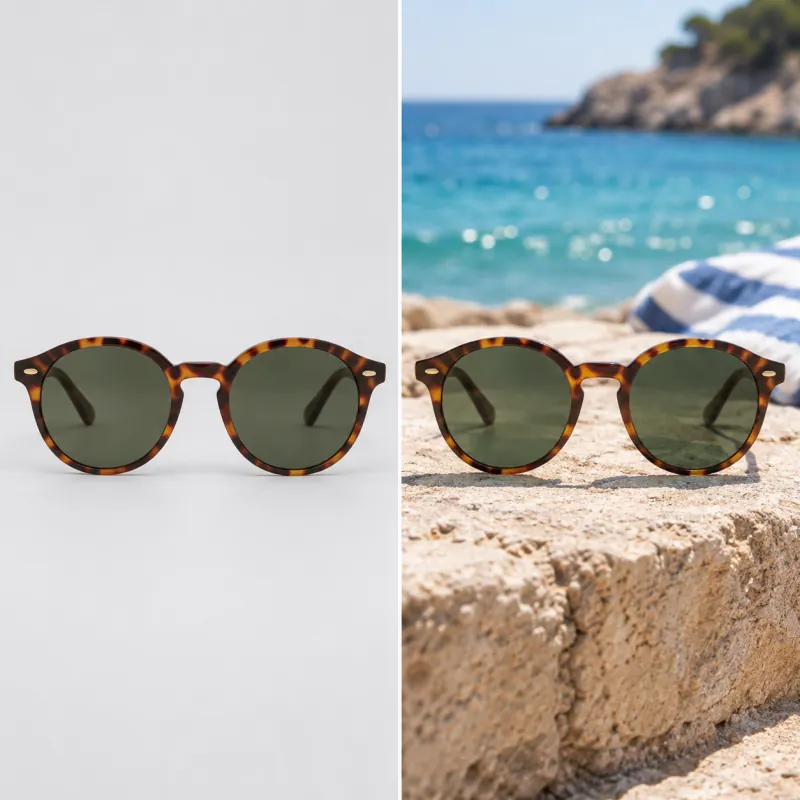
Shopify product photography
Create lifestyle photos for your store.
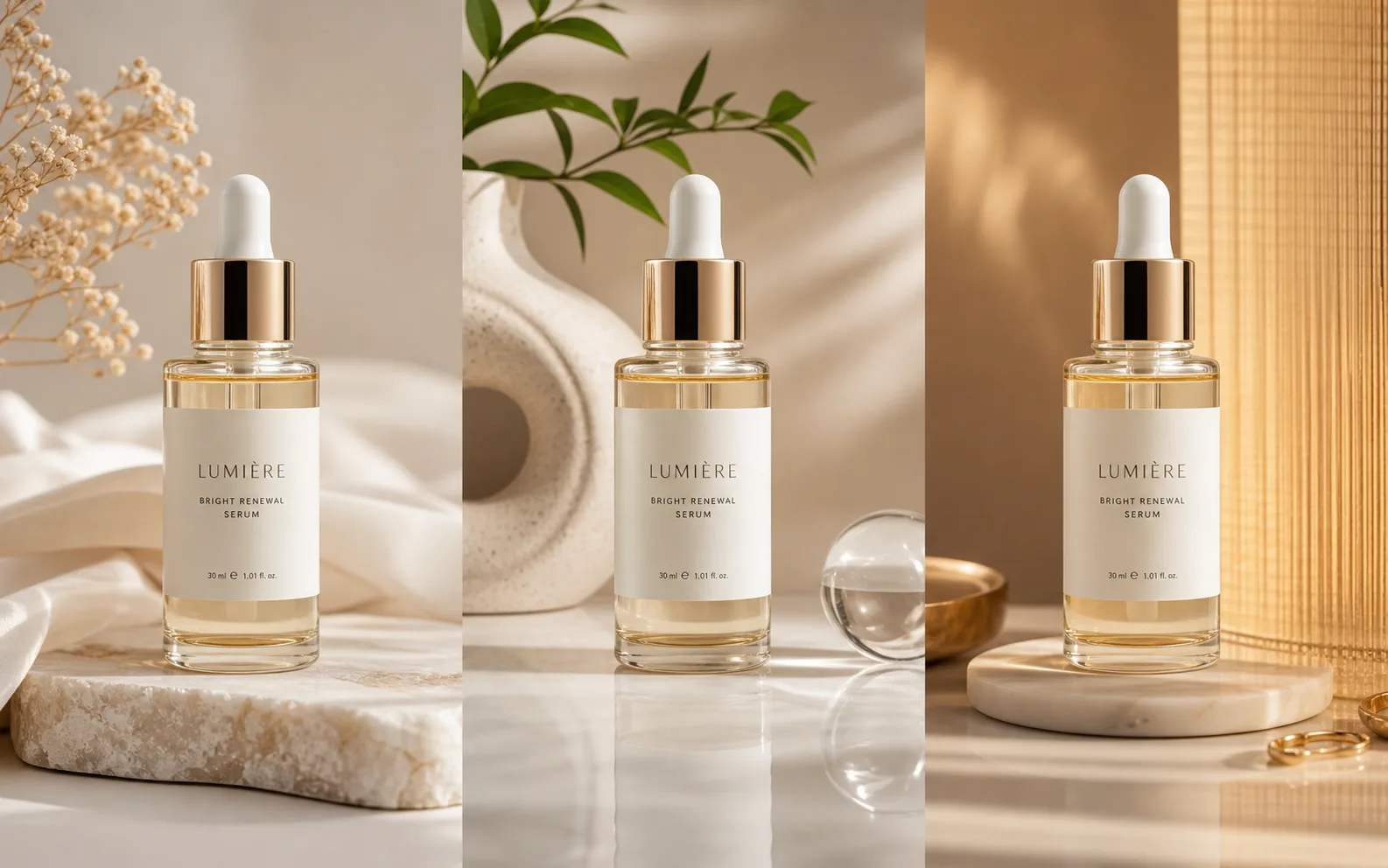
Ad Creative Testing
Prepare image ad variations for your own tests.
Make a video ad, step by step
Start with a hook, explain your product, and end with a call to action. Then preview the video and try another version.
1Write the script
UGC ad script generator2Pick a presenter
AI UGC video generatorHere is what to know about this wood wax.
3Preview a free sample
Sign in to create a sample
4Refine your ad
Ad creative testing


Choose an ad style
Pick a style to open its video setup.
UGC testimonial
Pain point → experience → result → CTA
Product showcase
Visual hook → three benefits → CTA
Unboxing
Package → unbox → details → first use
Spokesperson
Credible opening → benefits → offer → CTA
Before and after
Before → turning point → after → CTA
Preview your ad and refine it
Check the script, voice, and captions. Explore video and image options for your product.
Preview your video ad for free
Watch a watermarked sample with captions and voiceover. Sign in to create your first sample.
Start with a product link 03


Make a video from product photos
Use up to five photos for a vertical video ad with captions. No presenter needed.
Start with a photo 04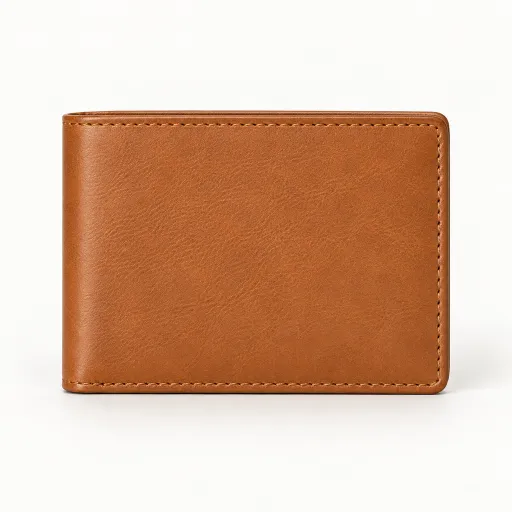
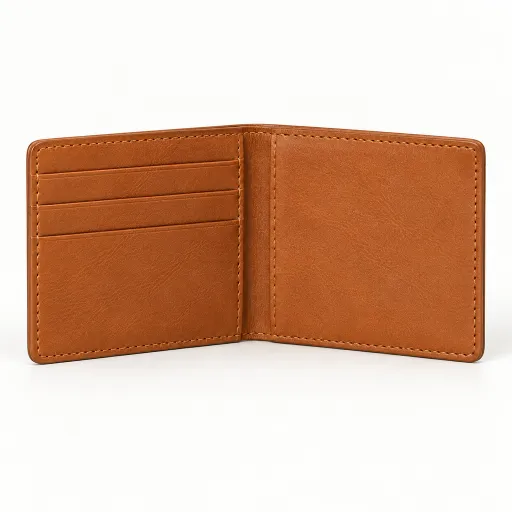
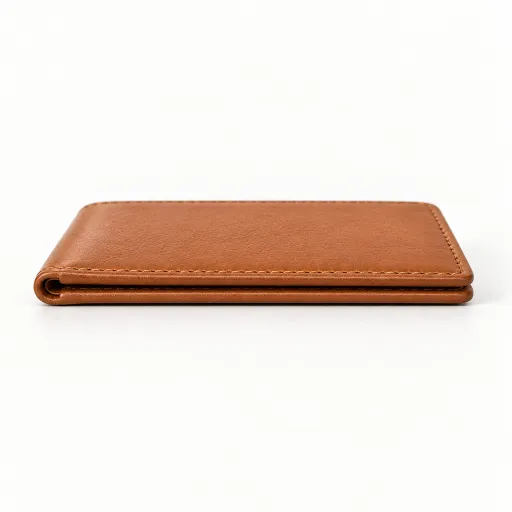
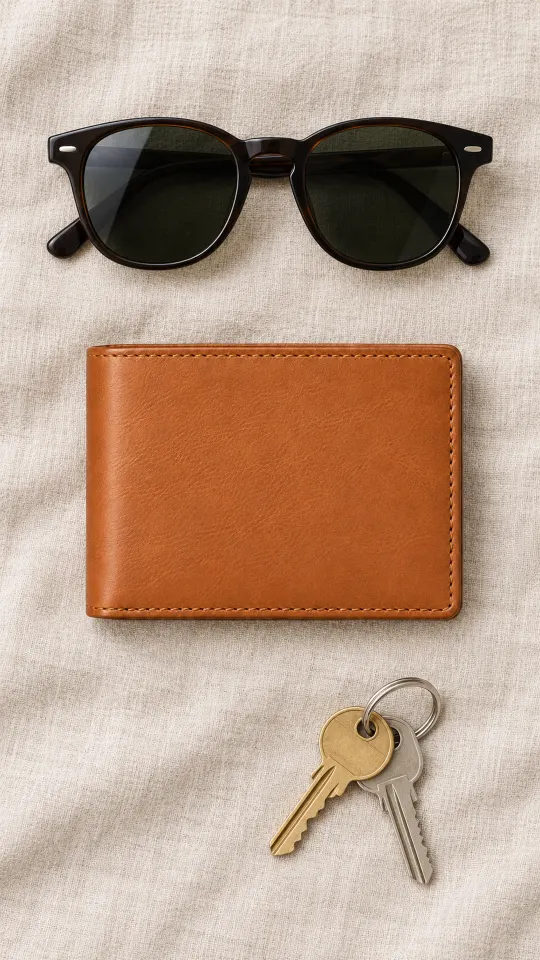
Create photos for your Shopify store
Turn a product photo into lifestyle images for your store or next ad.
Create product photos 05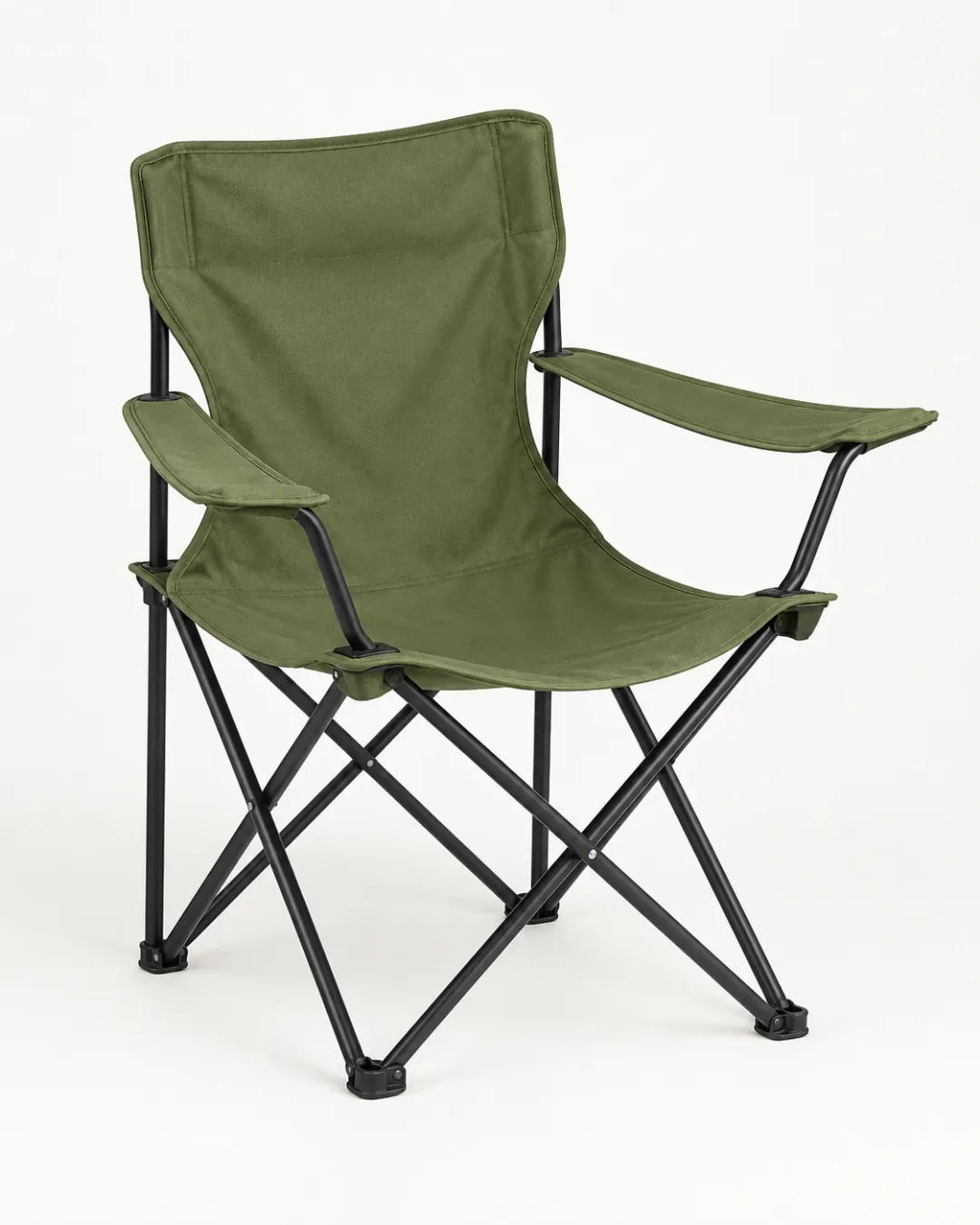

Make image ads to compare
Create several image versions of an existing ad for your own tests.
Create image ad variationsFind an AI presenter for your ad
Listen to a voice sample, then choose your presenter.
AI ad maker questions
What can I make with the AI ad maker?
Draft template-based ad scripts and preview vertical video ads for TikTok, Instagram Reels, or YouTube Shorts. Use an AI presenter or show just your product, with captions and voiceover.
How do I start?
Choose Product link, Product photo, or Description. Add your product details or ad notes separately, then continue to the matching tool. You can also start with a video example, ad style, or presenter.
Do I need an account?
You can try script generation without one: up to undefined times a day and 1 times in total. Sign in to create video samples.
Can I preview an ad for free?
Yes. Scripts and watermarked video samples are free. HD downloads aren't available.
Can I hear a presenter before choosing?
Yes. Play a voice sample, then choose a realistic or 3D cartoon presenter. Presenter voices are in English.
Can I use a Shopify product link?
Yes. Open URL to video and paste a public Shopify product page URL. Review the product name, description, and photos, then add any missing details yourself.
How can I make ad variations?
Try another hook, presenter, or ad style in the video tools. For image ads, use Ad creative testing to create versions for your own tests.
Can I continue after leaving a tool?
Tool settings are not saved. Copy scripts or download results you want to keep before leaving the page.
AI ad maker
Start your first video ad
Start with a product link, photo, or description. Review your details before creating a video sample.