
Upload Image *
Image to Prompt Generator for Detailed Visual Descriptions
Upload a photo, artwork, product shot, or design reference. Get a copy-ready prompt that describes the subject, setting, style, lighting, color, and composition.
Image to prompt examples
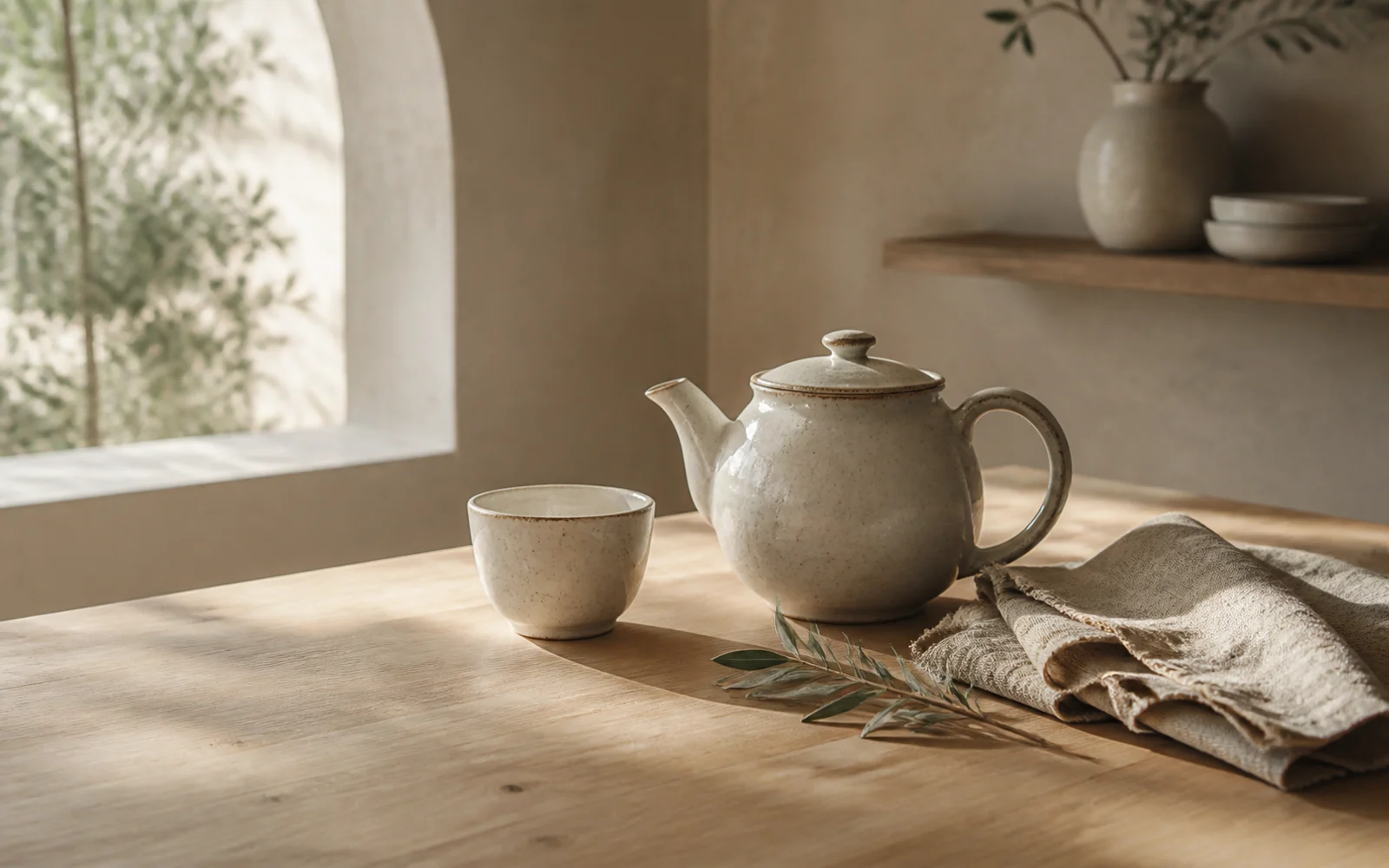
Prompt
Photorealistic editorial still life of a handmade off-white ceramic teapot and cup on a pale oak table, natural linen and an olive branch, soft morning side light through an arched window, warm cream and muted sage palette, shallow depth of field.
How to turn an image into a prompt
Move from a visual reference to a reusable description in four focused steps.
- 01
Upload a clear reference
Choose a photo, illustration, product shot, interior, or other image with a recognizable subject and visual direction.
- 02
Generate the prompt
The tool examines visible elements such as the subject, setting, style, lighting, palette, composition, and mood.
- 03
Review what was captured
Check whether the description emphasizes the qualities that matter to you and remove details you do not want to repeat.
- 04
Copy, edit, and test
Use the generated prompt as a starting point, then adapt its wording for your image model and the result you want to create.
See what a useful image prompt can capture
Different references call for different visual language. Each example combines the visible subject with the details that shape the final look.
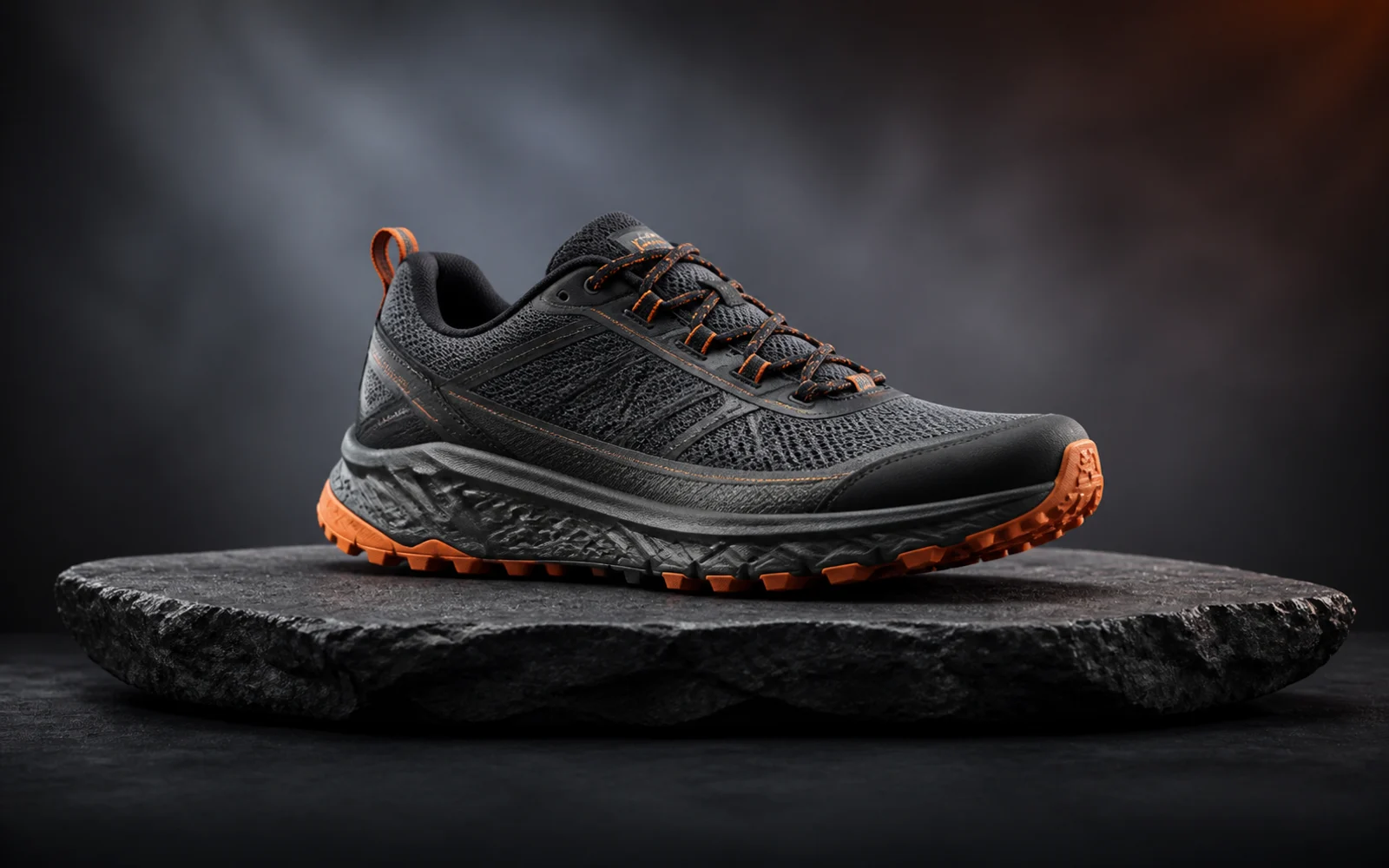
Product photography
Premium studio product photograph of an unbranded charcoal mesh trail running shoe with muted orange accents on a rough slate pedestal, three-quarter side view, smoky gray gradient, softbox key light, subtle orange edge light, crisp stitching and tread texture.
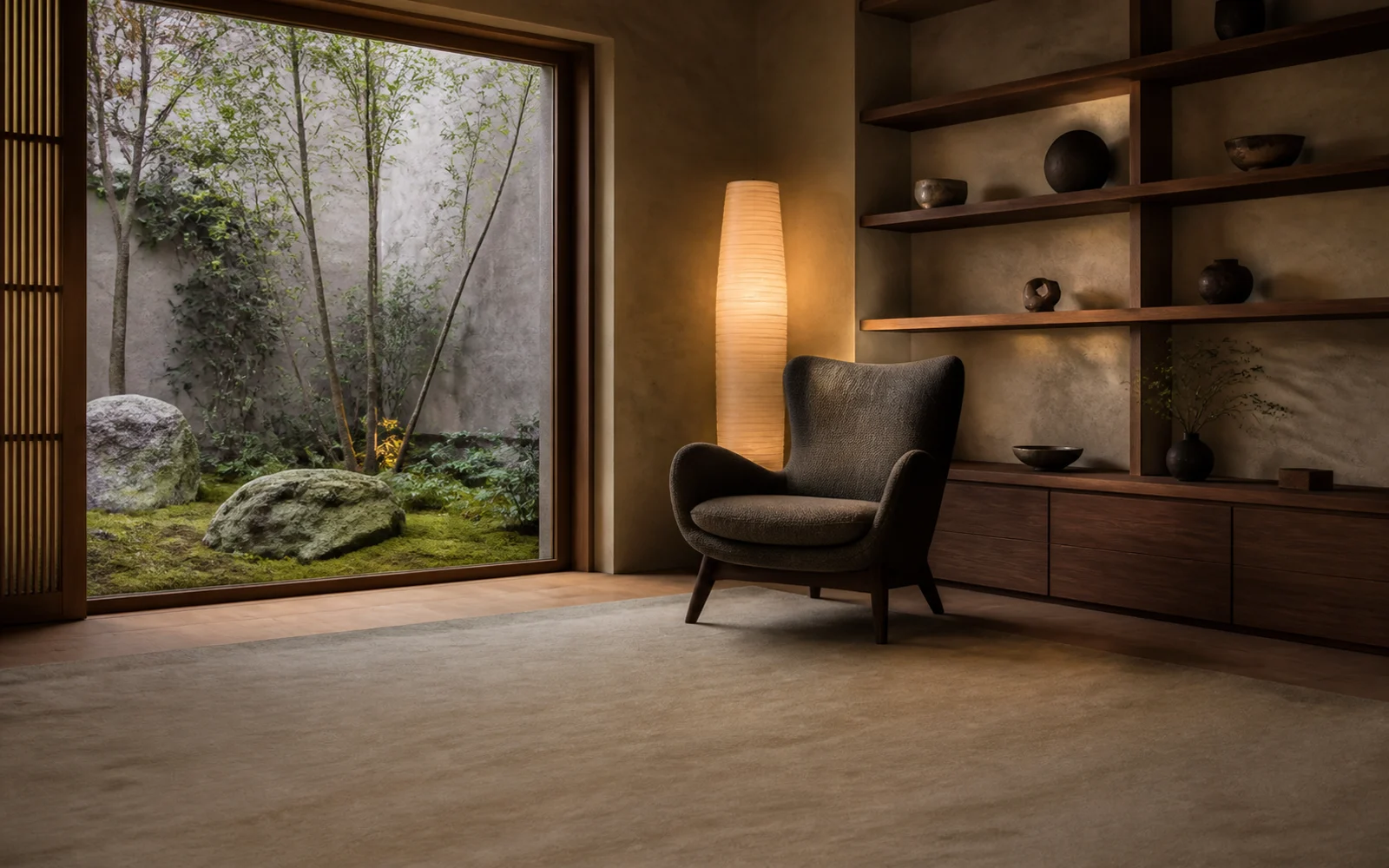
Interior photography
Photorealistic architectural editorial of a quiet reading room with low walnut shelving, a sculptural charcoal lounge chair, rice-paper floor lamp and a large window facing a moss garden, warm plaster walls, diffused daylight, straight vertical lines, calm neutral palette.
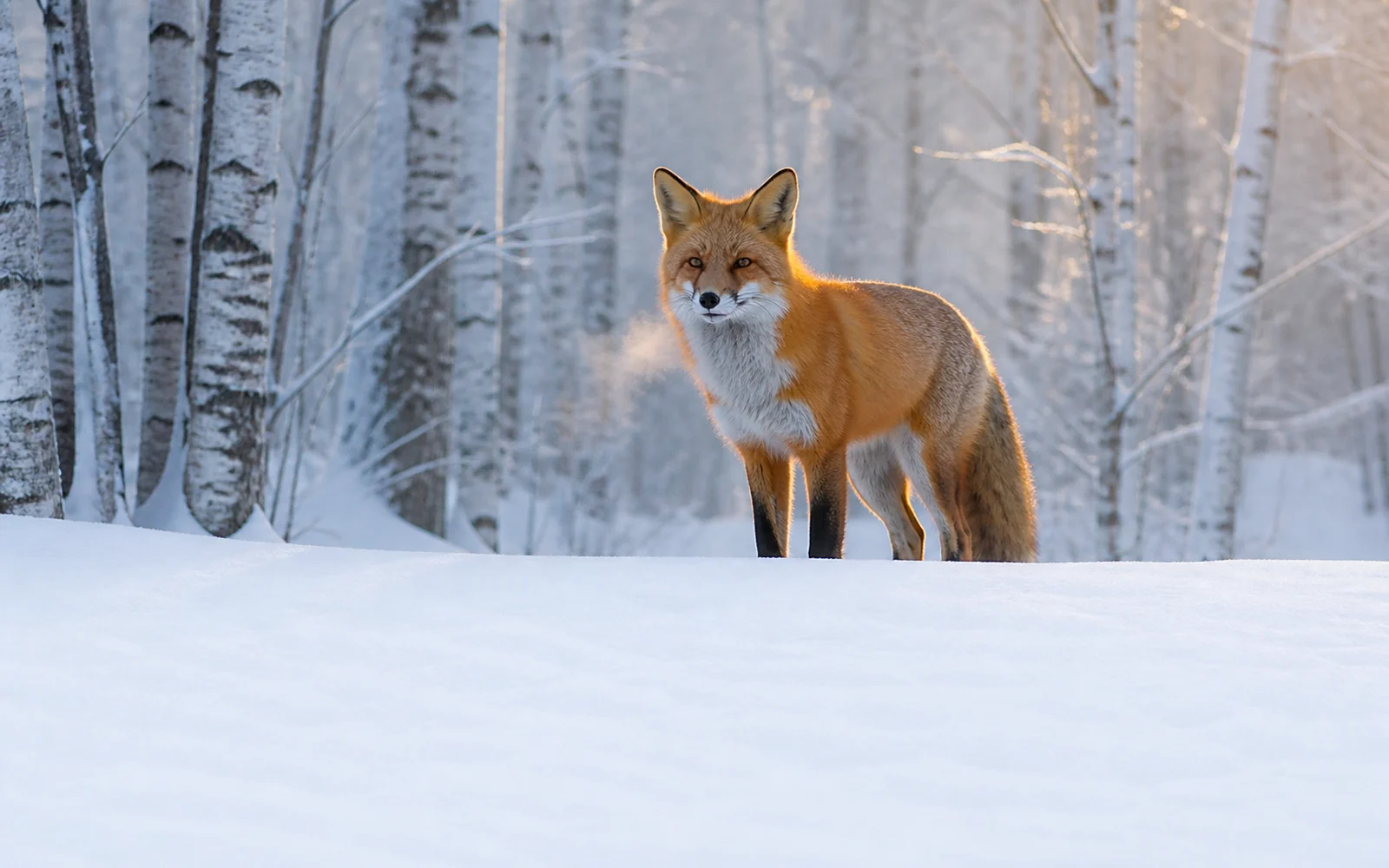
Wildlife photography
Photorealistic wildlife photograph of a red fox standing alert in a snowy birch forest at pale blue dawn, visible breath, warm rim light on detailed winter fur, eye-level telephoto framing, soft distant mist, still and observant mood.
Get a more useful prompt from your reference
A clear source image helps the generator separate essential visual traits from distracting details.
Choose a clear focal point
A reference with one readable subject usually produces a more focused prompt than a crowded image with several competing ideas.
Treat camera terms as visual inferences
Lens, framing, and lighting language describes how the image looks. It should not be treated as verified camera metadata.
Keep what matters, cut the noise
Preserve distinctive materials, colors, perspective, and atmosphere. Remove incidental details that should not control your next result.
Adapt the wording to your model
Different image generators interpret prompts differently. Adjust the level of detail, ordering, and model-specific syntax after copying the result.
Describe the image you can see
Ready to turn your reference into an AI prompt?
Upload one image, generate its visual description, then copy and adapt the prompt for your next creative workflow.
Image to Prompt FAQ
Answers about visual analysis, prompt details, camera language, editing, and recreating a reference.
What is an image to prompt generator?
An image to prompt generator analyzes a visual reference and turns its visible qualities into a written prompt that you can copy, edit, and use as a starting point for AI image generation.
What details can the generated prompt include?
The prompt can describe the main subject, surrounding environment, artistic or photographic style, lighting, color palette, composition, perspective, texture, and mood visible in the image.
Does image to prompt identify exact camera settings?
Not necessarily. Camera and lens terms are visual inferences based on framing, depth of field, and perspective. They are not verified metadata unless the source data is explicitly available.
Can a prompt recreate the exact source image?
No exact match is guaranteed. The prompt describes visible characteristics, while each image model introduces variation in composition, detail, and style.
What kinds of images work best?
Clear photos, artwork, product shots, portraits, interiors, landscapes, and design references work well when the subject and visual style are easy to distinguish.
Can I edit and copy the generated prompt?
Yes. Copy the generated text, remove details you do not need, add the changes you want, and adapt the wording for your preferred image generator.
Related paths
Explore related image tools
Explore another image step, check model options, or make the output move.

AI image tools
More image tools
Create, edit, clean up, or upscale stills.

AI models
Compare image models
Pick a better model before making more versions.
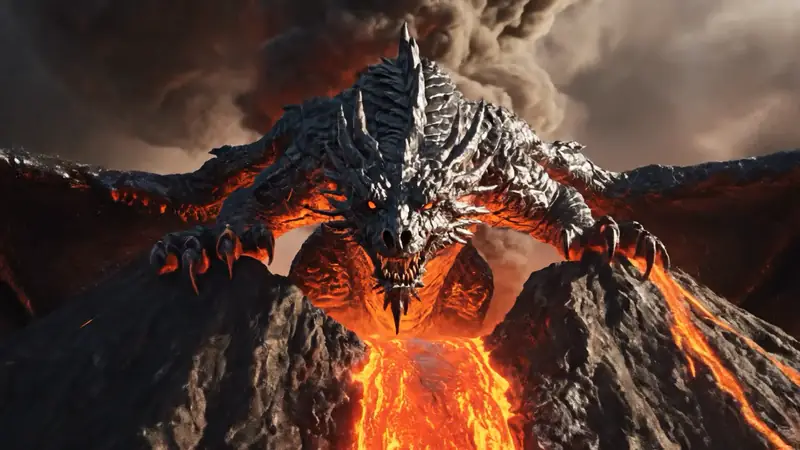
AI video tools
Make it move
Animate a still or turn it into a clip.
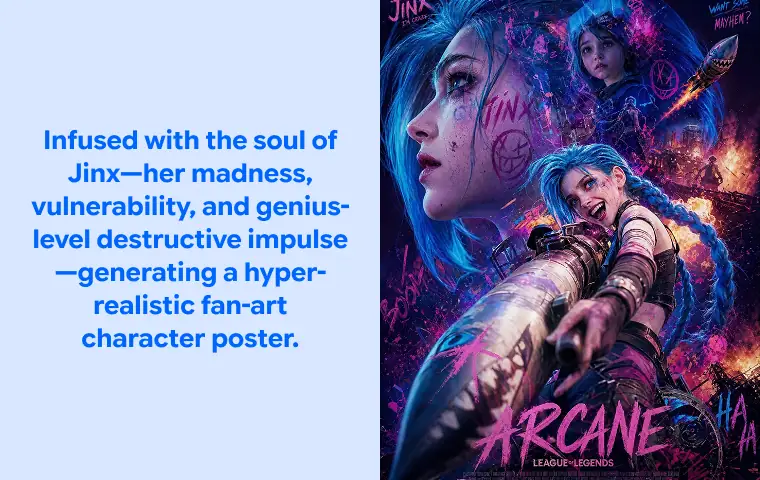
Text to Image
Prompt-first creation
Turn a written idea into an image.
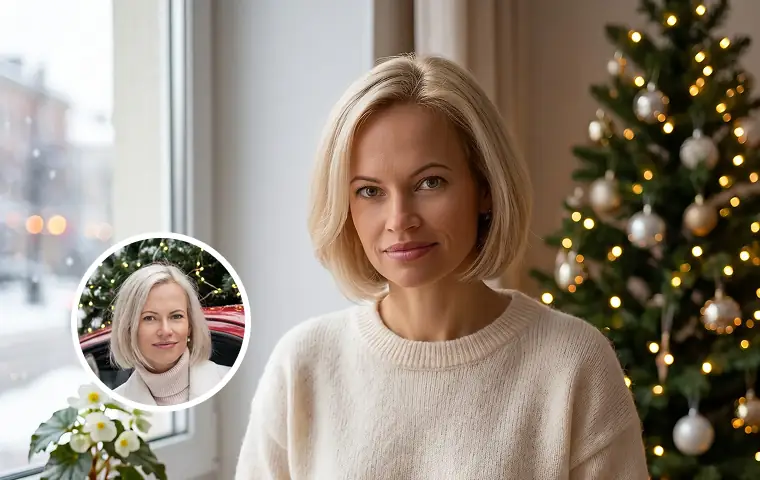
Image to Image
Use a reference
Restyle or revise an existing image.
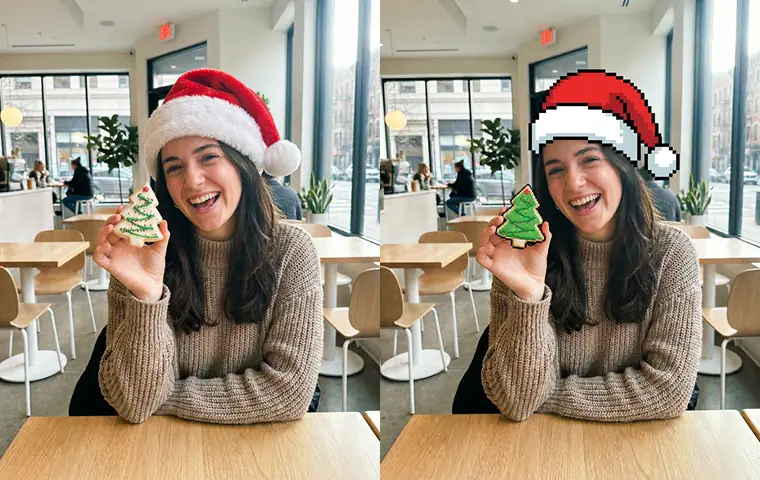
AI Image Generator
Start from any idea
Create a fresh image from a prompt.
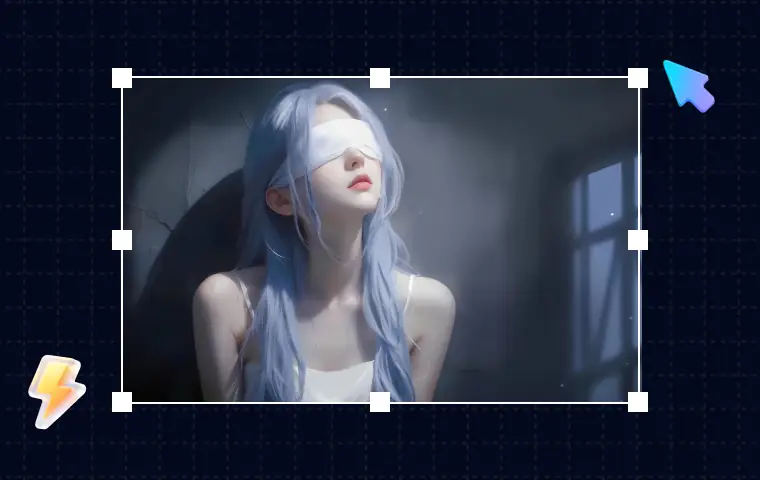
AI Image Editor
Prompt-based edits
Change an image without starting over.
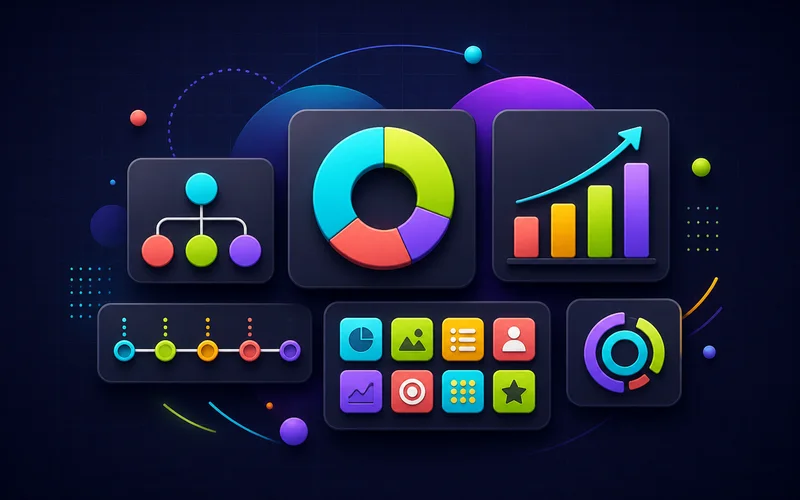
Infographic Generator
Visual explanations
Turn processes, comparisons, timelines, and facts into structured visuals.
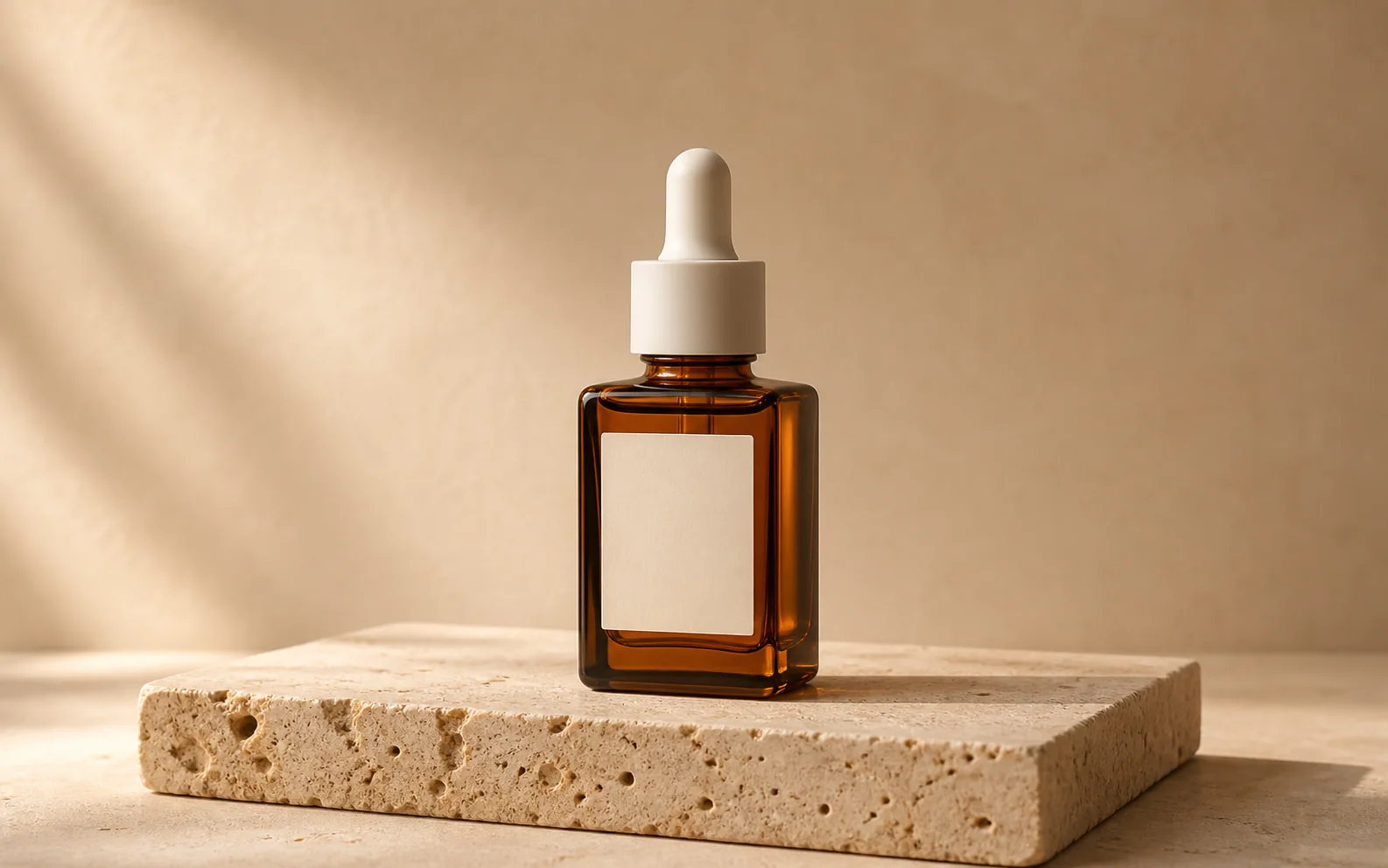
Product Picture Generator
Product visuals
Create polished product photos and campaign scenes.