
Seedance 2.5 is a ByteDance video model
Seedance 2.5 extends the Seedance family toward longer, reference-led audiovisual generation for complete scenes, ads, social stories, and production drafts.
Use Seedance 2.5 on Ezier to turn a prompt, start image, or supported references into a 4-30-second video with optional generated audio. Choose the format and resolution, check credits, then generate.
Use the longer runtime for an idea that needs setup, development, and a clear finish. Add references when the subject, product, location, movement, or sound must stay recognizable across the clip.
Create an 8-second live-action action-comedy sequence inside a grand Beaux-Arts bank. Begin behind a purple-haired clown in a bright patchwork suit carrying a wooden bat as he walks through the brass entrance doors. Track forward into the marble lobby and reveal matching clowns swarming the teller counters, tossing banknotes, climbing furniture, and moving through the balconies while startled customers take cover. Keep the chandelier, columns, teller desks, brass queue rails, clown costumes, and lobby geography consistent as the action expands. Finish by pushing toward a bewildered uniformed police officer in the center aisle while clowns continue crossing behind him at different depths. Use energetic but readable staging, realistic live-action lighting, controlled motion blur, and coherent crowd movement. No captions, logos, costume changes, duplicate faces, or architectural warping.
Check that the model label shows Seedance 2.5 before you add references or choose output settings.
Describe the opening, the main action, camera movement, timing, sound, and final frame. For a longer clip, make the order of events explicit.
Attach a start image or supported references to preserve identity, product shape, wardrobe, location, motion, or audio direction. Mention each reference's role in the prompt.
Set a 4-30-second duration, aspect ratio, 480p or 720p resolution, and generated audio preference. Check the displayed credit estimate when available, then generate and review.
Longer generations need more than extra adjectives. Give Seedance 2.5 a sequence it can follow, references with clear jobs, and sound cues tied to visible actions.
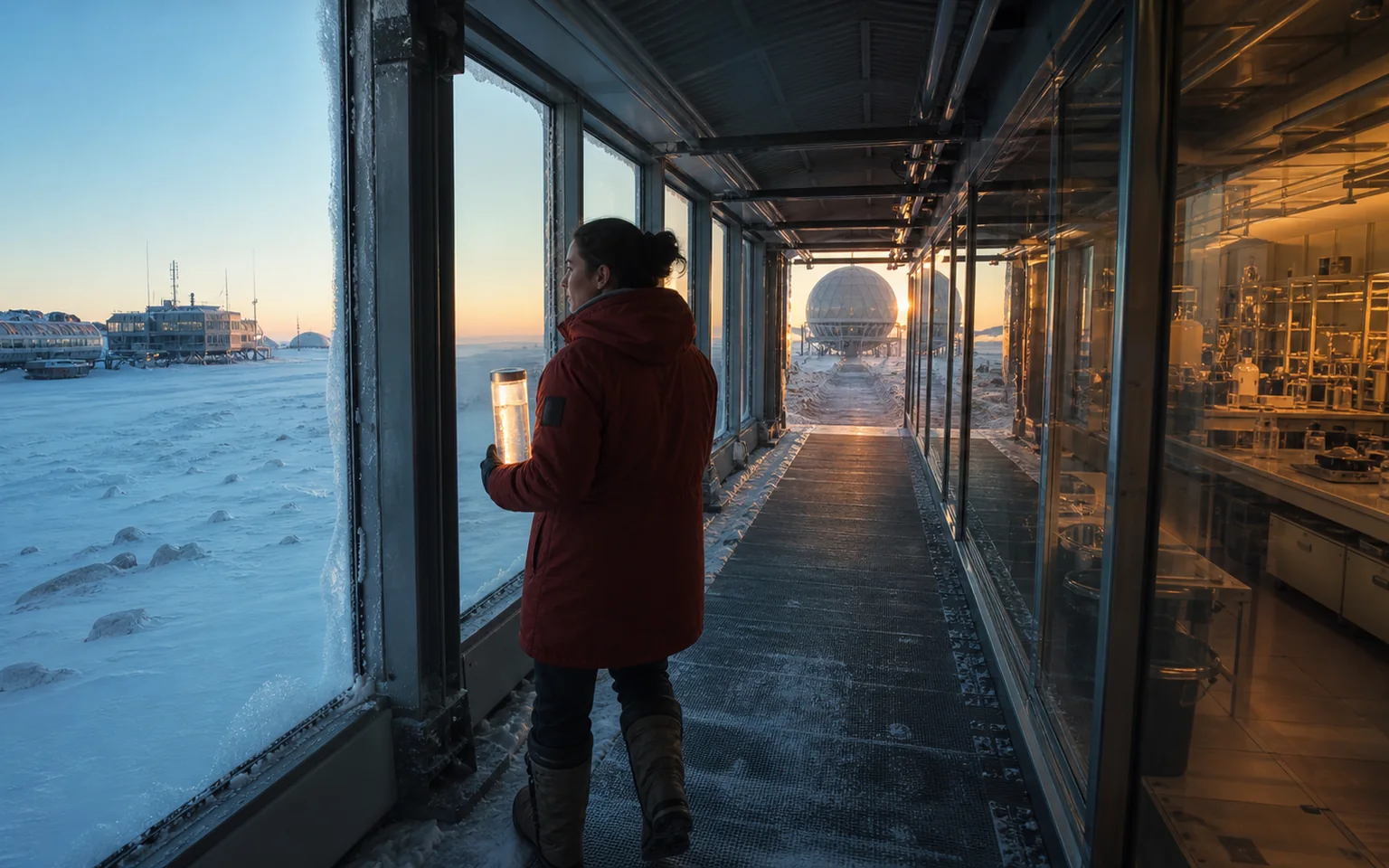
Use the 30-second ceiling for a continuous path with a real destination. State how the subject moves through space, where the light or environment changes, and which identity, wardrobe, and direction details must survive the full journey.
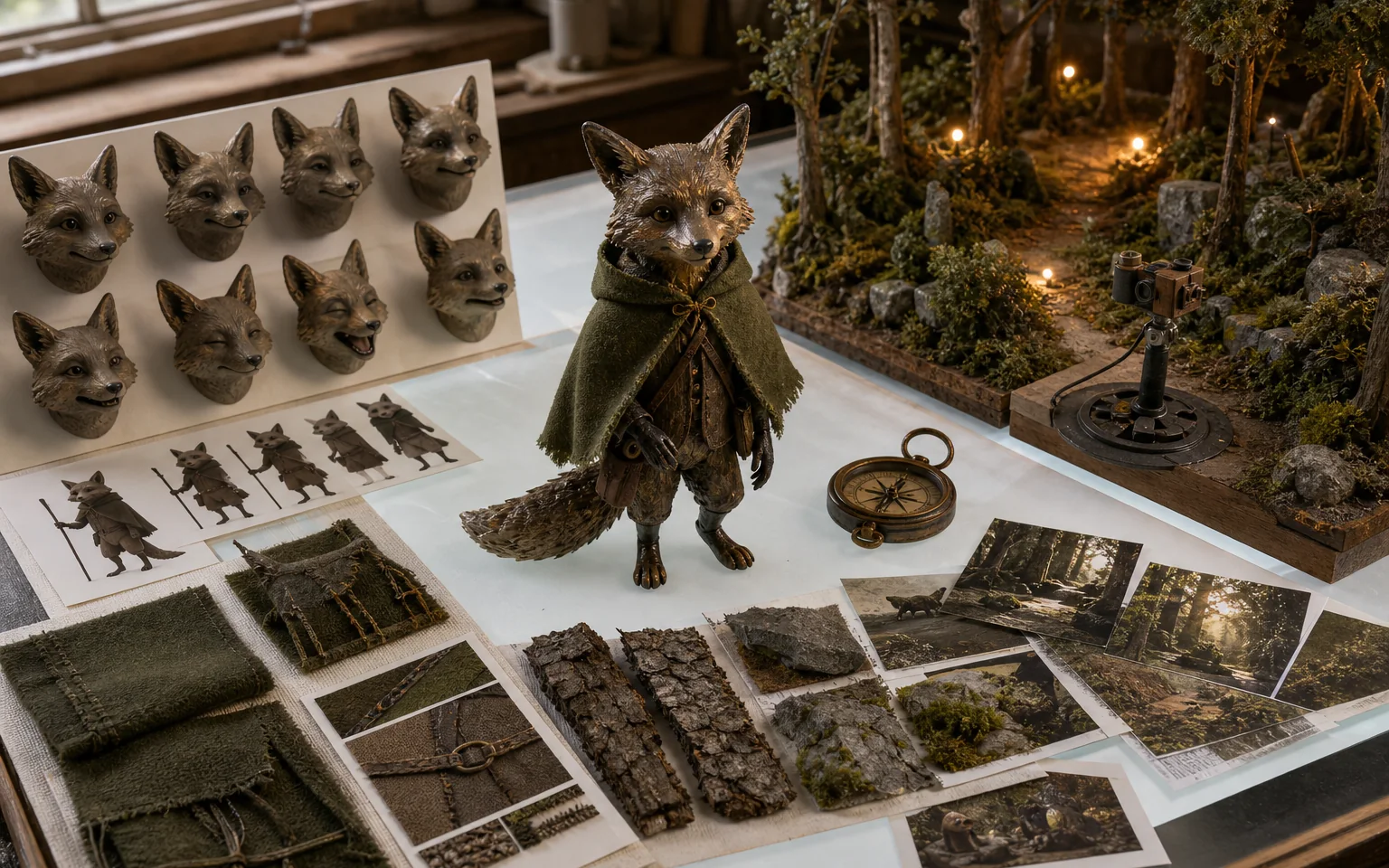
Treat references as a production system, not a mood board. Give separate inputs clear jobs for character identity, facial range, costume, materials, world design, props, and camera language so their influence is easier to review.
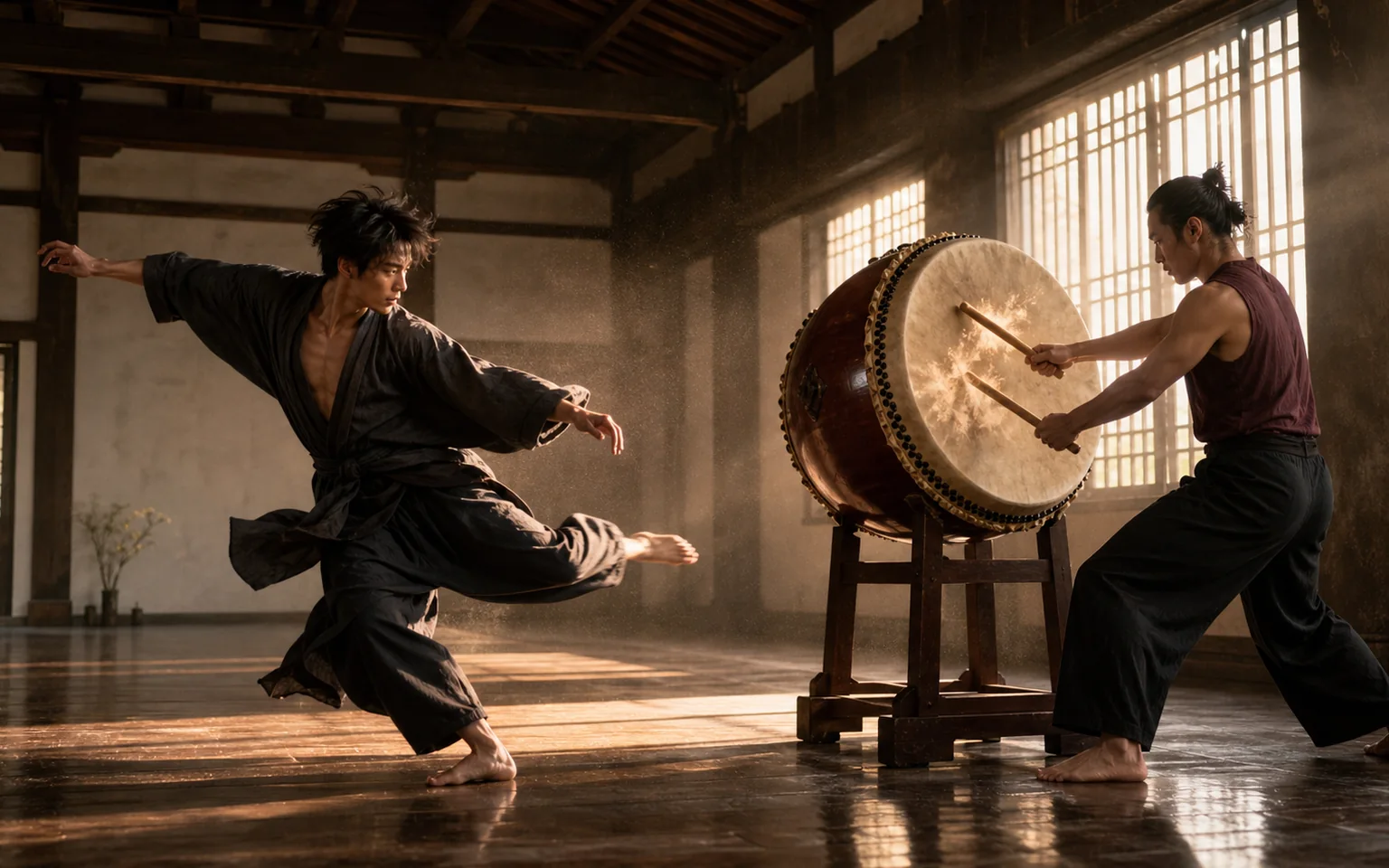
Anchor audio cues to visible causes: a drum strike, a landing foot, a turn, a fabric snap, or a pause. Precise relationships between impact, beat, and movement make synchronization easier to direct and evaluate.
Choose the output you can review and use now. The options shown in the Ezier workbench are the source of truth for the current generation.
Review faces, hands, product geometry, wardrobe, lighting, and location details from the first frame to the last, not only at the strongest moment.
One motivated camera path is usually easier to control than a stack of unrelated pans, zooms, or transitions. Add a second move only when it advances the scene.
Check whether each important reference appears in the intended way. Remove inputs that add noise, and strengthen the prompt around the references that matter most.
When generated audio is on, review dialogue timing, ambience changes, impact sounds, and musical beats against the corresponding motion before refining the prompt.
The practical upgrade is more room for a complete idea and more context for keeping important visual and audio details aligned.
Seedance 2.5 extends the Seedance family toward longer, reference-led audiovisual generation for complete scenes, ads, social stories, and production drafts.
The longer ceiling can reduce early clip stitching when one action, camera path, and audio plan should stay continuous from setup to payoff.
Public launch material highlights support for up to 50 multimodal reference assets. In Ezier, attach only the reference types and counts available in the current model controls.
This page currently offers 4-30-second output, 480p or 720p resolution, six aspect ratios, a seed field, and an optional Generate audio setting.
Seedance 2.5 in Ezier
Describe the sequence, add the references that protect the idea, choose duration and format, then generate a clip and review continuity, sound, and the final frame.
Answers about runtime, references, available resolution, audio, prompts, credits, and reviewing a longer generation.
Open the Seedance 2.5 page, describe the ordered scene, attach a start image or supported references, choose duration, aspect ratio, resolution, and audio, check the available credit estimate, then select Generate.
The current Ezier model controls support durations from 4 to 30 seconds. Use shorter clips for direction tests and longer clips when the action needs setup and a clear finish.
Ezier currently exposes 480p and 720p for Seedance 2.5. Output options on other platforms may differ, so use the settings shown in the Ezier workbench as the source of truth.
Seedance 2.5 is designed for multimodal reference workflows. In Ezier, use the reference types accepted by the current upload control and model schema, then state what each reference should preserve or direct.
Yes. The Ezier model settings include a Generate audio switch. Describe dialogue, ambience, effects, or music timing in relation to visible action so the result is easier to review.
Write the subject, ordered actions, camera path, continuity requirements, reference roles, sound cues, pacing, and final frame. For a longer clip, divide the action into a few clear beats rather than a long list of visual adjectives.
Choose Seedance 2.5 when the scene benefits from up to 30 seconds, richer reference context, or a longer audio-aware sequence. Use another Seedance option when a shorter or faster draft better matches the task and budget.
More to try
Check related video models, refine the clip with tools, or build a better starting frame.

AI models
Compare models
Choose a better fit before you generate.

AI video tools
Turn images into motion
Animate a still or create a clip.

AI image tools
Create or edit images
Make, clean up, or upscale stills.
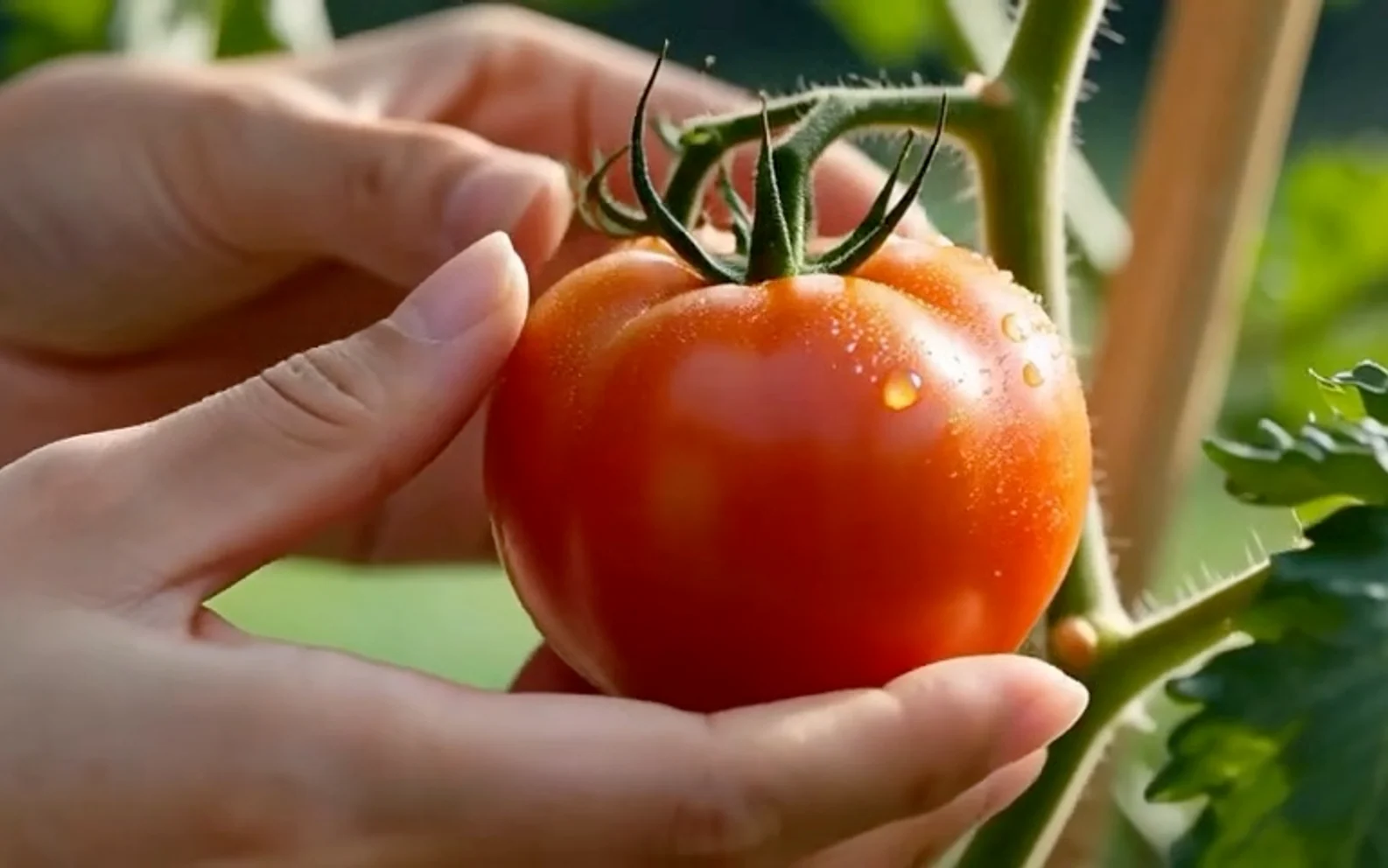
Wan 3.0
Longer beta video generation
Use for text or start-image video up to 30 seconds.

MiniMax H3
2K multimodal video
Use for 2K clips with multi-image direction and generated audio.
Seedance 2
Reference-led video
Use for fast motion drafts from references.
Seedance AI
Seedance family
Explore more Seedance video options.
Veo 3.1
Cinematic control
Use for cinematic shots and camera moves.
Kling 3.0
Action and motion
Use for action, motion, and story beats.
AI models
Compare models
Choose a better fit before you generate.
AI video tools
Turn images into motion
Animate a still or create a clip.
AI image tools
Create or edit images
Make, clean up, or upscale stills.
Wan 3.0
Longer beta video generation
Use for text or start-image video up to 30 seconds.