
Upload Image
Prompt *
Upload a clear portrait, describe the shot you want, then generate a selfie for profiles, posts, or styled portraits.
Prompt *
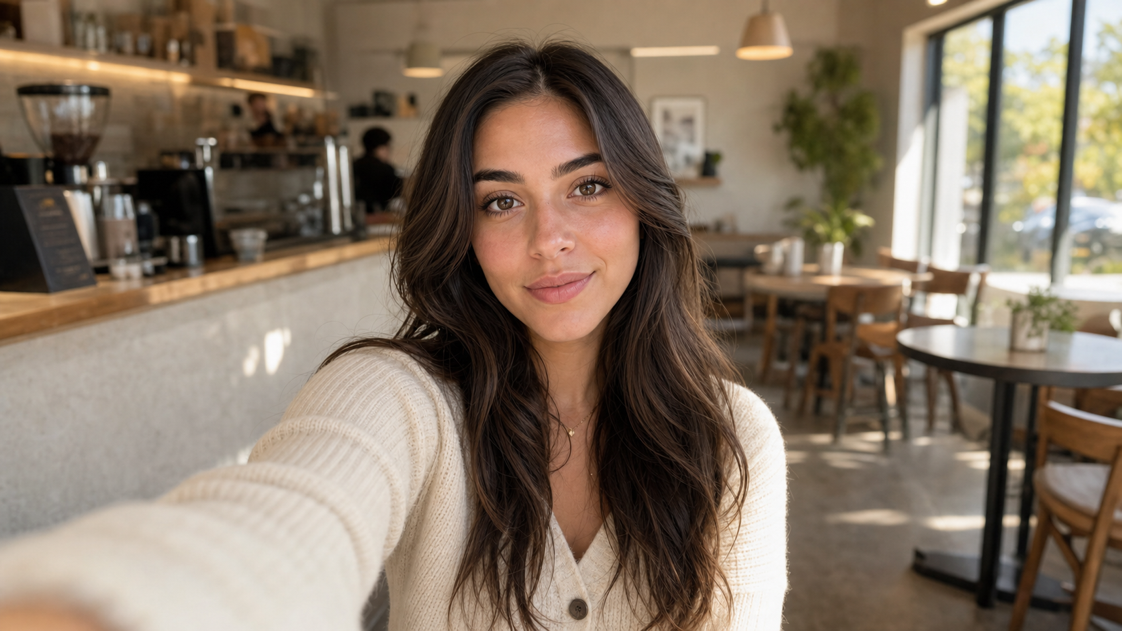
Prompt
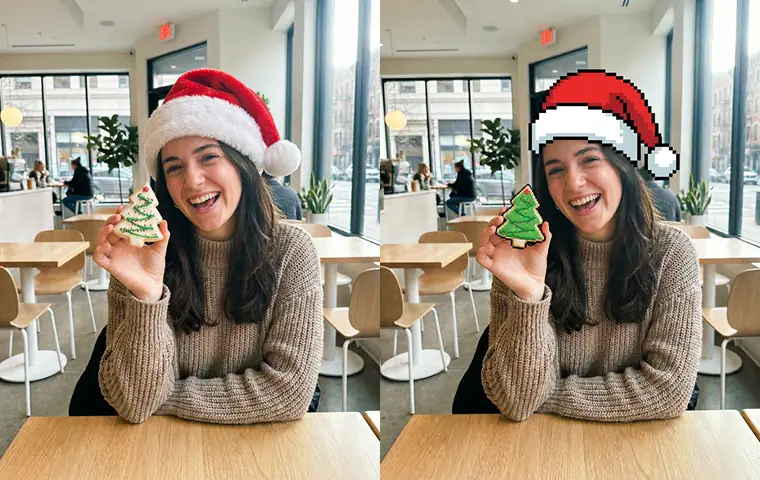
realistic front-camera selfie in a bright coffee shop, soft morning light, natural skin texture, relaxed expression, warm neutral tones
Choose a recognizable photo, describe the selfie you want, and generate a new version that fits your style, scene, or profile use case.
Use a front-facing or lightly angled photo with clean light and a clearly visible face.
Mention the scene, lighting, mood, styling, and where you plan to use the image.
Compare the result against your prompt and check whether the face, lighting, and vibe match what you wanted.
If needed, tighten the prompt or swap in a better image, then keep the version that fits your goal best.
Use one portrait to change the scene, styling, and final purpose while keeping the selfie prompt focused and easy to control.
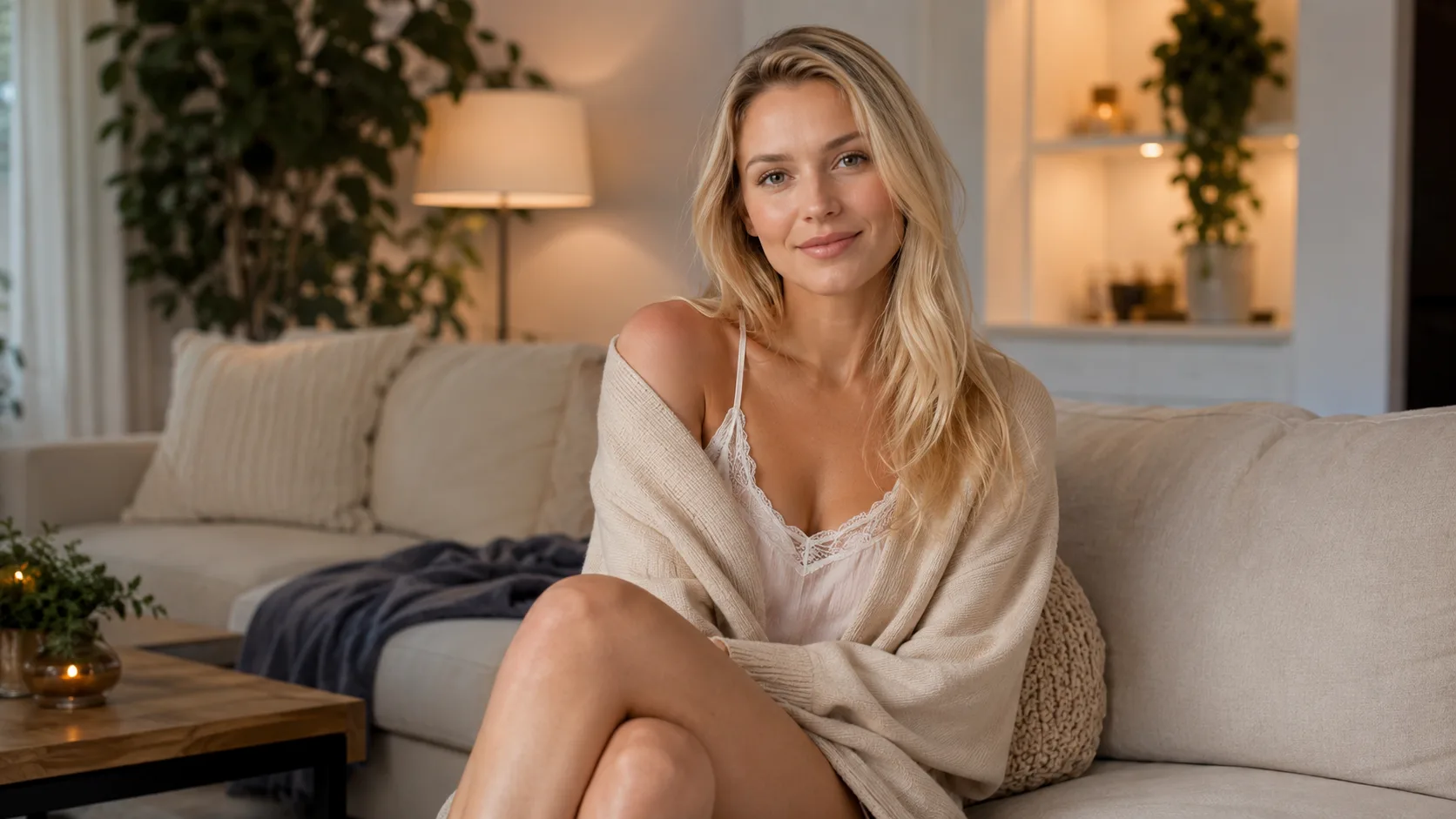
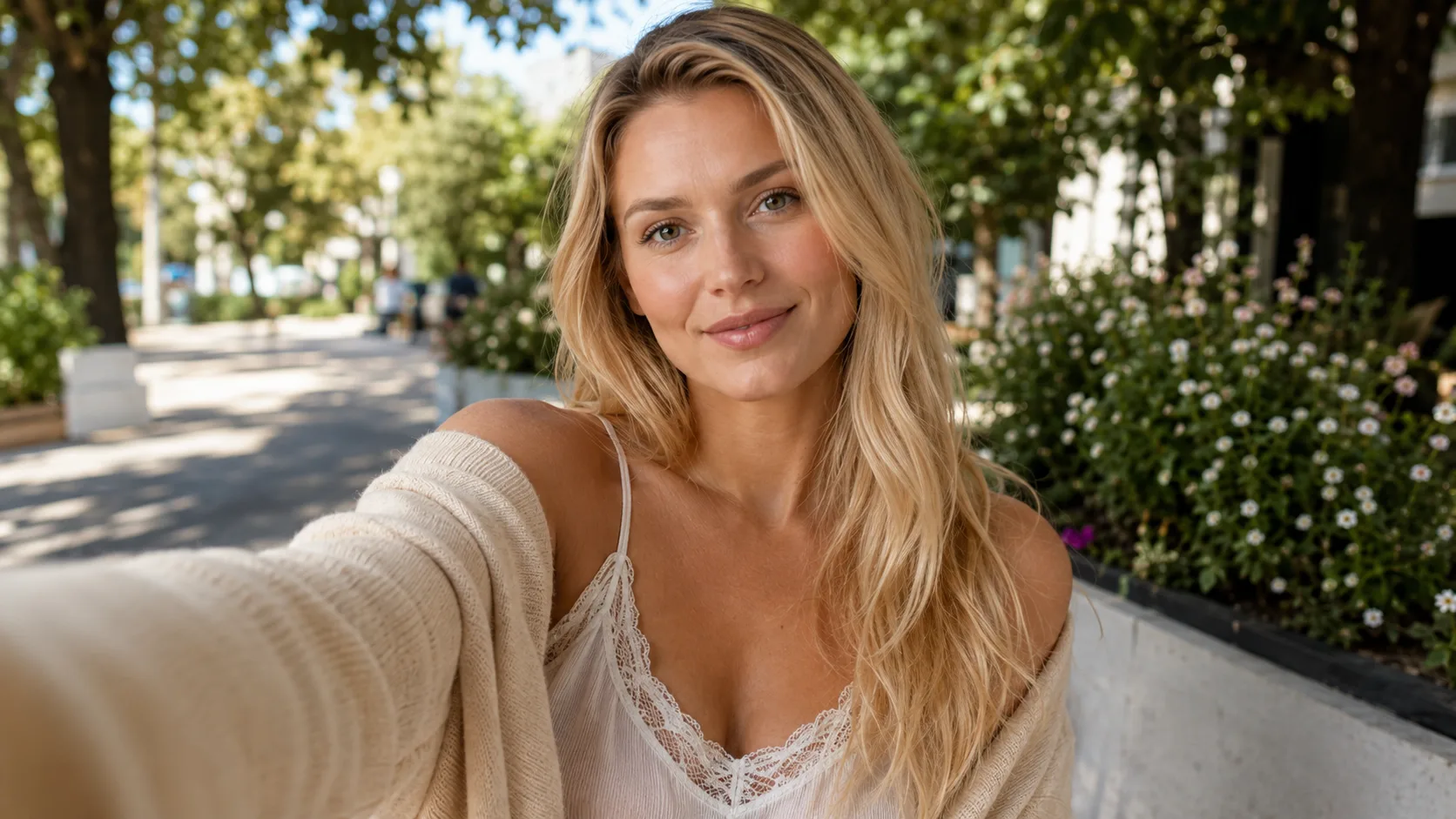
Move a source portrait into a new setting and guide the shot toward a front-camera, mirror, rooftop, or soft-light selfie.
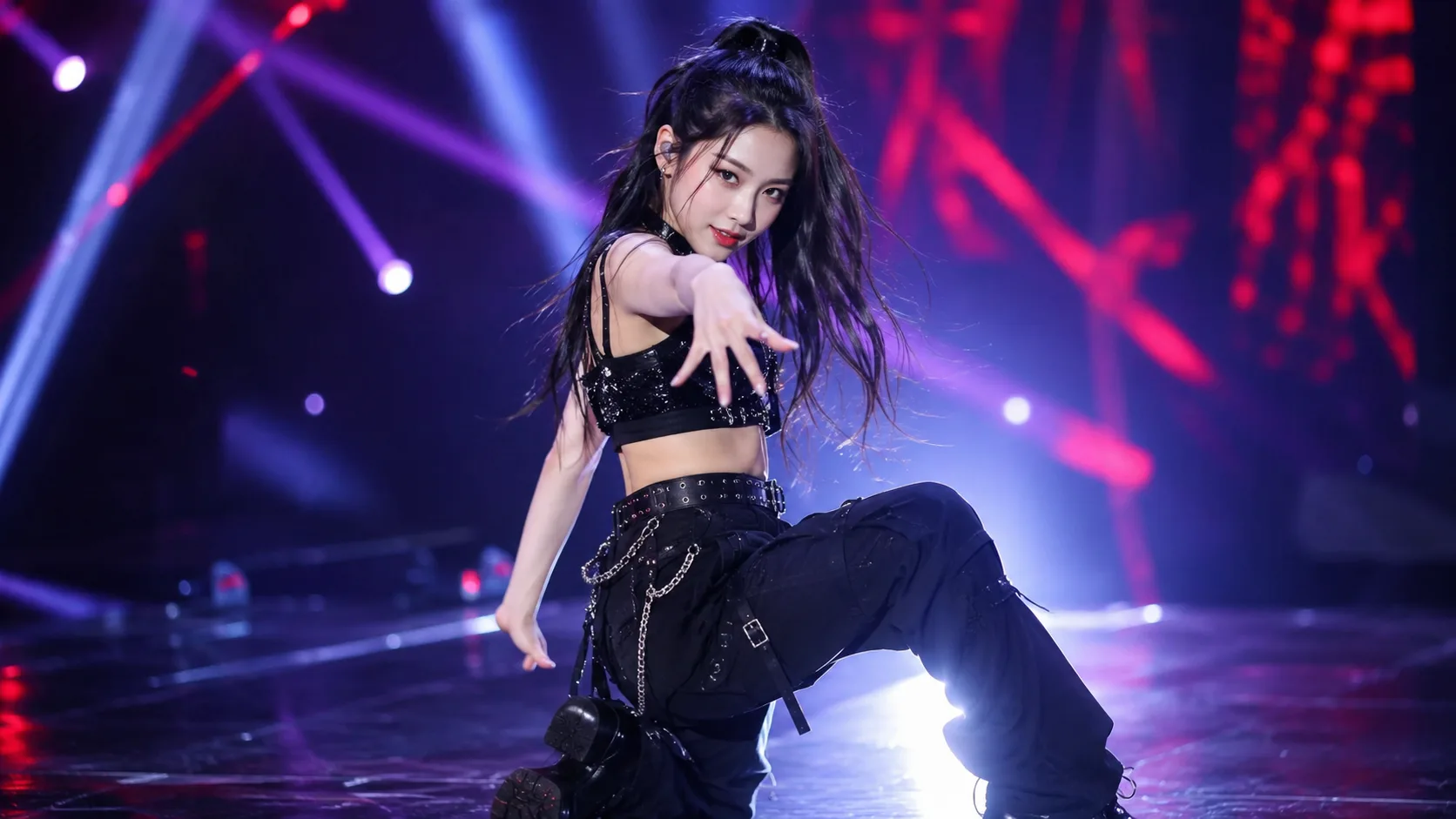
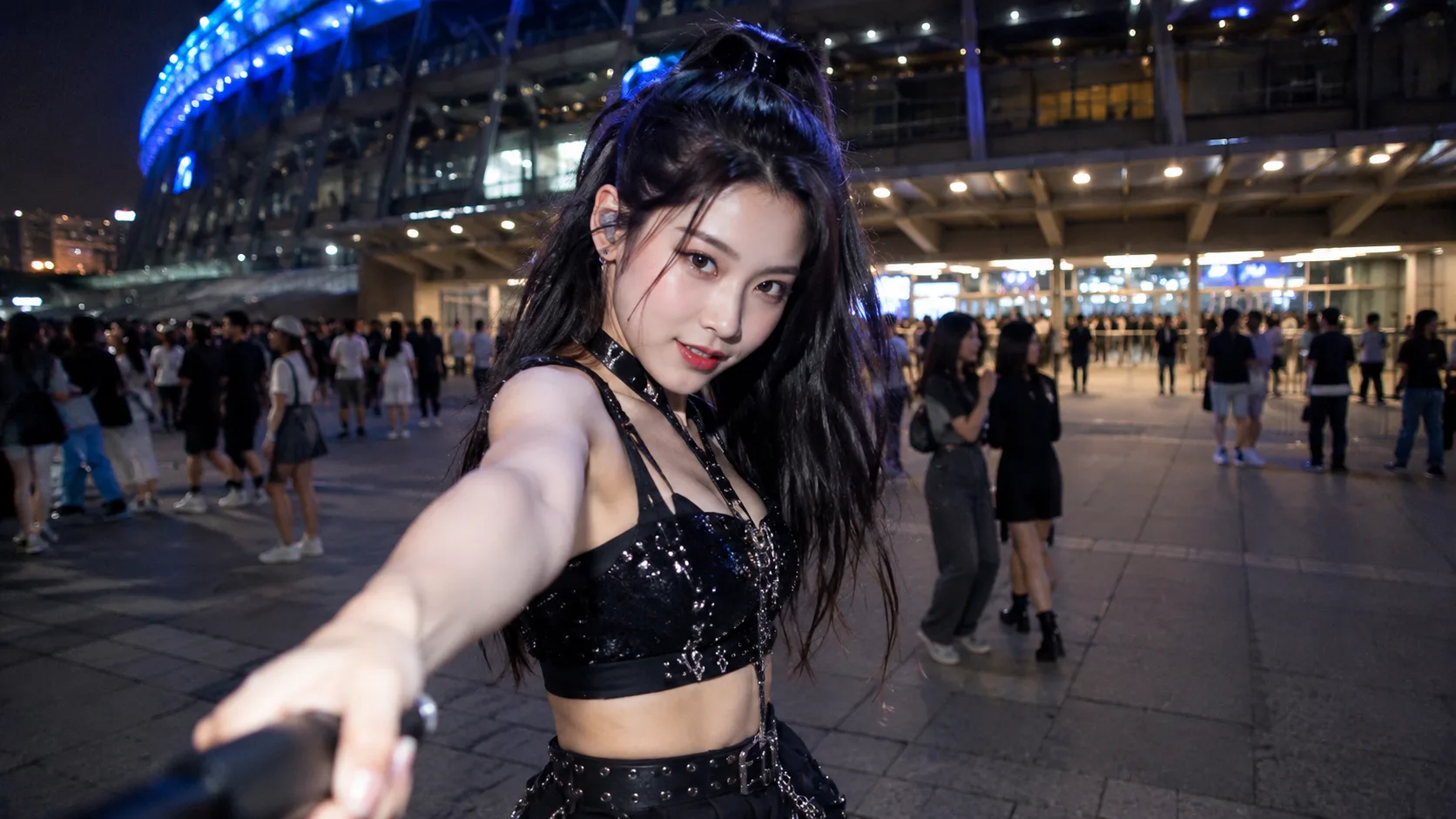
Keep the outfit and visual mood from the source, then move the shot into a more natural selfie context.
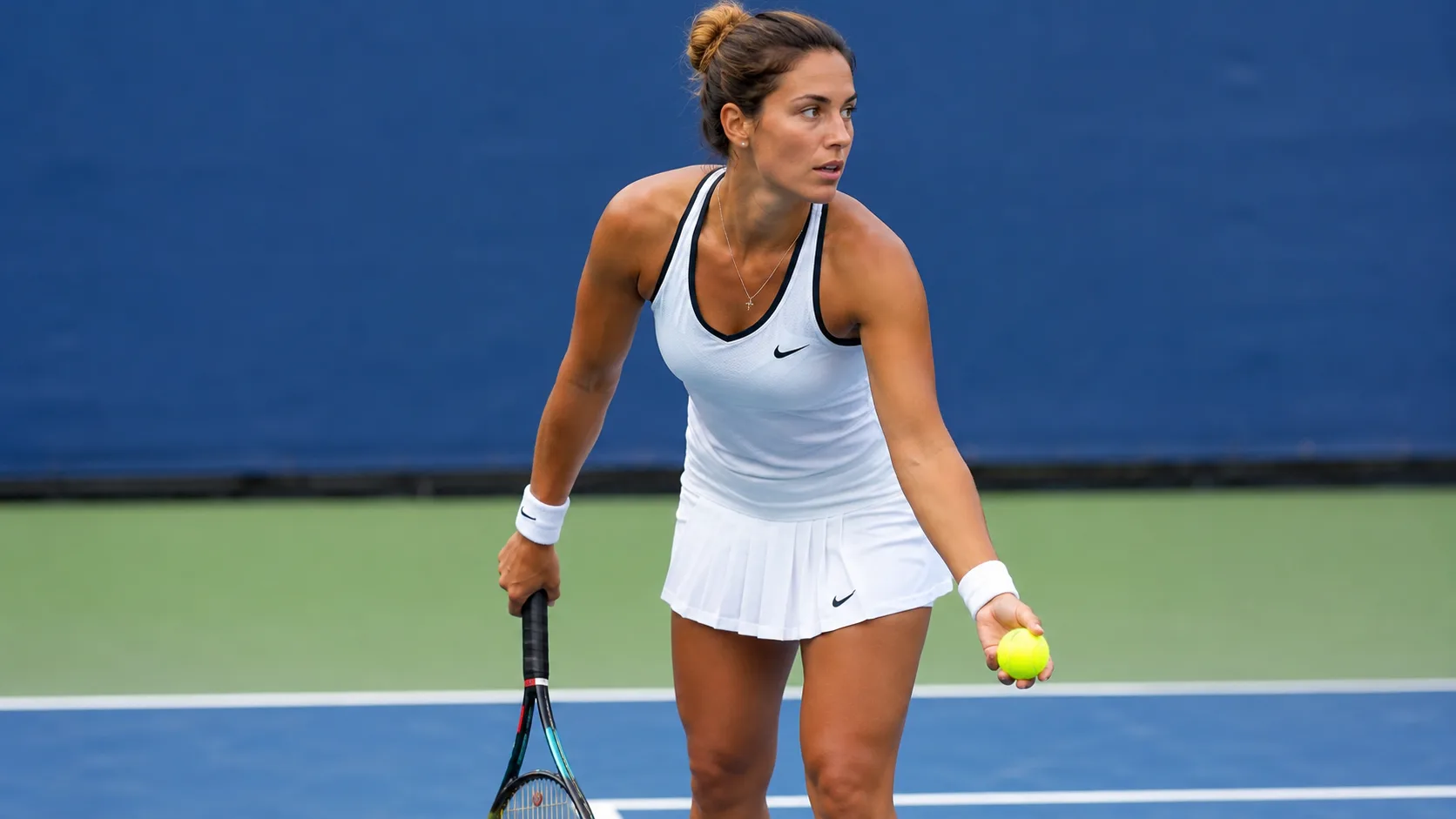
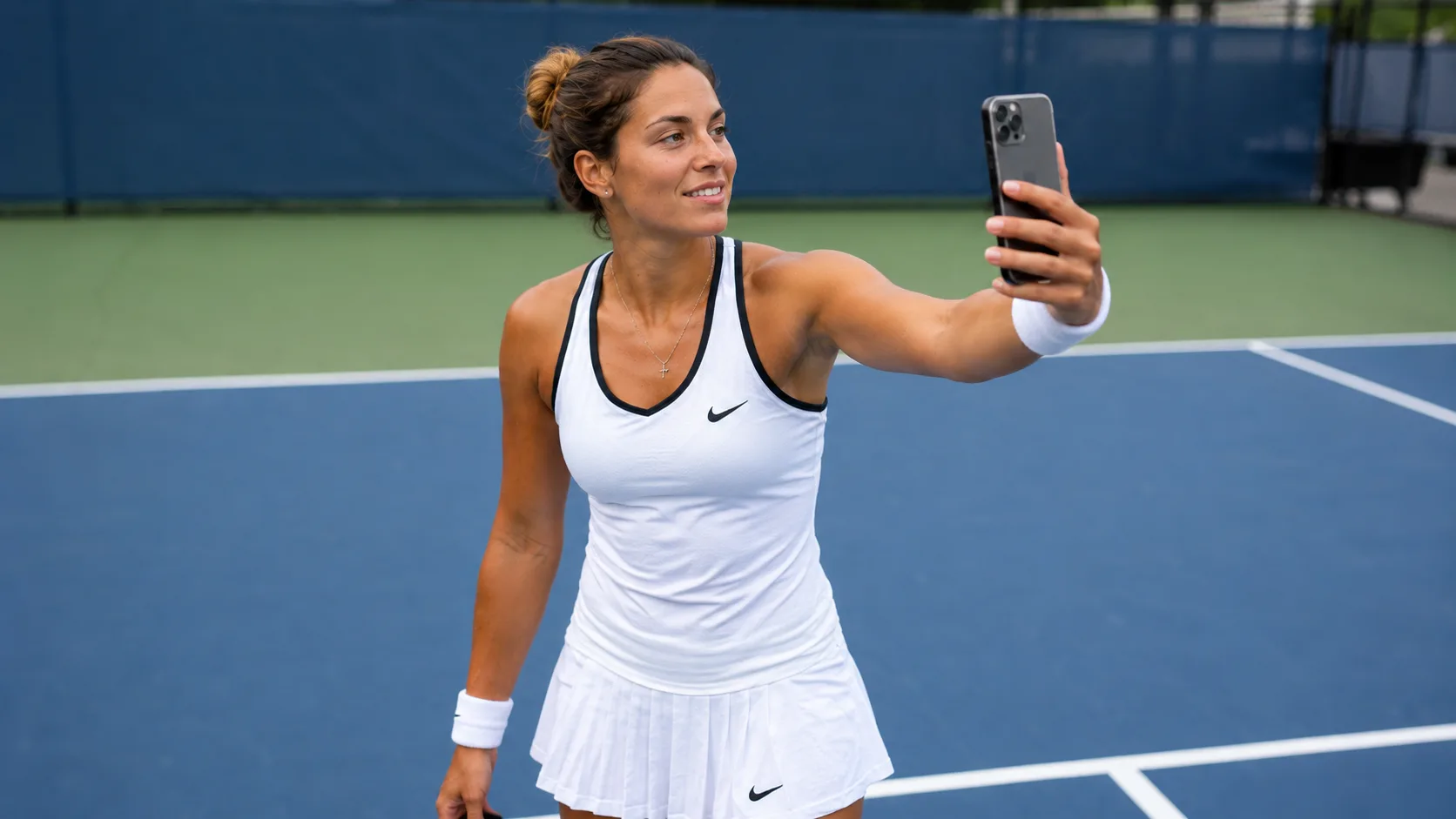
Create a selfie that fits the moment, whether it is for a sports post, profile update, or casual social share.
Start with a clear, recognizable portrait and make small fixes before you generate. Better source photos make it easier to keep the selfie natural.
Use a photo with visible eyes, clean facial edges, and enough detail around your hair, jaw, and skin.
If the photo is blurry, dark, or heavily compressed, run it through Image Enhancer before generating a selfie.
Clean up clutter, awkward background elements, or small flaws with AI Image Editor before writing a style prompt.
Change one main idea at a time: background, outfit, mood, or where you plan to use the selfie.
Ready to try it
Upload your portrait, write a focused prompt, and generate a selfie that matches the scene, style, and use case you want.
Answers about source photos, prompts, file uploads, likeness, and how to improve AI selfie results.
Upload one portrait, write the selfie you want, and generate a new version from that photo and prompt. The prompt guides the scene, style, and final use case.
A well-lit source photo gives the tool more facial detail to work from. Use an unobstructed portrait when you want the result to stay more recognizable.
Use a front-facing or lightly angled portrait with good lighting and an unobstructed face. Avoid very blurry, dark, cropped, or heavily filtered photos when you want a natural selfie.
Describe the setting, lighting, styling, mood, and where you plan to use the image. For example, say whether you want a casual phone selfie, polished profile photo, or styled social post.
No. A single source photo is enough to generate a new selfie concept, profile image, or styled variation.
You can upload PNG, JPG, JPEG, WEBP, or GIF files up to 20MB.
Try a clearer source photo or narrow the prompt to one main change, such as the setting, outfit, mood, or use case. If the photo is soft or dark, improve it before generating again.
Keep creating
Continue with image edits, compare model quality, or send the result into a video workflow.
AI image tools
More image tools
Create, edit, clean up, or upscale stills.

AI models
Compare image models
Pick a better model before making more versions.
AI video tools
Make it move
Animate a still or turn it into a clip.
Birthday Photo Generator
Birthday portraits
Turn a portrait into a birthday photo.
AI Avatar Generator
Profile-ready portraits
Create polished avatar-style portraits.
Headshot Crop
Tighter framing
Crop portraits for cleaner profile photos and bios.
AI Image Generator
Start from any idea
Create a fresh image from a prompt.
Image to Image
Use a reference
Restyle or revise an existing image.
Image Enhancer
Improve quality
Recover detail, color, and clarity.
AI image tools
More image tools
Create, edit, clean up, or upscale stills.
AI models
Compare image models
Pick a better model before making more versions.
AI video tools
Make it move
Animate a still or turn it into a clip.
Birthday Photo Generator
Birthday portraits
Turn a portrait into a birthday photo.