
Free Low Quality Meme Maker
Turn a finished image into an intentionally low-quality meme. Apply a preset or fine-tune the look, then preview and download the result.
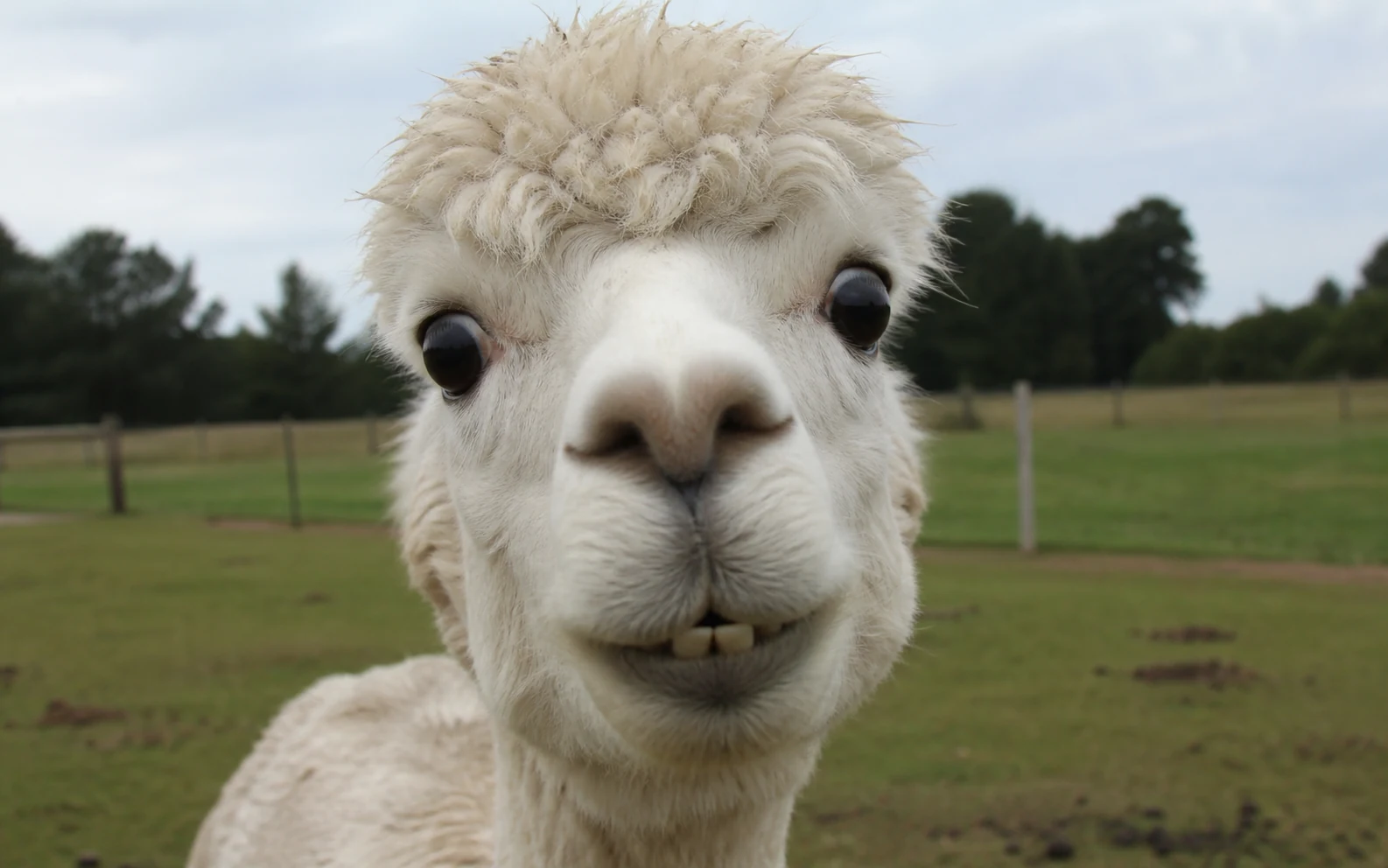
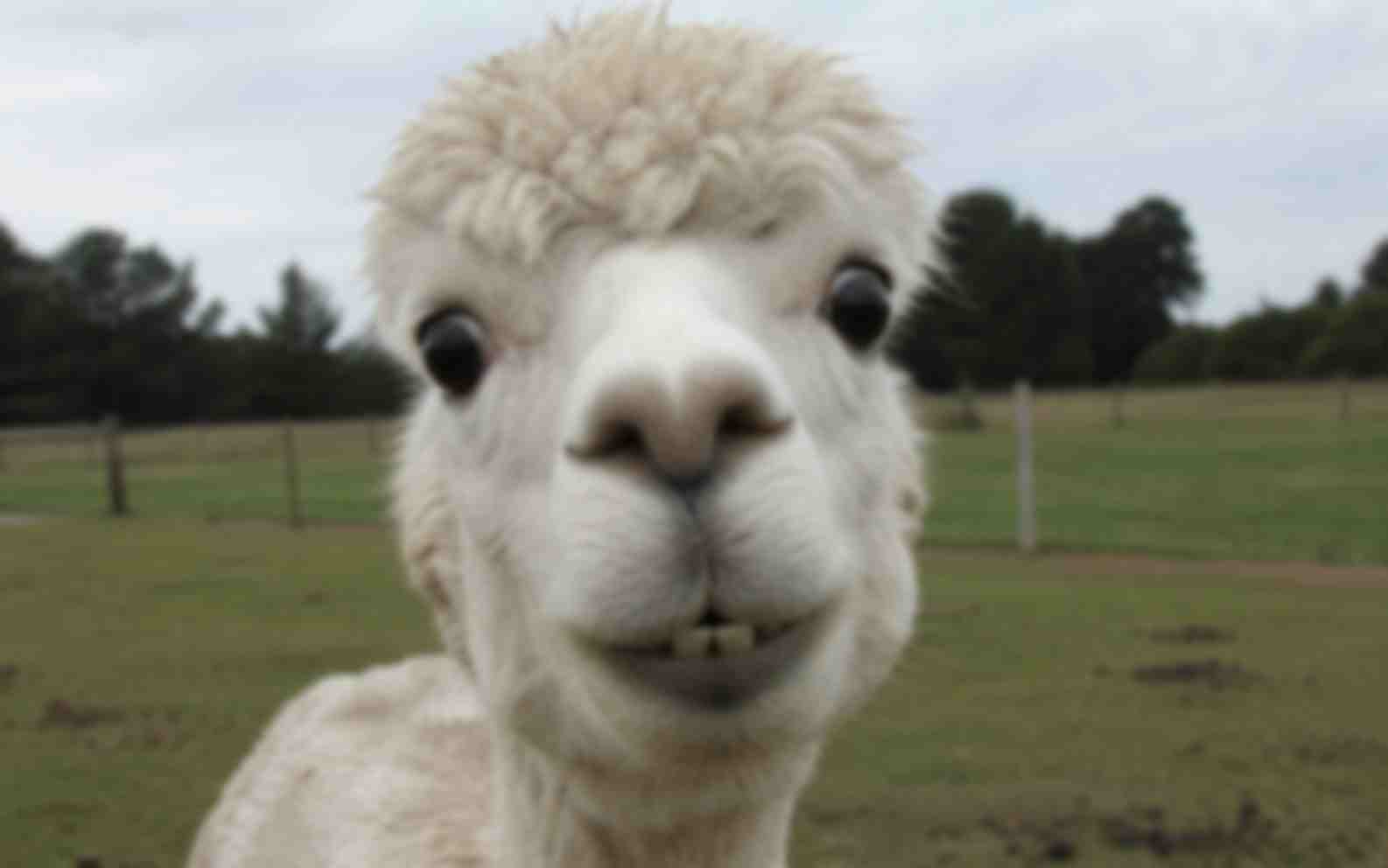
How to make free low quality memes online
Follow these four steps to move from your original image to a downloadable result.
- 01
Choose your finished image
Choose the meme, reaction image, screenshot, or photo you want to degrade. The upload panel shows the supported formats and file-size limit.
- 02
Pick a starting preset
Try Blurry, Grainy, or Extreme, then use Effect strength to make the selected look lighter or stronger.
- 03
Fine-tune the effect
Open Advanced mode to adjust each control separately. Use the comparison slider to check the result against the original.
- 04
Choose a format and download
Select a download format, check the output dimensions, and save the finished image.
How each quality control changes an image
These examples show common ways an image can lose clarity and detail. Preview your own image above to see how each setting affects the result.
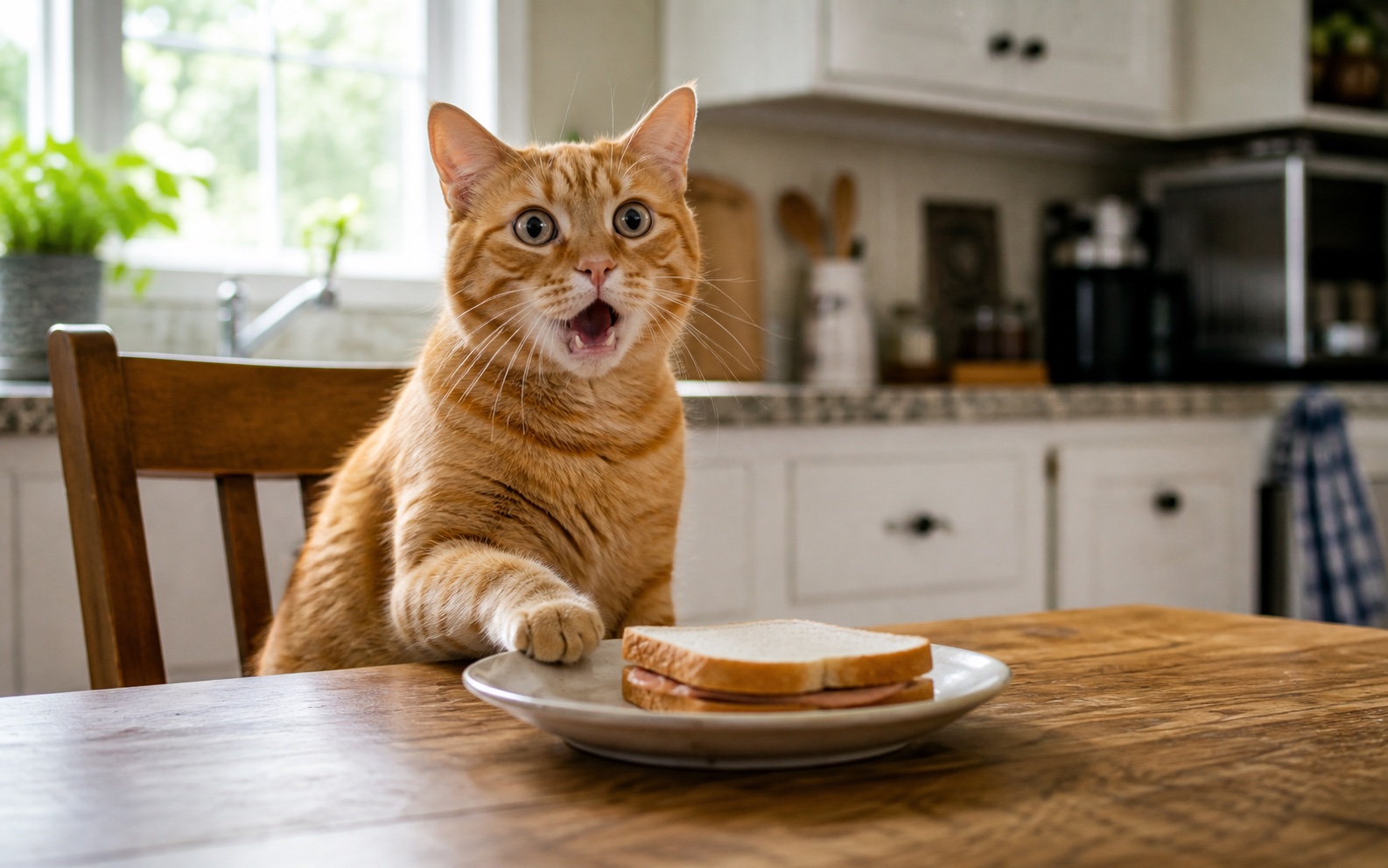
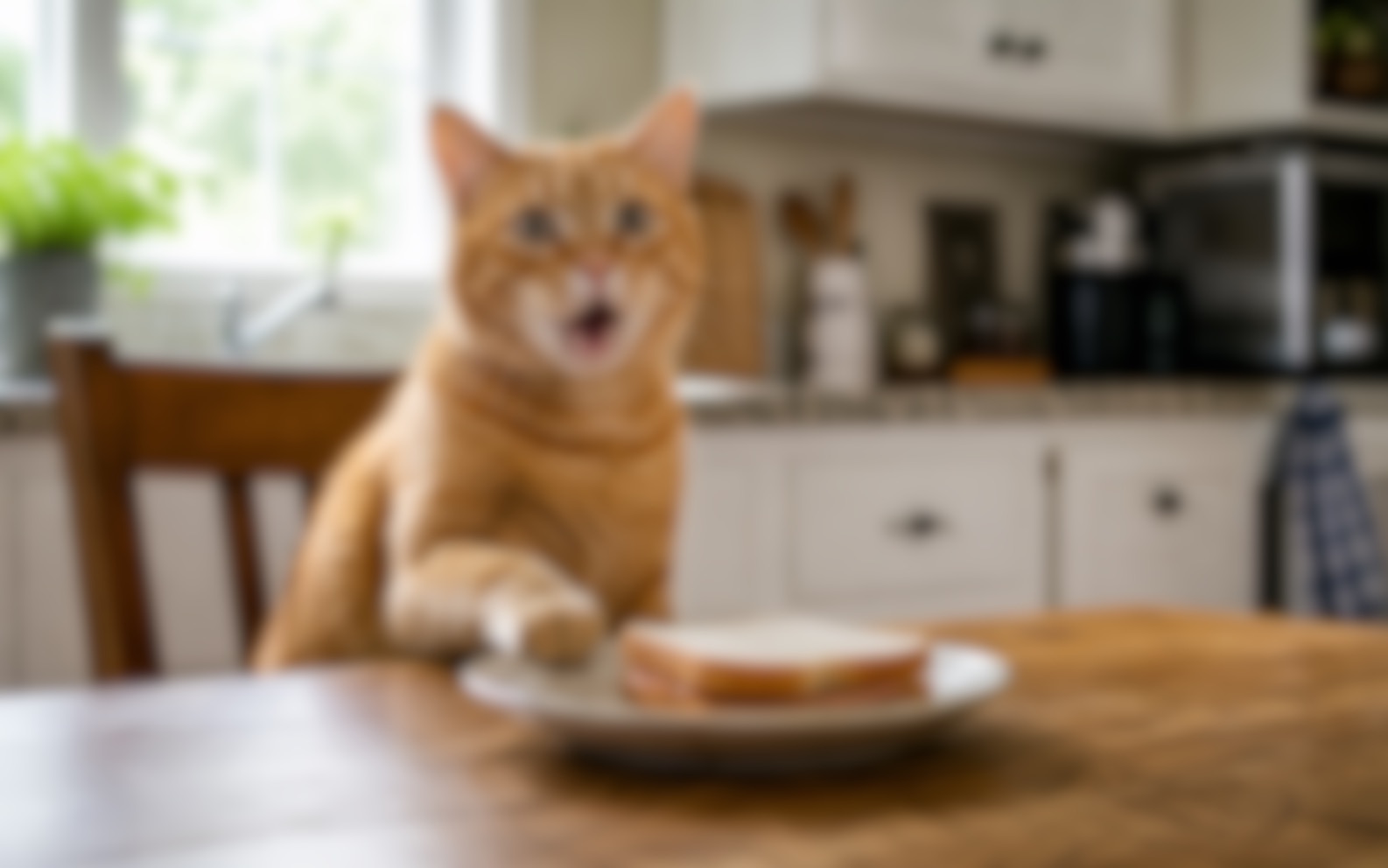
Blur softens edges first
Blur is applied before pixelation, noise, and JPEG compression. Reduce it when the meme depends on small caption text or a precise facial expression.
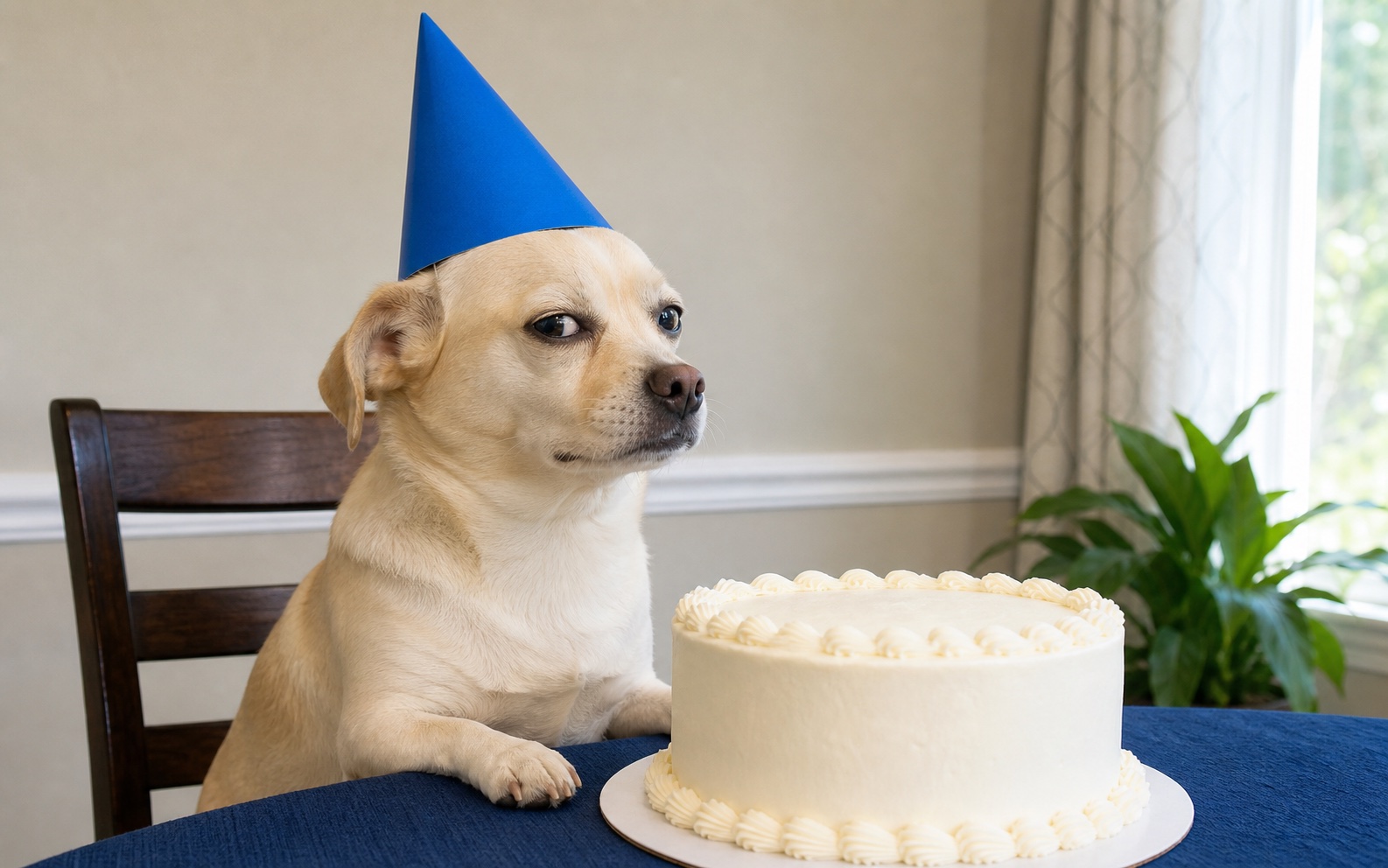
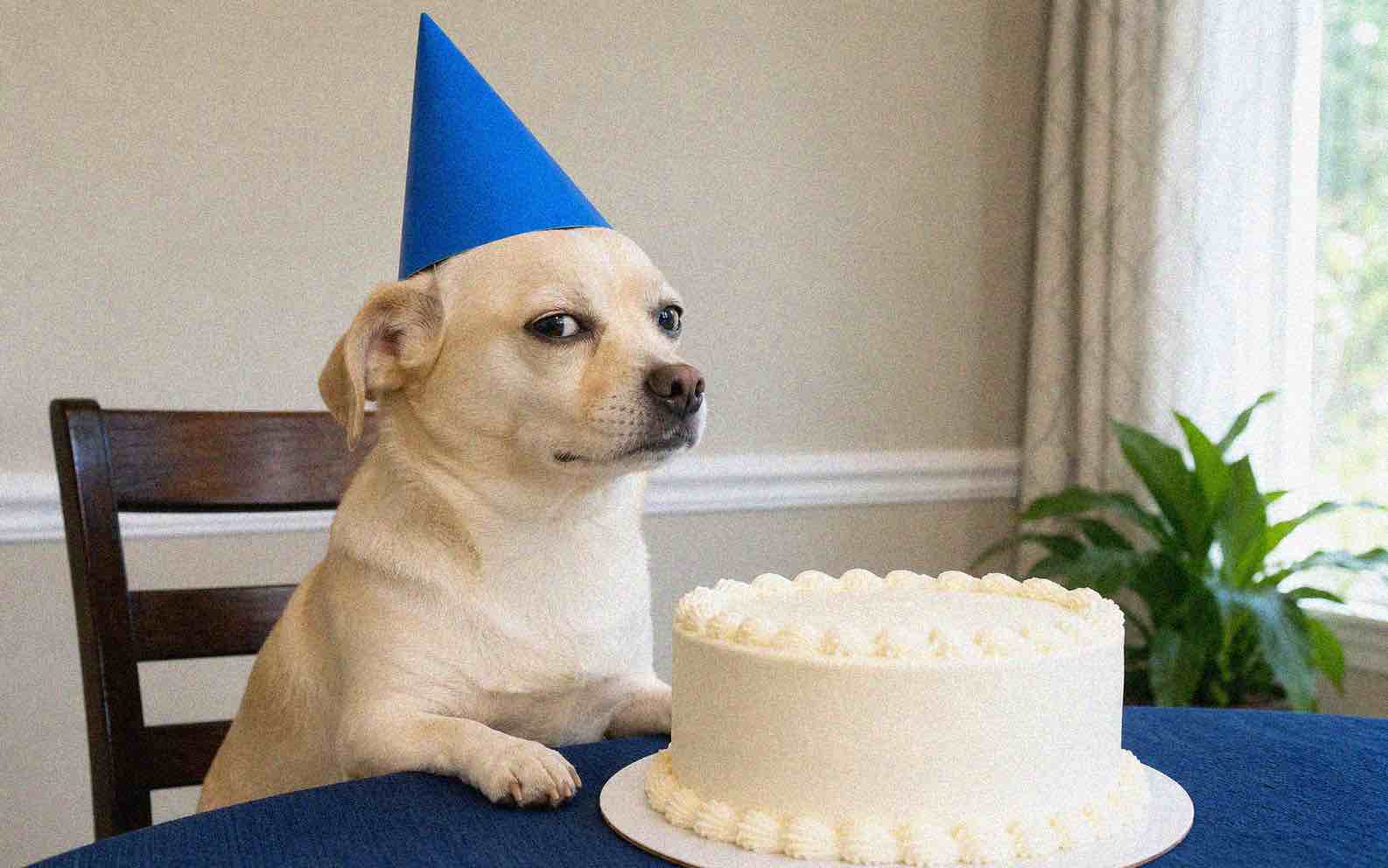
Noise and JPEG quality add different artifacts
Noise adds visible grain across the image. Lower JPEG quality makes blocky compression marks more noticeable around edges and areas of flat color.
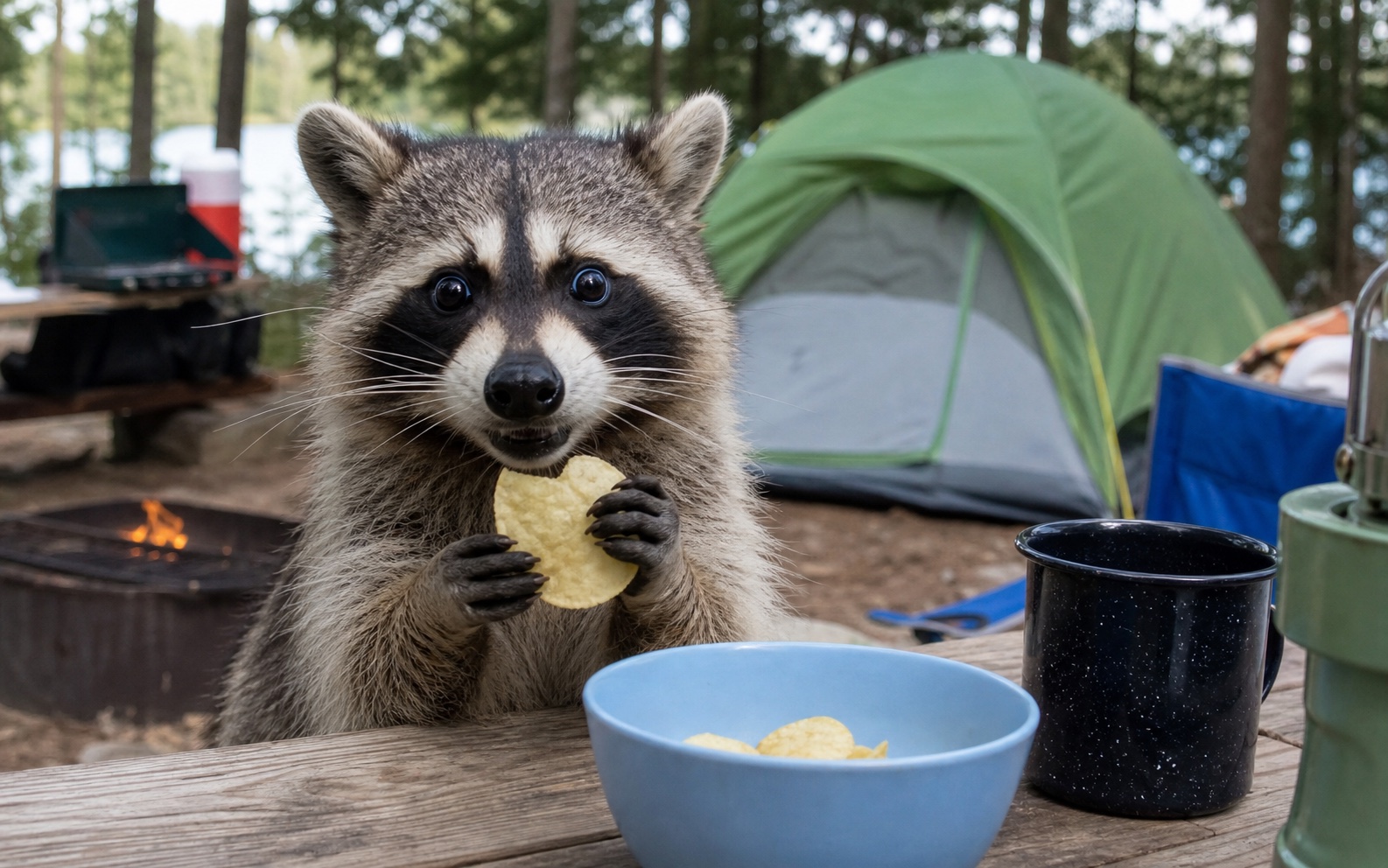
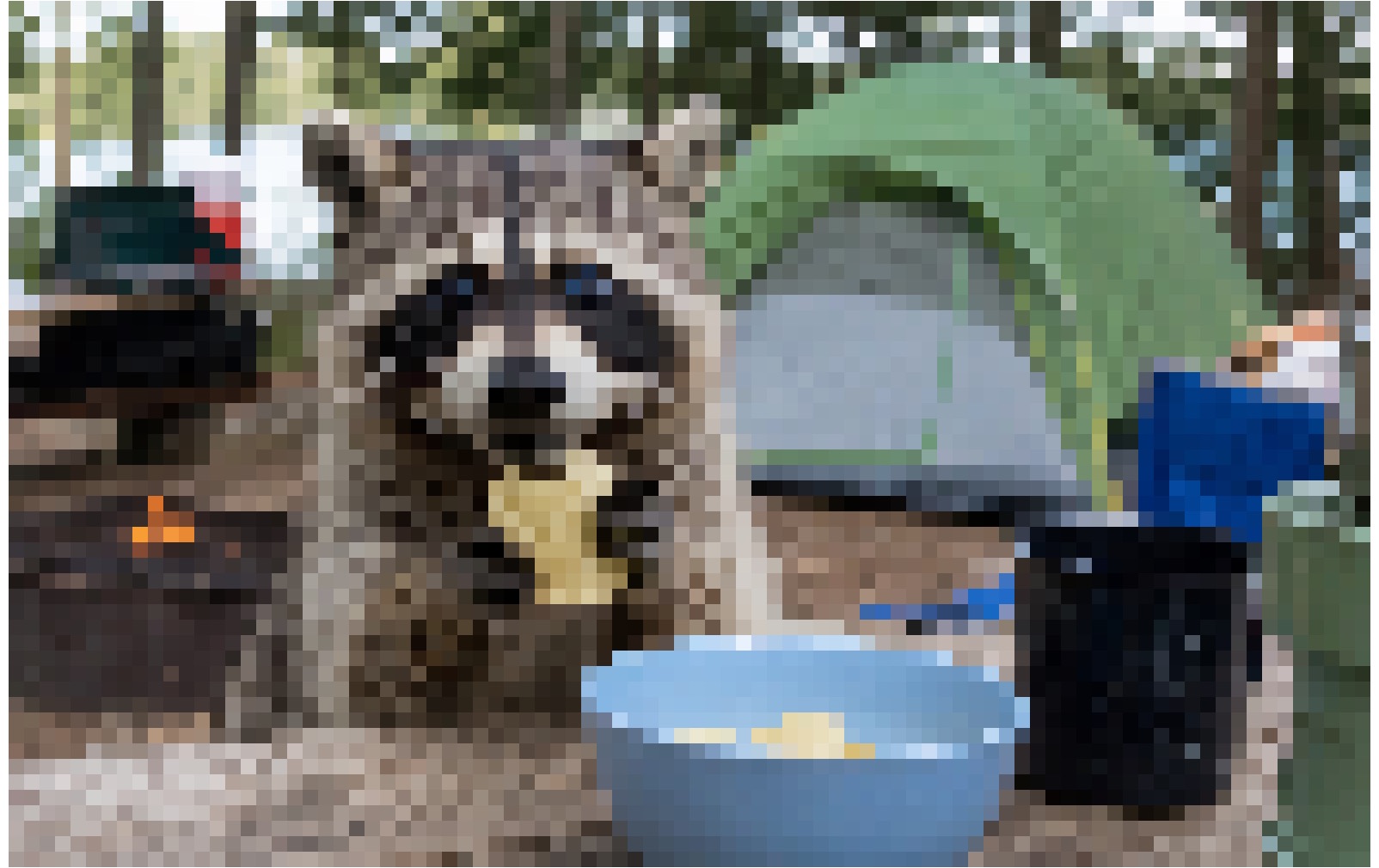
Pixelation and resolution control visible detail
Pixelation makes color blocks larger. Lower Resolution creates a smaller download with less visible detail.
Make it look worse without losing the joke
Adjust one control at a time until the image looks intentionally degraded but the subject and caption remain readable.
Keep captions readable
If the caption becomes hard to read, increase JPEG quality, reduce blur, or lower pixelation until the letter shapes are clear again.
Check it at sharing size
A result that looks clear in a large preview may be harder to read as a small post or reaction image. Check the caption and subject at the size you plan to share.
Expect transparent areas to turn white
The editor places a white background behind transparent parts of PNG and WebP images. Check logos, cutouts, and stickers before downloading.
Keep the original file
This tool intentionally removes detail. If you only have a damaged copy and need the opposite result, try Image Enhancer instead of degrading it again.
Try it with your image
Create a low quality meme
Return to the editor when you are ready to try the effect on your own image.
Low Quality Meme Maker FAQ
Answers about cost, supported media, downloads, deep-fried effects, captions, and AI.
Is this low quality meme maker free?
Yes. You do not need an account, and downloads do not include a watermark.
What is the difference between JPEG and PNG downloads?
JPEG keeps the selected compression effect in the downloaded file. PNG saves the same visual result without further quality loss, but it cannot restore detail already removed by the effect.
Is this the same as a deep-fried meme generator?
It can create the noisy, blocky, low-resolution side of a deep-fried look, but it does not boost saturation, crush contrast, sharpen edges, add lens flares, or repeat the effect in multiple passes. Use it when you want controlled low quality rather than a full color-heavy deep fry.
Does this tool write meme captions or use AI?
No. It uses browser-based image effects, not generative AI. Add your caption or assemble the meme first, then use this tool to create the low quality finish.
Related paths
Explore related image tools
Explore another image step, check model options, or make the output move.
AI image tools
More image tools
Create, edit, clean up, or upscale stills.

AI models
Compare image models
Pick a better model before making more versions.
AI video tools
Make it move
Animate a still or turn it into a clip.
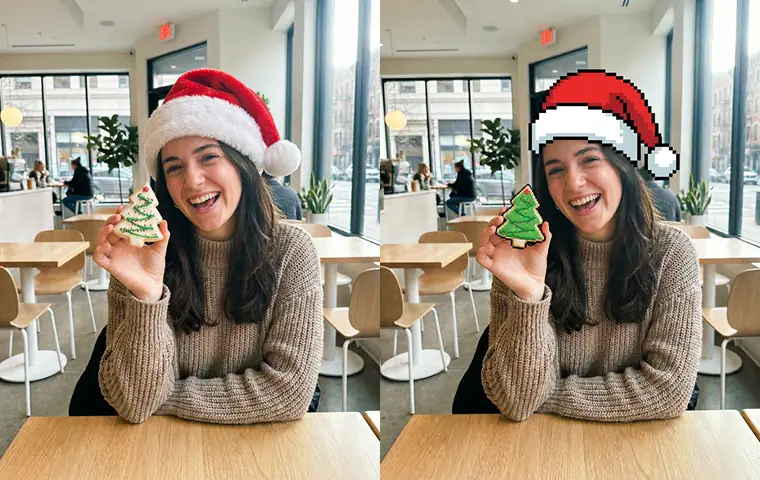
AI Image Generator
Start from any idea
Create a fresh image from a prompt.
Text to Image
Prompt-first creation
Turn a written idea into an image.
Image to Image
Use a reference
Restyle or revise an existing image.
Image to Prompt
Describe a reference
Turn visible image details into a reusable AI prompt.
AI Logo Generator
Brand marks
Create logo ideas from a short brief.
Product Picture Generator
Product visuals
Create polished product photos and campaign scenes.