Create your gameplay video
Add narration, then choose the voice, captions, format, length, and gameplay look.
Loading video settings...

Turn a short script into an endless-runner gameplay video with AI voiceover, optional subtitles and music, and controls for format, length, and visual style.
Create your gameplay video
Add narration, then choose the voice, captions, format, length, and gameplay look.
Gameplay video examples
The Subway Surfers AI video generator combines your narration with endless-runner gameplay, an AI voice, optional captions, and optional background music.
Enter up to 512 characters for the voiceover. Focus on one clear story beat that fits the selected clip length.
Pick a voice, turn subtitles on or off, and choose a bold, classic, karaoke, or minimal subtitle style when captions are enabled.
Choose vertical, landscape, or square output, a 5-, 10-, or 15-second duration, and a bright cartoon, neon city, or realistic 3D look.
Optionally upload one MP3, WAV, M4A, or AAC file up to 5MB, check the displayed credit cost, and create the video.
Choose the settings that support the way people will watch. The examples below are temporary previews and can be replaced without changing the page layout.
Start with a concise hook or story. The selected AI voice reads your text while the gameplay supplies continuous motion behind it.
Keep subtitles visible when viewers may watch without sound. Select a caption treatment that stays readable over a moving background.
Use 9:16 for vertical shorts, 16:9 for landscape placements, or 1:1 for square posts, then pick the visual style that supports the narration.
Use the controls to match narration pace, screen shape, caption treatment, and the mood of the gameplay.
Five seconds works best for a very short line. Use 10 or 15 seconds when the narration needs a setup and a payoff.
Short phrases are easier to read over fast movement. If the voiceover is dense, simplify the script before generation.
The optional music track is mixed quietly under the narration. Choose a track that does not compete with the spoken words.
The Create video button updates from the tool estimate when duration or other billable settings change.
Narration and gameplay in one workflow
Write the narration above, review the current credit cost, and generate the clip. Develop the idea with the AI Video Prompt Generator or explore a general-purpose Text to Video generator.
Answers about narration, voice, subtitles, background music, video size, duration, and credits.
It turns narration text into a short endless-runner gameplay video with an AI voiceover. You can also control subtitles, background music, aspect ratio, duration, and gameplay look.
Enter the text you want narrated. The current text field accepts up to 512 characters, so keep the script focused on one short idea or story beat.
Yes. The available voice list is loaded from the tool details and currently includes several English and Chinese voice options.
Yes. Subtitles are enabled by default, but you can turn them off. When they are on, you can choose bold, classic, karaoke yellow, or minimal styling.
You can optionally upload one MP3, WAV, M4A, or AAC audio file. The maximum file size is 5MB.
Choose 9:16 vertical, 16:9 landscape, or 1:1 square. Gameplay length can be 5, 10, or 15 seconds.
The Create video button shows the current estimate returned by the tool. The amount updates when relevant settings, including duration, change.
More to try
Find the next tool for generation, restyling, cleanup, extension, or model comparison.
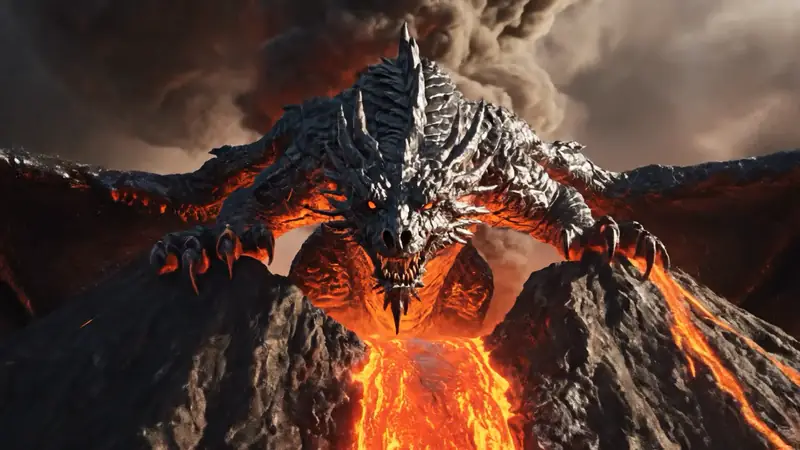
AI video tools
More video tools
Generate, edit, clean up, or improve clips.

AI models
Compare video models
Pick a better model before rendering again.

AI image tools
Prepare source images
Create a stronger still for the next video run.
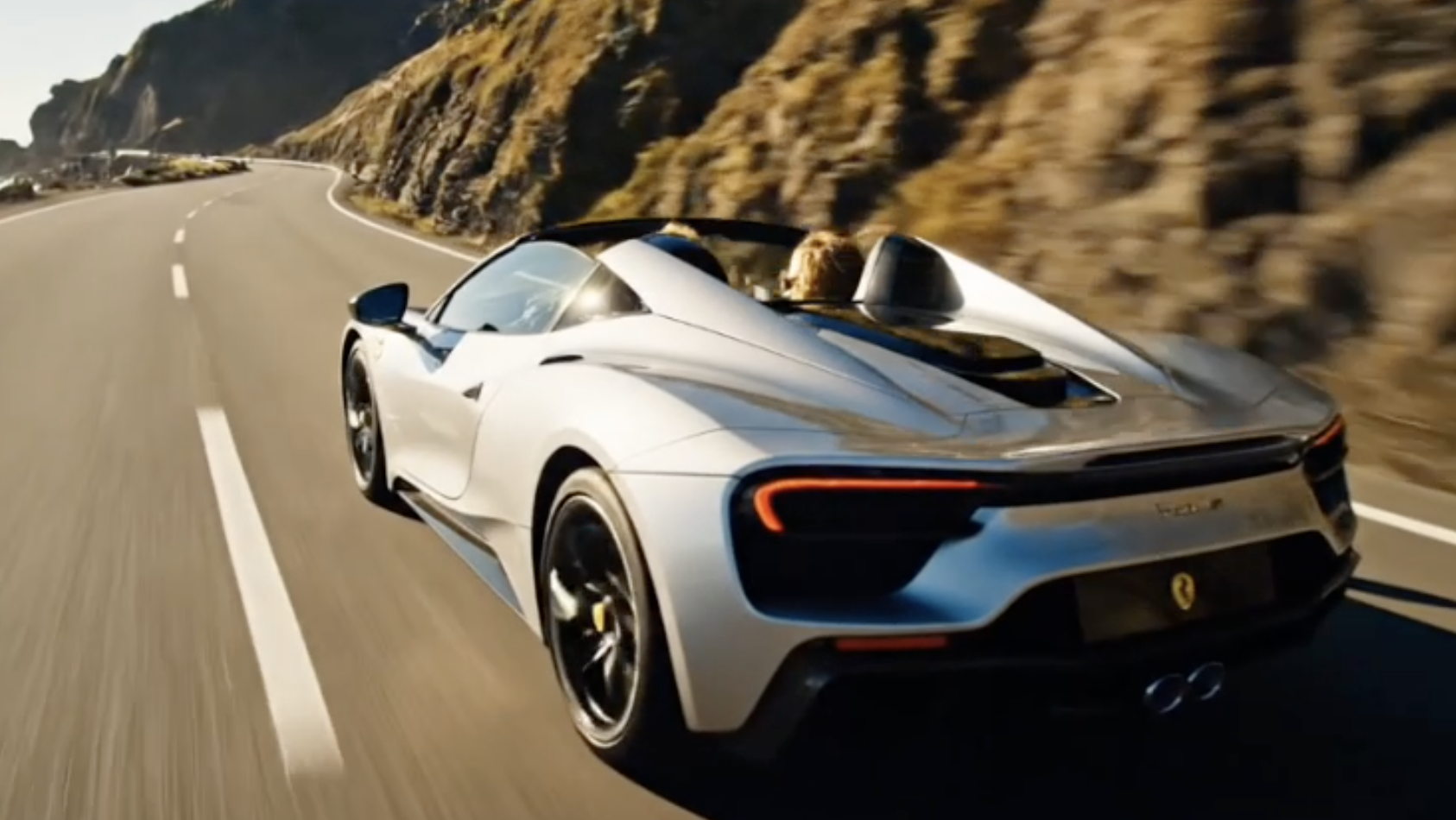
AI Video Generator
Start a video
Create a clip from a prompt or image.

Text to Video
Prompt-first video
Turn a written scene into motion.

Image to Video
Animate a still
Turn an image into a short clip.
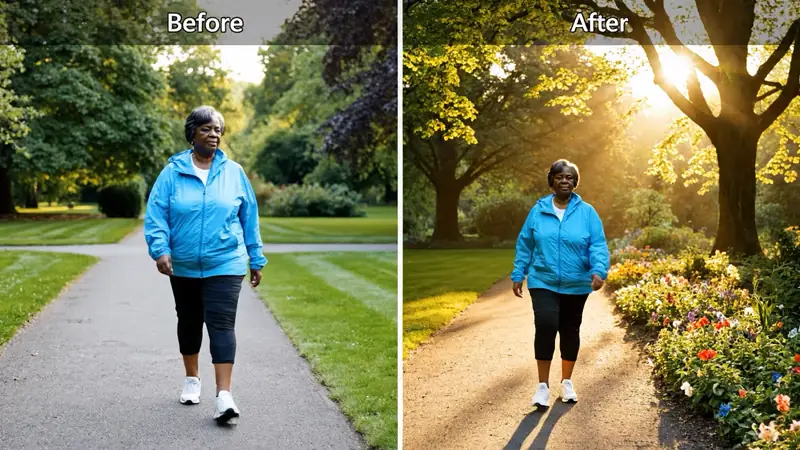
Video to Video
Restyle footage
Change the look of an existing clip.
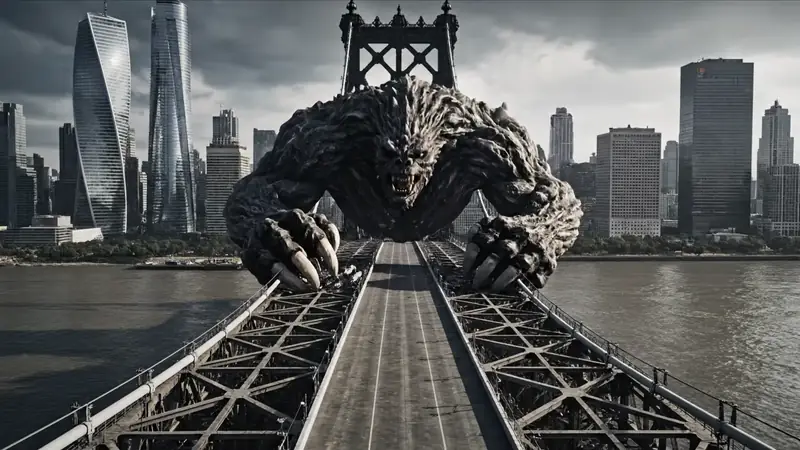
AI Video Extender
Extend a clip
Continue a short video into a longer scene.
AI Video Editor
Edit with prompts
Revise a clip without a timeline.