Original voice sample
0:00 / 0:00
Transcript
Hey, thanks for checking out this demo. I'm recording this in my home studio, just speaking naturally so the AI can learn the sound of my voice.

The AI voice cloner copies a real voice from a short sample recording. Upload the sample, type the words you want it to say, and the clone speaks your script in that voice.
This is different from the other voice tools: the voice generator designs a brand-new voice from a description, text to speech speaks your script with an existing voice, and the voice changer transforms a recording. Cloning replicates a specific real voice — yours, or one you have permission to use.
Upload a clear recording of the voice you want to clone. A longer, cleaner recording — speech only, no background noise — gives a more faithful clone.
Check the consent box to confirm the voice is yours or you have the owner's permission. Cloning without permission violates our terms.
Enter the script for the cloned voice to speak. Keep sentences natural — the clone follows your wording, pauses, and emphasis.
Generate the clone and listen to the preview. Try a different sample or rephrase the script if the delivery sounds off.
Upload a sample, confirm your right to the voice, and generate speech in that voice.
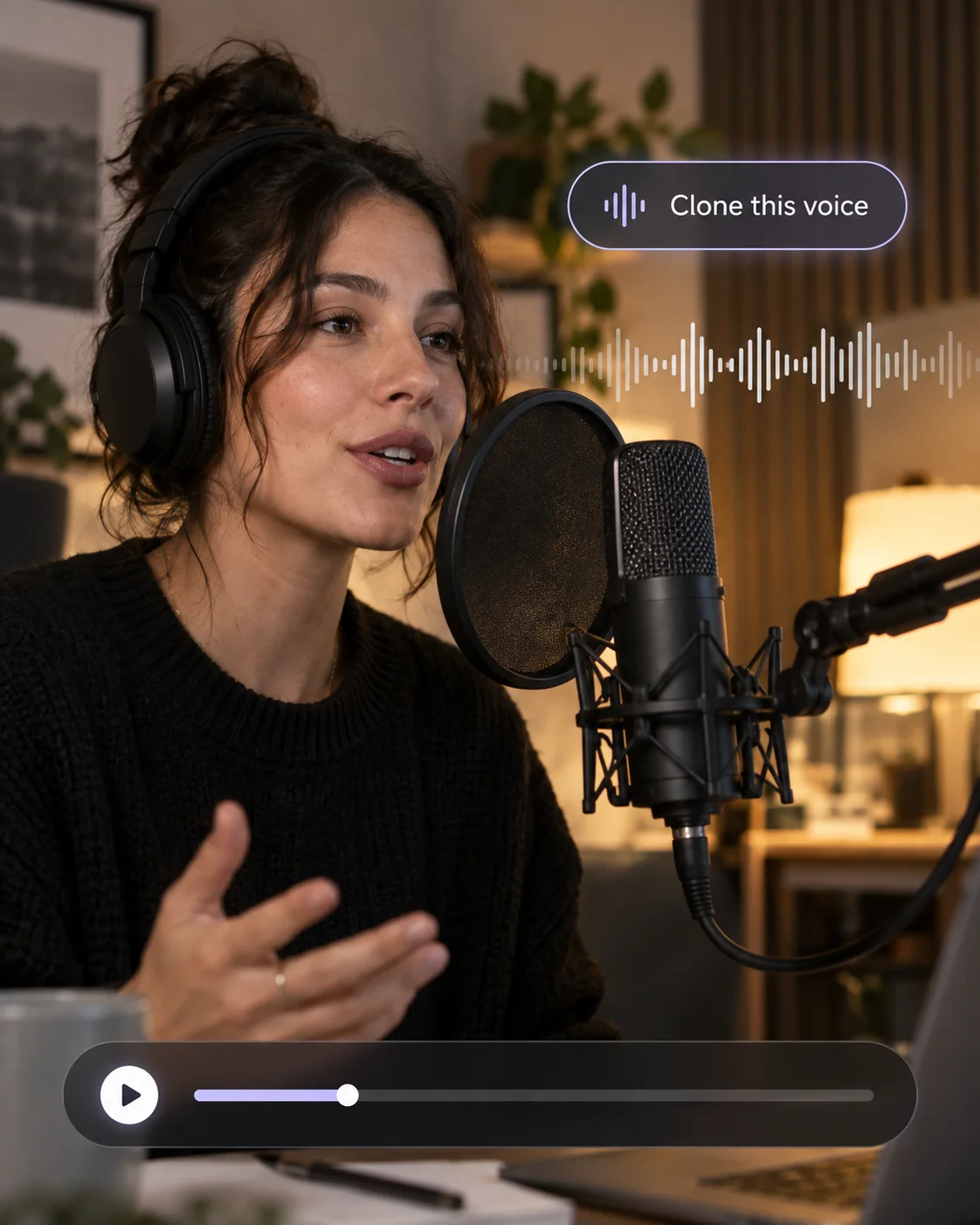
The workspace asks you to confirm your right to the voice before generating, not buried in fine print.
Upload the sample, type the script, and preview the clone without switching tools.
Every cloned voice-over is saved to your Assets, ready to reuse across episodes, ads, and localized cuts.
A clean, longer sample clones better than a short noisy one. The page tells you what to upload instead of promising miracles.
Play the original recording, then hear the cloned voice speak new words.
Transcript
Hey, thanks for checking out this demo. I'm recording this in my home studio, just speaking naturally so the AI can learn the sound of my voice.
Transcript
And this is the cloned version of that same voice. I never recorded these words — the AI learned my tone and character from the first sample, and now it can say anything.
Sample quality decides clone quality — record clean, write naturally.
Speak naturally for at least a few dozen seconds in a quiet room, close to the mic. Read varied sentences so the clone learns the voice's full range.
Upload a recording with a single speaker. Mixed voices, music beds, and heavy effects make the clone less accurate.
Short sentences, natural punctuation, and spelled-out numbers read better. Avoid all-caps and dense jargon the voice never said in the sample.
Cloned voices can carry extra licensing limits. Check your plan's terms before using a clone in ads or client work — and keep the owner's permission on record.
Upload a clear voice sample, confirm you have the right to clone it, type the script, and generate. The AI builds a clone that speaks your words in that voice.
A few minutes of clean, single-speaker speech gives the best result. Shorter samples work, but the clone is less faithful — noisy or mixed recordings work worst.
Only with that person's consent. The workspace requires you to confirm your right to the voice before generating, and cloning without permission violates our terms.
Cloning replicates a specific real voice from a sample recording. The voice generator designs a brand-new voice from a text description, with no sample needed.
Each generation is saved to your asset library, so one clone can cover a series, ad reads, and localized scripts. Check your plan's commercial terms before publishing.
More AI audio tools
Browse every AI audio tool, from generators to converters, and keep creating.
Text to Speech
Create new narration
Turn any script into natural spoken audio.
AI Music Generator
Generate instrumental music
Create instrumental tracks from a text prompt.
AI Song Generator
Add lyrics and vocals
Turn lyrics and ideas into complete songs.
AI Beat Maker
Build a beat
Build beats and grooves from a short prompt.
AI Voice Changer
Transform recorded audio
Transform a recording into a different voice.
AI Sound Effects Generator
Generate a sound effect
Generate any sound effect from a description.
Soundboard
Play sounds instantly
Trigger instant sound effects from a soundboard.
AI Voice Over
Narration workflows
Produce voiceovers for video and presentations.
Voice Over Advert
Ad and promo voiceovers
Create voiceovers tuned for ads and promos.
Portuguese Text to Speech
Portuguese speech
Generate natural Brazilian Portuguese speech.
British Accent Generator
British English voices
Convert text to British-accented English speech.
Anime Voice Changer
Anime character voices
Restyle a recording with an anime character voice.
Girl Voice Changer
Young feminine voices
Convert a recording into a young feminine voice.
Audio Converter
Convert an audio file
Convert audio files between formats.
MP4 to MP3 Converter
Extract audio from MP4
Extract the audio track from an MP4 video.
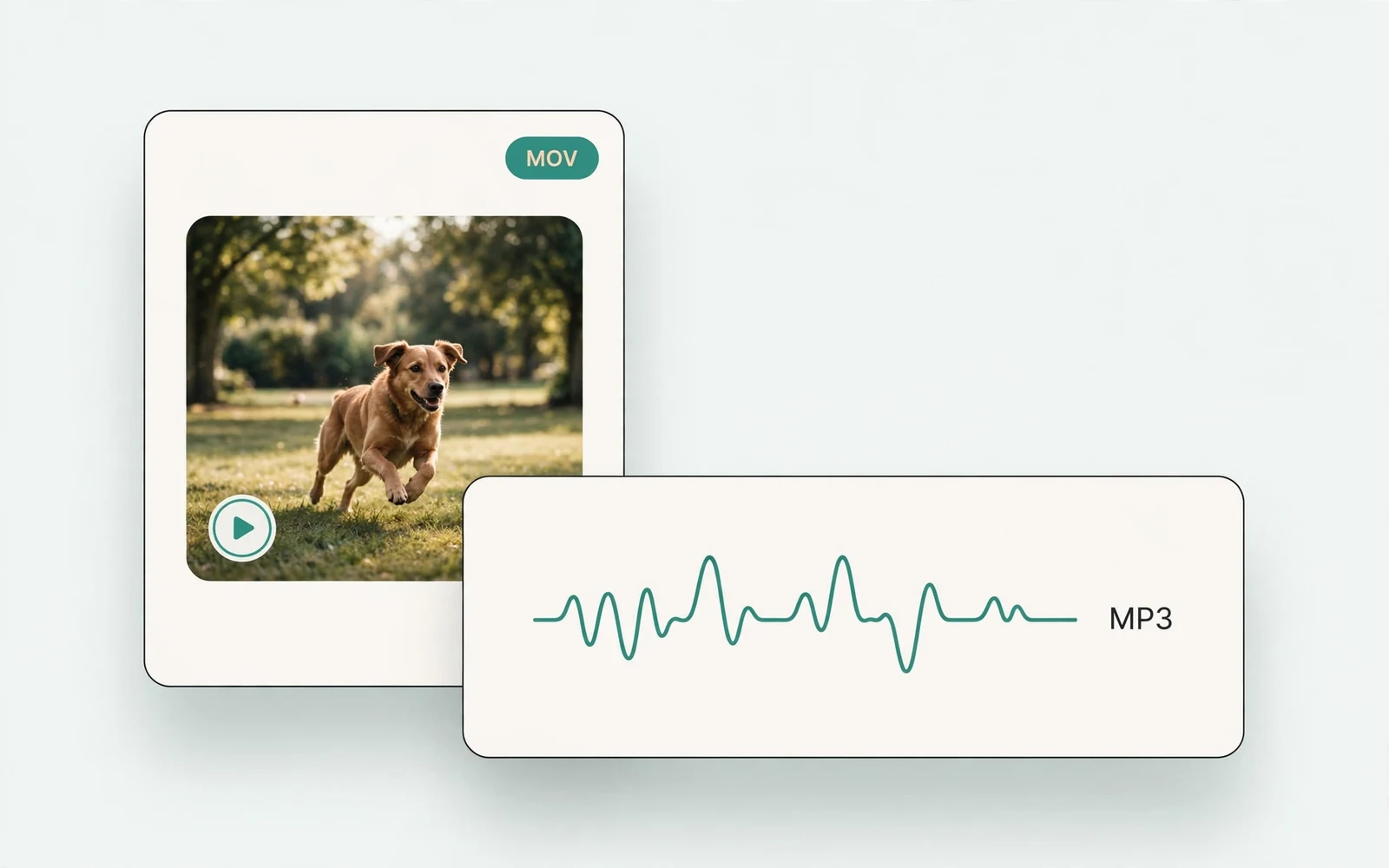
MOV to MP3 Converter
Extract audio from MOV
Extract the audio track from a MOV video.
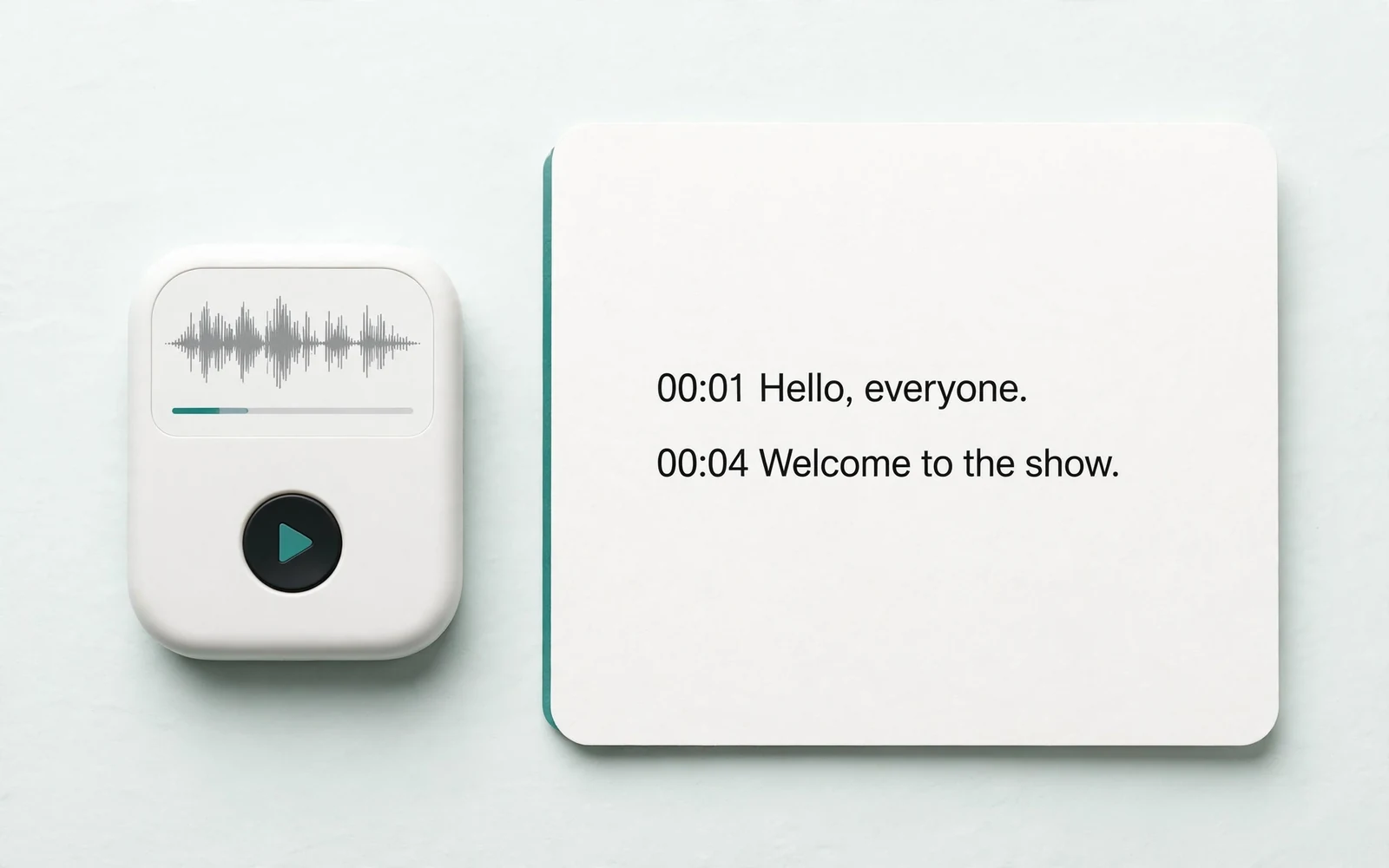
Audio to Text
Transcribe a recording
Transcribe any recording into text.
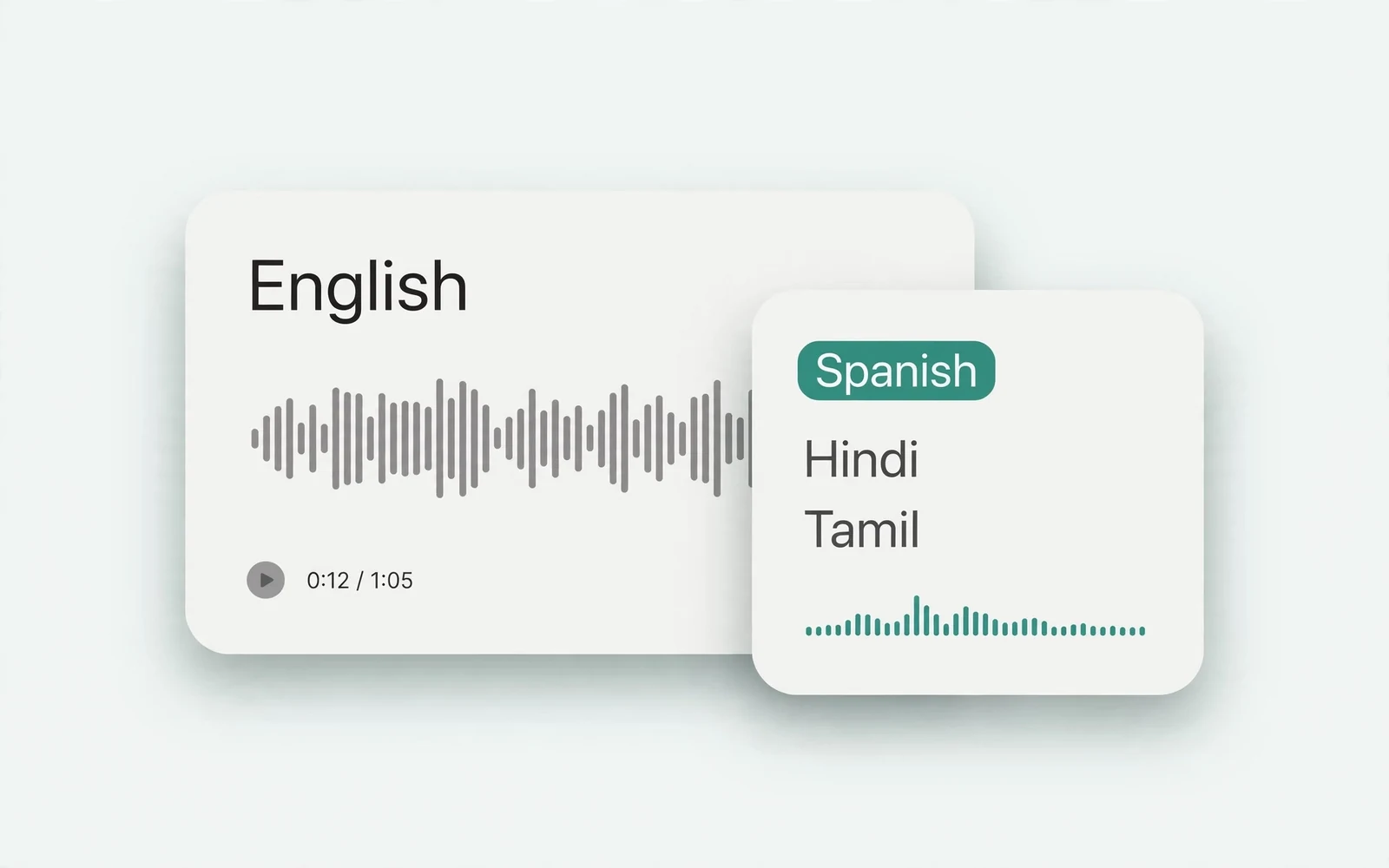
Audio Translator
Translate spoken audio
Translate spoken audio into another language.
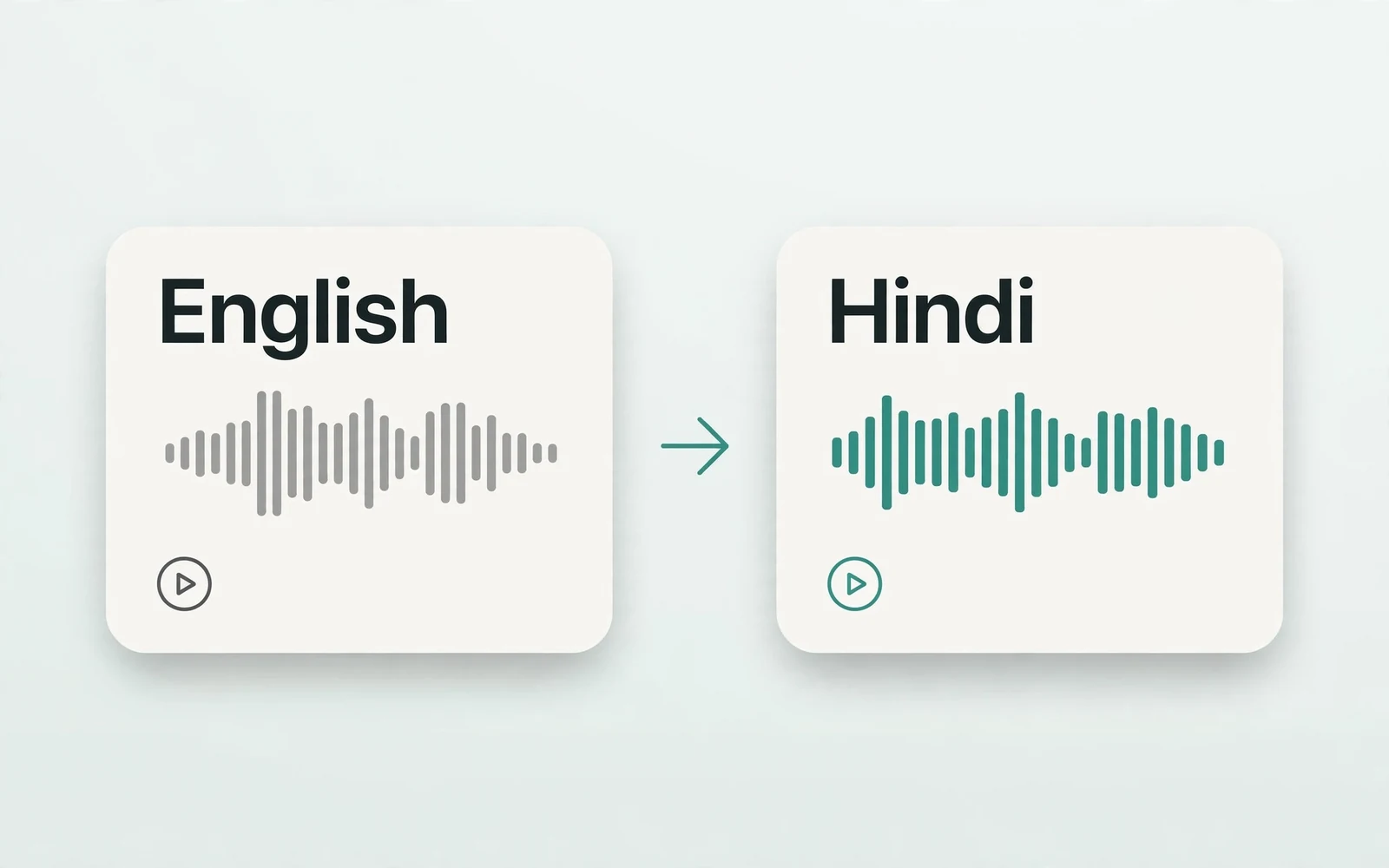
English to Hindi Voice Translator
English to Hindi audio
Turn English speech into Hindi audio.
Translate English to Tamil Audio
English to Tamil audio
Turn English speech into Tamil audio.
Hindi to English Voice Translation
Hindi to English audio
Turn Hindi speech into English audio.
AI Voice Generator
Design a new voice
Design a brand-new voice from a description.