
UGC ad script generator
Get three AI-written ad scripts with hooks, shot plans, and CTAs. Try 3 times free, without signing in.
Share product facts and your ad goal. We turn your brief into scripts—no prompt writing needed.
Length is a target for spoken copy. This tool creates text only.
3 scripts per generation. Signed in: 1 credit each time.
Example: UGC testimonial
A reusable travel mug · Pain point → experience → result → CTA
Script
- Hook
- What does a reusable travel mug look like in a real routine?
- Body
- A reusable travel mug with a sage-green finish. A morning drink goes from the kitchen to the desk. I'll try it in my everyday routine and show how I use it.
- CTA
- See how it fits your routine.
Loads a sample brief. Edit it, then generate 3 scripts.
More story formats
Write a UGC ad script in four steps
Start from a plain product description. The generator shapes it into three short scripts you can film yourself or hand to a creator.
- 01
Write a product brief
Add product facts, who it is for, what to show, and what viewers should do next. You can edit a sample brief to get started.
- 02
Pick a story format
Choose a UGC testimonial, product showcase, unboxing, spokesperson, or before and after. Each follows a familiar ad structure.
- 03
Set platform, length, and tone
Choose TikTok, Instagram Reels, or YouTube Shorts, a length that suits the format, and a conversational, warm, or direct tone.
- 04
Compare three scripts
Each script has a hook, body, CTA, and a shot plan with a video prompt for every shot. Copy the one you want to use.
Give the generator a brief it can use
A short, factual description is enough. These habits help the scripts stay filmable and accurate.
Lead with what the product is
Name the product and what it does before anything else. The scripts are built around that first description.
Leave out claims you cannot prove
Scripts are drafts. Check every line against your product facts and the ad platform rules before you film or publish.
Match the story to the product
Before and after works when the change is visible. Unboxing suits gifts and kits. Testimonials suit products people use every day.
Choose where the ad will run
The AI uses your platform, target length, tone, and script language to write the drafts. Read the script aloud to check its timing.
From product to script
Get three UGC ad scripts for your product
Describe the product once and compare three hooks, bodies, and CTAs side by side. You can try it without an account.
UGC Ad Script Generator FAQ
Answers about what the tool writes, product links, using a script, and free limits.
What does this tool create?
It creates three AI-written ad script directions — each with a hook, body, CTA, shot plan, and a prompt for each shot. Turning a script into a video happens in the next step.
Do I need to write an AI prompt?
No. Describe your product and ad goal in plain language, then choose Generate 3 scripts. Try this product brief fills the input with a sample; it does not generate scripts or use a free attempt.
Can I start from a product link?
Not yet — describe the product in the text box instead. Include details you can back up, and check the generated drafts against your product facts.
Can I use a script as written?
Treat every script as a starting draft. Check each line against your product details and local advertising rules before you shoot or publish.
How many free scripts can I generate?
Try 1 generations in total without signing in. Each creates three text scripts. After that, register or sign in to continue at 1 credit per generation. Signed-in generations cost 1 credit from the start.
AI ad tools
More ways to make your ad
Each tool starts from something different. Pick the one that matches what you have.
AI ad maker
Choose where to start
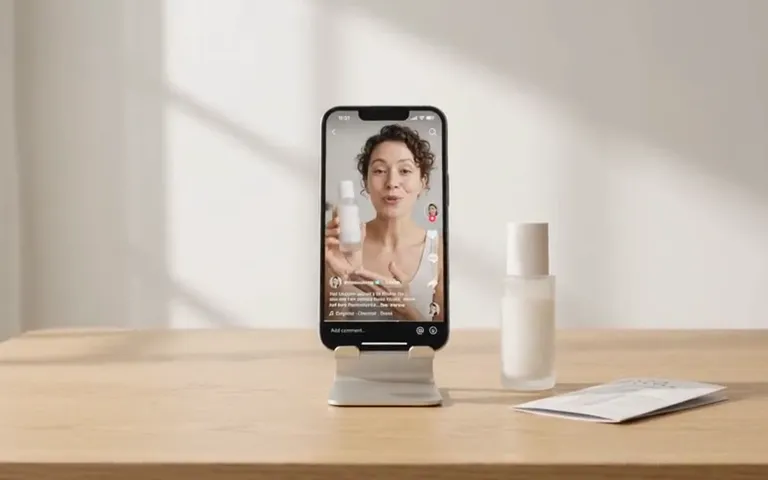
Start your video ad with a product link, photo, or description.
URL to Video Ad Generator
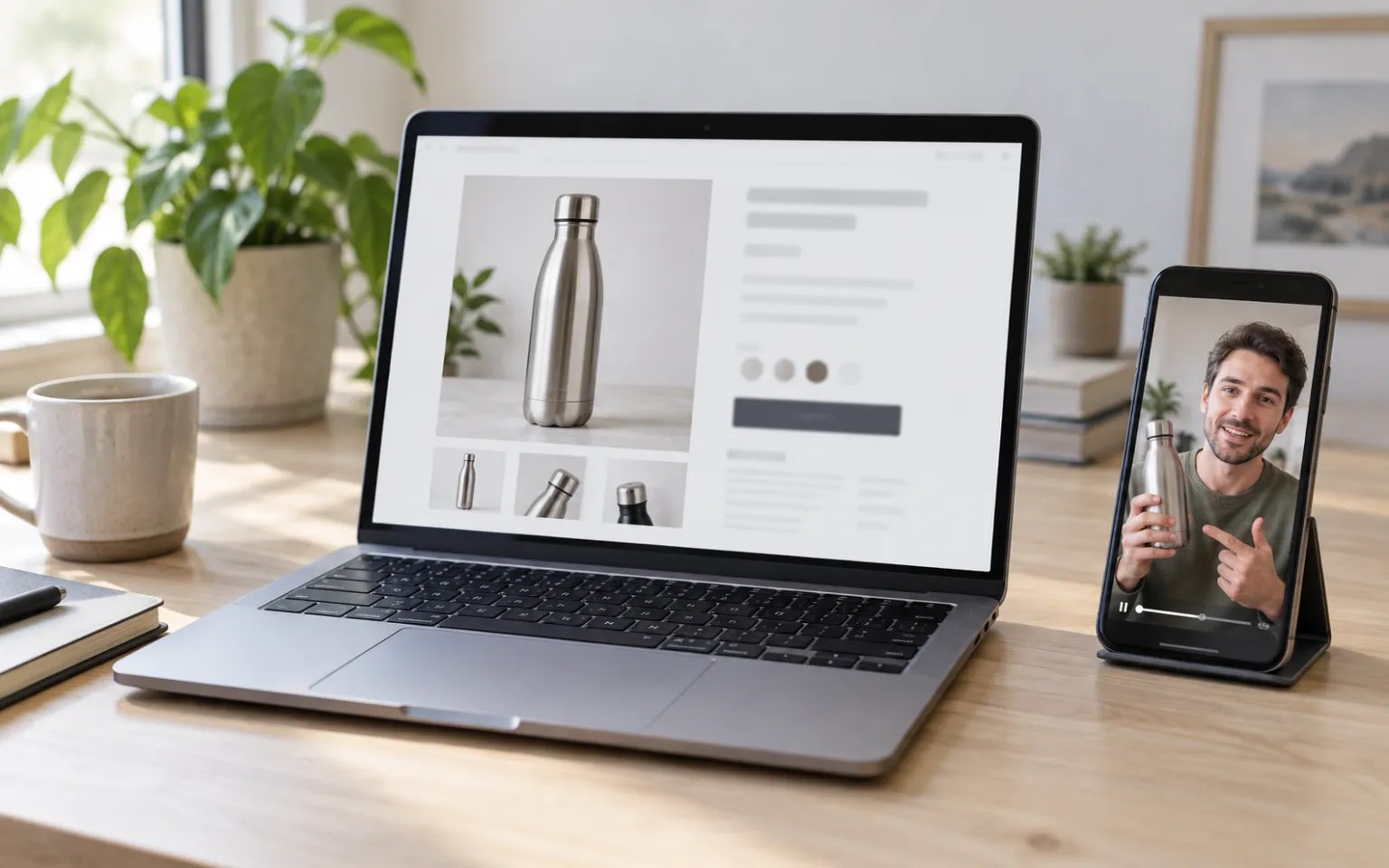
Have a product page
Read a product page, review the details, and preview a free video sample.
AI UGC Video Generator
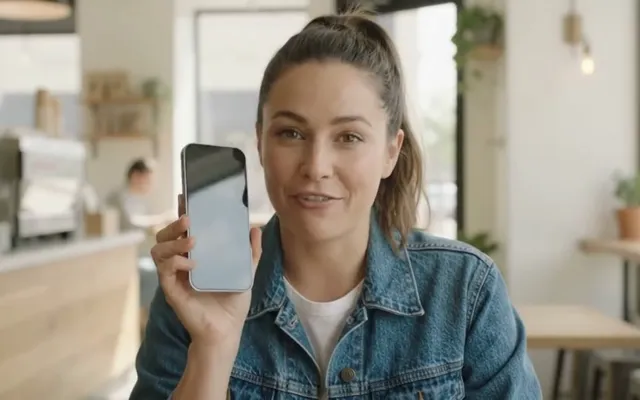
Want a person on camera
Choose from hundreds of AI presenters and give them your script.
AI Product Video Generator
Have product photos
Turn up to five product photos into a video ad. No presenter needed.
Shopify product photography
Need better photos first
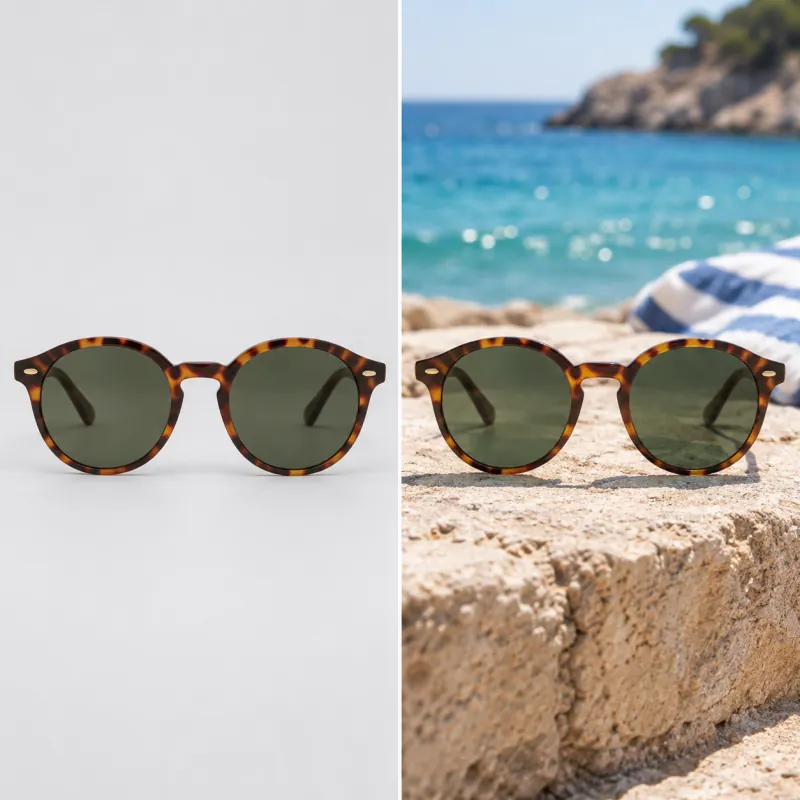
Make lifestyle shots in several styles from one product photo.
Ad Creative Testing Studio
Have an ad already
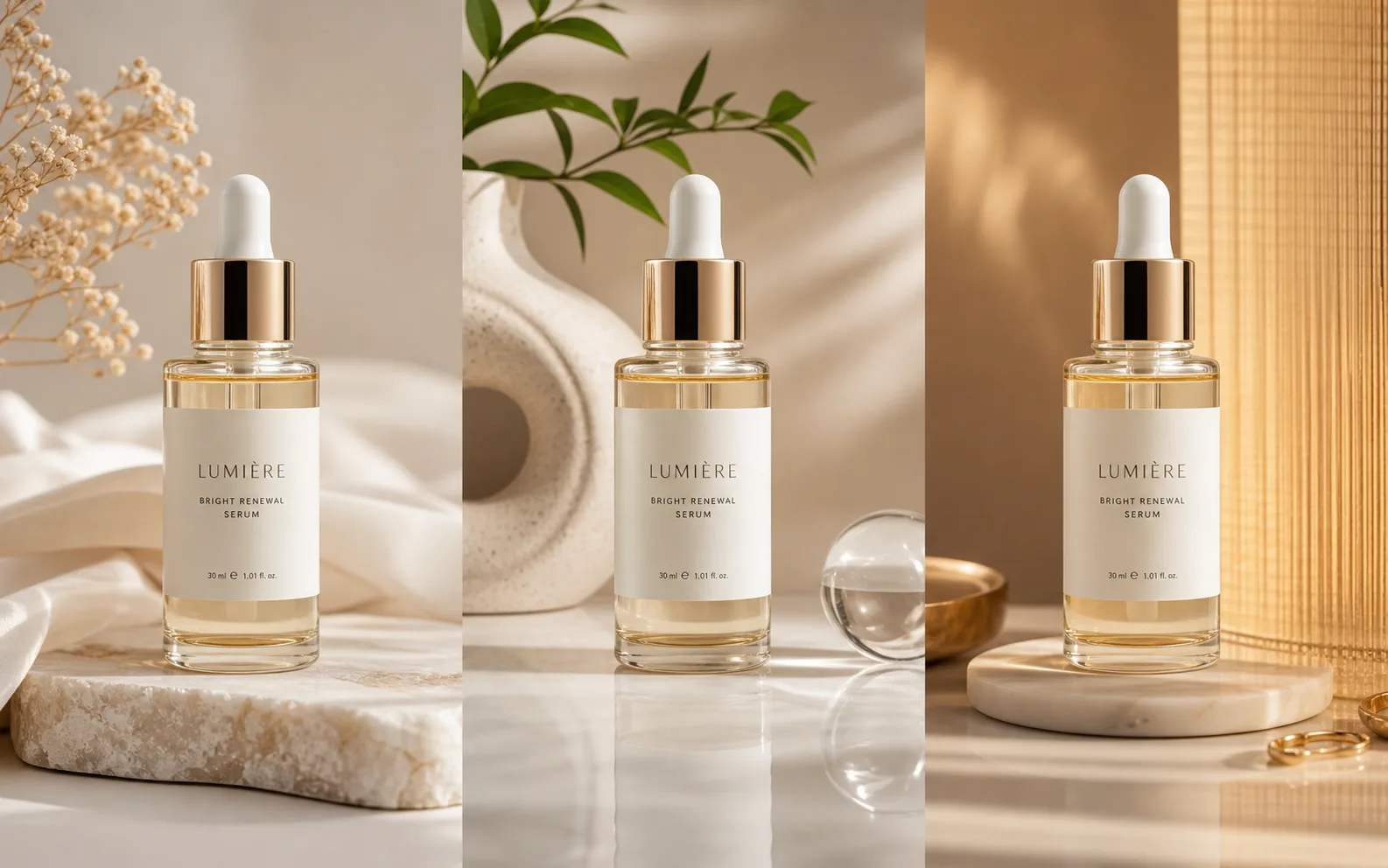
Make several image versions of one ad, ready to test.