Summer anthem + female vocal
0:00 / 0:00

Turn a theme into a complete song with lyrics, sung vocals, and a full arrangement. Start with one prompt in Simple mode, or move to Advanced when you want to control the lyrics, vocal arrangement, and target length. Use the AI Music Generator for pure instrumentals.
Use Simple for one complete song prompt. Open Advanced when you want separate control over lyrics, style, vocals, length, and title.
Name the genre, mood, instruments, tempo, story, and vocal character. In Advanced, paste exact lyrics or leave the lyrics field open for an original draft.
Choose a solo, duet, or group arrangement, then set the target length and an optional working title.
Listen to the generated takes, keep the one that carries the song, and review your plan’s commercial-use terms before releasing.
Start with one prompt, or open Advanced for direct control over lyrics, vocals, length, and title.
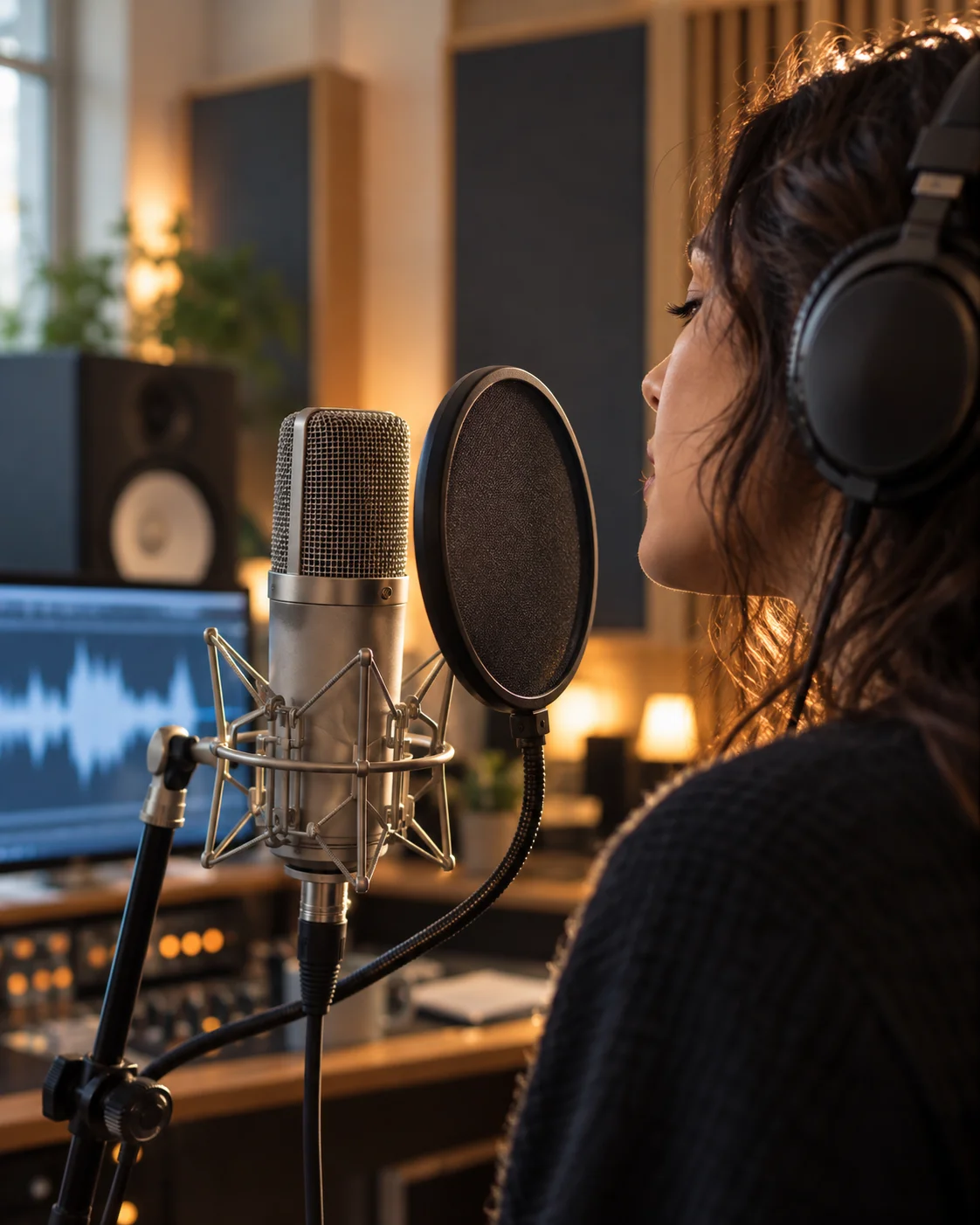
Put the theme, style, story, and vocal direction into one prompt and generate the song.
Paste and edit exact lyrics, then control the vocal arrangement, length, and title.
Direct the verses, chorus, bridge, and sung vocals instead of producing a background loop.
Stay on this page for songs; the music generator handles pure background tracks.
Three finished songs with sung vocals, made from a theme and a style.
Give the generator lyrics or a theme, a vocal character, and a song structure.
Tell the AI who is singing and to whom — first-person heartbreak lands differently from a third-person story.
Describe the voice you hear — breathy, powerful, raspy — so the vocal fits the genre.
Ask for a repeatable chorus line; songs are remembered by their hook, not their verses.
Full songs run a few minutes — plan the arc before generating, then extend or remix with the music extender.
The song generator always produces a complete song with AI-written lyrics and vocals. The music generator can also do pure instrumentals.
Yes. Open Advanced, paste your lyrics, and add the style and vocal direction for the performance.
Yes, songs you generate are cleared for release and monetization under your plan’s commercial terms.
Full-length tracks of a few minutes. You can also extend or remix them with the music extender.
No. Simple mode can create original lyrics from your song idea. Advanced lets you paste and edit every line before generating.
More AI music tools
Make instrumentals, build a beat, browse ready-made tracks, or review commercial-use terms.
Text to Speech
Create new narration
Turn any script into natural spoken audio.
AI Music Generator
Generate instrumental music
Create instrumental tracks from a text prompt.
AI Beat Maker
Build a beat
Build beats and grooves from a short prompt.
AI Voice Cloning
Create a custom voice
Replicate a specific real voice from a sample.
AI Voice Changer
Transform recorded audio
Transform a recording into a different voice.
AI Sound Effects Generator
Generate a sound effect
Generate any sound effect from a description.
Soundboard
Play sounds instantly
Trigger instant sound effects from a soundboard.
AI Voice Over
Narration workflows
Produce voiceovers for video and presentations.
Voice Over Advert
Ad and promo voiceovers
Create voiceovers tuned for ads and promos.
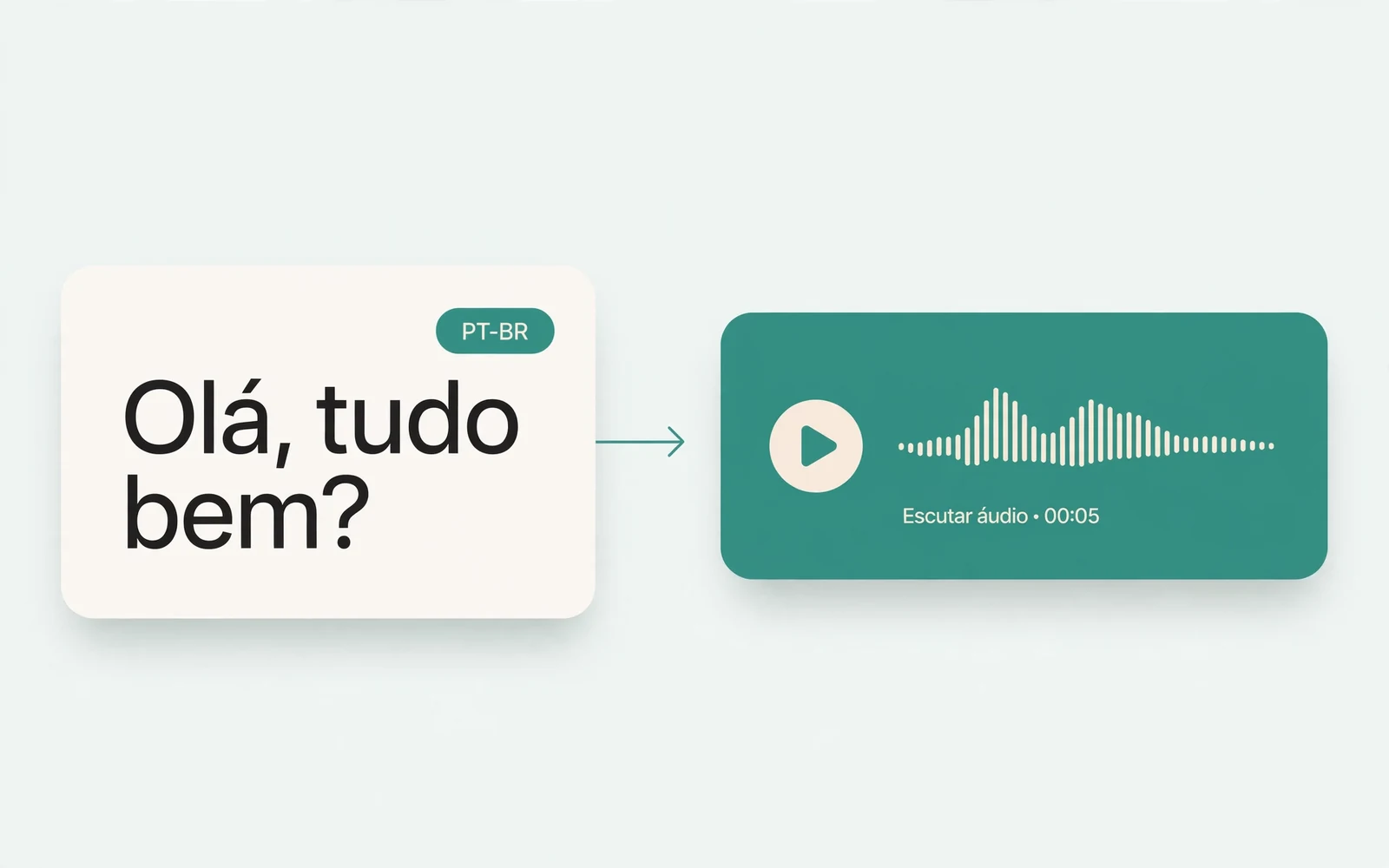
Portuguese Text to Speech
Portuguese speech
Generate natural Brazilian Portuguese speech.
British Accent Generator
British English voices
Convert text to British-accented English speech.
Anime Voice Changer
Anime character voices
Restyle a recording with an anime character voice.
Girl Voice Changer
Young feminine voices
Convert a recording into a young feminine voice.
Audio Converter
Convert an audio file
Convert audio files between formats.
MP4 to MP3 Converter
Extract audio from MP4
Extract the audio track from an MP4 video.
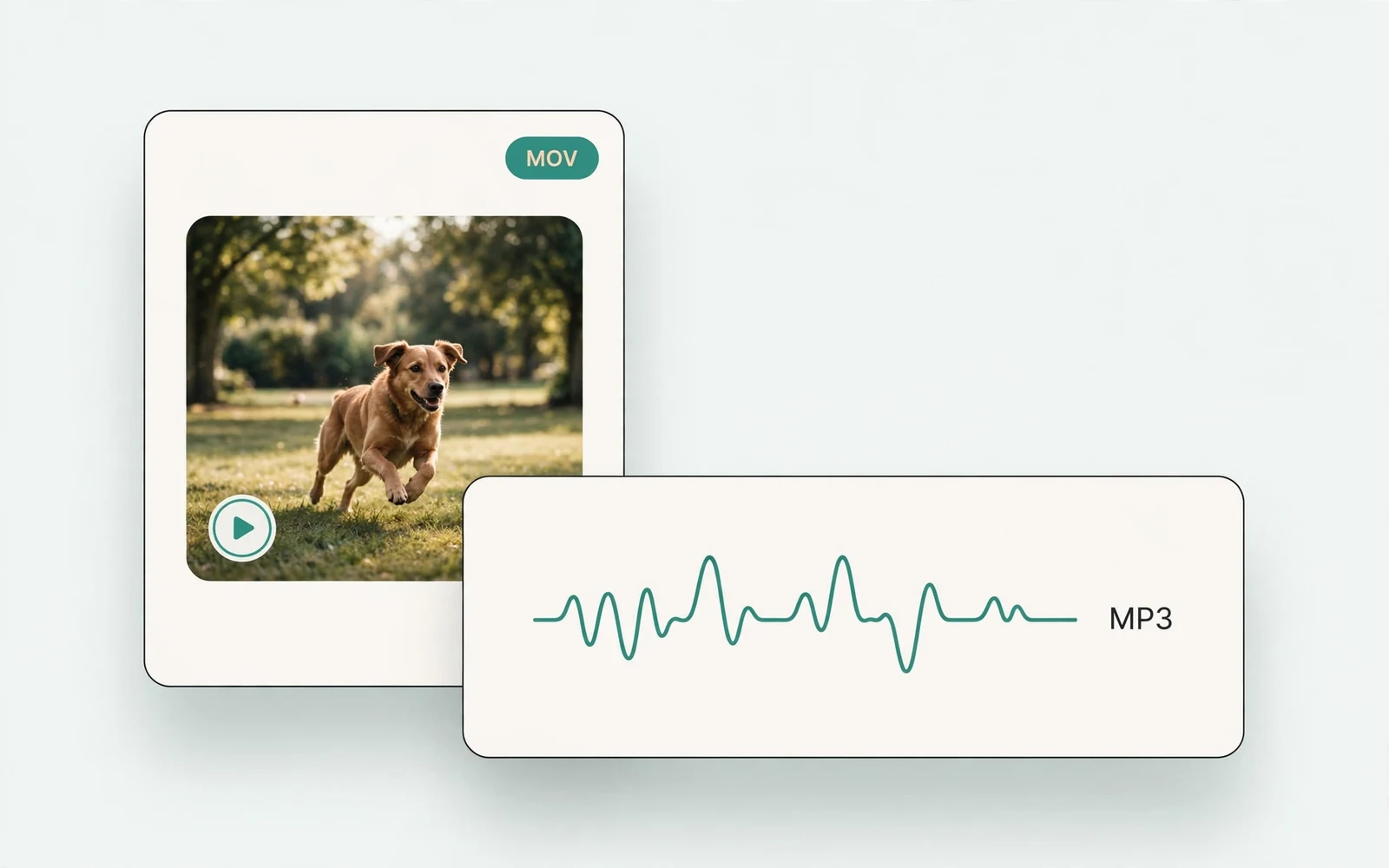
MOV to MP3 Converter
Extract audio from MOV
Extract the audio track from a MOV video.
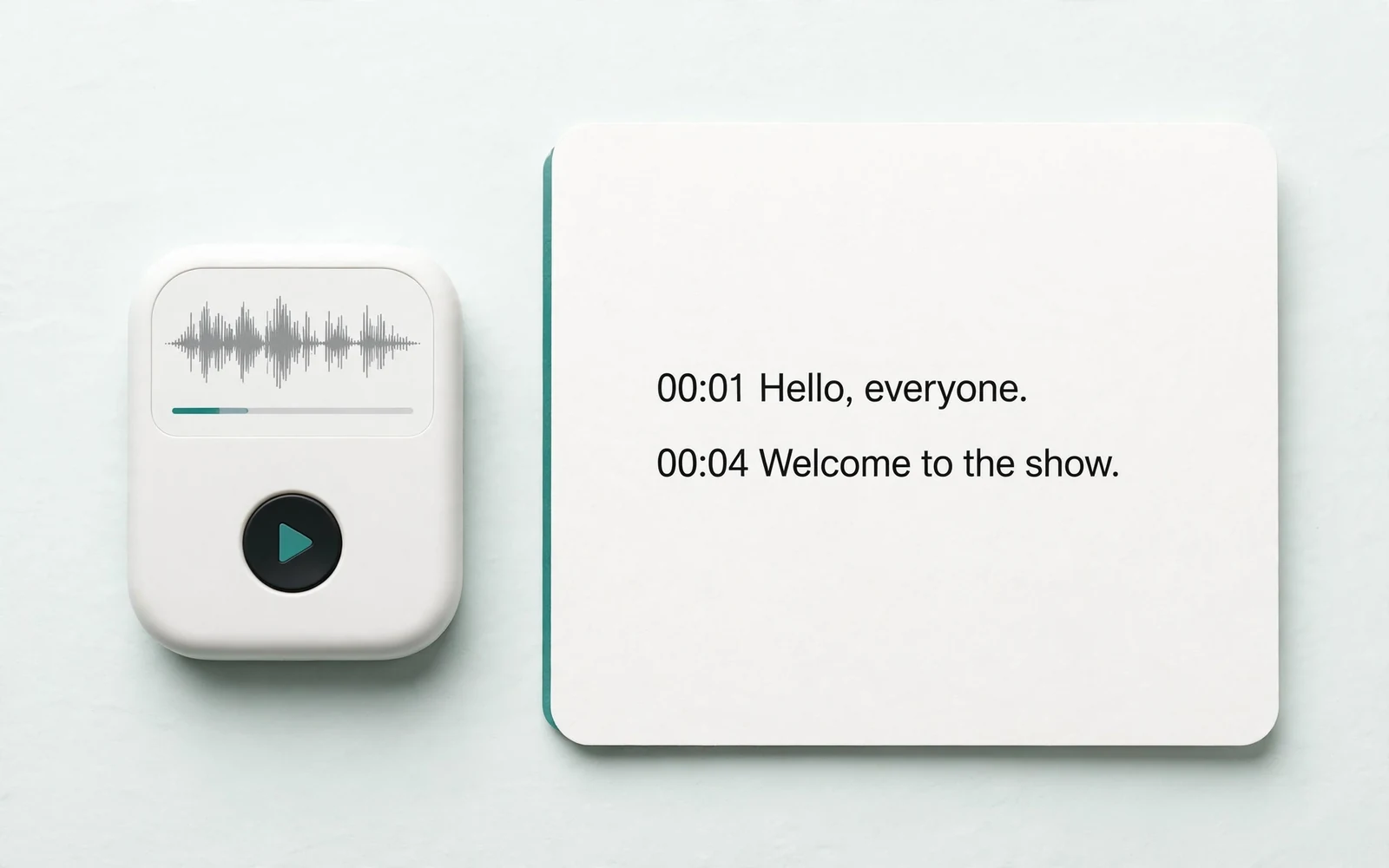
Audio to Text
Transcribe a recording
Transcribe any recording into text.
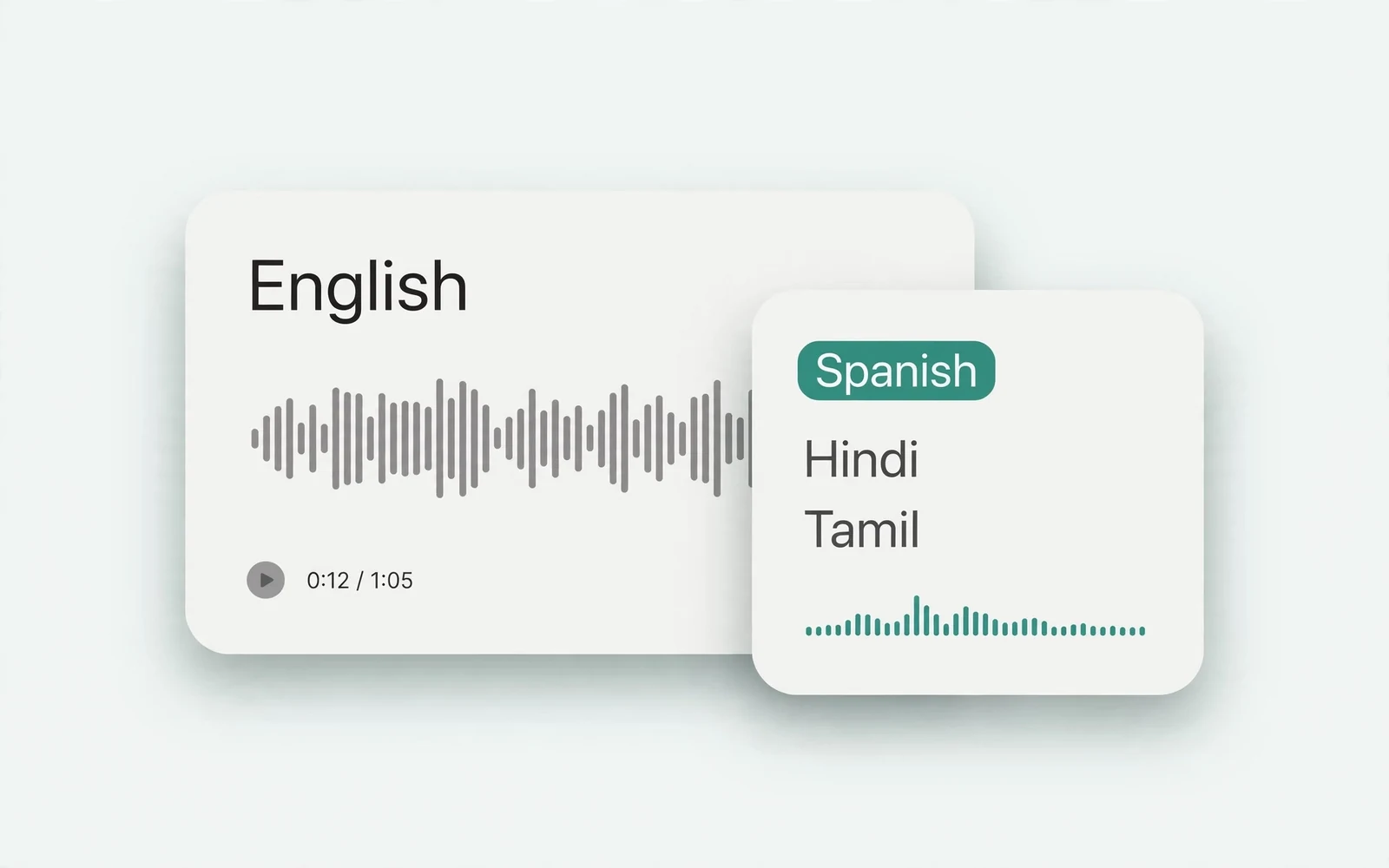
Audio Translator
Translate spoken audio
Translate spoken audio into another language.
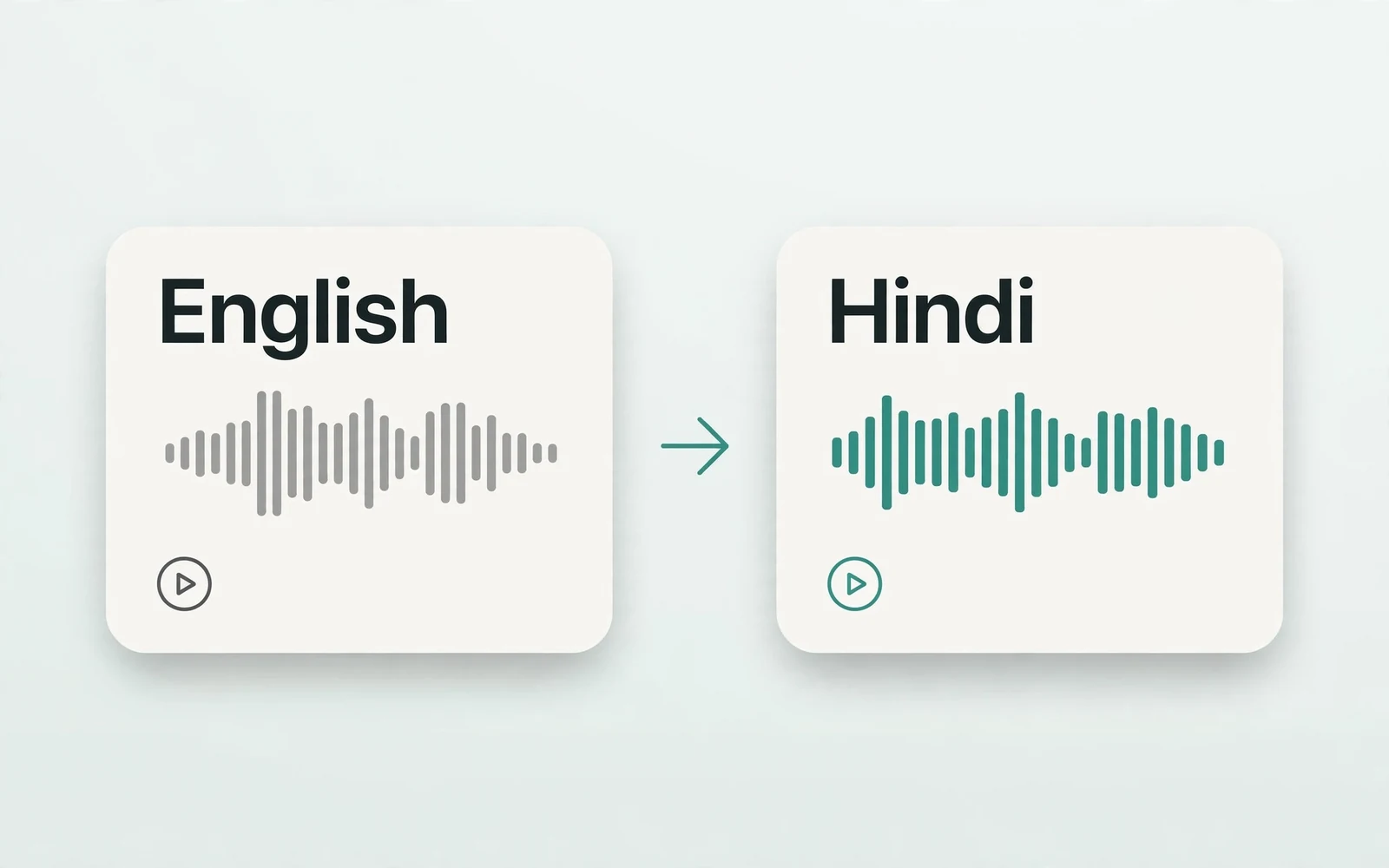
English to Hindi Voice Translator
English to Hindi audio
Turn English speech into Hindi audio.
Translate English to Tamil Audio
English to Tamil audio
Turn English speech into Tamil audio.
Hindi to English Voice Translation
Hindi to English audio
Turn Hindi speech into English audio.
AI Voice Generator
Design a new voice
Design a brand-new voice from a description.