
AI UGC video generator
Choose a presenter and write a script. Add images for before-and-after or unboxing videos.
Pain point → experience → result → CTA
Make a product-only videoPresenter
Pick one below, or browse with filters.
Script
Generate three scripts, choose one, then edit it before creating your video.
Product shots · Optional
0 of 5They appear between lines in your video.
Pick a presenter to continue.
Pick your presenter
Tap the speaker to hear a voice. Pick one to see them with your script.
Maya
Realistic · English
Leo
Realistic · English
Aria
Realistic · English
Sam
Realistic · English
Zoe
Realistic · English
Kai
Realistic · English
Nia
Realistic · English
Omar
Realistic · English
Make a UGC video ad in four steps
Start with the presenter, then the words. Adjust the story and length, then play a free sample in your browser.
- 01
Pick a presenter
Browse hundreds of AI presenters, hear each one’s voice sample, and choose the person your buyers would trust.
- 02
Add a script
Describe your product and get three scripts to compare, or write your own words for the presenter to say.
- 03
Choose an ad style
Choose from 5 ad styles to guide your script. For reply to comment, paste the comment and generate three replies, or write your own.
- 04
Watch your free sample
The sample plays your script with captions and a watermark. Voice plays when your browser supports it.
One presenter, the story that fits your product
The same presenter can sell in very different ways. Pick the story that matches what buyers need to see.
Testimonial
Testimonial that feels real
A customer-style review for everyday products. The presenter talks like someone who actually bought it — what caught their eye, what it does, and why it stuck around.
Spokesperson
A spokesperson who explains
For products that need a little explaining. The presenter walks through what it is, who it is for, and what to do next, in plain words.
Unboxing
Unboxing with your product in frame
Show the packaging, then what’s inside, with an optional close-up or first-use photo. Your presenter introduces the product and returns at the end while the narration continues.
What makes a spoken ad worth posting
Better words make a better ad. These checks keep it natural and easy to approve.
Write for the ear
Short sentences and plain words sound natural when spoken. Read your script out loud before you generate the sample.
Keep the first line short
The hook plays in the opening seconds. One line that names the problem or the promise beats a long setup.
One product, one message
Give the presenter a single thing to sell. Three benefits at most, each in its own sentence.
Check every claim
If the product can’t do it, the ad shouldn’t say it. Keep a list of claims to avoid and check the final script against it.
AI UGC video generator
Get your UGC video ad started
Pick a presenter, add your script, and watch a free sample with captions. Voice plays when your browser supports it.
AI UGC Video Generator FAQ
Answers about the free sample, voices, scripts, product images, and downloads.
What does the AI UGC video generator make?
It plays a vertical 9:16 sample in your browser, combining an AI presenter, your script, captions, and a watermark. Your browser may also read the script aloud.
Which UGC ad stories can I make?
Choose UGC testimonial, Unboxing, Spokesperson, Before and after, Reply to comment. For a product-only showcase, use the AI product video generator.
How does Reply to comment work?
Paste a comment, add the product facts needed to answer it, and generate three reply scripts. You can also write your own reply. Choose a presenter and check the selected script before generating the video. The presenter speaks your reply script; the original comment is shown beside the video for reference and is not included as an on-screen card in the downloaded video.
What is the difference between the free sample and the HD download?
The free sample plays in your browser with captions and a watermark. It can use your browser’s voice when available. HD download isn’t available yet, so you can make and replay free samples in the meantime.
Where does the voice in the sample come from?
When your browser supports it, its built-in voice reads the script aloud. If it cannot play a voice, the sample still shows the words as captions.
Can I use my own words instead of a generated script?
Yes. Choose “My own words” and write what the presenter should say: the first sentence becomes the hook, the last becomes the call to action, and everything between is the body. You can switch back to generated scripts at any time without losing either version.
How do my product images appear in the video?
If you add product shots, the sample can show them between the presenter’s lines in the middle of the script. The hook and call to action keep the presenter on screen.
Is the free sample really free?
Yes. Writing scripts and making samples is free, and you can make as many samples as you need. The HD download isn’t available yet.
Do I need to sign in?
You can browse presenters and set everything up without signing in. You sign in when you generate a sample. Your settings stay in this browser tab during the session.
AI ad tools
More ways to make your ad
Each tool starts from something different. Pick the one that matches what you have.
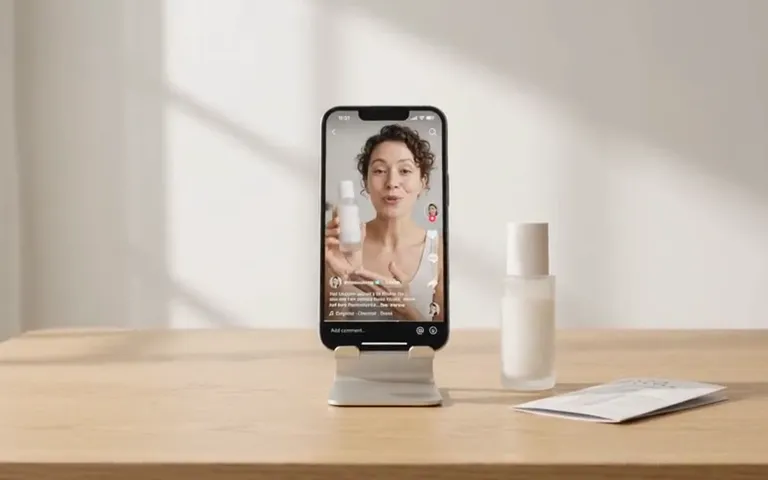
AI ad maker
Choose where to start
Start your video ad with a product link, photo, or description.
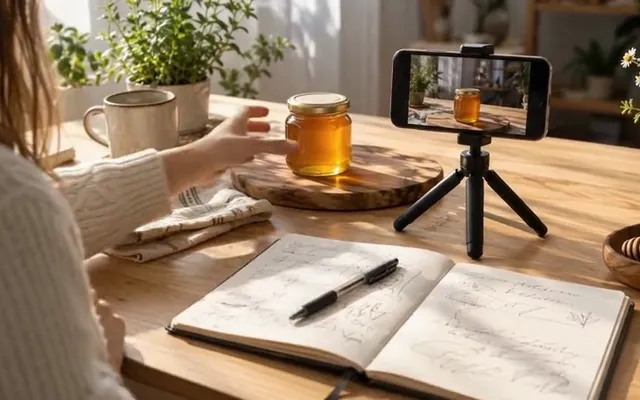
UGC Ad Script Generator
No script yet
Get three ad scripts, each with a hook, a body, and a call to action.
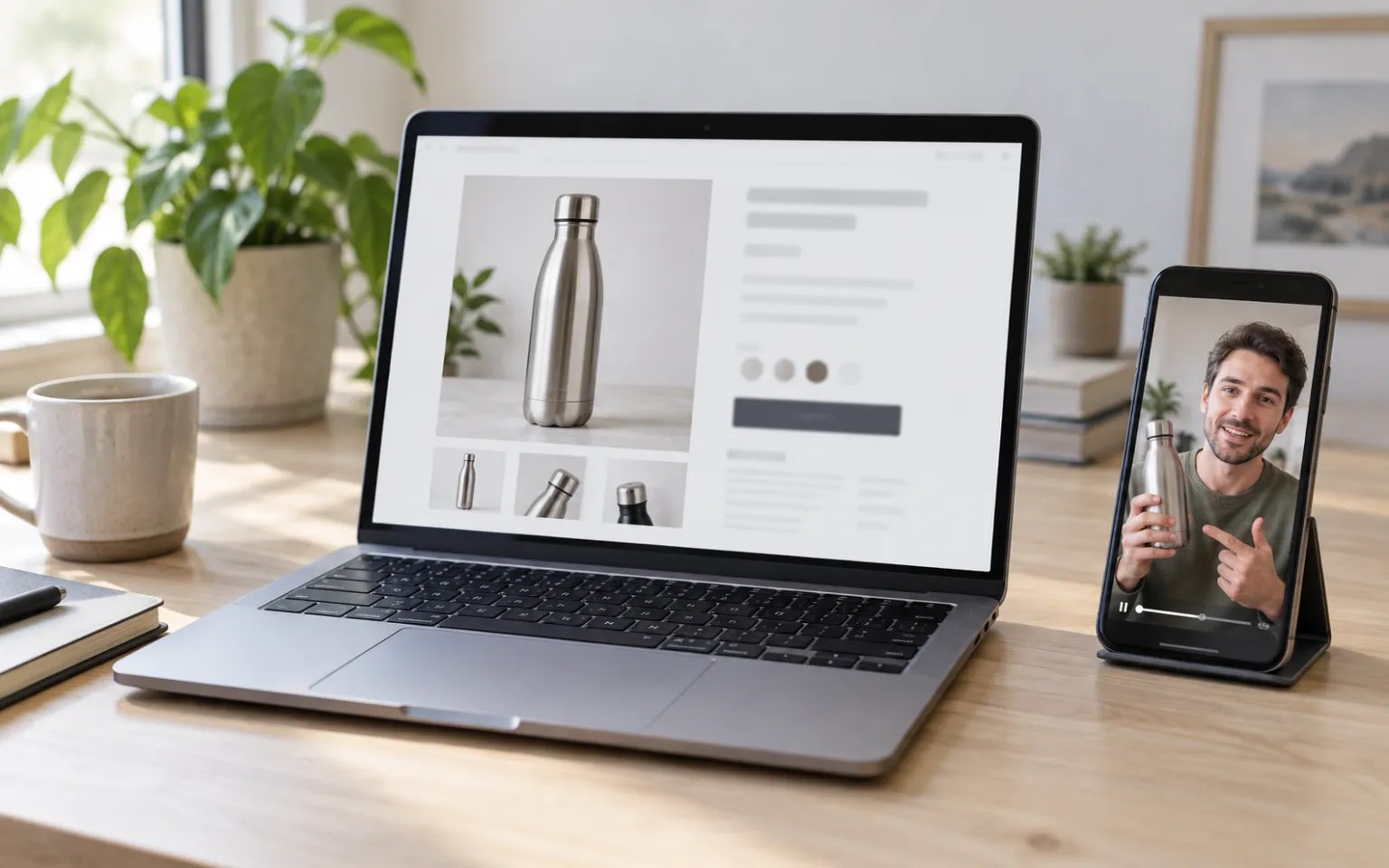
URL to Video Ad Generator
Have a product page
Read a product page, review the details, and preview a free video sample.
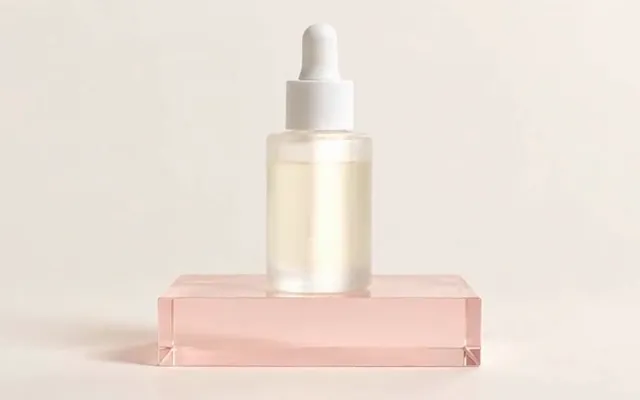
AI Product Video Generator
Have product photos
Turn up to five product photos into a video ad. No presenter needed.

Shopify product photography
Need better photos first
Make lifestyle shots in several styles from one product photo.
Ad Creative Testing Studio
Have an ad already
Make several image versions of one ad, ready to test.