iPhone spoken clips
Save the sound from a MOV clip recorded on your phone as a separate MP3.

Choose a MOV video and turn its audio track into an MP3 right in your browser. Preview the result, then download it to your device.
Many iPhone and Mac recordings use MOV. Choose one file up to 100 MB and 30 minutes; it stays on your device.
Choose one MOV file up to 100 MB and 30 minutes. It needs an audio track.
Start the conversion in your browser. The video track is discarded; your file is not uploaded.
Listen to the extracted audio before saving it.
Save the audio file to your device.
Keep the audio from MOV recordings as a separate file.
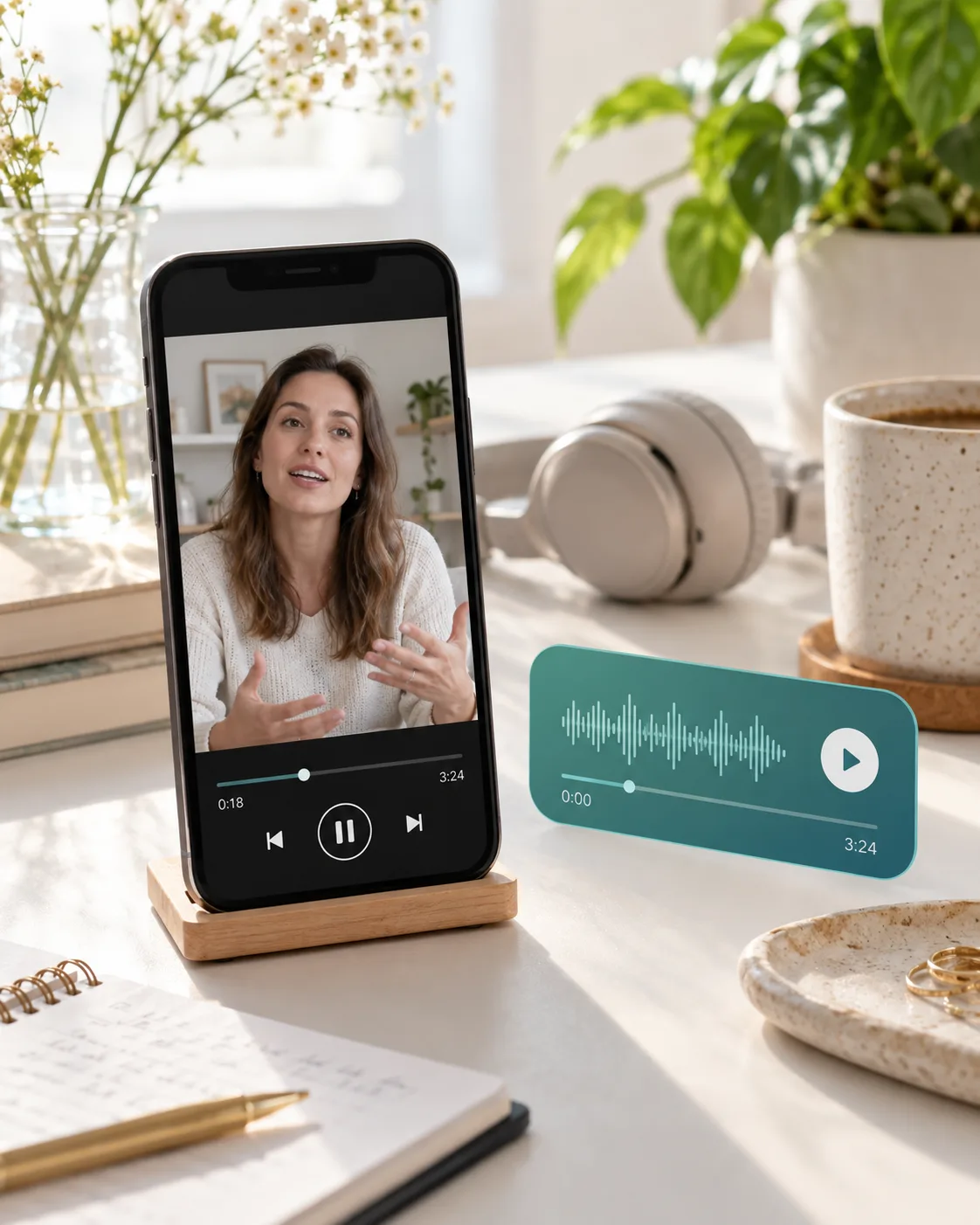
choose a MOV and get an MP3 without extra format settings.
your video stays on your device while the browser makes the MP3.
check the extracted audio before you save it.
this conversion runs on your device without using your account balance.
Spoken clips, screen recordings, interviews, and tutorials.
Save the sound from a MOV clip recorded on your phone as a separate MP3.
Keep the narration from a screen recording without its picture.
Turn an interview you recorded as MOV into audio you can replay or share.
Extract spoken instructions from a MOV walkthrough or demonstration.
Choose one MOV, convert its audio in your browser, preview the result, and download the MP3. The video track is not included.
Yes, if the MOV has an audio track your browser can decode. Some iPhone recordings may use unsupported audio settings; the page will show an error if it cannot process the file.
Yes, when your browser supports the audio track in the MOV. This page reads the MOV in your browser and does not need QuickTime or a Windows app that can play MOV files. If the audio codec is unsupported, try another browser or a MOV with AAC audio.
For the broadest compatibility, use the latest Chrome on a computer or Android device. Safari 26 or later also has the audio decoder this tool needs. On iPhone and iPad, Chrome uses the same browser engine as Safari, so updating your device matters more than switching browser apps. Some audio codecs may still be unsupported.
Convert one MOV at a time. The file can be up to 100 MB and 30 minutes long. Trim or compress larger videos first.
No. The file must have an audio track in a codec your browser can decode. Protected, damaged, or unsupported files may fail.
No. This converter makes MP3 audio at 192 kbps.
No. MP3 uses lossy compression, and this page re-encodes the audio at 192 kbps. Keep your original MOV when quality matters.
This page handles MOV. Use the MP4 to MP3 converter for MP4 files, or the audio converter for other formats.
No. The video is converted on your device, and this conversion does not use credits. Keep the tab open until the MP3 is ready.
More AI audio tools
Browse every AI audio tool, from generators to converters, and keep creating.
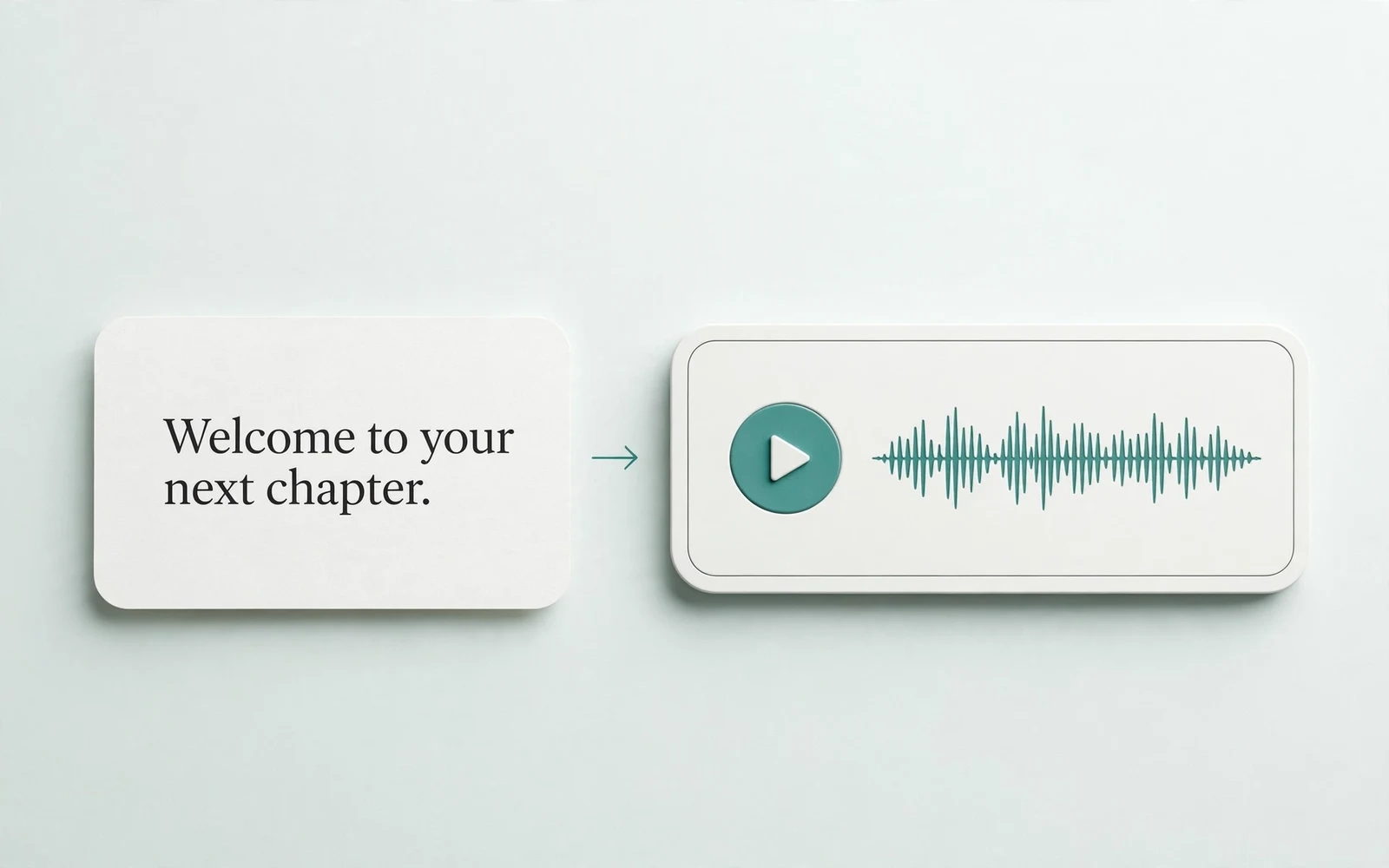
Text to Speech
Create new narration
Turn any script into natural spoken audio.
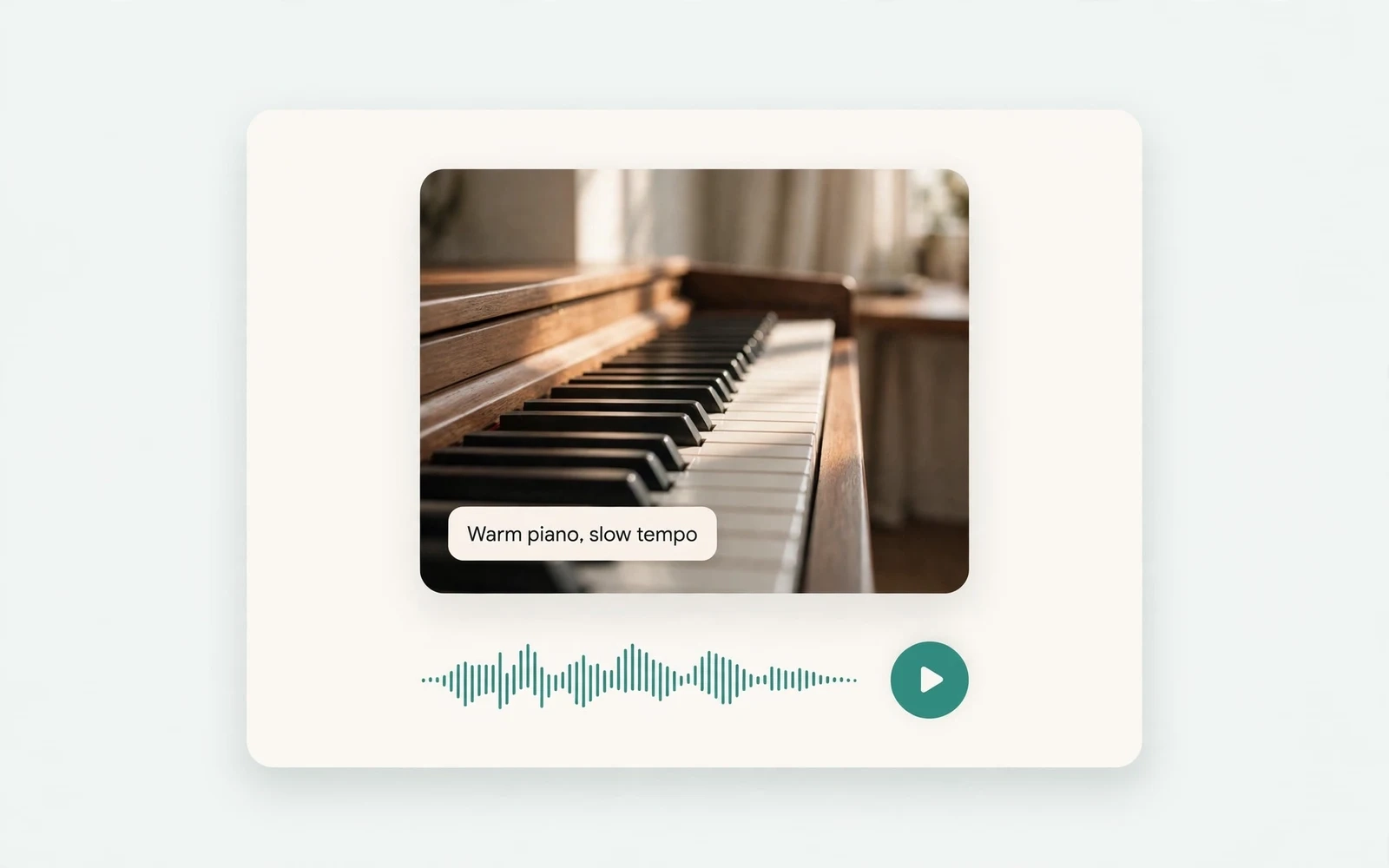
AI Music Generator
Generate instrumental music
Create instrumental tracks from a text prompt.
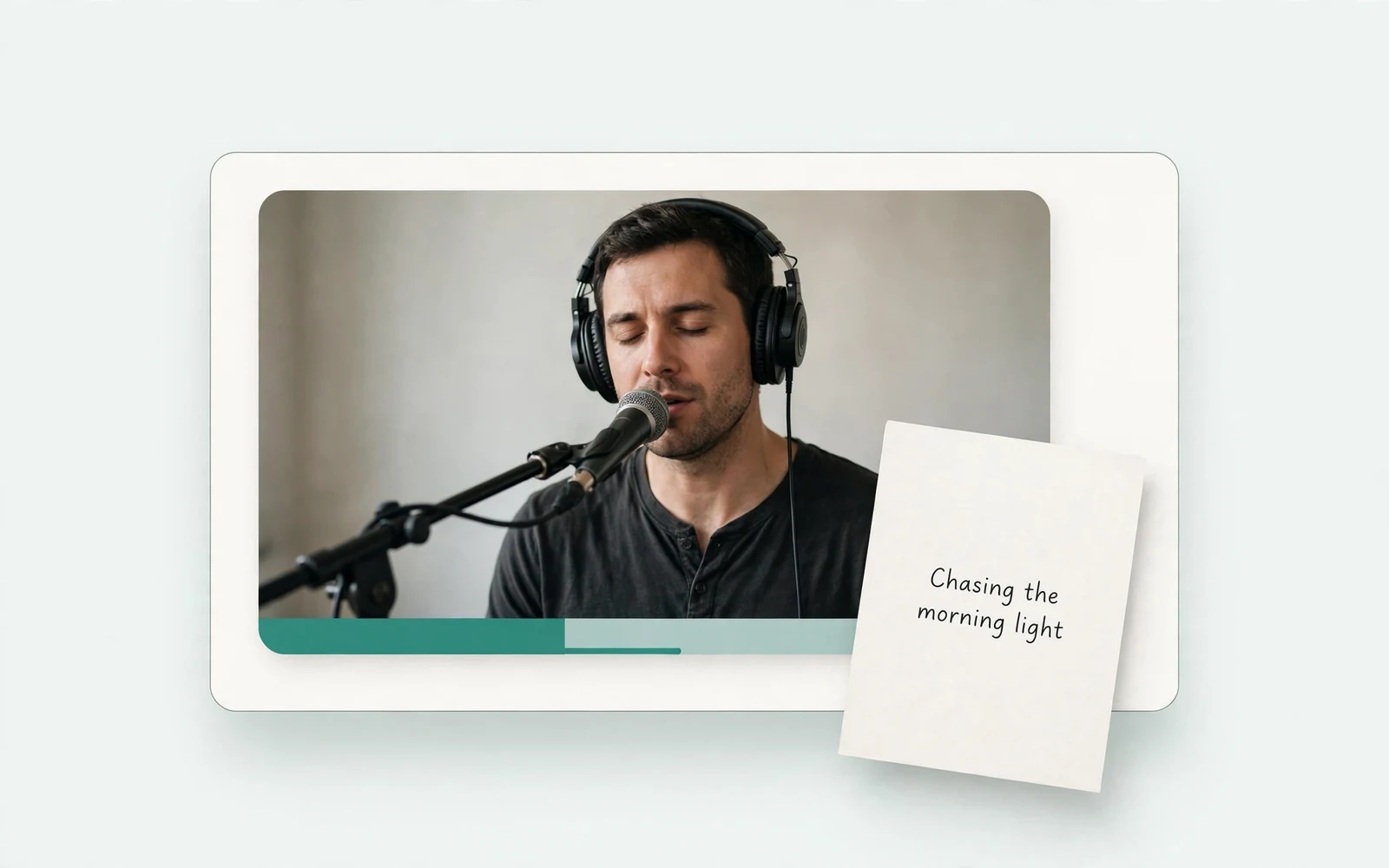
AI Song Generator
Add lyrics and vocals
Turn lyrics and ideas into complete songs.
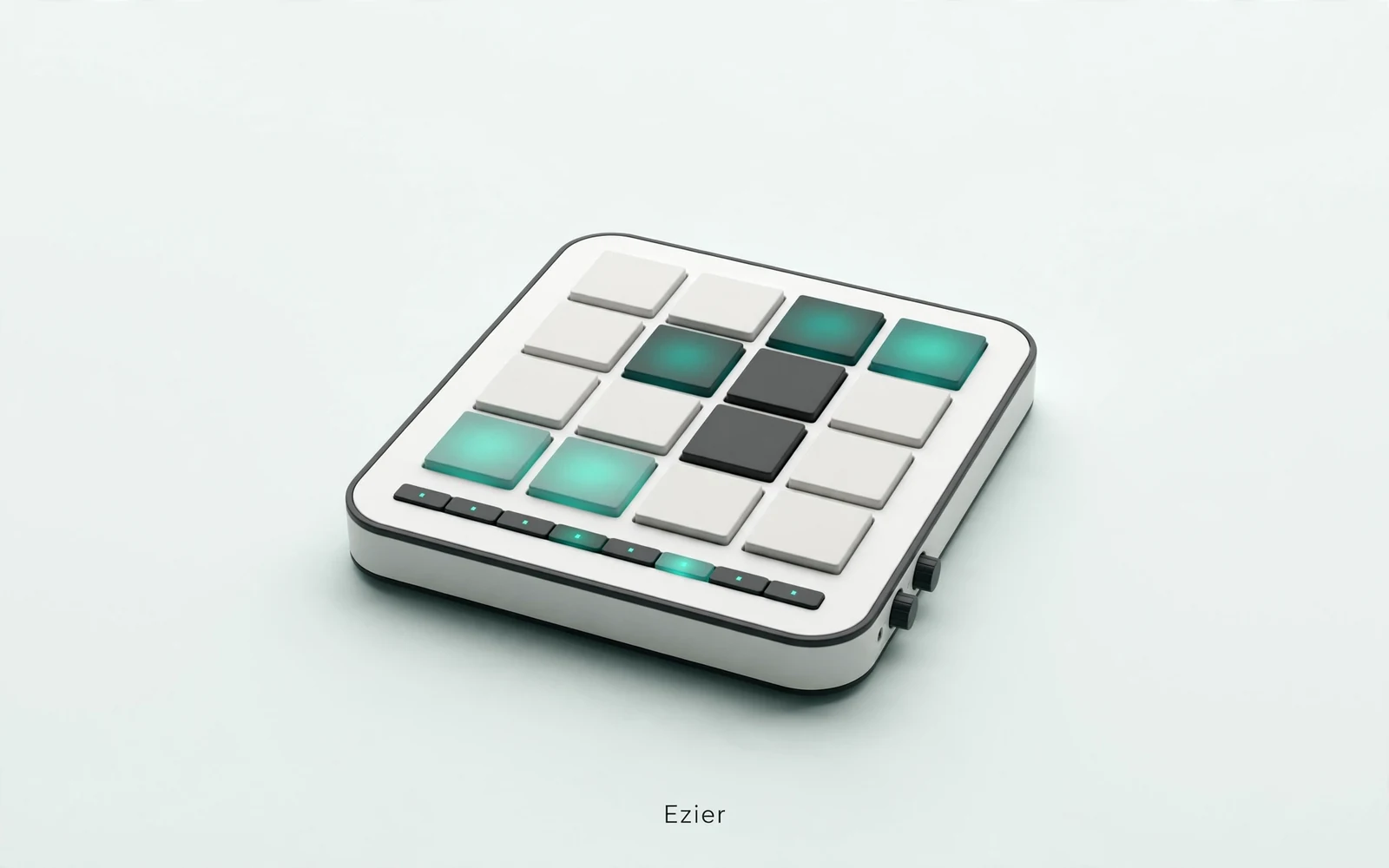
AI Beat Maker
Build a beat
Build beats and grooves from a short prompt.
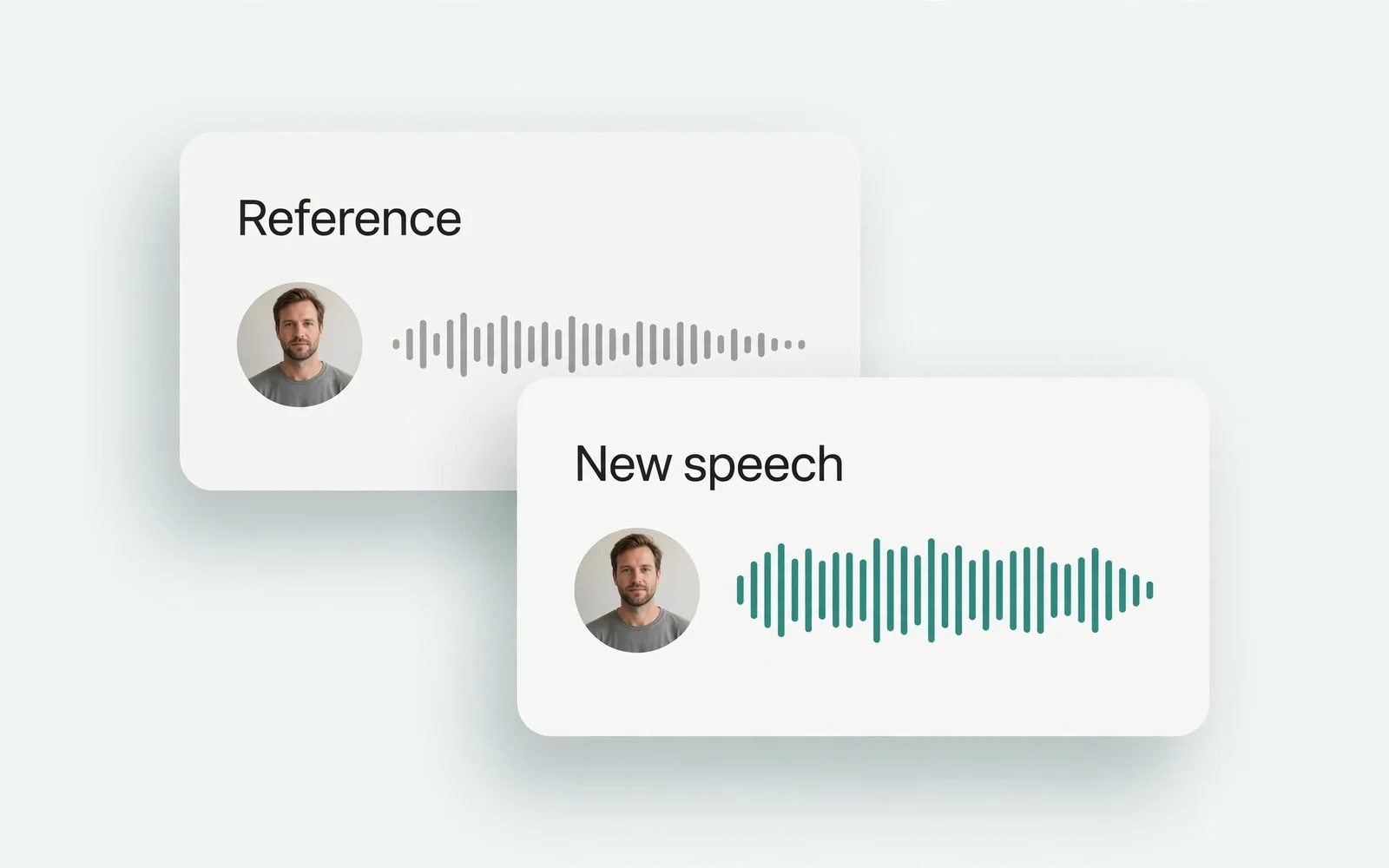
AI Voice Cloning
Create a custom voice
Replicate a specific real voice from a sample.
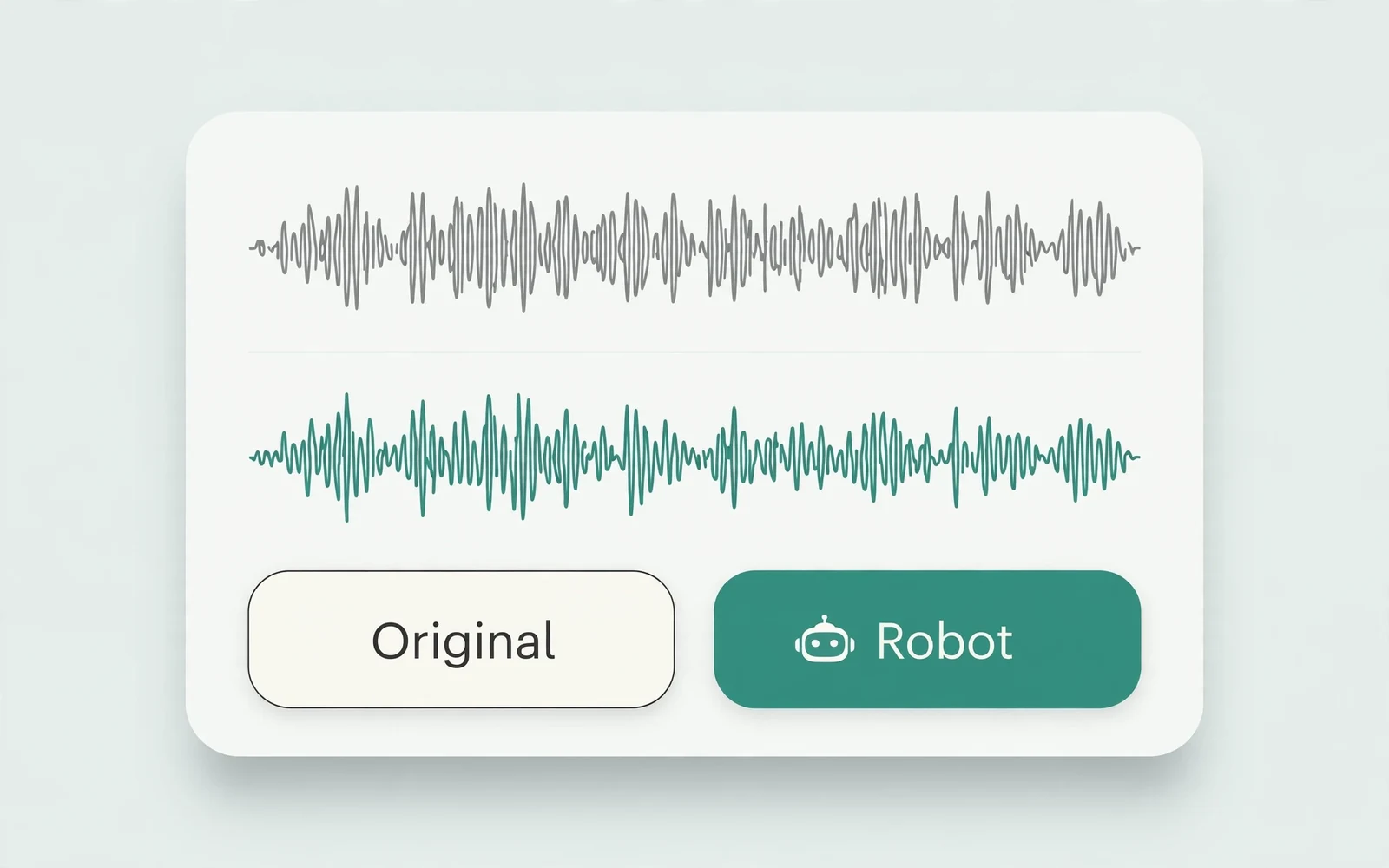
AI Voice Changer
Transform recorded audio
Transform a recording into a different voice.
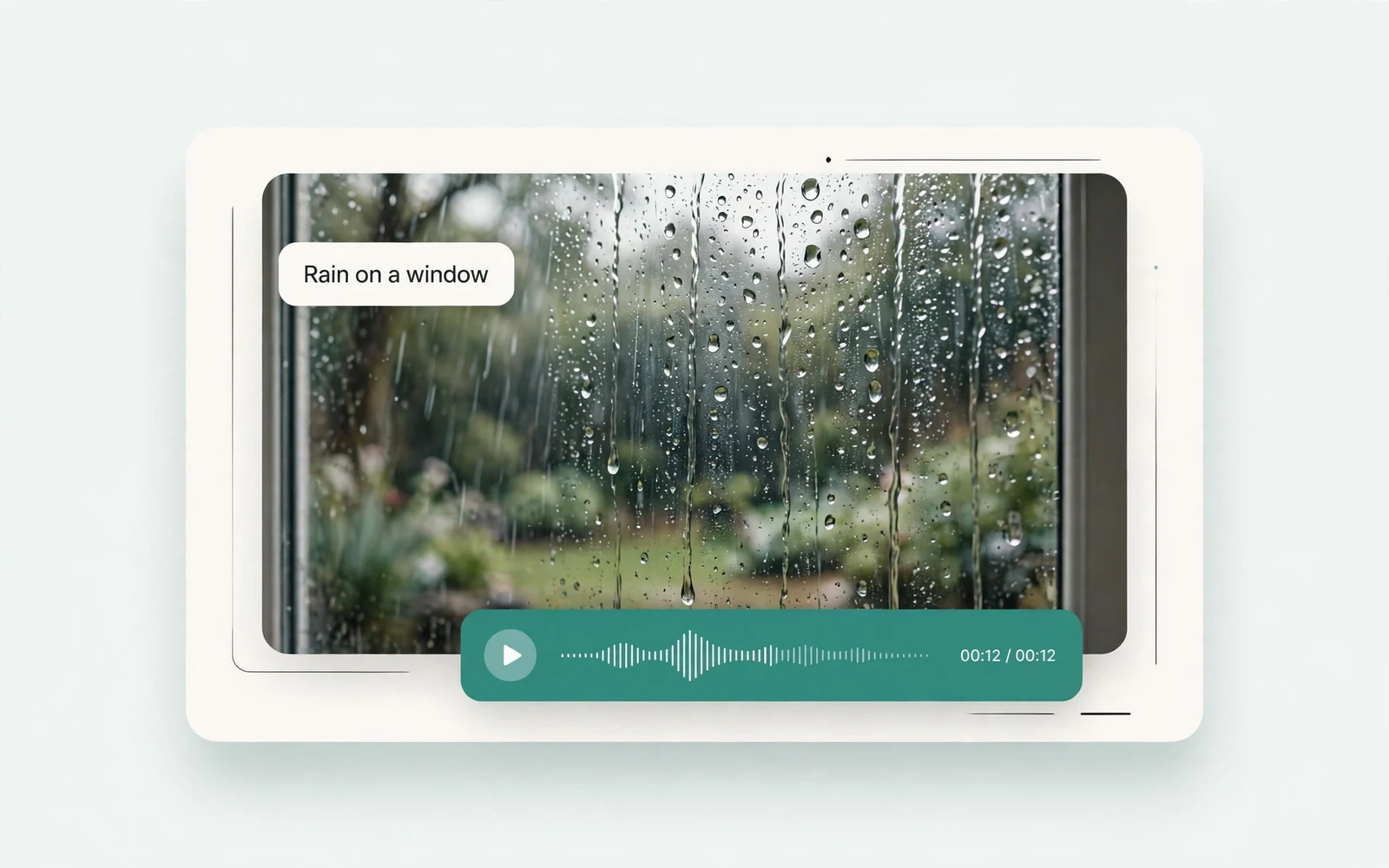
AI Sound Effects Generator
Generate a sound effect
Generate any sound effect from a description.

Soundboard
Play sounds instantly
Trigger instant sound effects from a soundboard.
AI Voice Over
Narration workflows
Produce voiceovers for video and presentations.
Voice Over Advert
Ad and promo voiceovers
Create voiceovers tuned for ads and promos.
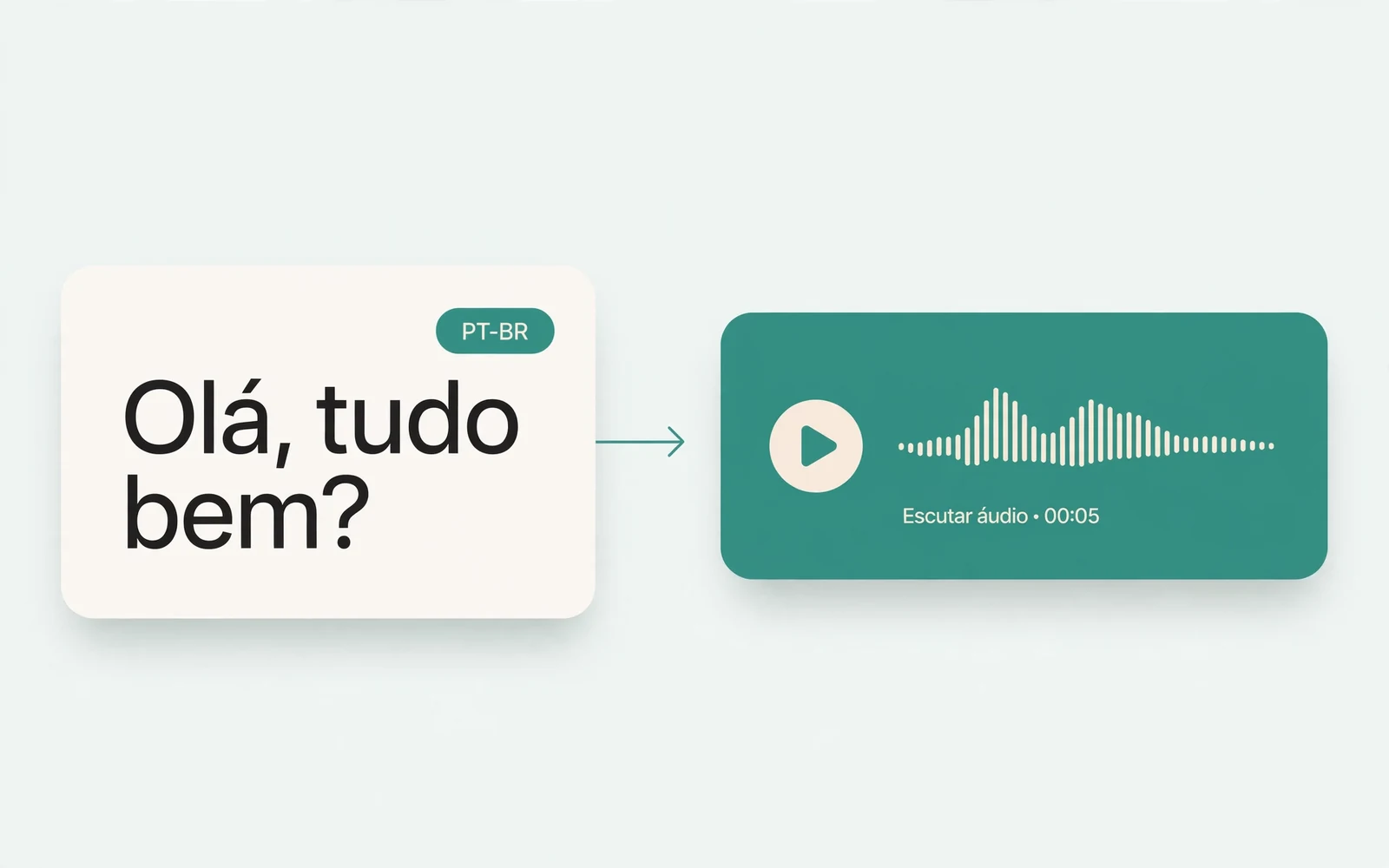
Portuguese Text to Speech
Portuguese speech
Generate natural Brazilian Portuguese speech.
British Accent Generator
British English voices
Convert text to British-accented English speech.
Anime Voice Changer
Anime character voices
Restyle a recording with an anime character voice.
Girl Voice Changer
Young feminine voices
Convert a recording into a young feminine voice.
Audio Converter
Convert an audio file
Convert audio files between formats.
MP4 to MP3 Converter
Extract audio from MP4
Extract the audio track from an MP4 video.
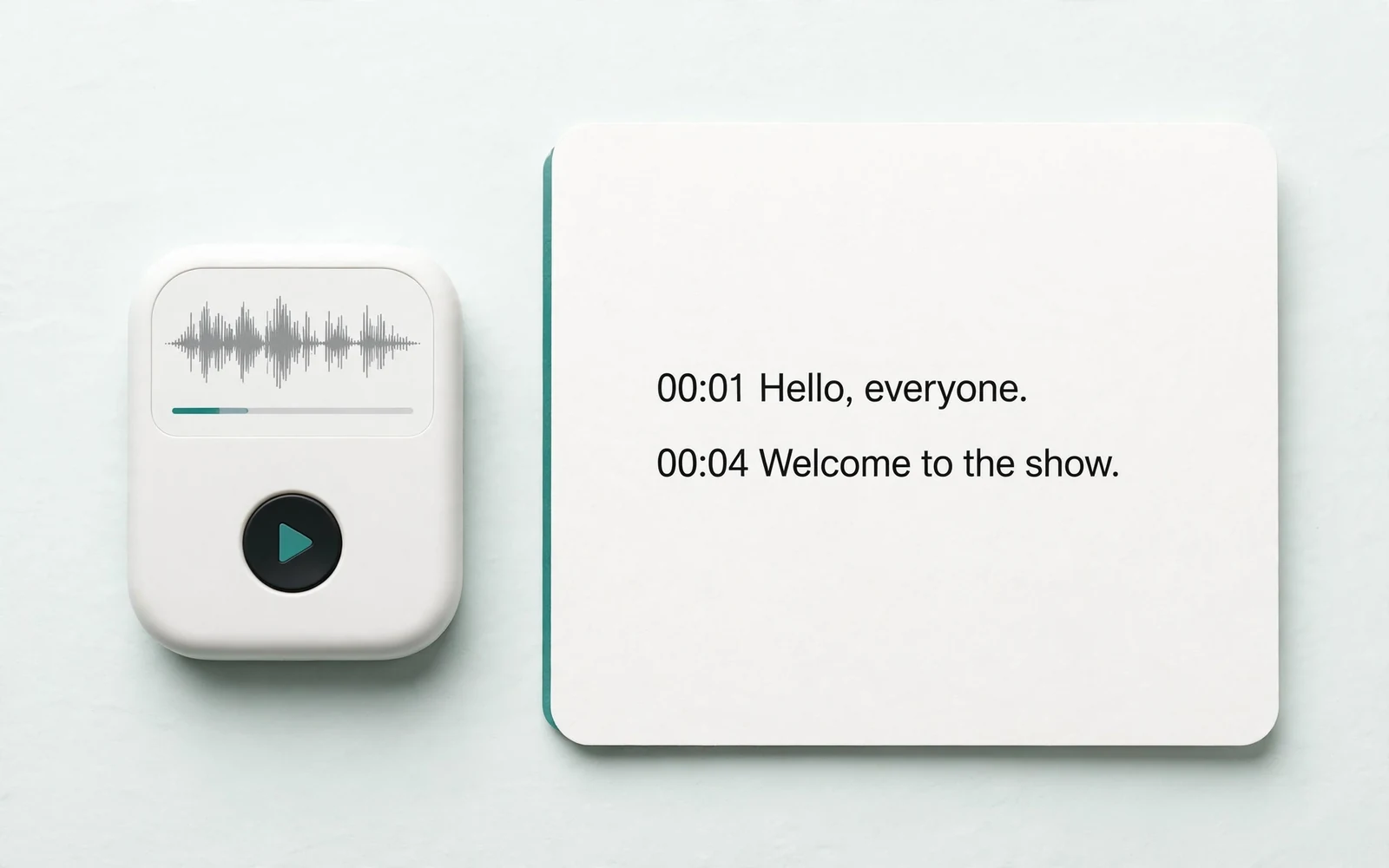
Audio to Text
Transcribe a recording
Transcribe any recording into text.
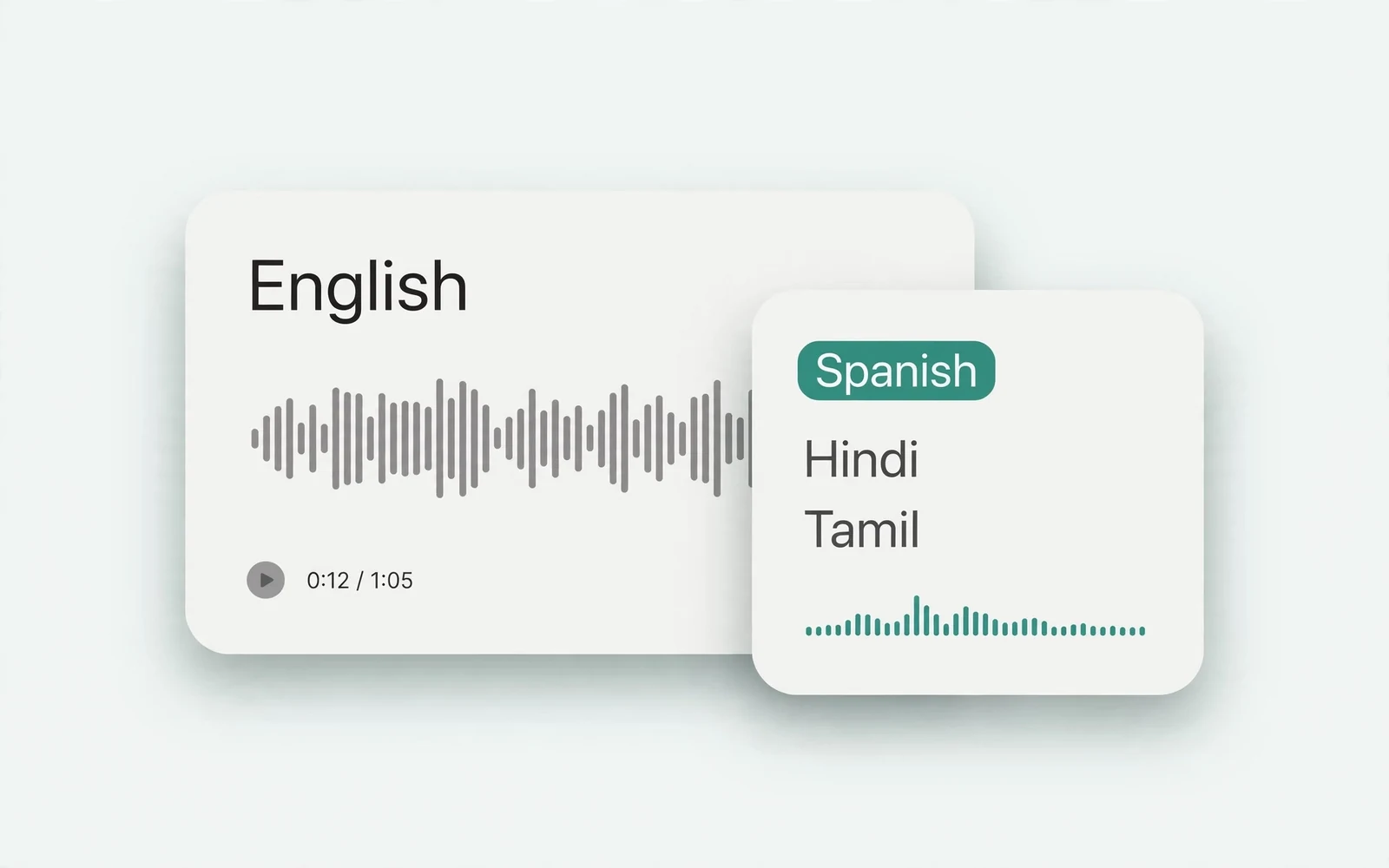
Audio Translator
Translate spoken audio
Translate spoken audio into another language.
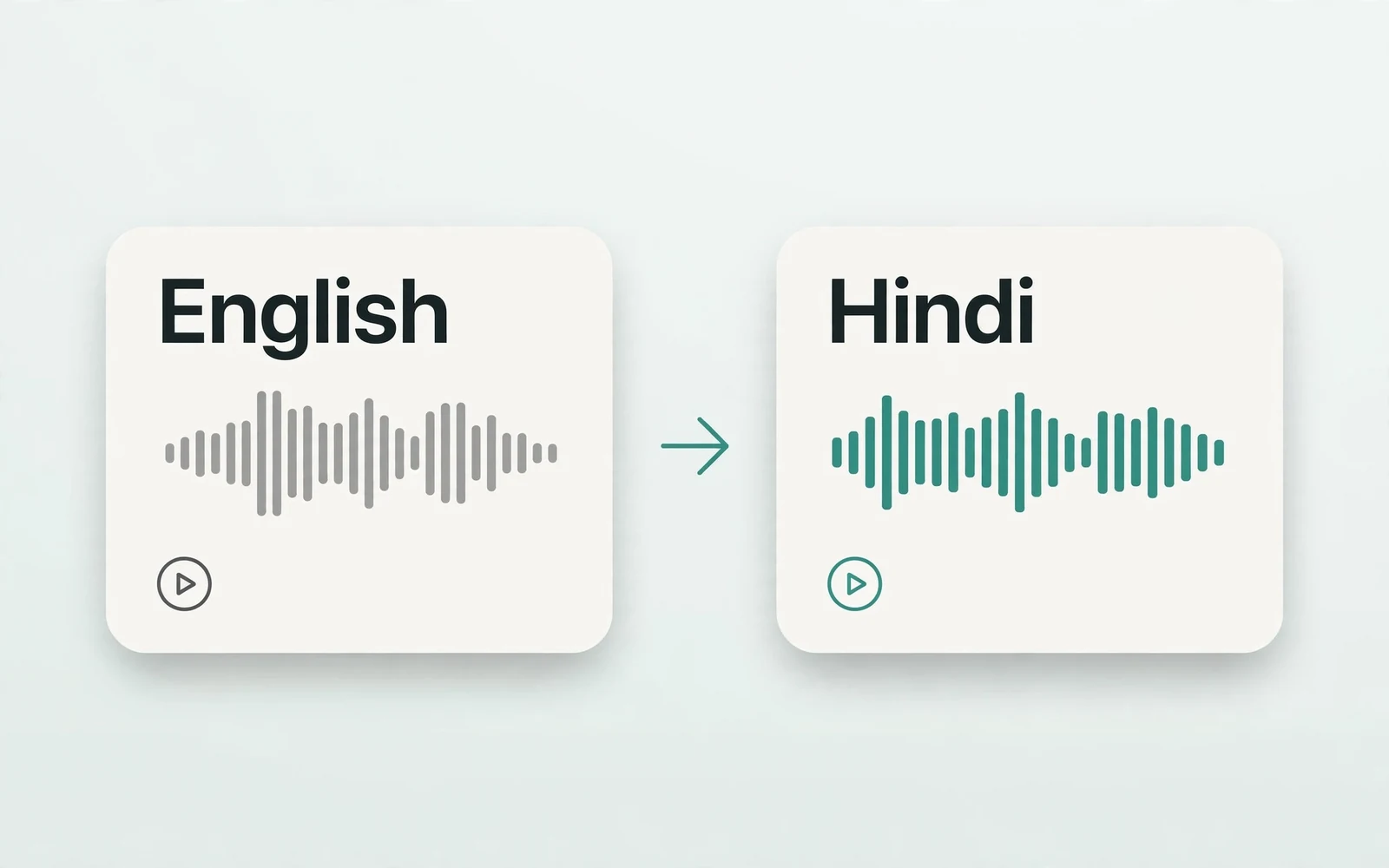
English to Hindi Voice Translator
English to Hindi audio
Turn English speech into Hindi audio.
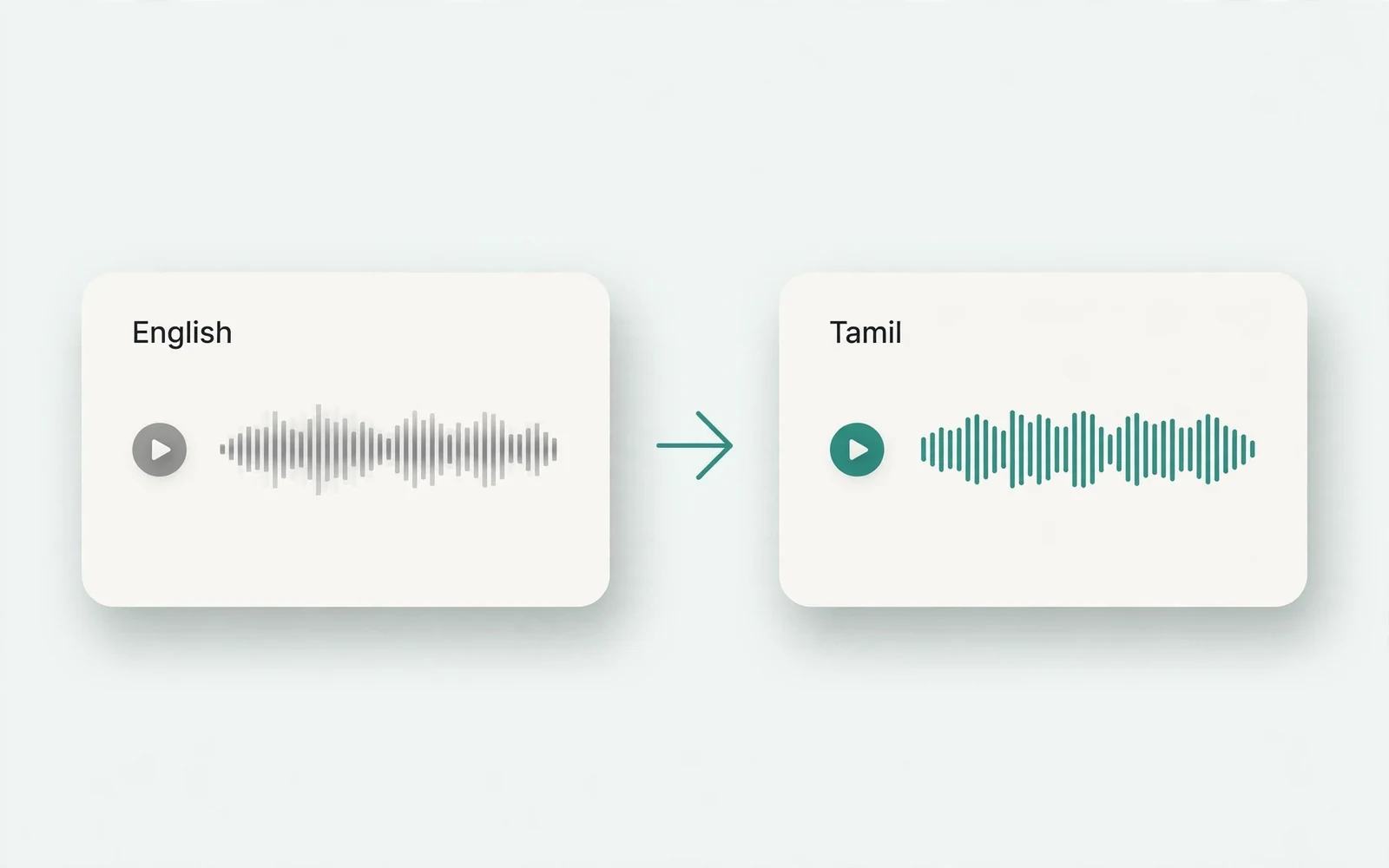
Translate English to Tamil Audio
English to Tamil audio
Turn English speech into Tamil audio.
Hindi to English Voice Translation
Hindi to English audio
Turn Hindi speech into English audio.
AI Voice Generator
Design a new voice
Design a brand-new voice from a description.