Warm Narrator
0:00 / 0:00
Transcript
Good morning, and welcome. Today we're going to try something a little different — a story told in three voices, starting with mine.

The AI voice generator designs an original voice from your description. Tell it the gender, age, accent, and tone you hear in your head, then preview the result before using it.
This is different from the other voice tools: text to speech speaks your script with an existing voice, voice cloning copies a real person's voice, and the voice changer transforms a recording. The generator creates a voice that did not exist before.
Write what the voice should sound like: gender, approximate age, accent, tone, and character. One vivid sentence beats a long vague paragraph.
Use the gender, age, accent, and tone controls to narrow the result before generating. Anything left on Auto is decided by the description.
Generate the voice and listen to the preview. Regenerate with a tweaked description until it matches what you imagined.
Download the preview audio to use in your videos, podcasts, or ads.
Describe the voice in words, tune the attributes, and preview the result in one workspace.
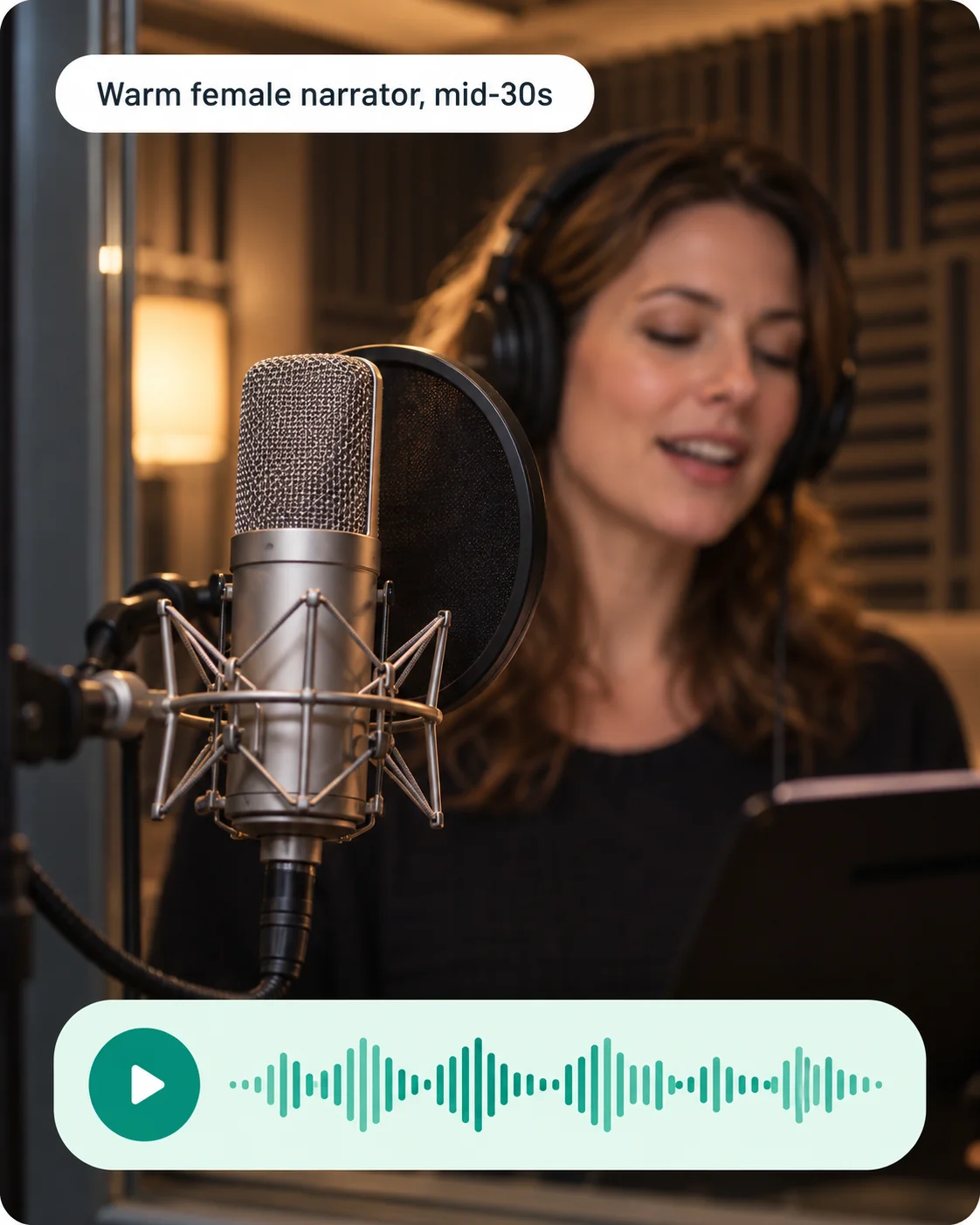
Every voice is designed from your description, with no reference recording to upload.
If you can describe the voice you want, you can create it. No sample recordings, no audio engineering.
Listen to each generated voice in the workspace and regenerate until it fits. Download only the keeper.
Dial in gender, age, accent, and tone, then regenerate until the voice fits.
Three designed voices read the same preview line — hear how each one sounds.
Transcript
Good morning, and welcome. Today we're going to try something a little different — a story told in three voices, starting with mine.
Transcript
Good morning, and welcome. Today we're going to try something a little different — a story told in three voices, starting with mine.
Transcript
Good morning, and welcome. Today we're going to try something a little different — a story told in three voices, starting with mine.
A precise description gets you closer to the voice you hear in your head.
Casting directors describe voices in concrete terms: warm female, mid-30s, soft British accent, calm and friendly. Borrow that format for your description.
When a result is close but not right, adjust a single attribute — the accent, the age, the tone — and regenerate. Small edits are easier to judge.
A voice that sounds great on a preview line can feel wrong on your actual script. Generate a few variations with different descriptions and compare them.
Generated voices are original, but commercial rights still depend on your plan. Check the licensing terms before publishing client or ad work.
It creates a brand-new AI voice from your text description — set gender, age, accent, and tone, then preview the result. The voice is original, not copied from any real person.
Voice cloning replicates an existing real voice from a sample recording. The voice generator designs an original voice that doesn't exist — no sample audio needed.
Text to speech turns your script into audio using an existing voice. The voice generator creates the voice itself from a text description.
Be specific about gender, approximate age, accent, and tone — for example, 'warm female voice, mid-30s, soft British accent, calm and friendly'. Regenerate until it fits.
Yes, with a plan that includes commercial rights. Check your plan's terms before publishing client or ad work.
More AI audio tools
Browse every AI audio tool, from generators to converters, and keep creating.
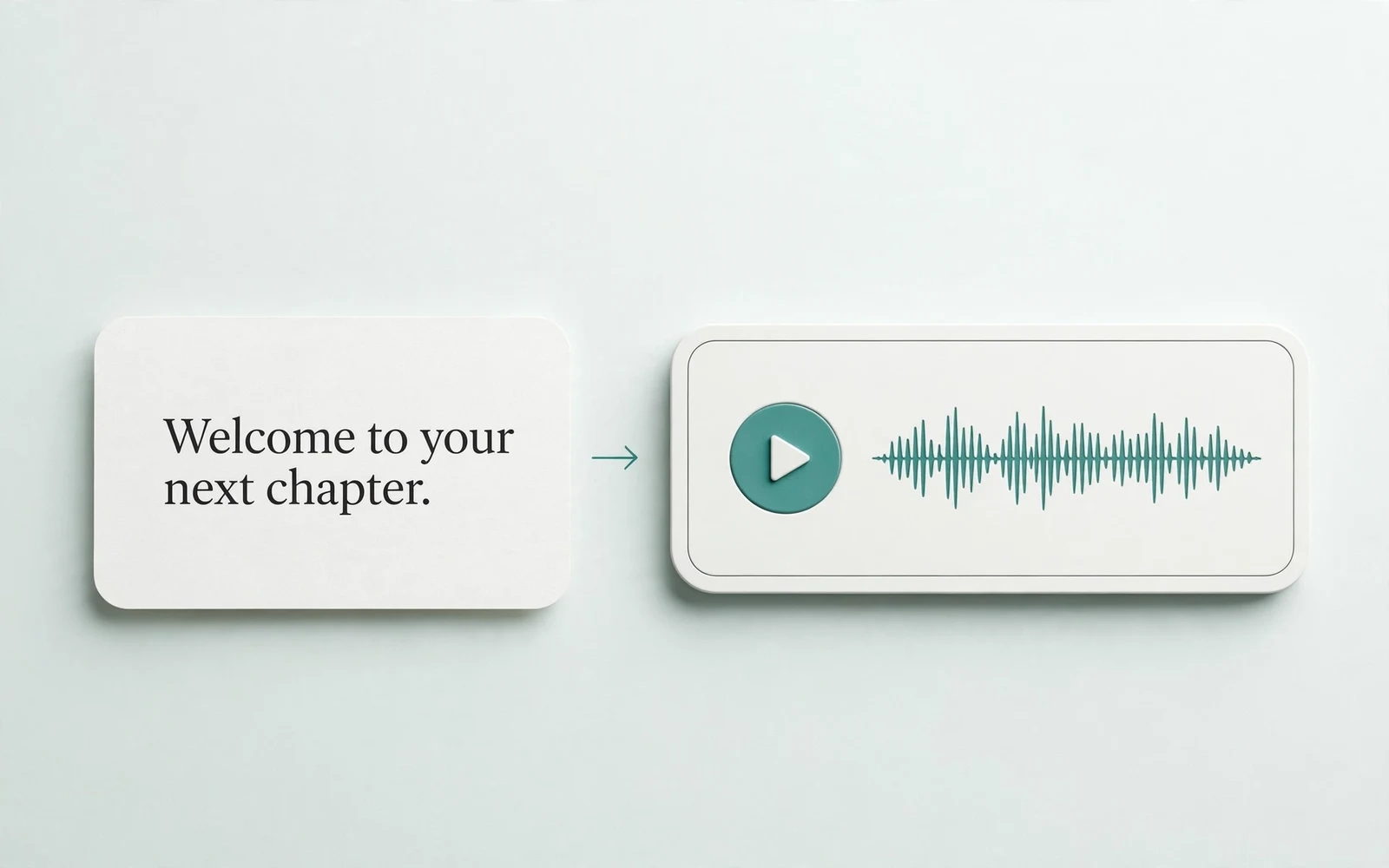
Text to Speech
Create new narration
Turn any script into natural spoken audio.
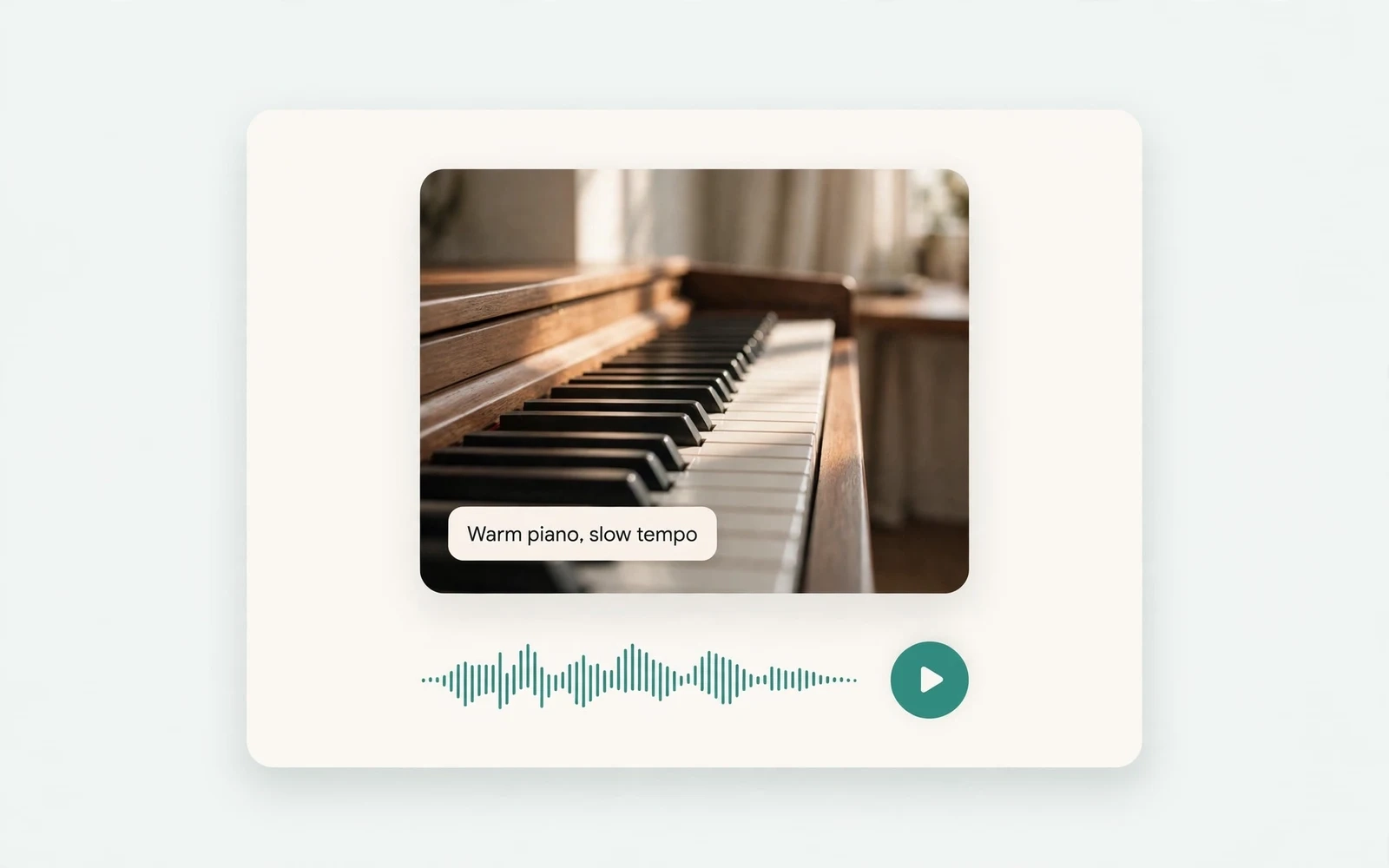
AI Music Generator
Generate instrumental music
Create instrumental tracks from a text prompt.
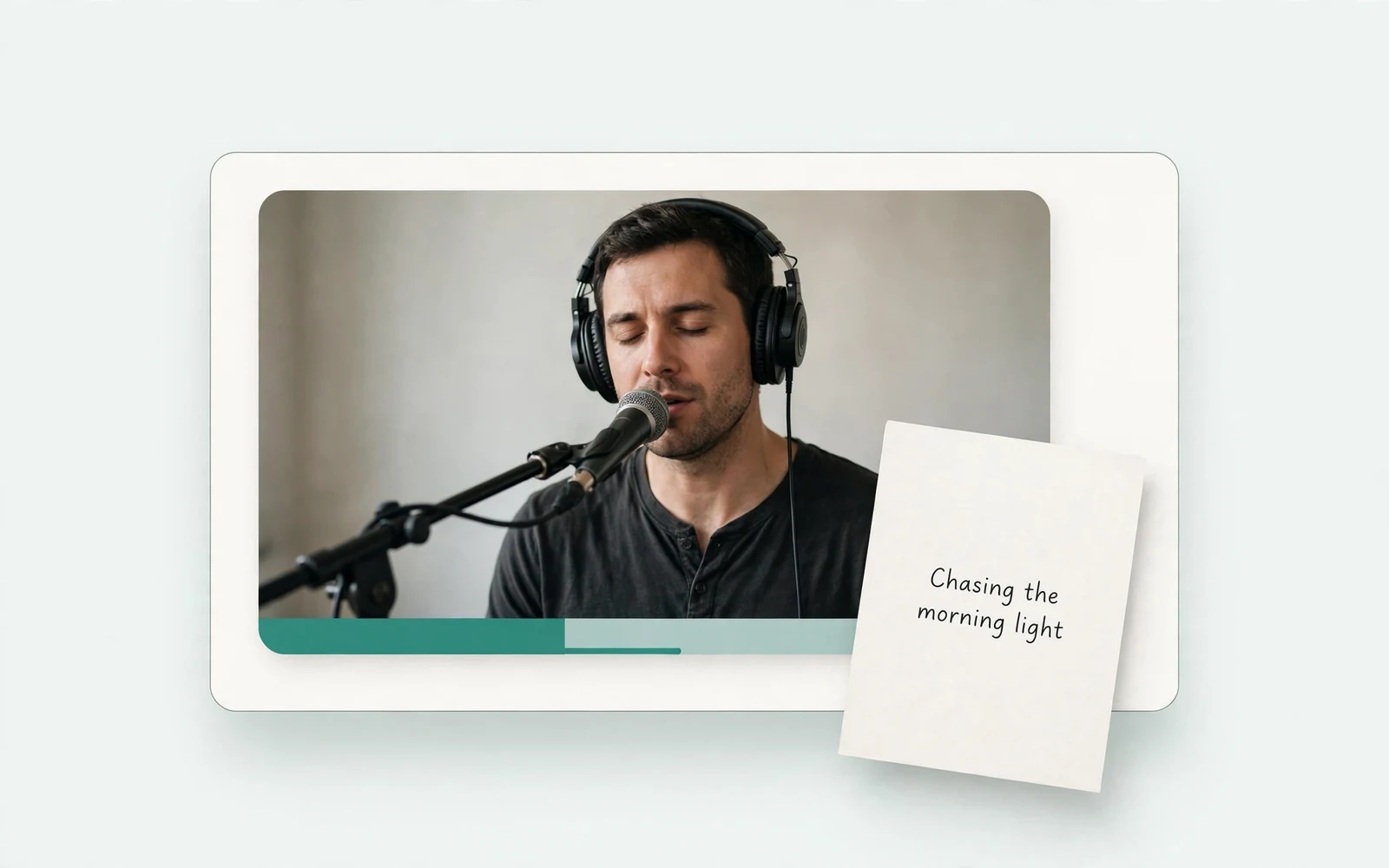
AI Song Generator
Add lyrics and vocals
Turn lyrics and ideas into complete songs.
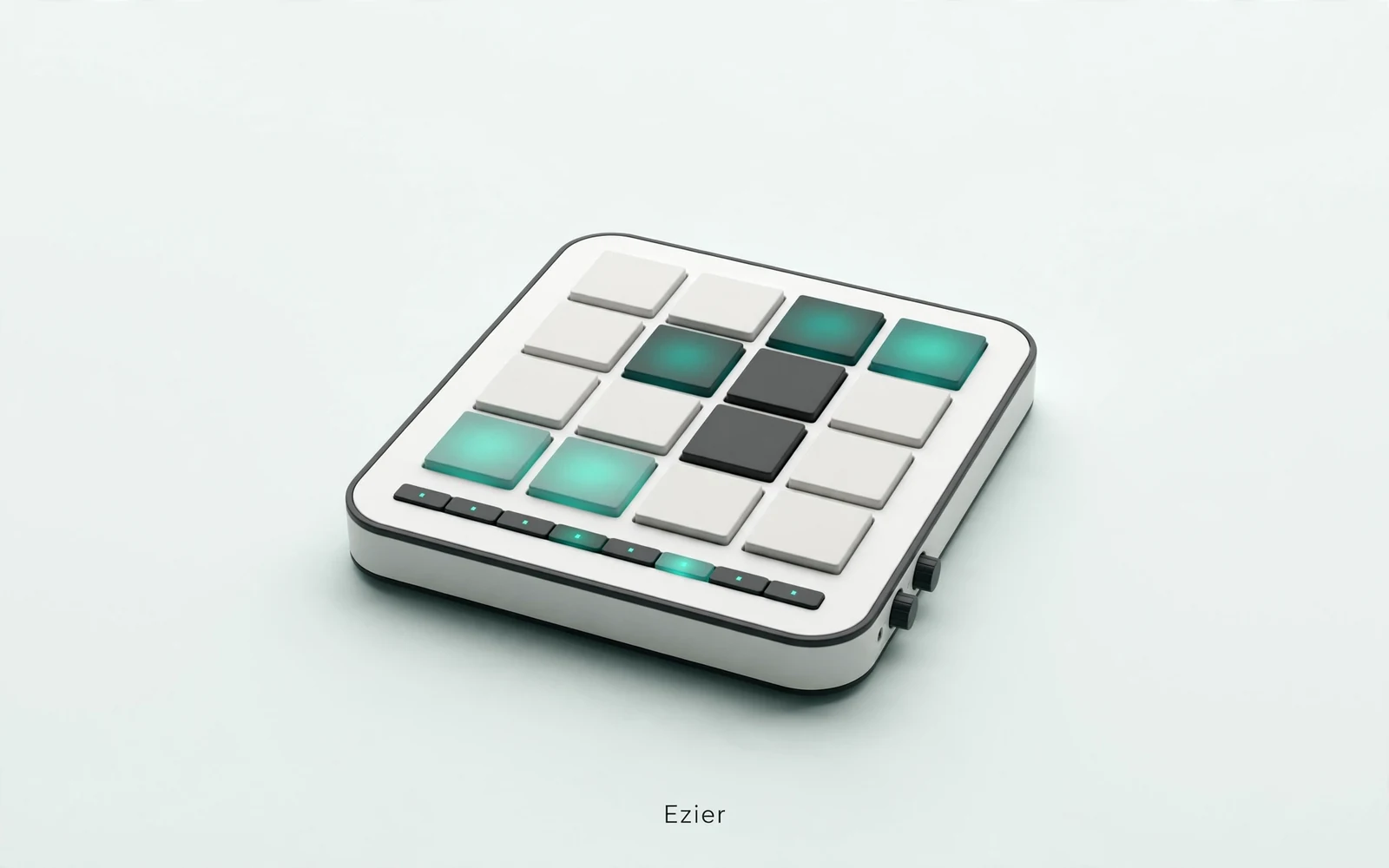
AI Beat Maker
Build a beat
Build beats and grooves from a short prompt.
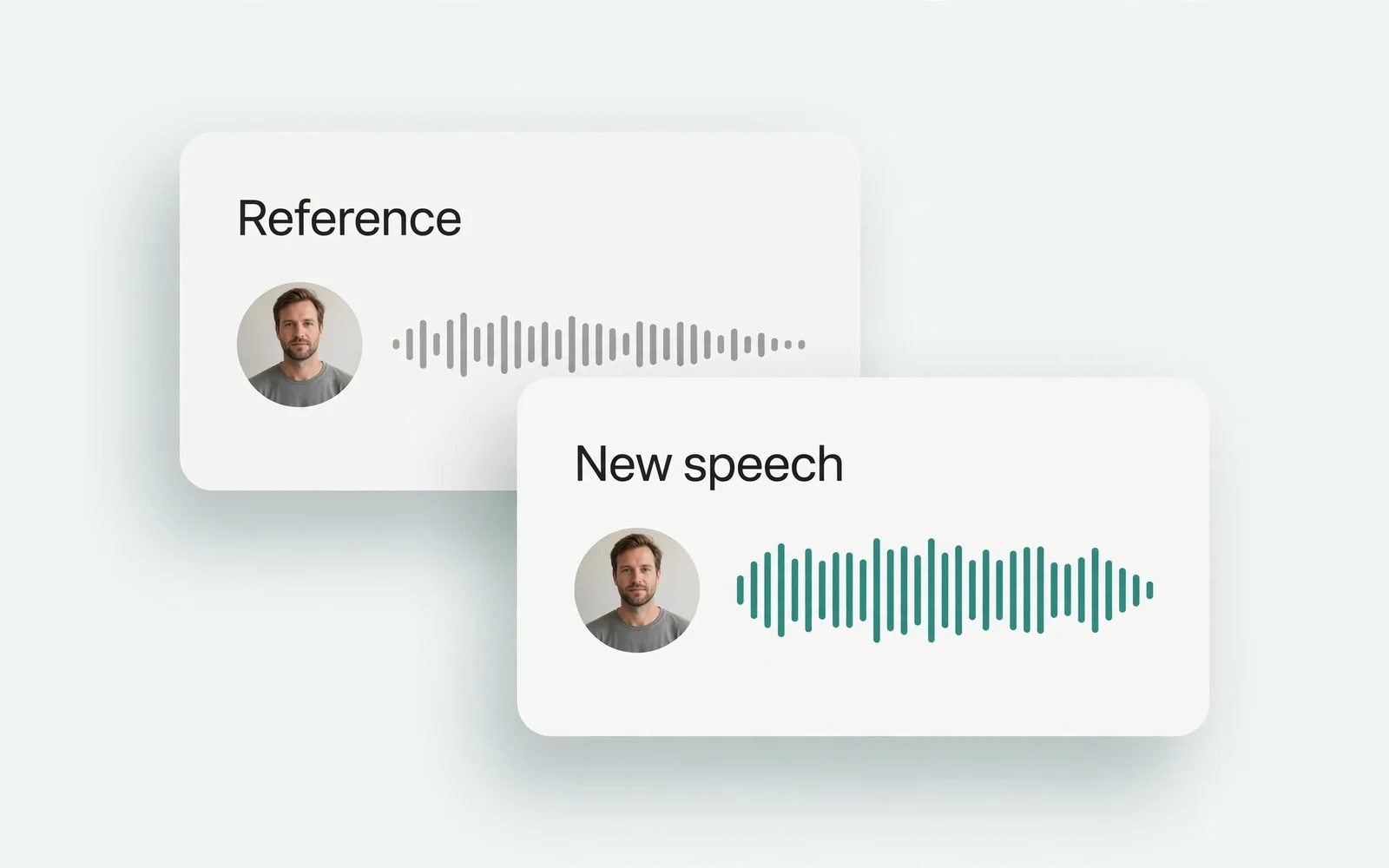
AI Voice Cloning
Create a custom voice
Replicate a specific real voice from a sample.
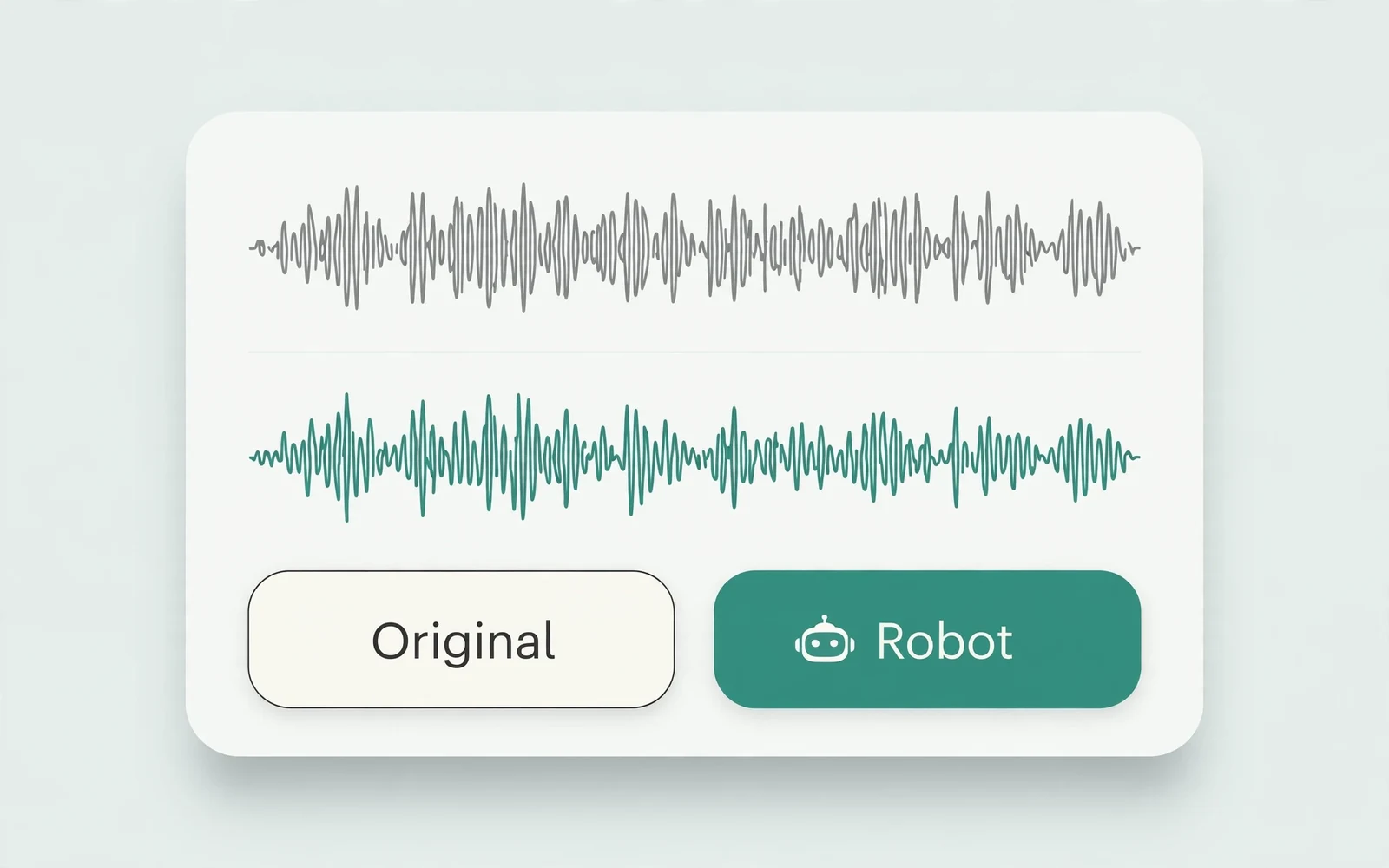
AI Voice Changer
Transform recorded audio
Transform a recording into a different voice.
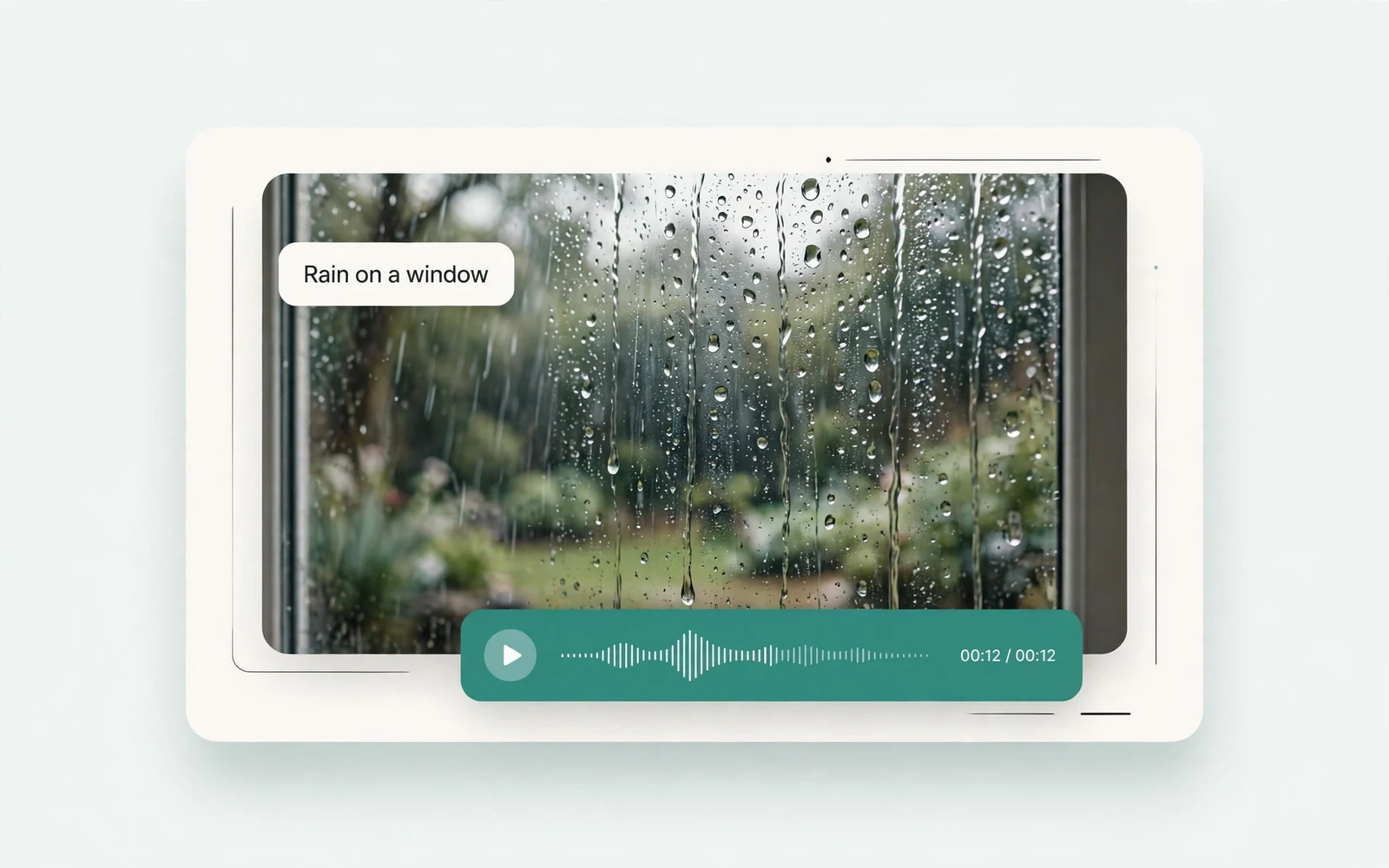
AI Sound Effects Generator
Generate a sound effect
Generate any sound effect from a description.
Soundboard
Play sounds instantly
Trigger instant sound effects from a soundboard.
AI Voice Over
Narration workflows
Produce voiceovers for video and presentations.
Voice Over Advert
Ad and promo voiceovers
Create voiceovers tuned for ads and promos.
Portuguese Text to Speech
Portuguese speech
Generate natural Brazilian Portuguese speech.
British Accent Generator
British English voices
Convert text to British-accented English speech.
Anime Voice Changer
Anime character voices
Restyle a recording with an anime character voice.
Girl Voice Changer
Young feminine voices
Convert a recording into a young feminine voice.
Audio Converter
Convert an audio file
Convert audio files between formats.
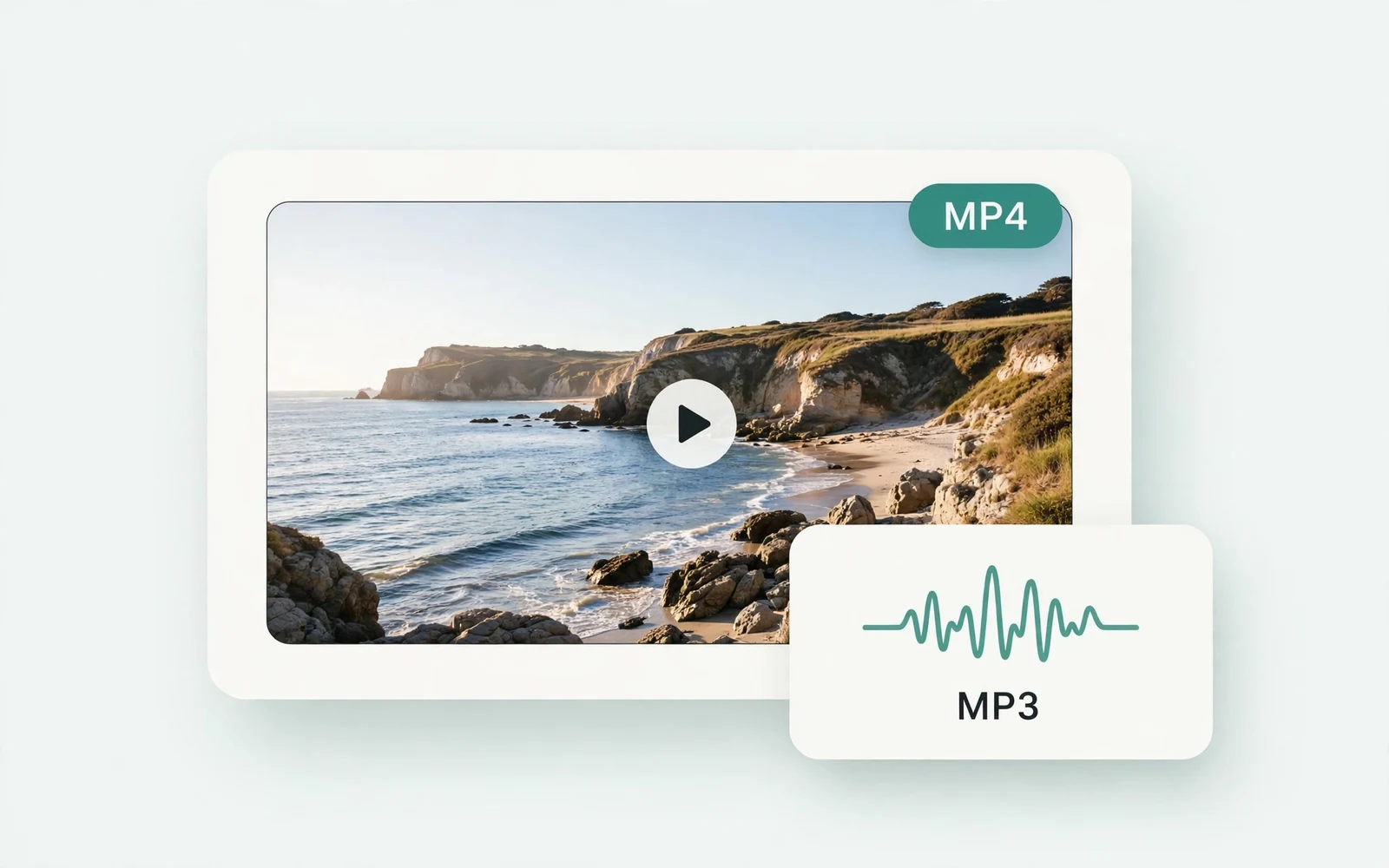
MP4 to MP3 Converter
Extract audio from MP4
Extract the audio track from an MP4 video.
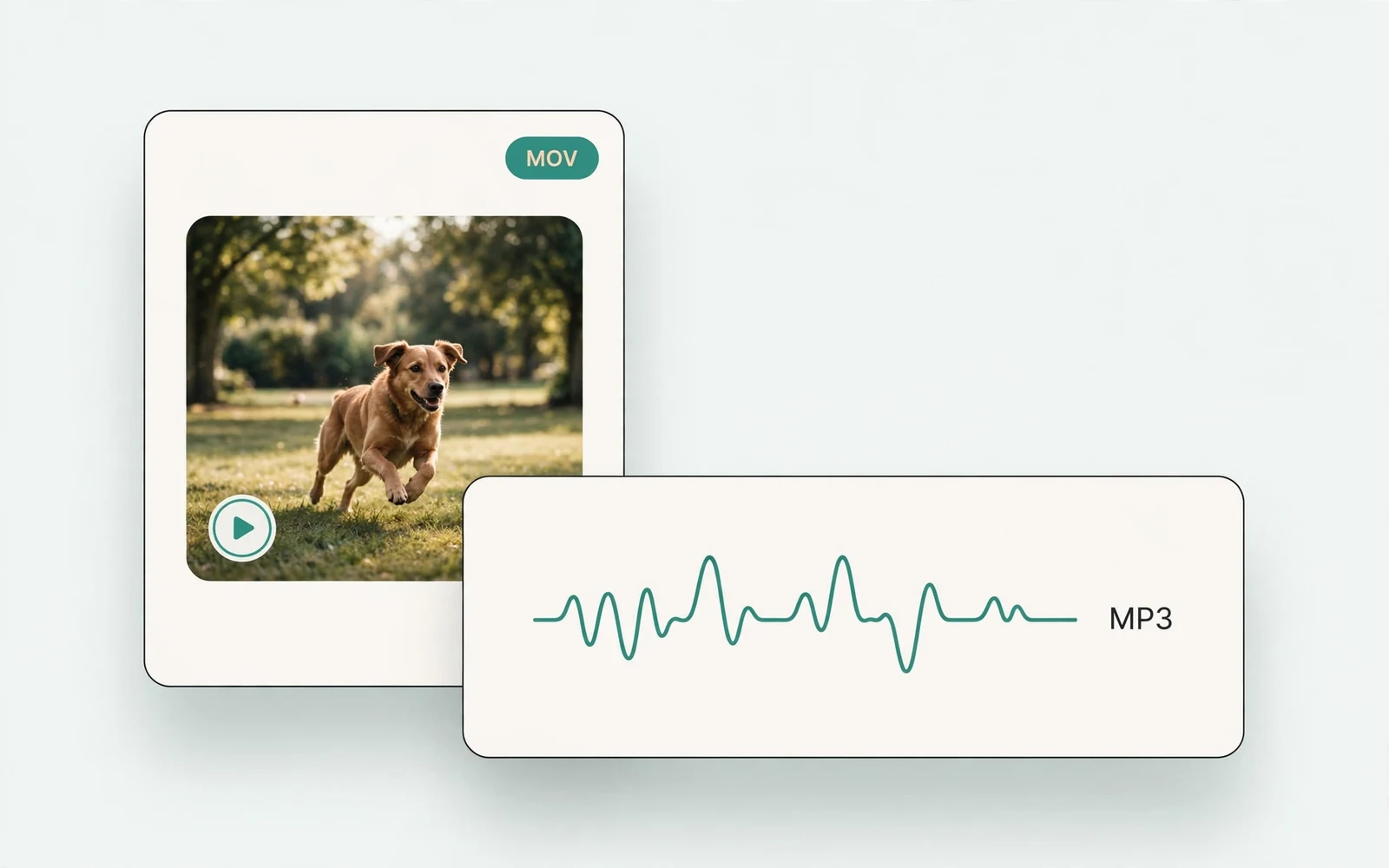
MOV to MP3 Converter
Extract audio from MOV
Extract the audio track from a MOV video.
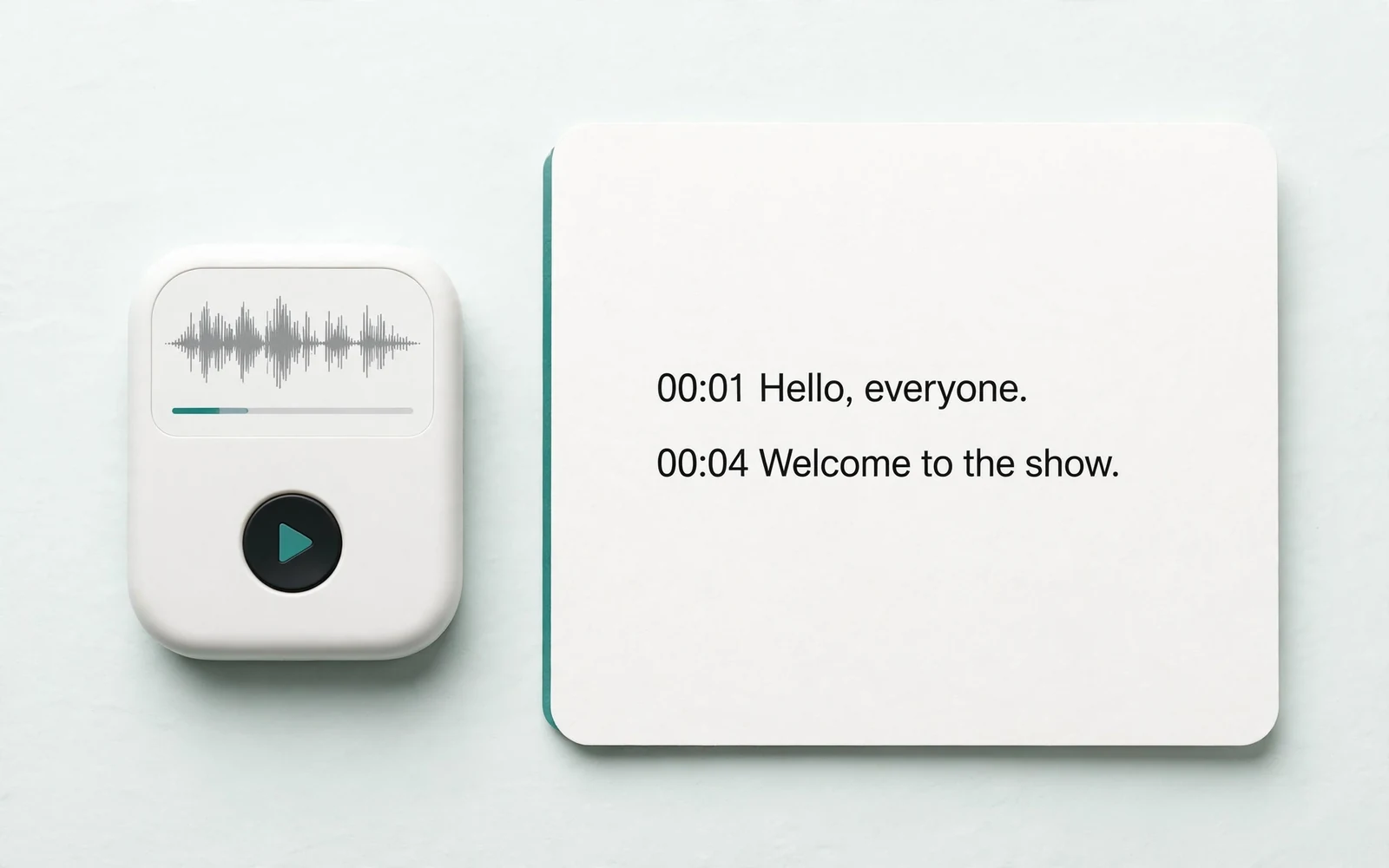
Audio to Text
Transcribe a recording
Transcribe any recording into text.
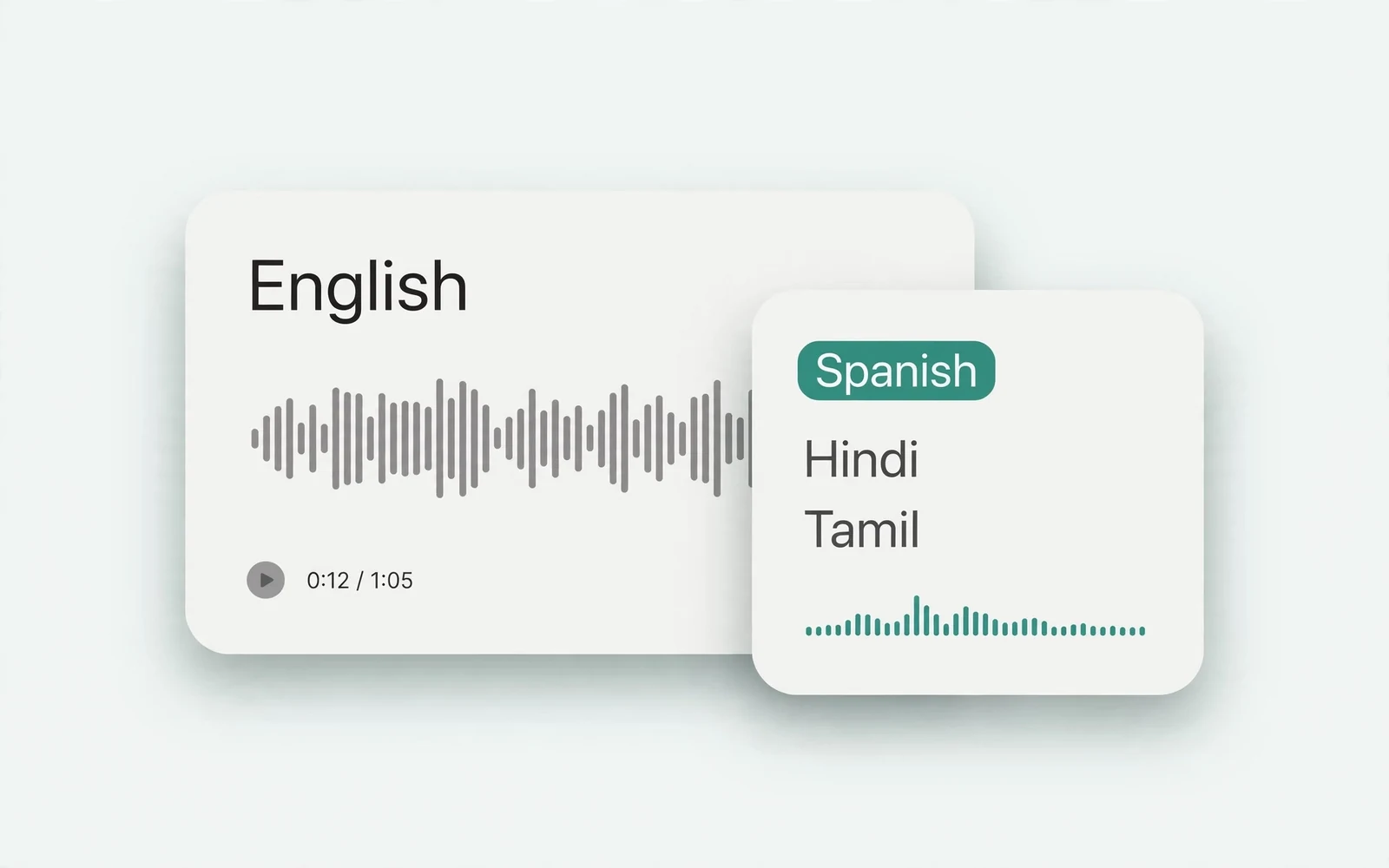
Audio Translator
Translate spoken audio
Translate spoken audio into another language.
English to Hindi Voice Translator
English to Hindi audio
Turn English speech into Hindi audio.
Translate English to Tamil Audio
English to Tamil audio
Turn English speech into Tamil audio.
Hindi to English Voice Translation
Hindi to English audio
Turn Hindi speech into English audio.