Ad read
0:00 / 0:00
Transcript
Tired of noisy mornings? Meet the blender that crushes ice in ten seconds flat — quiet enough for the whole house.

AI voice over adds a narrator to a video, lesson, or audio story. The script needs to fit the scene, explain what matters, and leave room for the audience to follow.
For a product demo, narrate the action on screen. For a course, pause between ideas. For a podcast introduction, establish the topic before the episode begins.
Compare the narration examples below. Write one scene or section at a time. Generate the audio, then assemble and time the clips in your editor.
Choose the purpose: explain a scene, teach a lesson, or introduce a story.
Listen to the commercial, story, and lesson examples before choosing your narrator.
Paste one scene's spoken lines, choose a voice, and generate a take.
Place the downloaded audio in your editor and shorten lines that overrun the scene.
Choose a delivery, work in short sections, and review each take before placing it in your edit.
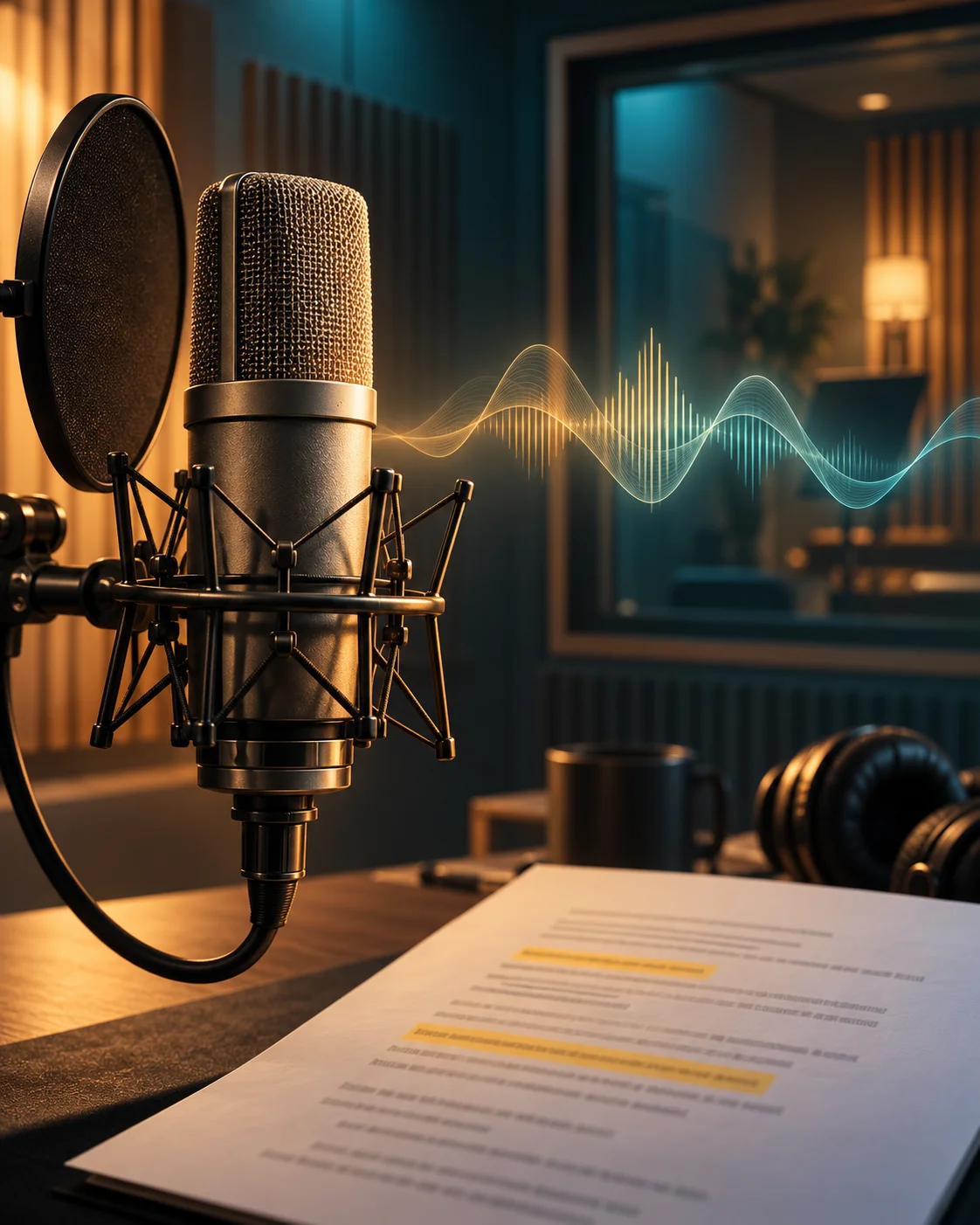
Hear a commercial read, a story passage, and a lesson before deciding how your narration should sound.
Generate short script sections so you can review each shot or slide before assembling the complete track.
Paste a corrected section and generate a new take. Replace that clip in your editor while keeping approved sections.
Download the audio, align it to footage or slides, and balance it with music in your editing software.
Listen to a commercial read, a story passage, and a lesson. Follow each script to compare phrasing and pauses.
Transcript
Tired of noisy mornings? Meet the blender that crushes ice in ten seconds flat — quiet enough for the whole house.
Transcript
The harbor was quiet that morning, save for the gulls circling low over the water and the slow creak of moored boats.
Transcript
In this module, we will break down the three-part structure every strong paragraph needs, then practice it together.
Screen action, lesson structure, and story pacing each call for a different narration plan.
Video editors can pair each spoken line with the action it explains, then leave room for viewers to inspect the result.
Course creators can narrate one learning objective per section, then place pauses around demonstrations and practice tasks in the edit.
Podcast producers can generate a show introduction or segment announcement, then mix the downloaded clip with the episode audio.
Authors can try a short passage with a selected narrator before preparing longer material in sections for assembly in an audio editor.
Text to speech is the technology that turns text into spoken audio. Voice over is its use as narration for a video, lesson, or story. Both Ezier pages use the same speech generator; this page focuses on choosing a delivery and preparing narration for an edit.
A rough word budget is your planned words per minute multiplied by seconds, divided by 60. For example, a planned 140 words per minute gives 70 words for 30 seconds before pauses. Leave room for transitions, then measure the generated take against your footage; exact duration varies.
No. This page generates a separate audio file from your script. Import that file into your video editor, place it under the matching scene, and adjust clip positions or revise the script. It does not upload, edit, or automatically time your video.
Yes. Paste the replacement line or short section and generate another take with the same selected voice. Replace the old clip in your editing software, then check the joins for changes in pacing, tone, and volume. This creates a new audio file; it does not edit the previous recording.
No. The current script field accepts up to 500 characters per generation. Split longer material into scenes, slides, or passages. Keep a record of your voice settings, then assemble the downloaded clips and review transitions in an audio or video editor.
Output ownership and commercial use are governed by the applicable service and model terms. Review those terms before publishing a monetized video, paid course, or audiobook, and make sure you have permission to use the script and other project material.
More AI voice tools
Use text to speech for a standalone read, voice cloning for a reference voice, or audio translation for an existing recording.
Text to Speech
Create new narration
Turn any script into natural spoken audio.
AI Music Generator
Generate instrumental music
Create instrumental tracks from a text prompt.
AI Song Generator
Add lyrics and vocals
Turn lyrics and ideas into complete songs.
AI Beat Maker
Build a beat
Build beats and grooves from a short prompt.
AI Voice Cloning
Create a custom voice
Replicate a specific real voice from a sample.
AI Voice Changer
Transform recorded audio
Transform a recording into a different voice.
AI Sound Effects Generator
Generate a sound effect
Generate any sound effect from a description.
Soundboard
Play sounds instantly
Trigger instant sound effects from a soundboard.
Voice Over Advert
Ad and promo voiceovers
Create voiceovers tuned for ads and promos.
Portuguese Text to Speech
Portuguese speech
Generate natural Brazilian Portuguese speech.
British Accent Generator
British English voices
Convert text to British-accented English speech.
Anime Voice Changer
Anime character voices
Restyle a recording with an anime character voice.
Girl Voice Changer
Young feminine voices
Convert a recording into a young feminine voice.
Audio Converter
Convert an audio file
Convert audio files between formats.
MP4 to MP3 Converter
Extract audio from MP4
Extract the audio track from an MP4 video.
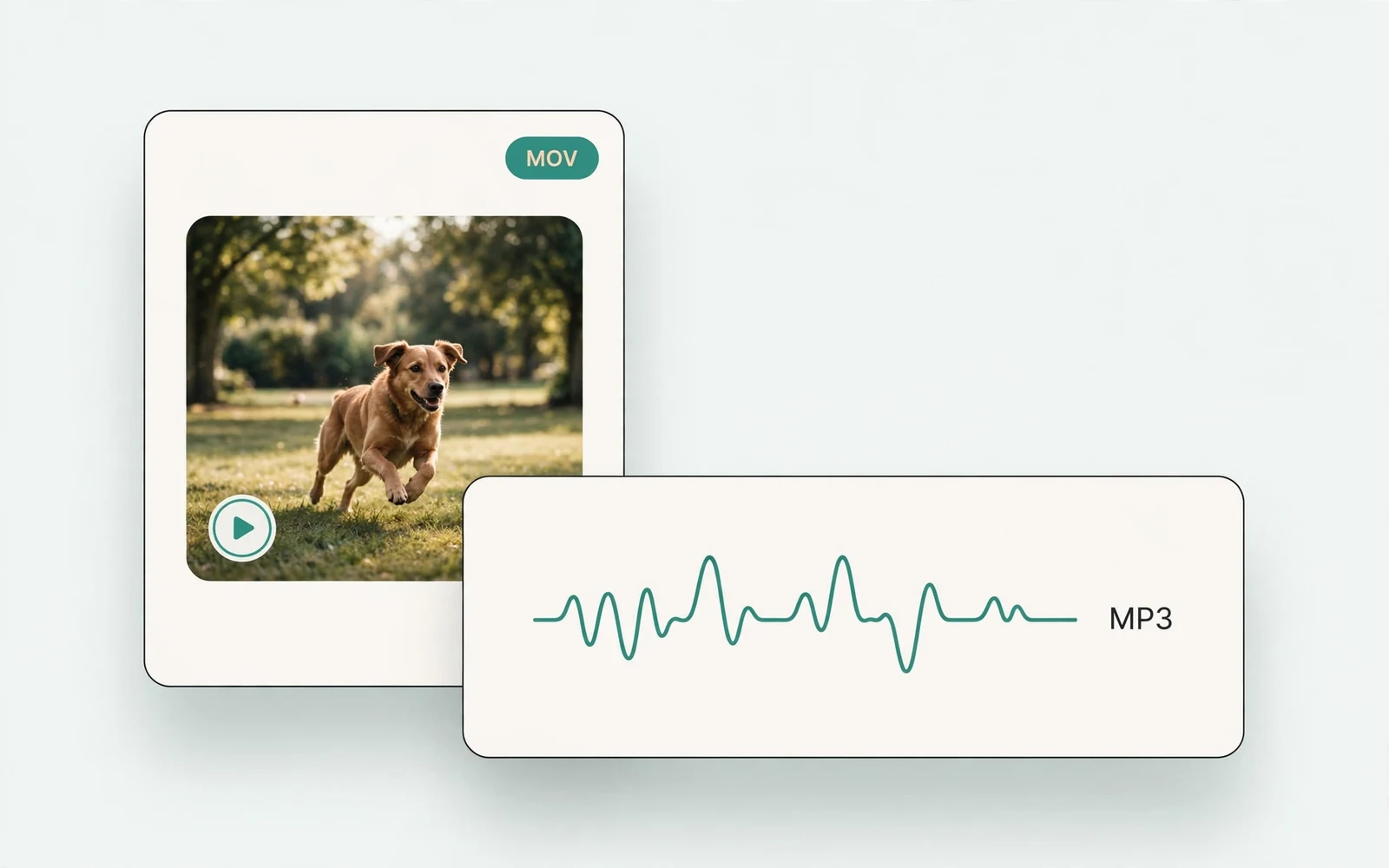
MOV to MP3 Converter
Extract audio from MOV
Extract the audio track from a MOV video.
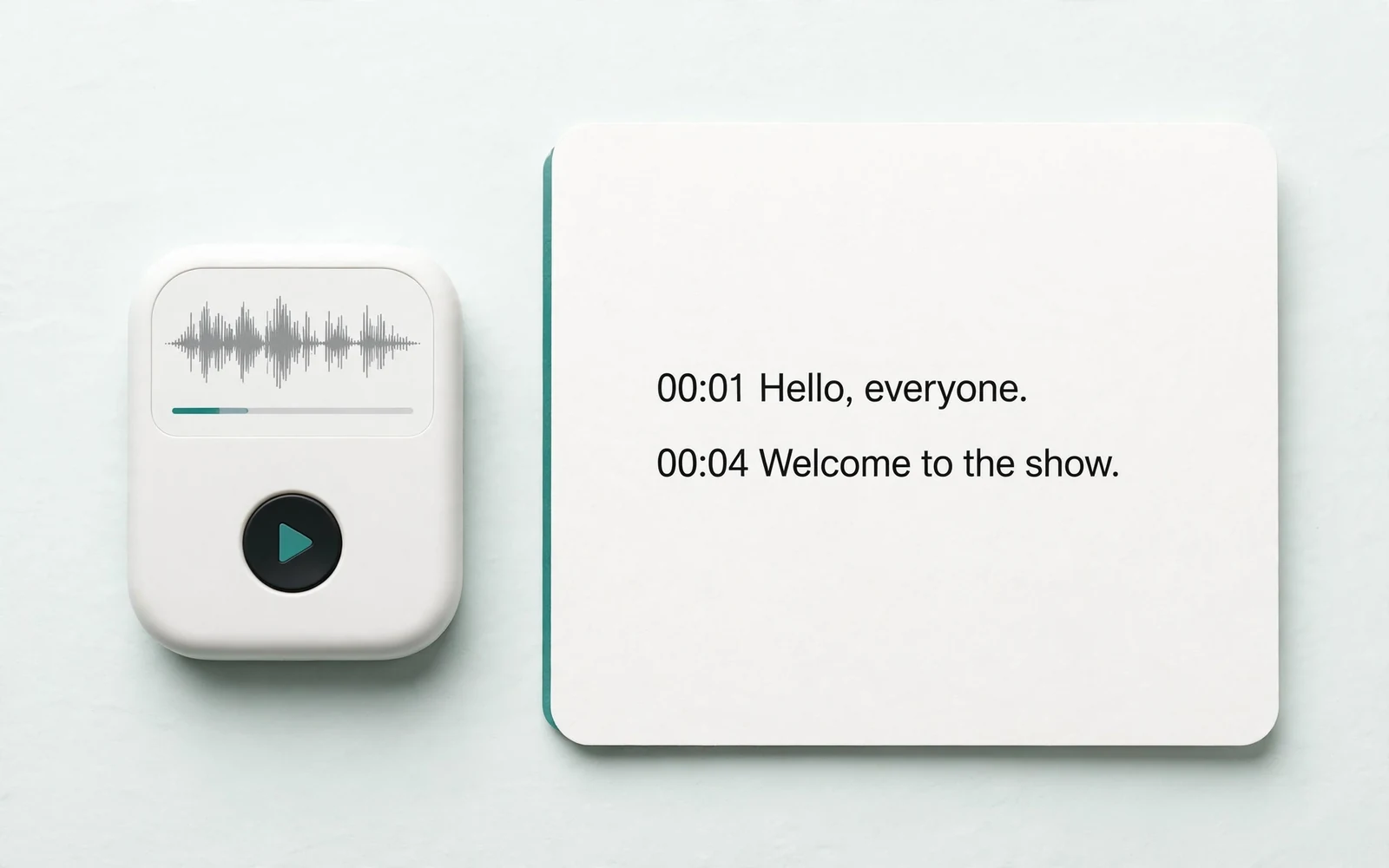
Audio to Text
Transcribe a recording
Transcribe any recording into text.
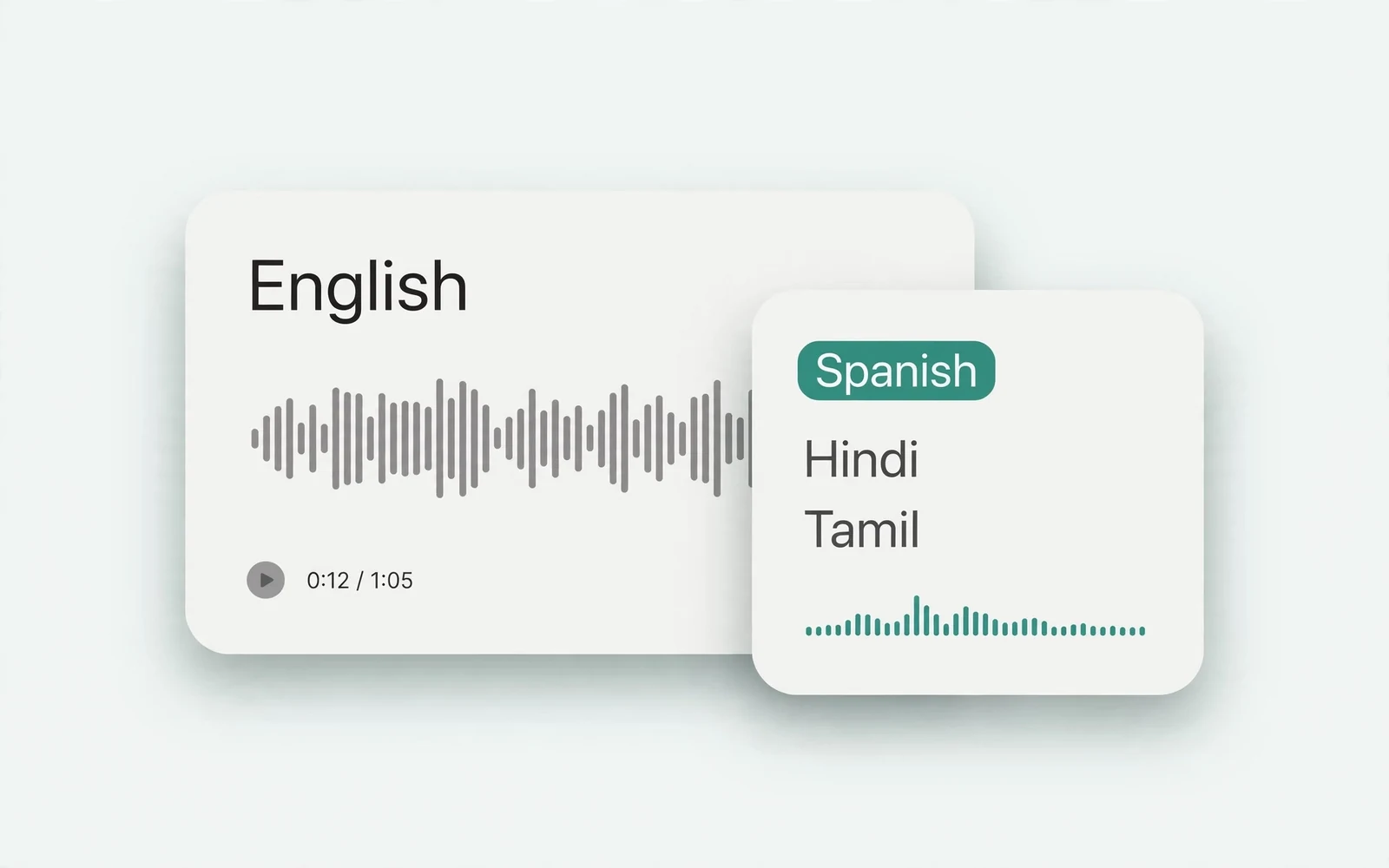
Audio Translator
Translate spoken audio
Translate spoken audio into another language.
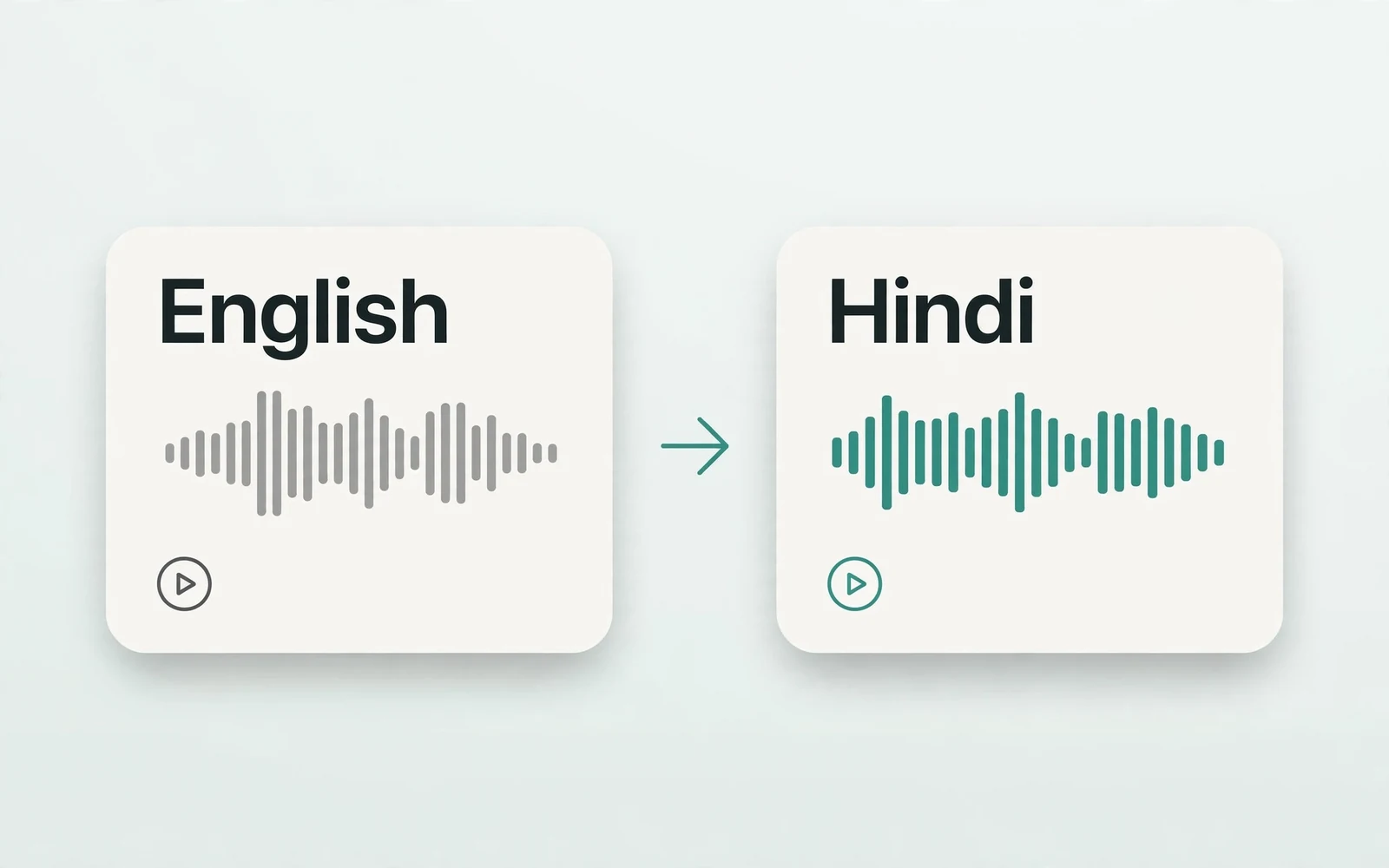
English to Hindi Voice Translator
English to Hindi audio
Turn English speech into Hindi audio.
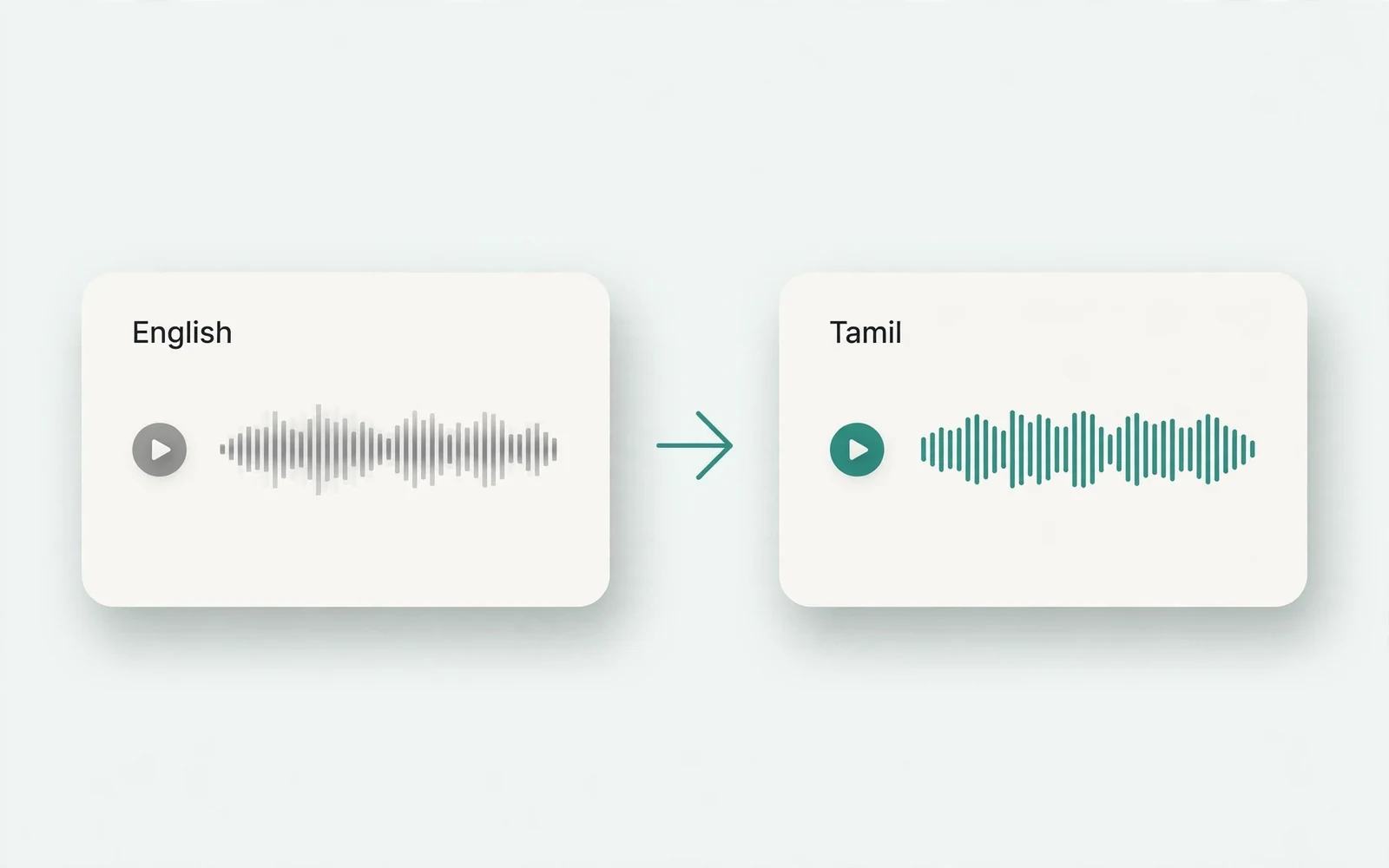
Translate English to Tamil Audio
English to Tamil audio
Turn English speech into Tamil audio.
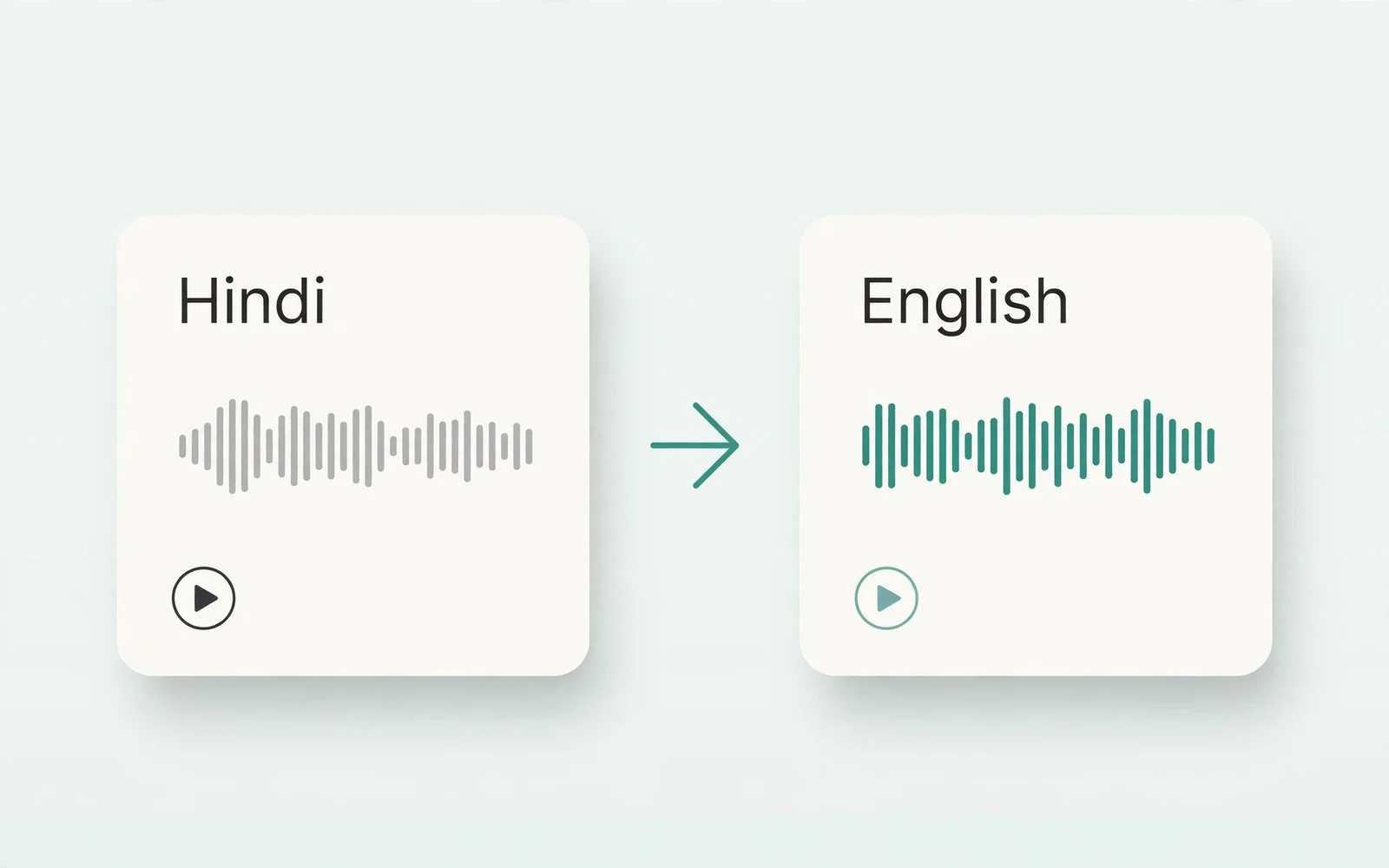
Hindi to English Voice Translation
Hindi to English audio
Turn Hindi speech into English audio.
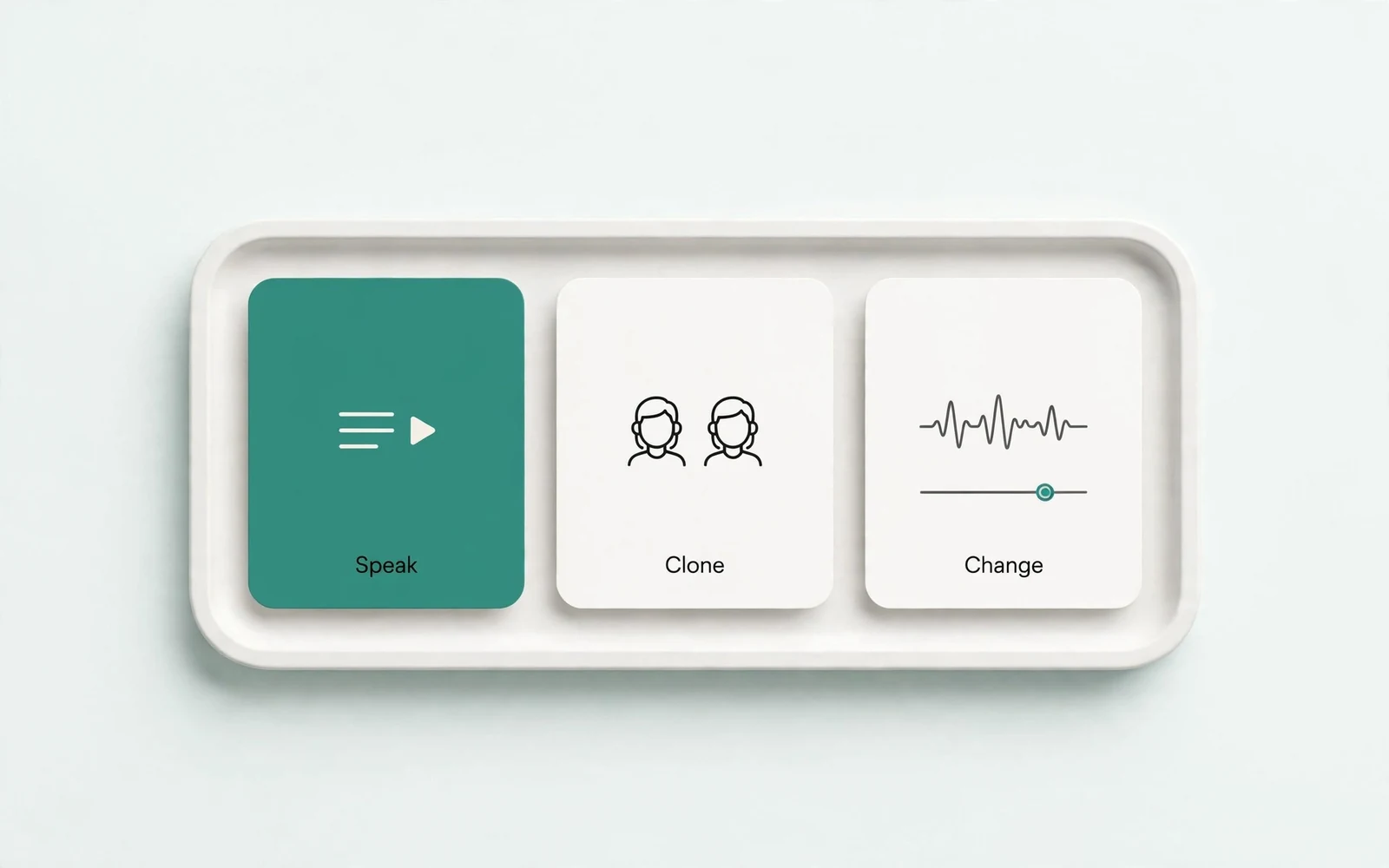
AI Voice Generator
Design a new voice
Design a brand-new voice from a description.