Product ad: Luma lamp
0:00 / 0:00
Transcript
Meet Luma — the lamp that learns your rhythm. Bright for your mornings, warm for your evenings, off when you leave. One tap, perfect light, every single day. Get twenty percent off, this week only.

A voice over advert gives your offer a voice: introduce the product, explain why it matters, and tell listeners what to do next. Start with one clear message for your video, radio, or social ad.
A product introduction, a flash sale, and a local-service pitch need different deliveries. Listen to the three examples below and follow their scripts to compare pacing, emphasis, and the final call to action.
Choose a voice, generate a take, and check it against your ad slot. Shorten lines that run long, generate a revised take, then download the audio and place it in your edit.
Focus on one offer and one call to action. Keep the script short enough to leave room for pauses within your ad slot.
Compare the product, flash-sale, and local-service examples. Choose a voice that suits your message and audience.
Generate a take and listen for clear phrasing and timing. Revise lines that feel rushed or unclear, then generate a new take.
Download the approved read and add it to your video or radio edit. Check that the offer and call to action fit before the spot ends.
Compare ad styles, refine the lines that matter, and take the finished read into your edit.
Hear a product introduction, an urgent promotion, and a local-service pitch before choosing the delivery for your offer.
Build the script around one offer and one next step. Review the generated read against your slot before adding it to the edit.
Generate a new clip for a revised price, promotion, or call to action, then replace that line in your editor.
Download the audio for your video, radio, or social ad. Position the clip and balance it with music in your editing software.
Listen to a product introduction, a flash sale, and a local-service pitch. Follow each script to compare pacing, emphasis, and the call to action.
Transcript
Meet Luma — the lamp that learns your rhythm. Bright for your mornings, warm for your evenings, off when you leave. One tap, perfect light, every single day. Get twenty percent off, this week only.
Transcript
Flash sale ends tonight! Every sneaker, every size — forty percent off. Shop now. When they're gone, they're gone!
Transcript
Your smile deserves the best care. Brightline Dental: gentle cleanings, honest prices, and appointments that fit your schedule. Book your visit today.
Video spots, radio breaks, and social ads each need a different read.
Pair the voice over with product shots and on-screen offers, then time the read to a 15 or 30-second slot.
Generate a standalone read for radio breaks or podcast mid-rolls without booking studio time.
Produce punchy reads for reels and shorts, where the first three seconds decide whether viewers stay.
Add a spoken pitch to listings and demo clips so shoppers hear the offer instead of only reading it.
Paste your ad script, choose an energetic voice, set the pace, and generate. You can regenerate lines until the delivery fits your spot.
For most ads, confident and upbeat deliveries work well. Preview several voices and match the energy to your product and audience.
Yes, with a plan that includes commercial rights. Check your plan's terms for details.
About 150 words per minute is a natural ad pace — a 30-second spot is roughly 75 words. Write to the slot, then check the generated take against your timing.
Yes. Paste the replacement line and generate a new take with the same voice, then swap that clip into your edit. This creates a new audio file; it does not edit the previous recording.
More AI voice tools
Use AI voice over for longer narration, voice cloning for a consistent brand voice, or audio translation for other markets.
Text to Speech
Create new narration
Turn any script into natural spoken audio.
AI Music Generator
Generate instrumental music
Create instrumental tracks from a text prompt.
AI Song Generator
Add lyrics and vocals
Turn lyrics and ideas into complete songs.
AI Beat Maker
Build a beat
Build beats and grooves from a short prompt.
AI Voice Cloning
Create a custom voice
Replicate a specific real voice from a sample.
AI Voice Changer
Transform recorded audio
Transform a recording into a different voice.
AI Sound Effects Generator
Generate a sound effect
Generate any sound effect from a description.
Soundboard
Play sounds instantly
Trigger instant sound effects from a soundboard.
AI Voice Over
Narration workflows
Produce voiceovers for video and presentations.
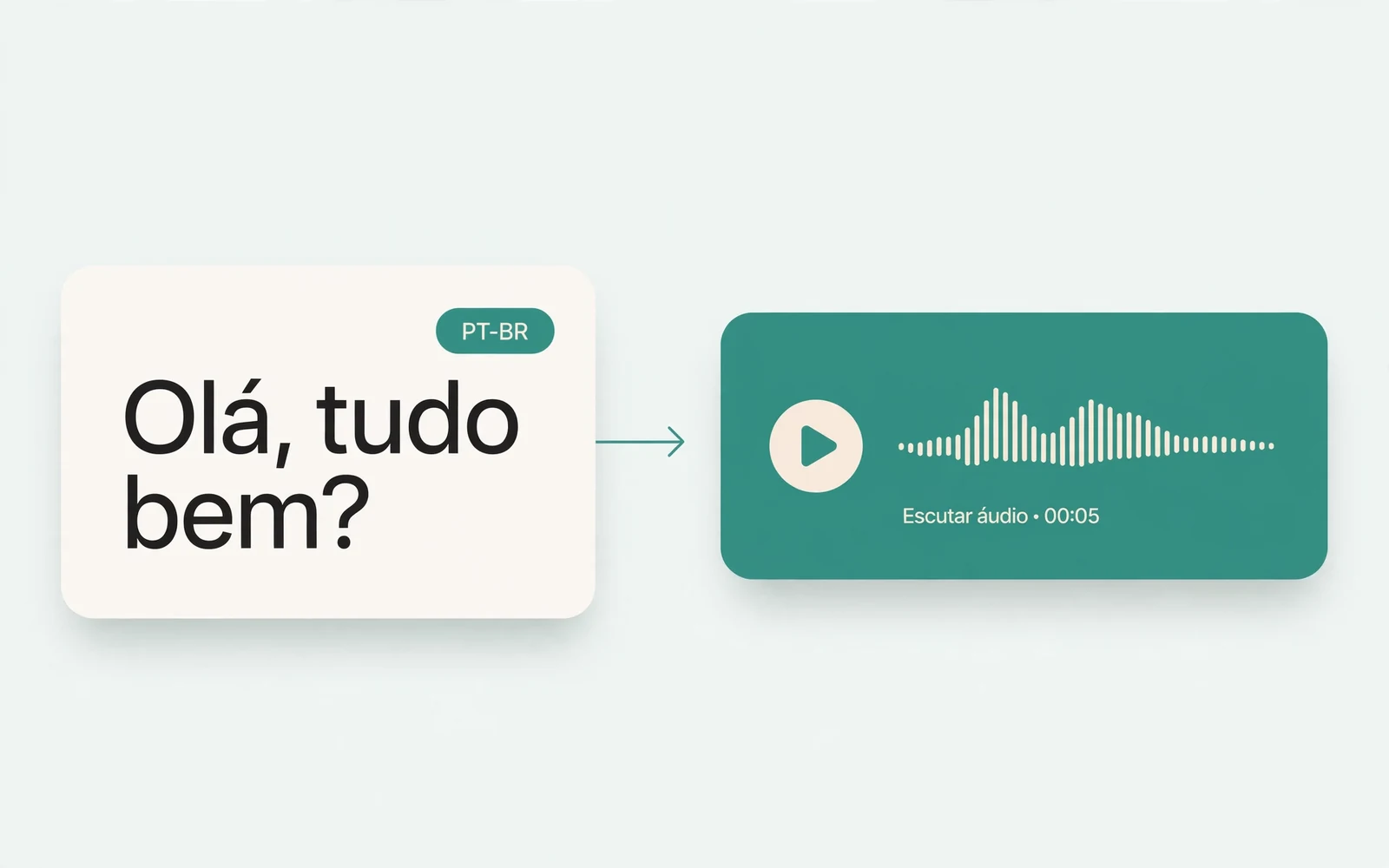
Portuguese Text to Speech
Portuguese speech
Generate natural Brazilian Portuguese speech.
British Accent Generator
British English voices
Convert text to British-accented English speech.
Anime Voice Changer
Anime character voices
Restyle a recording with an anime character voice.
Girl Voice Changer
Young feminine voices
Convert a recording into a young feminine voice.
Audio Converter
Convert an audio file
Convert audio files between formats.
MP4 to MP3 Converter
Extract audio from MP4
Extract the audio track from an MP4 video.
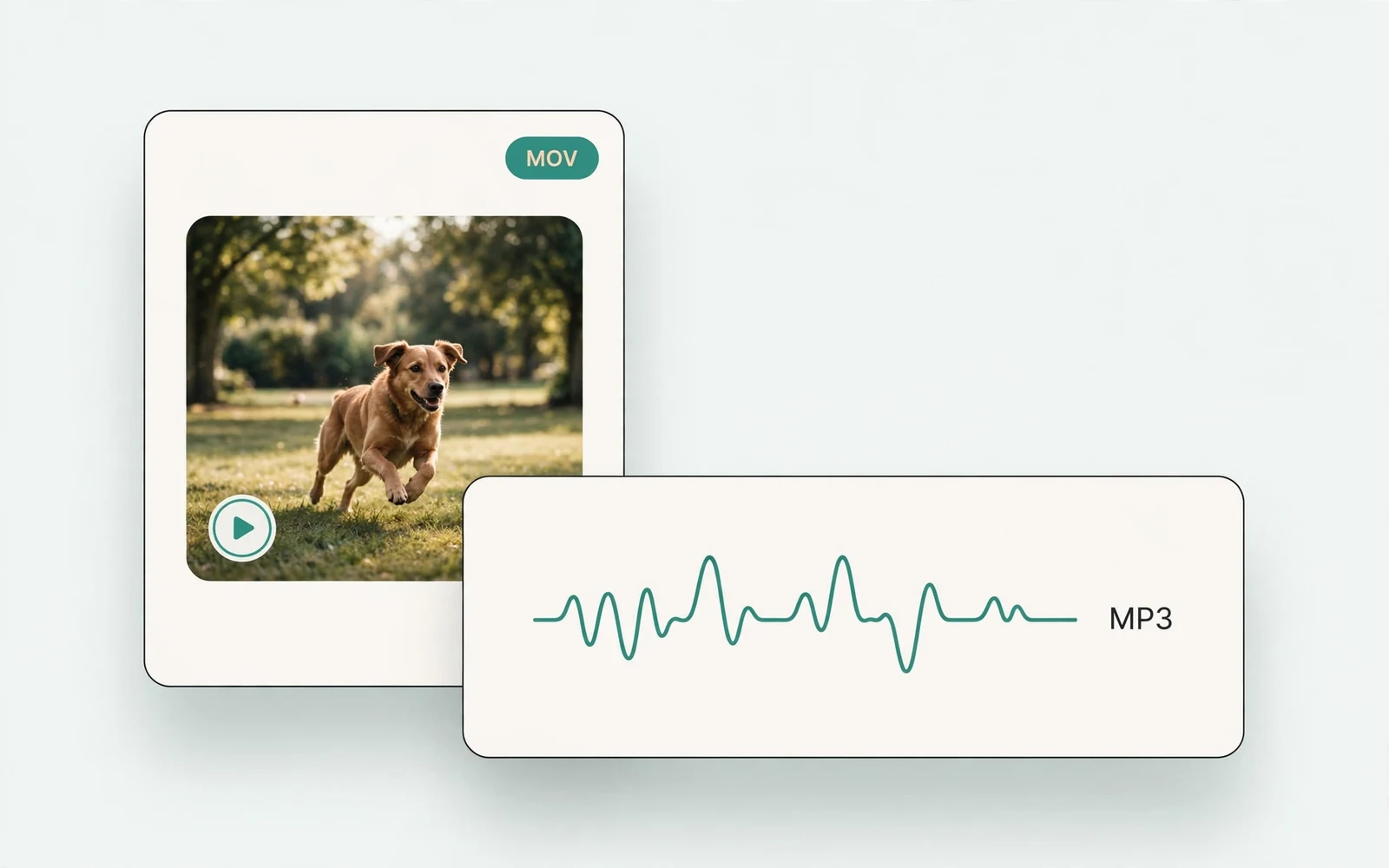
MOV to MP3 Converter
Extract audio from MOV
Extract the audio track from a MOV video.
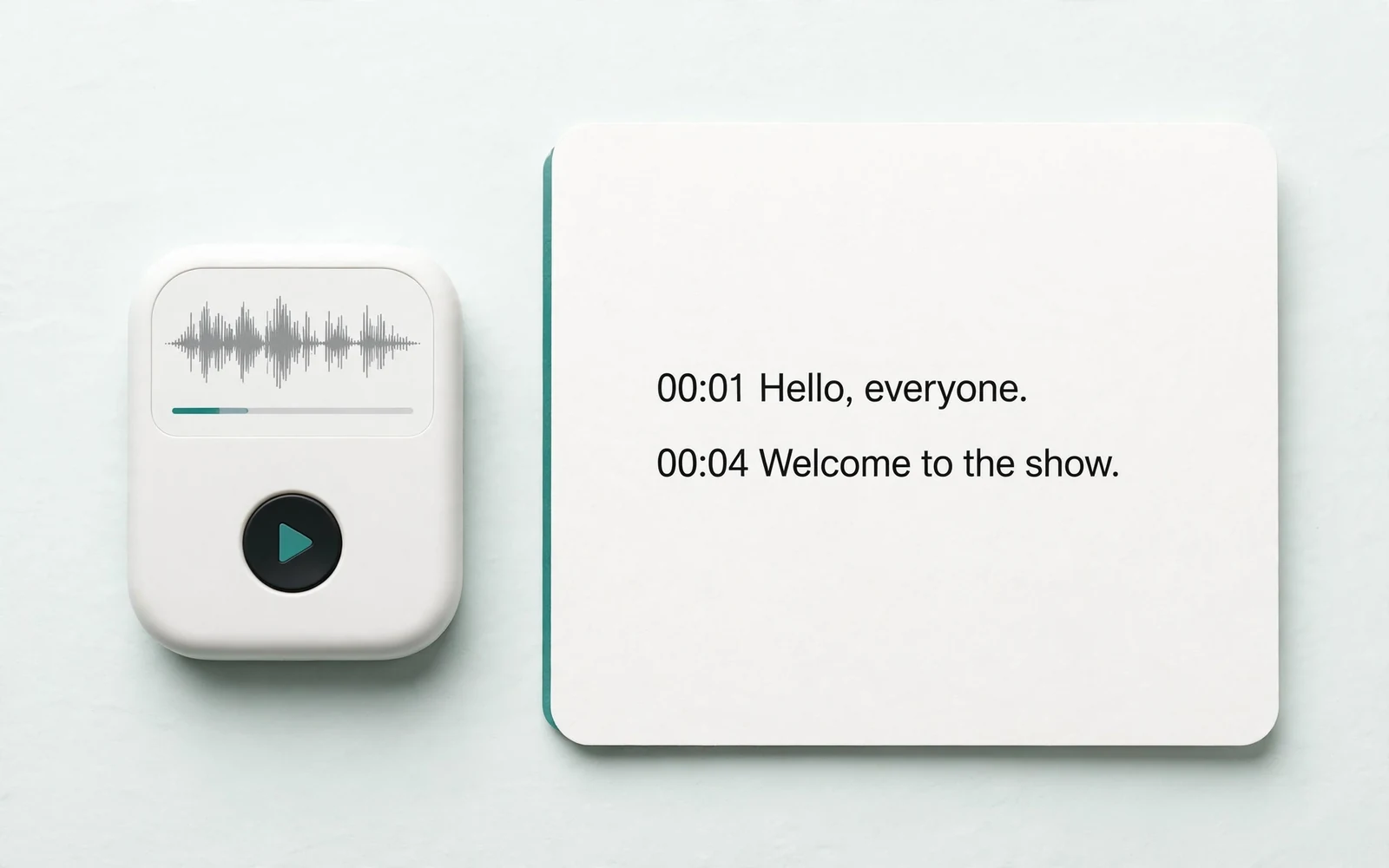
Audio to Text
Transcribe a recording
Transcribe any recording into text.
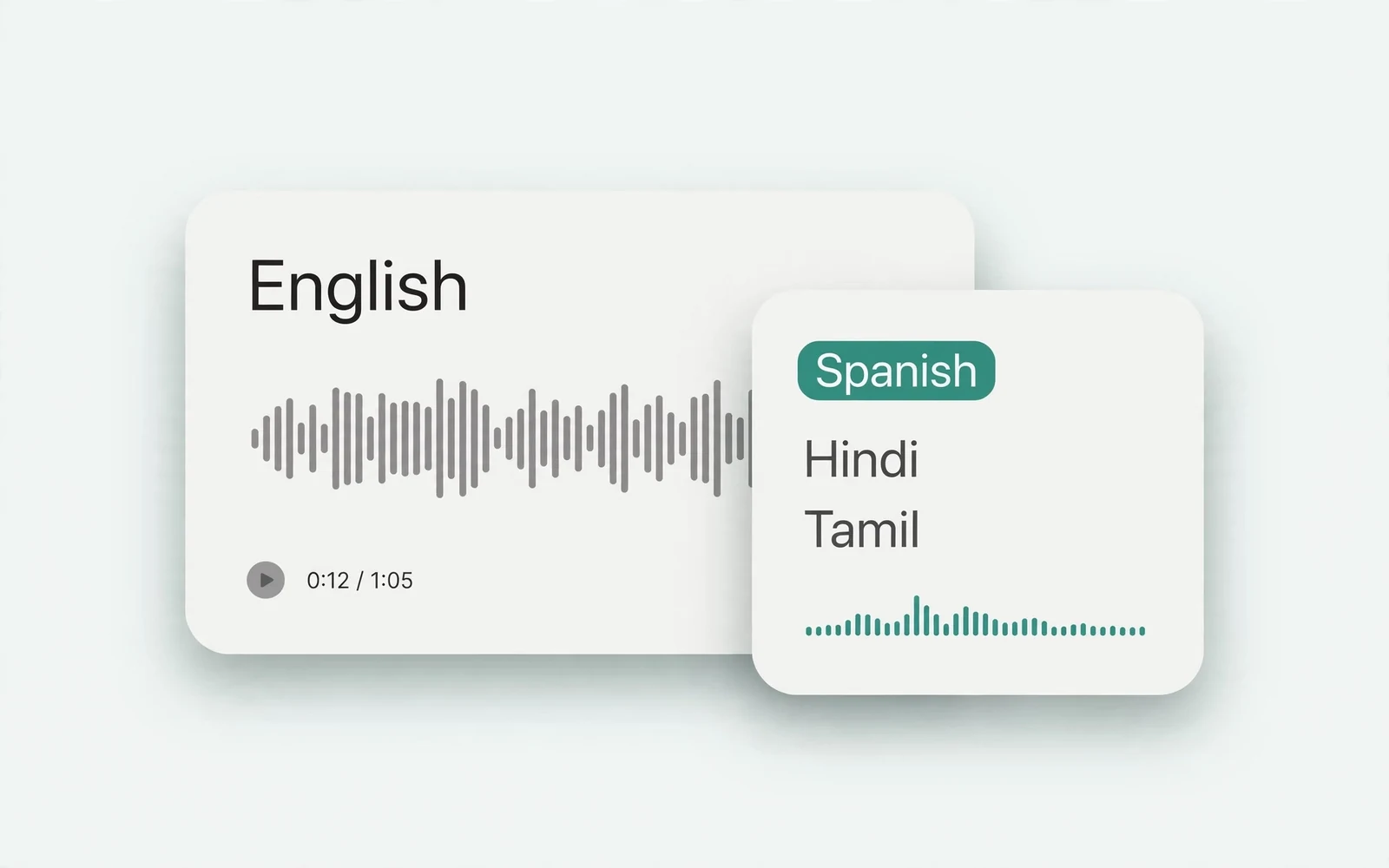
Audio Translator
Translate spoken audio
Translate spoken audio into another language.
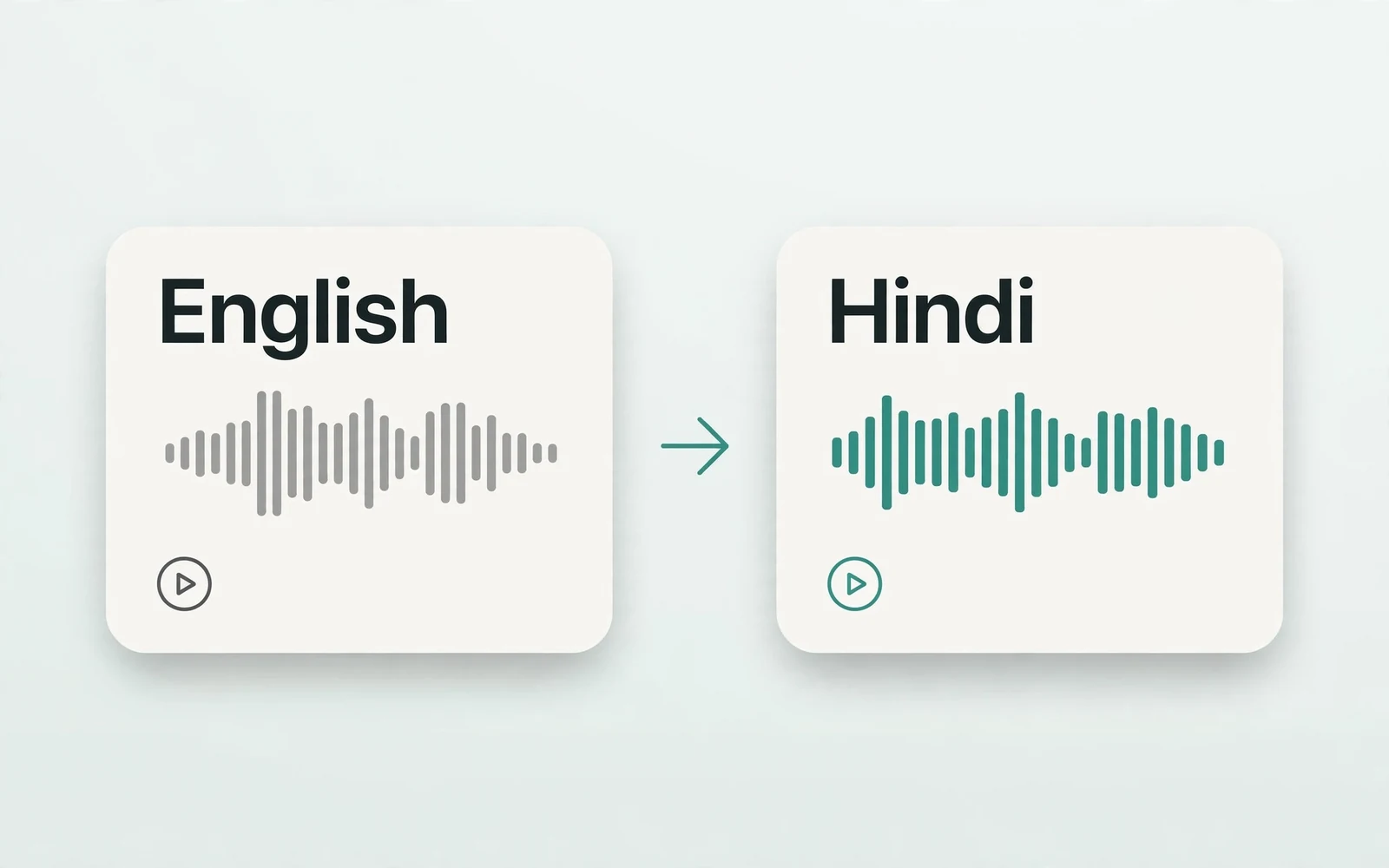
English to Hindi Voice Translator
English to Hindi audio
Turn English speech into Hindi audio.
Translate English to Tamil Audio
English to Tamil audio
Turn English speech into Tamil audio.
Hindi to English Voice Translation
Hindi to English audio
Turn Hindi speech into English audio.
AI Voice Generator
Design a new voice
Design a brand-new voice from a description.