Share recordings as MP3
Turn large WAV recordings into smaller MP3 files that are easy to send and post.

The audio converter turns audio or video files into the audio format you need. Upload a file, pick the output format, and download the converted result — all in one place.
It handles everyday jobs like turning recordings into MP3s for sharing, or pulling the audio track out of a video.
Drop an audio or video file into the uploader.
The uploader shows which formats are supported before you start.
Choose MP3 or M4A for smaller files to share, or WAV for editing.
Pick OGG for an open format or FLAC for lossless audio.
Start the conversion and wait for it to finish.
Larger files take longer to process.
Preview the converted audio in the player.
Download it to your device when you're happy with it.
Format changes without the desktop software.
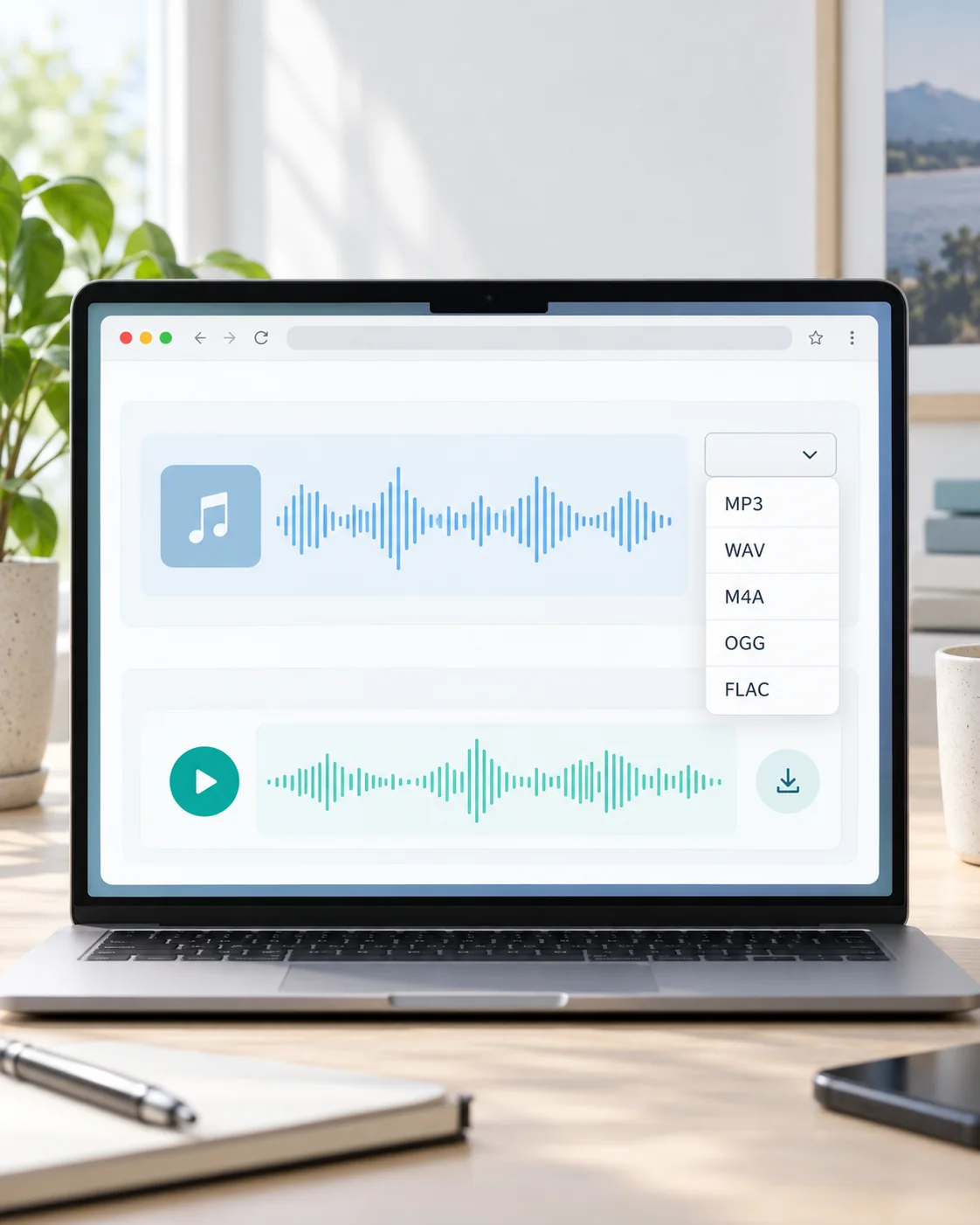
upload once and convert, without installing desktop software.
convert audio files, or pull the audio track out of video files.
listen to the converted audio before you save it.
you only spend credits when a conversion completes; failed conversions don't cost credits.
Everyday format jobs, from sharing to editing.
Turn large WAV recordings into smaller MP3 files that are easy to send and post.
Pull the soundtrack out of MP4 or MOV clips for podcasts, samples, or ringtones.
Convert compressed audio into an editable format before opening it in your editor.
Only convert files you own or have permission to use.
Upload the file, choose the output format, then convert and download the result.
Upload an audio or video file and choose MP3, WAV, M4A, OGG, or FLAC as the output. You can also open the MP4 to MP3 or MOV to MP3 page for those specific conversions.
Converting to a compressed format like MP3 makes files smaller, which can affect quality. Keep a copy of the original when quality matters.
Yes — upload the video and convert it. The video track is discarded and you download the audio.
No. You only spend credits when a conversion completes successfully.
Your file is only used to run the conversion. See Ezier's privacy policy for how uploads are stored and removed.
More AI audio tools
Browse every AI audio tool, from generators to converters, and keep creating.
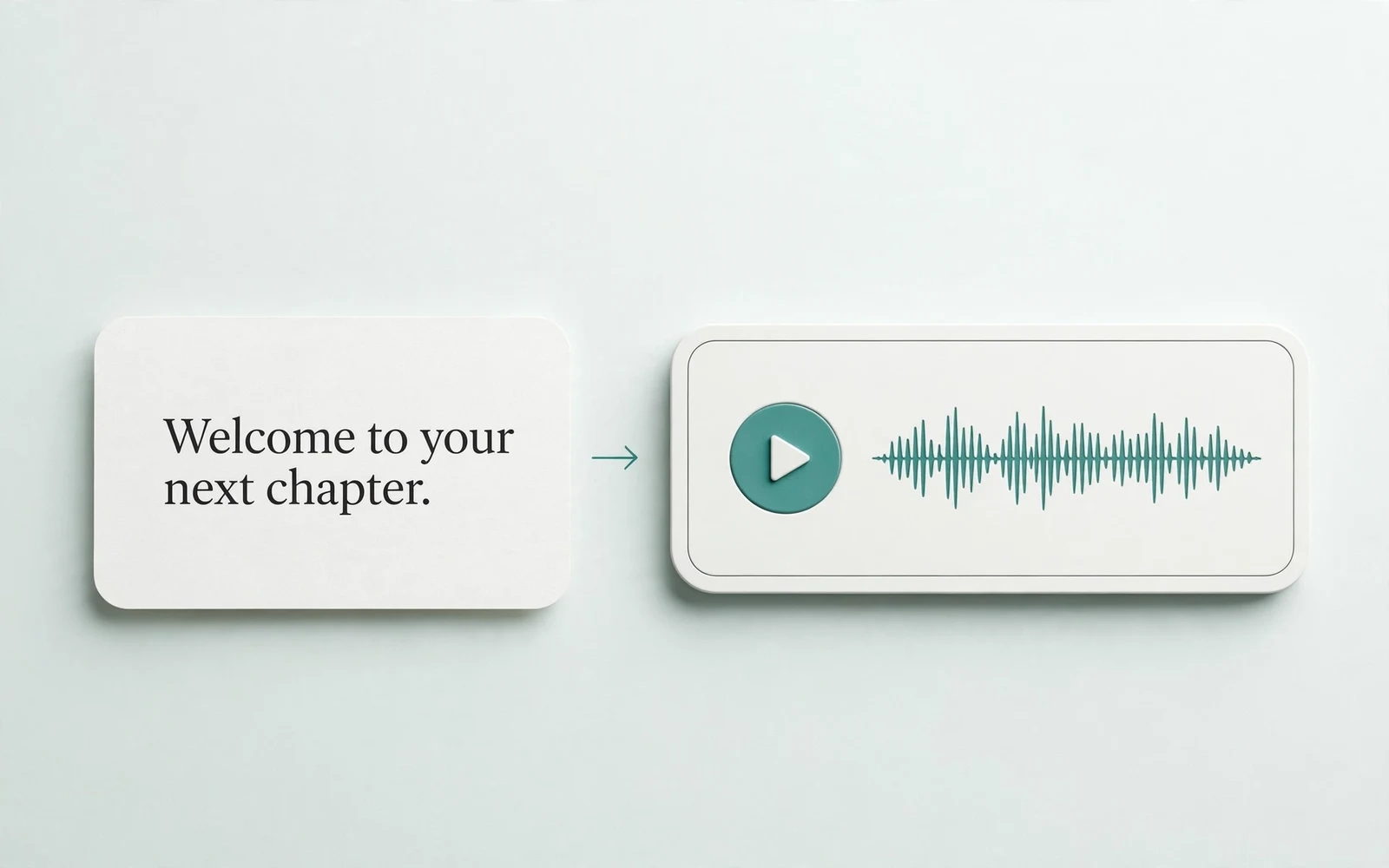
Text to Speech
Create new narration
Turn any script into natural spoken audio.
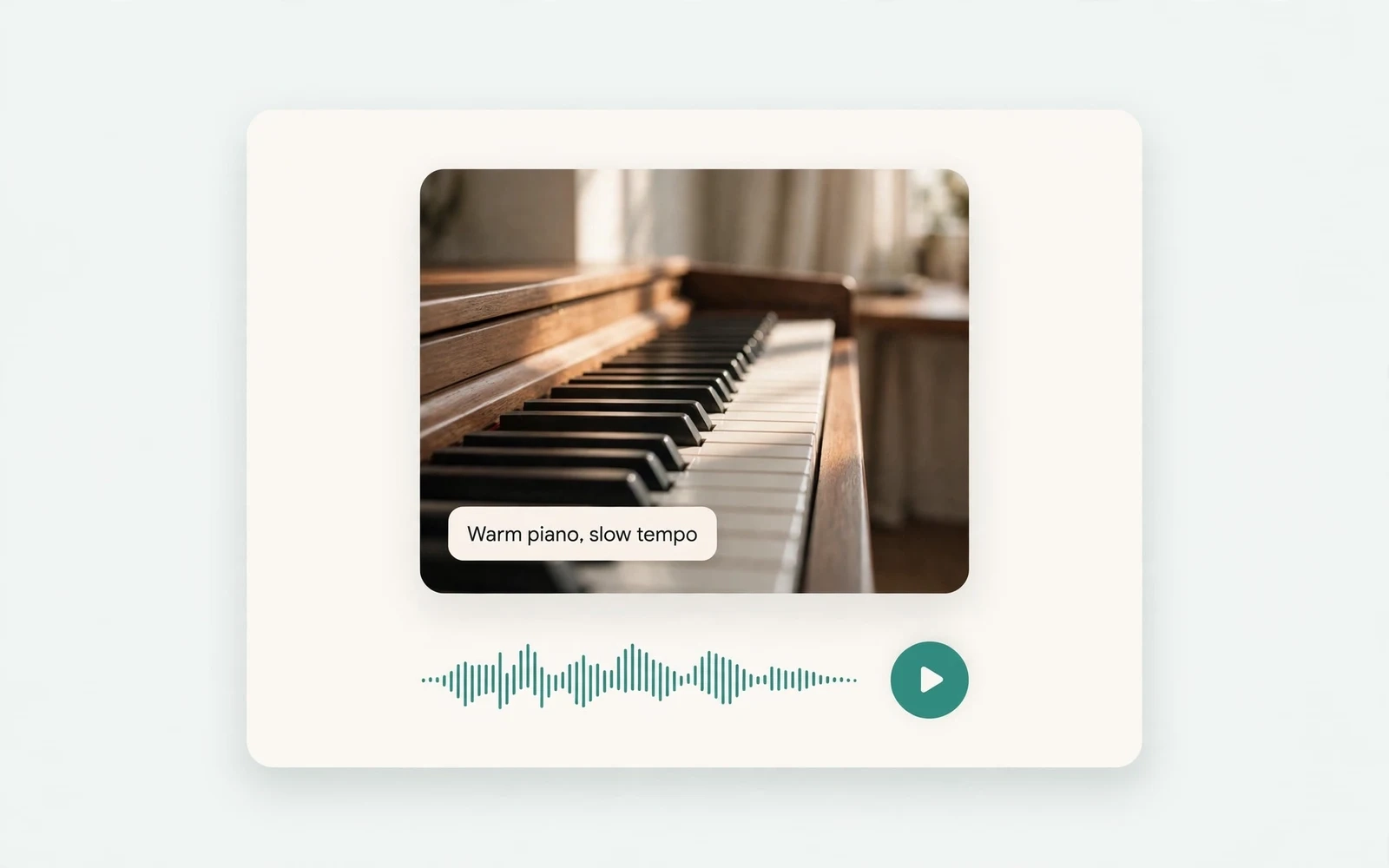
AI Music Generator
Generate instrumental music
Create instrumental tracks from a text prompt.
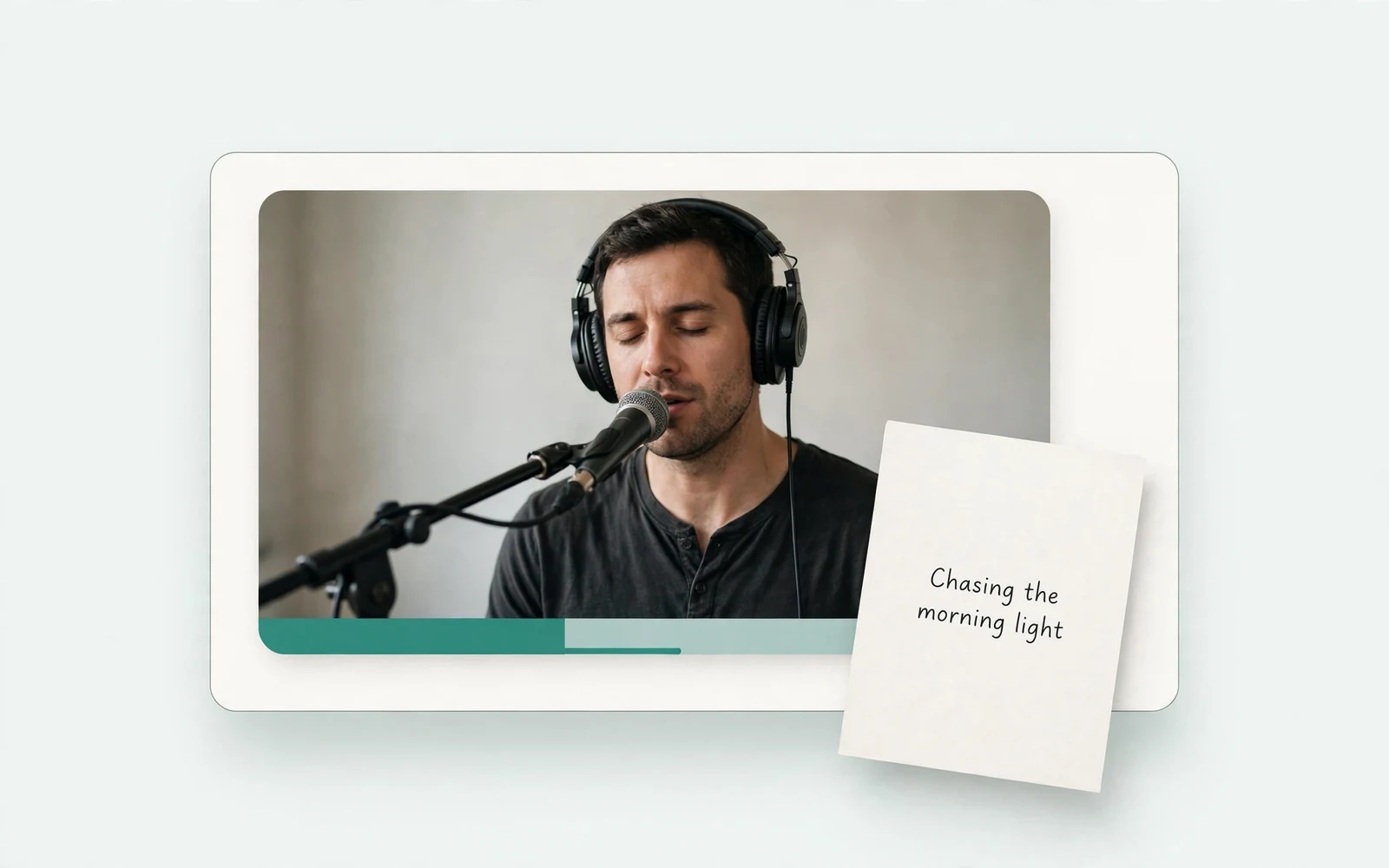
AI Song Generator
Add lyrics and vocals
Turn lyrics and ideas into complete songs.
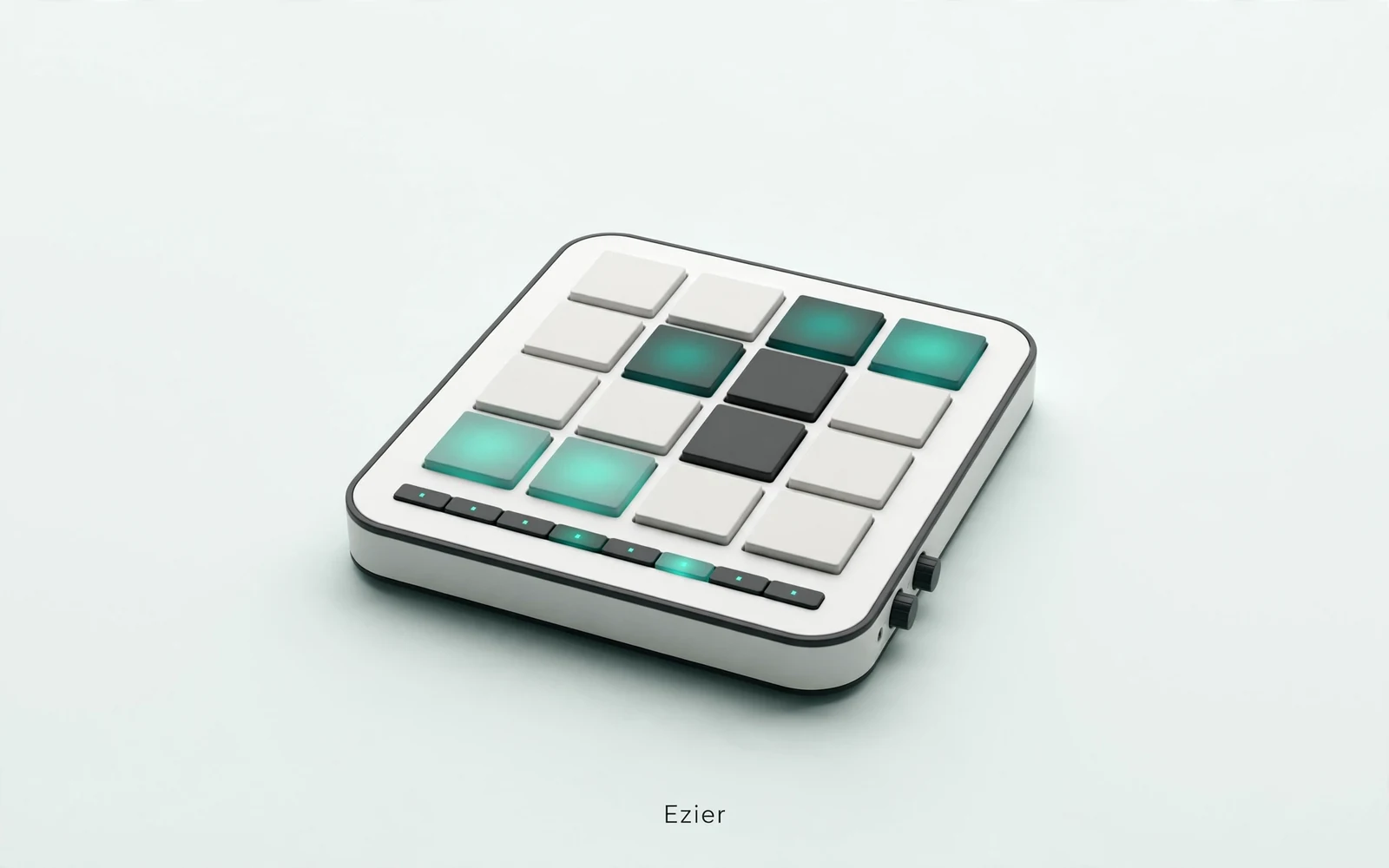
AI Beat Maker
Build a beat
Build beats and grooves from a short prompt.
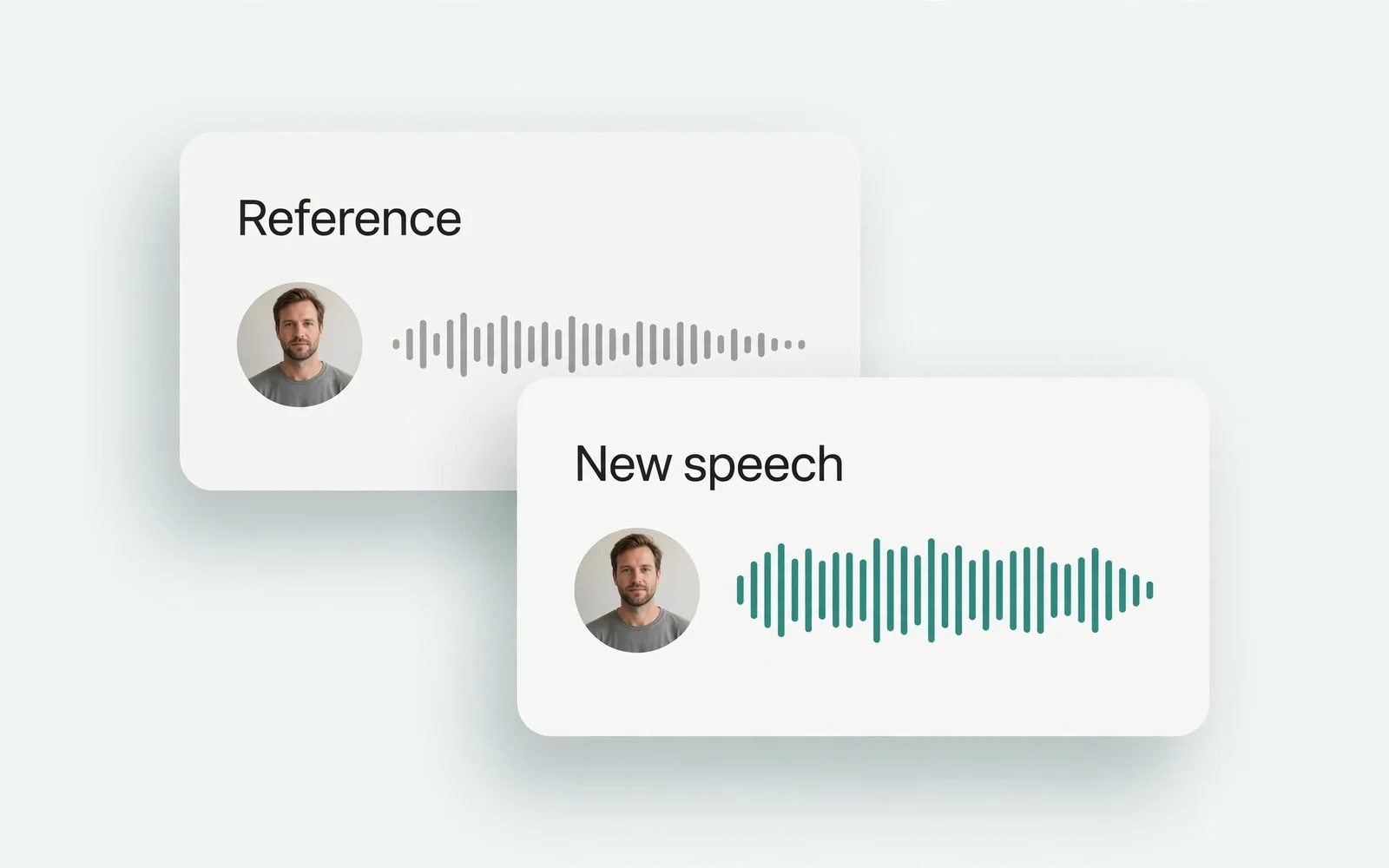
AI Voice Cloning
Create a custom voice
Replicate a specific real voice from a sample.
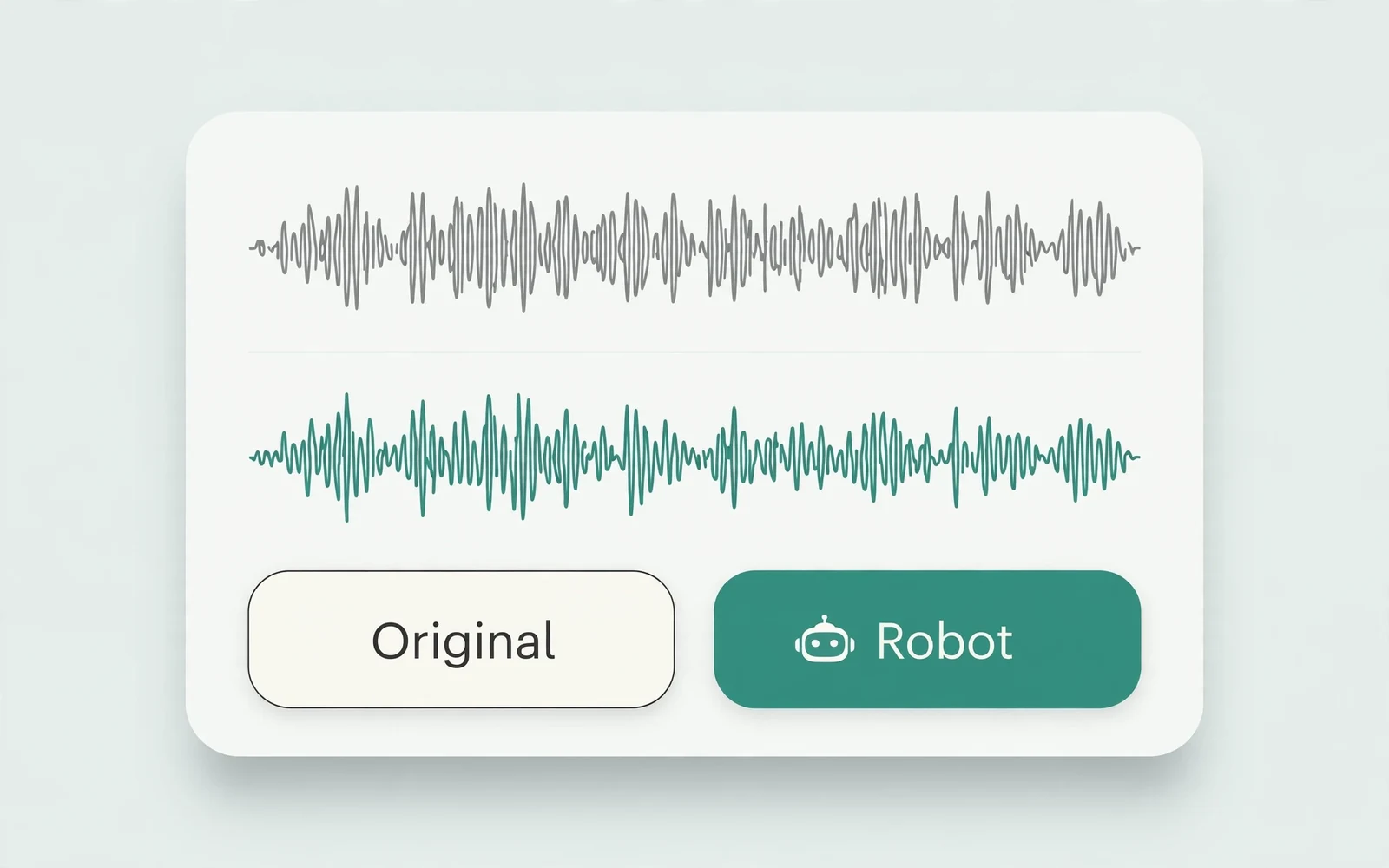
AI Voice Changer
Transform recorded audio
Transform a recording into a different voice.
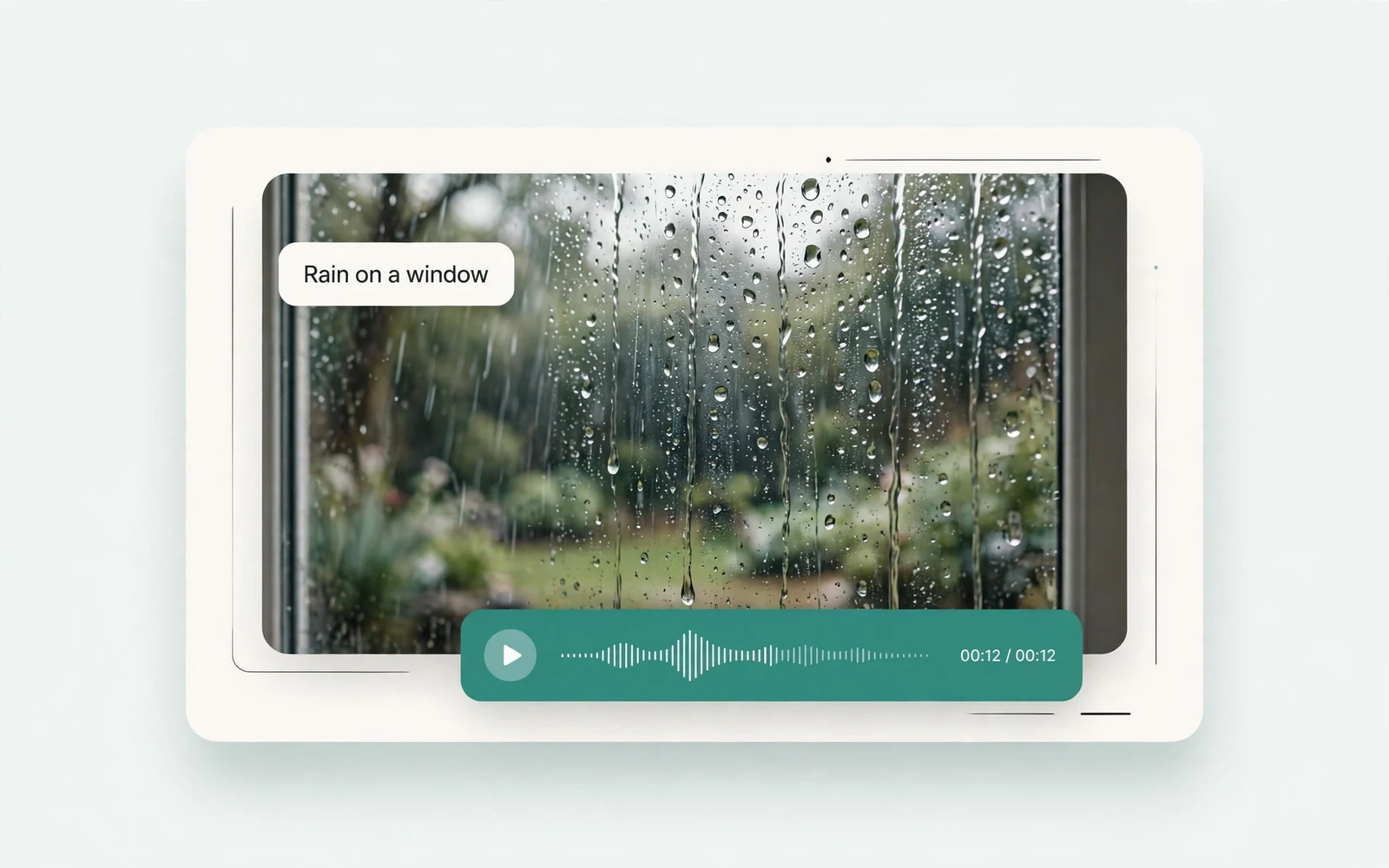
AI Sound Effects Generator
Generate a sound effect
Generate any sound effect from a description.
Soundboard
Play sounds instantly
Trigger instant sound effects from a soundboard.
AI Voice Over
Narration workflows
Produce voiceovers for video and presentations.
Voice Over Advert
Ad and promo voiceovers
Create voiceovers tuned for ads and promos.
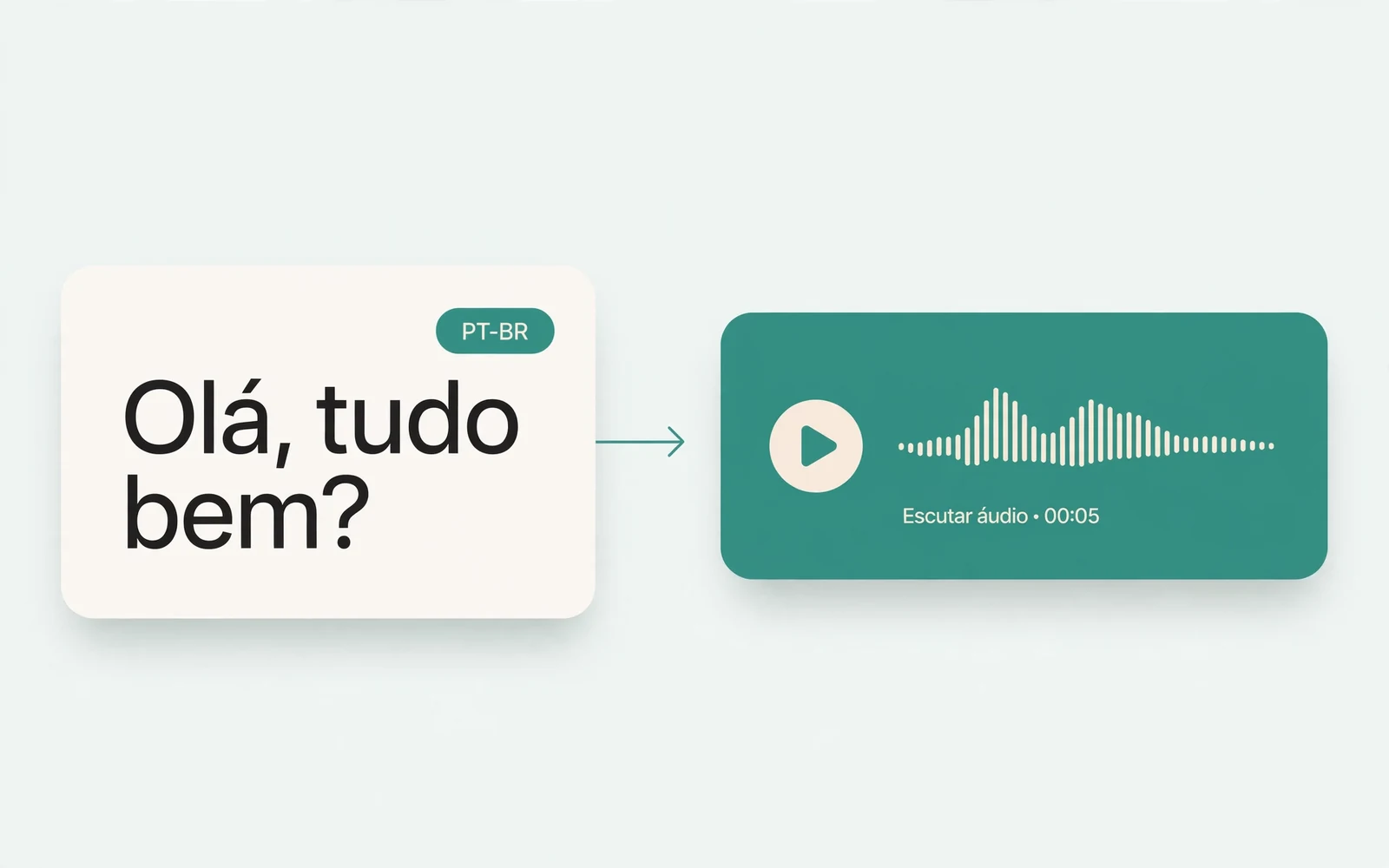
Portuguese Text to Speech
Portuguese speech
Generate natural Brazilian Portuguese speech.
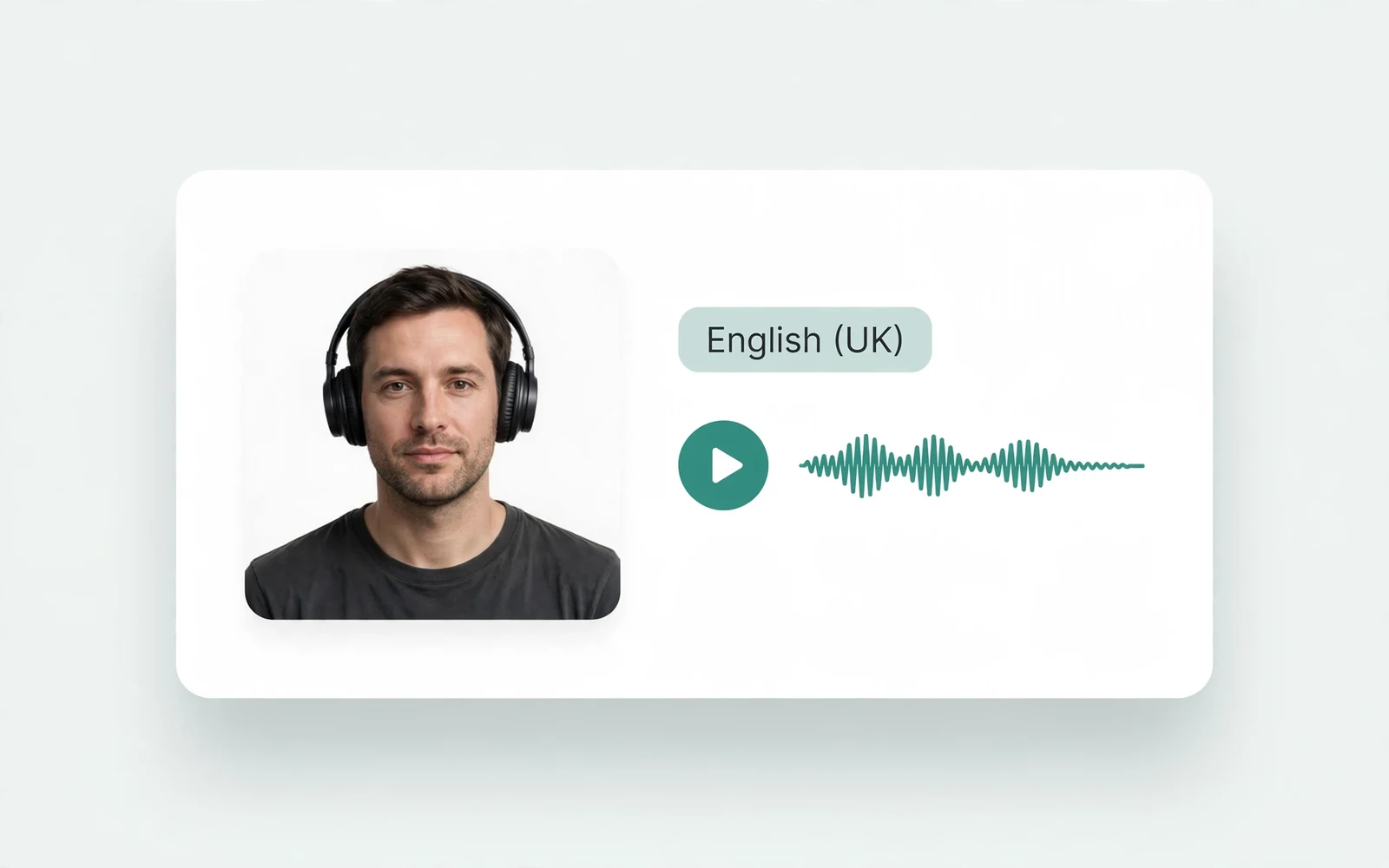
British Accent Generator
British English voices
Convert text to British-accented English speech.
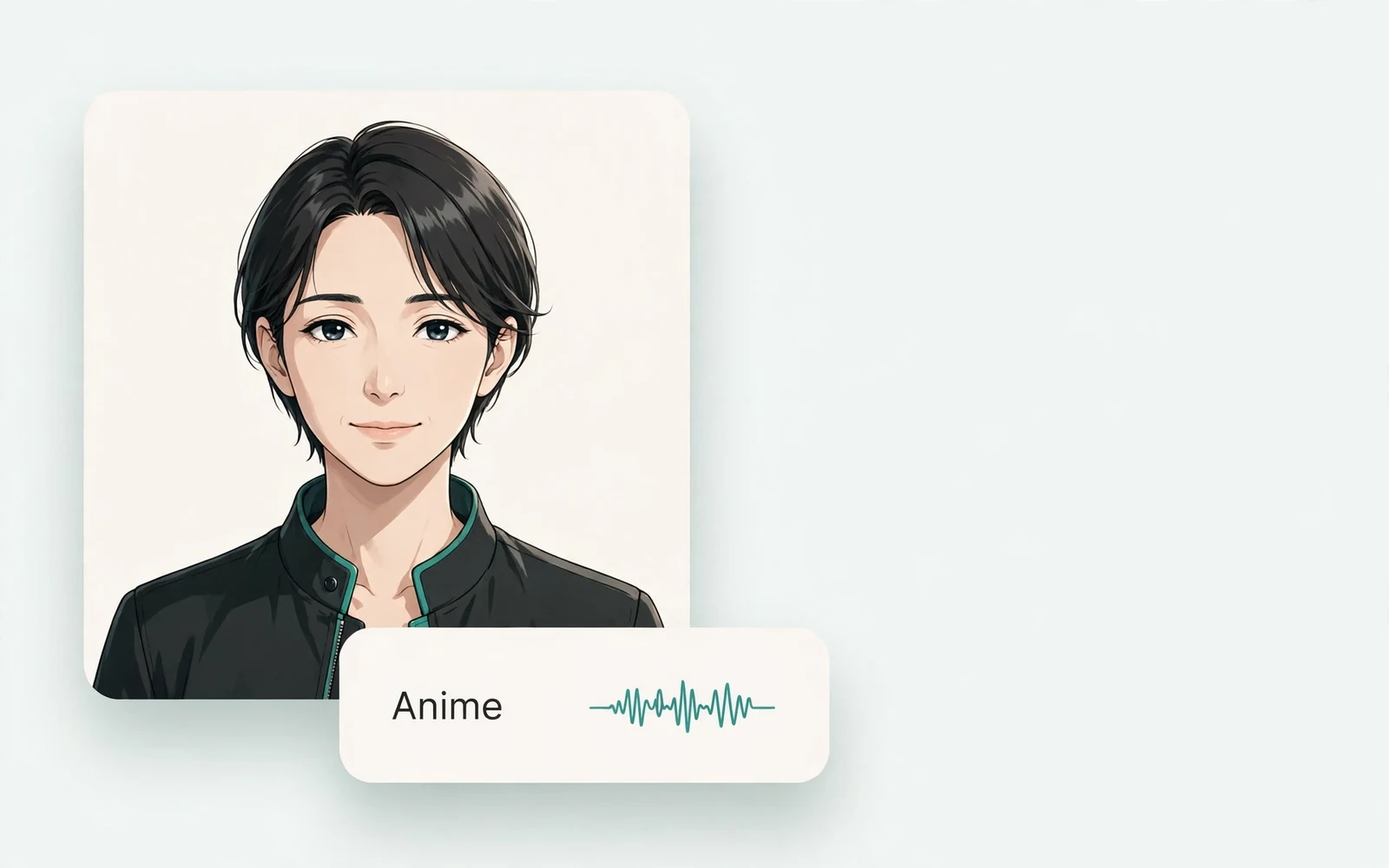
Anime Voice Changer
Anime character voices
Restyle a recording with an anime character voice.
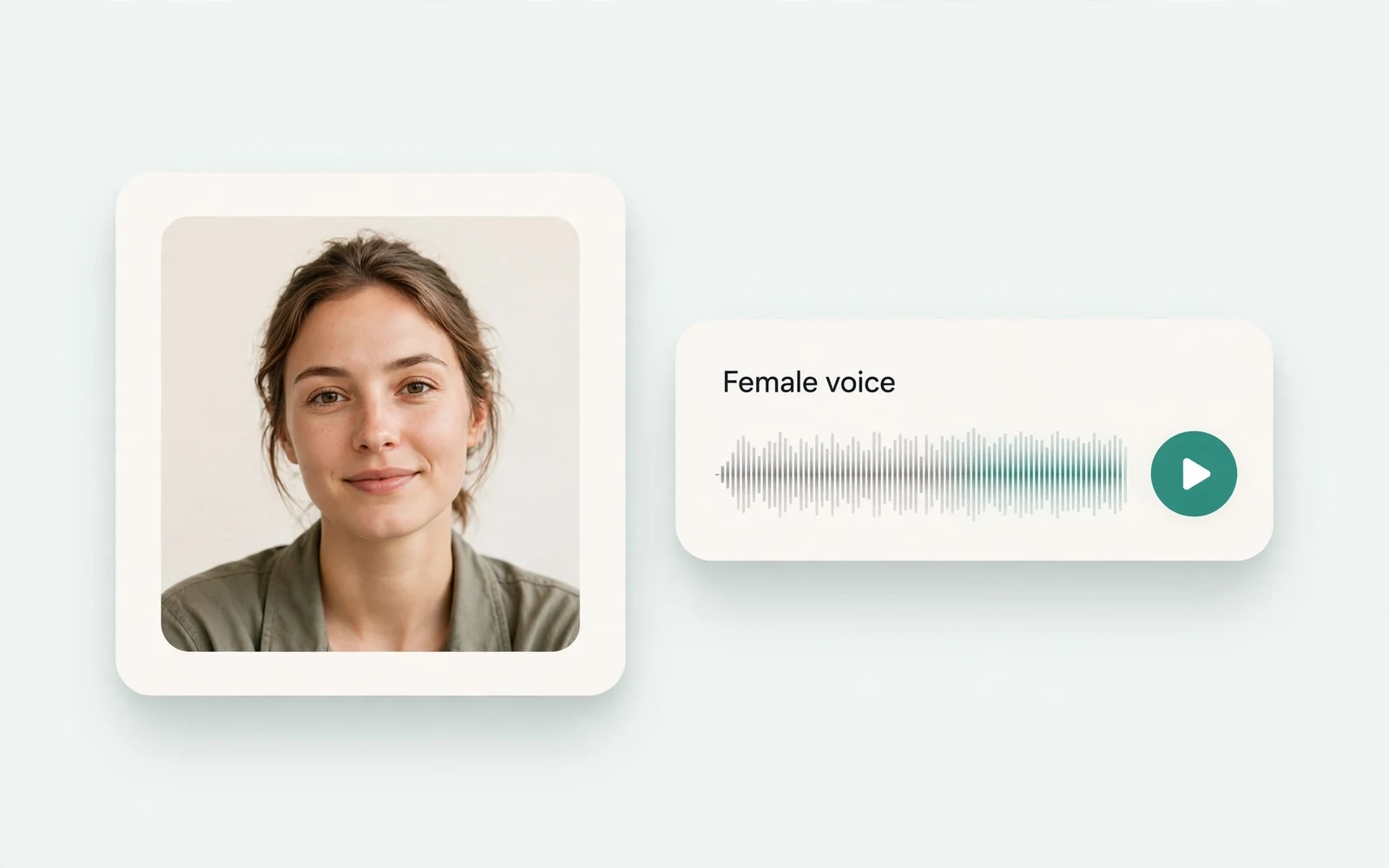
Girl Voice Changer
Young feminine voices
Convert a recording into a young feminine voice.
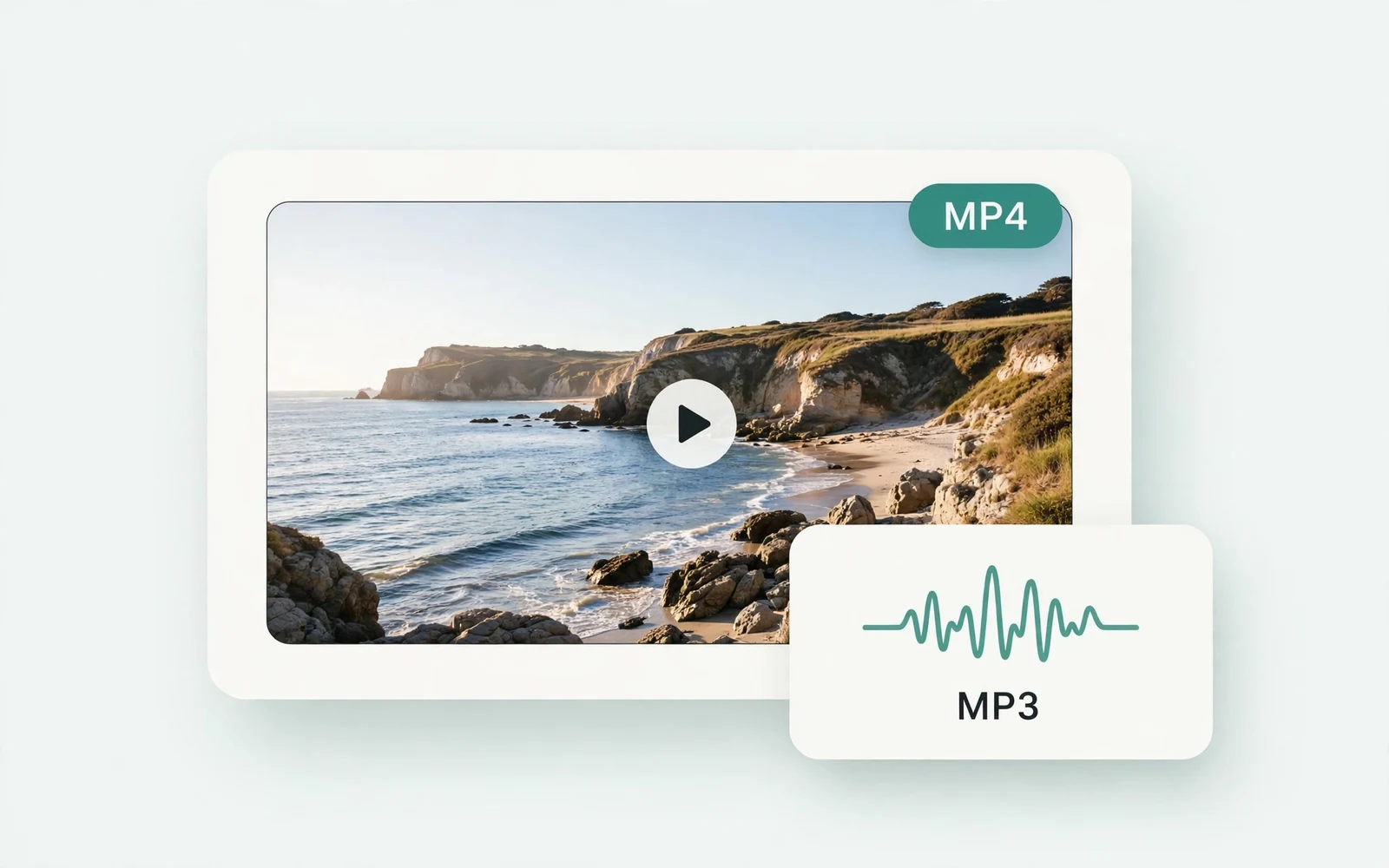
MP4 to MP3 Converter
Extract audio from MP4
Extract the audio track from an MP4 video.
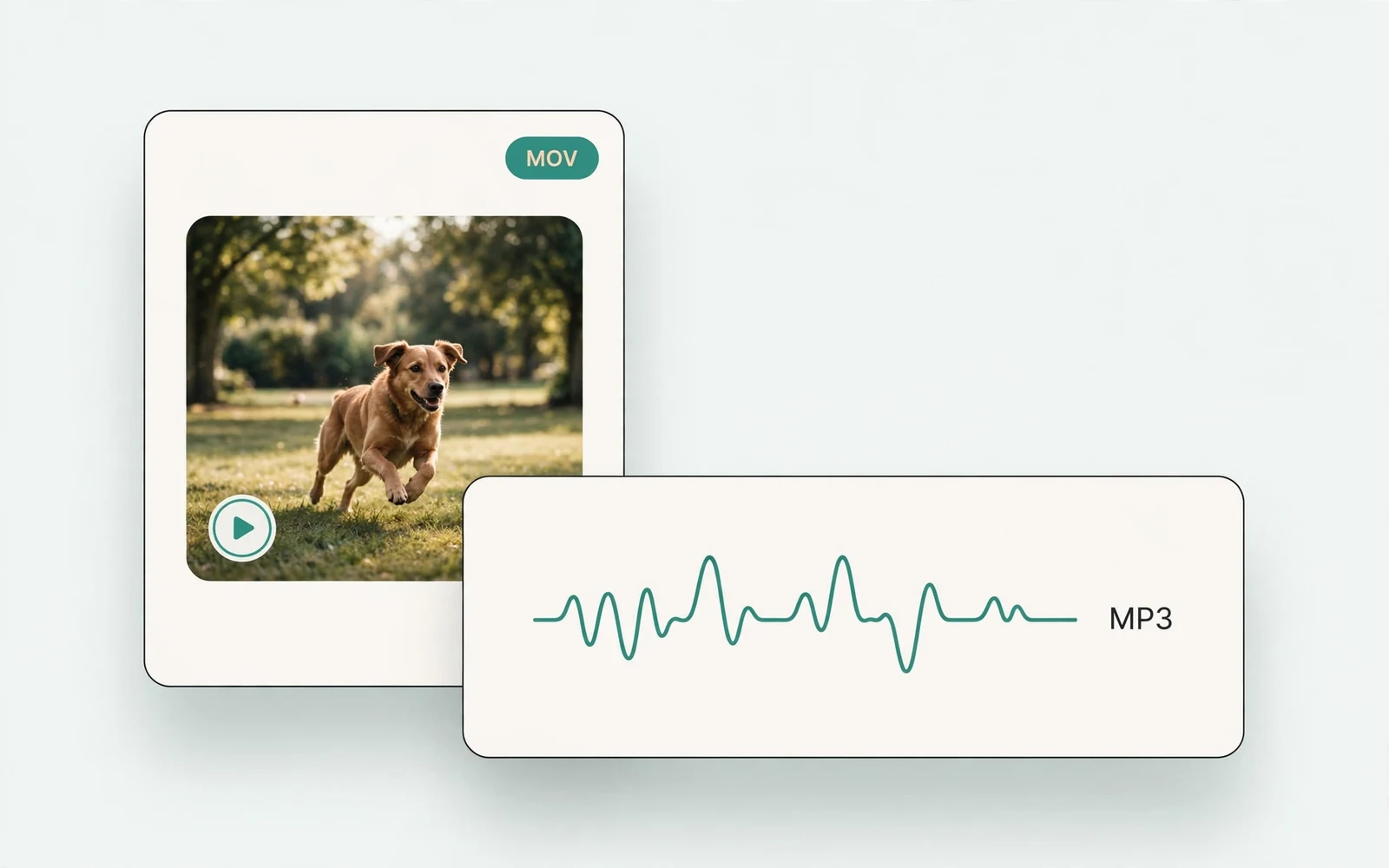
MOV to MP3 Converter
Extract audio from MOV
Extract the audio track from a MOV video.
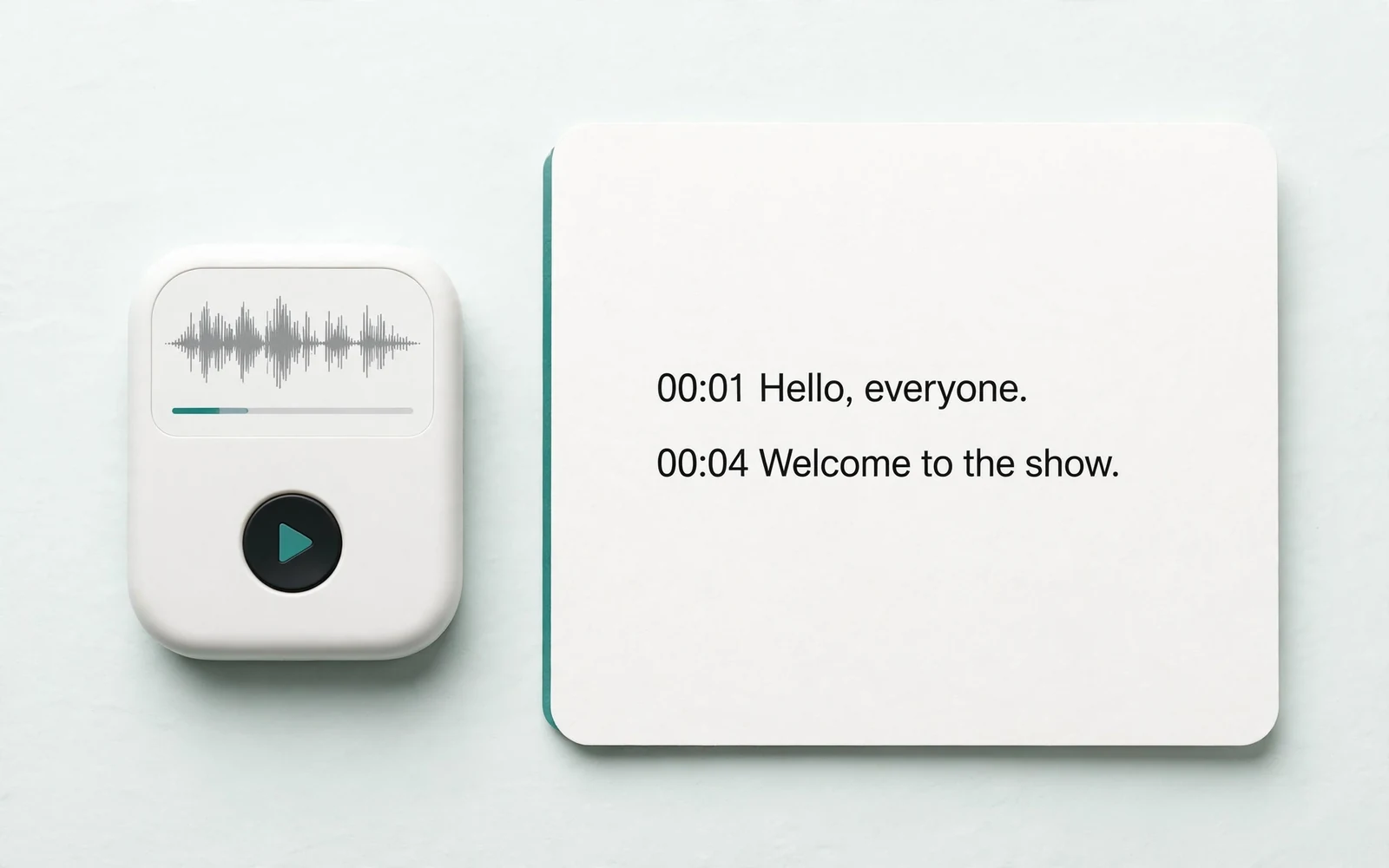
Audio to Text
Transcribe a recording
Transcribe any recording into text.
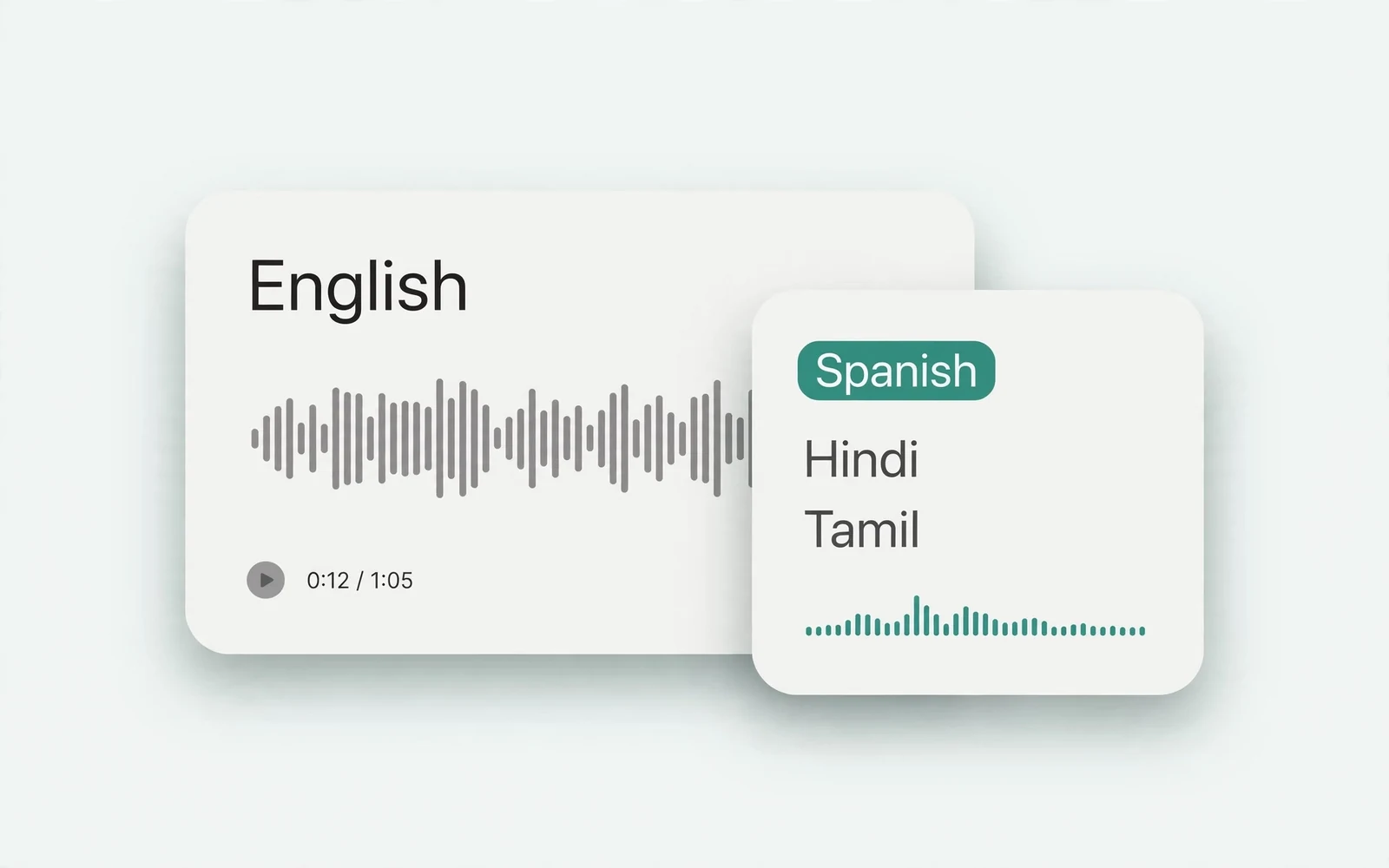
Audio Translator
Translate spoken audio
Translate spoken audio into another language.
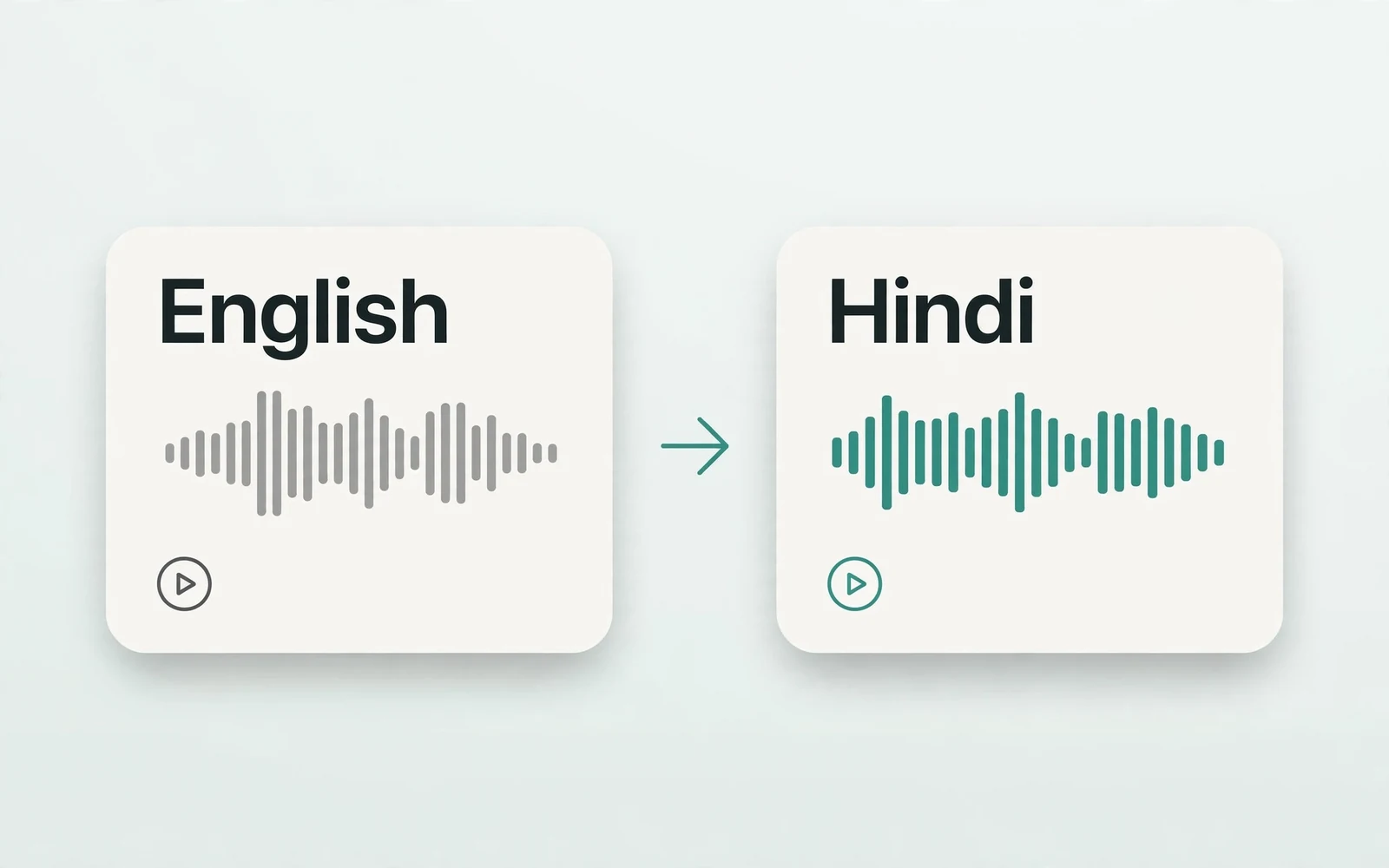
English to Hindi Voice Translator
English to Hindi audio
Turn English speech into Hindi audio.
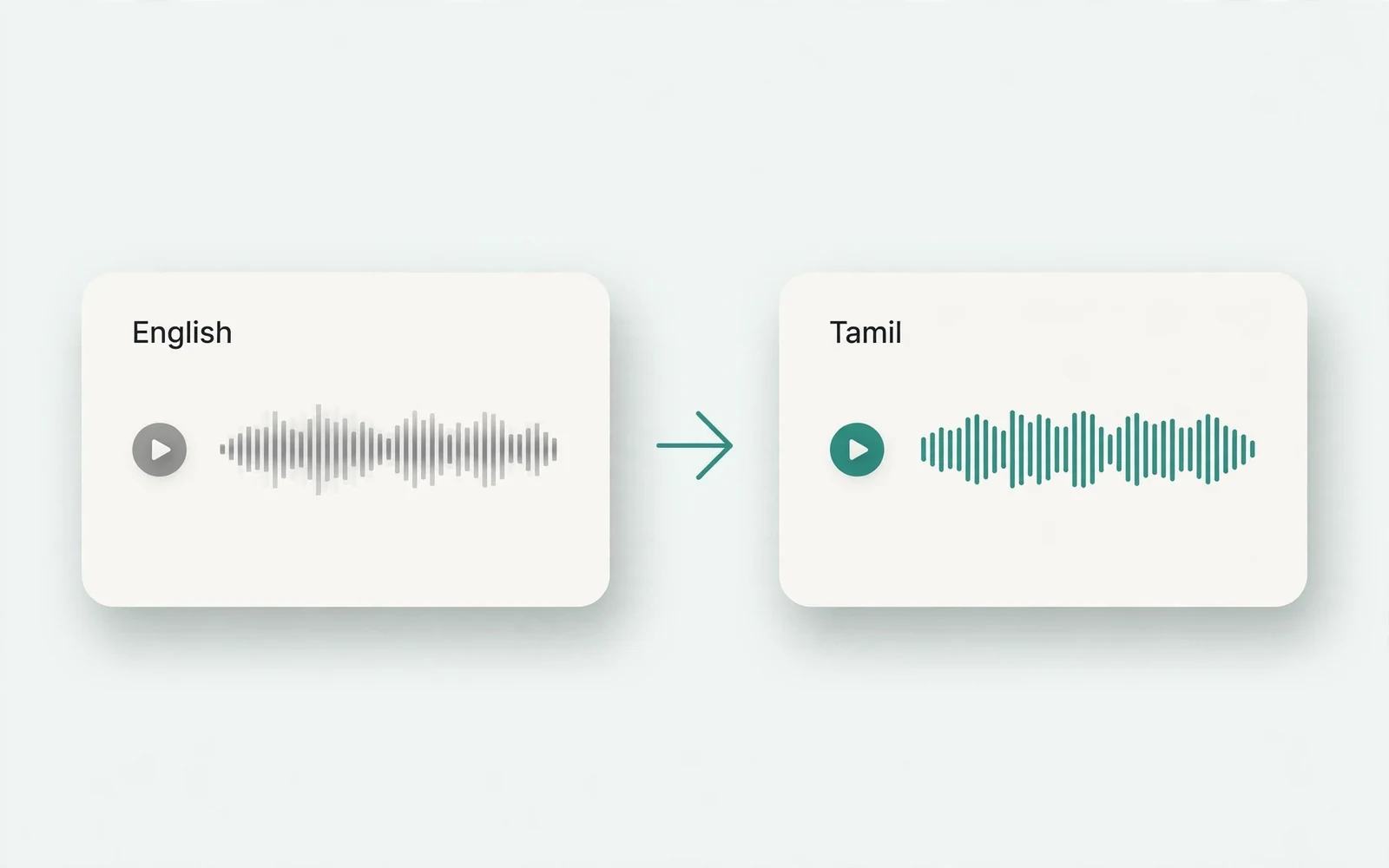
Translate English to Tamil Audio
English to Tamil audio
Turn English speech into Tamil audio.
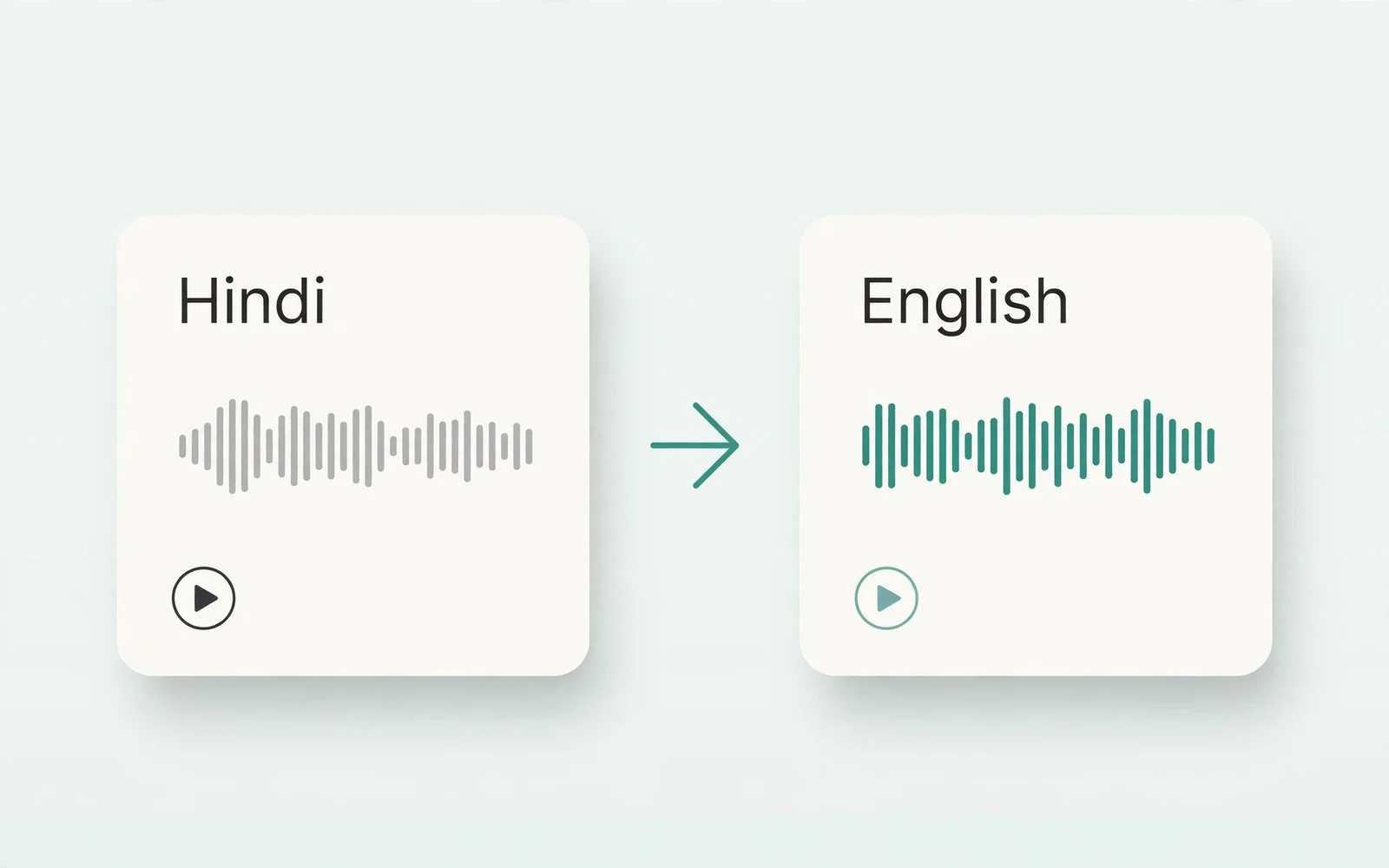
Hindi to English Voice Translation
Hindi to English audio
Turn Hindi speech into English audio.
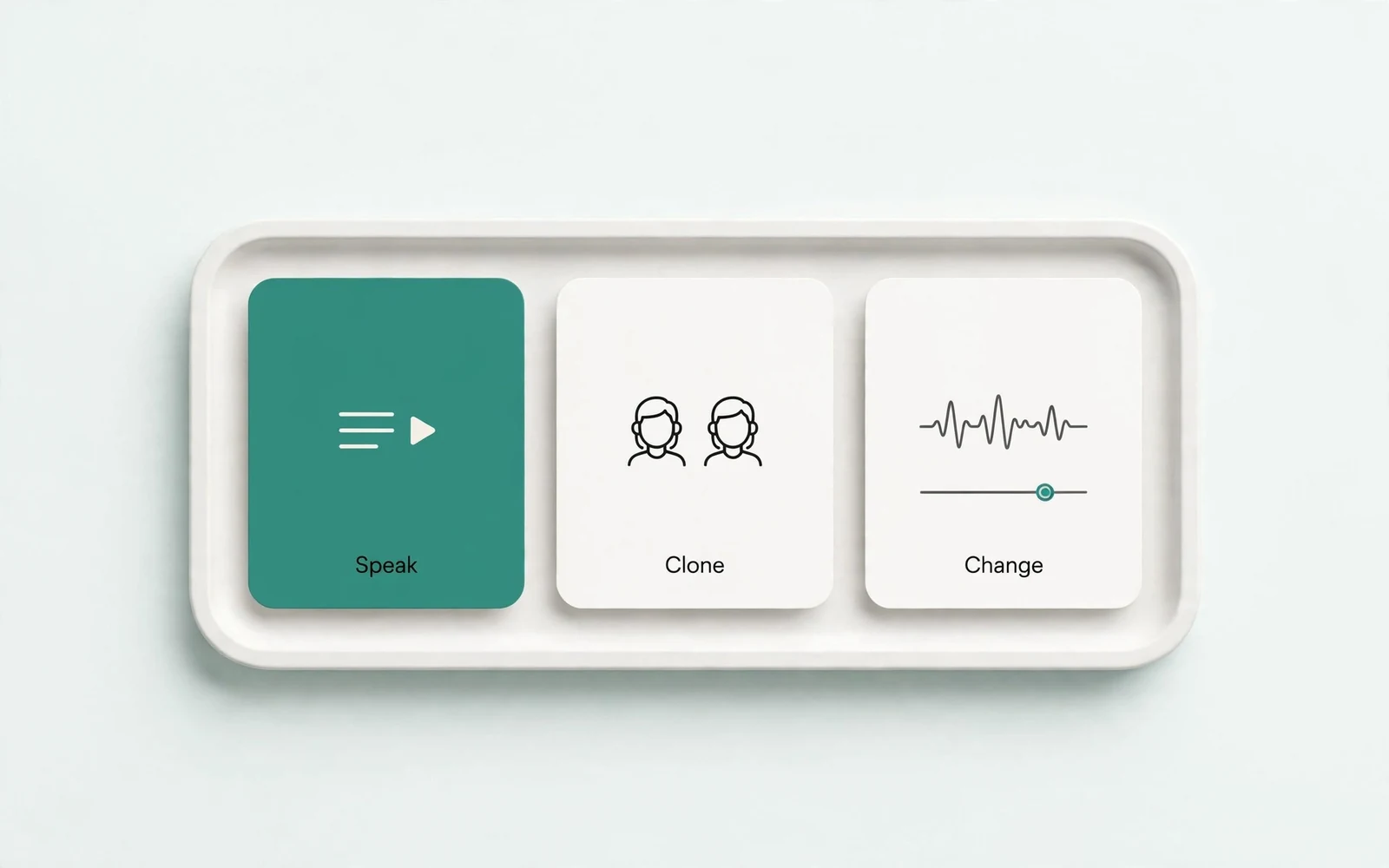
AI Voice Generator
Design a new voice
Design a brand-new voice from a description.