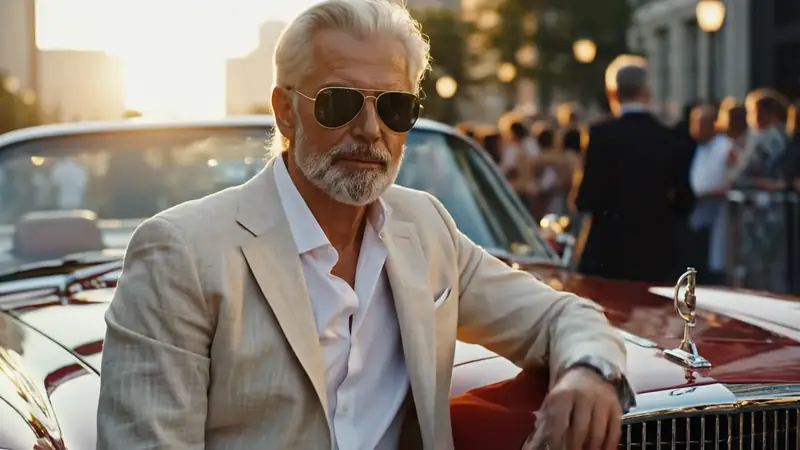
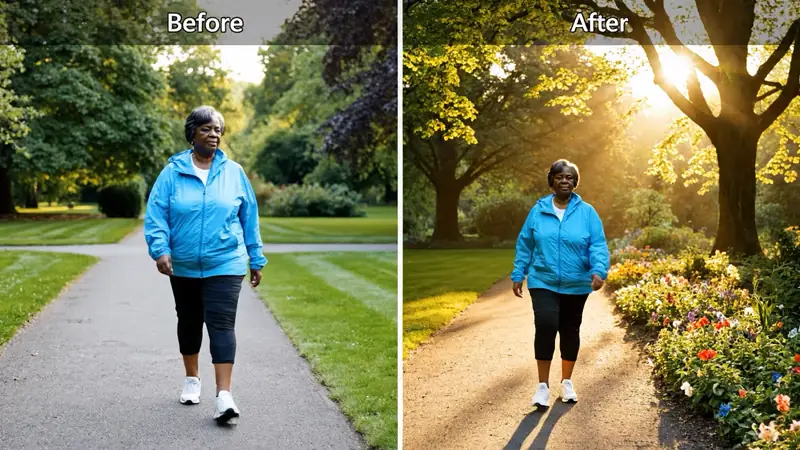
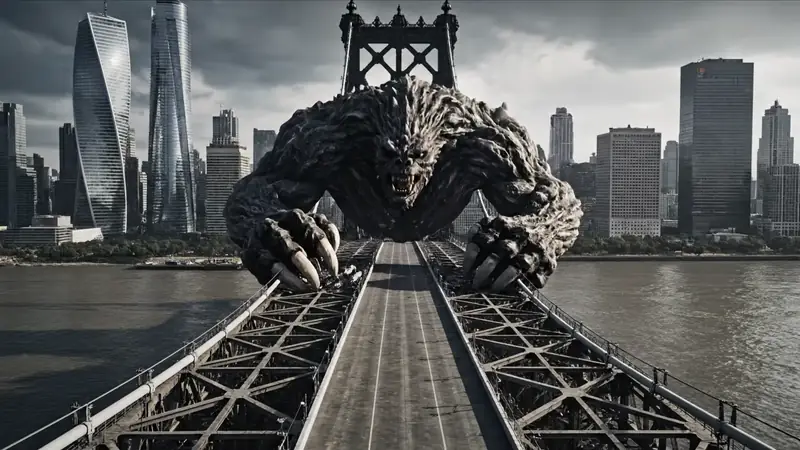
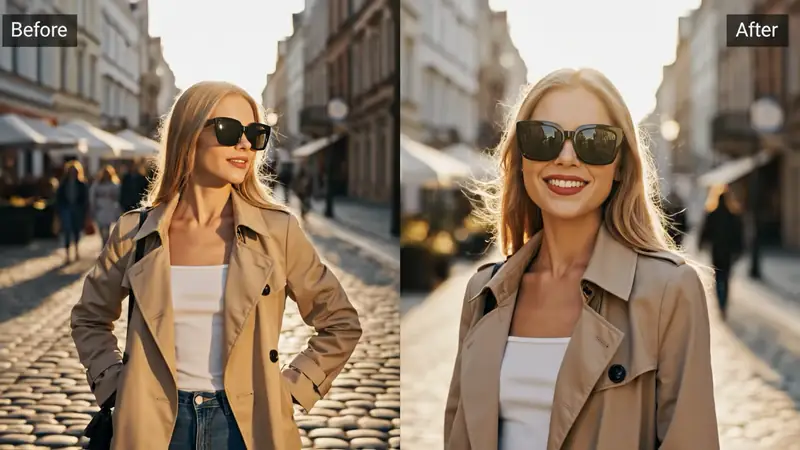
Reference to Video AI Generator

Upload multiple images, up to one video, or both, explain what each reference should guide, and create a new video from your visual direction.

Create from references

Add multiple images, one video, or both. In your prompt, explain what each reference should guide.

Reference files *

0/5 · 0MB/20MB

Name each reference’s role, then describe the action, setting, and camera direction for the new video.
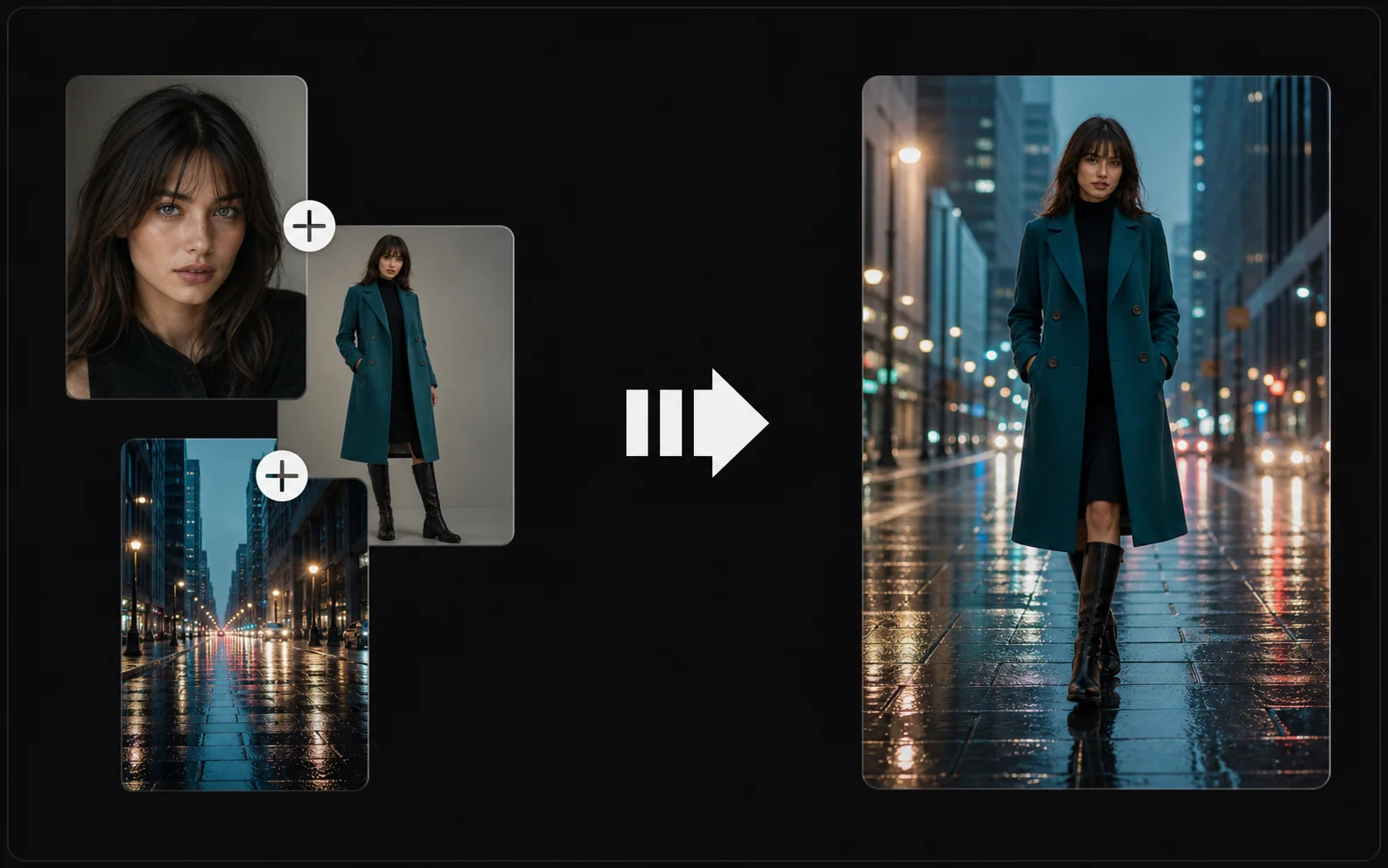
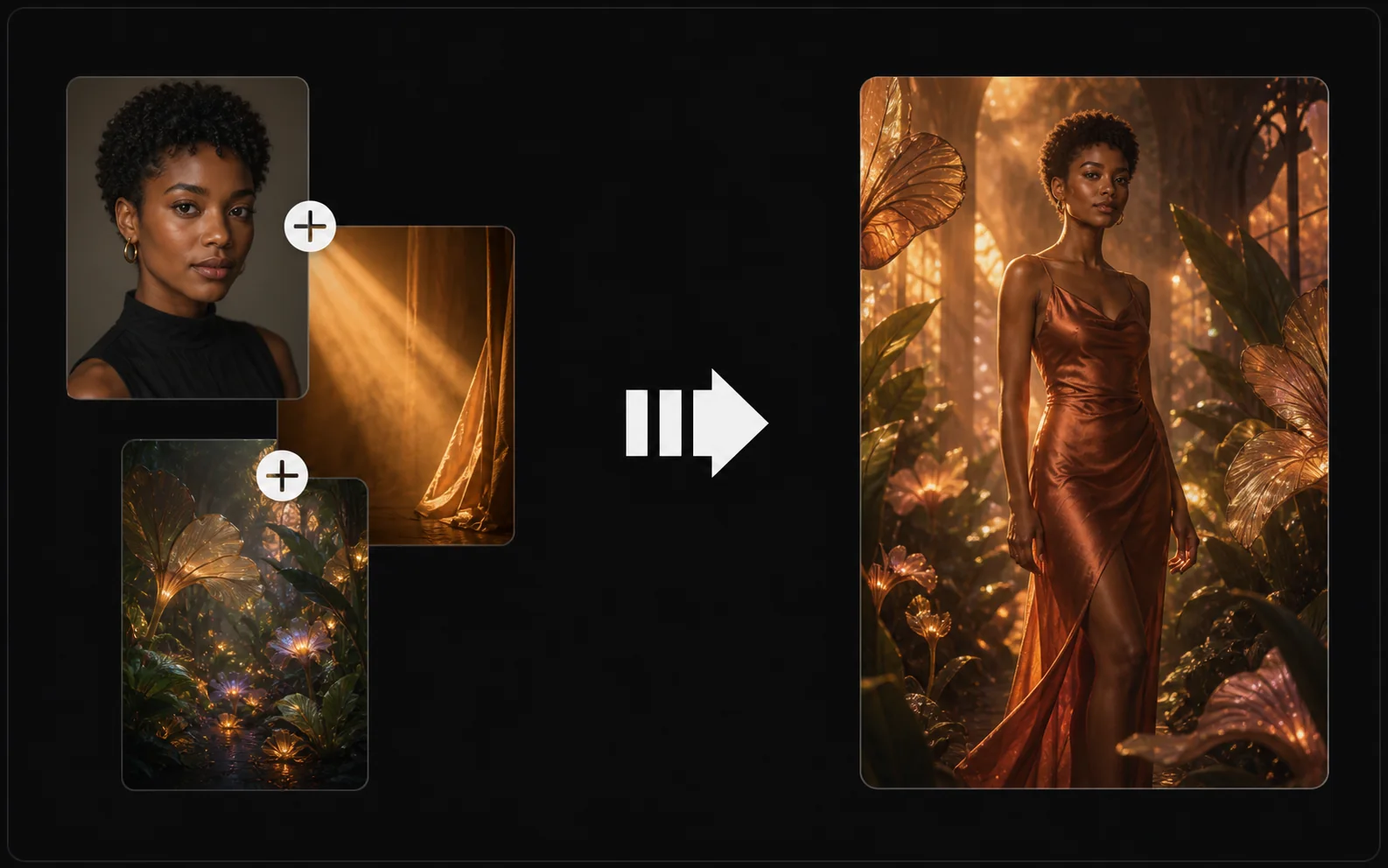
Reference-to-video examples

Create a reference-to-video clip in four steps

Combine multiple images with up to one video reference, give each source a clear role, and describe the new shot you want to create.

  1. 01

    Upload your references

    Add one to five reference files. You can use multiple images, up to one video, or both, as long as the combined size stays within 20MB.

  2. 02

    Assign each reference a role

    Decide which file controls the character, product, location, style, composition, or motion direction.

  3. 03

    Describe the new video

    Write the action, camera movement, setting, and relationship between the references in one focused prompt.

  4. 04

    Generate and review

    Create the clip, then check the subject, scene, movement, framing, and transitions before downloading it.

Give every reference a specific job

A reference works best when the prompt explains whether it controls the subject, environment, visual treatment, or movement of the new video.

Portrait, wardrobe, and rainy city references combined into a consistent reference-to-video scene

Protect the opening subject and pose

Use an image to define the character, product, wardrobe, or starting composition. State which visible details should guide the new scene.

Portrait, amber lighting, and botanical references combined into a cinematic video result

Carry a visual style into motion

A separate image or clip can guide materials, color, lighting, and atmosphere. Name those qualities instead of asking the model to copy the entire source.

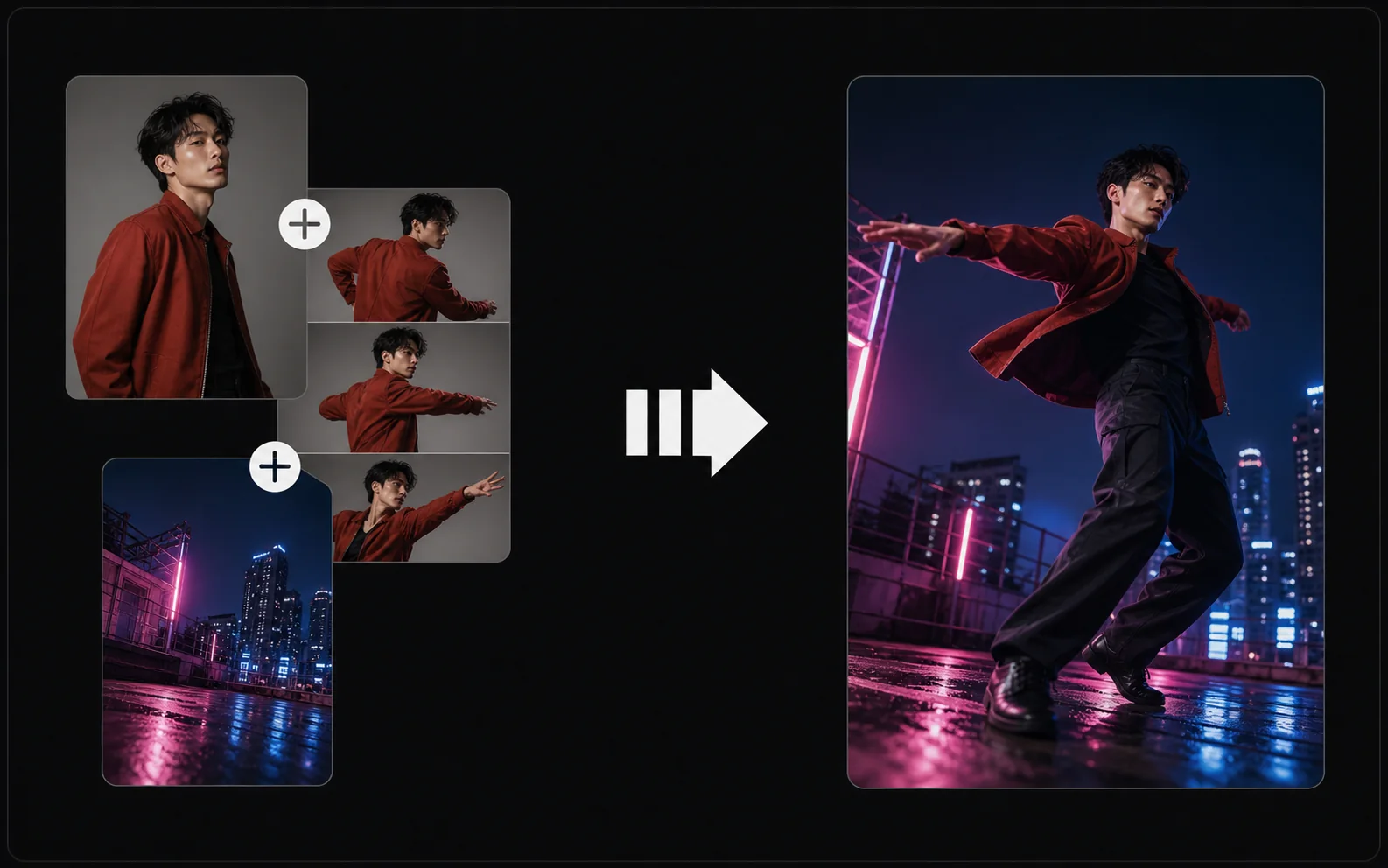
Dancer identity, motion sequence, and rooftop camera angle combined into an action video result

Use video to describe movement

A video reference can show timing, body motion, or camera rhythm. Explain whether the new clip should follow the movement, pacing, framing, or transition.

Write prompts that connect the references

Treat the upload set like a small production brief. State what comes from each file, then describe the action and camera direction for the final clip.

Number the references in upload order

Write “first image,” “second image,” or “video reference” so each instruction maps to a visible source instead of becoming a loose list.

Separate identity from movement

Use one reference for who or what appears and another for how the shot moves. This makes competing directions easier to identify and revise.

Describe the new action explicitly

References provide direction, but the prompt still needs a clear event: what moves, where it moves, and what changes before the shot ends.

Fix drift in the reference set first

If the subject stops looking recognizable, remove a conflicting file or add a clearer angle before expanding the prompt. More description cannot always repair weak references.

Ready to connect your references?

Turn mixed image and video references into a new clip

Upload up to five files within the 20MB total limit, including no more than one video, then explain each reference and review the result.

Starting from one still frame instead? Try Image to Video . Only have a written scene? Use Text to Video .

Reference to Video FAQ

Answers about mixed references, upload limits, prompts, source roles, generated results, and review.