Platform intro · Original
0:00 / 0:00

The girl voice changer turns your recording into a natural-sounding girl voice, made for short-video dubbing, voiceovers, and social content. Upload audio and hear your words re-synthesized with the girl voice selected.
It fits short-video dubbing, narration, character voices, and social content — anywhere a youthful feminine voice fits. For other styles, the main voice changer offers more personas.
Upload a clear recording of speech. Clean audio with a single speaker gives the model a clearer input to transform.
The girl voice is already selected on this page, ready to restyle your recording.
Generate the new version and listen to the preview. Adjust your recording and try again if the voice is not quite right.
Download the transformed audio when you like the preview.
Upload a recording and hear it transformed into a girl voice.
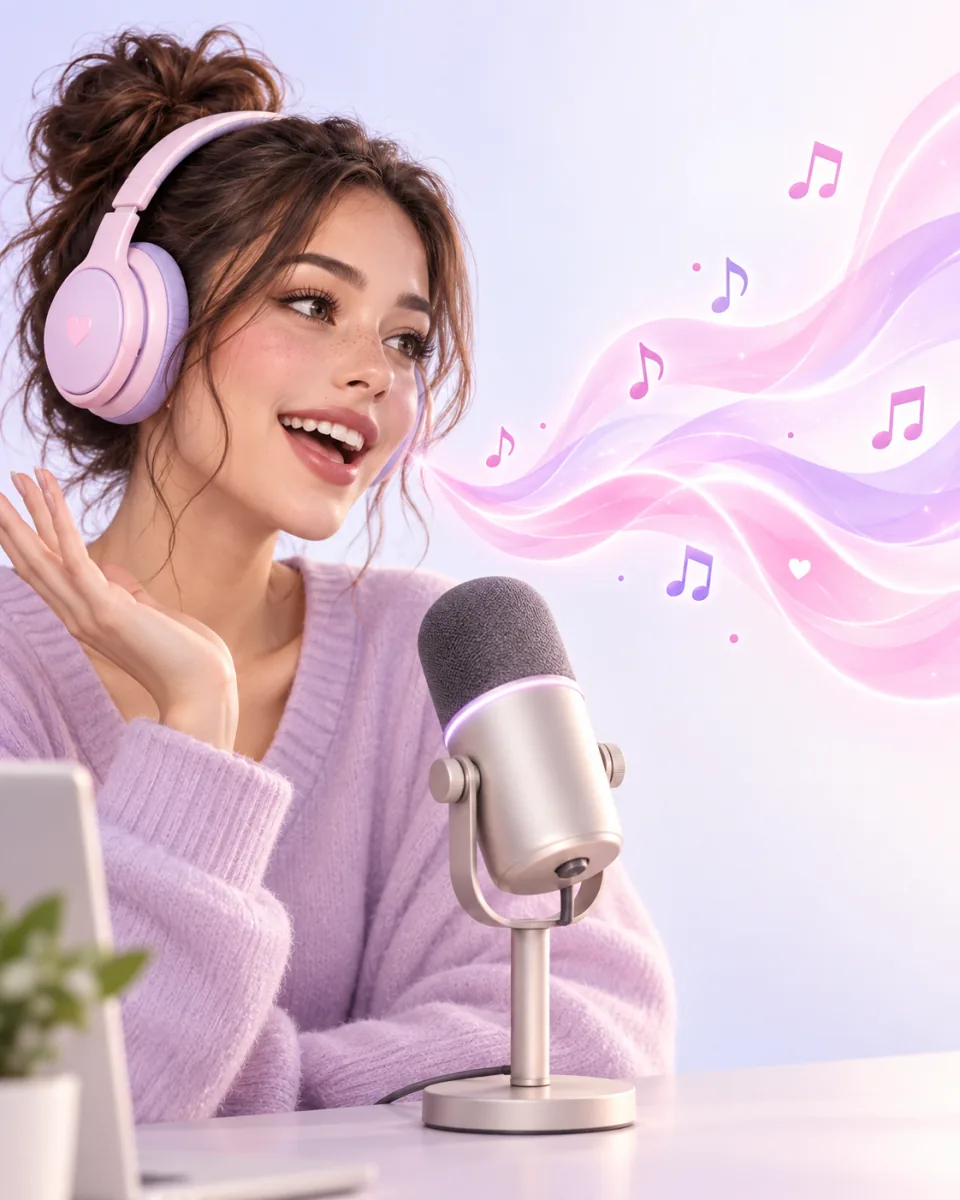
The persona targets a natural youthful feminine voice instead of a generic pitch shift.
The AI re-synthesizes your speech in the girl voice rather than just raising the pitch.
Upload, transform, and preview without switching tools.
Clean, single-speaker recordings transform best. The page tells you what to upload instead of promising miracles.
Compare three short recordings before and after changing the voice.
Short videos, narration, characters, and social content — anywhere a youthful feminine voice fits.
Dub skits, dialogues, and storytimes with a consistent youthful girl voice across clips.
Give vlogs, tutorials, and narrations a friendly feminine voice without re-recording every line.
Voice original characters for animations, comic dubs, and roleplay content with the same persona.
Only upload recordings you own or have permission to use, especially when another person's voice is involved.
Record or upload your voice, then generate with the girl voice already selected.
Yes — AI personas re-synthesize your speech instead of just shifting pitch, which usually sounds more natural than a pitch filter. Results vary with input quality.
Yes — download the result and use it in videos, streams, or voice messages.
Your uploads and transformed audio stay in your Ezier workspace. Commercial-use terms follow your Ezier plan.
More AI audio tools
Browse every AI audio tool, from generators to converters, and keep creating.
Text to Speech
Create new narration
Turn any script into natural spoken audio.
AI Music Generator
Generate instrumental music
Create instrumental tracks from a text prompt.
AI Song Generator
Add lyrics and vocals
Turn lyrics and ideas into complete songs.
AI Beat Maker
Build a beat
Build beats and grooves from a short prompt.
AI Voice Cloning
Create a custom voice
Replicate a specific real voice from a sample.
AI Voice Changer
Transform recorded audio
Transform a recording into a different voice.
AI Sound Effects Generator
Generate a sound effect
Generate any sound effect from a description.
Soundboard
Play sounds instantly
Trigger instant sound effects from a soundboard.
AI Voice Over
Narration workflows
Produce voiceovers for video and presentations.
Voice Over Advert
Ad and promo voiceovers
Create voiceovers tuned for ads and promos.
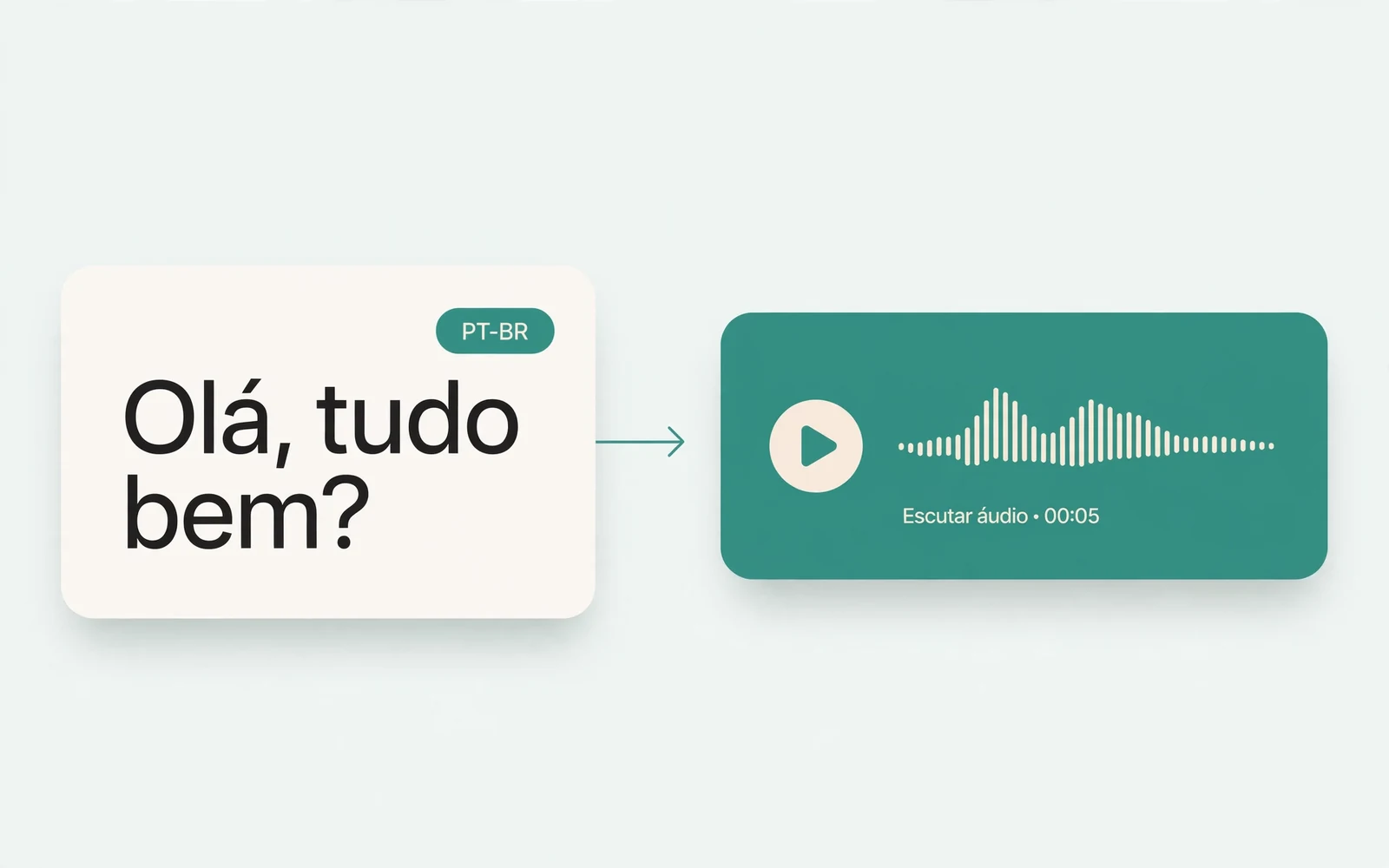
Portuguese Text to Speech
Portuguese speech
Generate natural Brazilian Portuguese speech.
British Accent Generator
British English voices
Convert text to British-accented English speech.
Anime Voice Changer
Anime character voices
Restyle a recording with an anime character voice.
Audio Converter
Convert an audio file
Convert audio files between formats.
MP4 to MP3 Converter
Extract audio from MP4
Extract the audio track from an MP4 video.
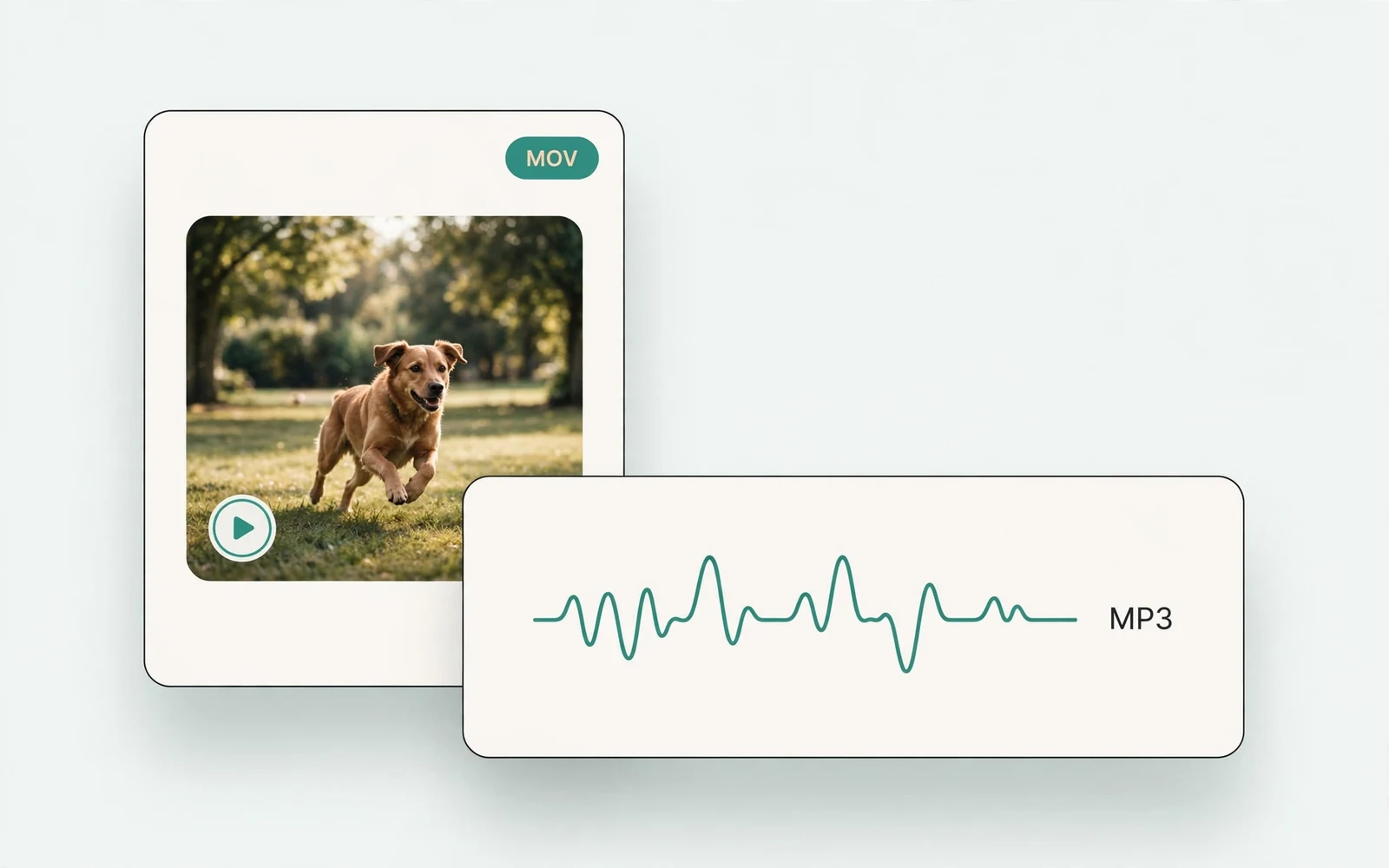
MOV to MP3 Converter
Extract audio from MOV
Extract the audio track from a MOV video.
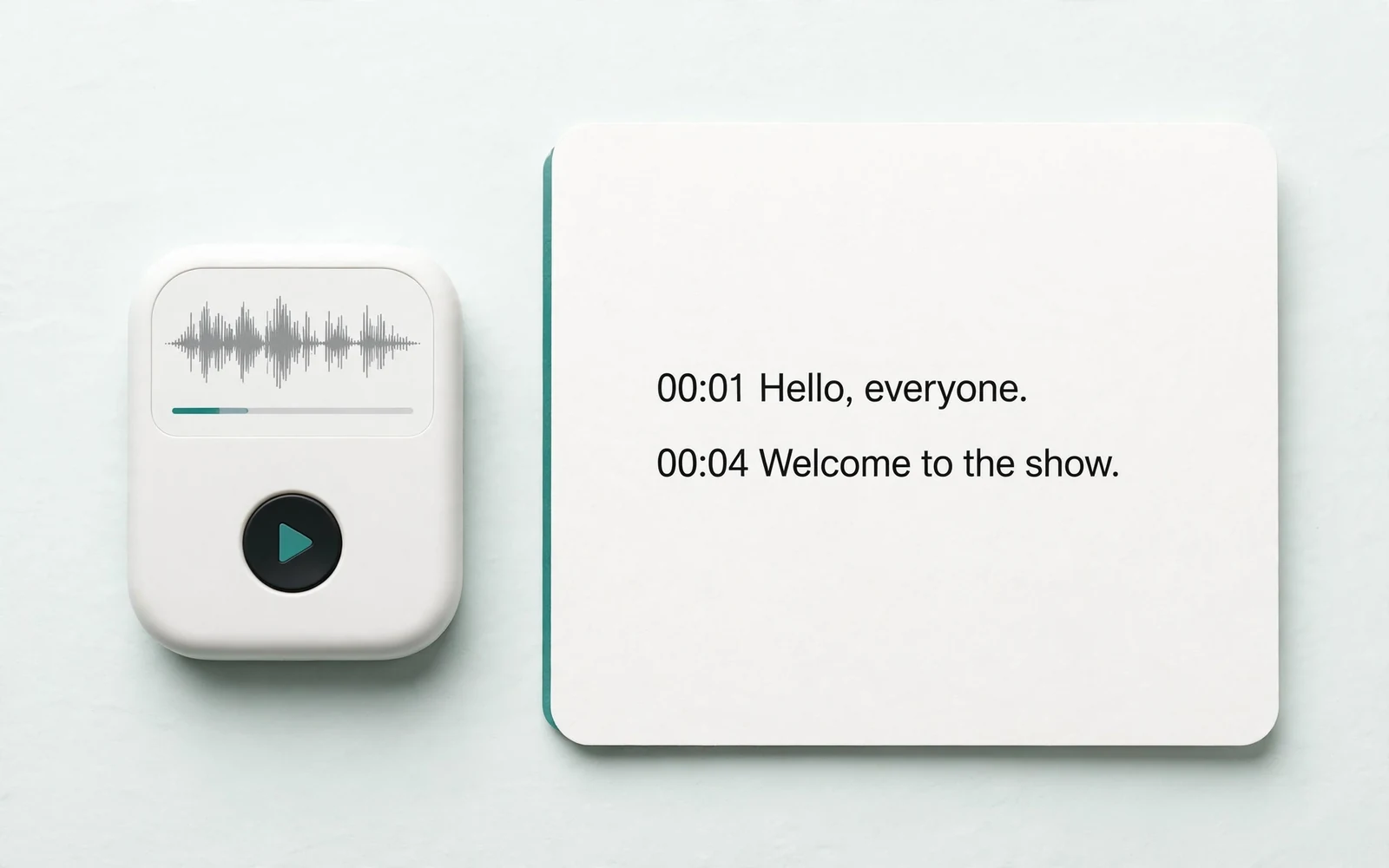
Audio to Text
Transcribe a recording
Transcribe any recording into text.
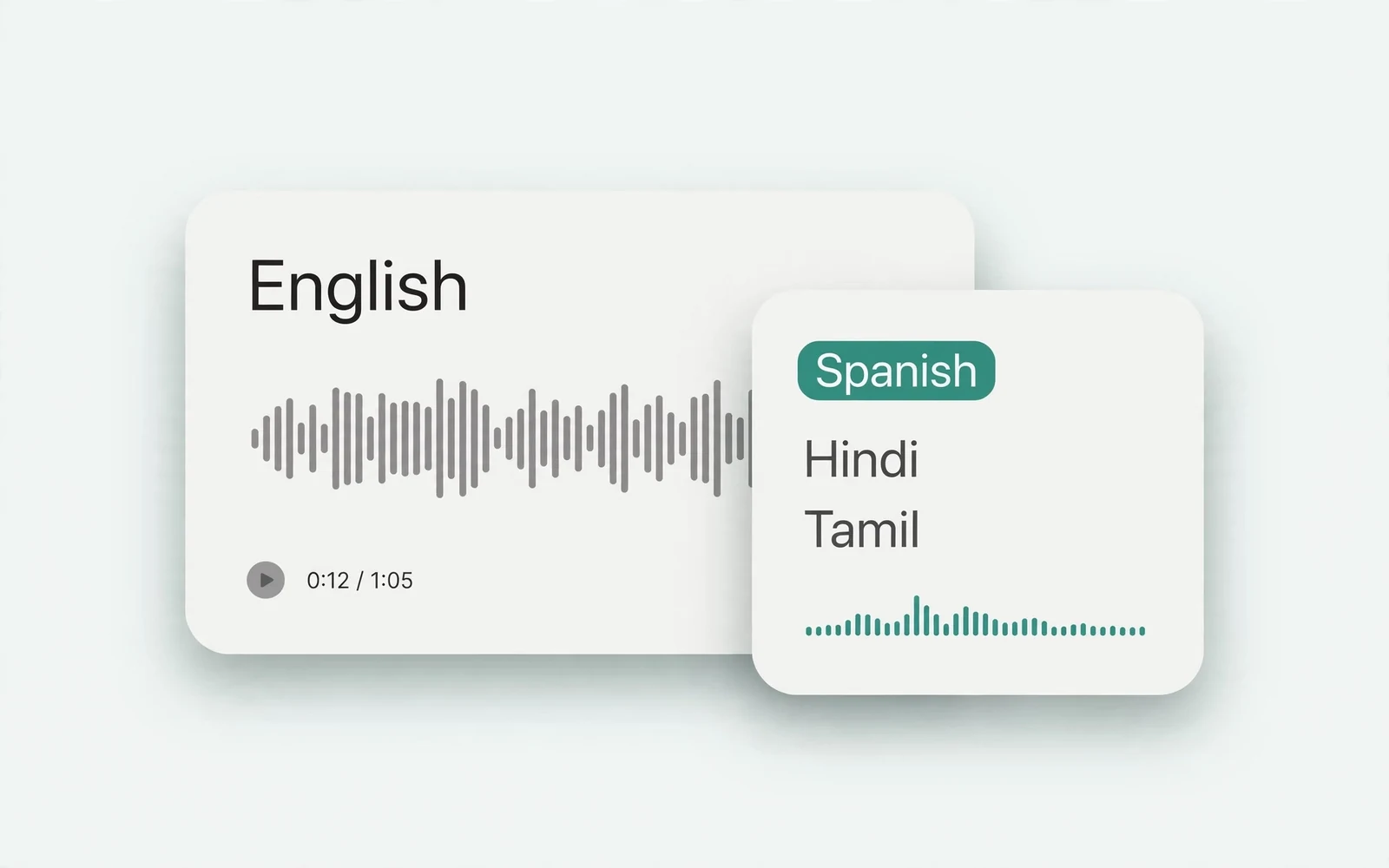
Audio Translator
Translate spoken audio
Translate spoken audio into another language.
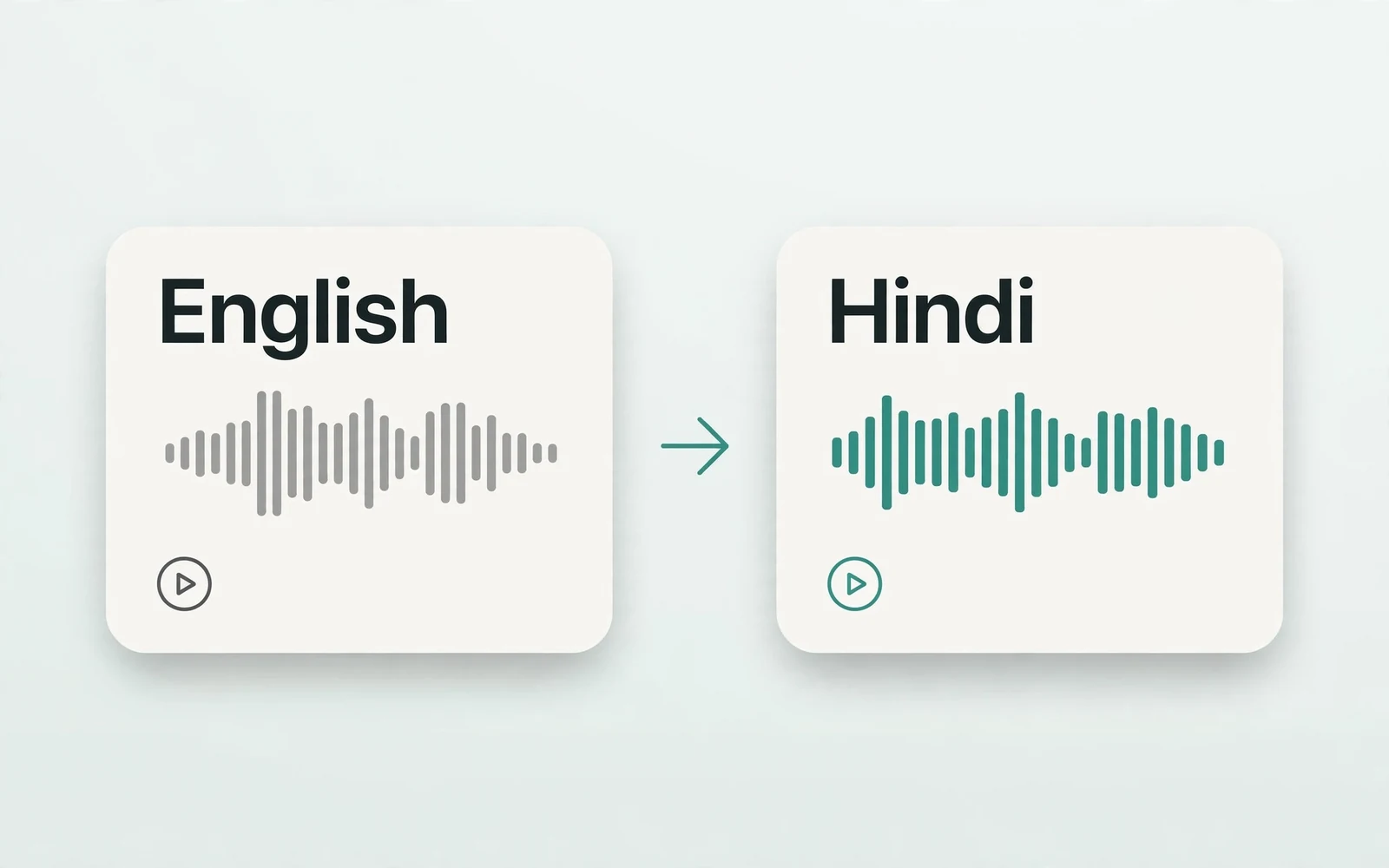
English to Hindi Voice Translator
English to Hindi audio
Turn English speech into Hindi audio.
Translate English to Tamil Audio
English to Tamil audio
Turn English speech into Tamil audio.
Hindi to English Voice Translation
Hindi to English audio
Turn Hindi speech into English audio.
AI Voice Generator
Design a new voice
Design a brand-new voice from a description.