Product launch + cinematic
0:00 / 0:00

Describe the genre, mood, instruments, tempo, use case, and length, then compare generated versions before downloading. This workflow is for instrumental and background music; use AI Song Generator for lyrics and sung vocals.
Name the project, genre, mood, instruments, and intended length so the generator has a clear musical direction.
Add a BPM or terms such as slow, mid-tempo, or energetic, then describe the opening, build, loop, or ending you need.
Listen for rhythm, arrangement, and enough space for dialogue or other sound in the final edit.
Save the version that fits the project, and review your plan’s commercial-use terms before publishing.
Direct the arrangement, compare generated versions, and keep lyrics and vocals in a separate song workflow.
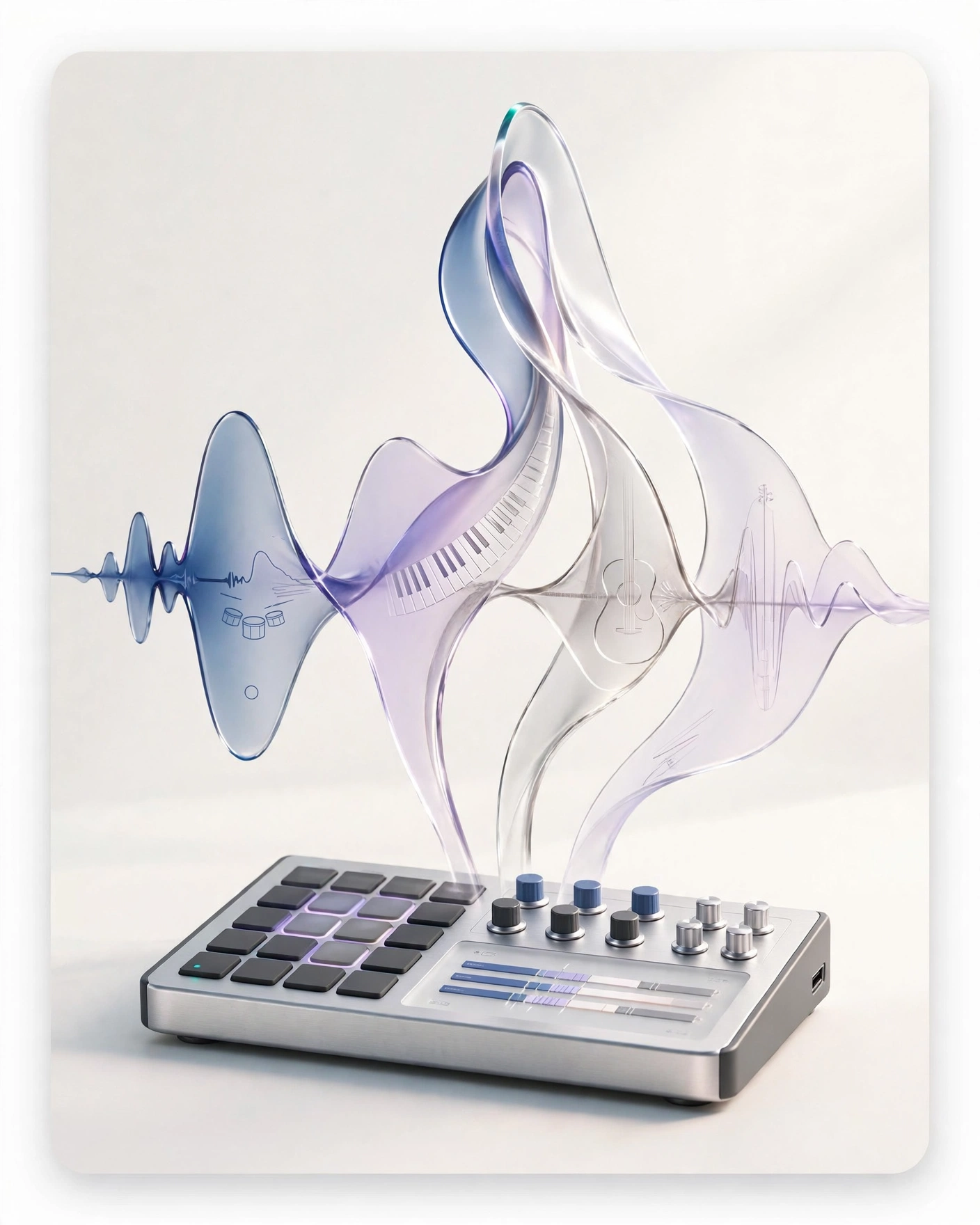
Put the genre, mood, instruments, BPM, structure, and intended duration into one prompt.
Create background music without opening a lyric-writing or vocal setup.
Play the generated versions and choose the track that fits the edit.
Continue to song generation for lyrics and vocals, or beat making for rhythm-led instrumentals.
Compare three prompt directions made for video, podcast, and game projects.
Give the generator a clear job, musical direction, pacing, and endpoint.
Ask for a restrained melody and light arrangement when a voiceover needs to remain the focus.
State the duration and ask for a clean ending when the track must fit an intro, ad, or product sequence.
Ask for a continuous loop structure and consistent energy when the music needs to repeat in a game or interface.
Generate a draft for the current cut, then refine tempo, density, and structure after the timing is stable.
A text prompt sets the genre, mood, instruments, pacing, structure, and intended duration. The generator returns original tracks you can play and compare.
Yes. Describe the scene and ask for an instrumental track without lyrics or vocals.
Yes. Open the AI Song Generator when the project needs written lyrics and sung vocals.
Pop, hip-hop, electronic, rock, jazz, cinematic, and lo-fi are supported directions. Add instruments, BPM, and mood to make the prompt more specific.
Yes. Play the example tracks on this page without an account. Sign in when you are ready to generate your own track.
You own the output. Commercial-use rights depend on your plan. Check your plan's terms before publishing.
More AI music tools
Move into lyrics and vocals, build a beat, browse ready-made tracks, or review commercial-use terms.
Text to Speech
Create new narration
Turn any script into natural spoken audio.
AI Song Generator
Add lyrics and vocals
Turn lyrics and ideas into complete songs.
AI Beat Maker
Build a beat
Build beats and grooves from a short prompt.
AI Voice Cloning
Create a custom voice
Replicate a specific real voice from a sample.
AI Voice Changer
Transform recorded audio
Transform a recording into a different voice.
AI Sound Effects Generator
Generate a sound effect
Generate any sound effect from a description.
Soundboard
Play sounds instantly
Trigger instant sound effects from a soundboard.
AI Voice Over
Narration workflows
Produce voiceovers for video and presentations.
Voice Over Advert
Ad and promo voiceovers
Create voiceovers tuned for ads and promos.
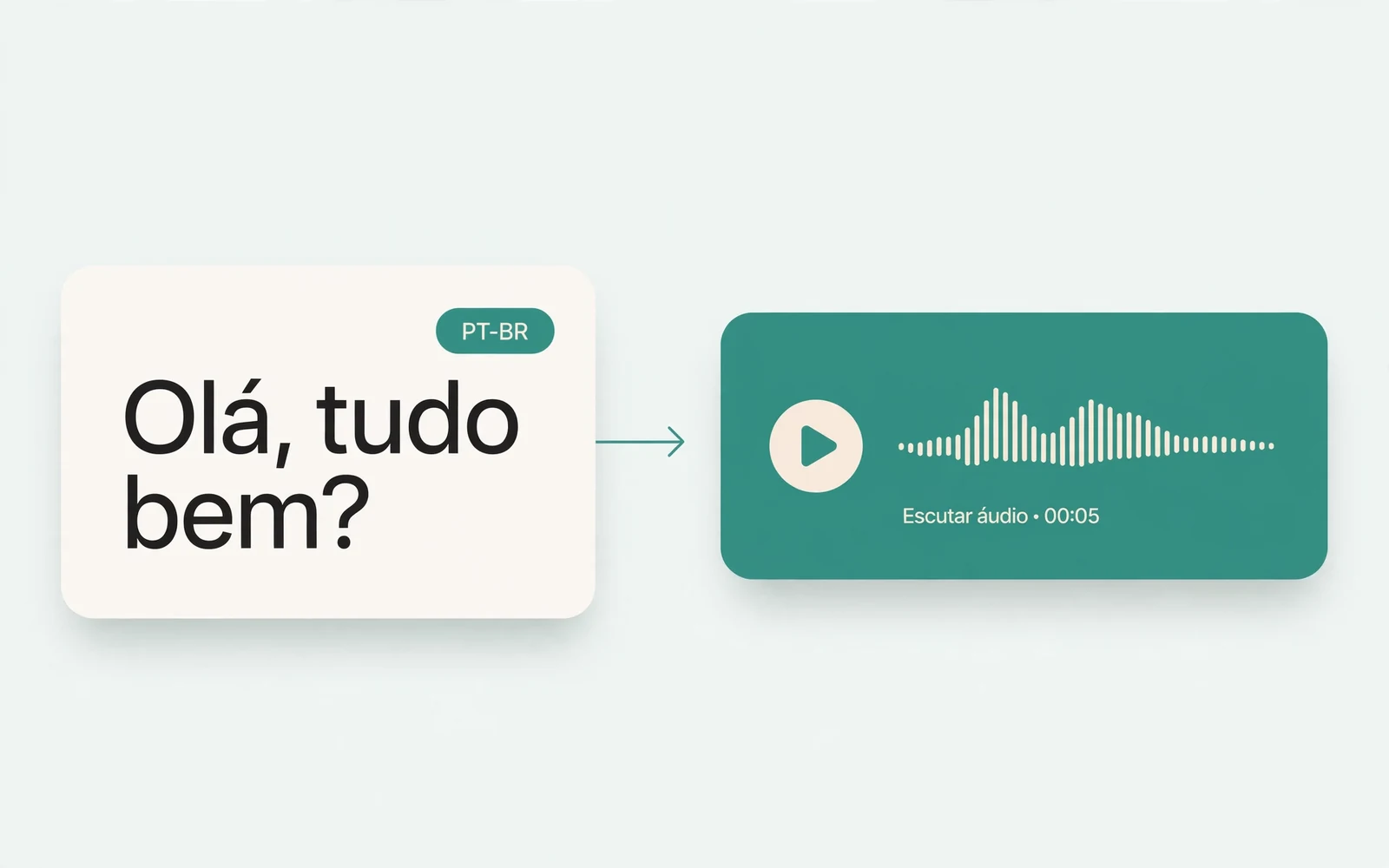
Portuguese Text to Speech
Portuguese speech
Generate natural Brazilian Portuguese speech.
British Accent Generator
British English voices
Convert text to British-accented English speech.
Anime Voice Changer
Anime character voices
Restyle a recording with an anime character voice.
Girl Voice Changer
Young feminine voices
Convert a recording into a young feminine voice.
Audio Converter
Convert an audio file
Convert audio files between formats.
MP4 to MP3 Converter
Extract audio from MP4
Extract the audio track from an MP4 video.
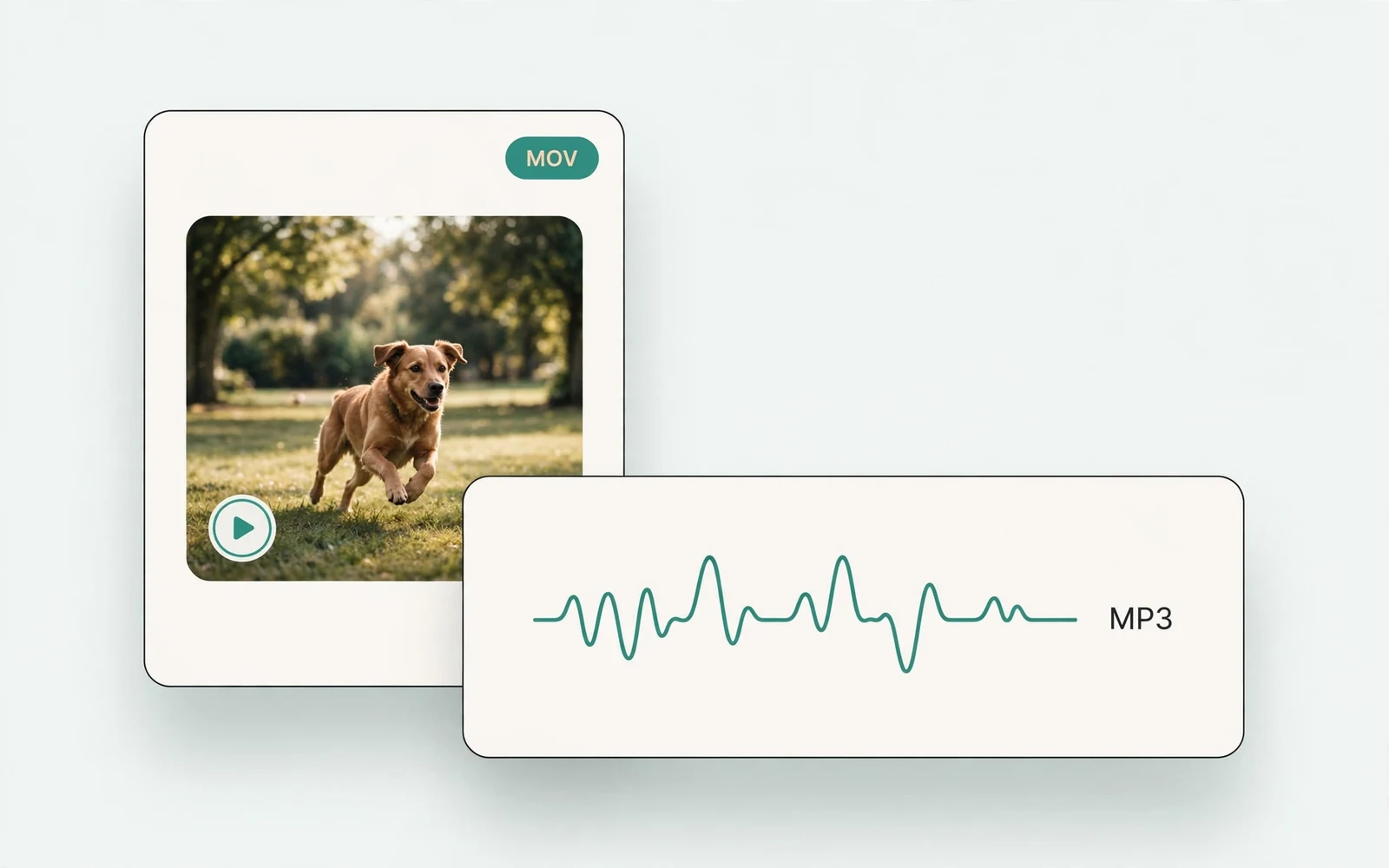
MOV to MP3 Converter
Extract audio from MOV
Extract the audio track from a MOV video.
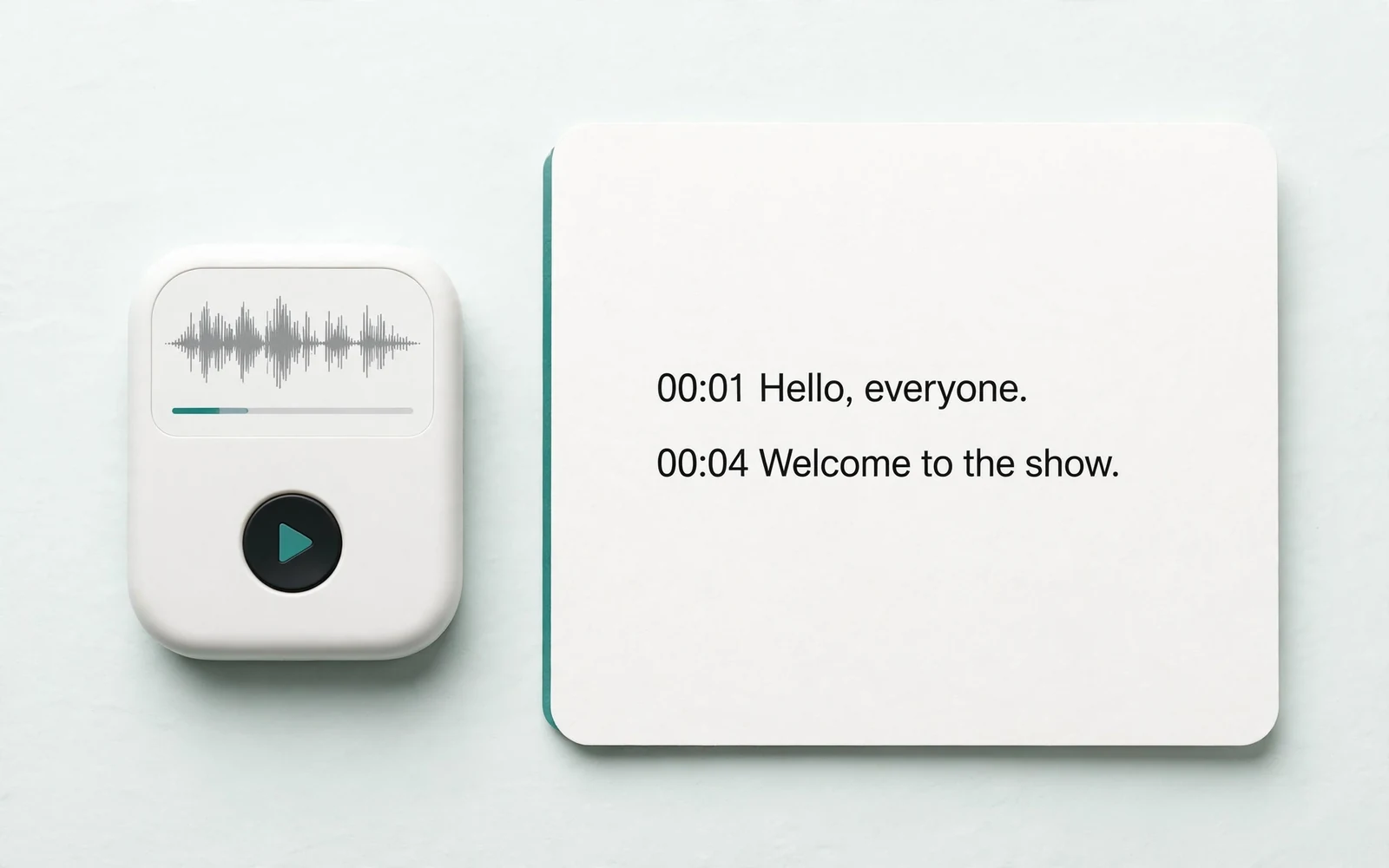
Audio to Text
Transcribe a recording
Transcribe any recording into text.
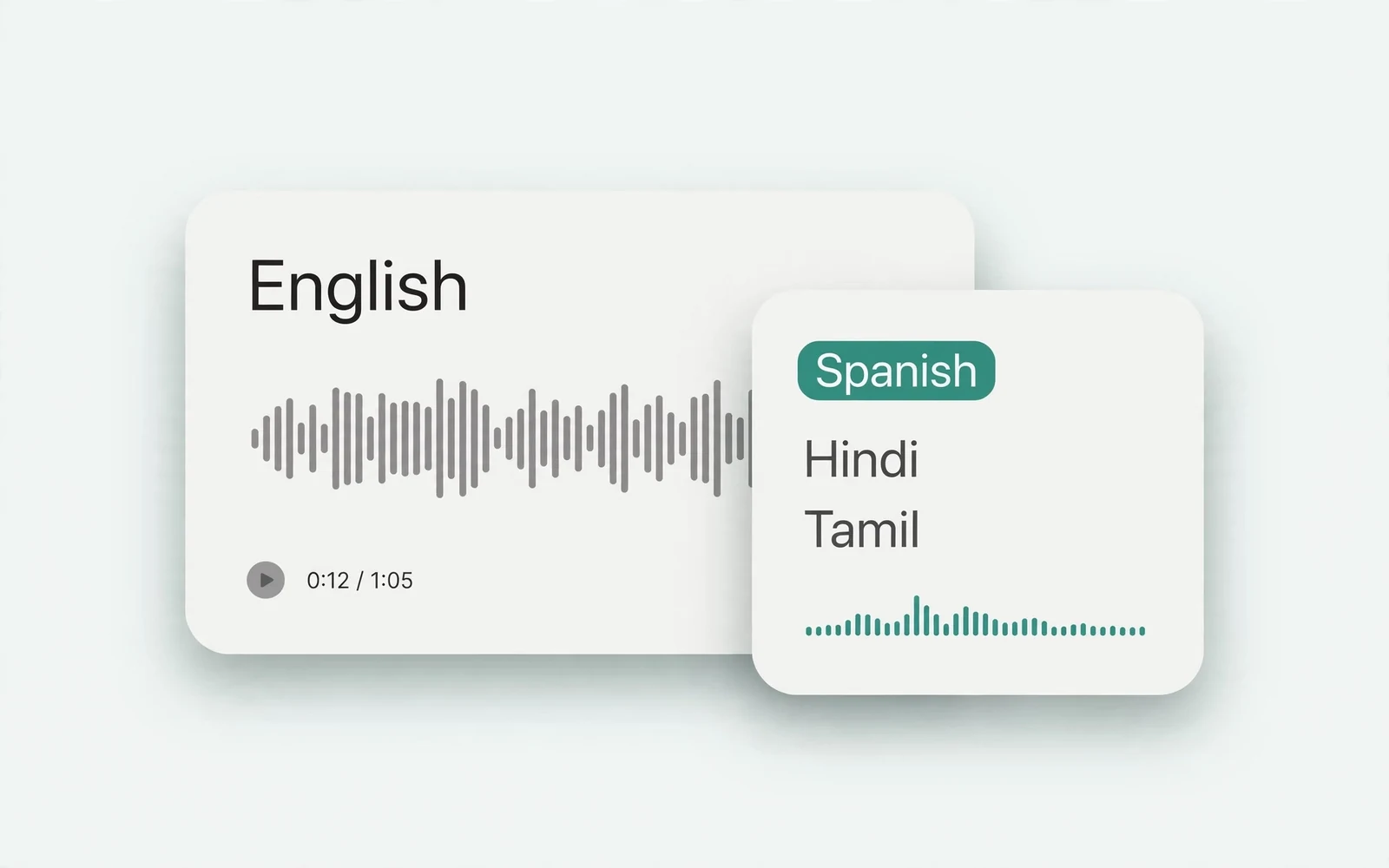
Audio Translator
Translate spoken audio
Translate spoken audio into another language.
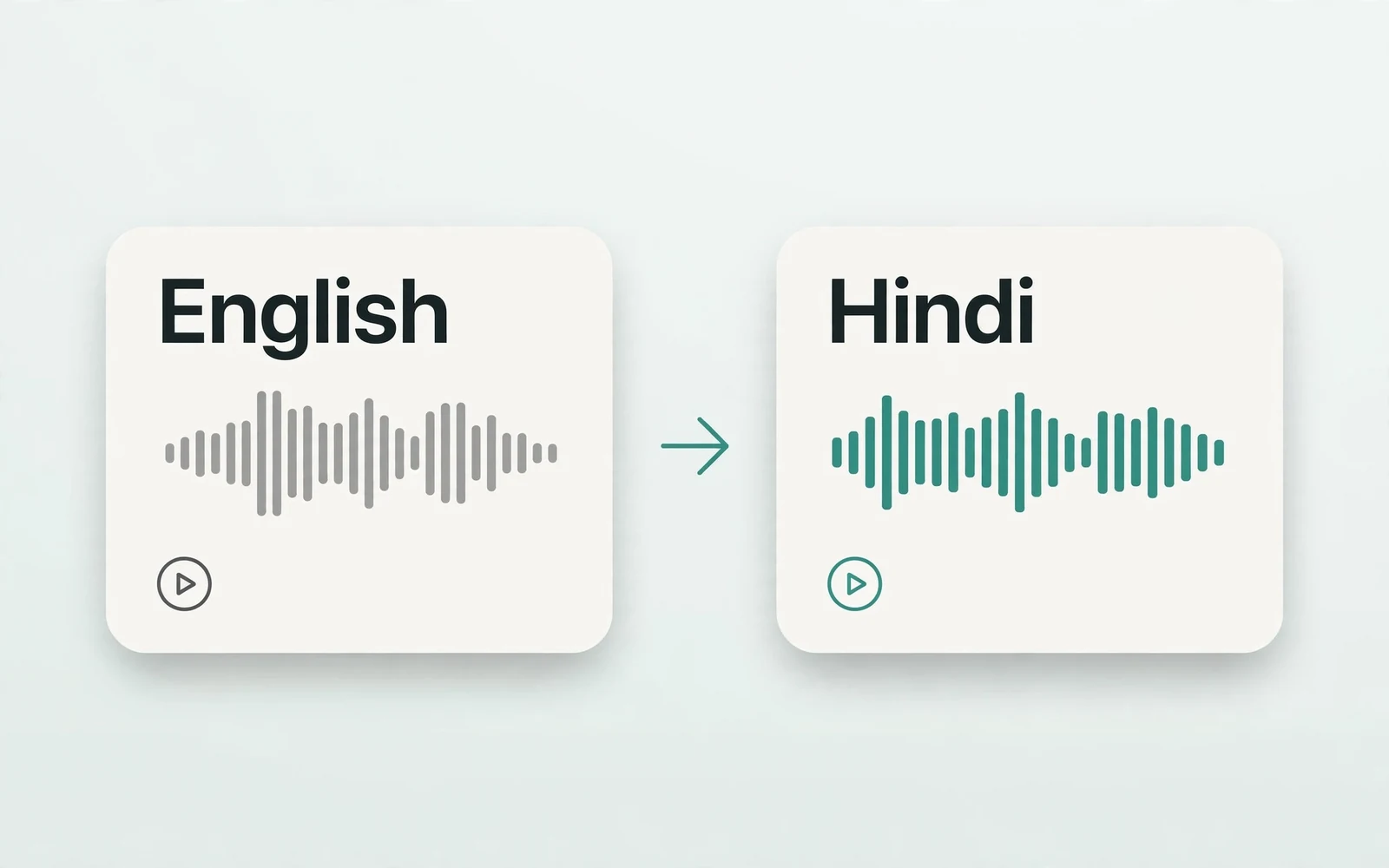
English to Hindi Voice Translator
English to Hindi audio
Turn English speech into Hindi audio.
Translate English to Tamil Audio
English to Tamil audio
Turn English speech into Tamil audio.
Hindi to English Voice Translation
Hindi to English audio
Turn Hindi speech into English audio.
AI Voice Generator
Design a new voice
Design a brand-new voice from a description.