
Create Campaign Images with Readable Text
Use Nano Banana Pro on Ezier to make polished ads, posters, product visuals, diagrams, and image edits with readable text and stronger prompt control.
Best uses for Nano Banana Pro
Use Nano Banana Pro when the image has to carry real campaign work: readable headlines, detailed products, clean diagrams, stable references, and fewer rough edges in the first draft.
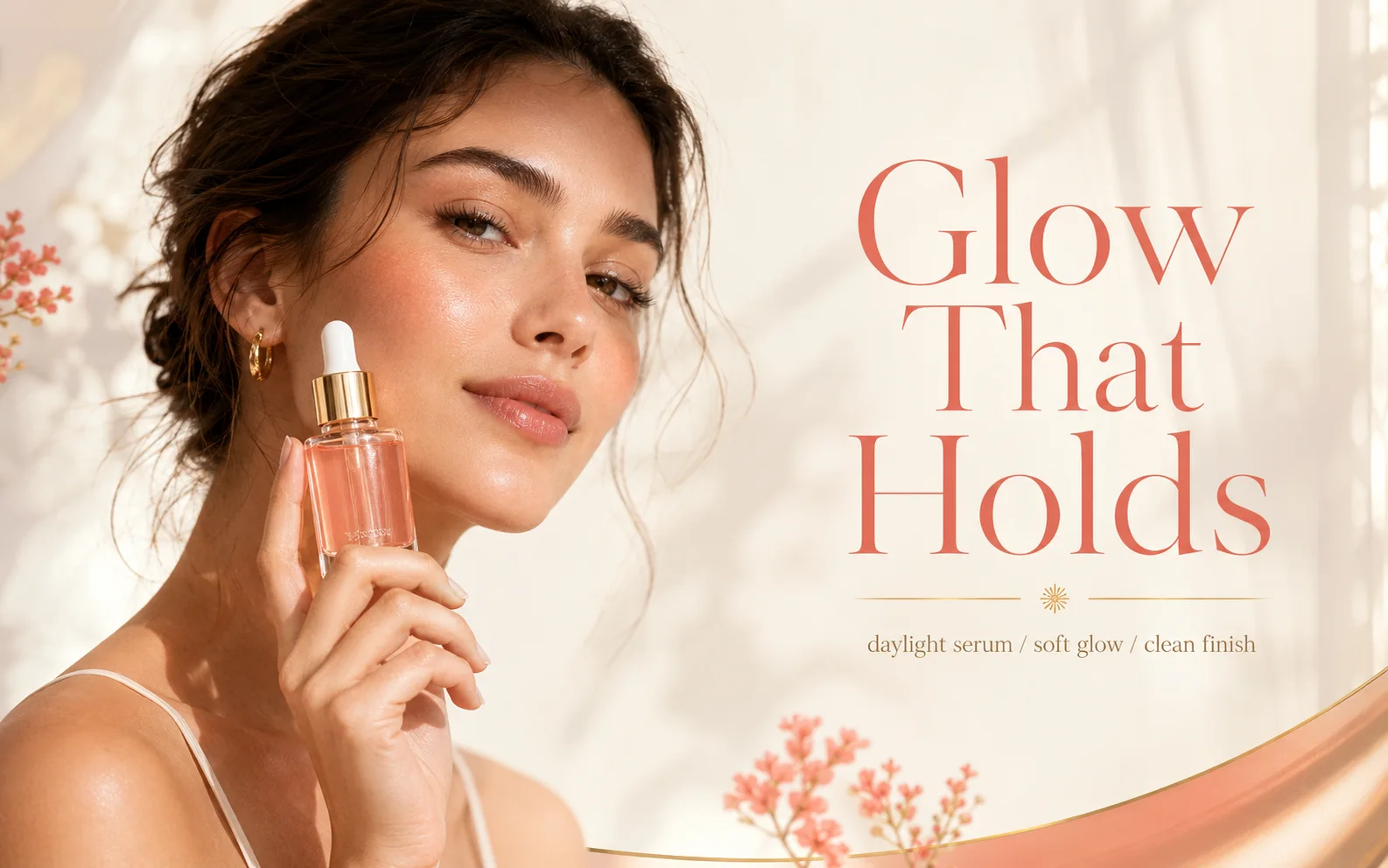
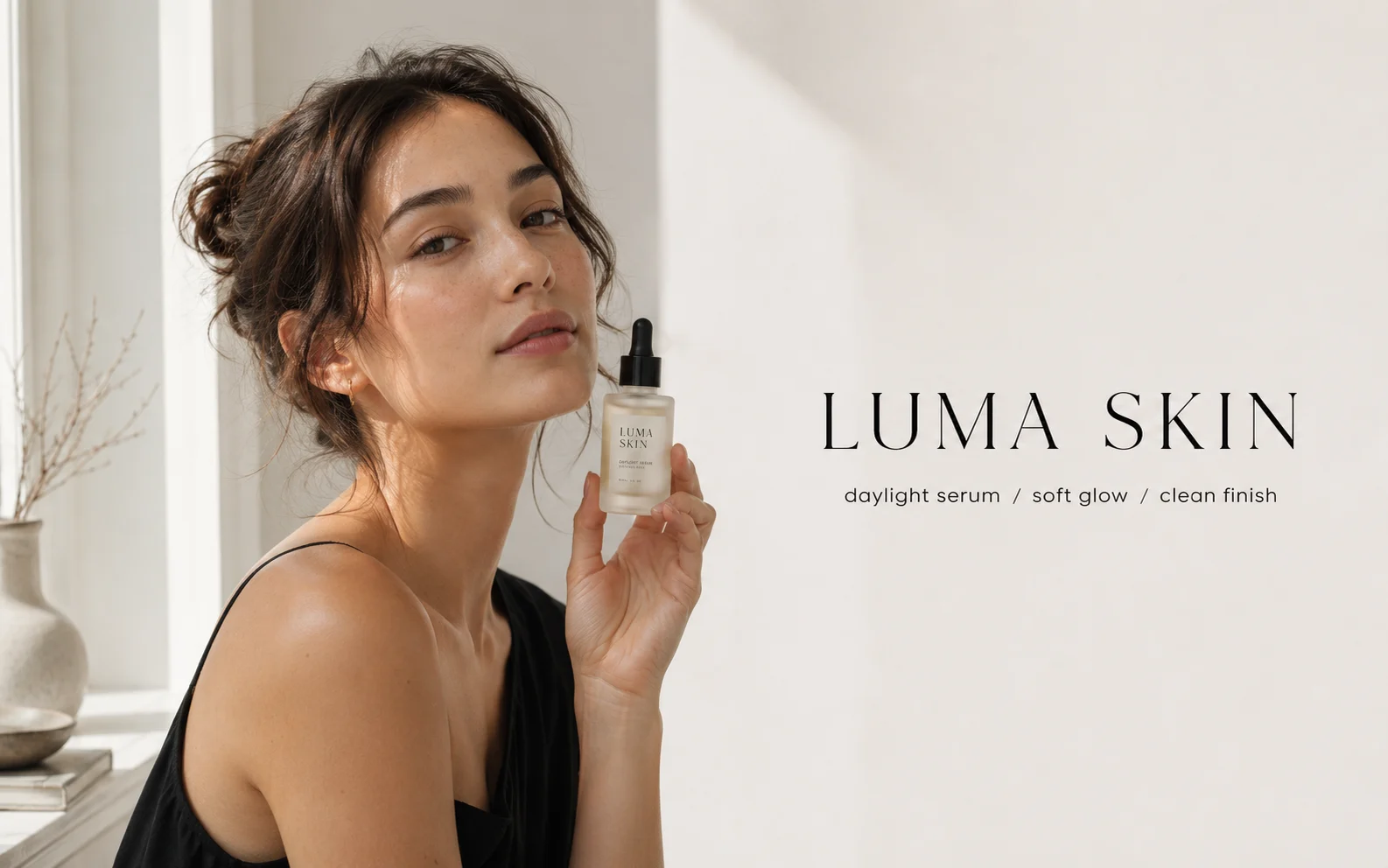
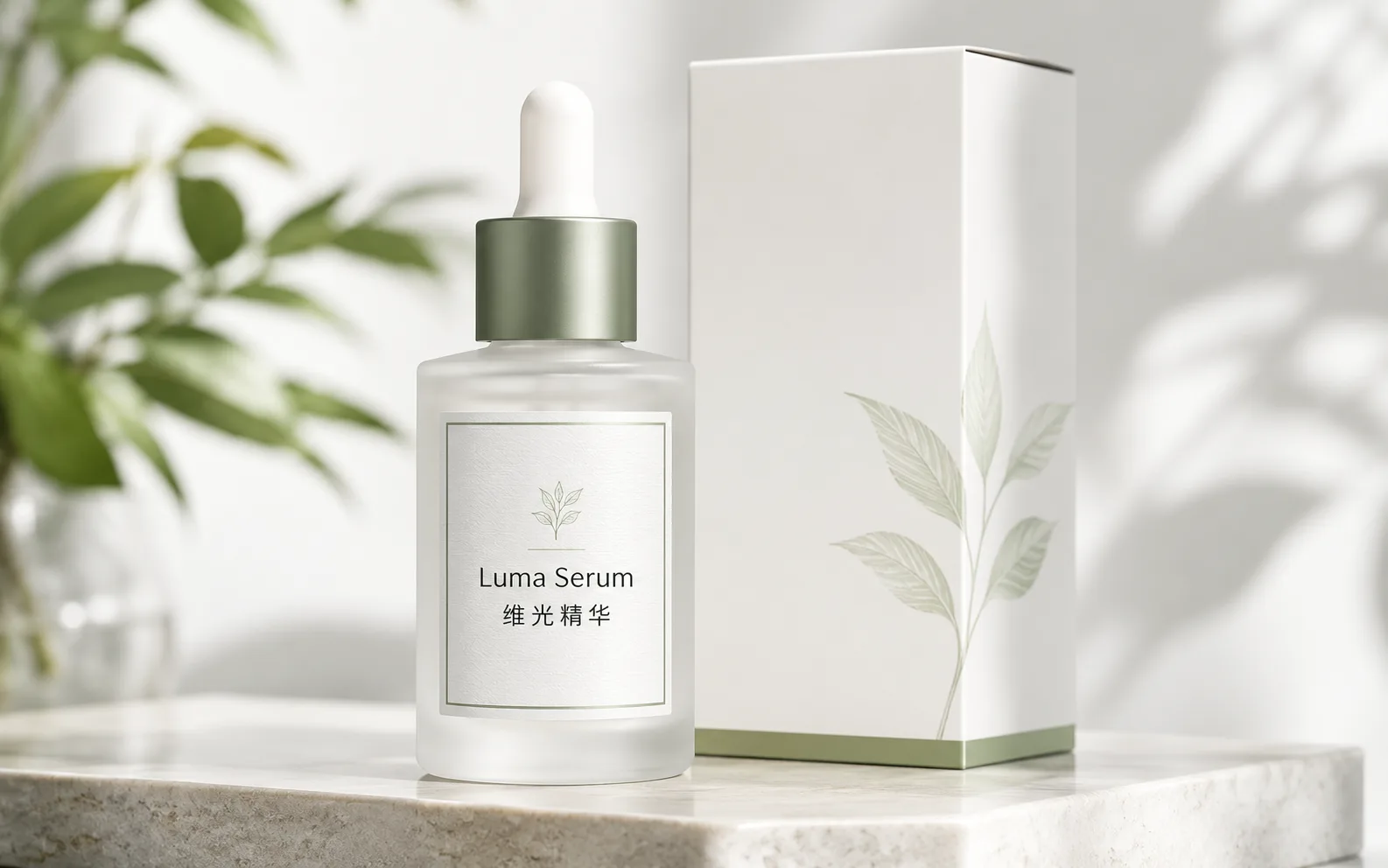
Design a premium launch poster for a skincare serum. Use the exact headline "Glow That Holds", one short subline, crisp product label text, soft daylight, and enough open space for a CTA.
How to use Nano Banana Pro on Ezier
- 01
Write the output first
Use the prompt box to name the final asset: poster, product ad, label mockup, infographic, logo concept, or image edit. Add the exact headline, label text, or short copy in quotes.
- 02
Attach a source when identity matters
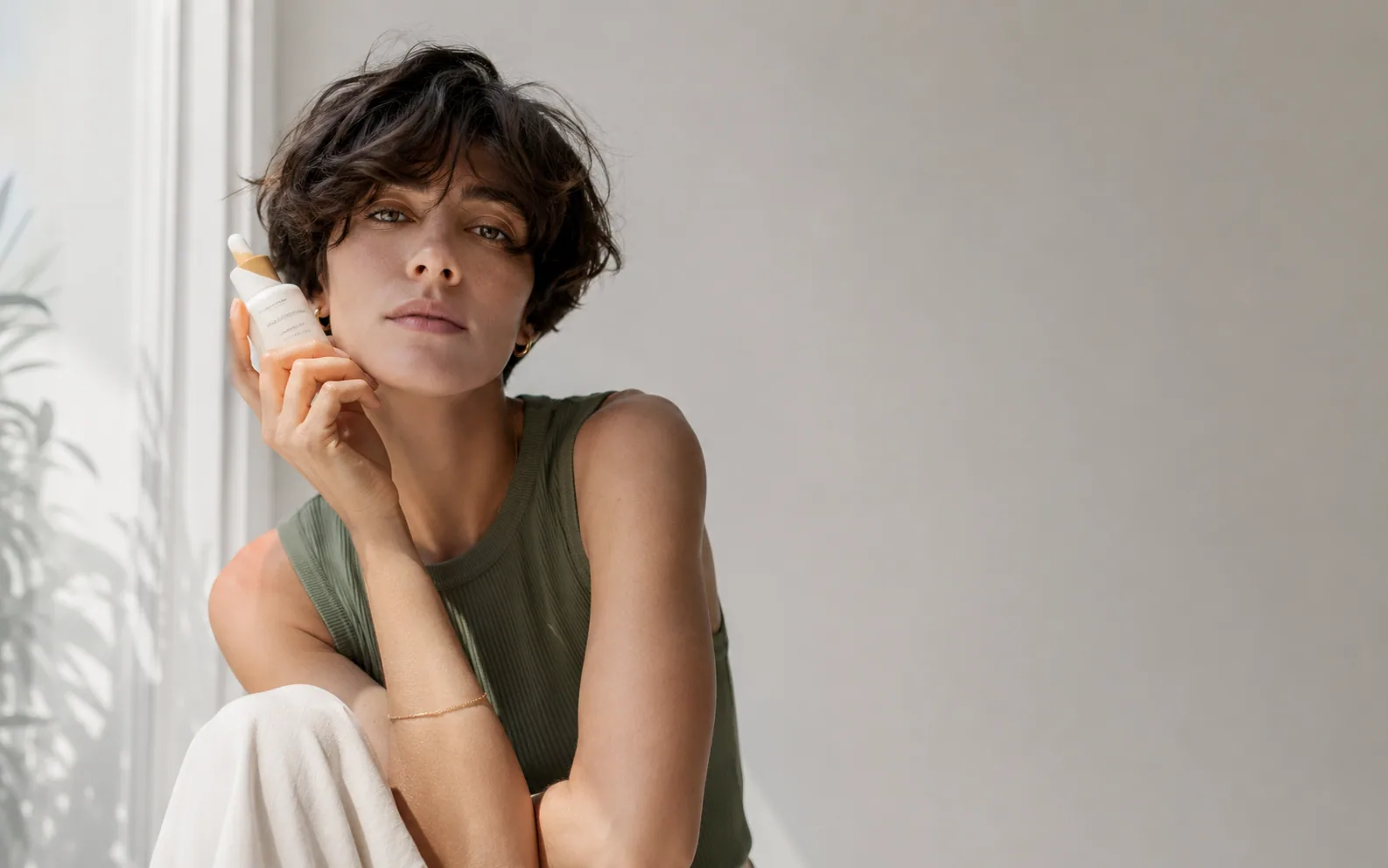
Use the attach button for a product, portrait, room, logo, or style reference. Tell Nano Banana Pro what must stay recognizable before asking for a new background, layout, or finish.
- 03
Set the canvas before you generate
Open the settings chip to review Auto, aspect ratio, and quality options such as 2K when they are available. Use more room for posters, diagrams, packaging, and any image with small text.
- 04
Check credits, then refine one issue
The Generate button shows the credit estimate. After the result appears, inspect text, hands, product edges, labels, and composition, then fix the most visible issue with one specific follow-up prompt.
What Nano Banana Pro handles especially well
The Pro model is useful when a visual needs more than a nice style. Ask it to protect the subject, place short text clearly, and keep the layout organized.
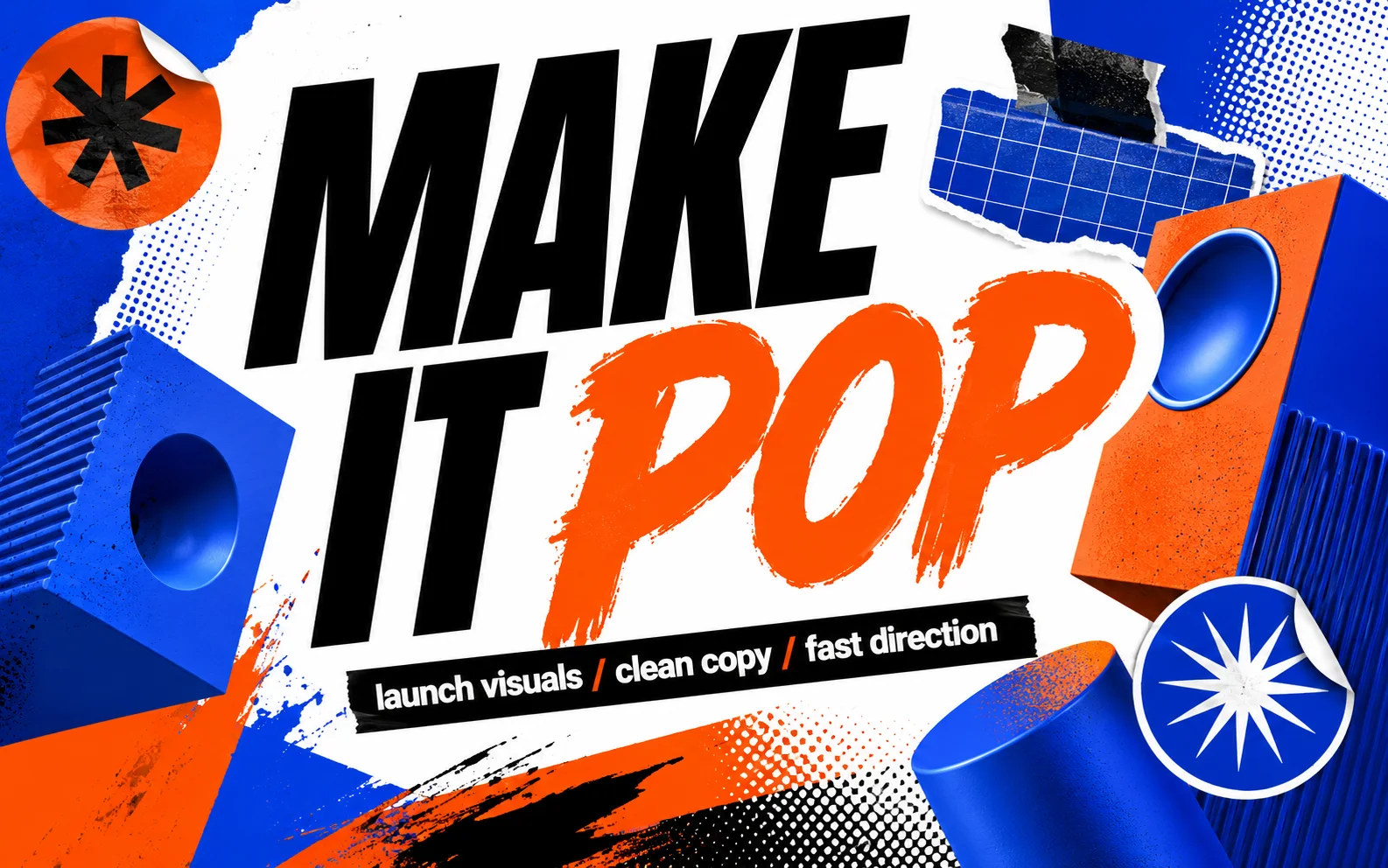
Text-heavy creative that still reads
Nano Banana Pro is strongest when text is part of the design: launch posters, packaging, signage, social tiles, event graphics, and ad concepts with short readable copy.
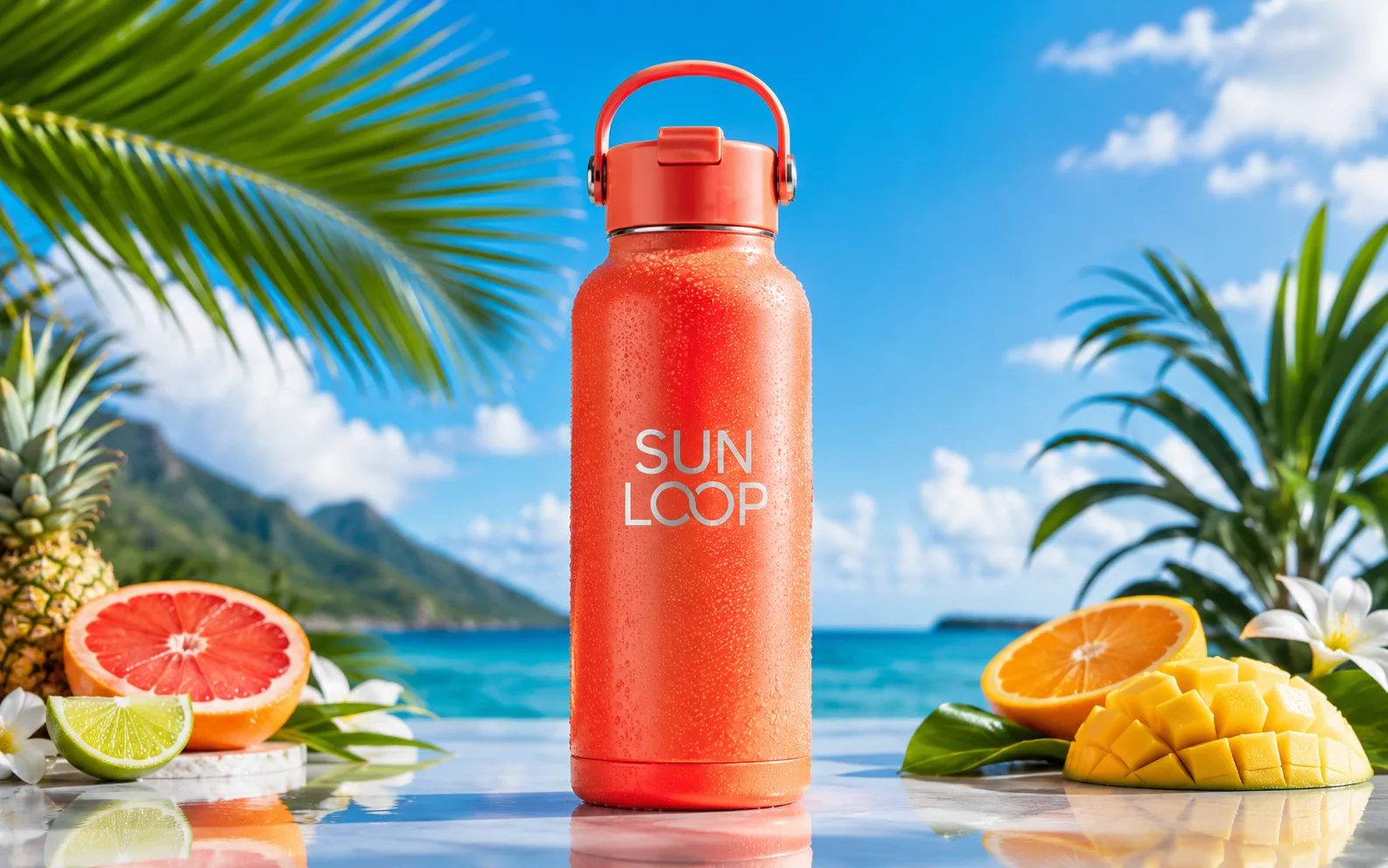
Commercial product scenes
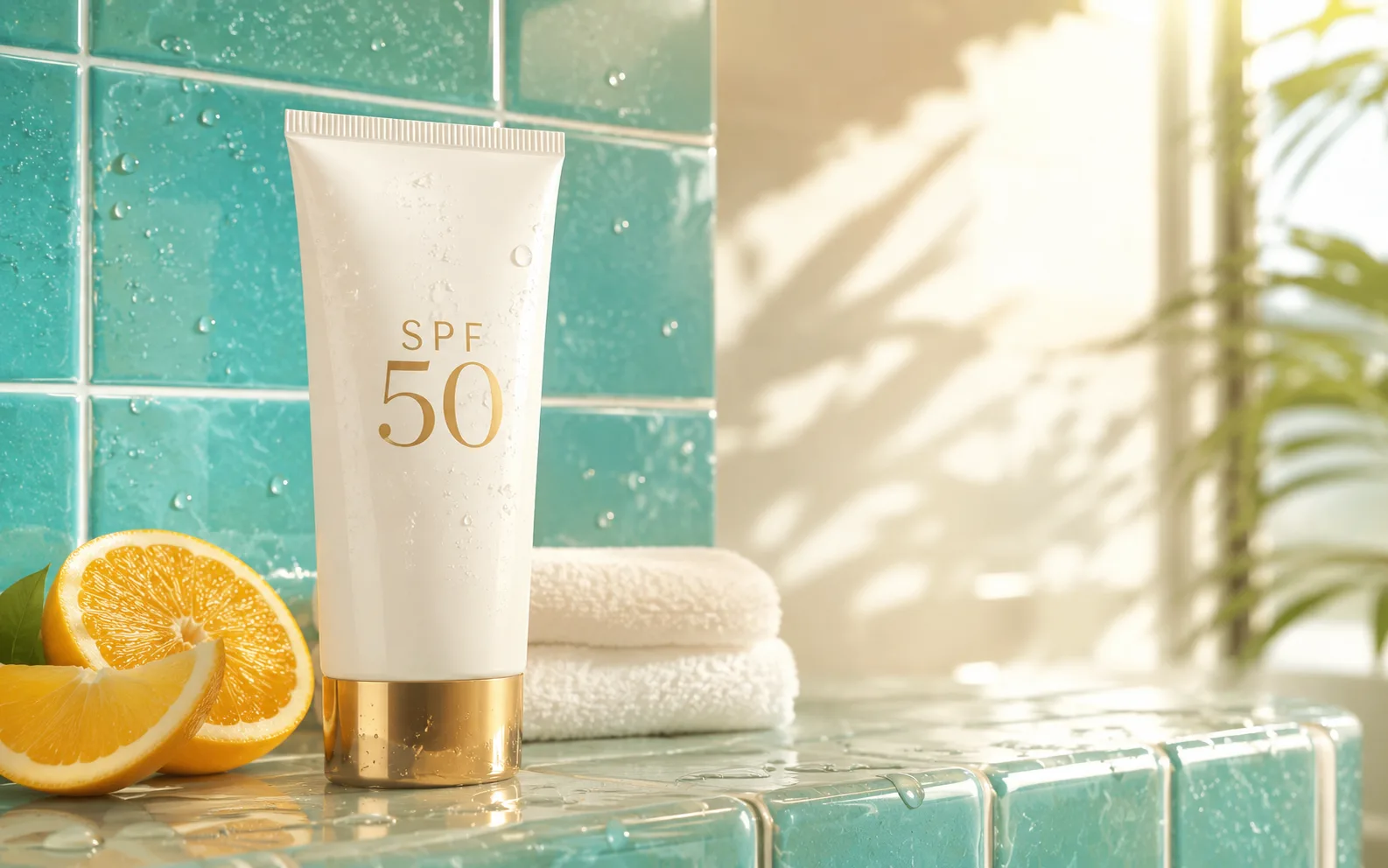
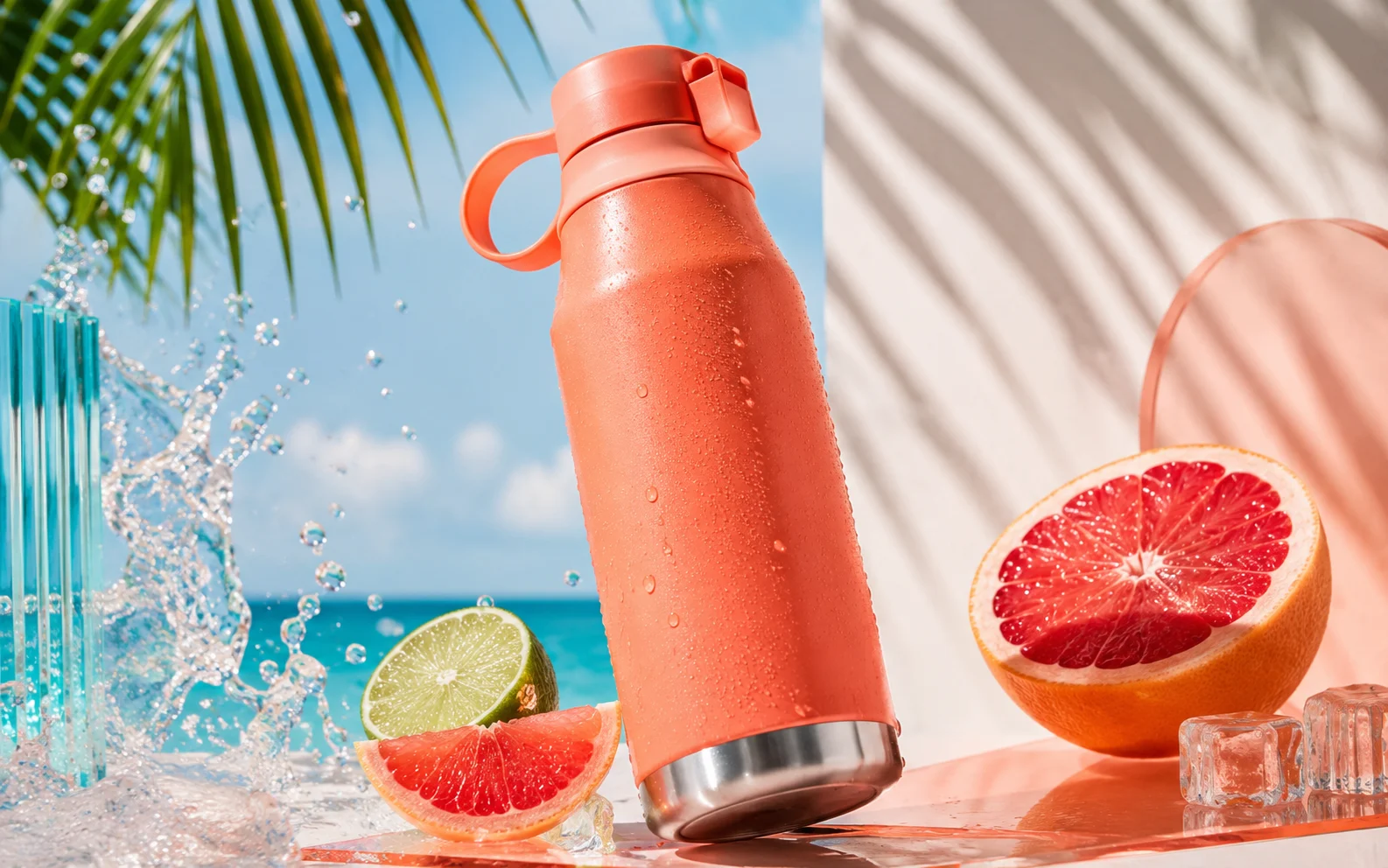
Use it for product shots where surface, reflection, label clarity, lighting, and crop all matter. It works best when you describe the material and the final placement.
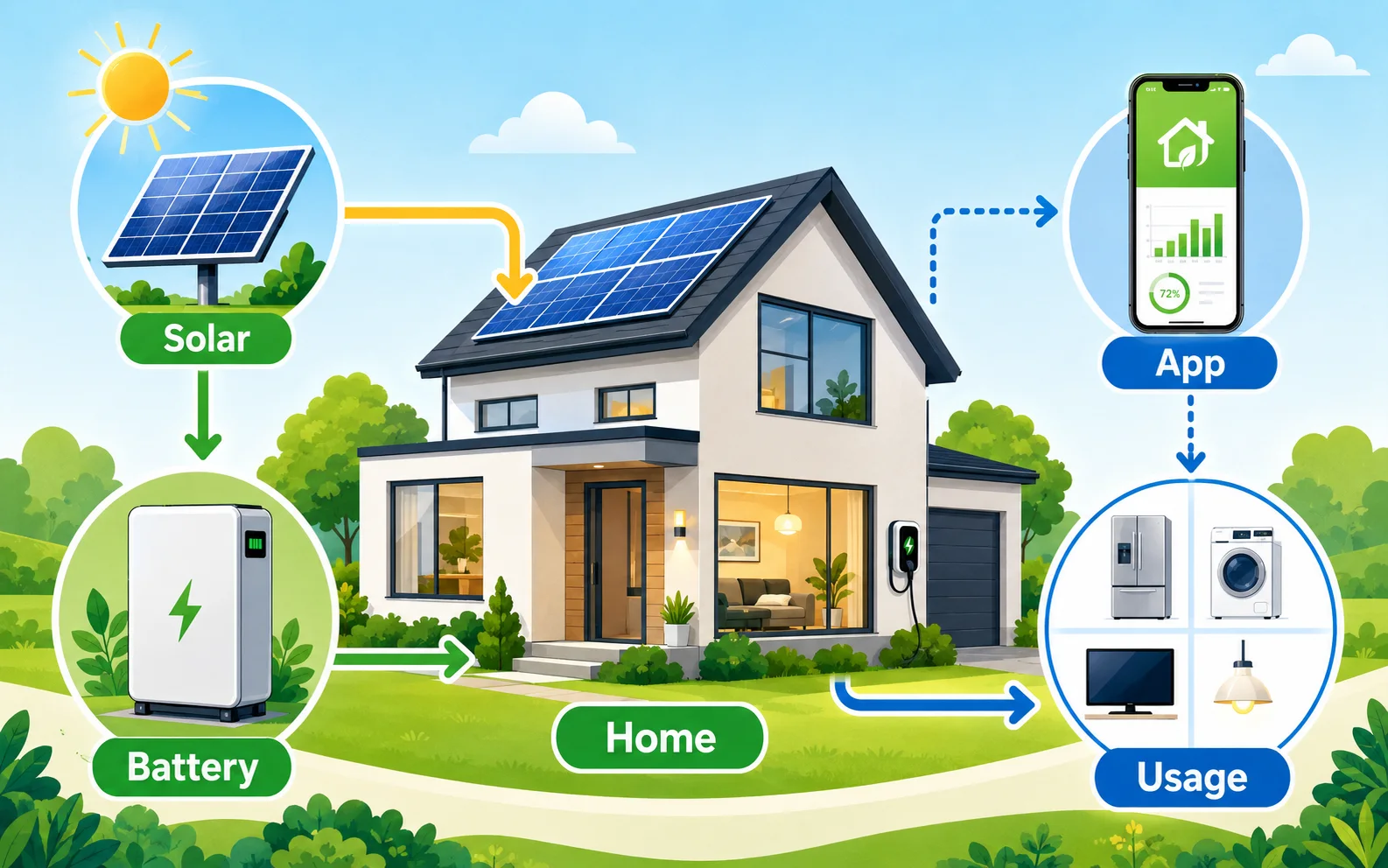
Information-rich visuals
For diagrams, explainers, and teaching graphics, give the model a structure first: steps, labels, arrows, groups, and what the reader should understand at a glance.
Get better Nano Banana Pro results
Write the prompt like a creative brief: name the format, add the copy, protect the details, and tell the model where the image will be used.
- Gemini 3 Pro Image
- Image model baseUse Pro when the prompt asks for stronger reasoning about layout, text, references, and scene details.
- 4K
- High-detail outputLarger output is useful for posters, labels, product details, and diagrams where small elements need room.
- 14 images
- Reference blendingGoogle describes multi-image blending, including up to five people and 14 standard inputs in one polished ad.
Put the format first
Start with "poster", "product ad", "infographic", or "reference edit". Then add style. This keeps the result structured instead of pretty but hard to use.
Give text a job
Use one headline, one subline, or a few labels. Quote exact words and say whether they belong on a package, poster, badge, screen, or diagram.
Separate edits from style
For uploaded images, write the exact edit first. Then add lighting or mood. This reduces over-editing when the original face, object, or layout matters.
Use Pro for the final pass
Nano Banana 2 is useful for fast directions. Move to Pro when copy, composition, texture, or brand finish is what makes the image worth using.
Keep complex scenes bounded
For multi-person or multi-object scenes, describe roles and placement clearly. Avoid asking for a whole campaign, storyboard, and detailed text in one prompt.
Review anything factual
For diagrams, labels, badges, prices, claims, or translated text, inspect the final image before publishing. Treat the model as a visual partner, not a proofreader.
Nano Banana Pro in Ezier
Create the polished version in Ezier
Write the brief, add a source image when it helps, check credits, then refine the image while the idea is still fresh.
Nano Banana Pro FAQ
Practical answers for prompts, text rendering, uploads, credits, and Pro-level image edits.
What is Nano Banana Pro?
Nano Banana Pro is Google's more advanced Nano Banana image model, commonly associated with Gemini 3 Pro Image. It is a good fit for polished image generation, image editing, readable text, product visuals, diagrams, and more controlled creative work.
Can I use Nano Banana Pro online on Ezier?
Yes. On Ezier, write a prompt, add a source image when upload is available, review the credit estimate, and generate Nano Banana Pro images directly online.
Do I need a Google API key?
No. You can try Nano Banana Pro on Ezier without setting up Google AI Studio, Gemini API, or Vertex AI yourself.
When should I use Nano Banana Pro instead of Nano Banana 2?
Use Nano Banana Pro when the image needs stronger polish, readable text, complex layouts, precise product detail, or a more finished campaign look. Use Nano Banana 2 when speed matters more than final polish.
Can Nano Banana Pro edit uploaded images?
Yes, when image input is available. Upload a source image, describe the exact change, and say what should stay recognizable.
Can Nano Banana Pro create readable text in images?
Yes. It is useful for short readable copy inside images. Keep the wording concise, quote exact text, and describe spacing, layout, and visual hierarchy.
Does Nano Banana Pro support 4K output?
Nano Banana Pro is described as supporting high-resolution output, including 4K where available. On Ezier, use the size controls available in the editor.
Can Nano Banana Pro combine multiple reference images?
Yes. Nano Banana Pro can use multiple references in supported image tools. For better results, explain which image controls the face, product, style, pose, background, or color palette.
Next up
Create more with Nano Banana Pro
Try a nearby image model, open image tools, or animate the best result.

AI models
Compare models
Choose a better fit before you generate.
AI image tools
Create or edit images
Make, clean up, or upscale stills.
AI video tools
Turn images into motion
Animate a still or create a clip.
Nano Banana 2
Balanced image creation
Use for higher-resolution images, multiple references, and longer edit chains.
GPT Image 2
Polished visuals
Use for ads, product shots, and clean edits.
Qwen Image
Readable text
Use for labels, posters, and diagrams.
Nano Banana AI
Nano Banana family
Explore more Google image options.
GPT Image
Quick OpenAI drafts
Use for quick concepts and simple edits.
Wan Image
Video-ready frames
Use when the image may move next.
AI models
Compare models
Choose a better fit before you generate.
AI image tools
Create or edit images
Make, clean up, or upscale stills.
AI video tools
Turn images into motion
Animate a still or create a clip.
Nano Banana 2
Balanced image creation
Use for higher-resolution images, multiple references, and longer edit chains.