
AI Creation Made Ezier
Create images, videos, audio, and campaign-ready assets from one simple AI workspace.

Build a complete creative workflow
Turn one brief into a planned set of connected assets across the right tools and models.
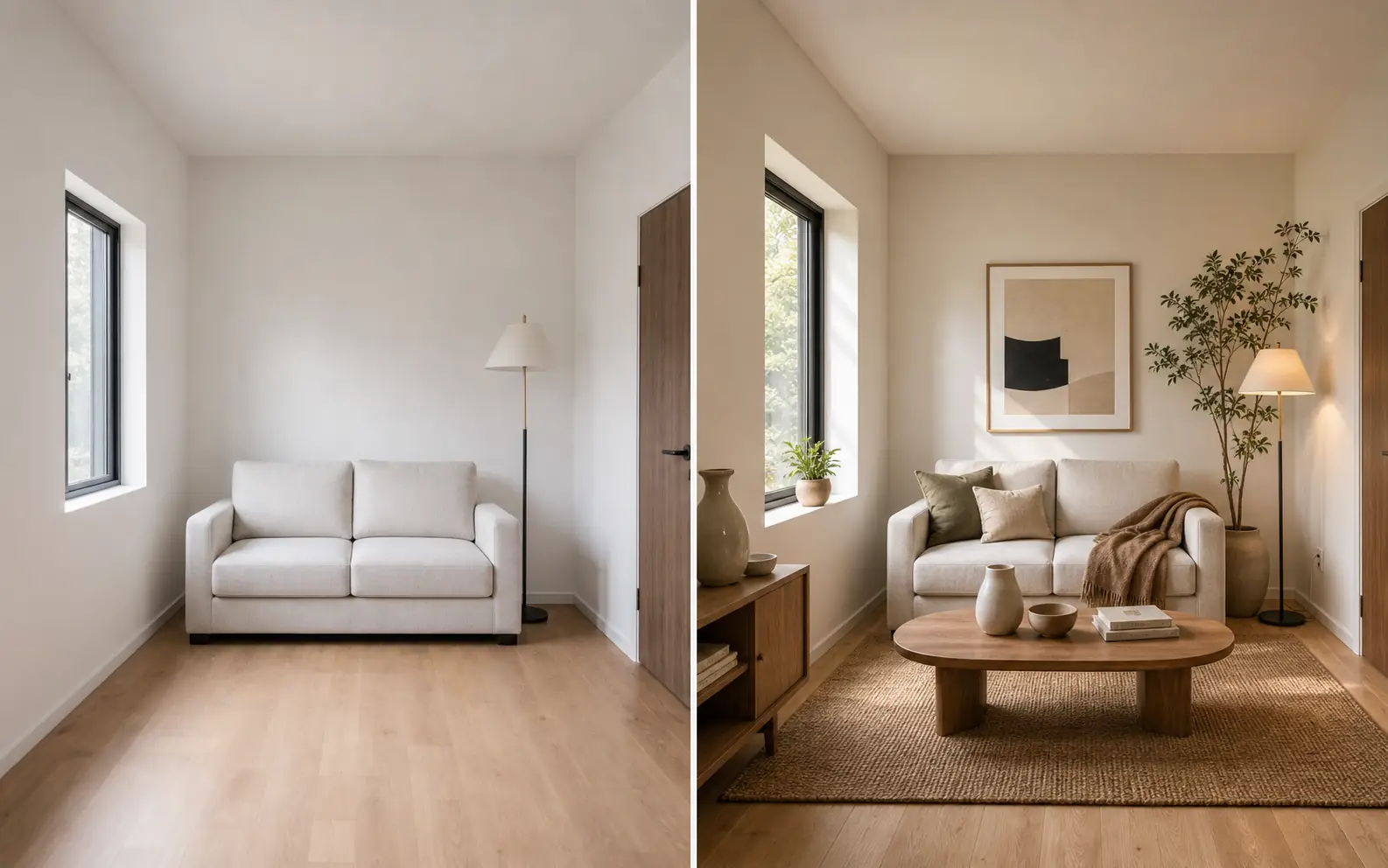
Create, edit, and enhance images
Explore image generators, editors, enhancers, and focused visual tools.

Create and transform video
Generate clips, animate images, edit footage, and explore purpose-built video tools.
Choose the right creative model
Compare image and video models by capability, control, and output.

Turn a written idea into an image
Create product scenes, illustrations, concepts, and campaign visuals from a prompt.

Create motion from a prompt
Turn a written scene into a video draft with subject, action, camera, and atmosphere.

Transform an existing image
Change the style, scene, subject details, or composition while keeping a visual reference.

Bring a still image into motion
Animate a product, portrait, or scene while preserving the visual starting point.
Explore image and video models


One brief.
Four focused Studios.
Choose the Studio that matches the job. Each one guides setup, planning, creation, and review around a specific outcome.
Explore Agent Studios
AI Product Photography Studio
Build listing images and an optional product video from verified photos and facts.
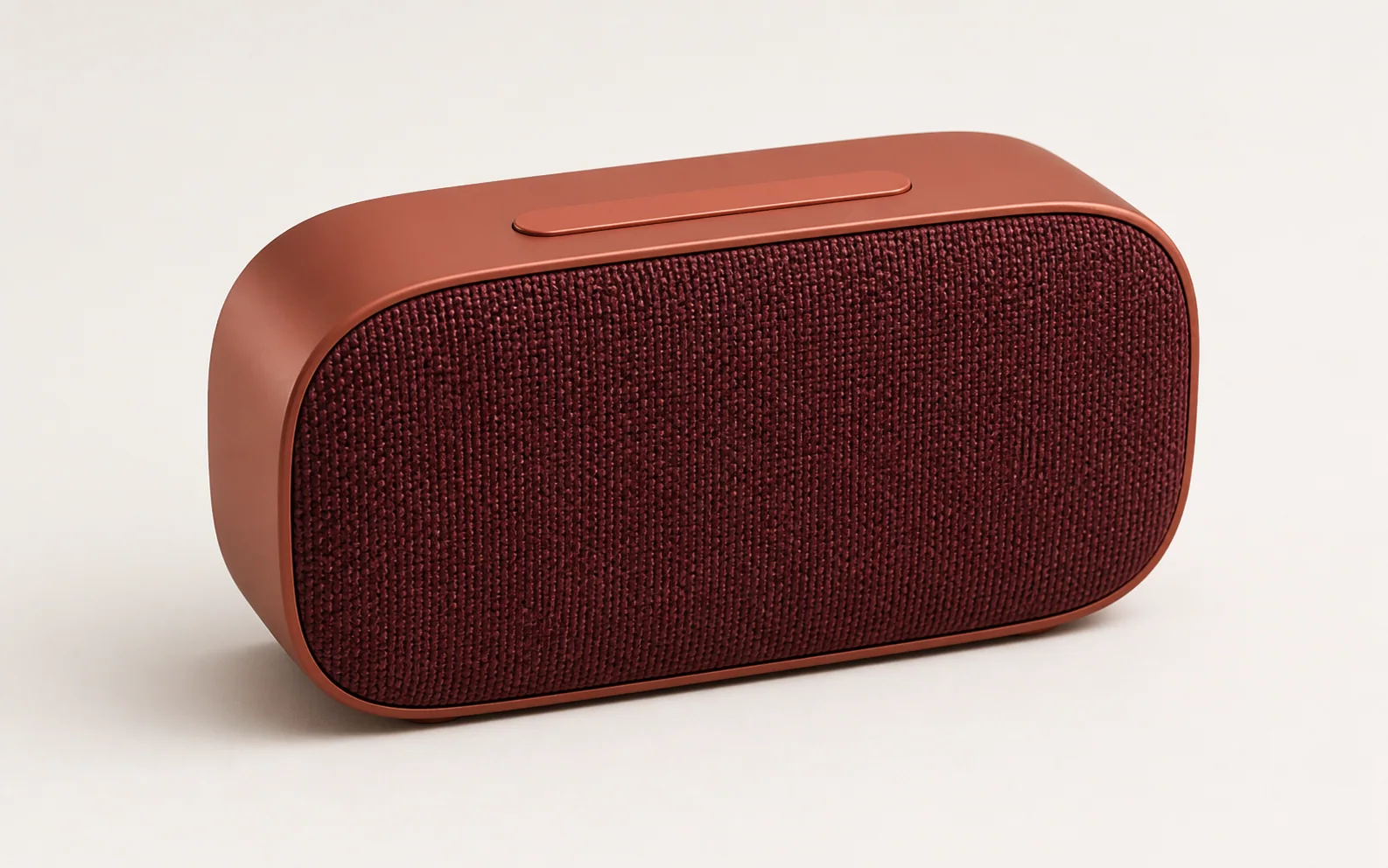
Batch Photo Editing Studio
Standardize main product images in one batch, with one finished image for every upload.

Ad Creative Testing Studio
Prepare controlled ad variations that change one visual element while keeping the approved message.

AI Social Media Content Studio
Create one coordinated image per platform, plus optional vertical videos.
Not every idea should look the same.



Everything you need toknow to start creating.
What is Ezier.ai?
Ezier.ai is an AI creation workspace for turning prompts, reference images, and rough campaign ideas into usable assets. It brings generation, editing, enhancement, model choice, and follow-up refinement into one place, so a draft can move from an initial idea to a usable image, video, audio track, or campaign asset.
Is Ezier only an AI image generator?
No. Ezier includes image tools for text-to-image, image-to-image, background removal, object removal, text removal, upscaling, enhancement, and unblurring. It also supports video work such as text-to-video, image-to-video, lip sync, video extension, video upscaling, video enhancement, and unblurring when a still asset needs motion or cleanup.
How does Ezier make AI creation easier?
Ezier gives you two ways to start. If the job is clear, choose the specific tool or model. If it is not clear yet, use Agent to route the prompt first. From there, a product visual can be cleaned, sharpened, upscaled, or tested as image-to-video without rebuilding the brief elsewhere.
Can I use Ezier for commercial projects?
Yes. You can use content created with Ezier for marketing, social media, e-commerce, client work, and other commercial projects, subject to the usage terms of the model you choose. Review the relevant model terms before publishing or reselling an output.
Who should use Ezier?
Ezier is useful for creators, marketers, e-commerce teams, designers, founders, and small teams that need visual content regularly. Common jobs include product scenes, listing images, social posts, ad concepts, thumbnails, logo drafts, wallpapers, short videos, lip-synced clips, and campaign variations.
Does Ezier support leading AI models?
Yes. Ezier includes image model options such as GPT Image 2, Nano Banana 2, Nano Banana Pro, GPT Image, Qwen Image, and Wan Image, plus video model options such as Veo 3.1, Kling 3.0, Seedance, and Hailuo. Ezier also follows new model releases and adds useful options quickly, so creators can keep using newer AI generation models without rebuilding their workflow across separate platforms.
How do Ezier credits work?
Ezier credits are used for generation, editing, and enhancement inside the workspace. Instead of opening separate paid plans just to test different image models, video models, removers, upscalers, or enhancers, you use credits based on the model or tool you choose. Heavier models and more advanced outputs may cost more credits than simple edits.
How is Ezier different from using separate AI tools?
Separate tools can be fine for one quick test, but they often split the work across different uploads, prompts, model pickers, exports, and billing systems. Ezier AI is built for multi-step creation, where the result from one step can become the starting point for the next edit or model choice.