Anchor the ad creative
Use the approved image as the reference for wording, offers, prices, product claims, logos, and brand marks.
Prepare 4–8 controlled ad variations for testing while keeping the approved message intact.
Start with one approved ad, preserve its message, then prepare distinct visual directions for the test you plan to run in your advertising platform.
Use the approved image as the reference for wording, offers, prices, product claims, logos, and brand marks.
Choose one visual element to change, then give every output a distinct direction so the comparison stays understandable.
Confirm four, six, or eight directions, the placement, file type, and estimated credits before creating any images.
It creates four, six, or eight image variations from one uploaded ad. Before building the production plan, you choose the visual element to change and enter a separate direction for each output.
No. It prepares controlled image variations for a test you run in your advertising platform. It does not publish ads, measure performance, or select a winner.
Choose four, six, or eight images. The number you select is the total output, not an additional set or matrix.
Check that wording, offers, prices, product claims, logos, and brand marks still match the uploaded ad before using the variations in a campaign.
Select an improvement goal and output destination, then choose one visual element to change. Add a separate direction for each image before building the production plan.
Use a focused tool when you need one standalone social image, banner, or open-ended visual variation instead of a controlled set.
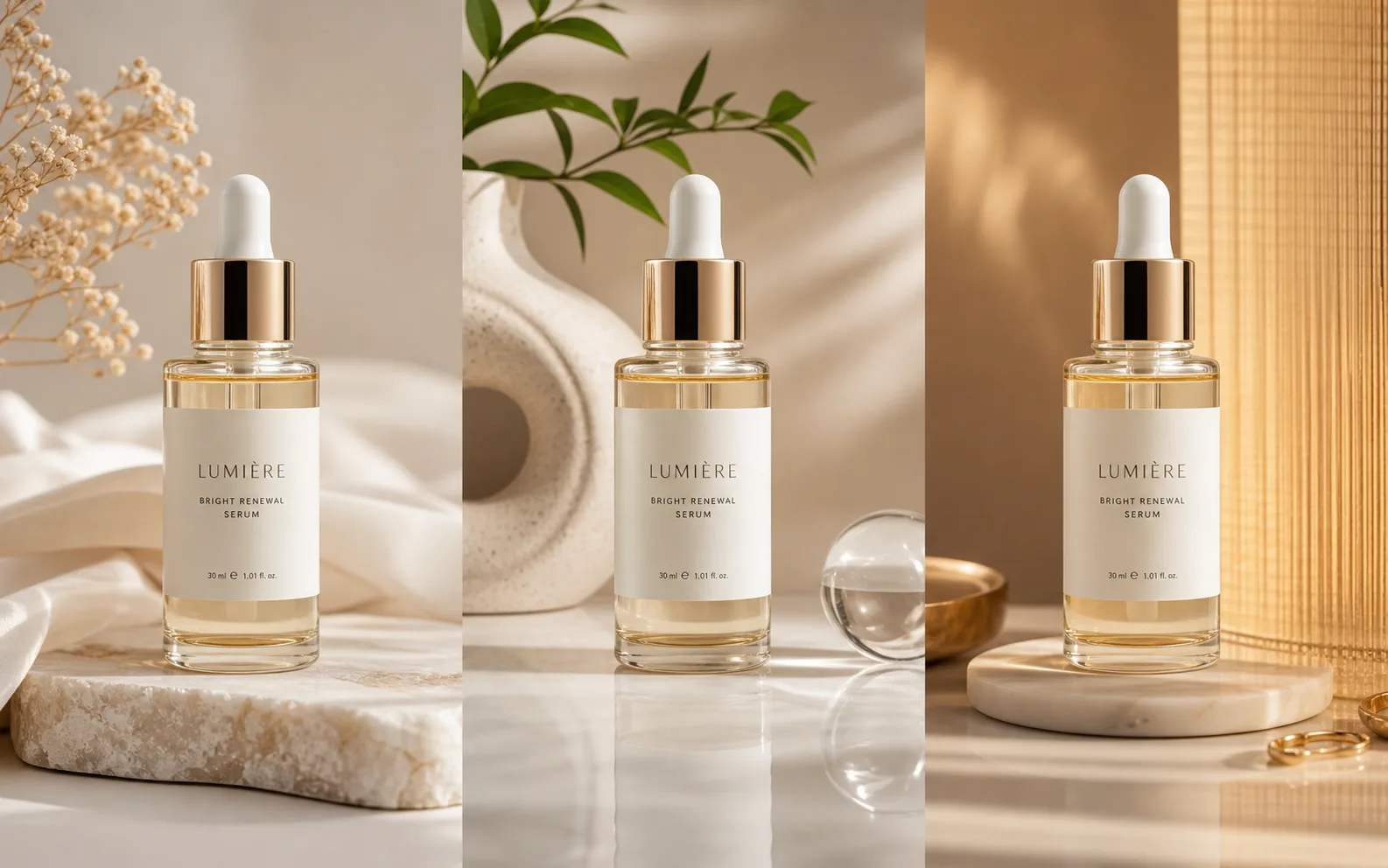
Image Variation Maker
Explore broader visual alternatives when you are not protecting a fixed ad message.
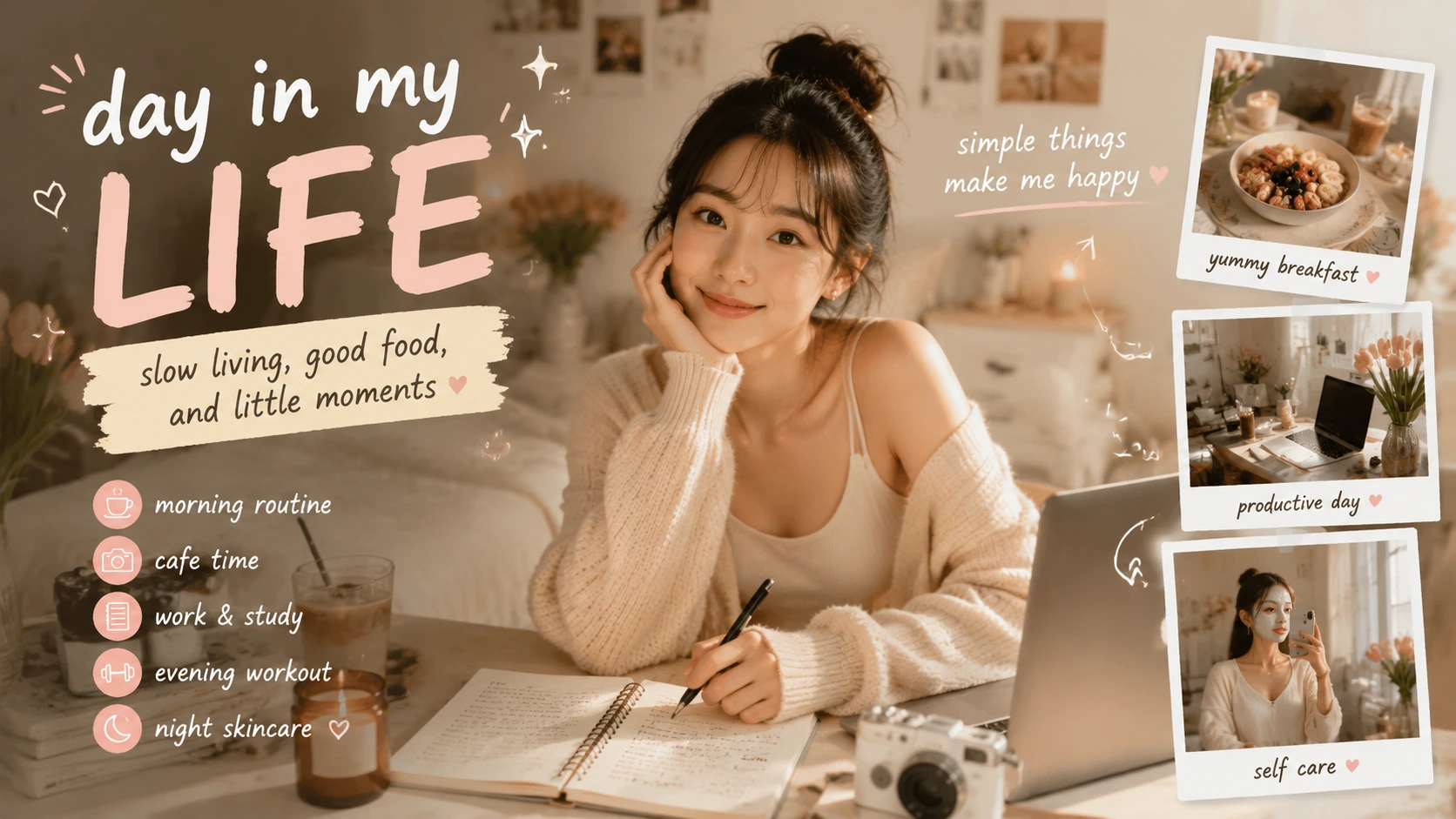
Social Media Post Generator
Create one social post from a message, platform, and visual brief.
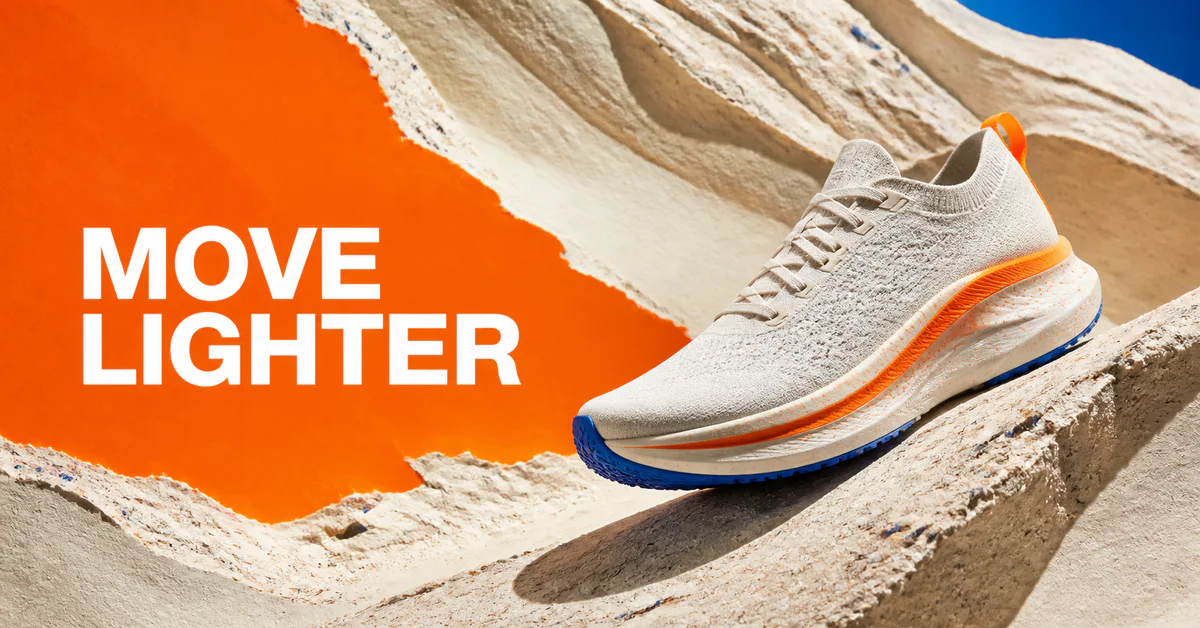
Social Media Banner Generator
Create one platform-sized campaign banner from a focused prompt.
AI Image Editor
Make a specific change to one image before it becomes the approved source.
Start from a product link, photos, a script, or an AI presenter, then bring the finished ad back here to test versions.
AI ad maker
Choose where to start? Start your video ad with a product link, photo, or description.
UGC Ad Script Generator
No script yet? Get three ad scripts, each with a hook, a body, and a call to action.
URL to Video Ad Generator
Have a product page? Read a product page, review the details, and preview a free video sample.
AI UGC Video Generator
Want a person on camera? Choose from hundreds of AI presenters and give them your script.
AI Product Video Generator
Have product photos? Turn up to five product photos into a video ad. No presenter needed.
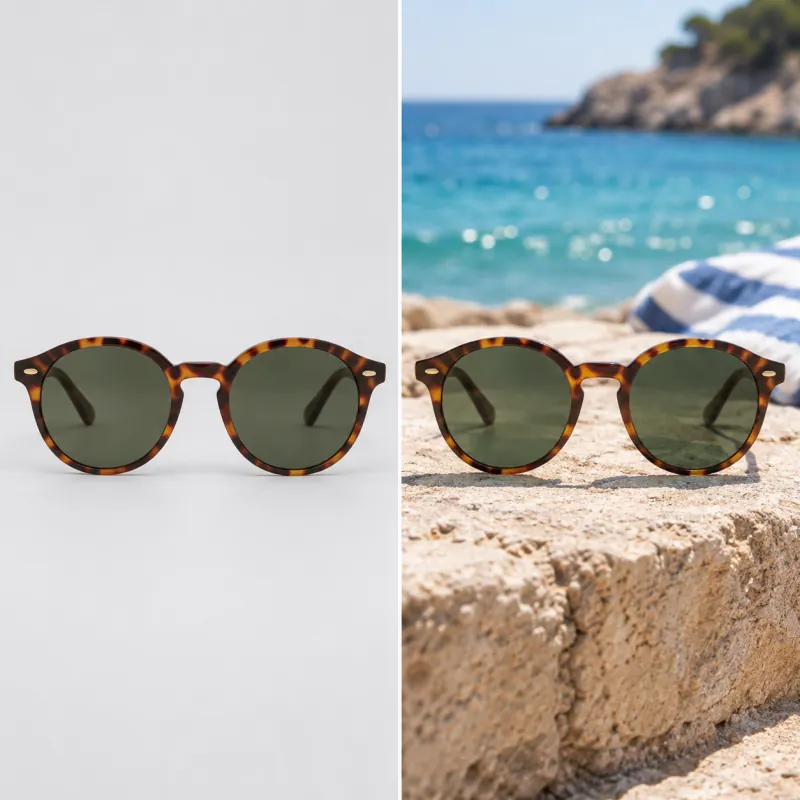
Shopify product photography
Need better photos first? Make lifestyle shots in several styles from one product photo.