
AI Product Picture Generator
Create polished studio or lifestyle product images from a single photo.
Scene or brand direction (optional)
Prompt
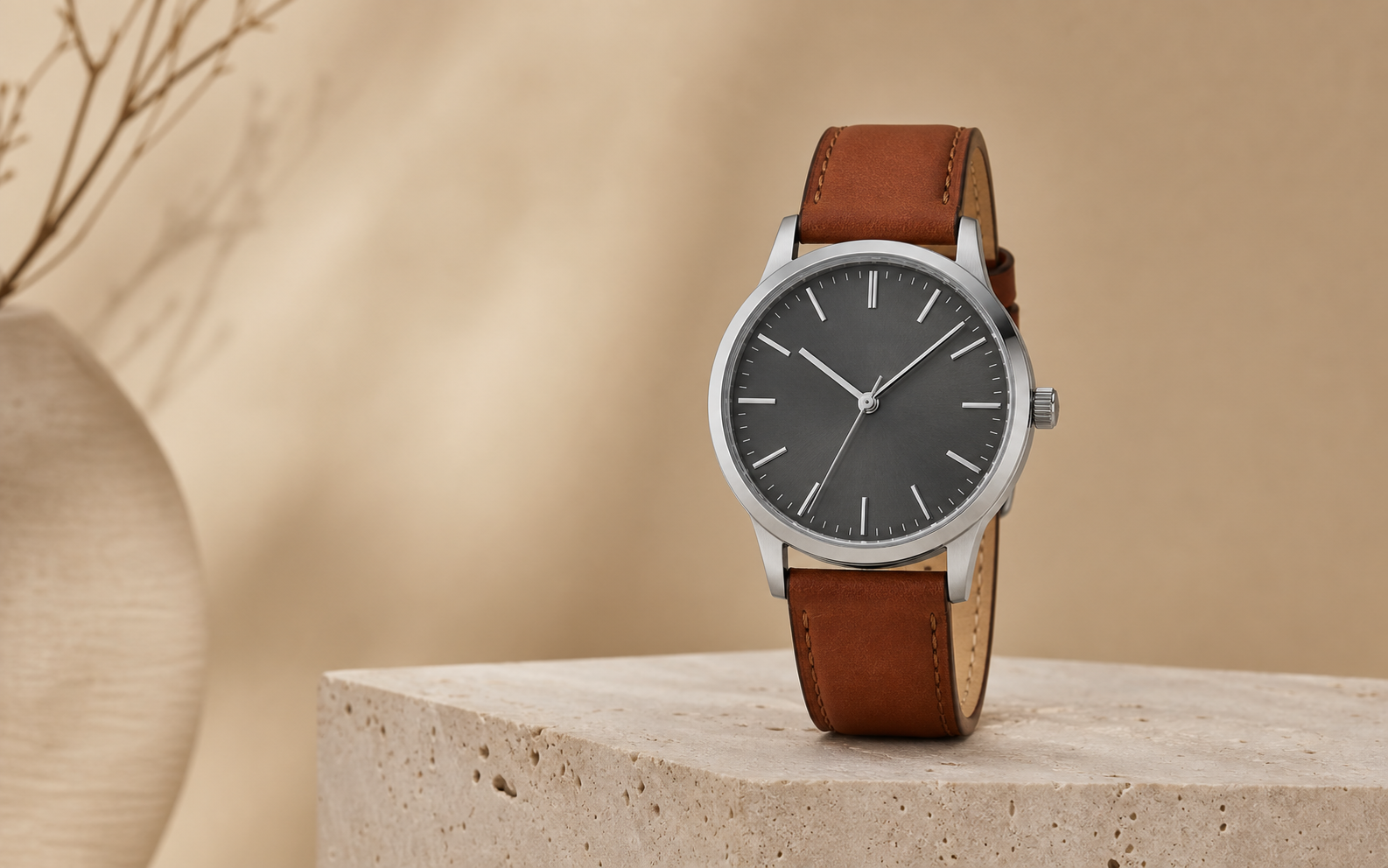
Preserve the uploaded product’s shape, dial, colors, and materials. Place it upright on pale travertine in a warm beige studio with soft side light, minimal props, controlled reflections, and no added text.
How to create an AI product picture
The generator takes you from a source photo to a downloadable image in four steps.
- 01
Add the source image
Choose the product photo you want to transform.
- 02
Set the visual direction
Describe the new setting and look you want the generator to create.
- 03
Set the output format
Select the aspect ratio and resolution for the finished image.
- 04
Generate the image
Start the generation, preview the finished image, and download it when it is ready.
Product picture examples
Explore three ways to turn a product photo into a clean studio image, a branded campaign image, or an ad image with room for copy.
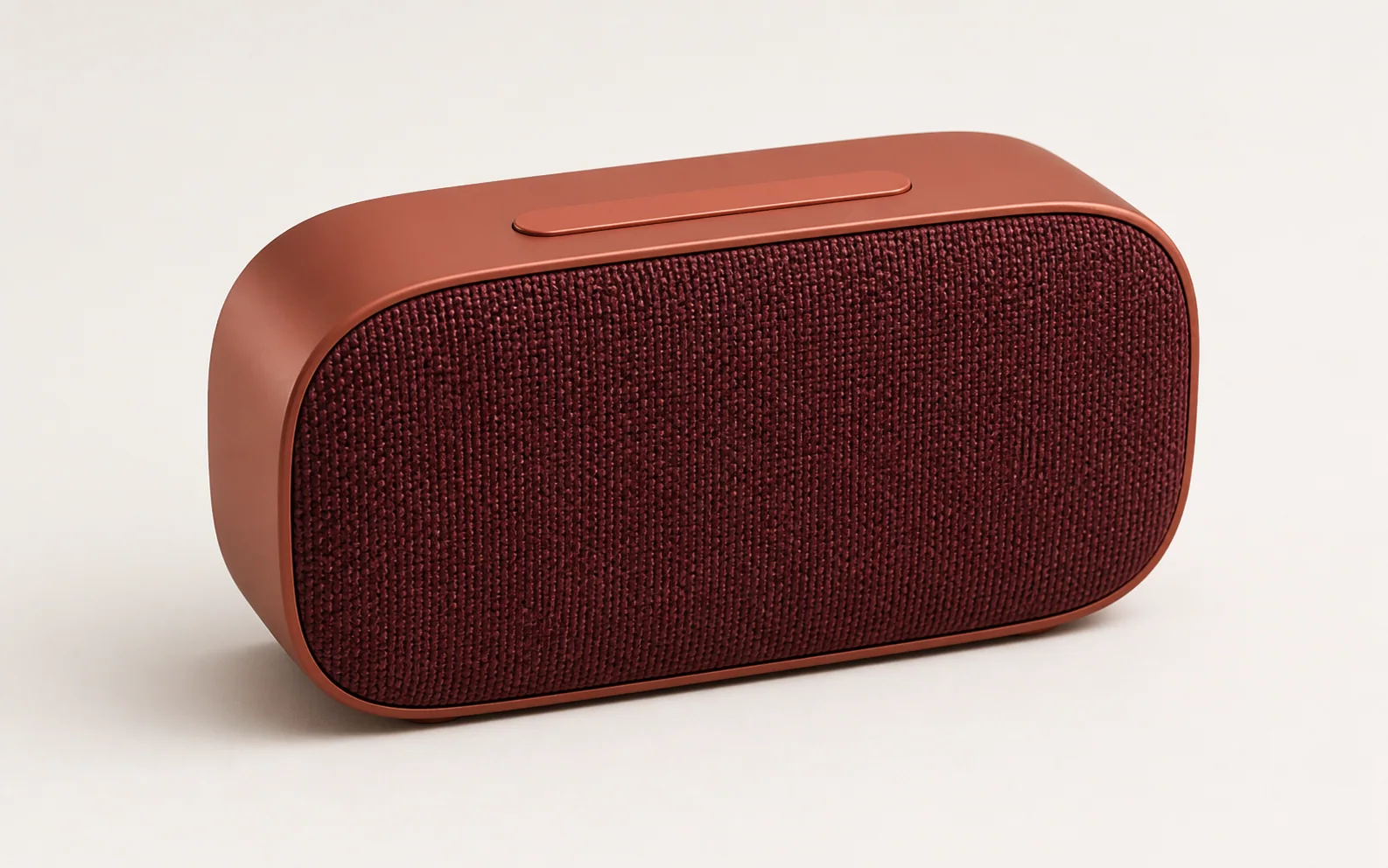
Terracotta speaker studio image
A terracotta portable speaker stands alone against a soft neutral background, with clean lighting that keeps its shape, controls, and material finish easy to see.
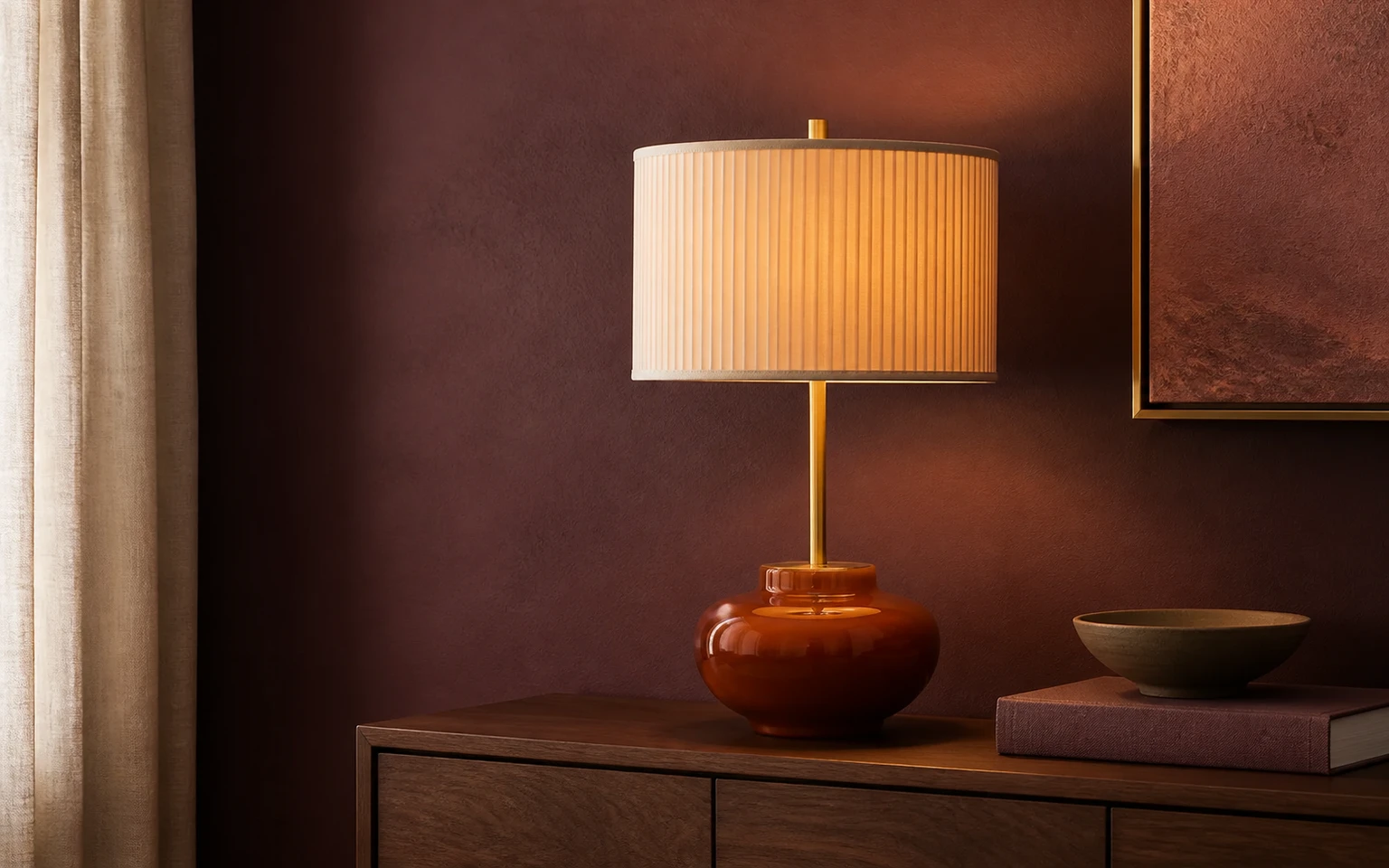
Sculptural lamp campaign image
An amber table lamp sits in a plum, rose, and brass setting, showing how a coordinated palette and set design can give one product a distinctive campaign look.
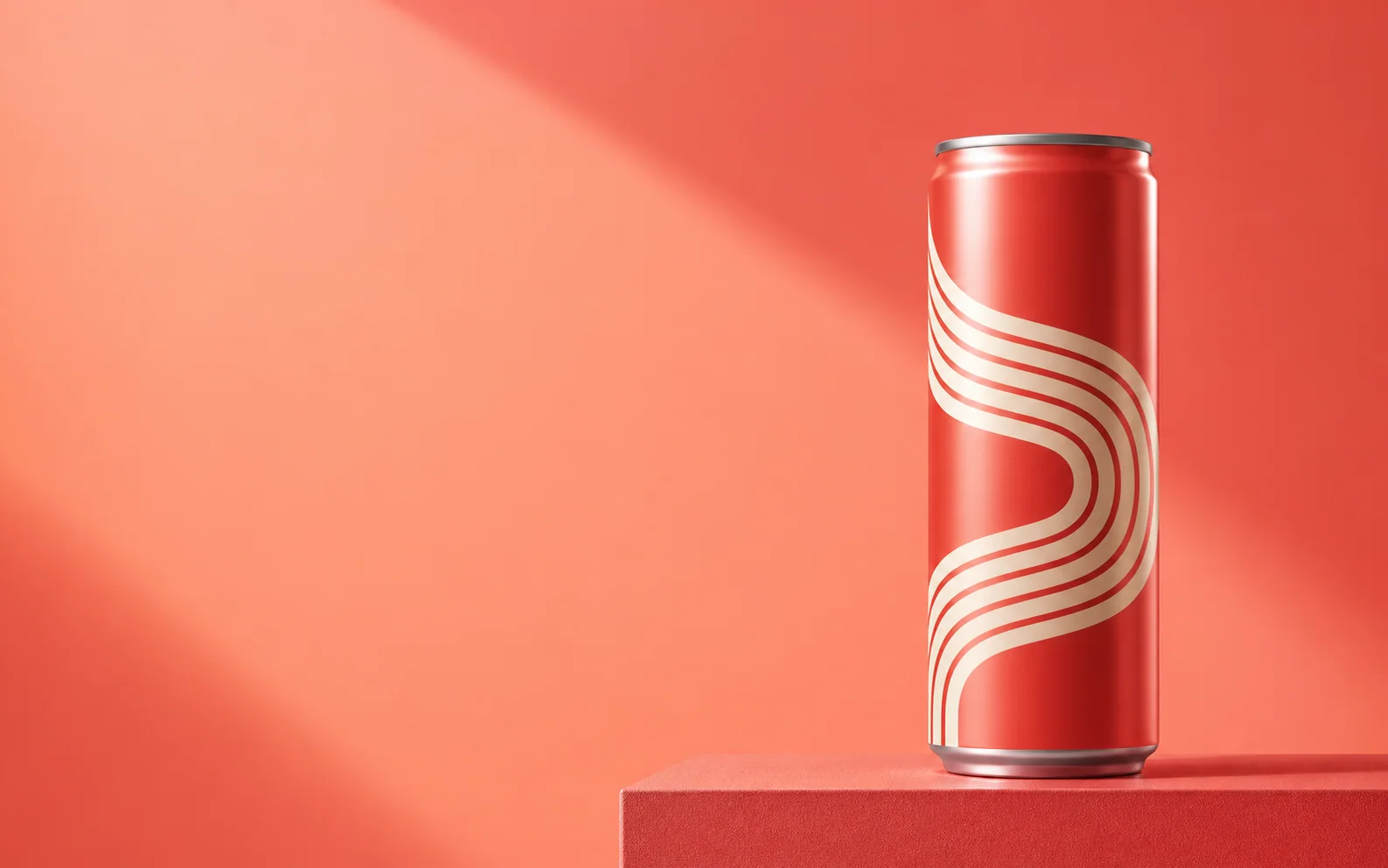
Coral beverage ad layout
A coral beverage can is placed on the right side of the image, leaving clear space on the left for a headline, offer, or promotional message.
Improve the quality of each result
Give the generator a stronger source image and more specific visual direction without overloading the scene.
Use a clean source photo
Choose a sharp front or three-quarter image with clear edges, visible packaging details, and an easy-to-read material finish.
Describe visible details
Instead of asking for a "luxurious" image, describe champagne highlights, low-key side lighting, polished stone, restrained props, and controlled contrast.
Keep props purposeful
Include only props that support the product or mood. Too many unrelated objects can make the main subject harder to recognize.
Change one detail at a time
Adjust the surface, lighting, palette, or prop choice separately so you can see which direction improves the image.
Start creating
Create your next product image
Return to the generator when you’re ready to create.
AI Product Picture Generator FAQ
File support, format choices, product accuracy, and commercial use.
What image can I upload?
You can upload one PNG, JPG, WEBP, or GIF file up to 20MB.
Which aspect ratio should I choose?
Choose 1:1 for square posts and balanced product tiles, 16:9 for wide website banners, 9:16 for stories and vertical ads, 4:3 for landscape editorial images, or 3:4 for portrait product features.
Will the generator keep every logo and label exact?
The source photo and prompt help preserve important details, but small typography, logos, reflections, and packaging geometry still need human review. Inspect the result at full size and do not publish an image that changes required product information.
Can I use the generated image commercially?
Yes, you can use your generated product image commercially. Make sure you have the necessary rights to the uploaded image, logos, and any third-party material.
Related paths
Explore related image tools
Explore another image step, check model options, or make the output move.
AI image tools
More image tools
Create, edit, clean up, or upscale stills.

AI models
Compare image models
Pick a better model before making more versions.
AI video tools
Make it move
Animate a still or turn it into a clip.
AI Image Generator
Start from any idea
Create a fresh image from a prompt.
Text to Image
Prompt-first creation
Turn a written idea into an image.

Image to Image
Use a reference
Restyle or revise an existing image.
AI Image Editor
Prompt-based edits
Change an image without starting over.
AI Logo Generator
Brand marks
Create logo ideas from a short brief.
Image Enhancer
Improve quality
Recover detail, color, and clarity.