
Describe your corridor *
AI Corridor Generator for Hallways, Tunnels, and Passages
Describe the architecture, materials, lighting, mood, and viewpoint. Create a corridor image for an interior concept, game world, storyboard, or visual study.
Corridor examples
How to generate a corridor with AI
Build a clear spatial brief, use the settings returned by the tool, and refine the result in four steps.
- 01
Choose the kind of passage
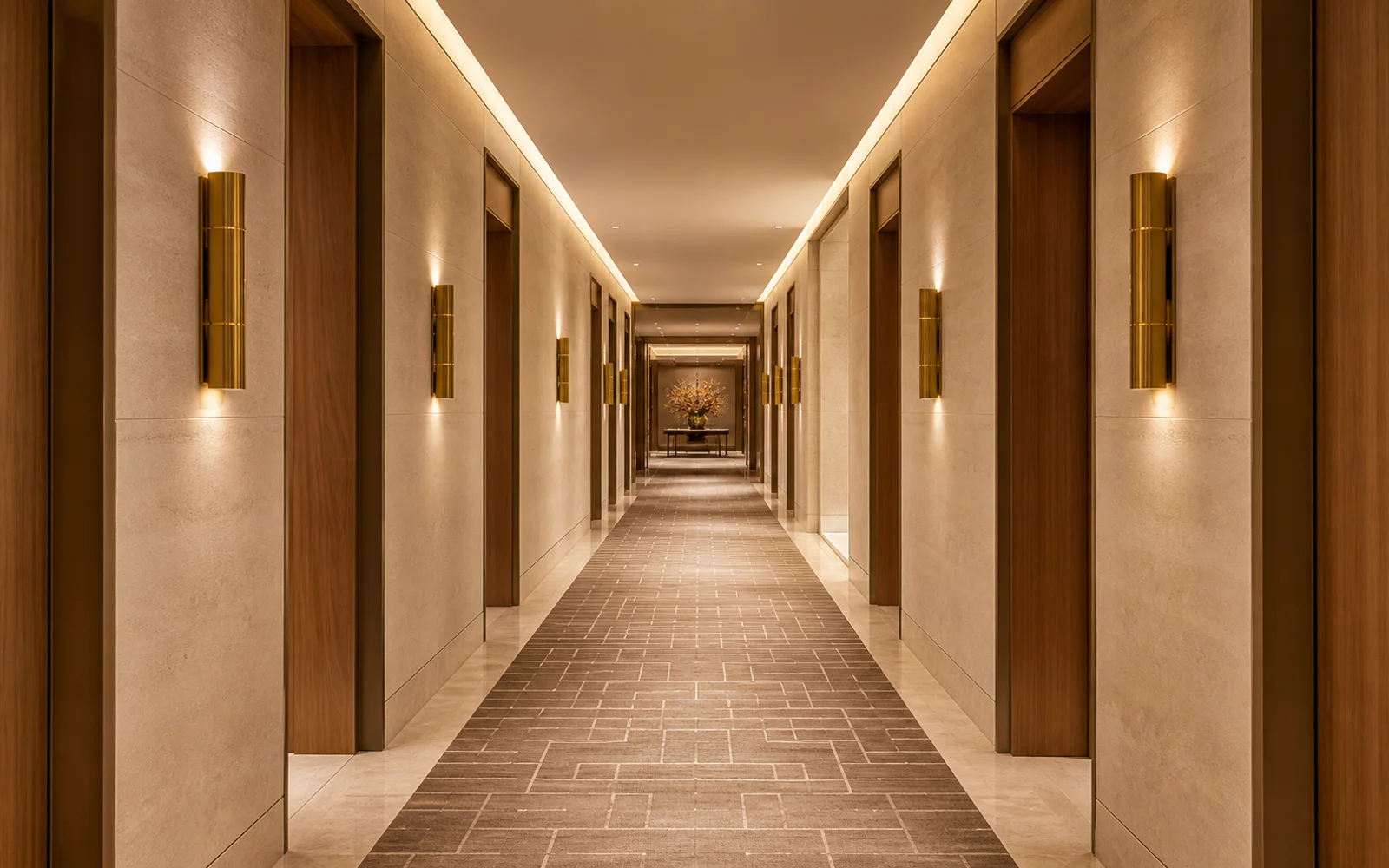
Start with its purpose and setting: a hotel hallway, office passage, spaceship connector, service tunnel, subway access, or another route through a space.
- 02
Define the architecture
Name the wall, floor, ceiling, doors, structural rhythm, and materials. These details give the corridor a consistent visual system.
- 03
Direct the camera and light
Set an eye-level or low viewpoint, one-point perspective, lens feel, time of day, practical lights, color temperature, and atmosphere.
- 04
Generate and refine
Complete the fields returned by the tool and generate the image. If the space feels unclear, simplify the brief or make the destination and lighting more specific.
Explore corridor ideas for design and storytelling
Change the setting, construction, camera position, and light to move from practical interiors to cinematic environments.
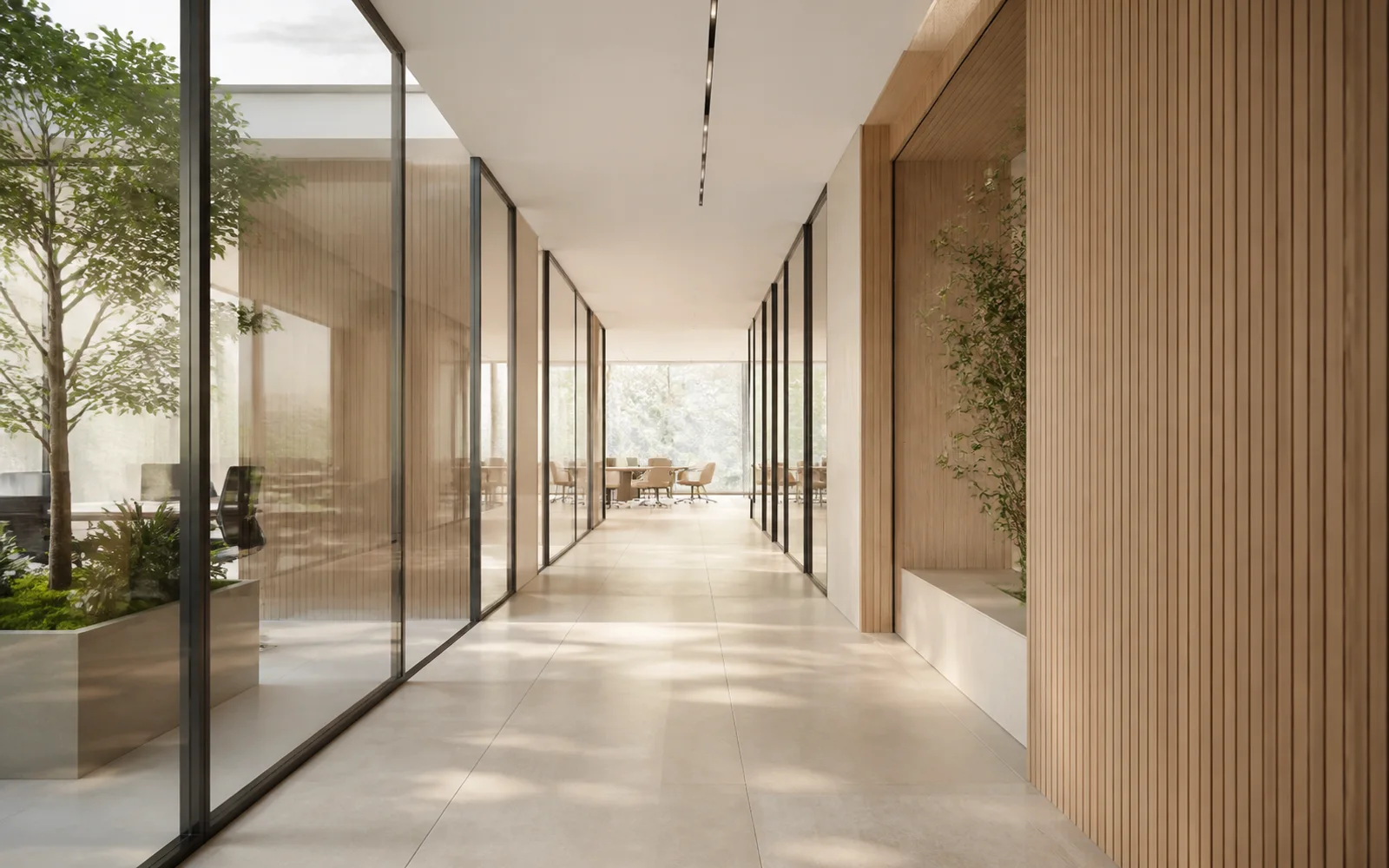
Visualize calm architectural interiors
Combine a functional destination with a restrained material palette. Glass partitions, pale timber, straight verticals, and natural light can make an office or hospitality passage feel plausible and easy to evaluate.
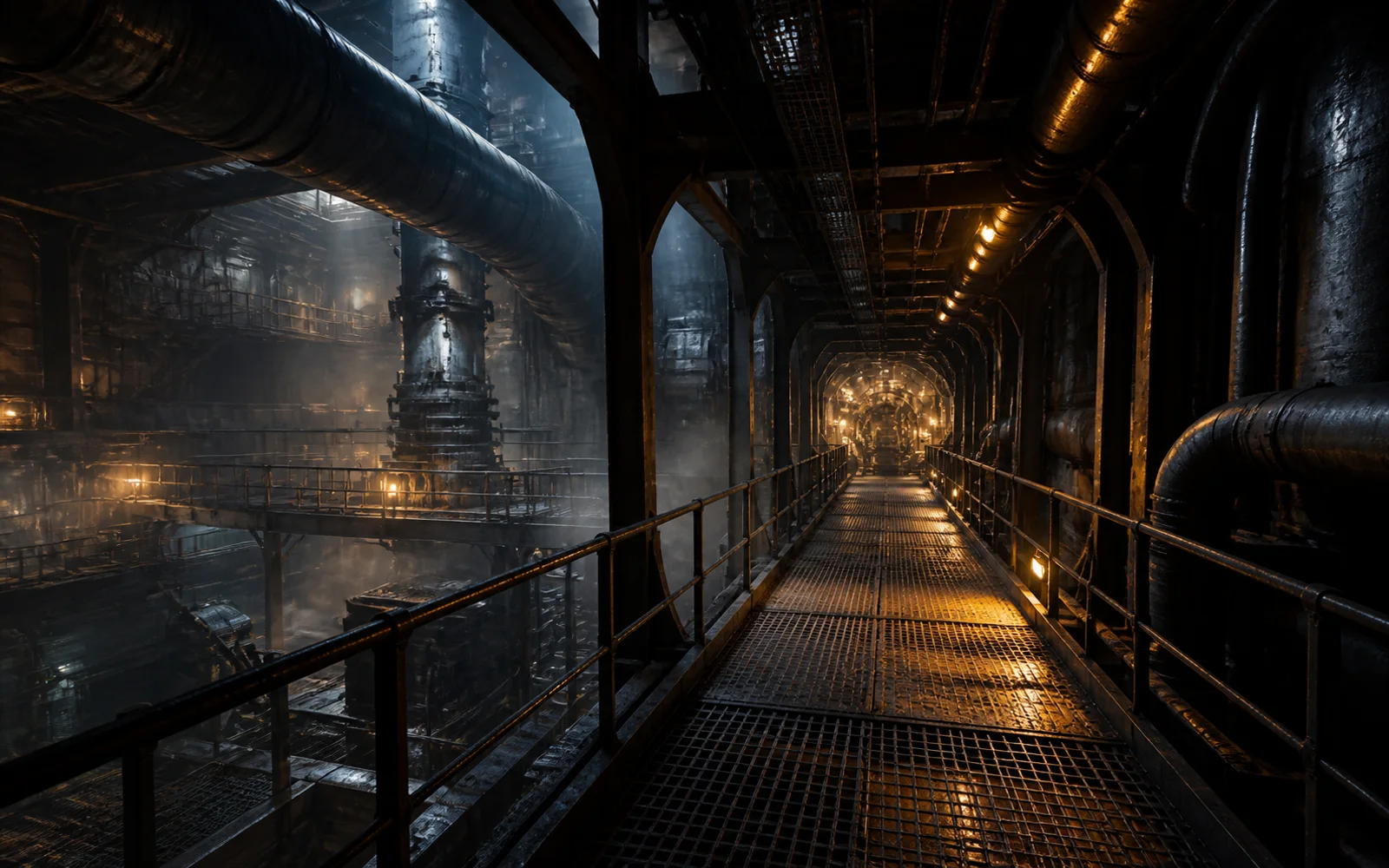
Develop industrial and game environments
Use pipes, cable trays, catwalks, grated floors, haze, and a defined machinery destination to establish scale. A three-quarter viewpoint can expose more of the environment than a perfectly centered composition.
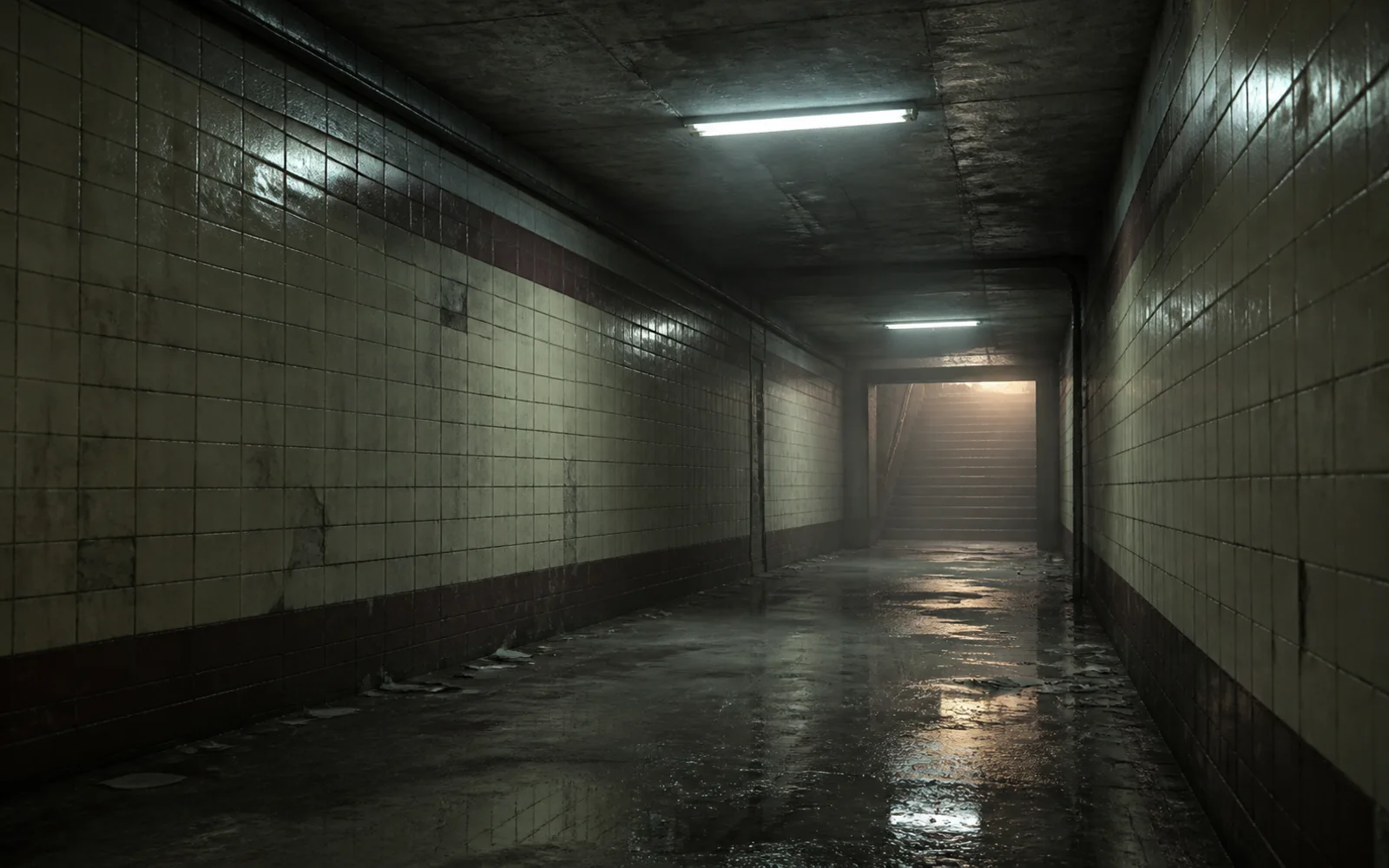
Set atmosphere for film and storyboards
A small number of concrete cues can carry a scene: worn tile, damp reflections, failing fluorescent light, and a distant exit. Describe the emotional tone without crowding the frame with unrelated objects.
Write a corridor description with clearer direction
A useful brief explains both what the passage is made from and how the viewer experiences it.
Give the corridor a destination
A door, lobby, airlock, stairway, or bright opening at the far end creates direction and helps the image communicate depth.
Name the perspective
Ask for an eye-level one-point perspective for symmetry, or a three-quarter and lower viewpoint when you want to reveal structure and scale.
Pair materials with lighting
Describe how light behaves on stone, timber, glass, wet concrete, or metal. Material and light together make the scene more specific.
Control clutter and signage
State whether the passage should be clean, occupied, abandoned, or utility-heavy. If readable text is not important, ask for no signs or lettering.
Create a new passage
Ready to turn a spatial idea into a corridor image?
Return to the generator, complete the available fields, and create a hallway, tunnel, or interior passage from your idea.
AI Corridor Generator FAQ
Answers about corridor types, spatial prompts, perspective, generation, and downloads.
What is an AI corridor generator?
An AI corridor generator creates hallway, tunnel, and interior-passage images from the fields provided by the tool. You describe the spatial idea and visual direction, choose any available settings, and generate a new image.
What kinds of corridors can I create?
You can describe practical interiors such as hotel, office, hospital, gallery, and airport corridors, or imaginative settings such as spacecraft passages, industrial tunnels, cyberpunk alleys, and abandoned subway access routes.
What should I include in a corridor description?
Include the corridor type, destination, architectural style, wall and floor materials, lighting, mood, camera height, perspective, and the level of realism or stylization you want.
How do I make the perspective feel more consistent?
Use a clear camera instruction such as centered eye-level one-point perspective, straight vertical lines, and a visible destination. Avoid combining several conflicting camera angles in one description.
Can I create both realistic and stylized corridor images?
Yes. Describe the intended medium and finish, such as architectural photography, realistic 3D visualization, cinematic concept art, or a stylized game environment.
Do I need an account and credits to generate?
You can explore the examples and guidance before signing in. The current credit cost appears on the generation control, and you will be asked to sign in when you generate.
Keep creating
Keep working from here
Continue with image edits, compare model quality, or send the result into a video workflow.

AI image tools
More image tools
Create, edit, clean up, or upscale stills.

AI models
Compare image models
Pick a better model before making more versions.

AI video tools
Make it move
Animate a still or turn it into a clip.
Text to Image
Prompt-first creation
Turn a written idea into an image.

AI Image Generator
Start from any idea
Create a fresh image from a prompt.
AI Wallpaper Generator
Wallpapers
Make backgrounds for screens and sets.

Image to Image
Use a reference
Restyle or revise an existing image.
Product Picture Generator
Product visuals
Create polished product photos and campaign scenes.
AI Image Editor
Prompt-based edits
Change an image without starting over.