
URL to video ad generator
Turn a product link into a product showcase or an AI presenter introduction.
Product link
Paste a product page link. If we can't read it, you can fill in the details yourself.
Product details
Format & script
Review & video
From product link to video ad

Product showcase
A pour-over coffee set in action
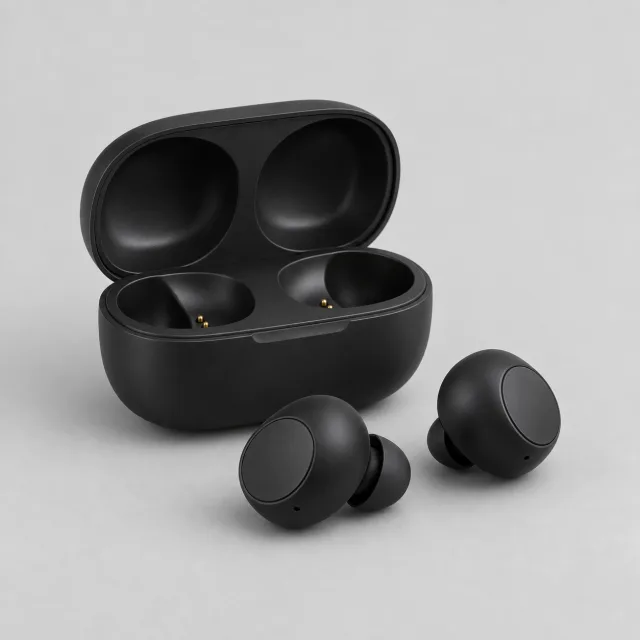
Product showcase
Wireless earbuds on display
AI presenter introduction
A presenter shows a clip-on microphone
Find the right AI presenter for your ad
Watch each presenter on camera. Browse by gender and age, and listen to their voice samples.
Maya
Realistic · English
Leo
Realistic · English
Aria
Realistic · English
Sam
Realistic · English
Zoe
Realistic · English
Kai
Realistic · English
Nia
Realistic · English
Omar
Realistic · English
Priya
Realistic · English
Jin
Realistic · English
Turn a product link into a video ad in four steps
Start with the page you already sell from. Review its details, choose how to present the product, and approve the script before generating your video.
- 01
Paste a product link
Use a product page from your store. If it cannot be read, add the product information yourself and keep going.
- 02
Check the product details
Review the name, benefits, photos, and any claims to avoid. Keep the details for the exact product and option you want to advertise.
- 03
Choose a format and script
Use product photos for a showcase, or choose an AI presenter for an introduction. Generate three scripts to compare, or write your own words.
- 04
Generate and download
Review your setup and credit cost, then generate the video. Play the finished result and download the same video file.
Two ways to present your product
Show the product with narrated footage, or choose an AI presenter to introduce it. Both start from the product details you review.
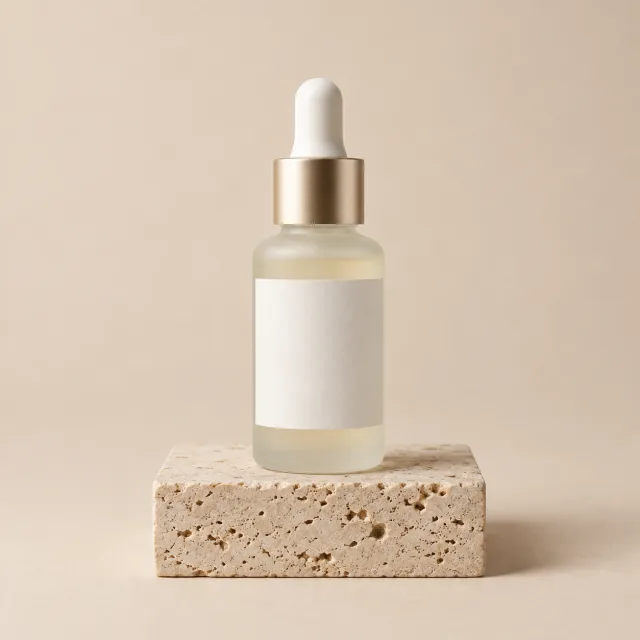
Product showcase
Put the product on screen
Use the selected product photos as references for generated product footage, with a voiceover from your script and captions. Review the finished video for accurate product details.
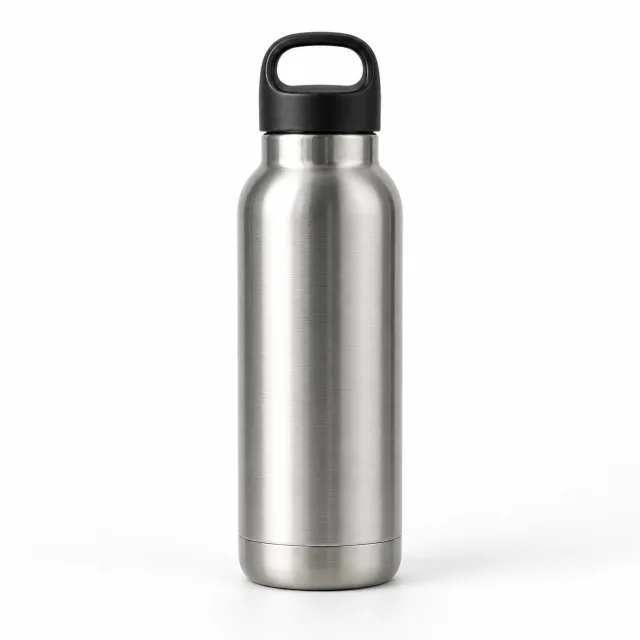
AI presenter introduction
Let a presenter explain your product
Choose an AI presenter and give them a clear introduction based on your product information. The presenter speaks your selected script; product photos are not inserted into this video.
What makes a product ad worth posting
Better input makes a better ad. These checks keep it accurate and easy to approve.
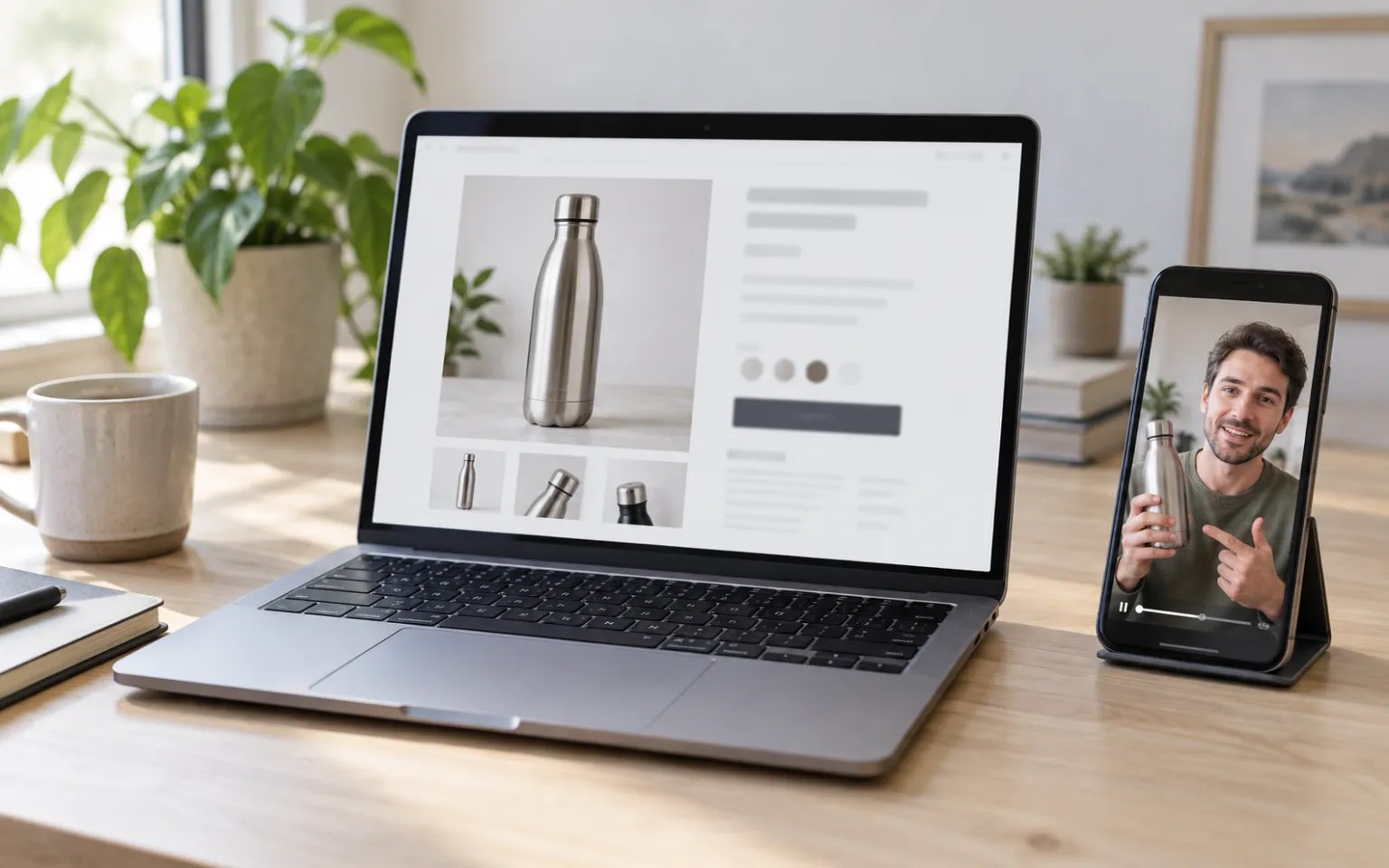
Keep benefits specific
“Keeps drinks cold for 24 hours” gives the script something to say. “Premium quality” does not.
List claims to avoid
Add anything the ad must not say, such as health claims or competitor names. Check the final script against it.
Pick images that show use
Lifestyle photos and close-ups make better frames than plain packshots, for product showcase footage.
Match the presenter to the buyer
Choose a look that fits your audience. Browse presenters by gender and age, and listen to their voice samples.
From link to video
Make a video ad from your product page
Paste the link, check the details, and choose a product showcase or an AI presenter introduction. Review the script and credit cost before generating.
URL to Video FAQ
Answers about product links, video formats, scripts, credits, and downloads.
What does URL to Video make?
A vertical 9:16 product ad for TikTok, Instagram Reels, or YouTube Shorts. Choose a product showcase with generated product footage, voiceover, and captions, or an AI presenter introduction with a spoken script.
What happens if my product page cannot be read?
You can add the product name, benefits, and photos yourself. Existing edits stay on the page when you try another link.
Which video format should I choose?
Choose Product showcase when you want the product on screen; it needs at least one product photo. Choose AI presenter introduction when you want a person to explain the product; you select a presenter, and product photos are not inserted into that video.
Does video generation use credits?
Yes. The Generate video button shows the estimated credit cost before you submit. Script generation is a separate action with its own cost or any available free trial. Reading a product link does not generate or charge for a video.
Can I use my own script?
Yes. Choose My own words and write or paste your script. Those words are used directly for the voiceover. This skips the script-generation charge; video generation is charged separately.
Can I edit an AI-written script?
Yes. Generate three scripts, choose one, and edit it before generating the video. Changes to the product information or video format require you to review and update the AI script; they do not automatically create another paid generation.
Can I download the finished video?
Yes. When generation finishes, play the result and select Download video to save that video file. If you change the setup later, the existing download stays the same until you generate a new video.
AI ad tools
More ways to make your ad
Each tool starts from something different. Pick the one that matches what you have.
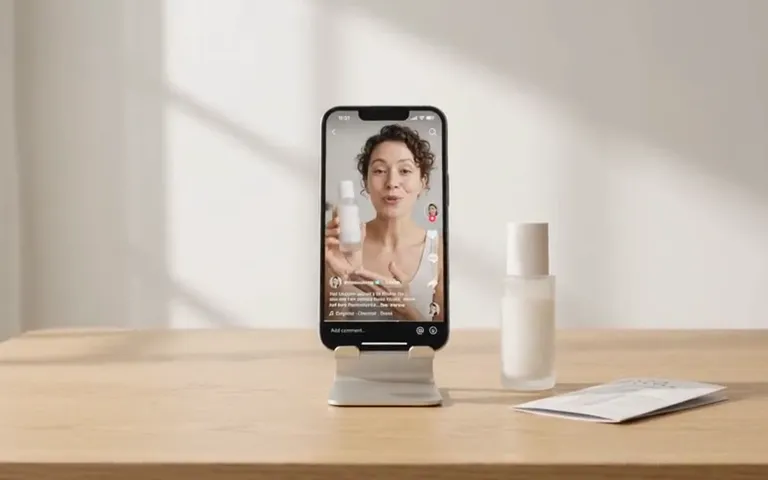
AI ad maker
Choose where to start
Start your video ad with a product link, photo, or description.

UGC Ad Script Generator
No script yet
Get three ad scripts, each with a hook, a body, and a call to action.
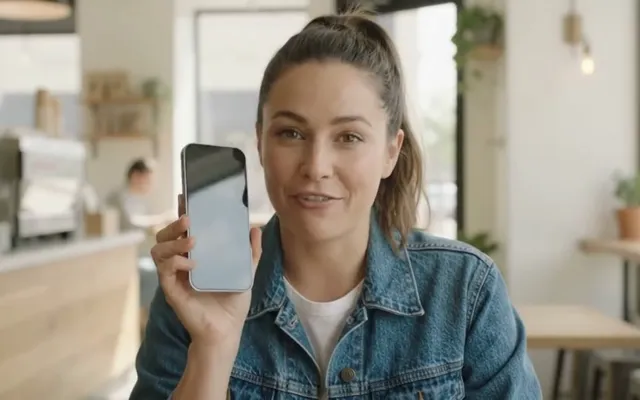
AI UGC Video Generator
Want a person on camera
Choose from hundreds of AI presenters and give them your script.
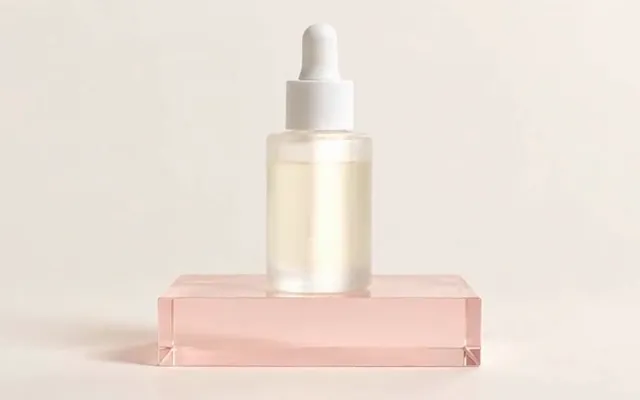
AI Product Video Generator
Have product photos
Turn up to five product photos into a video ad. No presenter needed.

Shopify product photography
Need better photos first
Make lifestyle shots in several styles from one product photo.

Ad Creative Testing Studio
Have an ad already
Make several image versions of one ad, ready to test.