
Create More Image Options with Nano Banana 2 Lite
Generate or edit 1K images with Google's fastest, lowest-cost Nano Banana model. Test product scenes, social graphics, and visual variations before you commit to a polished pass.
Product scenes, workflow graphics, and reference edits
Draft a new image from text, build a simple labeled graphic, or make a focused change to an upload.
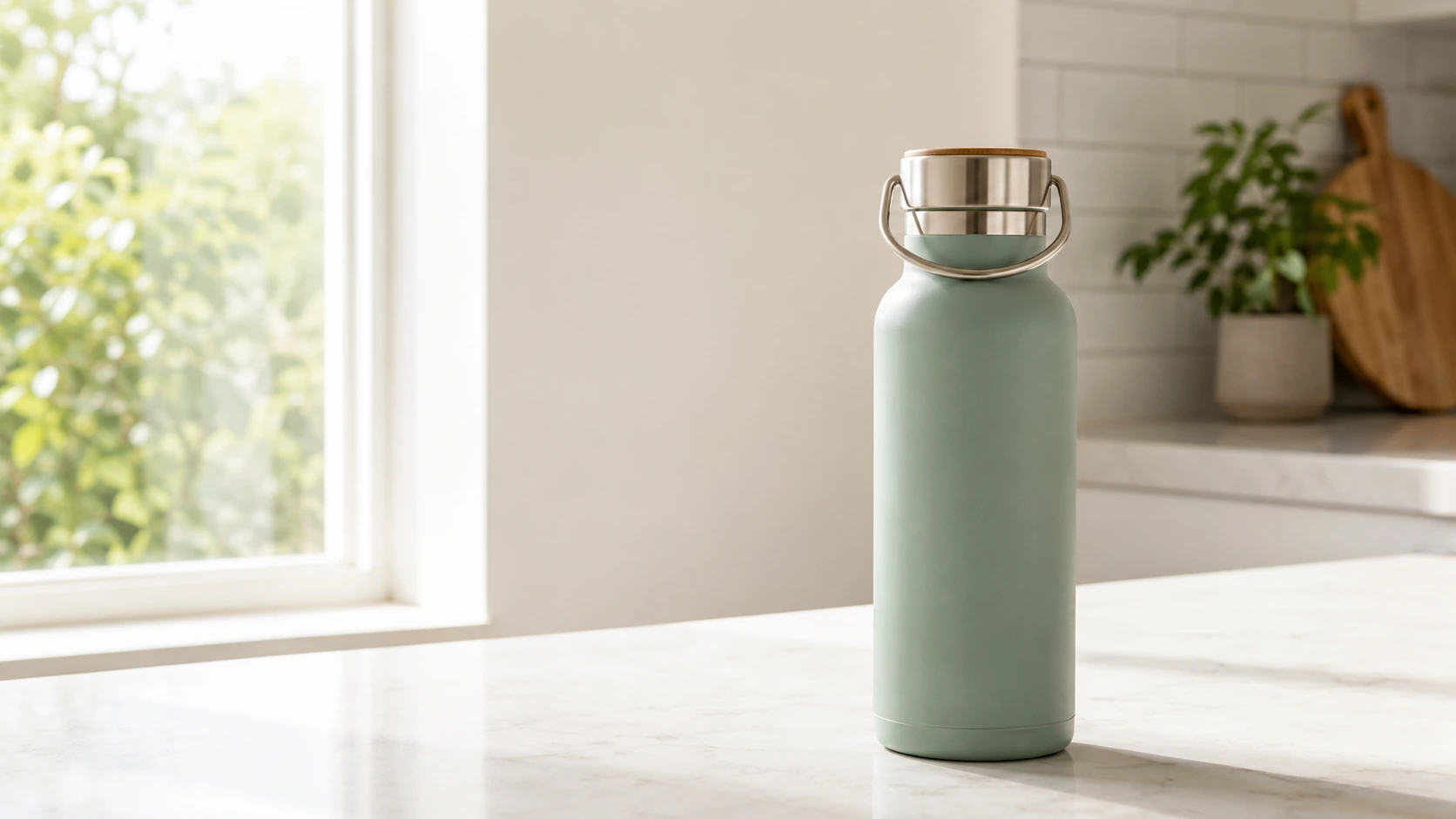
Create a product hero image for a reusable water bottle on a clean kitchen counter. Use bright daylight, keep the bottle fully visible, and leave open space on the left for a headline.
How to use Nano Banana 2 Lite on Ezier
- 01
Choose one output
Start with a product scene, social graphic, simple diagram, or image edit. One clear goal keeps the first result useful.
- 02
Write the first-pass prompt
Describe the subject, composition, setting, and any text that must appear. Put exact image copy in quotation marks.
- 03
Add one reference if needed
Upload an image when a person, product, or room should stay recognizable. Name what must stay and what can change.
- 04
Generate, then check the details
Review the credit estimate, generate the image, then check the subject, layout, and text before making another pass.
Test the same product in more ways
Compare compositions, lighting, and scenes while keeping the subject recognizable.
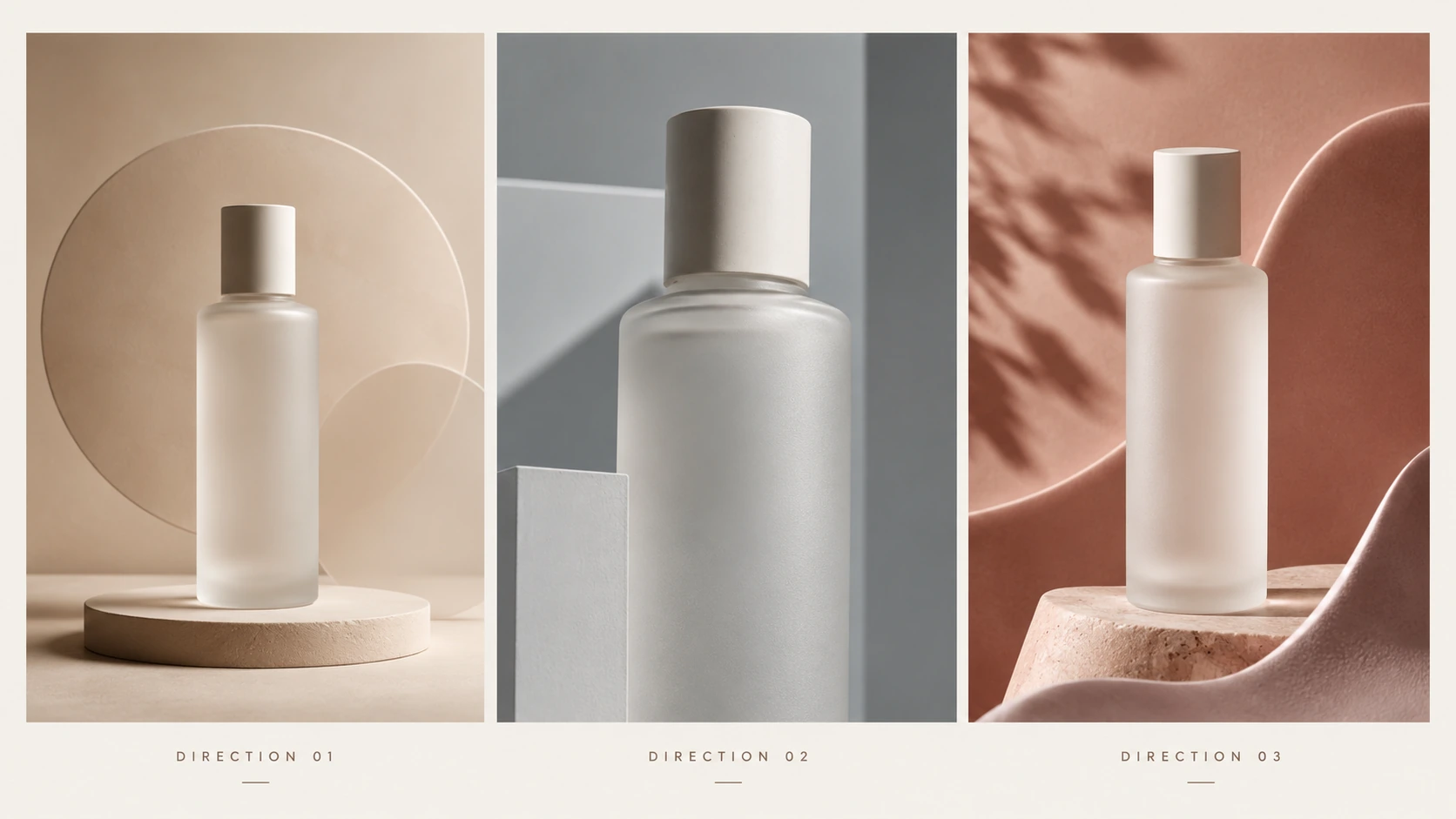
Compare product directions
Try several compositions, backgrounds, or art directions before committing to one polished product image.
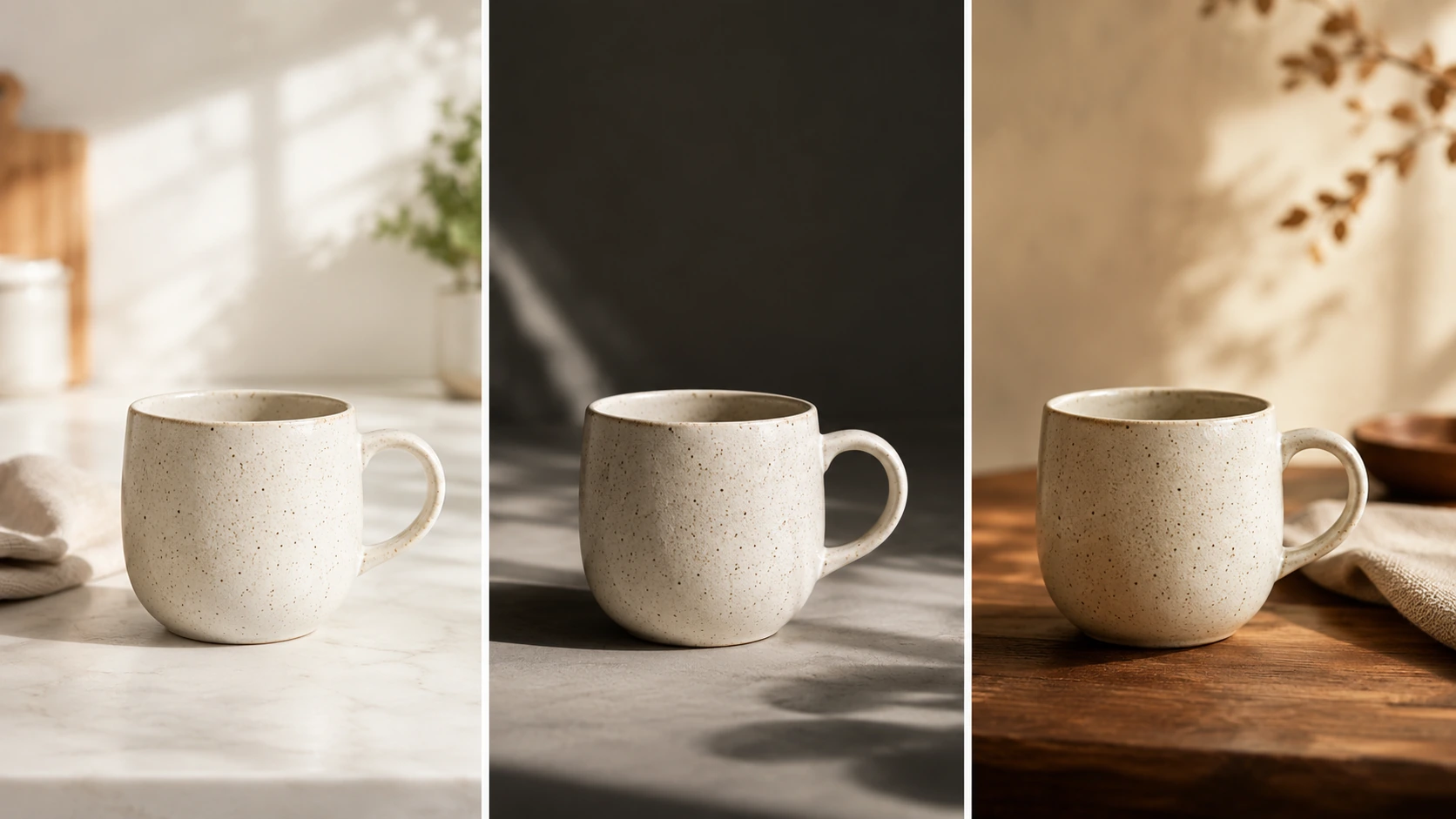
Test lighting and setting changes
Compare daylight, studio, and warm lifestyle treatments while keeping the main product easy to recognize.
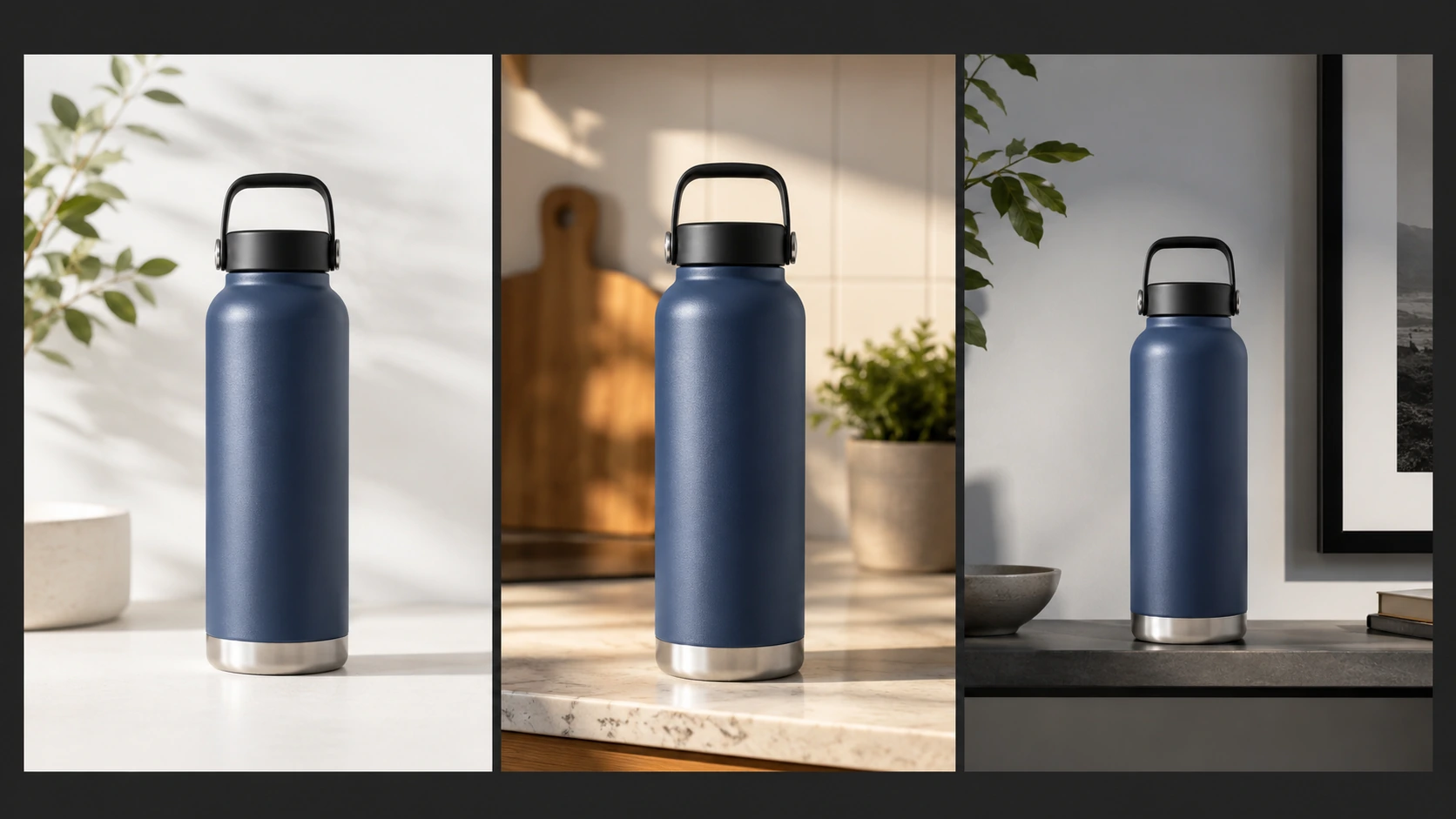
Keep products recognizable
Use a source image to carry the same product into new scenes, crops, or lighting setups without rebuilding the concept from scratch.
Choose Lite when speed matters most
Use it for 1K drafts and focused edits. Choose Nano Banana 2 or Pro for higher resolution, complex references, or longer revision chains.
- As little as 4s
- Text-to-image speedGoogle reports text-to-image generation in as little as four seconds. Image edits may take longer.
- Lowest-cost model
- Nano Banana familyIt is also the fastest option in the family, built for high-volume image generation.
- 1K only
- Output resolutionChoose Nano Banana 2 or Pro when the final asset needs 2K or 4K output.
Make several first passes
Compare a few options quickly, then polish only the direction worth keeping.
Ask for one change at a time
Change the background, lighting, crop, or text in a single request. Lite is not optimized for long chains of sequential edits.
Keep references simple
Use one clear source when possible. Choose Nano Banana 2 or Pro for more complex jobs that depend on several references.
Design for 1K delivery
Use Lite for concepts, social images, and web assets. Move up when the final composition needs a larger output.
Proofread every word
Keep image copy brief and check names, prices, claims, and translations before publishing.
Move up when control matters
Choose Nano Banana 2 for a stronger all-around balance, or Pro for complex instructions and precision control.
Have a direction in mind?
See the first version while the idea is fresh
Write a prompt or add a reference, then generate a result you can compare, keep, or take further.
Nano Banana 2 Lite FAQ
What to expect before you generate.
What is Nano Banana 2 Lite?
Nano Banana 2 Lite, also called Gemini 3.1 Flash Lite Image, is built for fast, lower-cost image generation and editing at 1K.
When should I choose Nano Banana 2 Lite?
Choose Lite when you need several 1K options quickly. Choose Nano Banana 2 for higher resolution and more complex references, or Pro for precision control.
Can Nano Banana 2 Lite edit an uploaded image?
Yes. Upload a source image, describe the change, and name the subject or details that should remain recognizable.
What image size does Nano Banana 2 Lite generate?
Nano Banana 2 Lite supports 1K output. Use Nano Banana 2 or Pro when you need a 2K or 4K final image.
Can it create readable text in images?
Yes, it can render short headlines and labels. Put exact copy in quotation marks, keep it brief, and proofread the result before publishing.
Does it work well with several references or long edit chains?
Lite accepts image input, but it is not optimized for multiple references or sequential editing. Use Nano Banana 2 or Pro for more complex reference and revision work.
Do I need a Google API key?
No. You can try Nano Banana 2 Lite on Ezier without setting up Google AI Studio or Vertex AI yourself.
How much does Nano Banana 2 Lite cost on Ezier?
The generator shows the current credit estimate before you create the image. The total depends on the settings you choose.
Next up
Create more with Nano Banana 2 Lite
Try a nearby image model, open image tools, or animate the best result.

AI models
Compare models
Choose a better fit before you generate.
AI image tools
Create or edit images
Make, clean up, or upscale stills.
AI video tools
Turn images into motion
Animate a still or create a clip.
Seedream 5.0 Pro
Controlled design and editing
Use for information-dense design, multilingual text, reference composition, precise edits, and reusable layers.

Grok Imagine Image 2.0
High-fidelity generation and edits
Use for high-fidelity scenes, flexible formats, image edits, and 1K or 2K output.
Qwen Image 3.0
Production-ready layouts
Use for dense layouts, multilingual text, realistic detail, and image edits.
GPT Image 2
Polished visuals
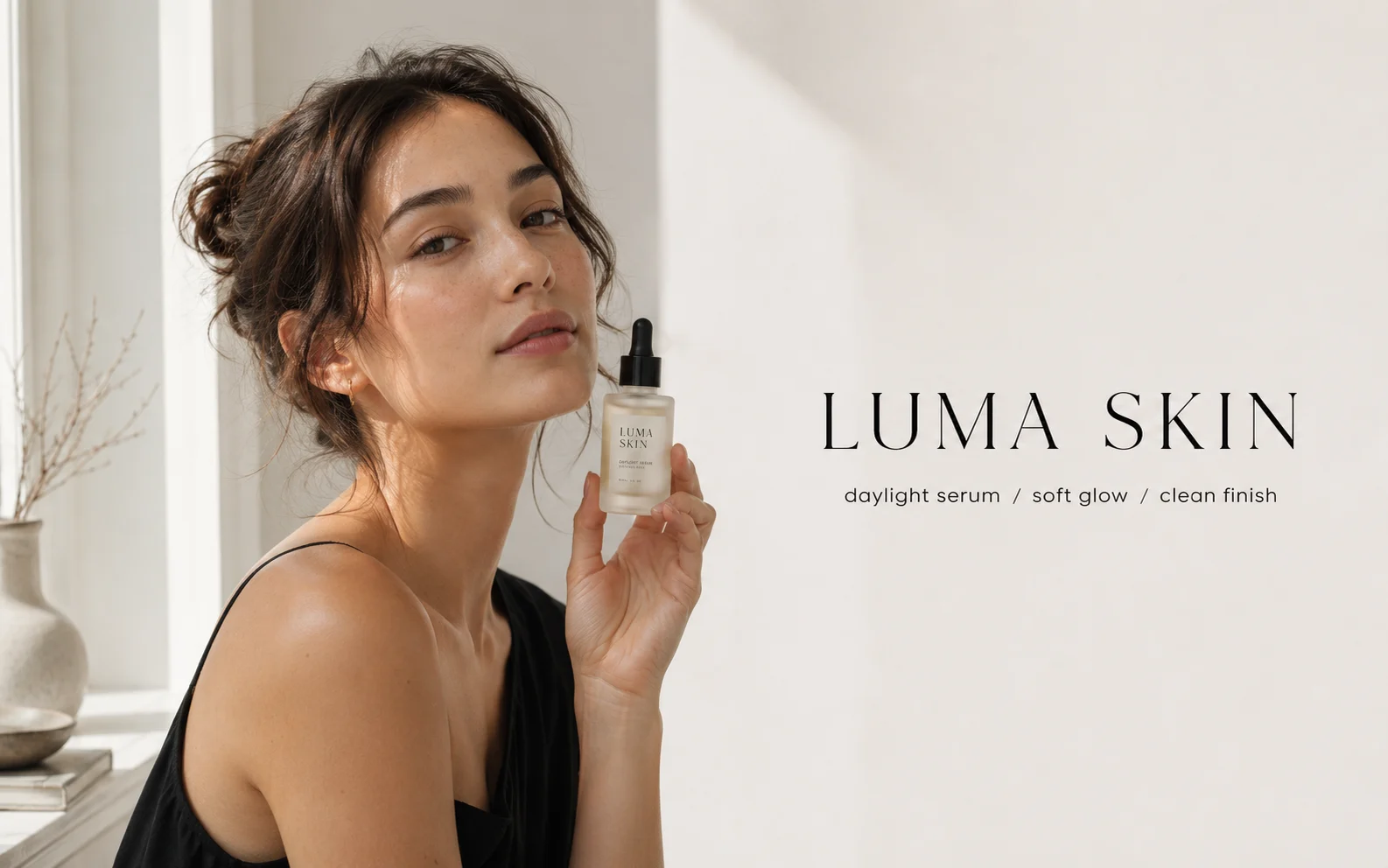
Use for ads, product shots, and clean edits.
Nano Banana 2
Balanced image creation
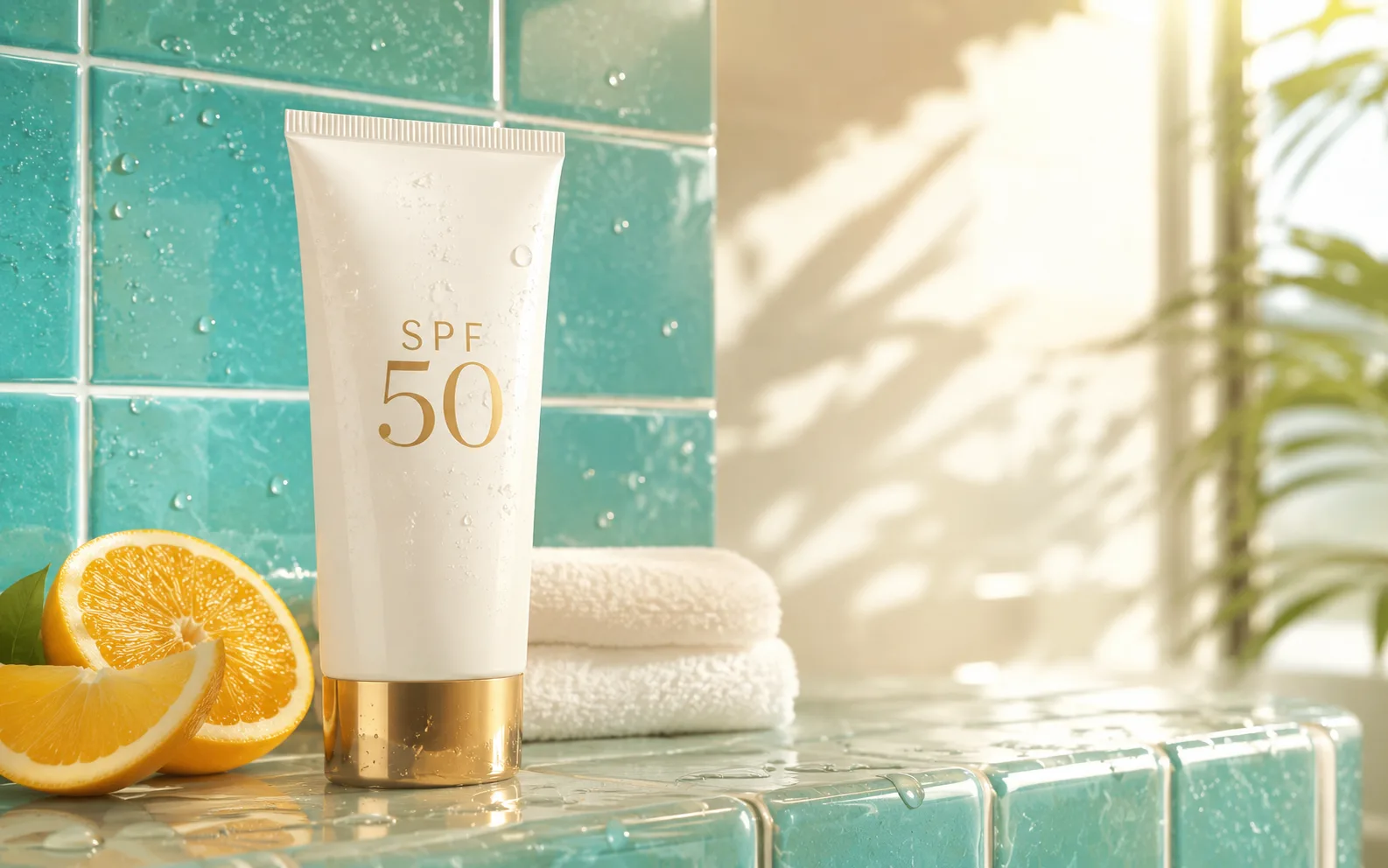
Use for higher-resolution images, multiple references, and longer edit chains.
Nano Banana Pro
More control
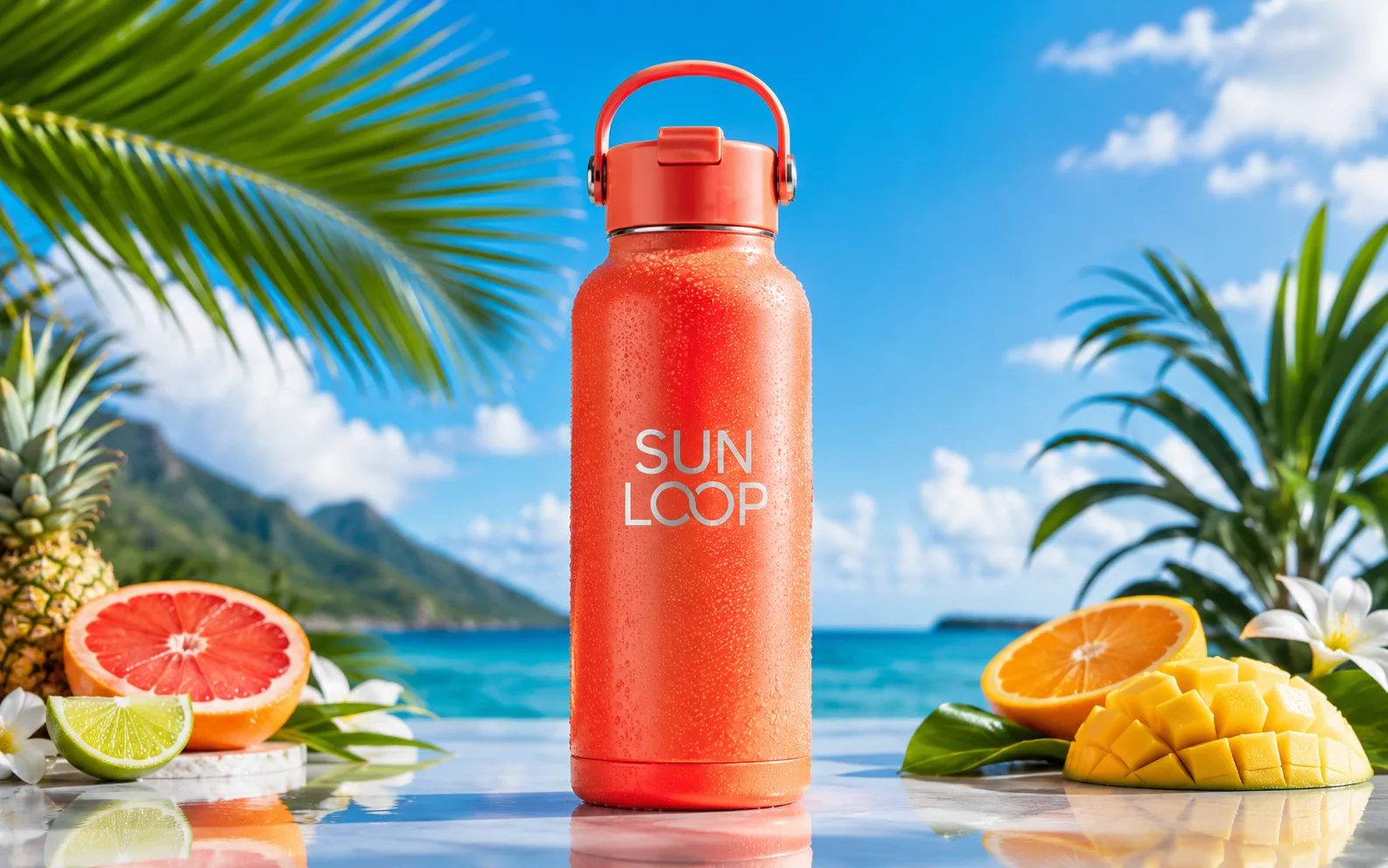
Use for detailed prompts and readable text.
AI models
Compare models
Choose a better fit before you generate.
AI image tools
Create or edit images
Make, clean up, or upscale stills.
AI video tools
Turn images into motion
Animate a still or create a clip.
Seedream 5.0 Pro
Controlled design and editing
Use for information-dense design, multilingual text, reference composition, precise edits, and reusable layers.