
Choose the Right AI Model for Images and Videos
Browse Ezier models by creative task, from readable image text and campaign visuals to cinematic shots, motion drafts, and video edits. Open a model page when you are ready to create.
AI Image Models for Generation and Editing

GPT Image 2.5
Detailed visuals and precise edits
Seedream 5.0 Pro
Precise multilingual design
Grok Imagine Image 2.0
High-fidelity 1K/2K images
Qwen Image 3.0
Information-rich layoutsGPT Image 2
Campaign visuals
Nano Banana 2 Lite
Fast, low-cost draftsNano Banana 2
Fast image draftsNano Banana Pro
Clearer image textGPT Image
Prompt-led editsNano Banana AI
Google-style editsQwen Image
Text-heavy graphicsWan Image
Video first framesAI Video Models for Motion, Scenes, and Edits

Gemini Omni 1.1 Flash
Conversational video editing and 4K upscaling
LTX 2.5
4K video with audioWan 3.0
Up to 30-second video
MiniMax H3
2K video with audioSeedance 2.5
Longer reference-led videoSeedance 2
Reference motion
HappyHorse AI
Short video hooksVeo 3.1
Cinematic shotsOmni Flash
Conversational video edits
Kling 3.0
Story motionSeedance AI
Fast video draftsVeo AI
Veo-style scenesKling AI
Action continuityHailuo AI
Stylized motionStart creating
Use the model in an image or video tool
Choose a tool for the asset you want to generate, edit, enhance, or finish.
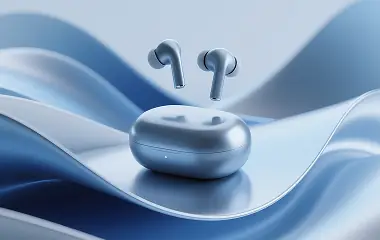
AI Image Tools
Image tools hub
Create, edit, enhance, and clean up still visuals.
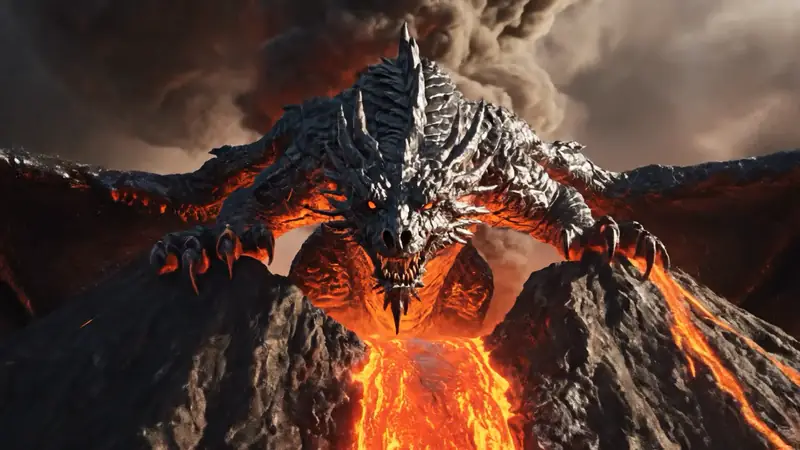
AI Video Tools
Video tools hub
Generate, animate, edit, and improve clips.
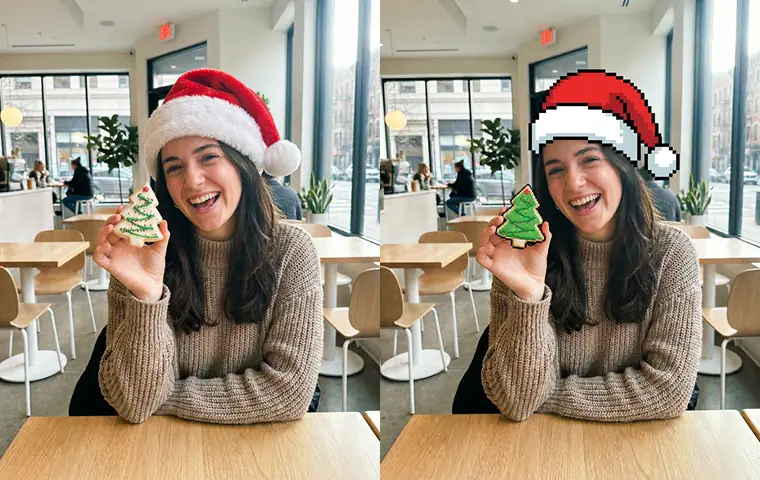
AI Image Generator
Start from a prompt
Use the selected image model to create a first draft.
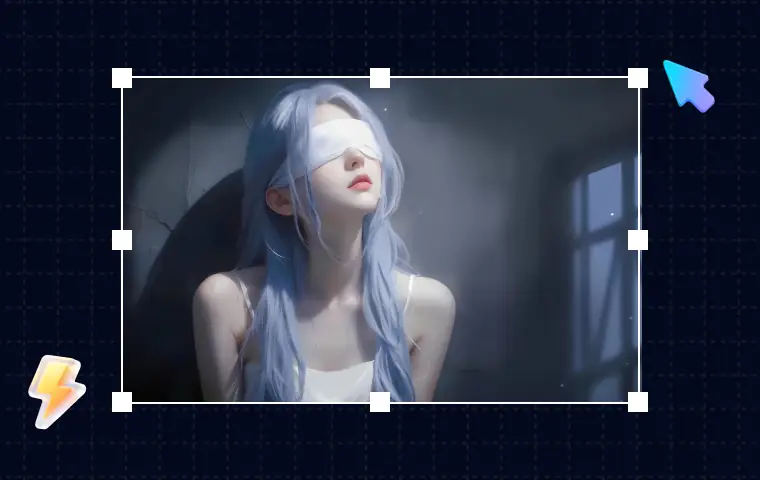
AI Image Editor
Refine an image
Change one part of an image without starting over.
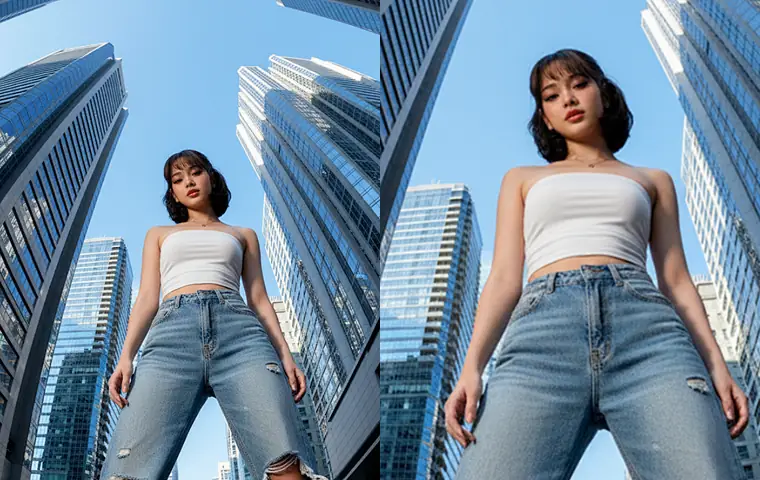
Image Upscaler
Prepare for export
Increase image resolution after the concept works.
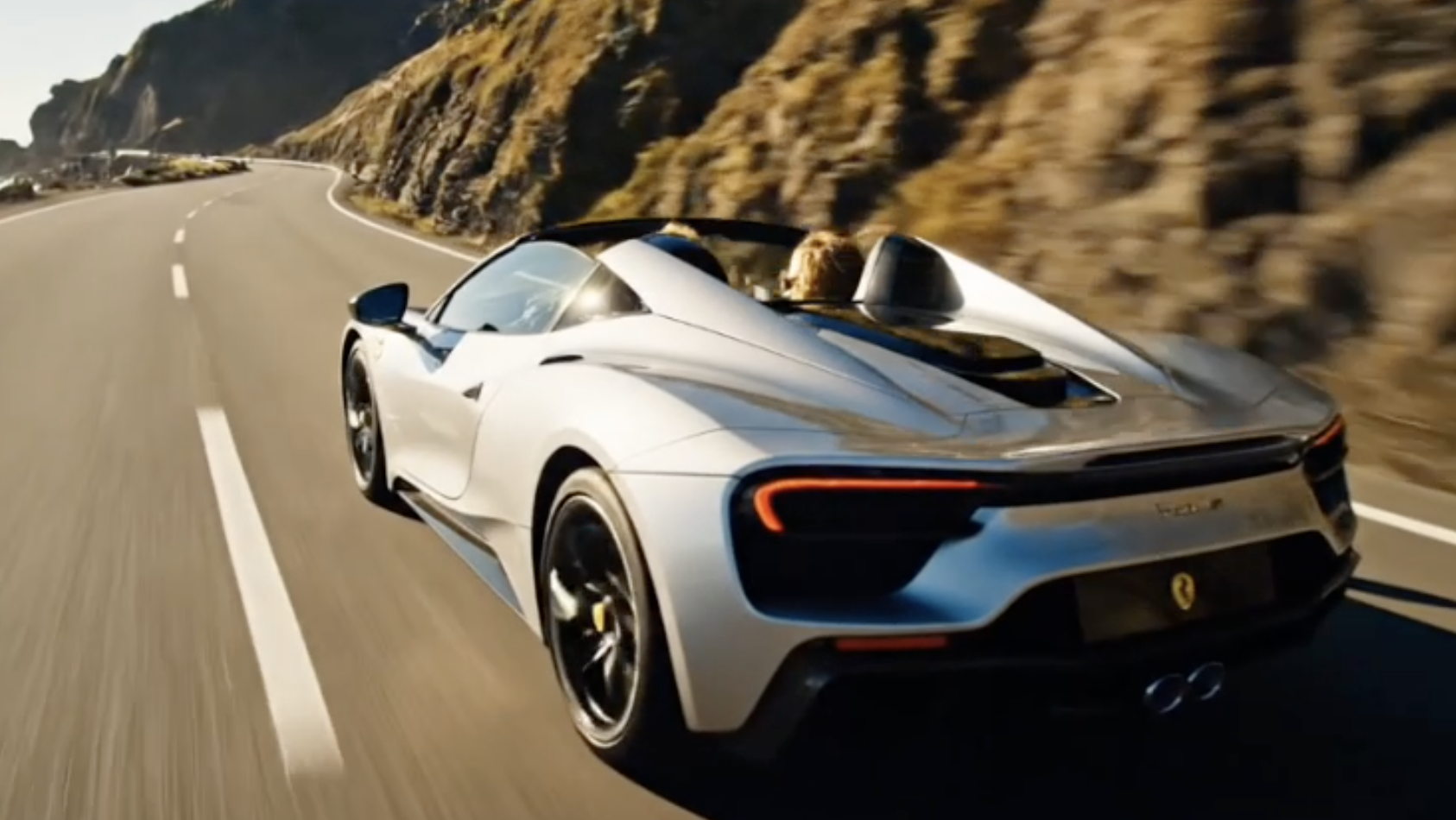
AI Video Generator
Create motion
Turn an idea or still image into a video draft.
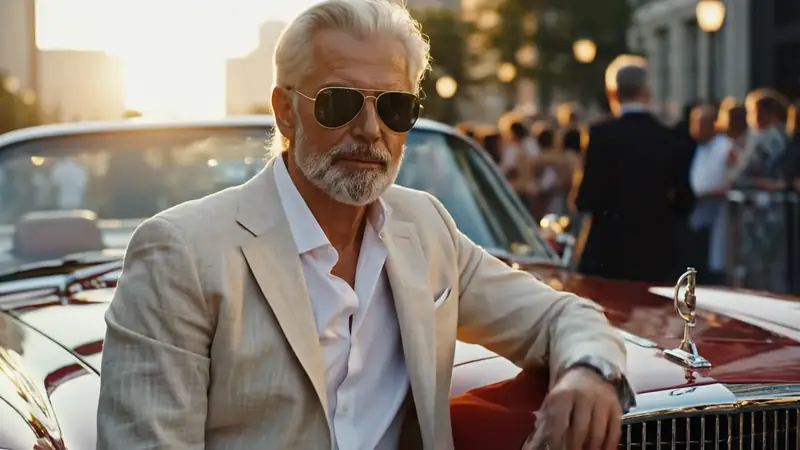
Image to Video
Animate a still
Use a finished image as the source for motion.
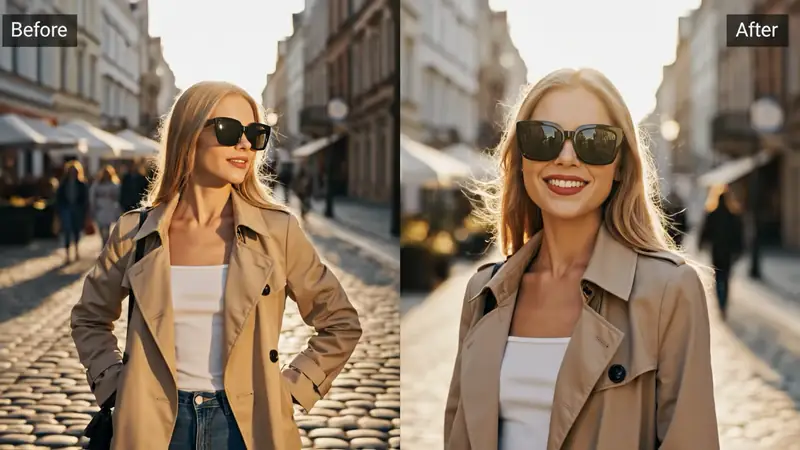
AI Video Editor
Revise a clip
Edit an existing video with prompt-led changes.