
Model
Food photo*
Choose a model to continue.
Turn dish photos or written prompts into menu-ready food images for delivery apps, social posts, and restaurant marketing.
Model
Food photo*
Choose a model to continue.
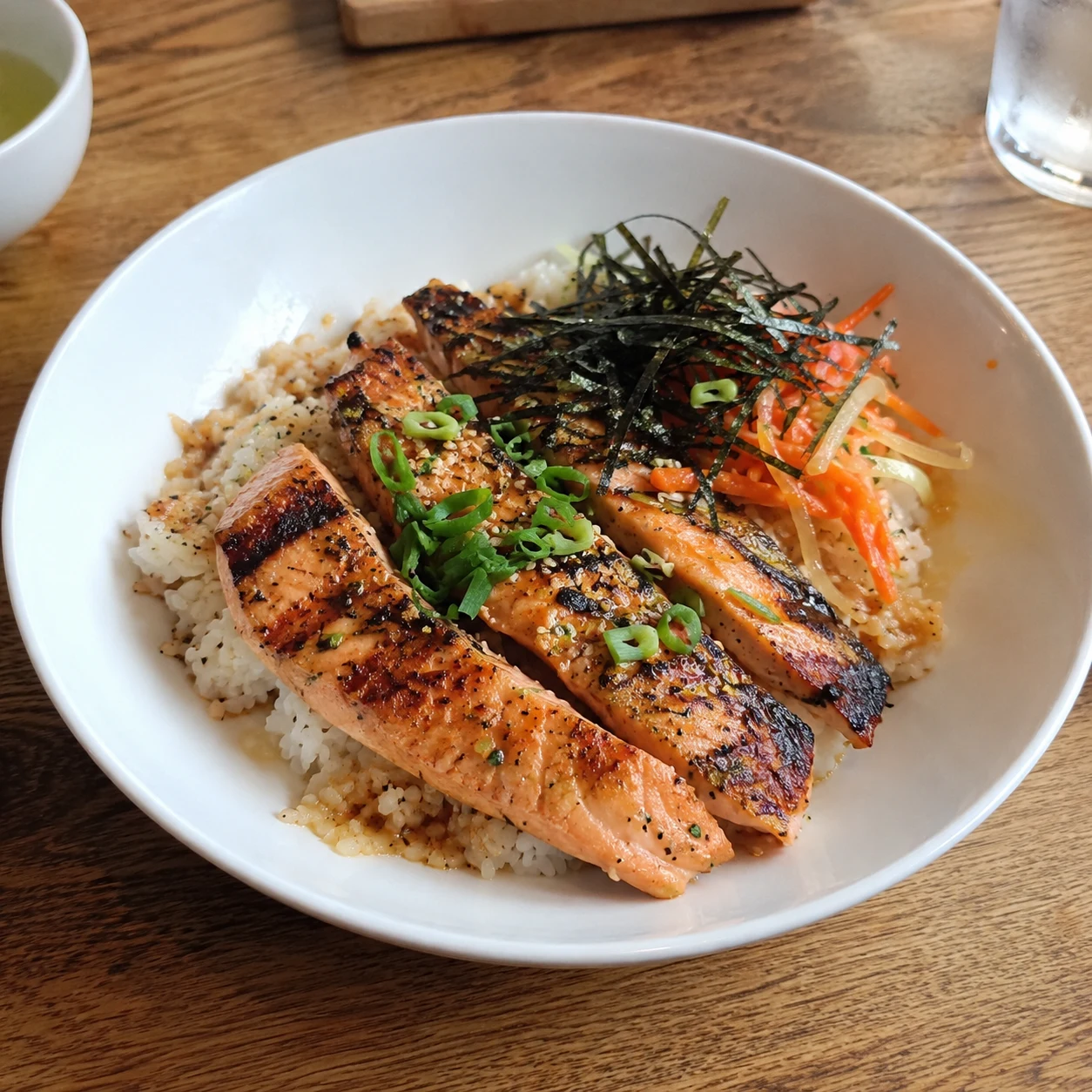
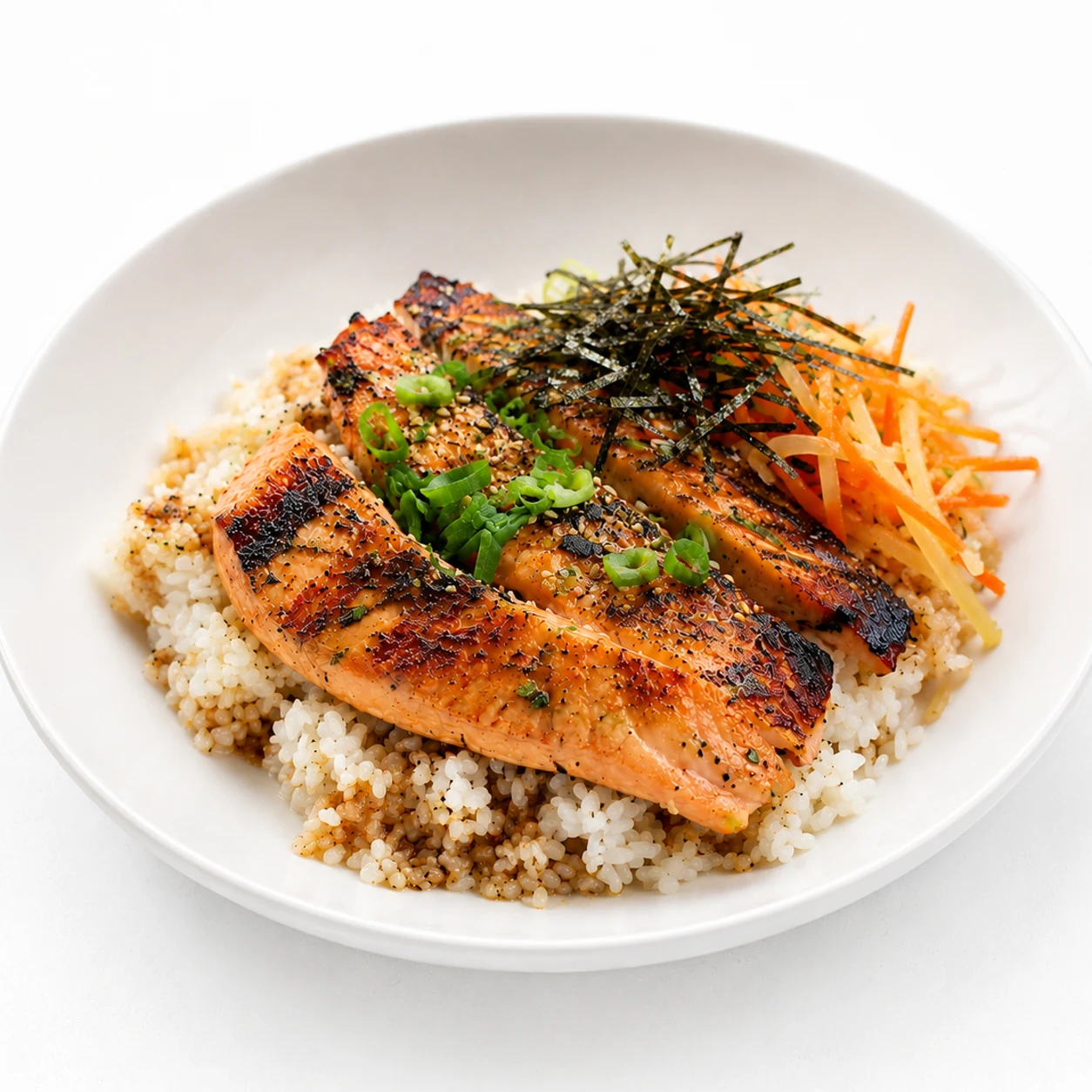
Start with a real dish photo for closer edits, or write a prompt for a new concept. Then choose the settings that fit where the image will be used.
Use Edit Photo when the result should stay close to a real dish. Use New Image when you want to create a concept from a prompt.
Add a clear dish photo for edits, or describe the dish, plating, background, lighting, and mood you want the AI to create.
Choose the style, scene template, camera angle, aspect ratio, and quality for the menu, delivery listing, banner, or social post.
Review the result for appetite appeal, ingredient clarity, and consistency before using it in a customer-facing place.
Use the AI Food Image Generator to polish real dish photos, control how food is framed, and prepare images for the channel where they will appear.
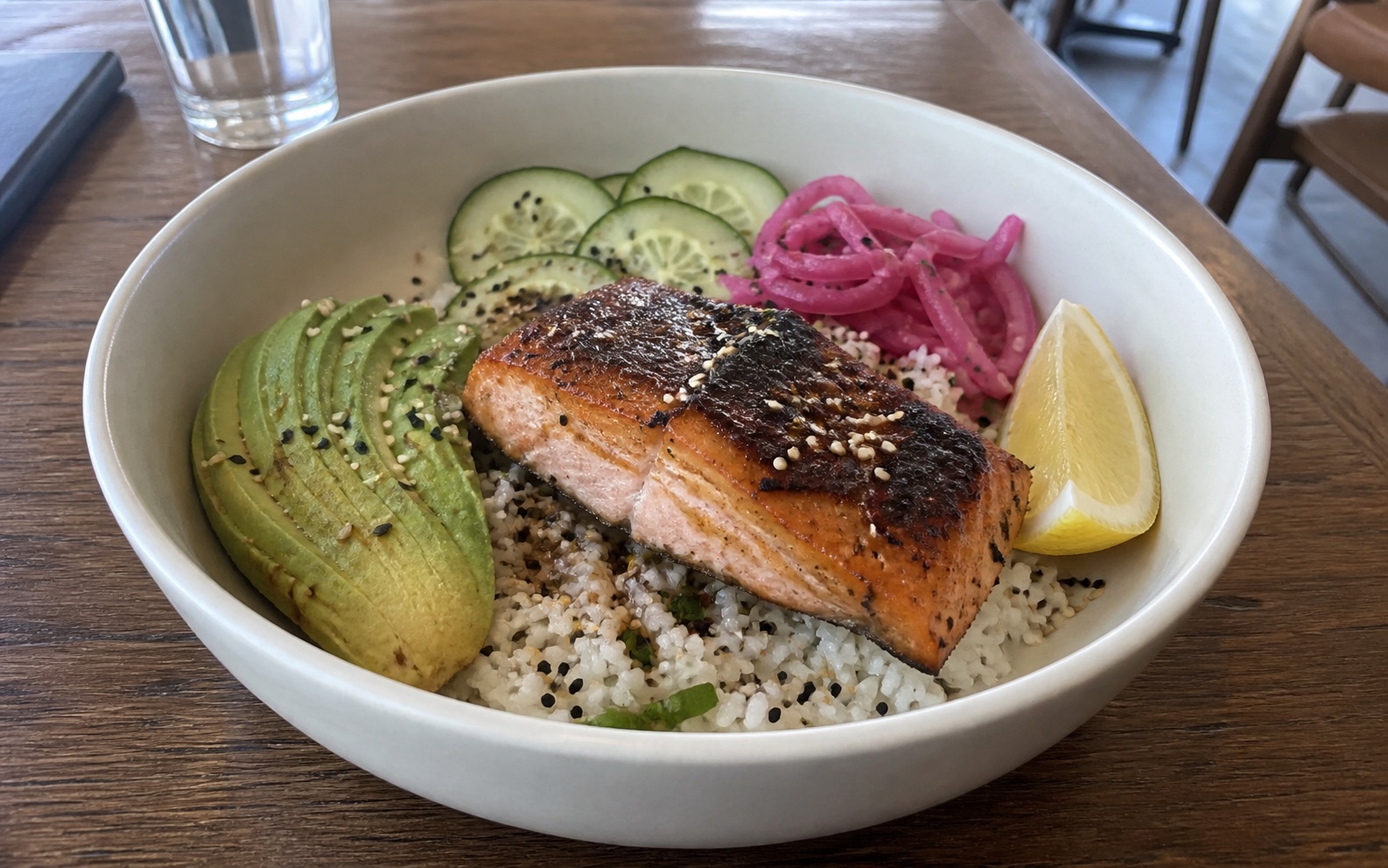
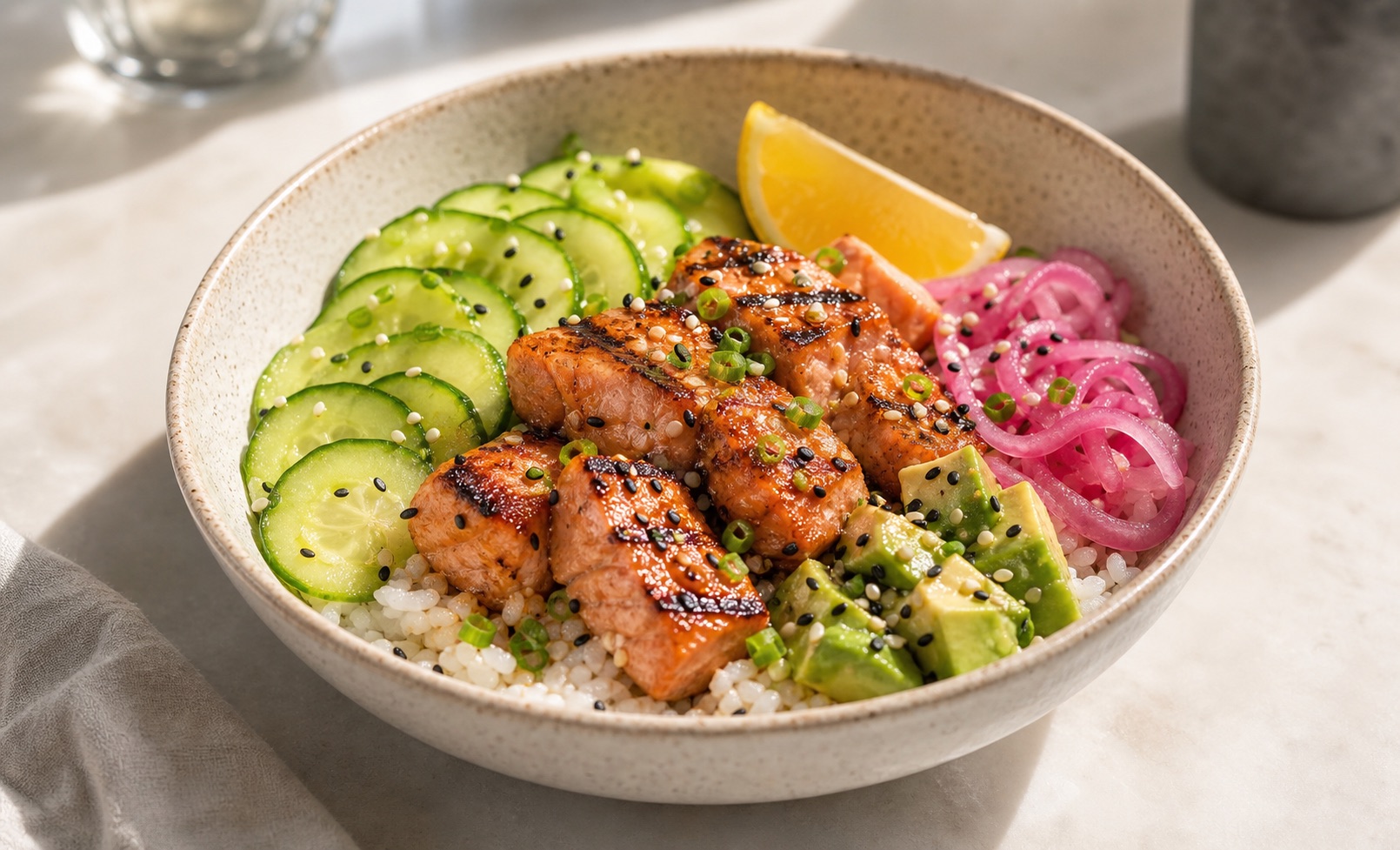
Upload a dish photo to improve lighting, background, and presentation while keeping the plate, portion, and key ingredients recognizable for menus, recipes, or delivery listings.
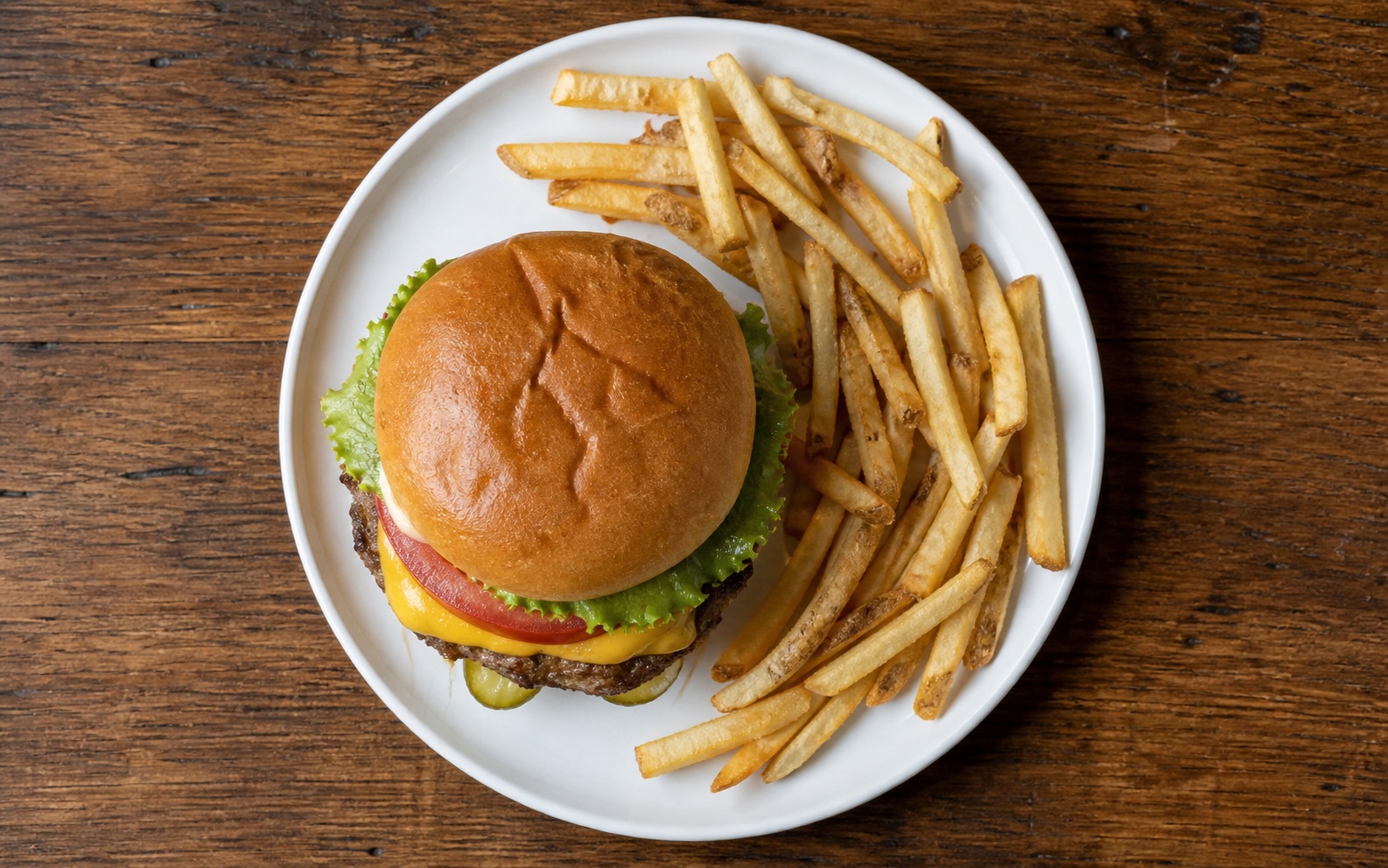
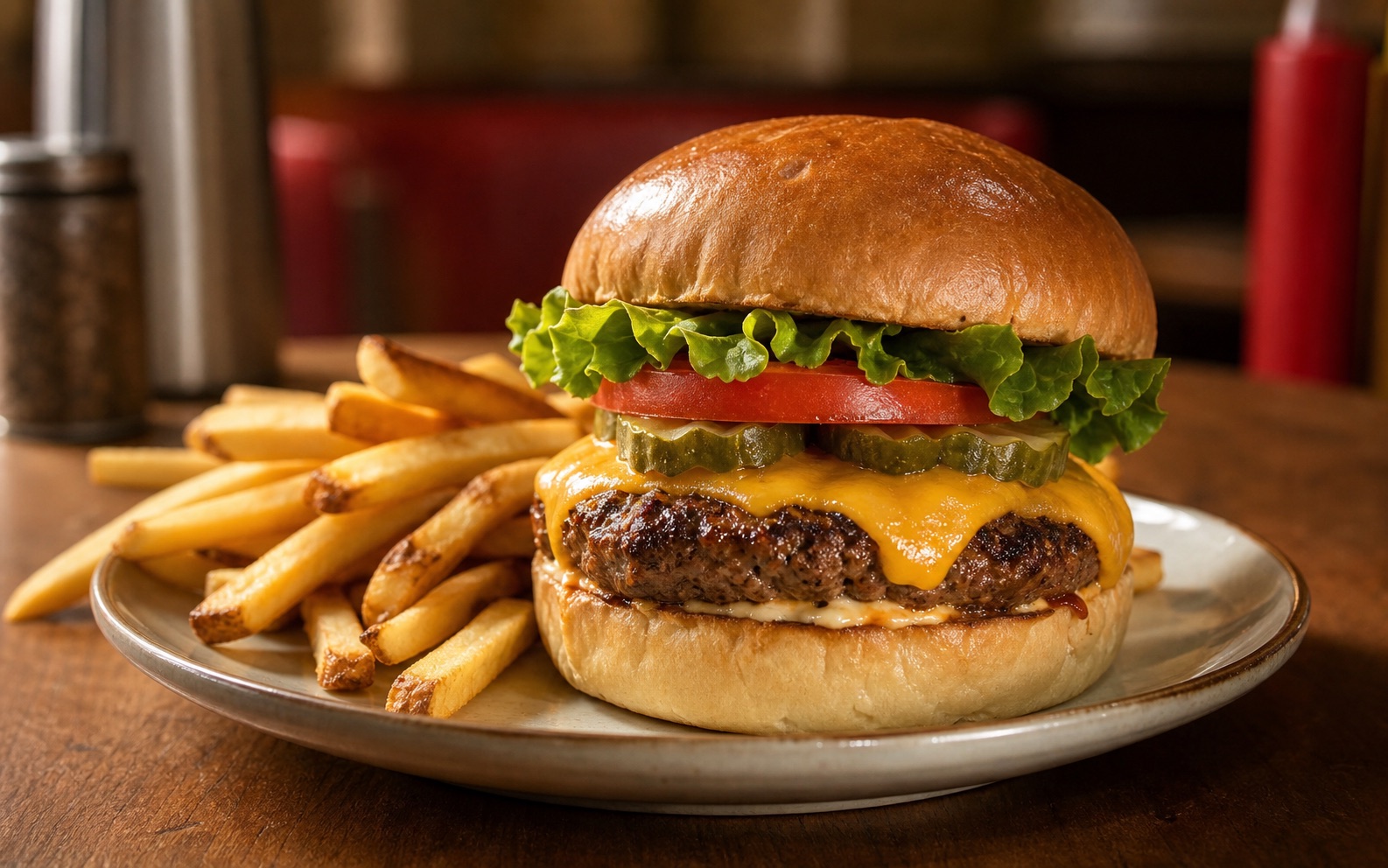
Choose overhead, angled, or side views based on what makes the dish appealing. Bowls and spreads often work overhead, plated mains benefit from depth, and layered foods need height.
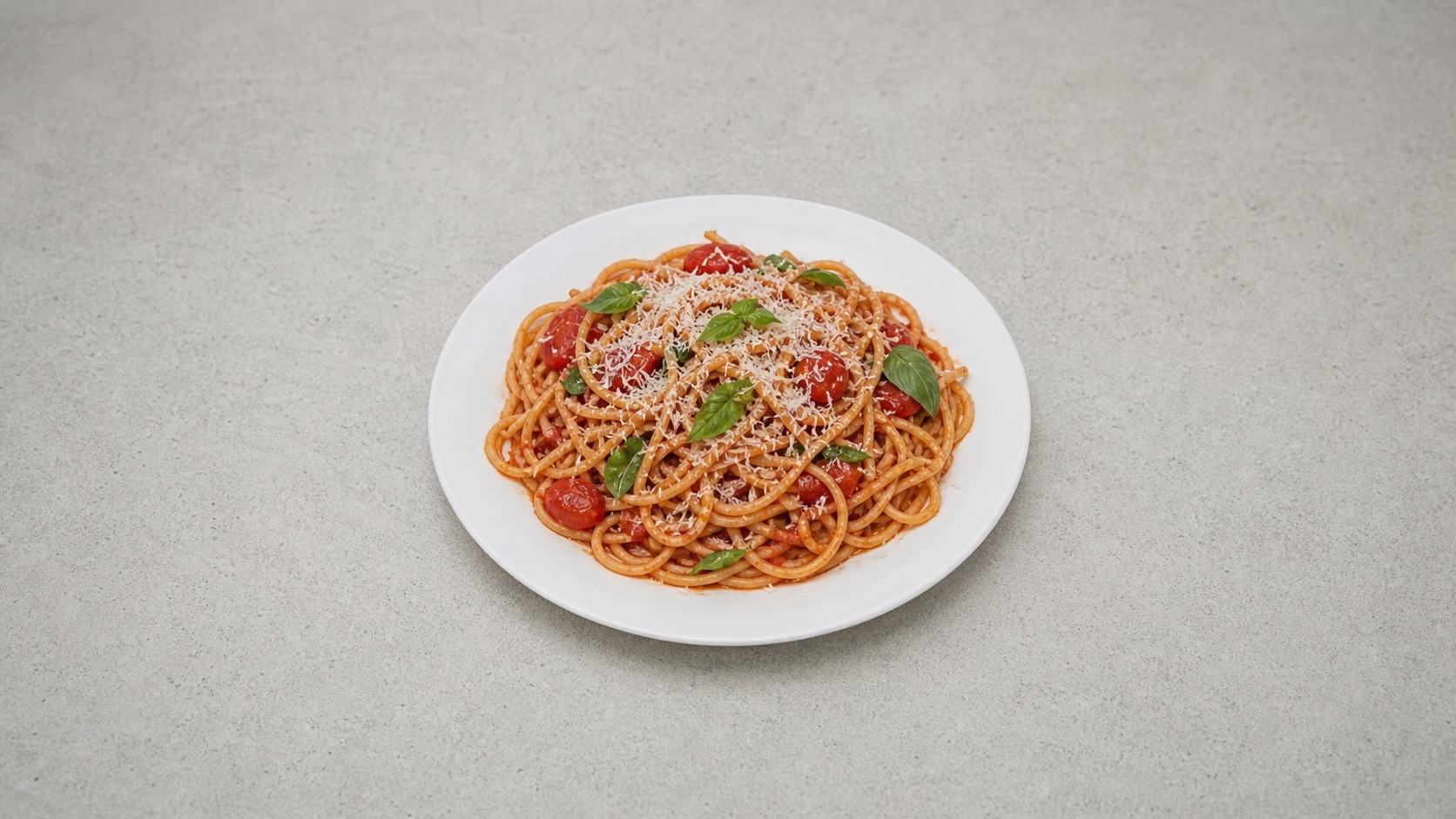
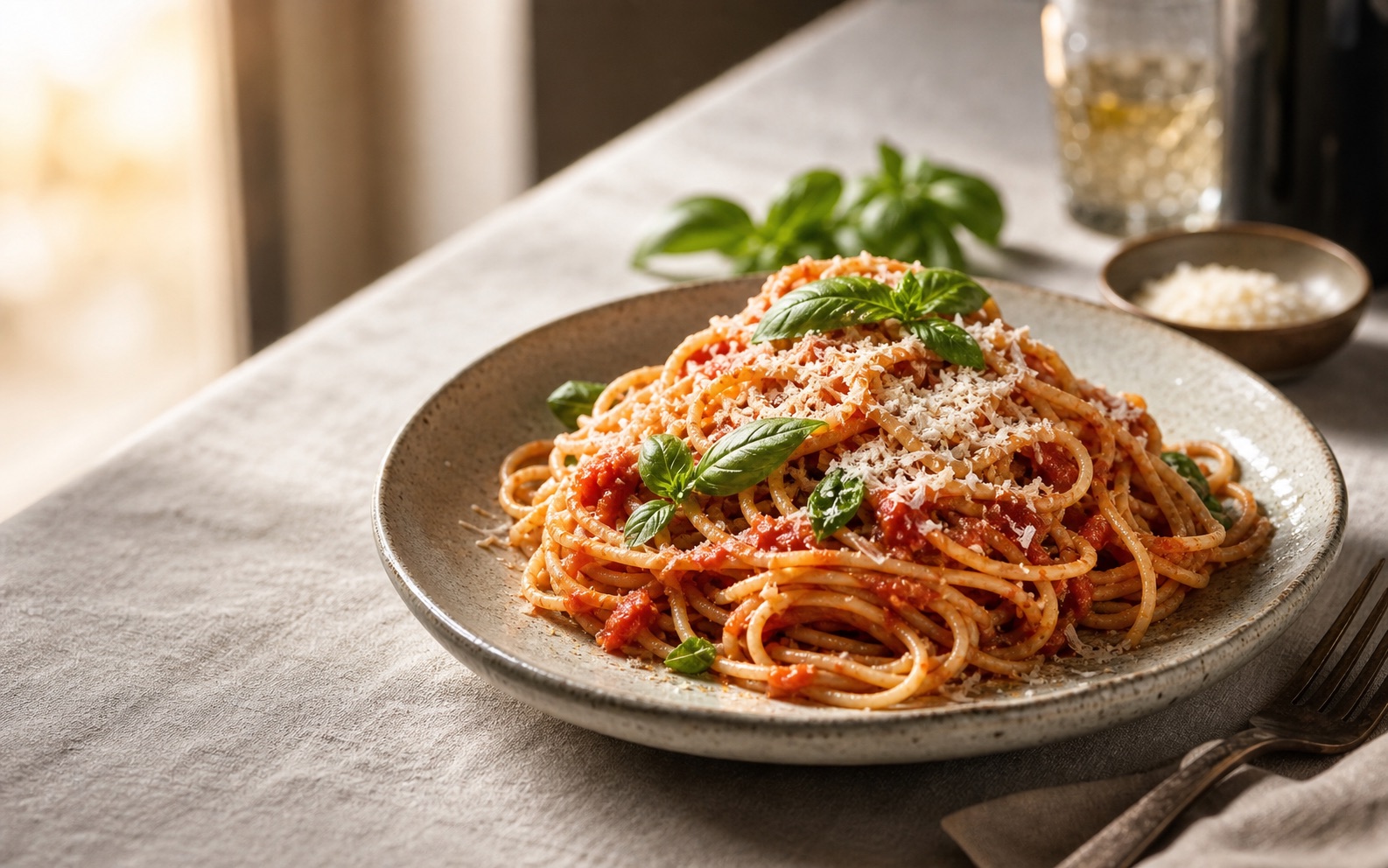
Set aspect ratio and quality for the final use. Square fits menu grids and delivery apps, portrait suits social and posters, and wider crops leave room for banners, ads, and page heroes.
Use a tighter brief, a clear source photo, and one consistent visual system.
Name the dish, hero ingredient, surface, lighting, and mood. "Burger photo" is too vague.
If the dish must match what customers receive, start with Edit Photo. Use New Image for concepts and mockups.
Use the same template, angle, ratio, and lighting across a burger set, dessert set, or catering menu.
Need sharper detail or cleaner color? Use Image Enhancer before export.
Start now
Edit a real dish photo or create a new concept from a prompt.
Quick answers about uploads, prompts, camera angles, file types, and where to use AI food images.
It creates food visuals from a prompt or a starting dish photo. Use it for menus, delivery listings, recipe content, social posts, ads, and food-brand mockups.
Use Edit Photo when the result should stay close to a real dish. Use New Image when you want a fresh concept from a prompt.
Yes. Choose New Image and write a prompt. Uploads are only needed for Edit Photo.
For the closest match, use Edit Photo with a clear dish photo. Use New Image for concepts, not exact menu-item matches.
Overhead works for bowls, pizzas, and spreads. Angled shots add depth. Side views help show height, layers, and stacked ingredients.
Use square for menu grids and delivery apps, portrait for social and print, and wide crops for banners, ads, and page heroes.
Include the dish, hero ingredient, plating, surface, lighting, camera angle, and intended use.
Yes. Use them for menu drafts, delivery-app artwork, social campaigns, website banners, and recipe pages.
You can upload PNG, JPG, JPEG, WEBP, or GIF files up to 20MB.
Keep creating
Continue with image edits, compare model quality, or send the result into a video workflow.
AI image tools
More image tools
Create, edit, clean up, or upscale stills.

AI models
Compare image models
Pick a better model before making more versions.
AI video tools
Make it move
Animate a still or turn it into a clip.
AI Image Generator
Start from any idea
Create a fresh image from a prompt.
Text to Image
Prompt-first creation
Turn a written idea into an image.
Image to Image
Use a reference
Restyle or revise an existing image.
Image to Prompt
Describe a reference
Turn visible image details into a reusable AI prompt.
AI Logo Generator
Brand marks
Create logo ideas from a short brief.
Product Picture Generator
Product visuals
Create polished product photos and campaign scenes.
AI image tools
More image tools
Create, edit, clean up, or upscale stills.
AI models
Compare image models
Pick a better model before making more versions.
AI video tools
Make it move
Animate a still or turn it into a clip.
AI Image Generator
Start from any idea
Create a fresh image from a prompt.