
Live Sale Cover
Design a live event cover with your host, event time and a choice of cover or inset stream layout.
AI generation requires sign-in and credits. Text and layout edits do not create a new AI request.
Illustrative examples
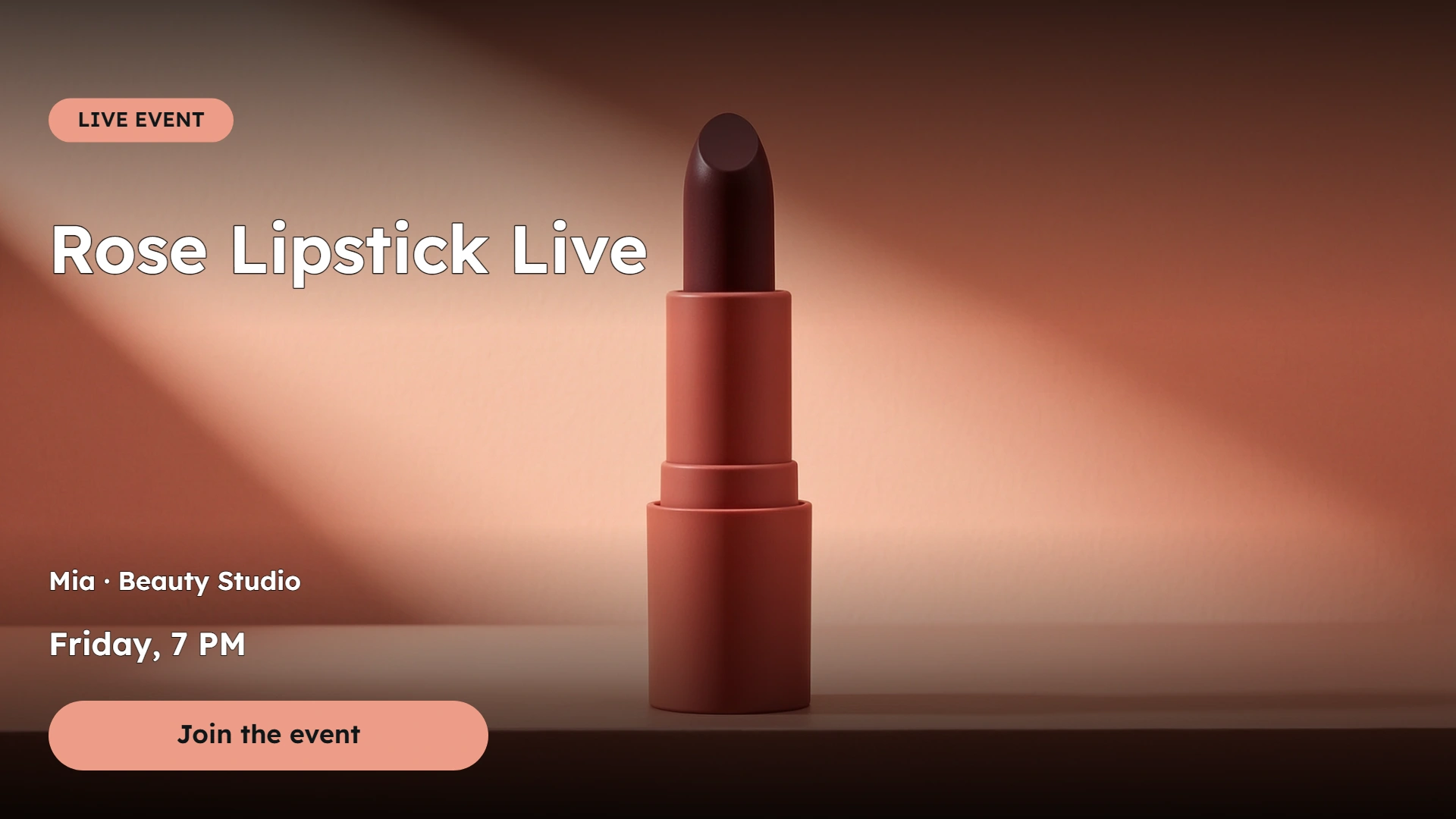
Rose-red lipstick with a clear live sale title and time. Product spotlight · Landscape 16:9
How to use Live Sale Cover
Design a live event cover with your host, event time and a choice of cover or inset stream layout. Choose the campaign style, generate your visual, then fine-tune the text and layout.
- 01
Choose your image
Choose one PNG, JPG or WebP. Use a clear product photo so the model can follow its shape, color and label.
- 02
Set up your layout
Choose an event cover or inset stream layout. Add your host and event time, then check the preview-only safe-area guide.
- 03
Generate and review
Sign in and generate an AI visual. Inspect product details, then adjust your text without another AI request.
- 04
Download your design
Save the completed preview as a PNG. Create another visual when you want a different scene.
Explore what you can make with Live Sale Cover
Choose your own text and image to make your next version.
AI visuals combined with your wording. Review generated product details and text layout before use.
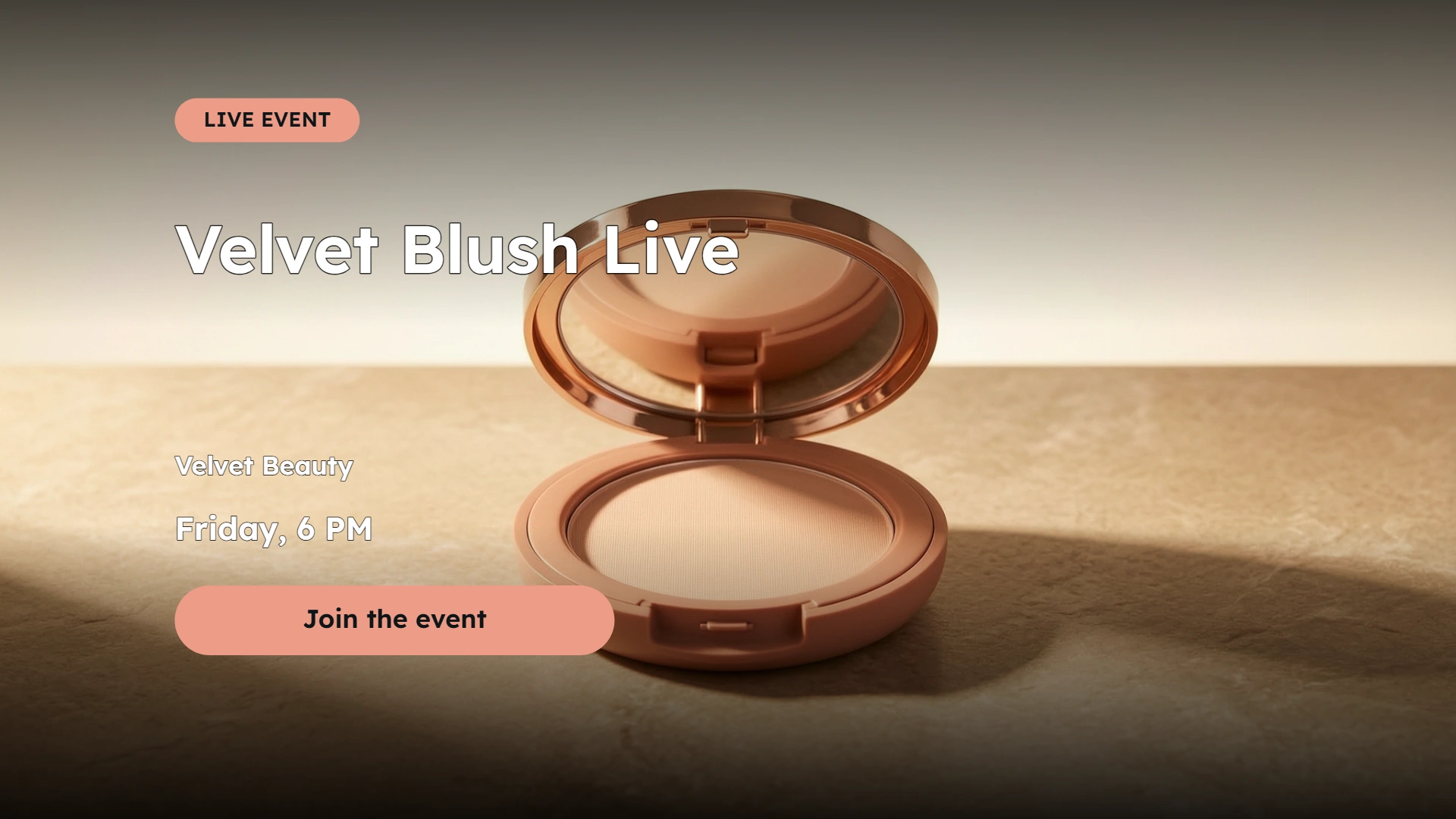
Beauty boutique
A boutique blush event with a distinct compact and campaign setting.
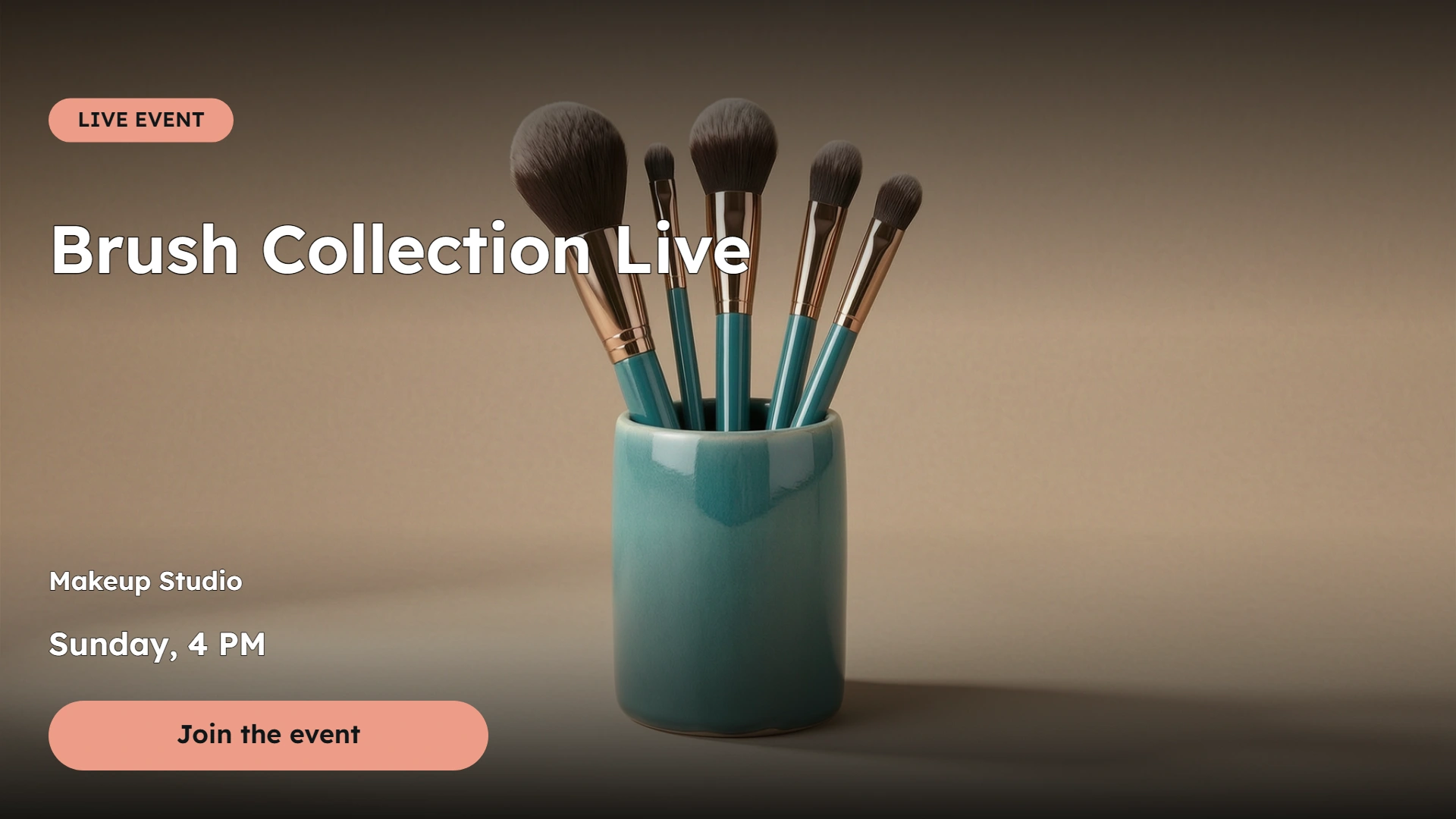
Makeup essentials
A live sale announcement for a coordinated brush collection.
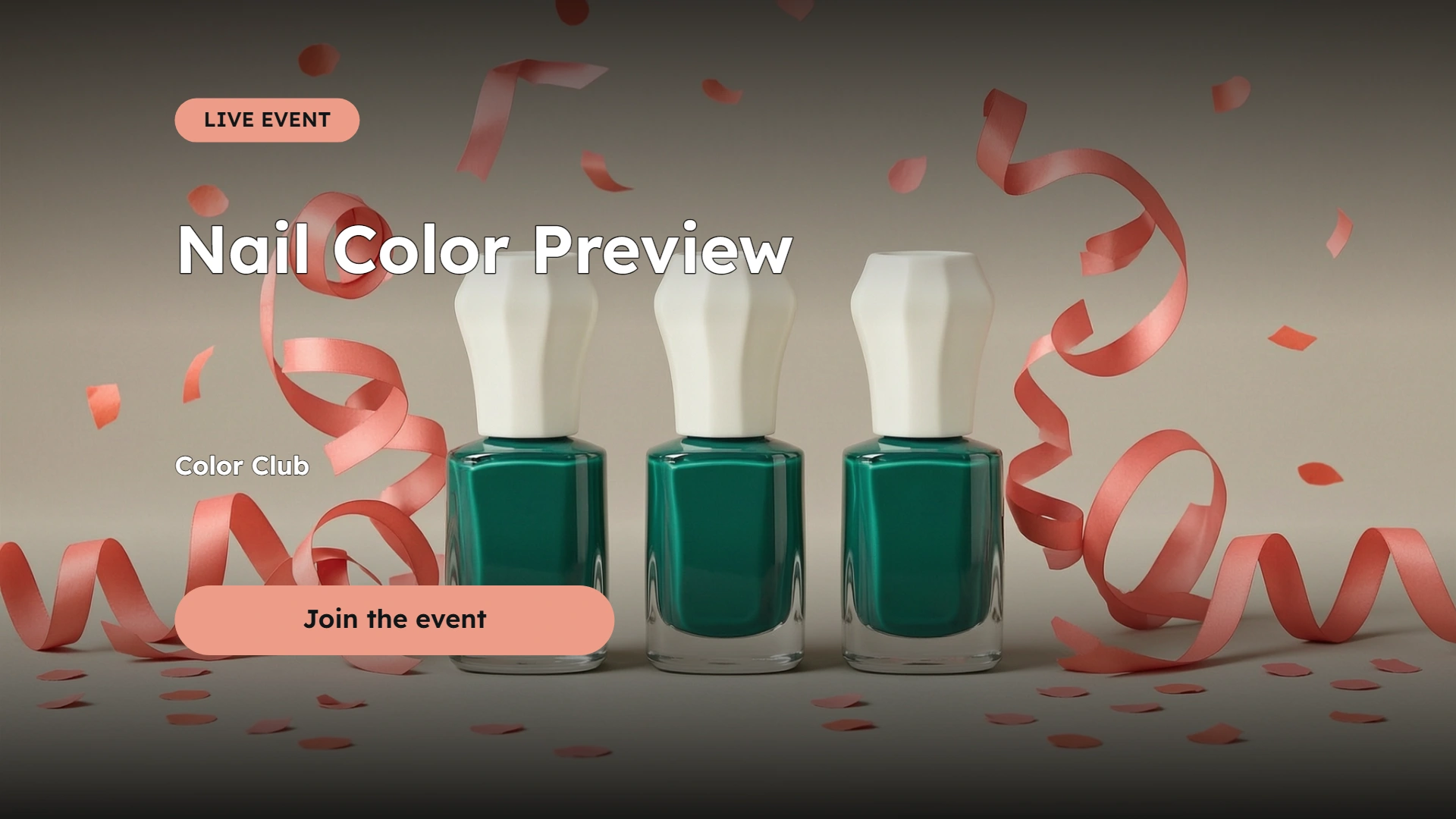
Color collection
An upcoming nail color event; time is optional.
A simple way to prepare your next layout
Preview your content, review the details and save a complete image.
Prepare a live event cover
Keep the event title, host and time together. The inset option moves the layout away from the right and bottom edges.
Keep your wording
Your headline and optional details appear as entered. Review line breaks and spelling before downloading.
Ready to share
Save a complete PNG with the background included, ready for your next announcement or creative review.
Refine without regenerating
Edit live sale title, live time or the call to action using the completed visual. Format changes reuse and may crop that visual. These edits do not create another AI request.
Ready to try it?
Create your next live sale cover
Design a live event cover with your host, event time and a choice of cover or inset stream layout. Edit the preview and download your PNG when it is ready.
Live Sale Cover FAQ
Answers about AI visuals, text editing, supported formats, credits and downloading your design.
Does the cover connect to a live stream?
It creates a static cover with a LIVE EVENT label, optional host and event time. Choose an event cover or inset stream layout. Safe-area guides are illustrative, excluded from the PNG and not a guarantee for every platform. It does not connect to a stream or check whether it is live.
Will AI keep every product detail unchanged?
AI can alter labels, small details or proportions. Use a clear reference and inspect the result before publishing. The tool does not guarantee an exact product reproduction.
Do text changes generate another AI image?
No. Host, event time and live layout edits reuse the completed visual, as do call-to-action and format edits. Changing the visual style, brand color or scene direction or reference image requires a new visual. A different format may crop the existing visual.
What can I enter?
Choose one PNG, JPG or WebP up to 10 MB and 32 megapixels, then enter your text. Transparent and ordinary photos are supported. AI creates a new scene from the reference; inspect the product shape, label and details before use.
What file do I download?
Download one PNG with its background included: landscape 1920 × 1080, square 1080 × 1080 or portrait 1080 × 1920. The download matches the latest completed preview. It is a flattened image, without editable text layers.
Are my images uploaded or credits used?
Generating an AI visual sends your reference image for processing. AI generation requires sign-in and credits. Editing text, the call to action or the output format updates the completed visual locally without another AI request. Generate a new visual only when you want a different scene. Format changes can crop the existing visual.
Related paths
Explore related image tools
Explore another image step, check model options, or make the output move.

Promo Text Poster
Another layout to try
Build a text-led campaign poster with an eyebrow, headline and supporting text over AI artwork.

Product Promo Card
Another layout to try
Create a product offer card with its name, price and optional original price with an automatically calculated saving.

Social Ad Preview
Another layout to try
Review a product ad in a feed or story-style layout with account name, caption, headline and action button.

Product Picture Generator
Create a product scene
Create studio or lifestyle product photographs from a reference image.