
Video Noise Remover
Reduce steady background noise in spoken videos, keep the picture, and compare the sound before downloading.
Credits are checked before each request.
Sign in to upload. Noise reduction runs on the server, with credits checked before processing.
Sample videos
Play the video, then switch between original and processed sound at the same moment. The picture stays unchanged.
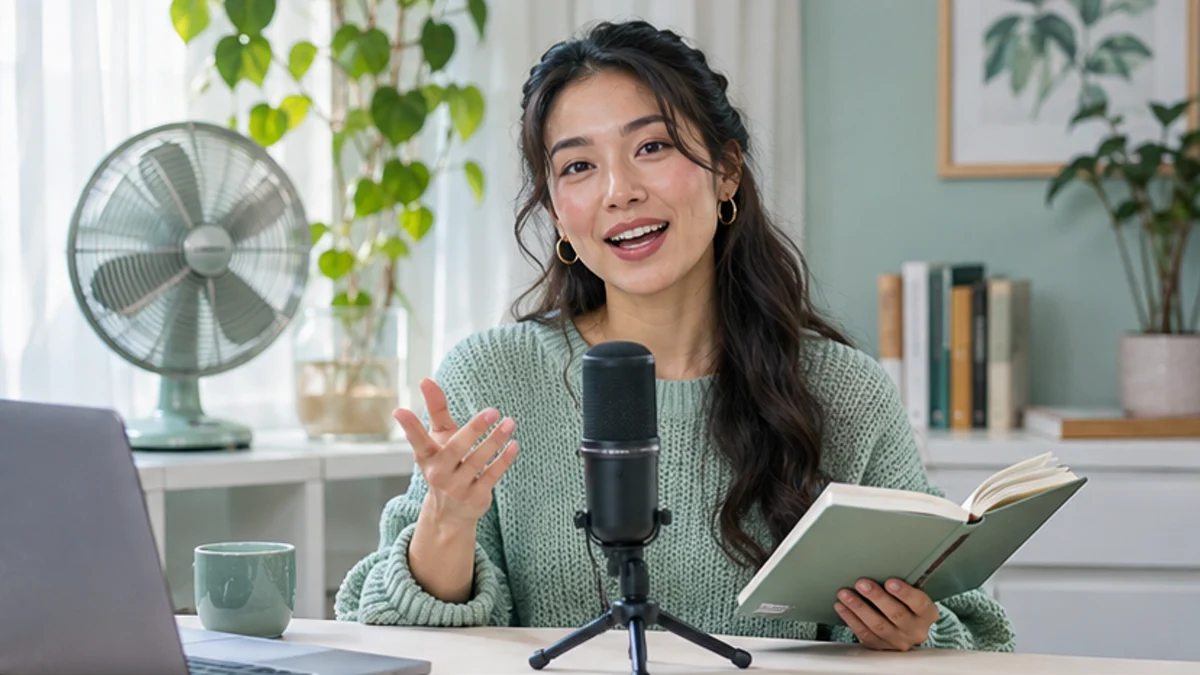
This speaking clip has added steady noise. Play Original sound and Processed sound to compare the same voice and picture before and after a real cleanup pass.
How to use Video Noise Remover
- 01
Choose a video with speech
Start with the original file. Speech should still be audible beneath the background noise.
- 02
Run one cleanup pass
Use the fixed cleanup preset to reduce steady background noise. No strength adjustment is required.
- 03
Compare the same moment
Switch between original and processed playback. Listen for words, consonants and any metallic artifacts.
- 04
Download the cleaned video
Keep the version that improves intelligibility. The picture is retained and the processed audio is delivered in an MP4.
Practical ways to use Video Noise Remover
The picture stays unchanged. Use the paired audio players for each scene to compare the original and processed sound.
Original sound
Processed sound
Tame fan noise in a home office
A steady fan can distract from an otherwise useful tutorial. A restrained cleanup pass can reduce that background bed while keeping speech recognizable.

Original sound
Processed sound
Check outdoor speech carefully
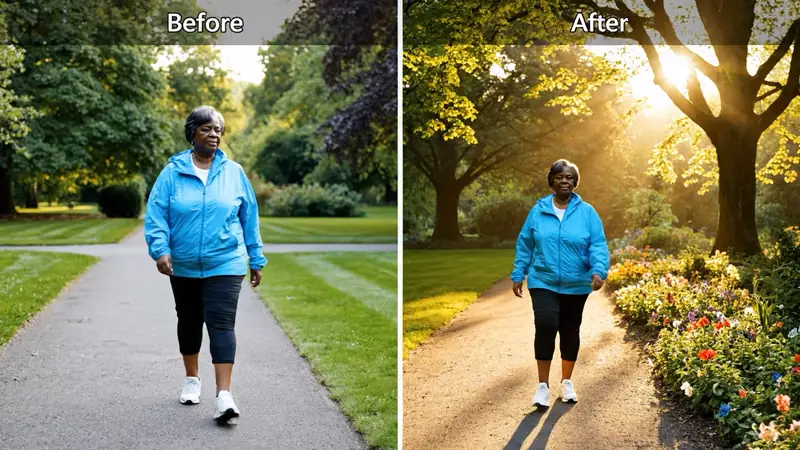
Changing traffic and wind are harder than steady hiss. Compare quieter and louder sections; this tool cannot reconstruct words that the recording never captured.

Original sound
Processed sound
Keep practical demonstrations usable
Kitchen and workshop recordings often carry a constant appliance sound. Listen for the voice while checking that the original picture and timing remain intact.
A clearer workflow, with checks that matter
Picture stays with the message
The original video stream is retained when it can be muxed into MP4. The tool processes the audio rather than redrawing frames.
A fair listening comparison
Before and after use the same source and playback position. Only one side plays at a time.
Useful restraint
Aggressive cleanup can damage a voice. The default pass targets steady noise and still needs your listening judgment.
No voice replacement
This is noise reduction, not dubbing, music separation or an attempt to create a different speaker.
Ready to try it?
Video Noise Remover, with you in control
Reduce steady background noise in spoken videos, keep the picture, and compare the sound before downloading.
Video Noise Remover FAQ
What noise does this tool target?
It targets steady background noise such as hiss and consistent appliance noise. Variable wind, traffic and overlapping voices may remain.
Is this an AI voice-isolation service?
No. This workflow uses conservative frequency-based noise reduction. It does not promise isolated vocals or complete background removal.
Will it change the picture?
The workflow keeps the original video stream and processes its first audio track. An unsupported video codec may prevent MP4 export instead of silently changing the picture.
Which uploads are supported?
Use one MP4, MOV or WebM up to 50 MB and 30 minutes, up to 3840 × 2160 pixels, containing an audio track. The MP4 export must also fit within 50 MB; use a shorter or lower-resolution source if it is too large.
Can I compare the original sound?
Yes. Switch between original and processed videos at the same playback position. Play one side at a time to avoid overlapping audio.
Can it repair clipped or missing speech?
No. If speech is clipped, obscured by another voice or absent from the recording, noise reduction cannot reliably restore it. Review the full result before use.
More to try
Find the right next tool
Find the next tool for generation, restyling, cleanup, extension, or model comparison.

AI video tools
More video tools
Generate, edit, clean up, or improve clips.

AI models
Compare video models
Pick a better model before rendering again.

AI image tools
Prepare source images
Create a stronger still for the next video run.

AI Video Generator
Start a video
Create a clip from a prompt or image.

Text to Video
Prompt-first video
Turn a written scene into motion.

Image to Video
Animate a still
Turn an image into a short clip.
Video to Video
Restyle footage
Change the look of an existing clip.
AI Video Extender
Extend a clip
Continue a short video into a longer scene.
AI Video Editor
Edit with prompts
Revise a clip without a timeline.