
AI Sticker Generator
Create cartoon, hand-drawn or framed photo stickers for social posts and scrapbooks.
Uploads and model processing require sign-in. Credits are checked before each paid step.
Example
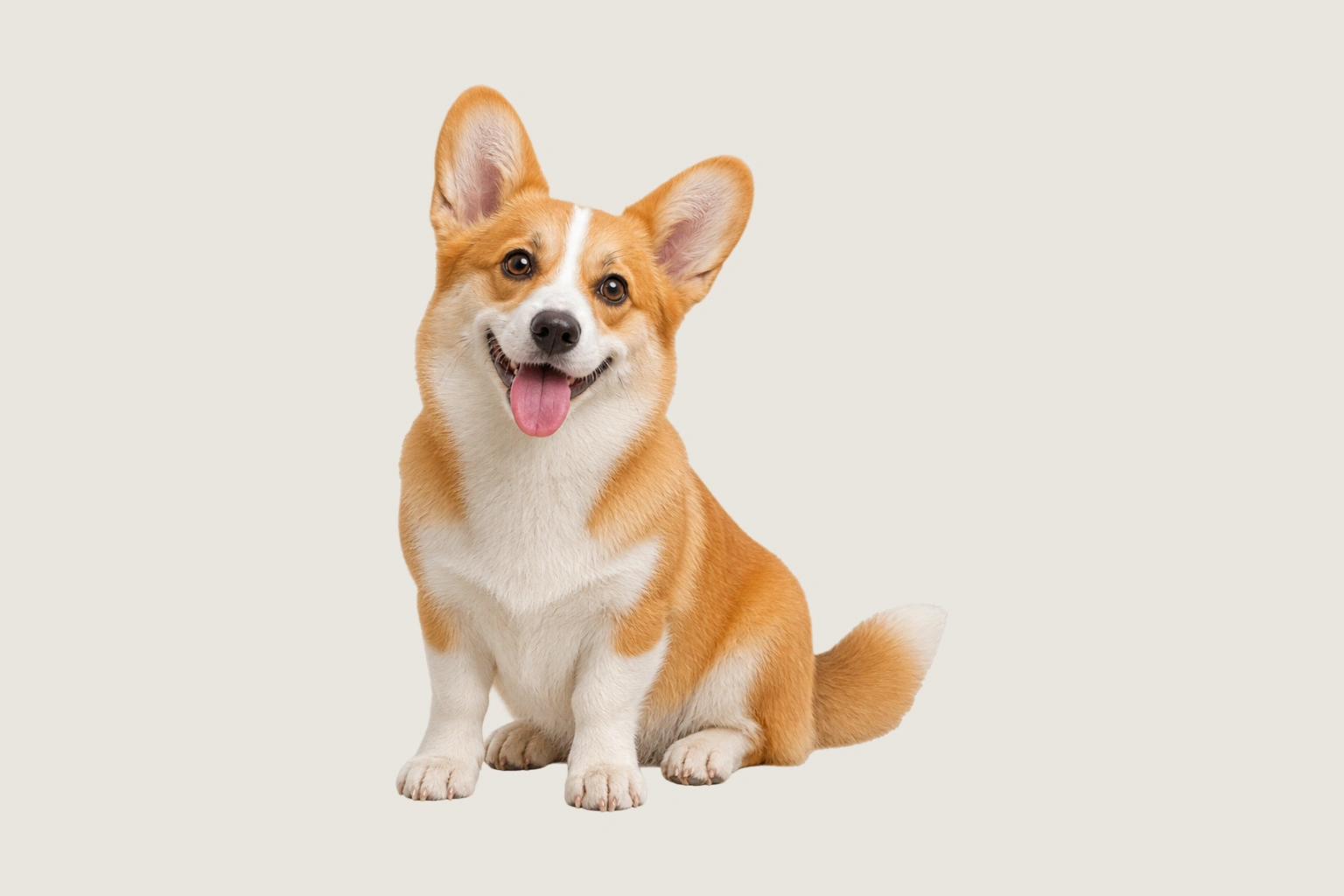
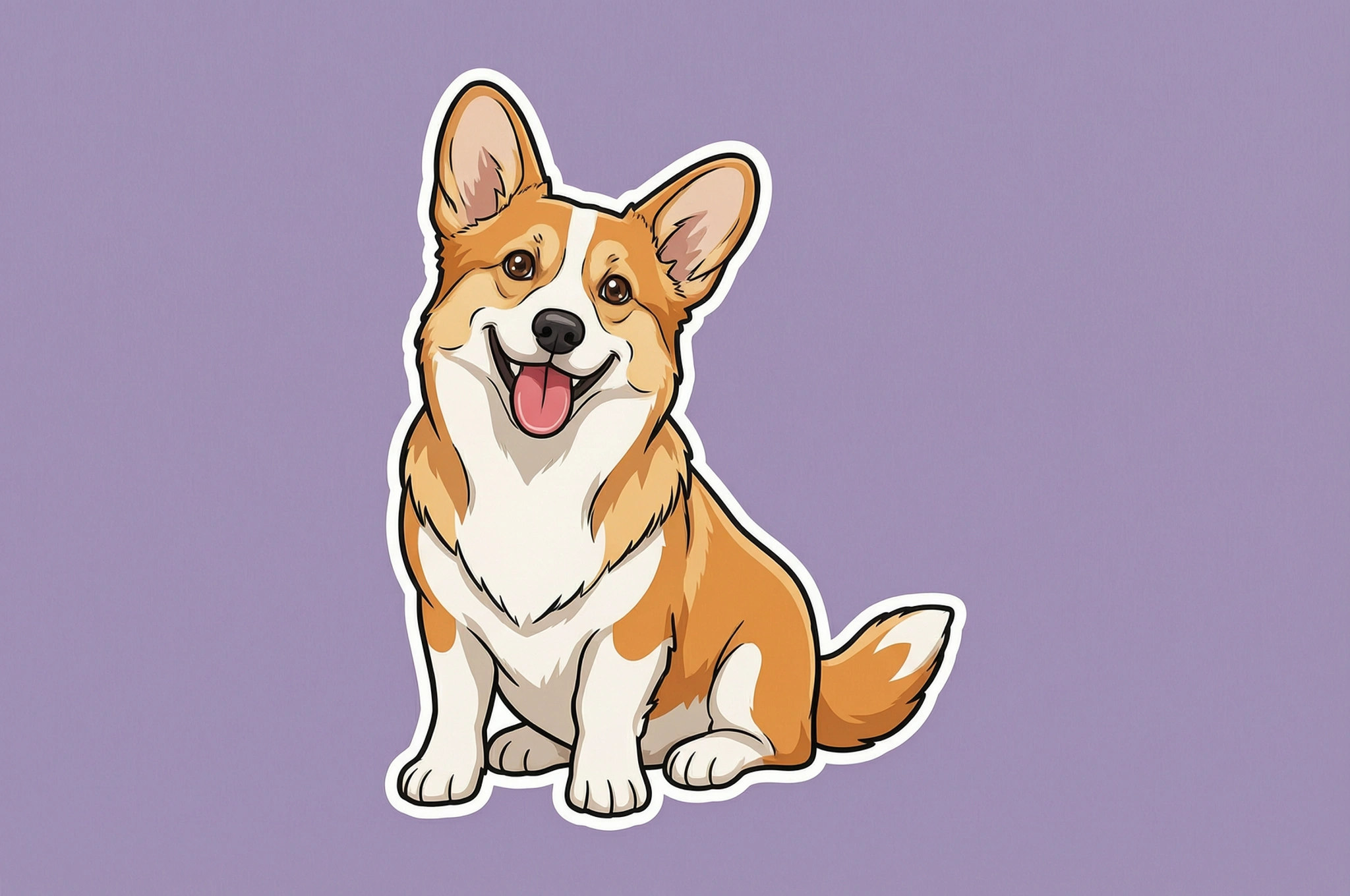
OriginalCartoon
Cartoon · AI-generated example
A playful cartoon pet
How to use AI Sticker Generator
Upload a clear photo and choose Cartoon, Hand-drawn or Photo sticker. Create a new illustration with AI, or keep your photo and add a frame locally.
- 01
Upload your photos
Choose up to four JPG, PNG or WebP images. A clear, complete subject works well for illustrated styles; Photo sticker also supports scenes and group photos.
- 02
Choose a style or frame
Select Cartoon or Hand-drawn for an AI illustration. Choose Photo sticker for a rounded, circular or Polaroid-style frame around your original photo.
- 03
Review the composition
Compare your source with the result. Check recognizable details, decorative borders and the finished background before downloading.
- 04
Download your images
Save completed PNGs individually or together as a ZIP. Each download includes its background and is ready for social posts or scrapbook layouts.
Find a sticker style for your subject
Cartoon and Hand-drawn create decorative sticker-style compositions with a simple background. Photo sticker fits your original image into a rounded, circular or Polaroid-style frame; rounded and circular masks can hide corners. Save the finished composition as a PNG with its background included.
Each example names the processing used. Review the result before using it in your project.
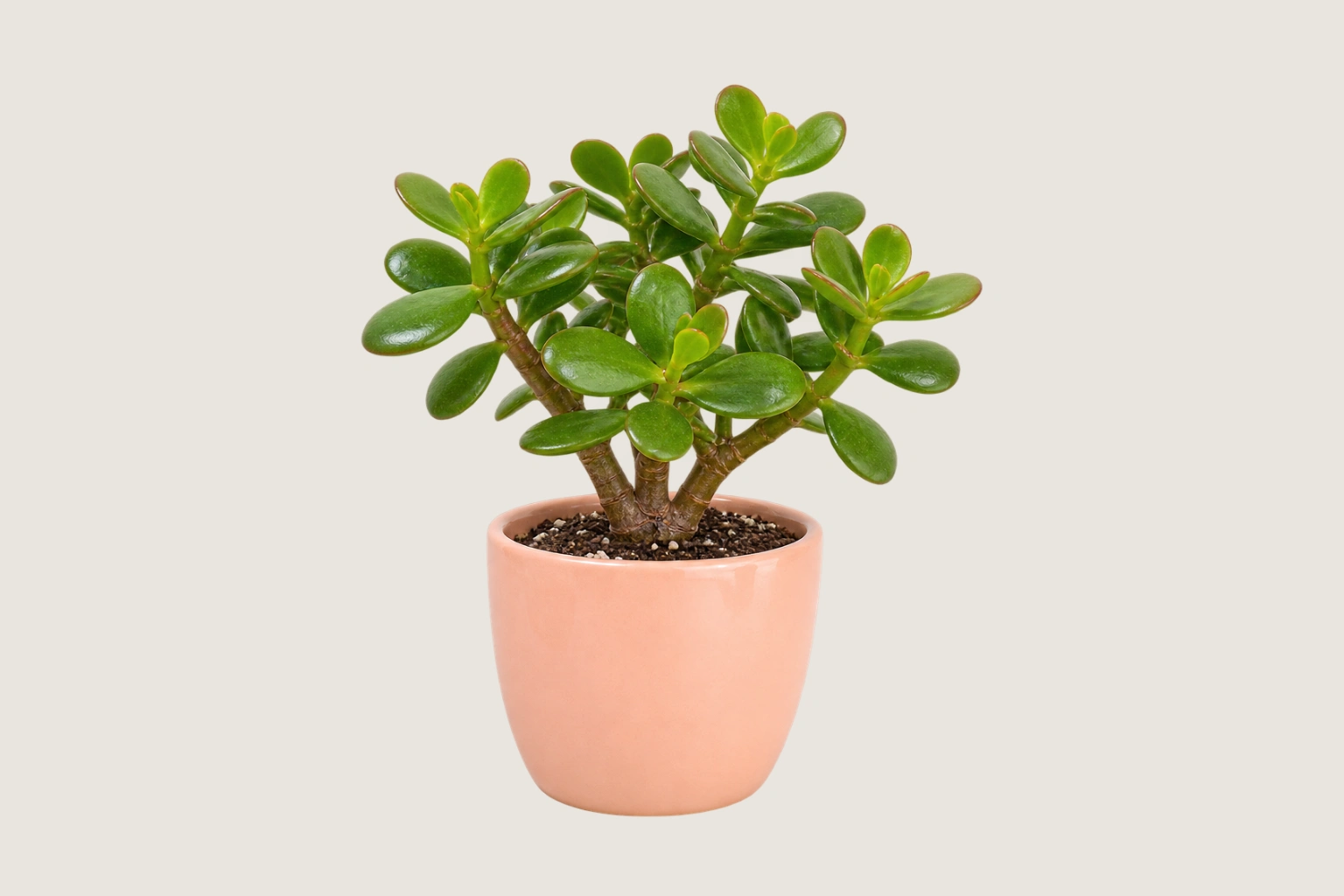
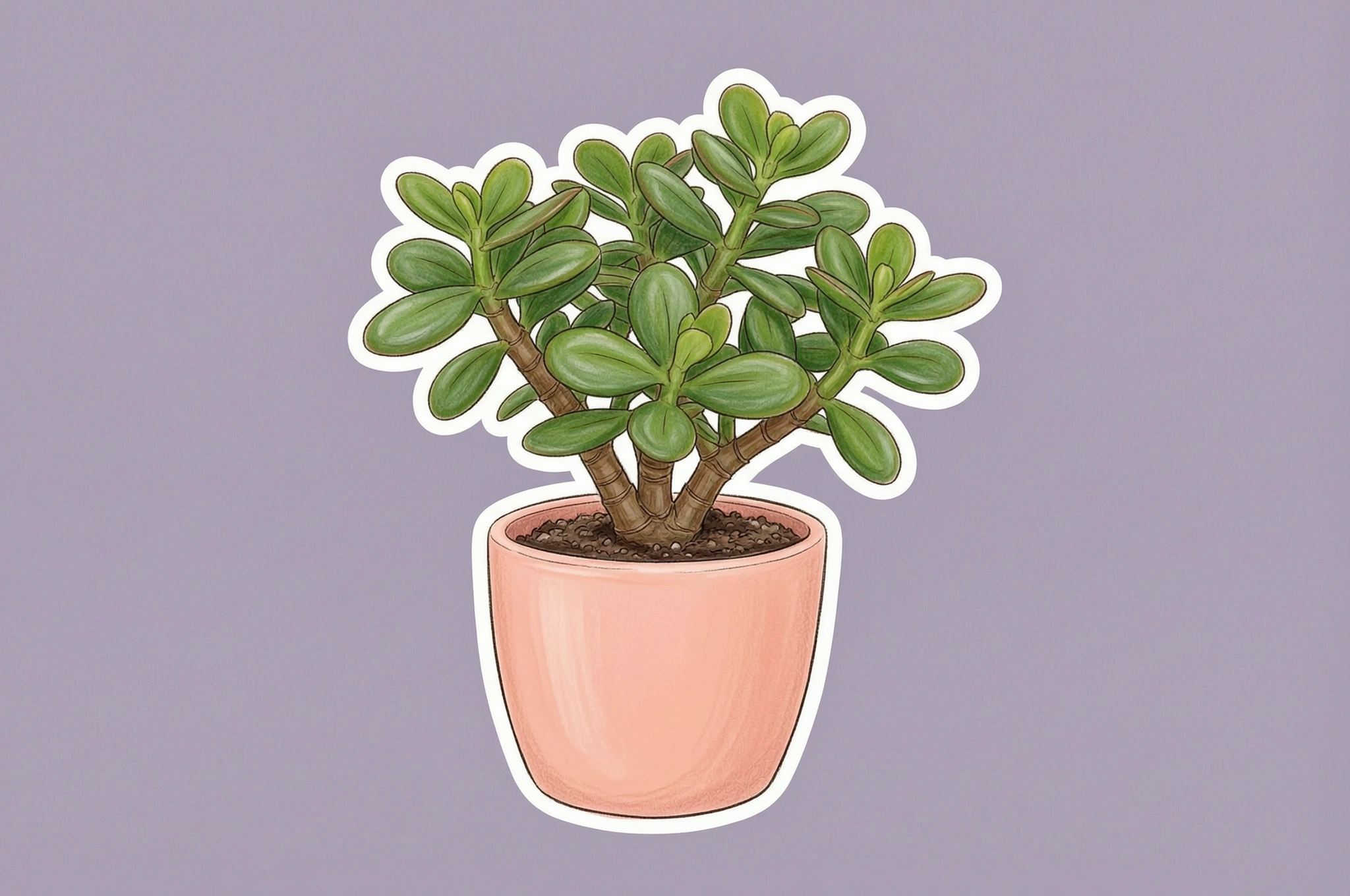
Hand-drawn · AI-generated example
Turn a plant into a hand-drawn sticker
Organic lines and gentle shading give a familiar plant a hand-drawn look. The background and white border are part of the finished image.
Cartoon · AI-generated example
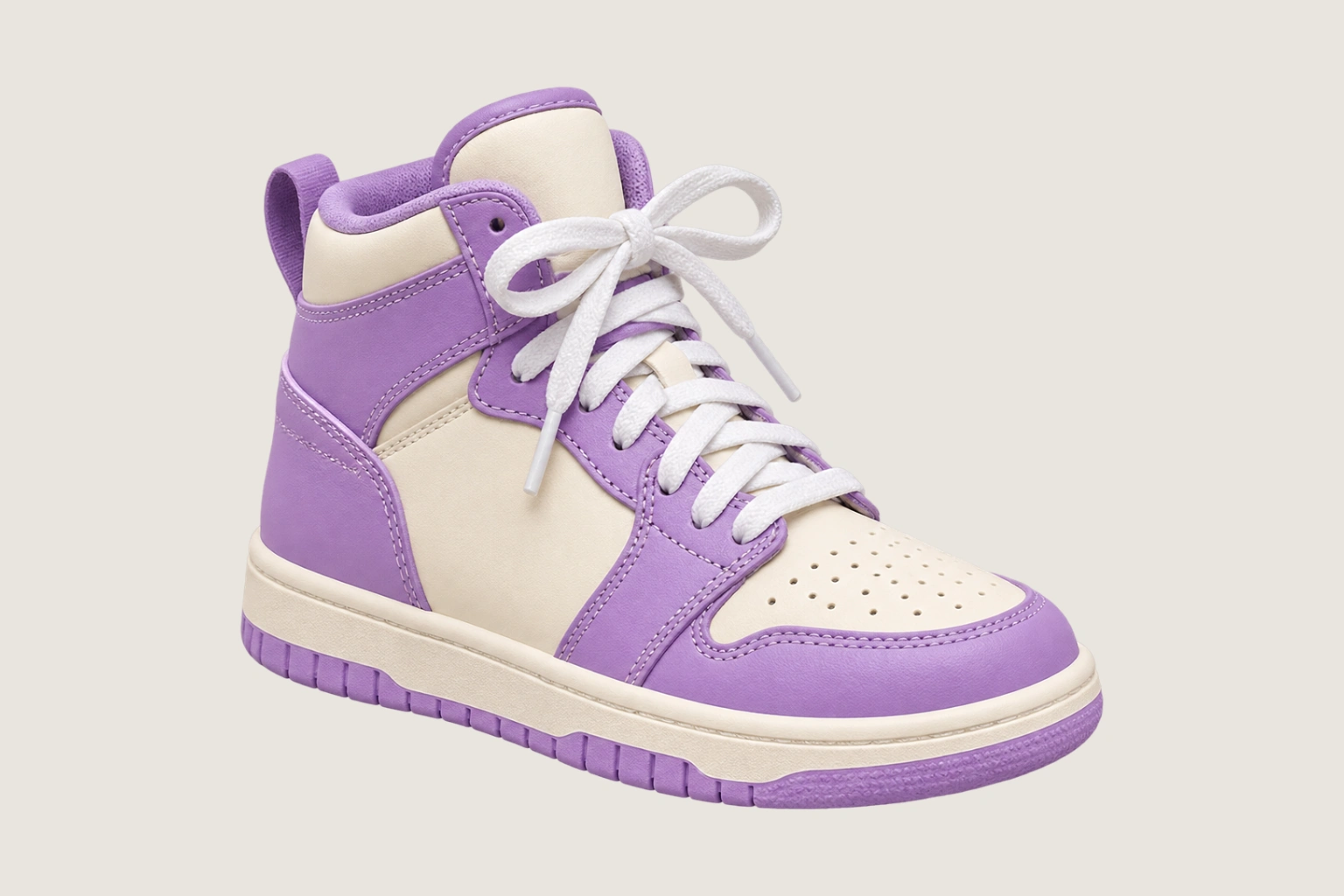
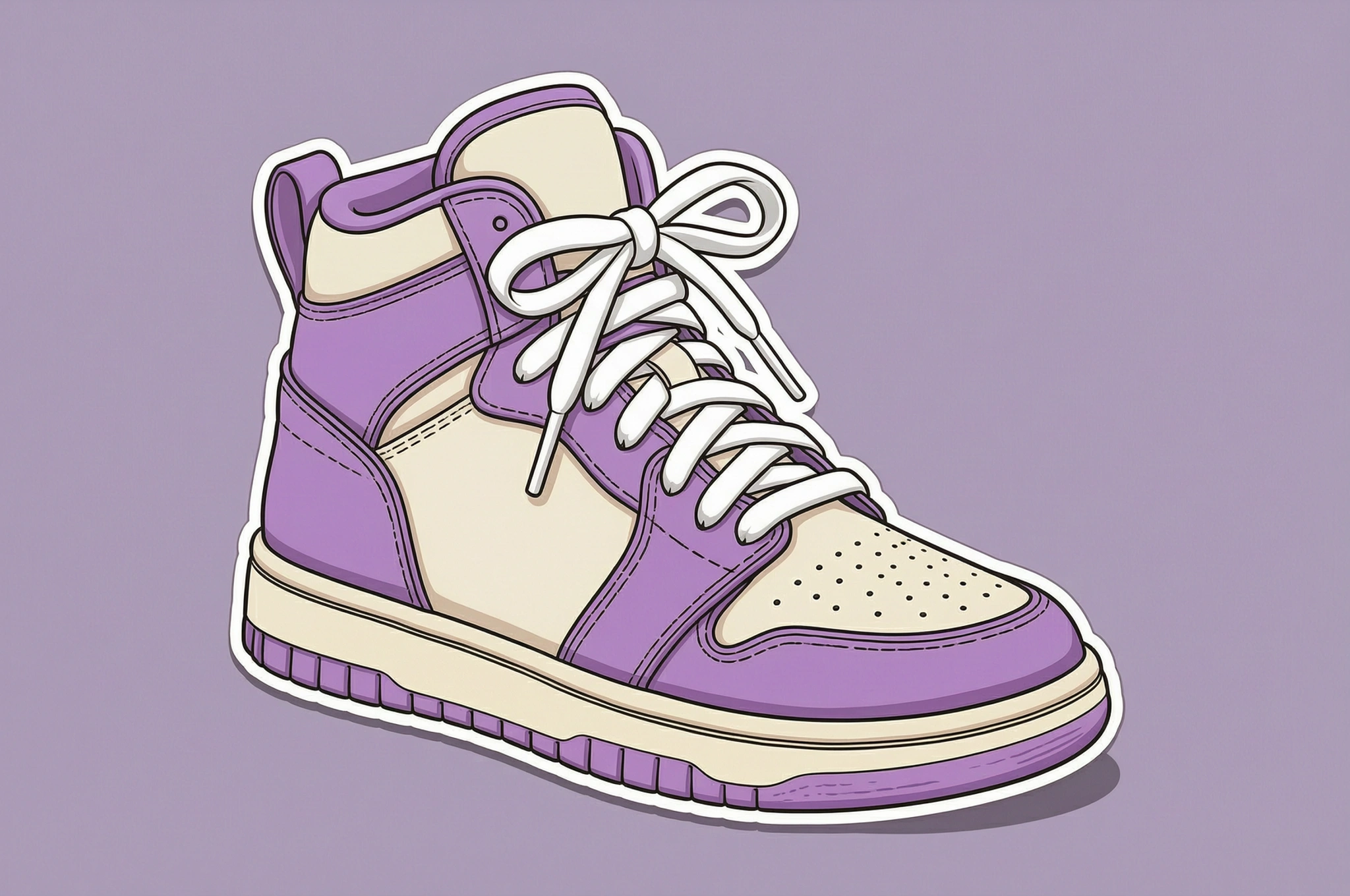
Give an everyday object a playful style
Cartoon reinterprets the shoe with expressive lines and a decorative white border. Review fine details such as laces and small graphics.
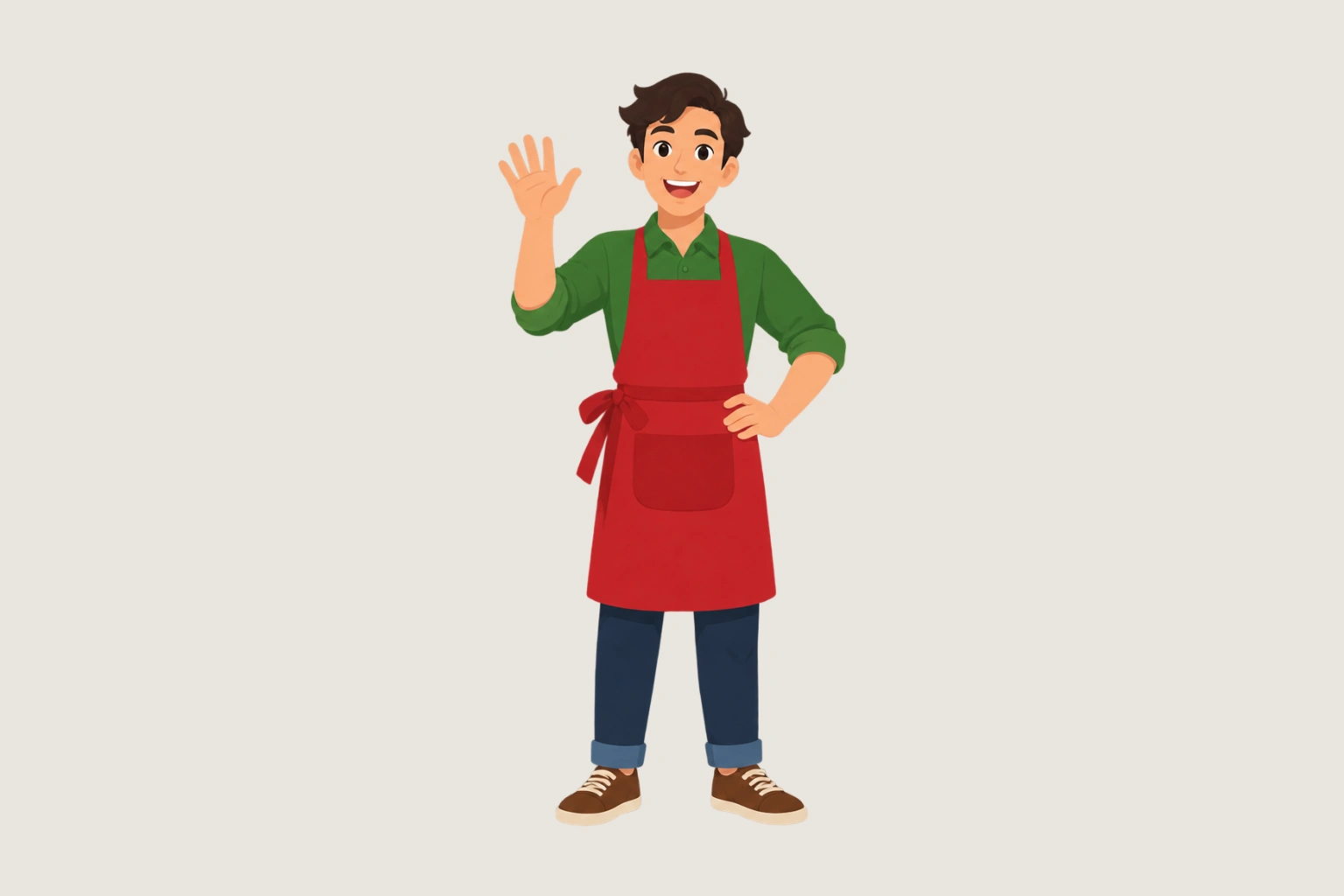
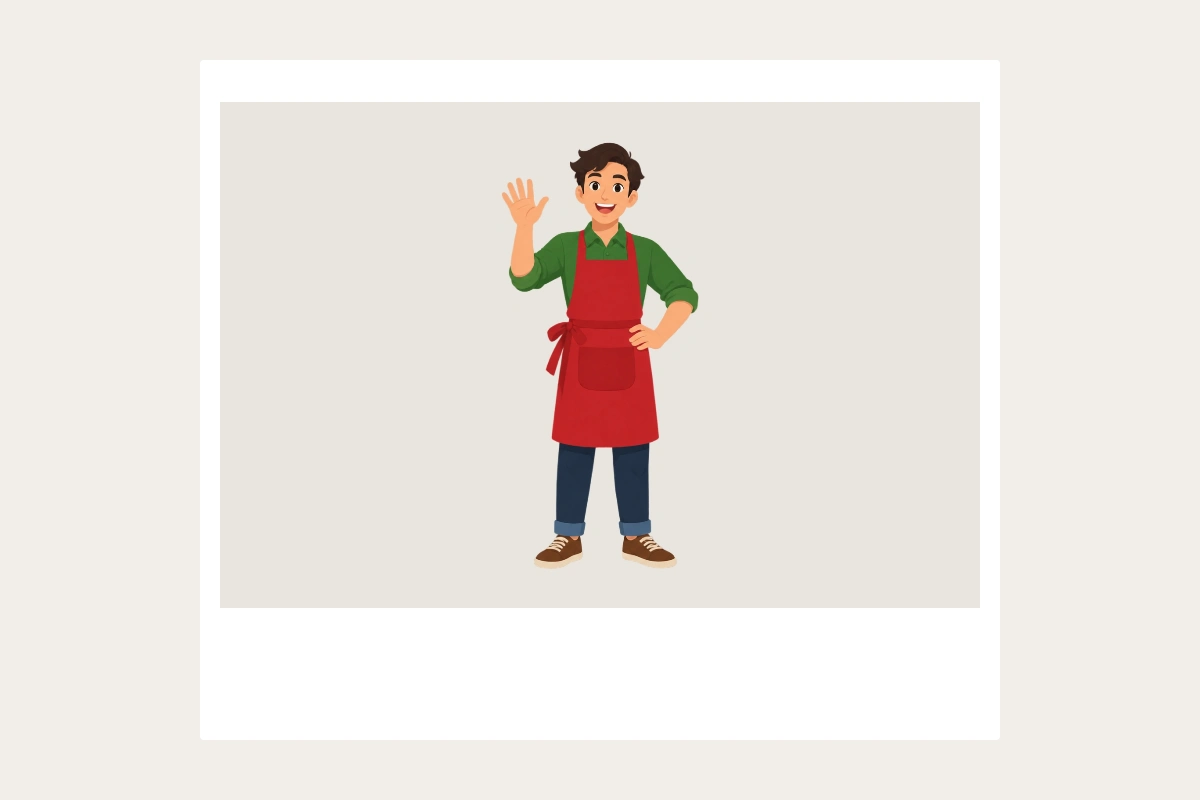
Photo sticker · Polaroid
Keep your picture in a Polaroid-style frame
Photo sticker keeps the source image and adds a frame locally. The wider lower border gives a familiar scrapbook look.
Make images ready for your next layout
Choose an illustrated style or frame your original photo, then save the complete composition.
Explore two illustrated styles
Cartoon adds expressive shapes and color. Hand-drawn uses organic lines and a textured illustration style. AI results can vary.
Frame your original photo
Choose a rounded, circular or Polaroid-style frame. The source photo is fitted inside the frame and retains its background. Rounded and circular frames can mask corners, so keep important content away from the edges.
Process a small collection
Upload up to four separate photos. Each file produces its own result; completed images can be downloaded individually or together.
Choose AI or local processing
Sign in to use any style. Cartoon and Hand-drawn use credits; Photo sticker frames run on your device without uploading or using credits.
Ready to try it?
Give your photo a playful new look.
Choose an illustrated style or a photo frame, review the composition and download your finished image.
AI Sticker Generator FAQ
Answers about source photos, supported edits, reviewing details and downloading your image.
Which files can I upload?
Use JPG, PNG or WebP, up to four files per batch, with a maximum of 10 MB and 32 megapixels per image.
What is the difference between the three styles?
Cartoon and Hand-drawn reinterpret your subject with AI. Photo sticker uses your original image in a rounded, circular or Polaroid-style frame locally. Rounded and circular frames can hide the corners.
What background is included in the download?
Cartoon and Hand-drawn request a white subject border on a lavender background. Border shape and illustrated details can vary. Photo sticker keeps your photo inside a frame on a warm background. Photo frames export at 1200 × 800. AI output dimensions are shown with each result. All PNG downloads include their backgrounds.
Where can I use these images?
Use them as decorations in social posts, digital scrapbooks, greeting cards and other layouts. Each file is a complete image with a background.
Which styles use credits?
Cartoon and Hand-drawn use an AI generation task for each image and require sign-in and credits. Photo sticker frames run locally without credits.
Can I compare and download only the successful results?
Yes. Compare the original image with the finished composition. Download successful PNGs individually or together as a ZIP; failed items can be retried separately.
Next up
Choose your next image step
Try a nearby image workflow, compare models, or turn your result into video.
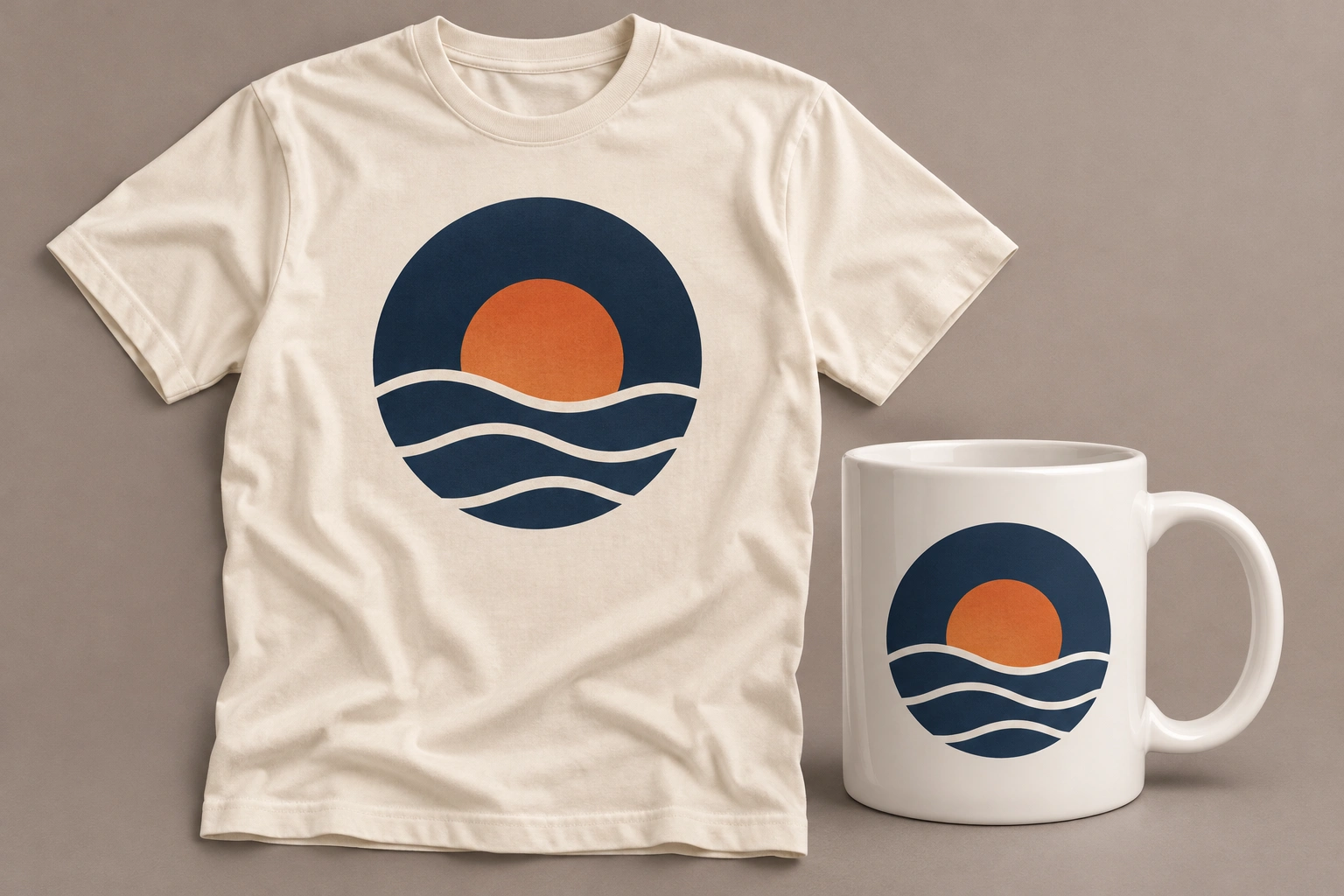
Product Mockup Generator
Another product-photo task
Place your design on a T-shirt, mug, phone case, tote bag or poster. Fixed templates keep your artwork in the printable area, with product light and shade.
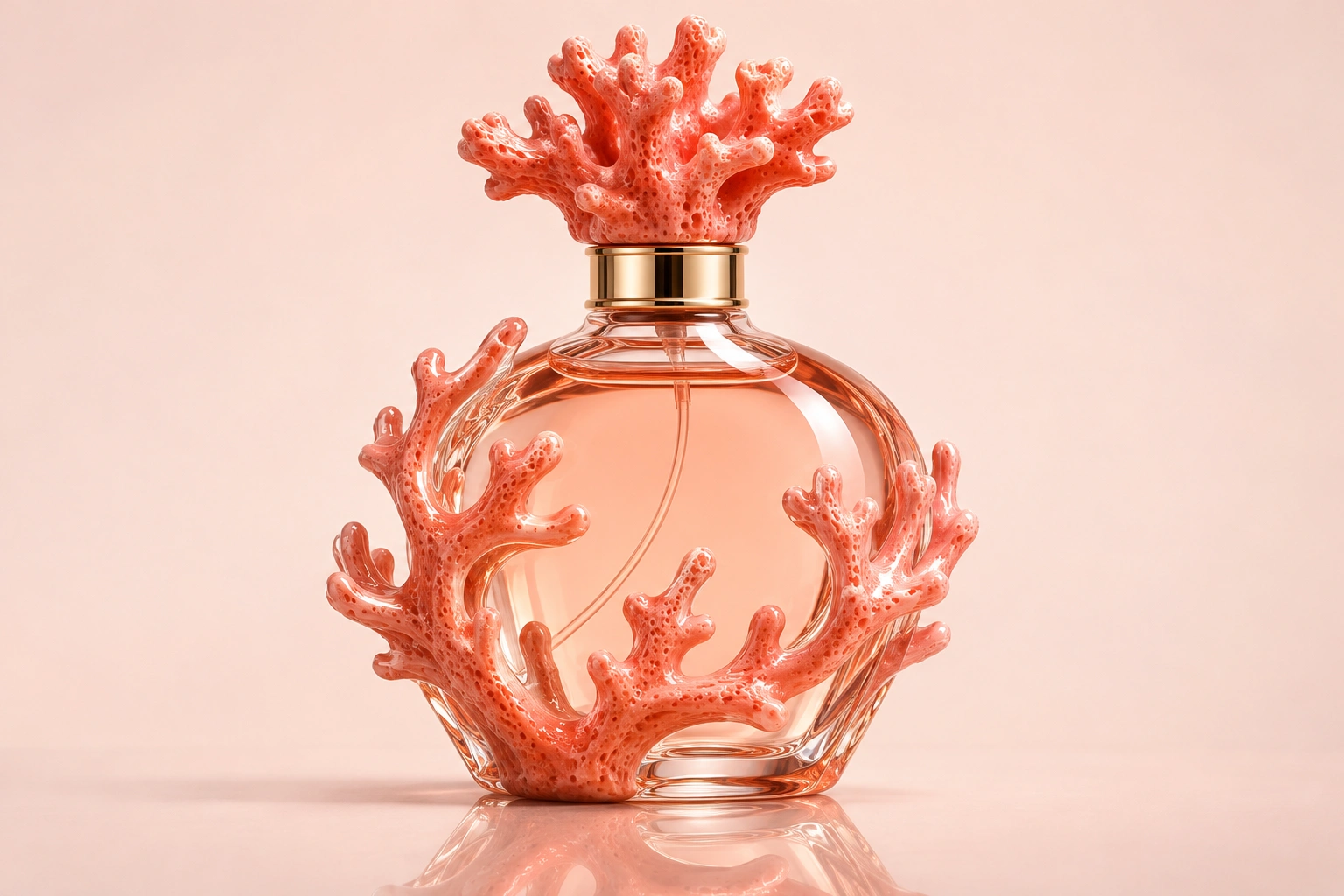
Product Shadow & Reflection Adder
Another product-photo task
Ground a transparent product cutout with a drop shadow, contact shadow or fading reflection. Adjust the strength and choose a background.
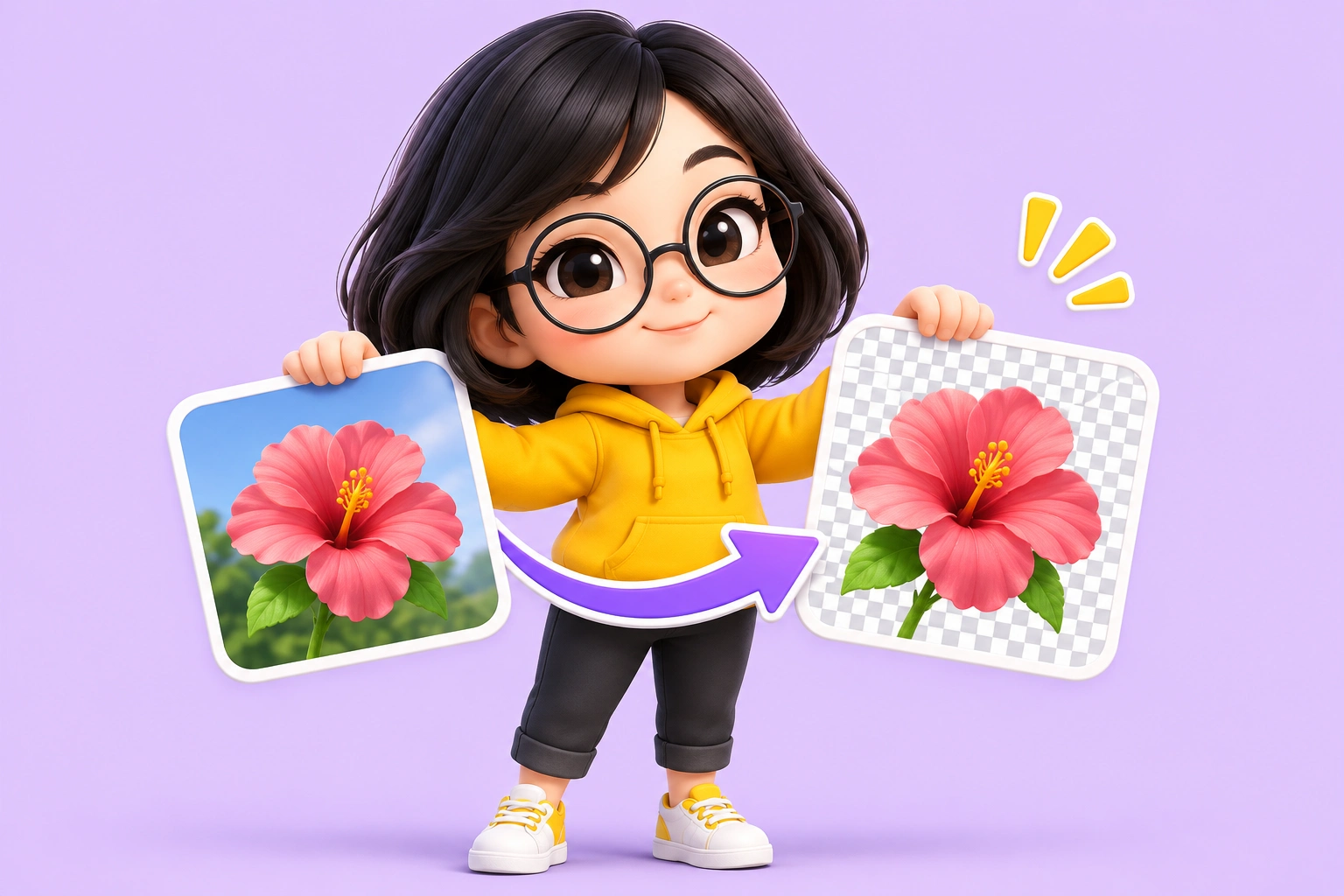
Big Head Effect
Another product-photo task
Turn a single-person photo into a big-head character. Choose Chibi, Cartoon or Hand-drawn and review the face, outfit and proportions.
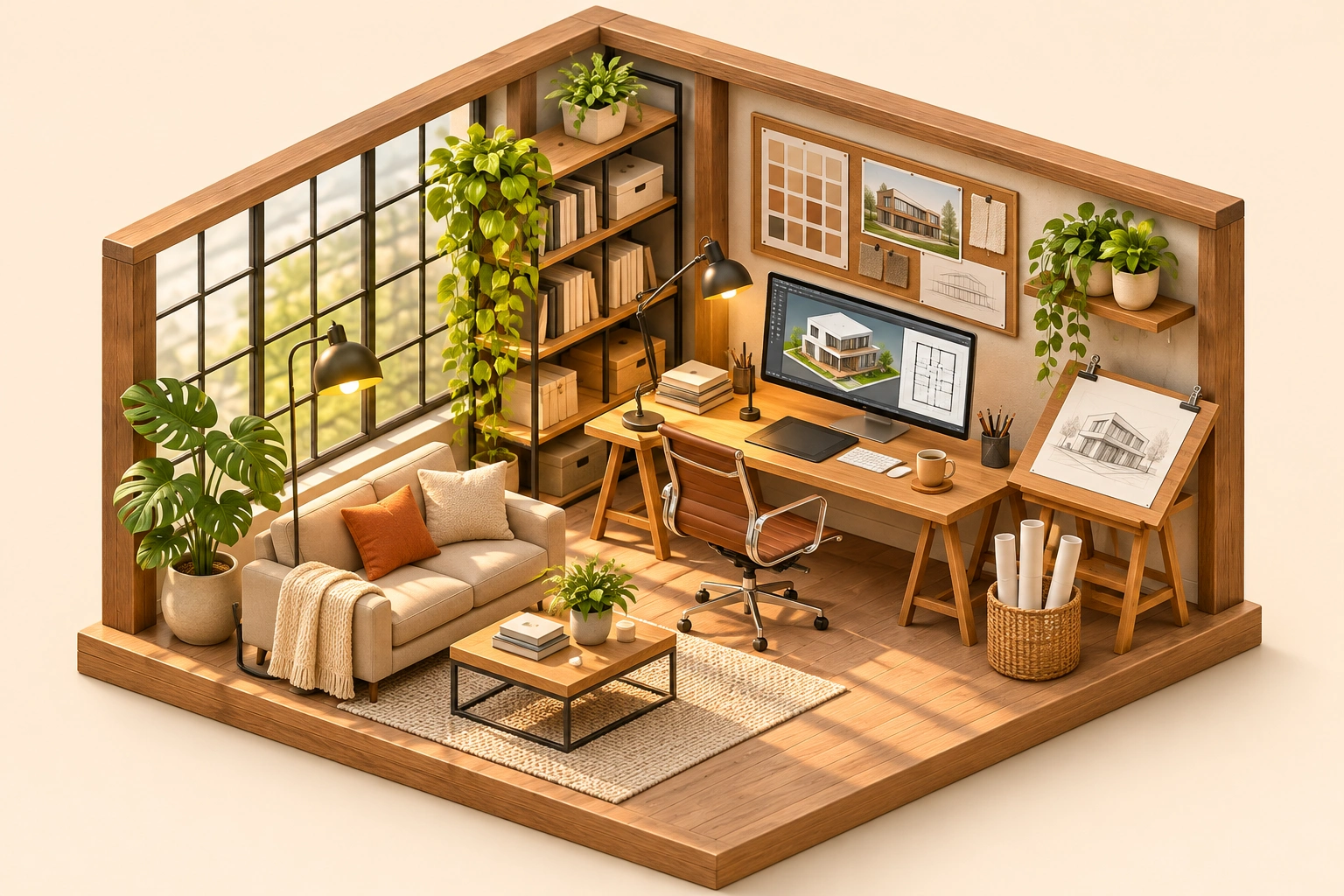
Isometric Miniature
Another product-photo task
Create a miniature look with local tilt-shift blur. For a new isometric interpretation, explicitly choose the separate AI redraw mode.
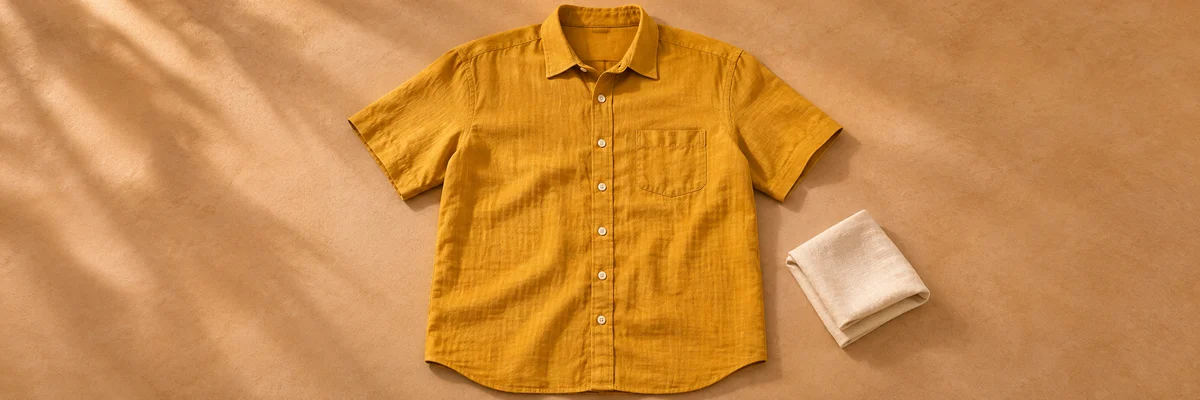
Clothing Flat Lay Generator
Another product-photo task
Turn a front-facing clothing photo into a clean top-down flat lay. Keep your garment in focus, from collar to cuffs.
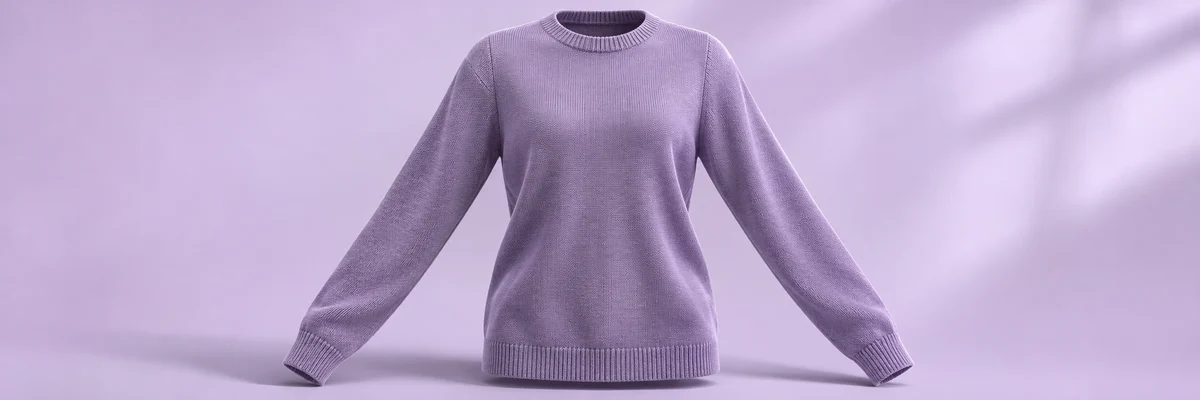
Ghost Mannequin
Another product-photo task
Remove the wearer or mannequin while keeping your garment’s three-dimensional shape and natural drape.
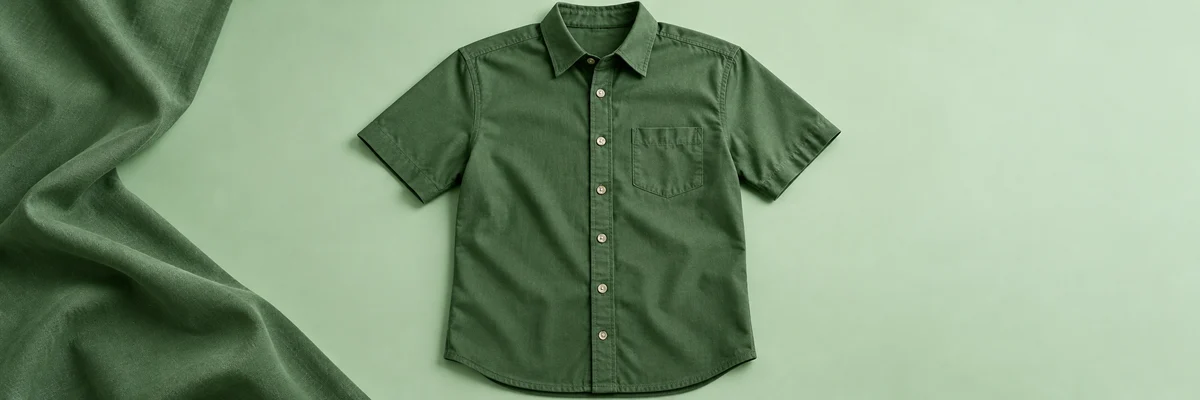
Clothes Wrinkle Remover
Another product-photo task
Reduce distracting creases in a clothing photo while keeping fabric texture, seams and natural shape.
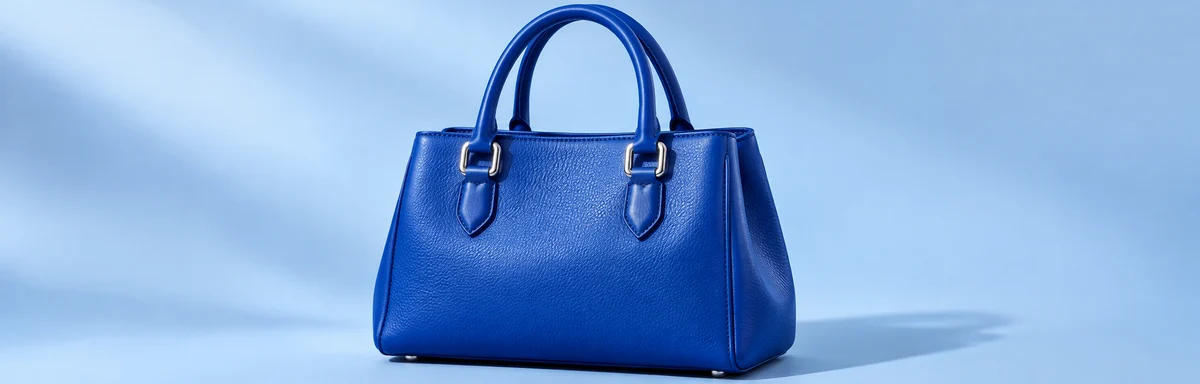
Product Recolor
Another product-photo task
Try a new color on one product while keeping its texture, shape, lighting and surroundings.
AI Image Editor
Describe a different edit
Use a written instruction when your photo needs another kind of change.