
Video Caption Generator
Turn spoken words into timed captions. Review every line, then export a video with your captions built in.
Credits are checked before each request.
Sign in to upload. Transcription and confirmed export are separate requests, with credits checked before each.
Sample videos
Original · no captionsCaptions added
Drag to compare the same speaking clip before and after captions are added. The original audio is retained, and the captions were exported with this tool.
How to use Video Caption Generator
- 01
Upload a spoken video
Choose one MP4, MOV or WebM with a clear speech track. Select the language actually spoken in the clip.
- 02
Read the timed transcript
Run transcription once. Each detected segment appears with its original start and end time. A segment can contain several sentences.
- 03
Correct and confirm
Check names, product terms and punctuation. Edit each line and choose a top or bottom position.
- 04
Export the captioned video
Confirm your reviewed captions, render the MP4 and play it back before downloading.
Practical ways to use Video Caption Generator
Drag each comparison to inspect the same frame before and after captions are added.


Keep hands-on lessons understandable
Viewers can follow a craft demonstration without missing a spoken instruction. Check that captions avoid the object being demonstrated.

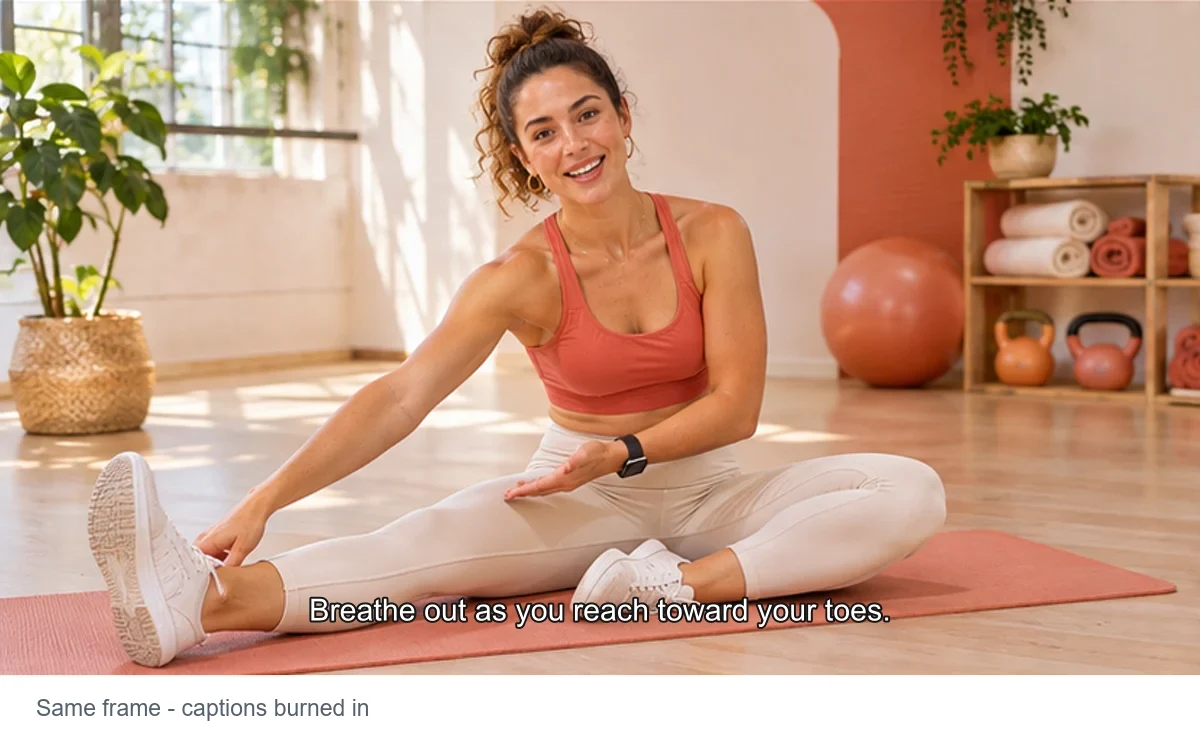
Help viewers follow coaching cues
For a spoken exercise lesson, short readable sentences make the next movement easier to follow. Review specialist terms and the complete playback.
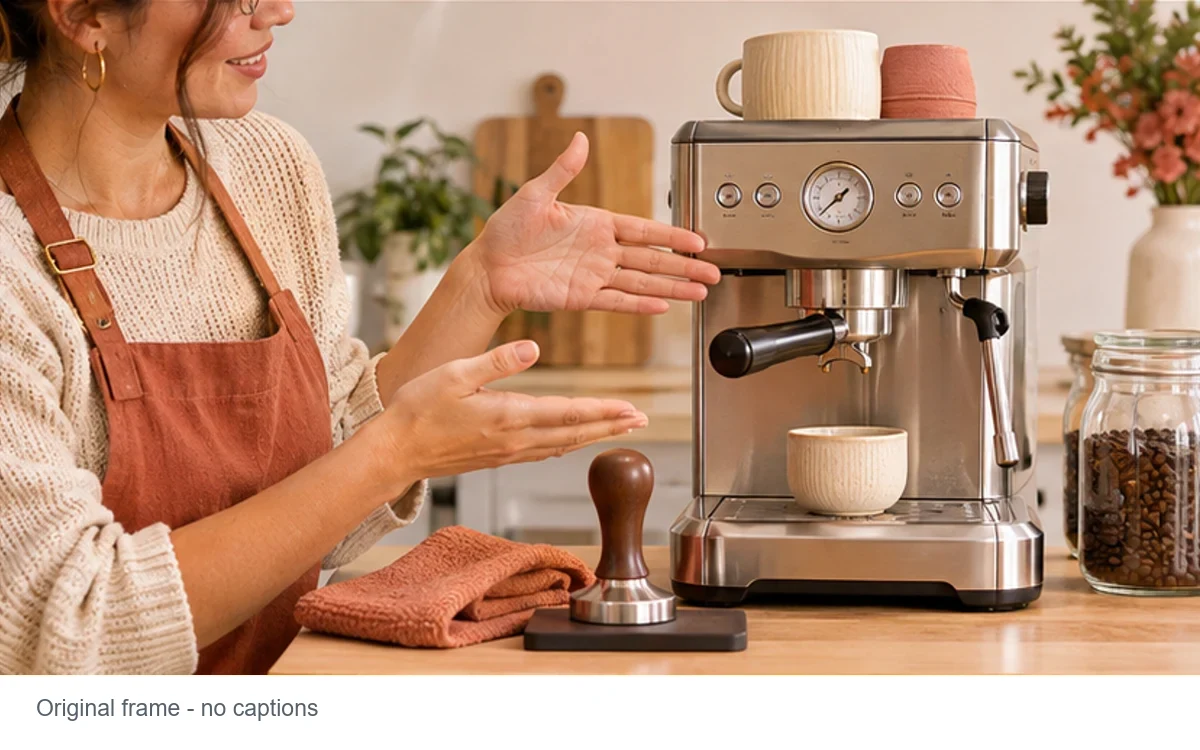
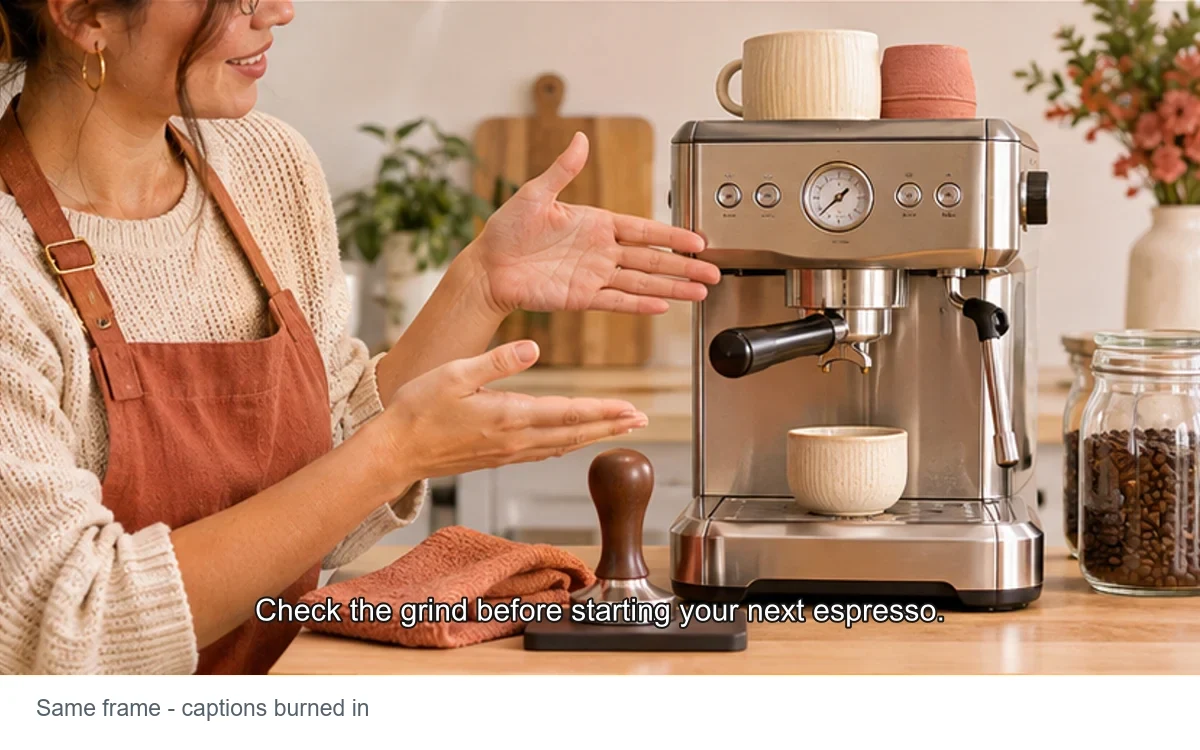
Explain product details clearly
Add readable explanations to a product walkthrough. Keep measurements and model names faithful to the speaker rather than rewriting the message.
A clearer workflow, with checks that matter
You approve the wording
Recognition is a starting point. Review each segment before it becomes part of the picture.
Timing comes from speech
Time ranges come from transcription and are retained during export. Segment length depends on the recording and recognition result.
A straightforward MP4 handoff
Captions are burned into the downloaded video. They stay visible in players without subtitle-track support.
A focused caption workflow
A consistent style and two positions keep the first edit simple. Translation and animated word highlighting are outside this tool.
Ready to try it?
Video Caption Generator, with you in control
Turn spoken words into timed captions. Review every line, then export a video with your captions built in.
Video Caption Generator FAQ
Which video files can I upload?
Upload one MP4, MOV or WebM up to 50 MB, 30 minutes and 3840 × 2160 pixels. A decodable audio track with speech is required.
Which speech languages can I select?
English, Chinese, Japanese, Korean, German, French and Russian are offered. Select the spoken language; captions are not translated.
Can I correct the generated captions?
Yes. Edit each segment before confirming export. The original detected time ranges are retained; automatic sentence splitting and timing edits are not included.
Can I choose the caption style?
This version uses one readable white-text style with a dark outline. Choose top or bottom placement.
Do I get SRT or VTT files?
This tool exports an MP4 with captions burned in, up to 50 MB. Separate subtitle files, translation and word-by-word animation are not included. If the export is too large, use a shorter or lower-resolution source.
What should I check before downloading?
Play the rendered video and check names, numbers, caption placement and synchronization. Overlapping speech, music and poor recordings can reduce recognition accuracy.
More to try
Find the right next tool
Find the next tool for generation, restyling, cleanup, extension, or model comparison.
AI video tools
More video tools
Generate, edit, clean up, or improve clips.

AI models
Compare video models
Pick a better model before rendering again.

AI image tools
Prepare source images
Create a stronger still for the next video run.
AI Video Generator
Start a video
Create a clip from a prompt or image.

Text to Video
Prompt-first video
Turn a written scene into motion.

Image to Video
Animate a still
Turn an image into a short clip.
Video to Video
Restyle footage
Change the look of an existing clip.
AI Video Extender
Extend a clip
Continue a short video into a longer scene.
AI Video Editor
Edit with prompts
Revise a clip without a timeline.