
Promo Text Poster
Build a text-led campaign poster with an eyebrow, headline and supporting text over AI artwork.
AI generation requires sign-in and credits. Text and layout edits do not create a new AI request.
Illustrative examples
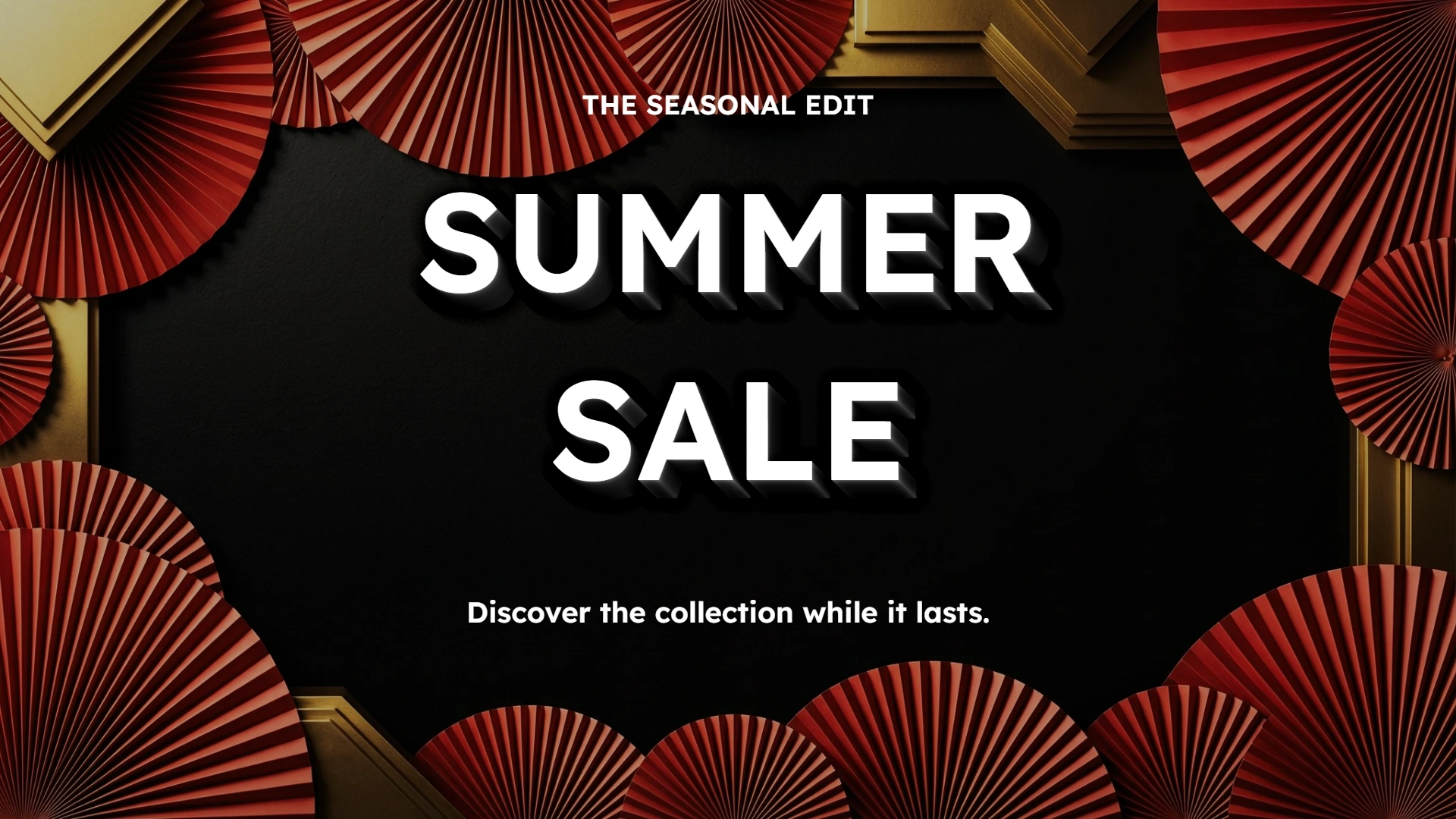
A bold headline arranged over AI campaign artwork. Bold launch · Landscape 16:9
How to use Promo Text Poster
Build a text-led campaign poster with an eyebrow, headline and supporting text over AI artwork. Choose the campaign style, generate your visual, then fine-tune the text and layout.
- 01
Enter your headline
Enter your promotion headline, with up to 30 visible characters and three lines.
- 02
Set up your layout
Choose a centered or left-aligned headline. Add an eyebrow and supporting text to create a clear reading order.
- 03
Generate and review
Sign in and generate an AI visual. Review the artwork, then adjust your text without another AI request.
- 04
Download your design
Save the completed preview as a PNG. Create another visual when you want a different scene.
Explore what you can make with Promo Text Poster
Choose your own text to make your next version.
AI visuals combined with your wording. Review spelling and text layout before use.
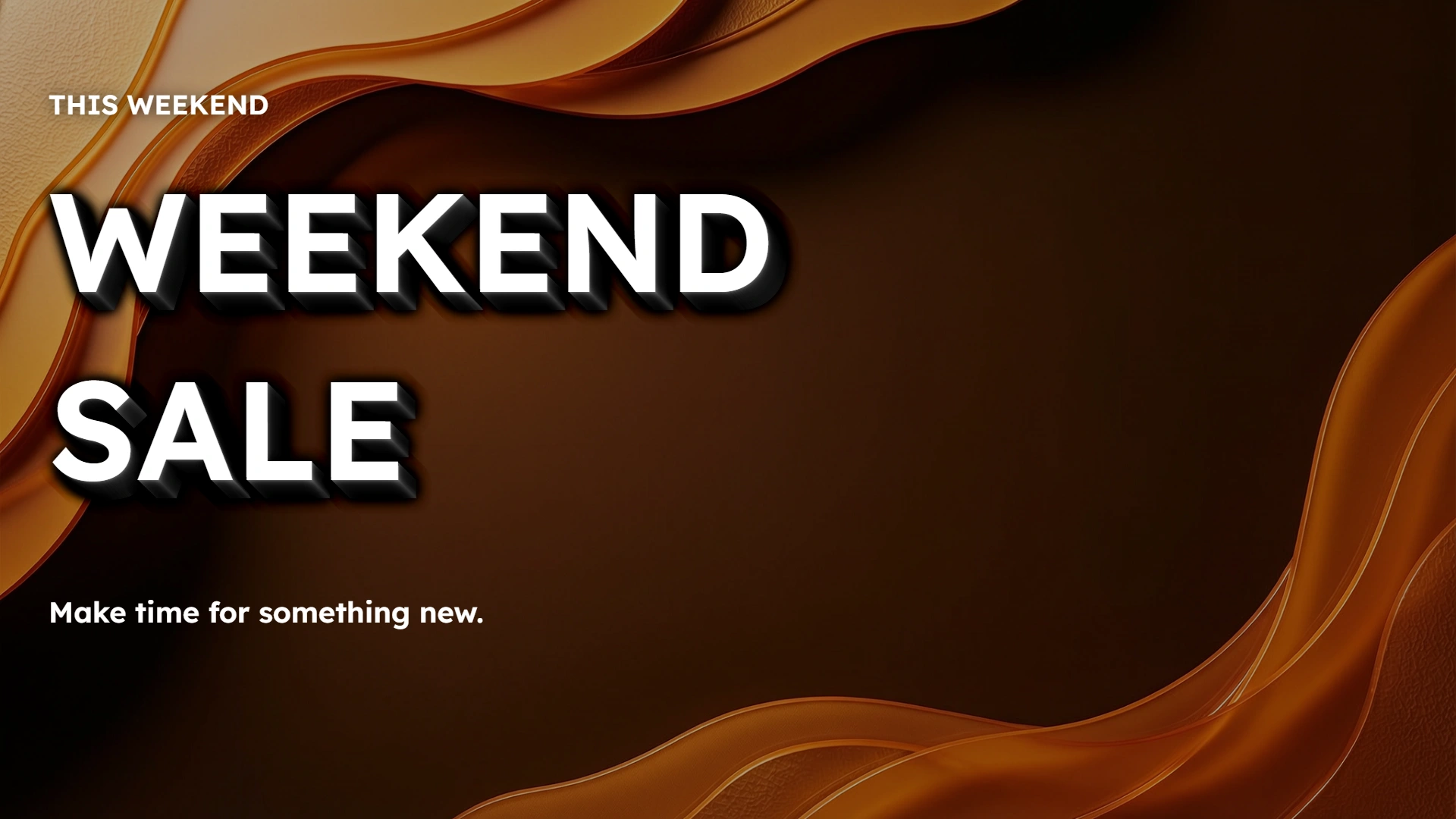
Make a short promotion stand out
Enter your offer and use line breaks to arrange the headline. The headline is arranged over AI-generated campaign artwork.
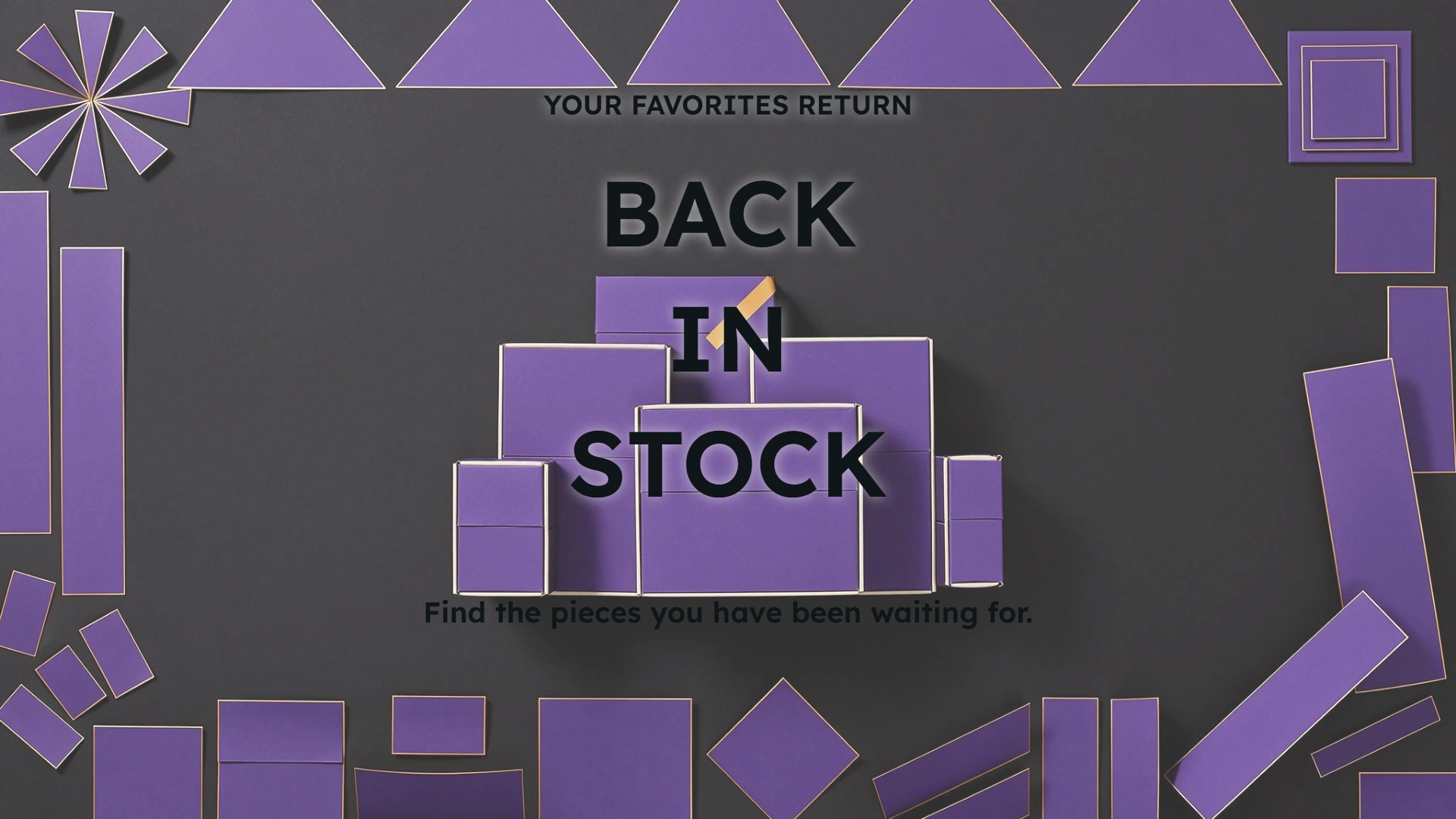
Arrange up to three lines
Generate your artwork, then refine a three-line restock headline in the complete poster preview.
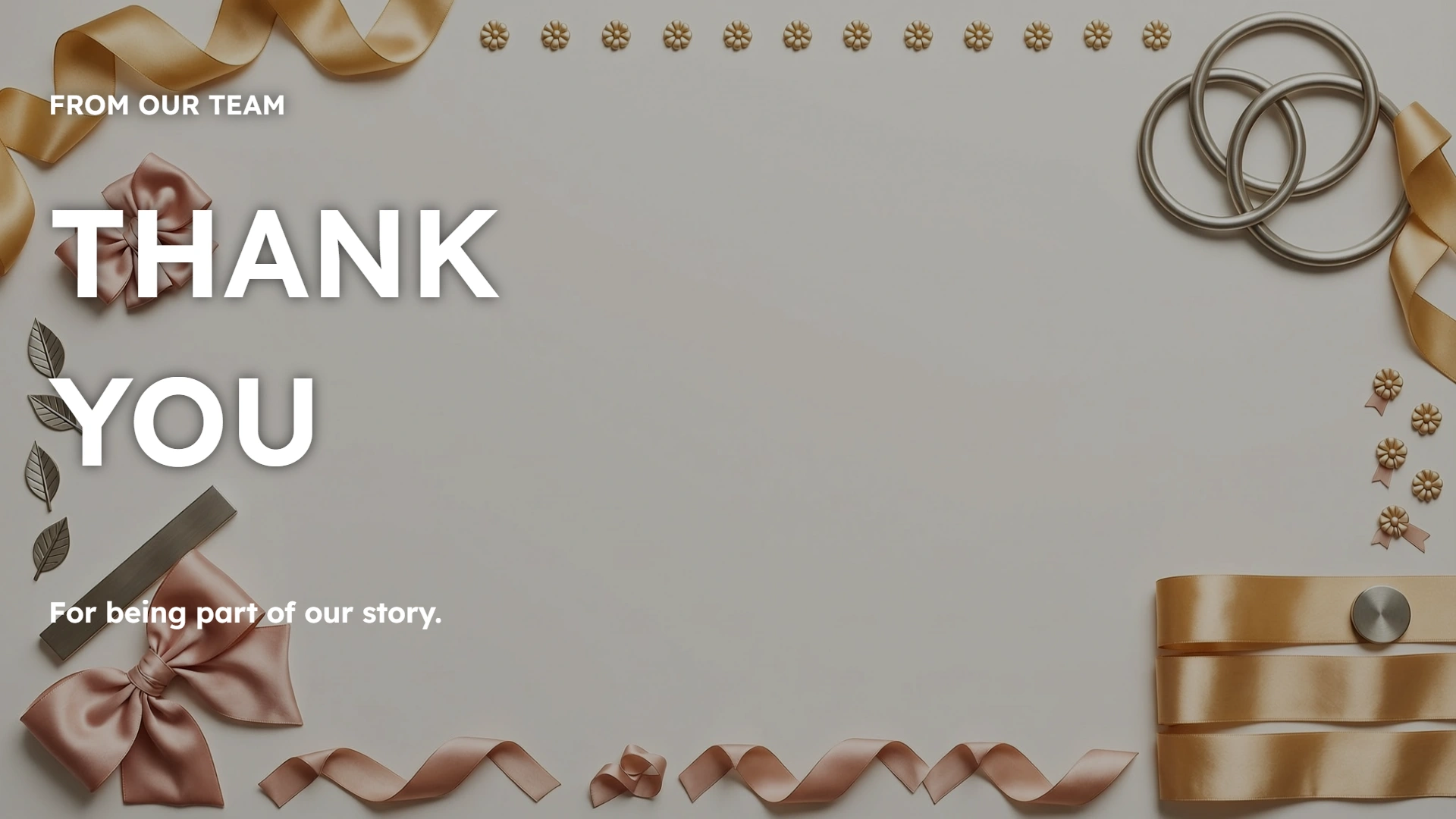
Create more than sale announcements
Use the same layout for a thank-you message or a short update. Download a complete PNG with the campaign artwork included.
A simple way to prepare your next layout
Preview your content, review the details and save a complete image.
Build a text hierarchy
Give the main message the largest type, with an eyebrow above and supporting text below. Choose a centered statement or editorial alignment.
Keep your wording
Your headline and optional details appear as entered. Review line breaks and spelling before downloading.
Ready to share
Save a complete PNG with the background included, ready for your next announcement or creative review.
Refine without regenerating
Edit promotion text or the call to action using the completed visual. Format changes reuse and may crop that visual. These edits do not create another AI request.
Ready to try it?
Create your next promo text poster
Build a text-led campaign poster with an eyebrow, headline and supporting text over AI artwork. Edit the preview and download your PNG when it is ready.
Promo Text Poster FAQ
Answers about AI visuals, text editing, supported formats, credits and downloading your design.
How can I arrange the poster text?
Choose a centered statement or left-aligned editorial layout. Add an optional eyebrow above the headline and supporting text below. Bold launch uses a raised headline treatment. Text is arranged locally over AI artwork; the export is a flattened PNG, not an editable 3D file.
Does AI generate the headline?
AI generates the background artwork. Your eyebrow, headline, supporting text and optional call to action are added separately using your wording. Review the text layout before downloading.
Do text changes generate another AI image?
No. Eyebrow, headline, supporting text and headline layout edits reuse the completed visual, as do call-to-action and format edits. Changing the visual style, brand color or scene direction requires a new visual. A different format may crop the existing visual.
What can I enter?
Enter Chinese or English text, up to 30 visible characters and three lines. Choose a visual style and optionally describe the campaign setting. Text that cannot fit is reported rather than cut off.
What file do I download?
Download one PNG with its background included: landscape 1920 × 1080, square 1080 × 1080 or portrait 1080 × 1920. The download matches the latest completed preview. It is a flattened image, without editable text layers.
Are my images uploaded or credits used?
This tool generates artwork from your scene direction; no image upload is required. AI generation requires sign-in and credits. Editing text, the call to action or the output format updates the completed visual locally without another AI request. Generate a new visual only when you want a different scene. Format changes can crop the existing visual.
More to try
Explore your next creative step
Try another image tool, compare image models, or animate an image concept.

Live Sale Cover
Another layout to try
Design a live event cover with your host, event time and a choice of cover or inset stream layout.

Product Promo Card
Another layout to try
Create a product offer card with its name, price and optional original price with an automatically calculated saving.

Social Ad Preview
Another layout to try
Review a product ad in a feed or story-style layout with account name, caption, headline and action button.

Product Picture Generator
Create a product scene
Create studio or lifestyle product photographs from a reference image.