
Product Mockup Generator
Place your design on a T-shirt, mug, phone case, tote bag or poster. Fixed templates keep your artwork in the printable area, with product light and shade.
Sign in to use this tool. Processing runs on your device without server uploads or credits.
Example
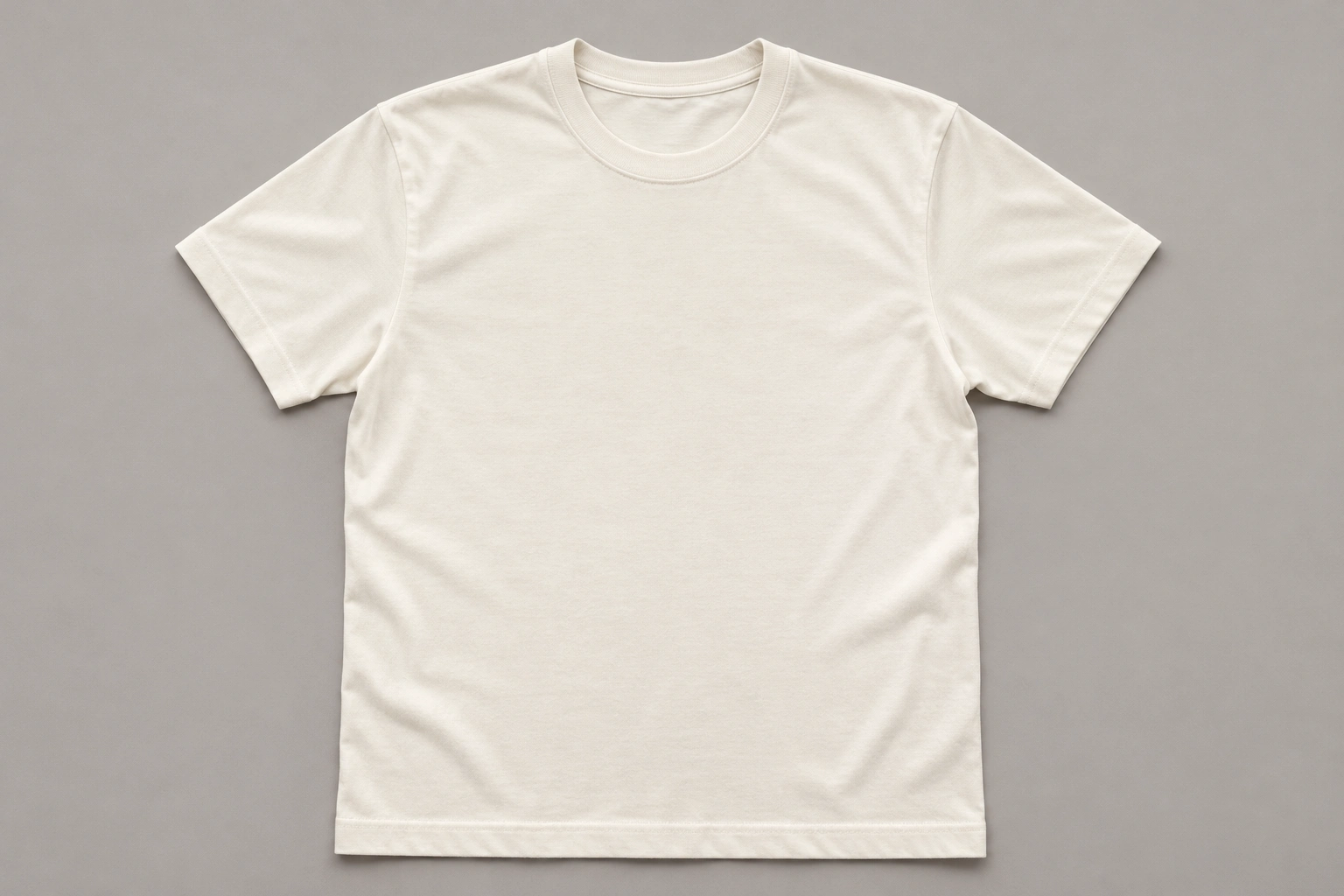
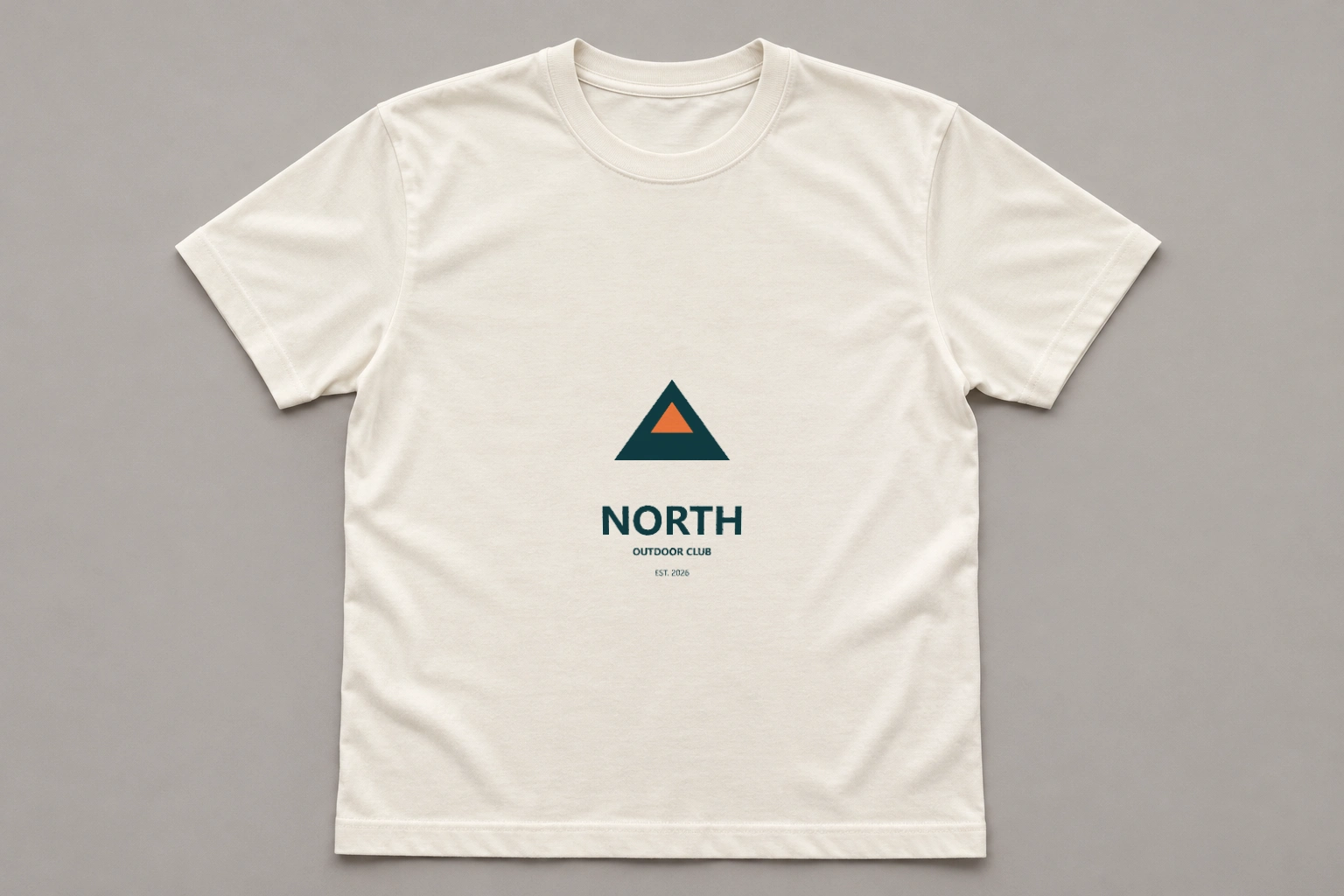
Blank productDesign applied
Local processing example
A wordmark on a T-shirt
How to use Product Mockup Generator
Preview an existing design on one of five product templates. Your artwork is placed onto a fixed product view rather than rewritten as a new AI image.
- 01
Upload your artwork
Choose one JPG, PNG or WebP design. A transparent PNG is useful for a logo or motif that should sit directly on the product surface.
- 02
Pick a product template
Select T-shirt, Mug, Phone case, Tote bag or Poster. Each option uses one fixed scene and printable area.
- 03
Inspect the placement
Drag the example comparison handle between the blank product and applied design. In your result, check text, proportions, edges and the print area; confirm that nothing essential is clipped.
- 04
Download the preview
Save the composed PNG for a concept presentation or design review. Sign in to compose your mockup locally without credits.
See the same artwork on a product surface
Choose the template that matches the product you want to preview. Transparent PNG artwork blends naturally with the surface; an opaque design keeps its own background color.
Each example names the processing used. Review the result before using it in your project.
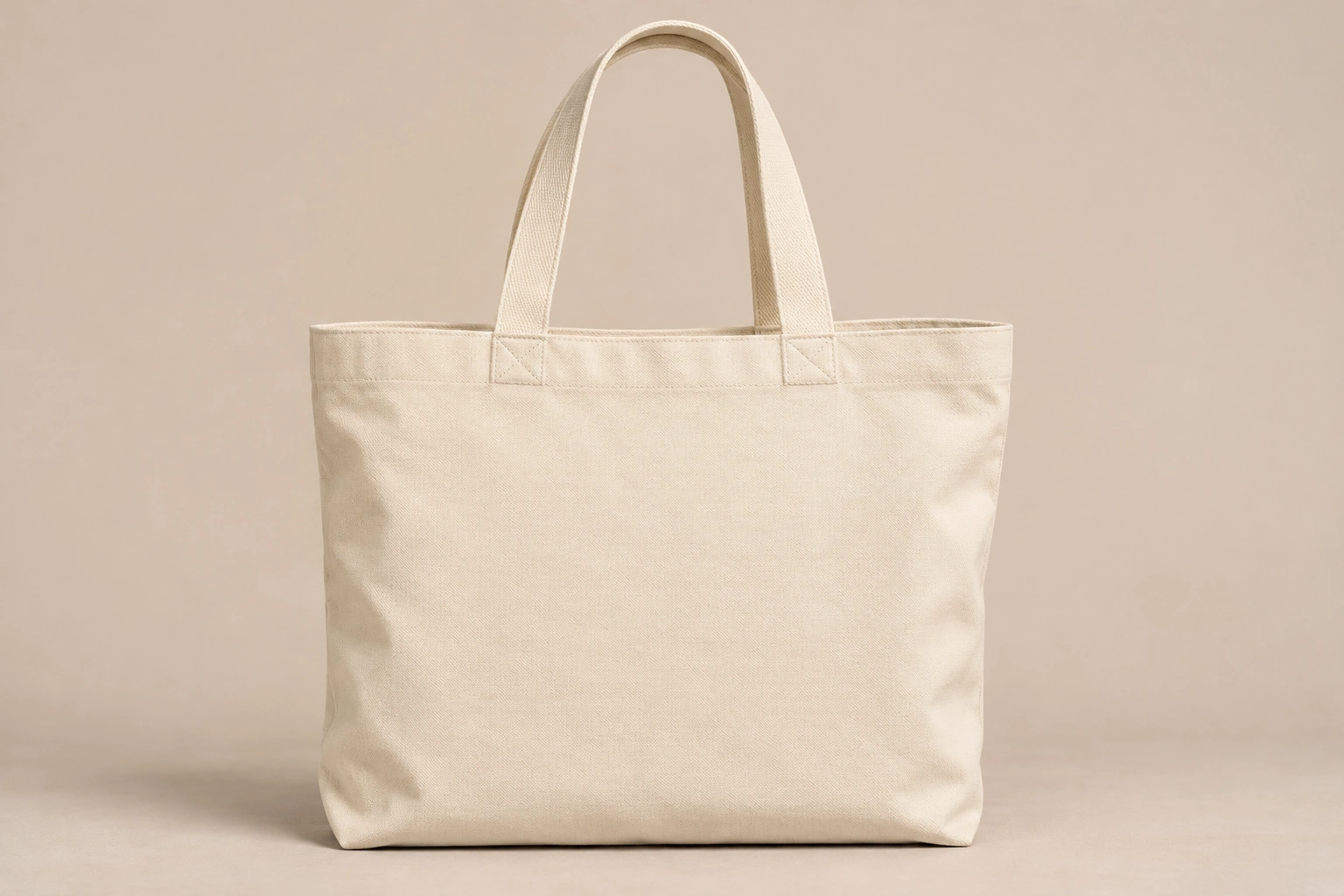
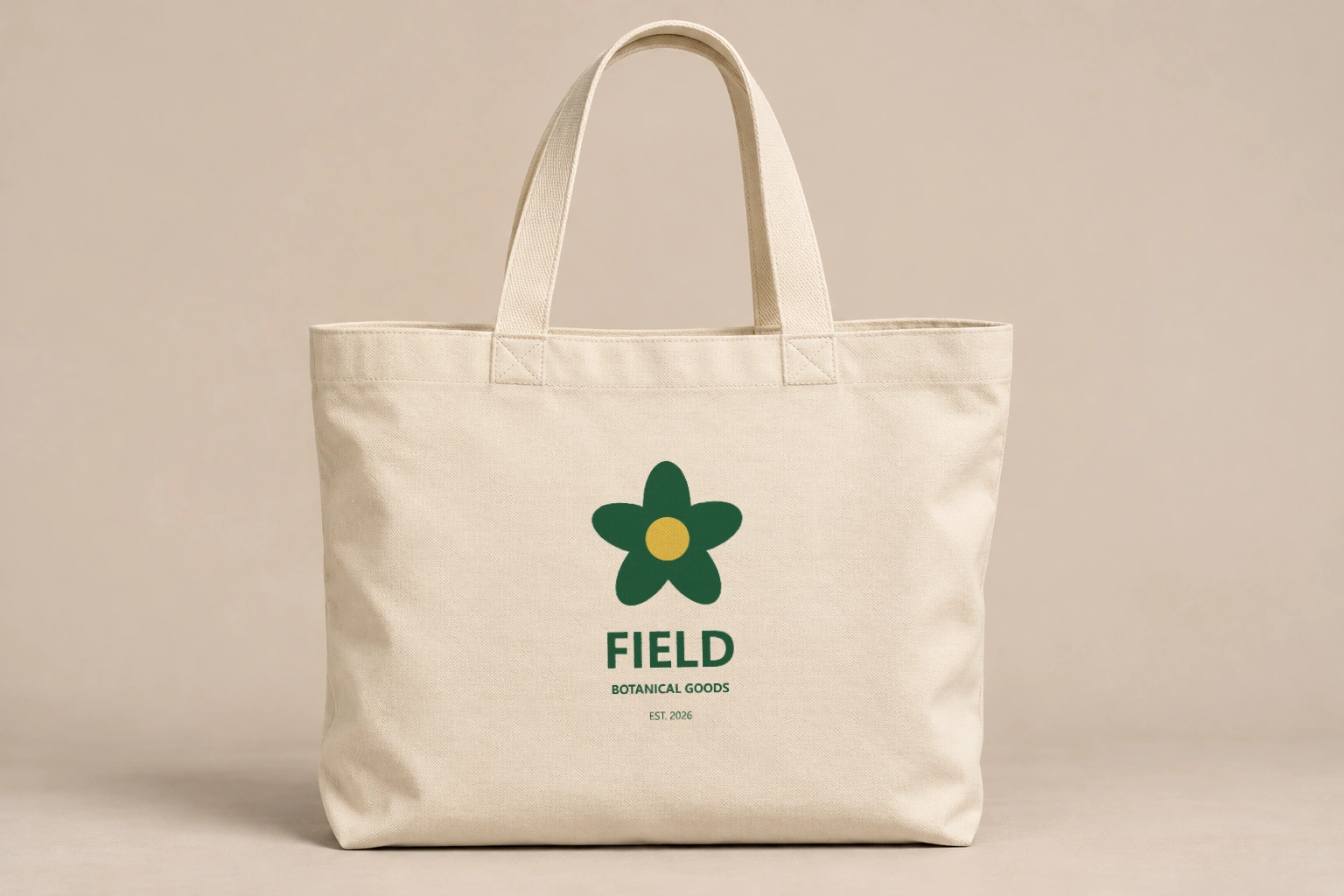
Local processing example
Preview a tote bag graphic
A tote template helps judge the scale of a central motif against the bag. Surface shading sits over the design, while the printable area keeps artwork away from handles and edges.
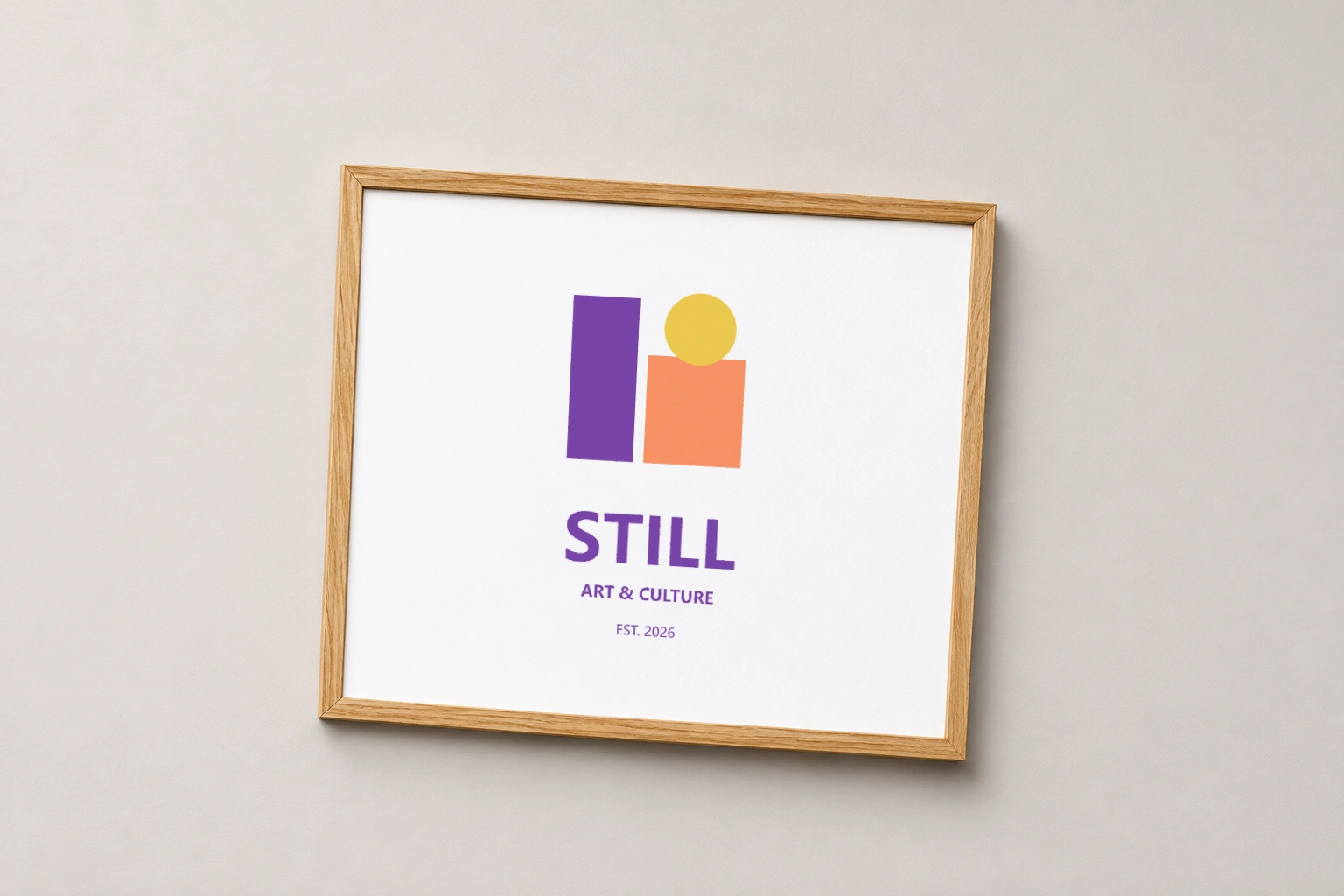
Local processing example
Give a poster a room context
Review the complete composition in the template rather than asking AI to recreate your typography. Check the artwork aspect ratio and any clipping before using the image in a presentation.
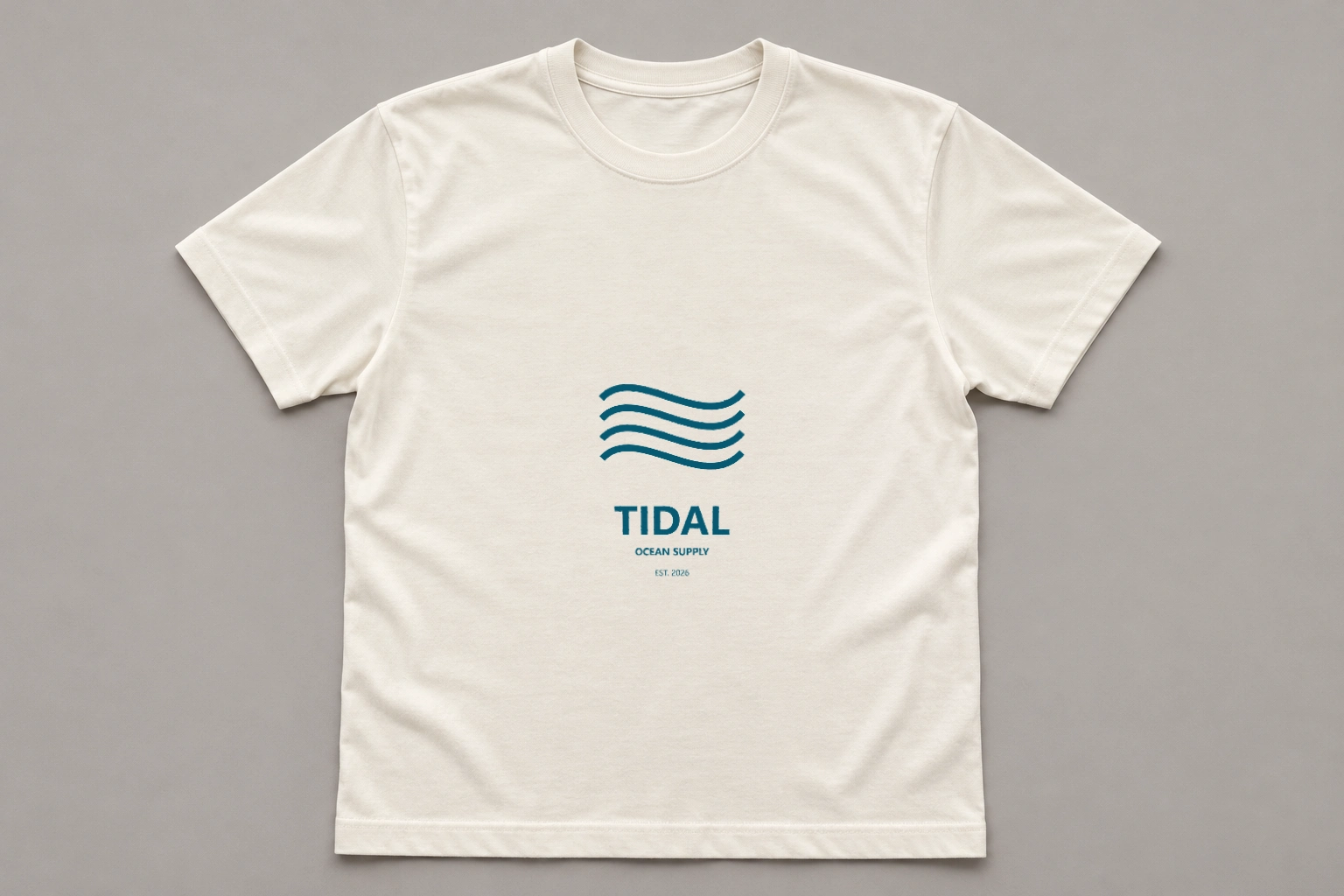
Local processing example
Inspect a second T-shirt design
Use a different artwork to compare how fine lines and solid areas sit on fabric. The mockup provides a visual preview; it does not predict ink absorption, production color or print durability.
Review a design before production
Use a fixed product view to compare artwork placement while keeping the original design as the source.
Keep your design recognizable
The artwork is mapped onto the product instead of regenerated. Normal image resampling can soften small text, so inspect the export at full size.
Choose from five product types
T-shirt, mug, phone case, tote bag and poster each have a prepared view. Arbitrary angles and custom product photos are outside this version.
Work locally without credits
Template composition runs in your browser. Sign in to prepare your mockup; local composition does not start a paid image task.
Separate preview from print proof
Light, material and screen color affect appearance. Use a physical proof for decisions about production color, finish and print quality.
Ready to try it?
Put your next design into a product preview.
Upload your artwork, choose one fixed template, and inspect its placement before saving the mockup.
Product Mockup Generator FAQ
Answers about source photos, supported edits, reviewing details and downloading your image.
Which templates are available?
Choose T-shirt, Mug, Phone case, Tote bag or Poster. Each has one fixed product view; this version does not generate arbitrary scenes or camera angles.
Will AI change my logo or text?
This mode uses local image composition rather than generative rewriting. Perspective and curved-surface mapping resample the artwork, so very fine text can still lose sharpness.
Should I upload a transparent PNG?
A transparent PNG or WebP works well for a logo or isolated graphic. JPG and opaque artwork keep their existing background.
Can I upload a custom product photo?
The upload is for your design. Placement on arbitrary product photos, custom three-dimensional models and automatic multi-angle output are outside the supported scope.
What file limits and export format apply?
Use one JPG, PNG or WebP, up to 10 MB and 32 megapixels. Download a PNG at the template output size shown by the tool; this is a visual mockup rather than a production print file.
Can I compare a mockup without an account or credits?
Yes. Drag the example comparison handle to reveal the blank product and applied design. Sign in to upload your design and compose a fixed-template mockup locally, without a paid generation task.
More to try
Explore your next creative step
Try another image tool, compare image models, or animate an image concept.
AI Sticker Generator
Another product-photo task
Create cartoon, hand-drawn or framed photo stickers for social posts and scrapbooks.
Product Shadow & Reflection Adder
Another product-photo task
Ground a transparent product cutout with a drop shadow, contact shadow or fading reflection. Adjust the strength and choose a background.
Big Head Effect
Another product-photo task
Turn a single-person photo into a big-head character. Choose Chibi, Cartoon or Hand-drawn and review the face, outfit and proportions.
Isometric Miniature
Another product-photo task
Create a miniature look with local tilt-shift blur. For a new isometric interpretation, explicitly choose the separate AI redraw mode.
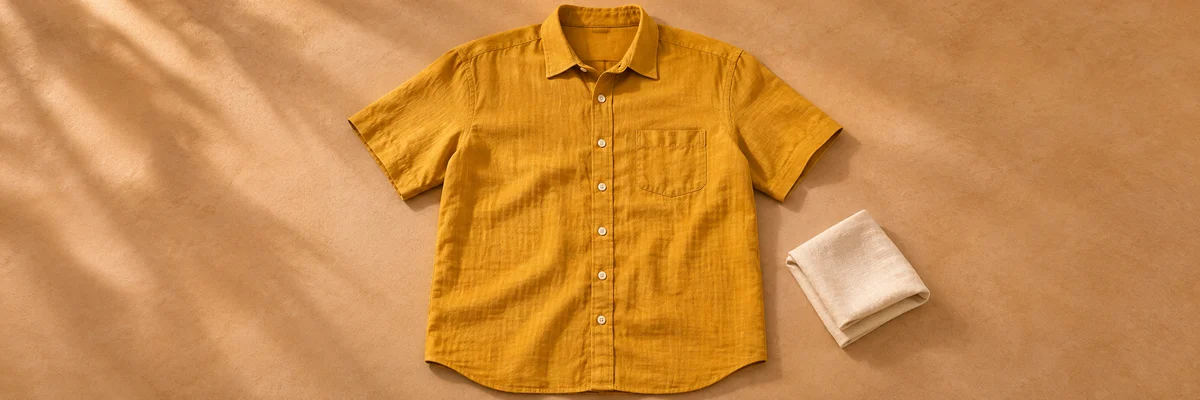
Clothing Flat Lay Generator
Another product-photo task
Turn a front-facing clothing photo into a clean top-down flat lay. Keep your garment in focus, from collar to cuffs.

Ghost Mannequin
Another product-photo task
Remove the wearer or mannequin while keeping your garment’s three-dimensional shape and natural drape.
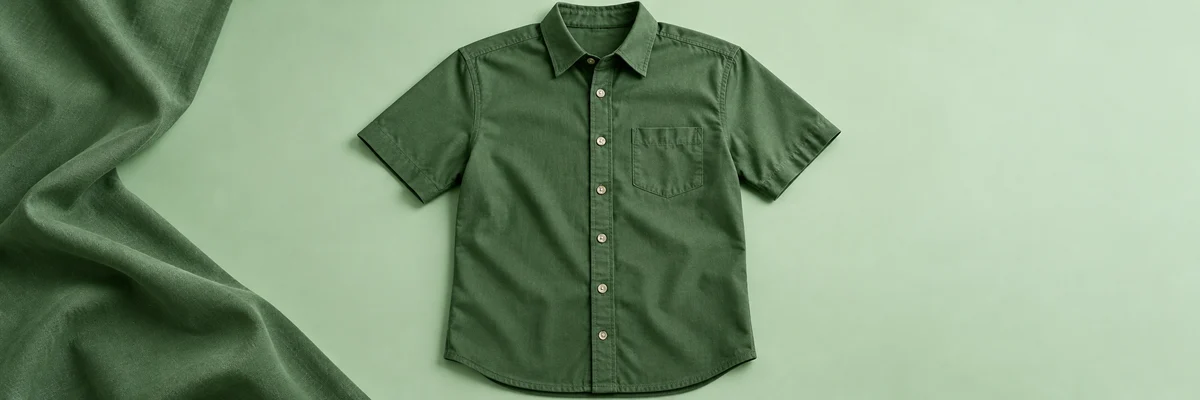
Clothes Wrinkle Remover
Another product-photo task
Reduce distracting creases in a clothing photo while keeping fabric texture, seams and natural shape.

Product Recolor
Another product-photo task
Try a new color on one product while keeping its texture, shape, lighting and surroundings.
AI Image Editor
Describe a different edit
Use a written instruction when your photo needs another kind of change.