
Big Head Effect
Turn a single-person photo into a big-head character. Choose Chibi, Cartoon or Hand-drawn and review the face, outfit and proportions.
Uploads and model processing require sign-in. Credits are checked before each paid step.
Example
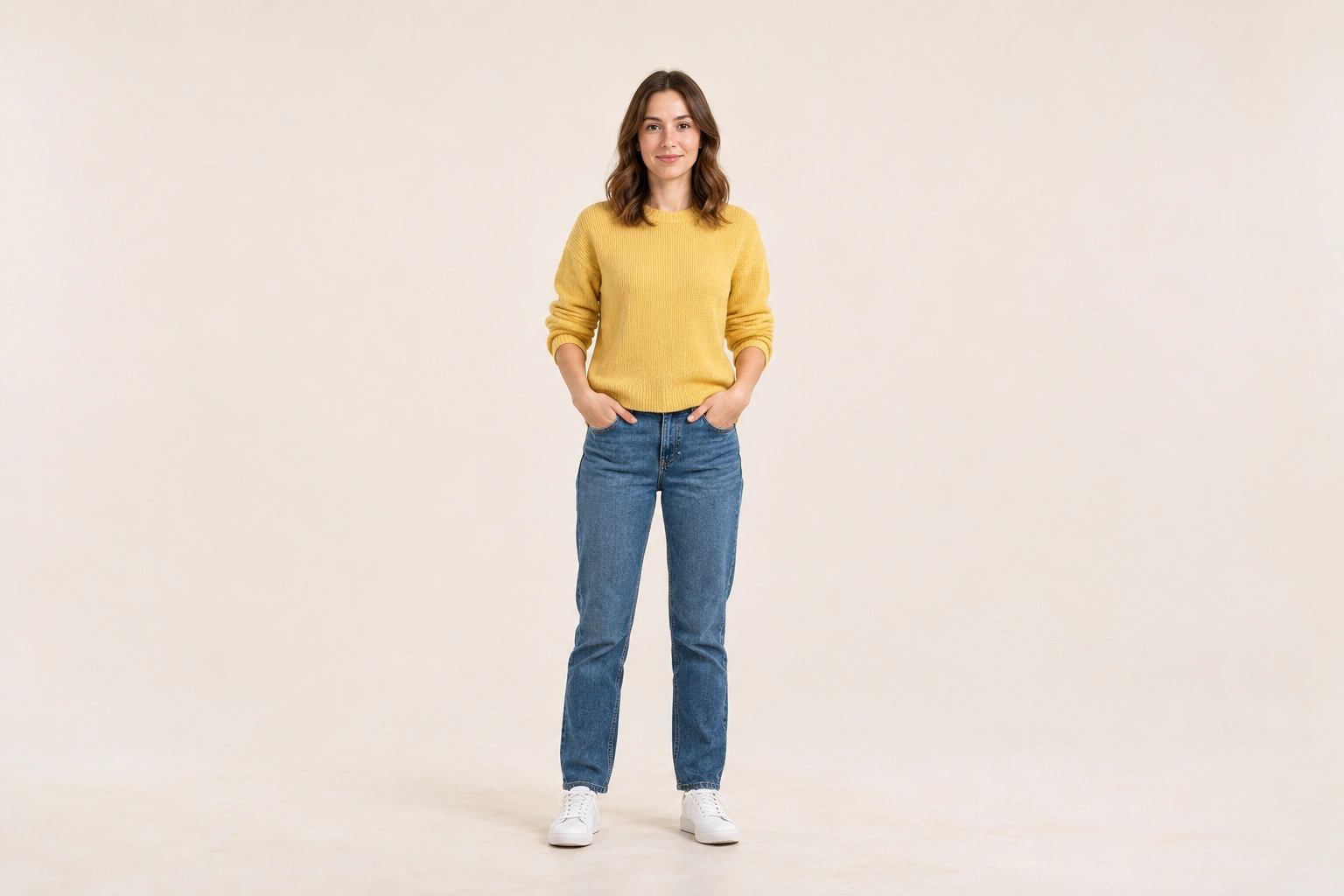
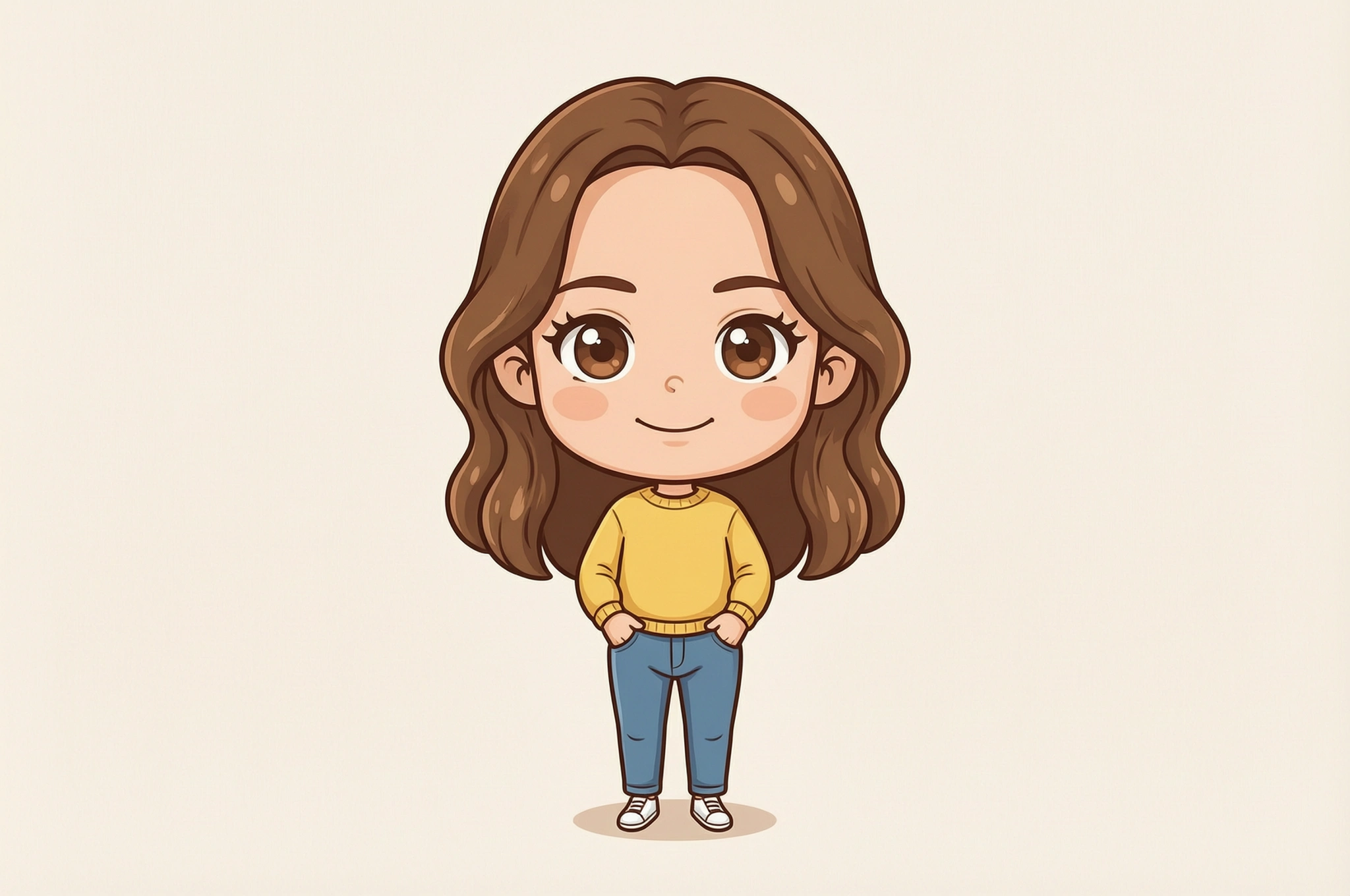
OriginalProcessed
Generated with this tool
An everyday chibi character
How to use Big Head Effect
Explore an exaggerated head-to-body proportion using one portrait as the reference. This is an AI character redraw, so facial details and clothing can change.
- 01
Choose one clear portrait
Upload a JPG, PNG or WebP photo of one person, up to 10 MB and 32 megapixels. Keep the face unobstructed and include the body when possible.
- 02
Pick your character style
Choose Chibi, Cartoon or Hand-drawn. The preset guides the big-head, smaller-body treatment without a free-text prompt.
- 03
Compare recognizable details
Drag the comparison handle between the original portrait and character. Review the hairstyle, expression, glasses, clothing and hands; AI may reinterpret details, especially outside the source frame.
- 04
Download after review
Save the completed character image after checking proportions, details and displayed output dimensions. The reference may be resized to a 2048-pixel longest edge. Transparency is not promised.
Try a character treatment for your portrait
A sharp half-body or full-body photo gives the edit more useful information. A headshot may require an invented body. Use the result as a creative interpretation rather than an exact resize of the original person.
Each example names the processing used. Review the result before using it in your project.
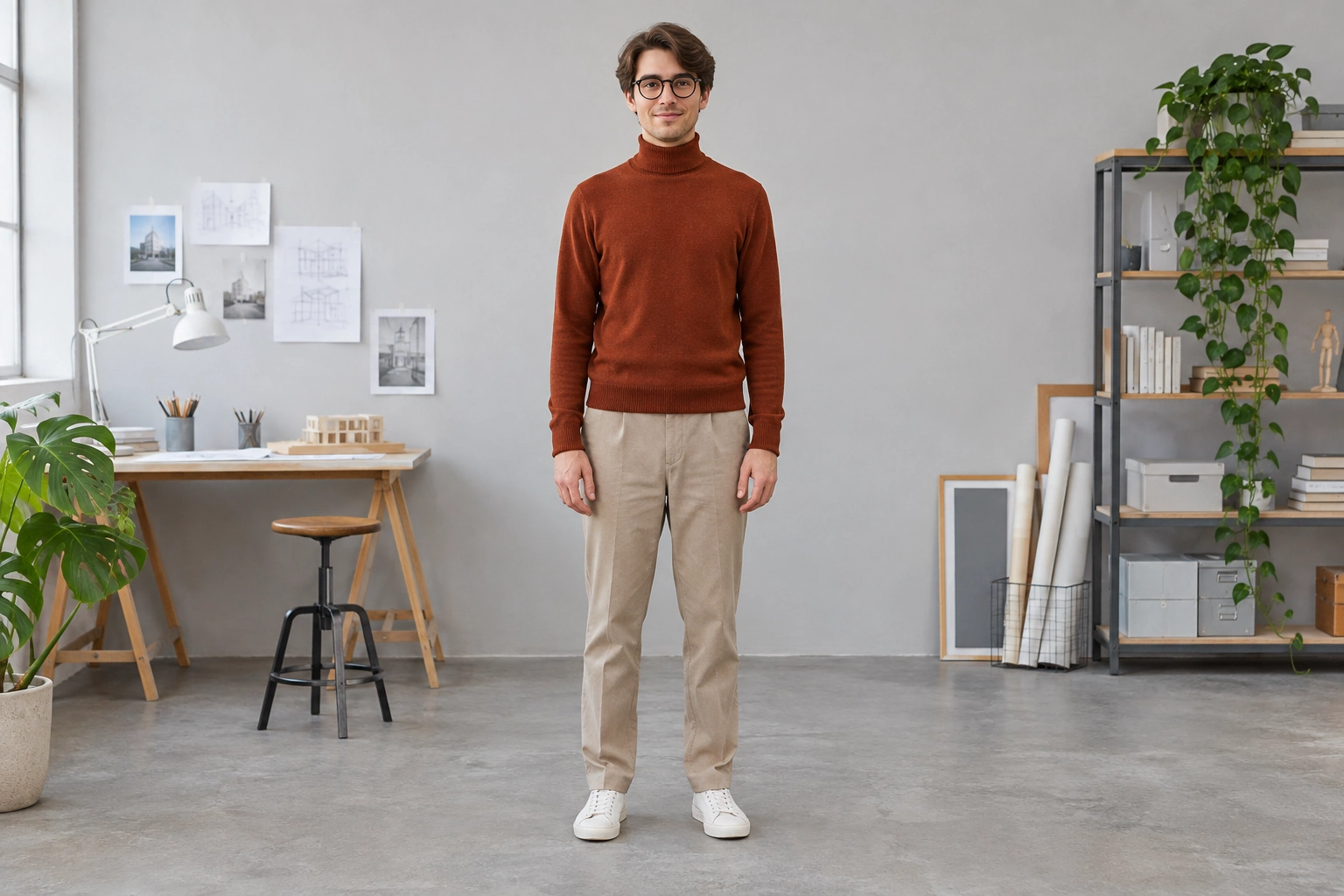
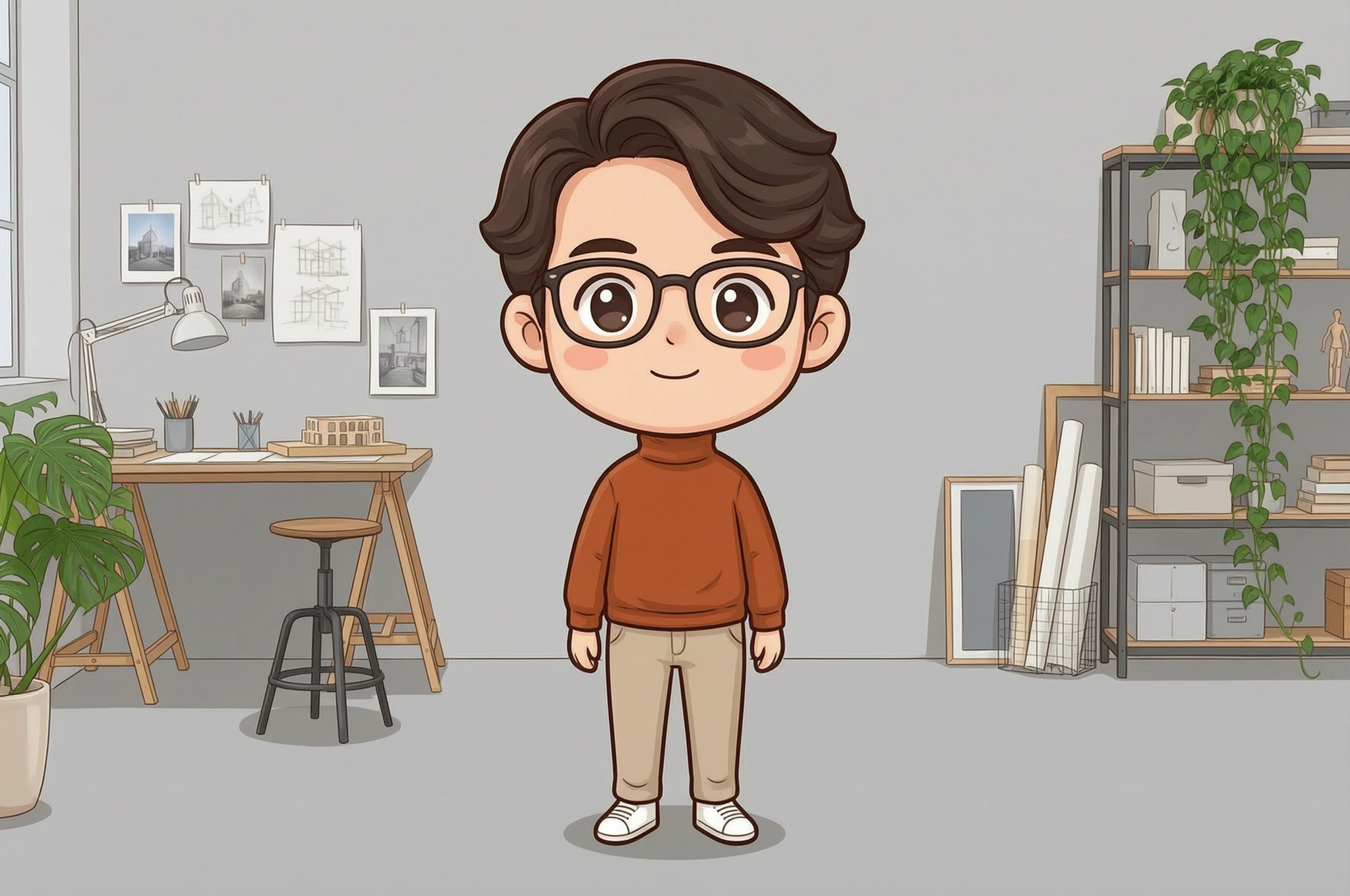
Generated with this tool
Keep glasses easy to recognize
Frames and hairstyle are useful recognition cues. Inspect both lenses, the bridge and the face after the redraw; a larger illustrated head does not guarantee identical facial features.
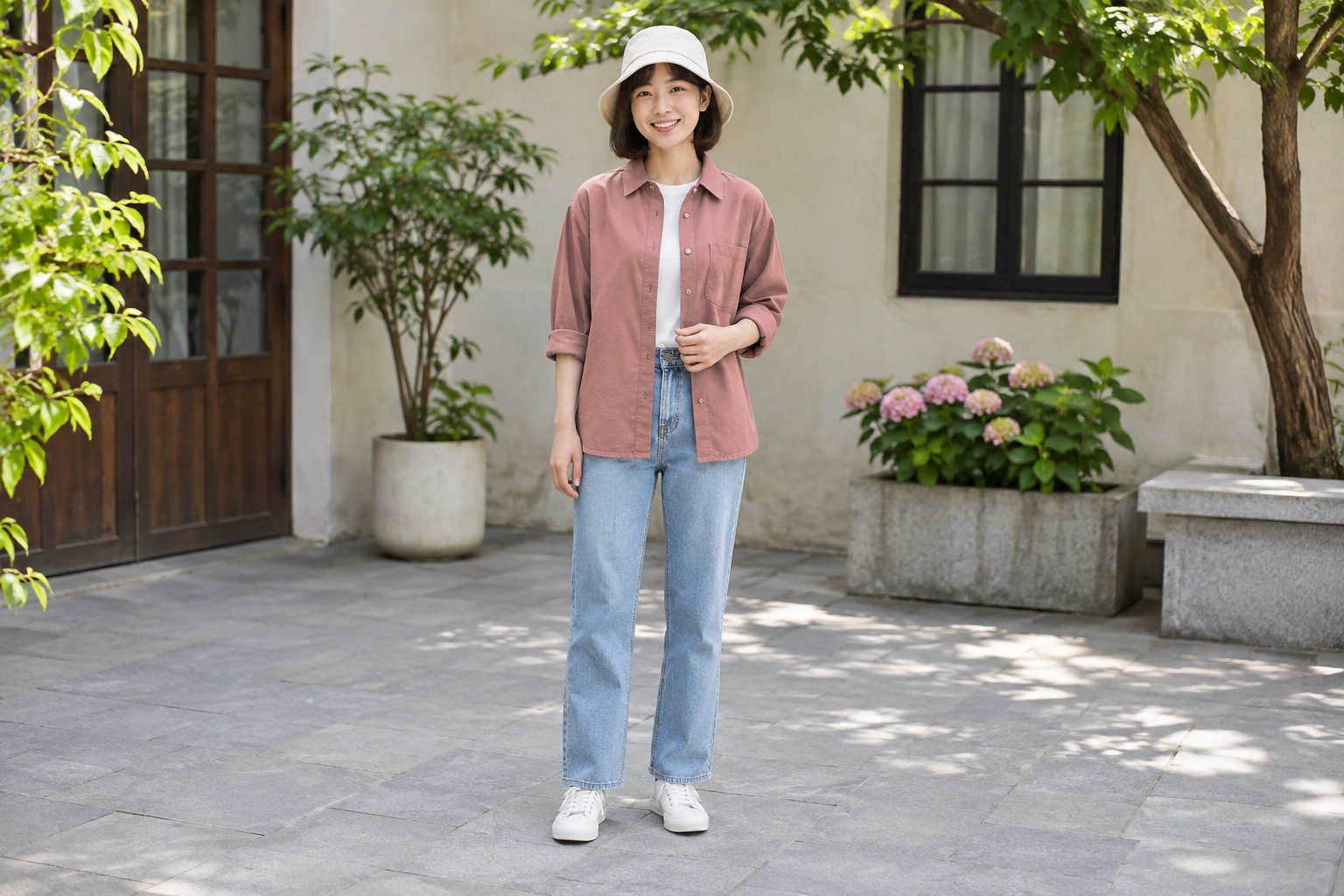
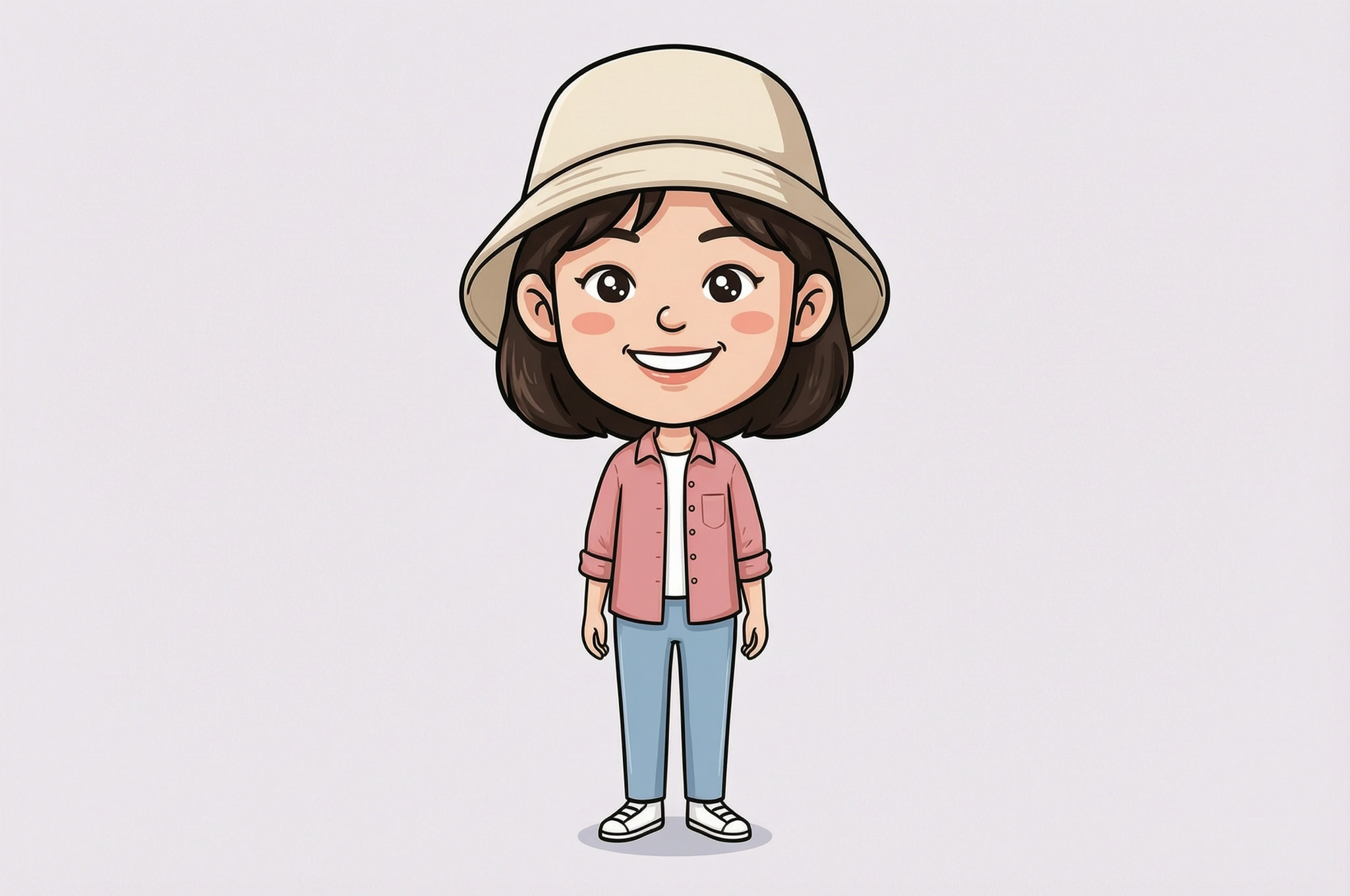
Generated with this tool
Make room for a hat
Include the whole hat in the source and leave space above it. Review the hat shape, ears and neck transition so the exaggerated head feels intentional rather than accidentally cropped.
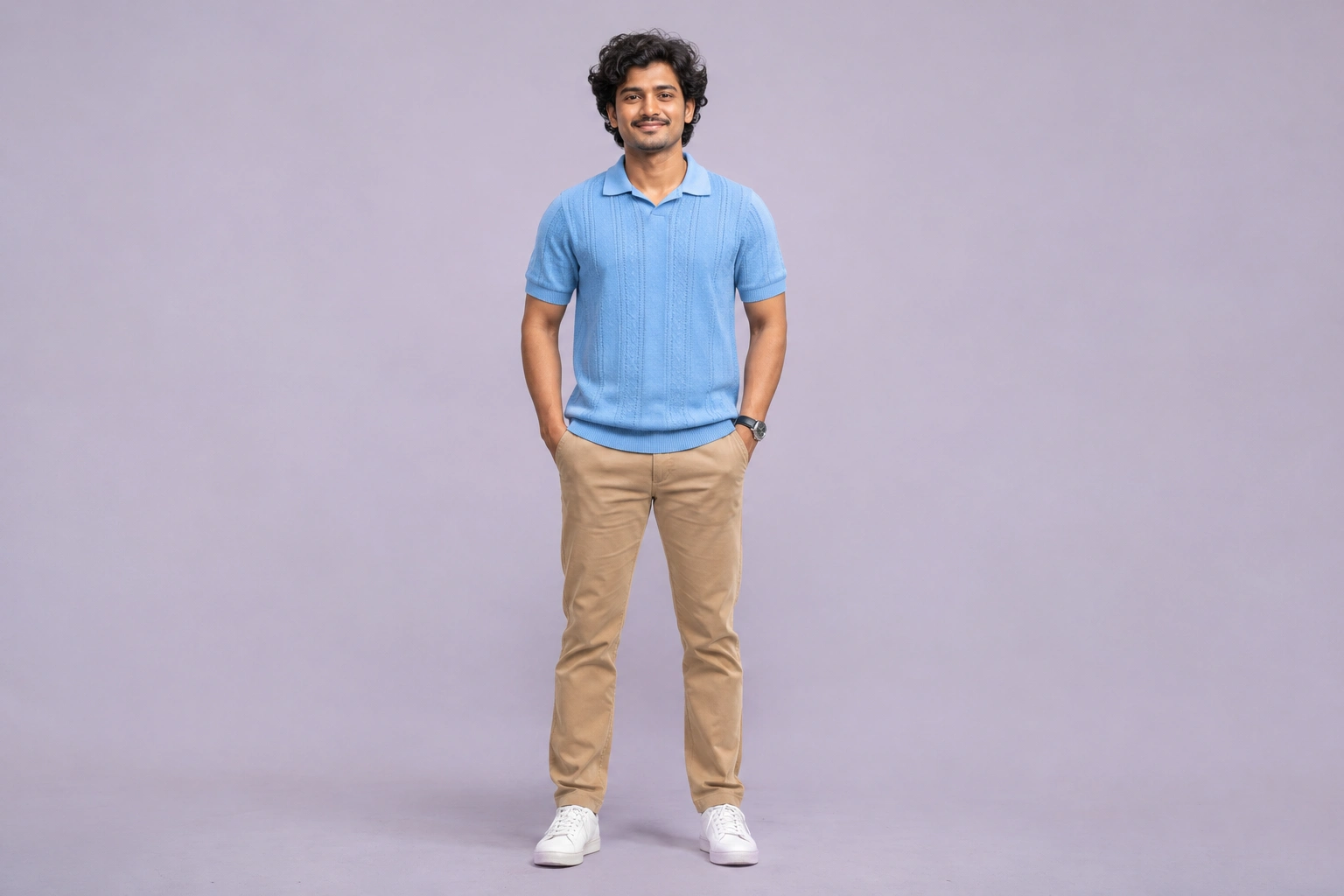
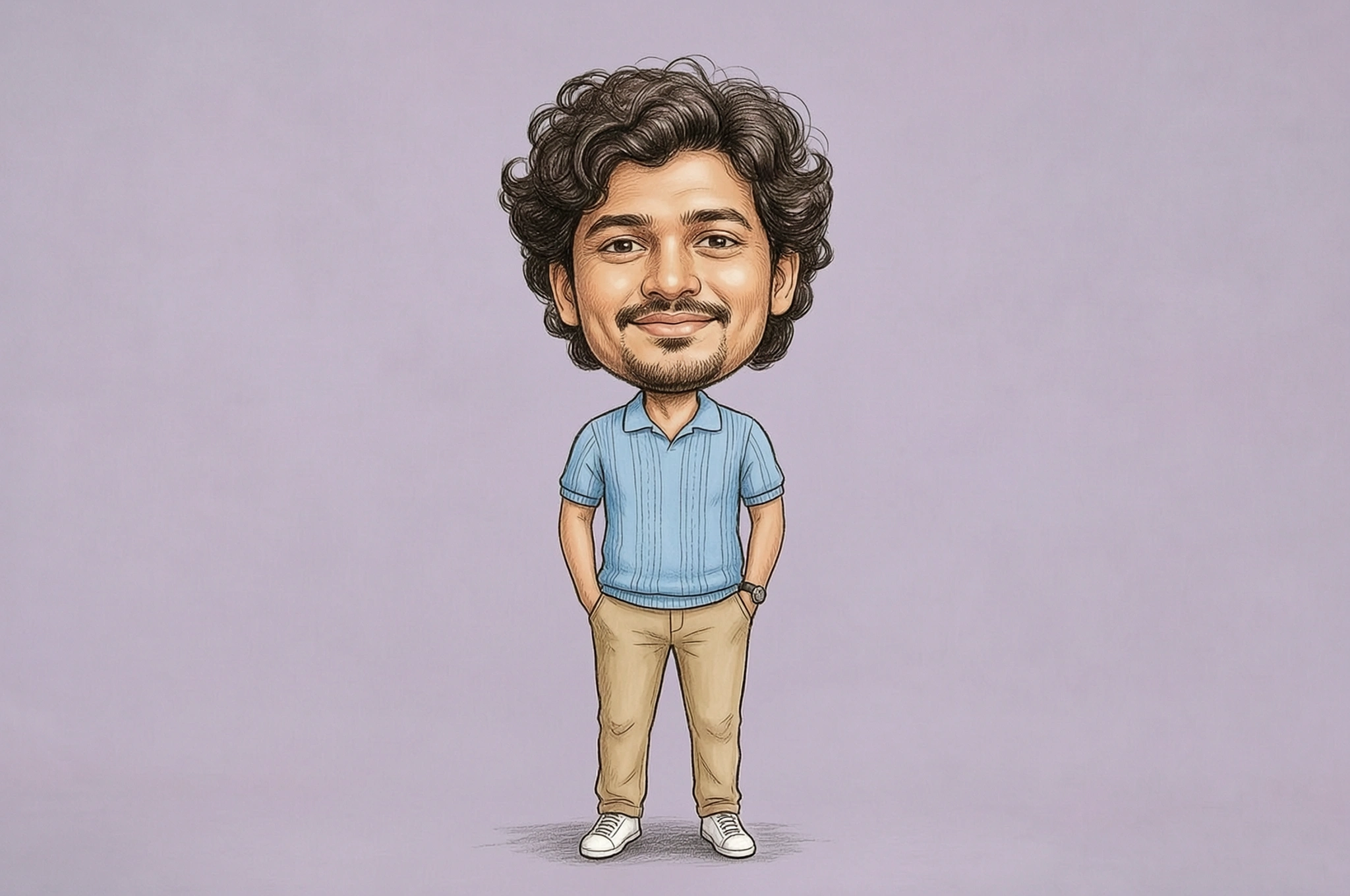
Generated with this tool
Review the silhouette of curly hair
Distinctive hair gives the character a strong silhouette. Compare curl shape, skin tone and expression, then inspect the hands and clothing for unintended edits before using the result.
Build a playful portrait with useful checks
Choose a style, supply a clear reference and review the details that make the character feel familiar.
Pick one of three visual directions
Chibi, Cartoon and Hand-drawn offer different character treatments. Generate one image at a time to compare the direction you want.
Supply a complete reference
Half-body or full-body portraits reduce the need to invent the outfit and pose. A headshot leaves the body open to interpretation.
Inspect more than the face
Check fingers, limbs, accessories and clothing as well as facial features. A recognizable hairstyle does not prove every detail was preserved.
Use a creative interpretation
The tool redraws a character rather than applying a precise geometric enlargement. It is suited to playful images rather than identity verification.
Ready to try it?
Try a larger-than-life portrait.
Choose one clear single-person photo and a character style, then compare the face and outfit before saving.
Big Head Effect FAQ
Answers about source photos, supported edits, reviewing details and downloading your image.
Which photo works best?
Use one clearly visible person with an unobstructed face. Half-body or full-body photos provide more information about the outfit and pose than a tightly cropped headshot.
Does it enlarge the original head exactly?
No. The image is redrawn with AI to create exaggerated head-to-body proportions. Facial details, expression, accessories and clothing can change.
Which styles can I choose?
Choose Chibi, Cartoon or Hand-drawn. This version uses these presets and does not include a free-text prompt or model selector.
Can I use a group photo or video?
This version supports one person in one still image. It does not separately transform several people or process video.
Is the output transparent?
Transparency is not promised. The character is created with a simple background treatment; inspect the actual result before downloading.
What files and account requirements apply?
Upload one JPG, PNG or WebP up to 10 MB and 32 megapixels. Generation requires login and available credits. Credits are checked before generation. Generate the image, then drag the comparison handle to inspect the portrait and character before downloading.
Keep creating
Keep working from here
Continue with image edits, compare model quality, or send the result into a video workflow.
AI Sticker Generator
Another product-photo task
Create cartoon, hand-drawn or framed photo stickers for social posts and scrapbooks.
Product Mockup Generator
Another product-photo task
Place your design on a T-shirt, mug, phone case, tote bag or poster. Fixed templates keep your artwork in the printable area, with product light and shade.
Product Shadow & Reflection Adder
Another product-photo task
Ground a transparent product cutout with a drop shadow, contact shadow or fading reflection. Adjust the strength and choose a background.
Isometric Miniature
Another product-photo task
Create a miniature look with local tilt-shift blur. For a new isometric interpretation, explicitly choose the separate AI redraw mode.
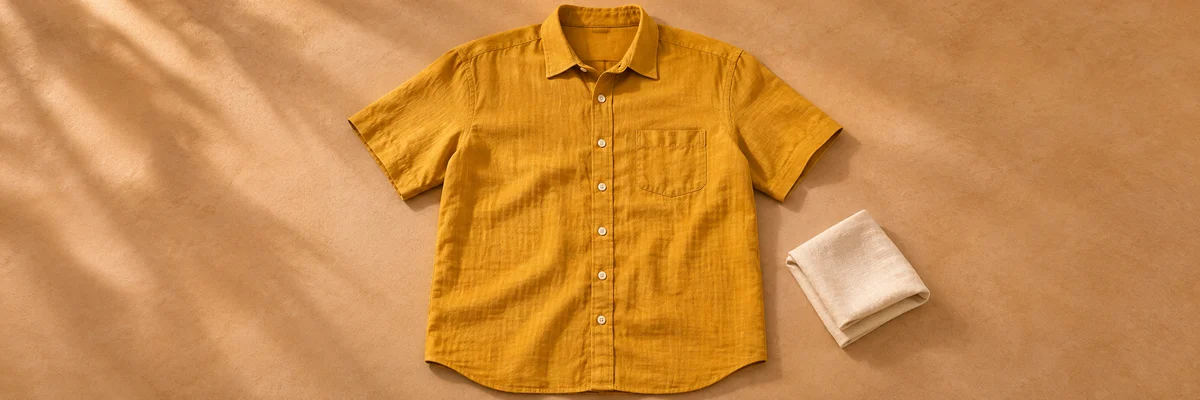
Clothing Flat Lay Generator
Another product-photo task
Turn a front-facing clothing photo into a clean top-down flat lay. Keep your garment in focus, from collar to cuffs.
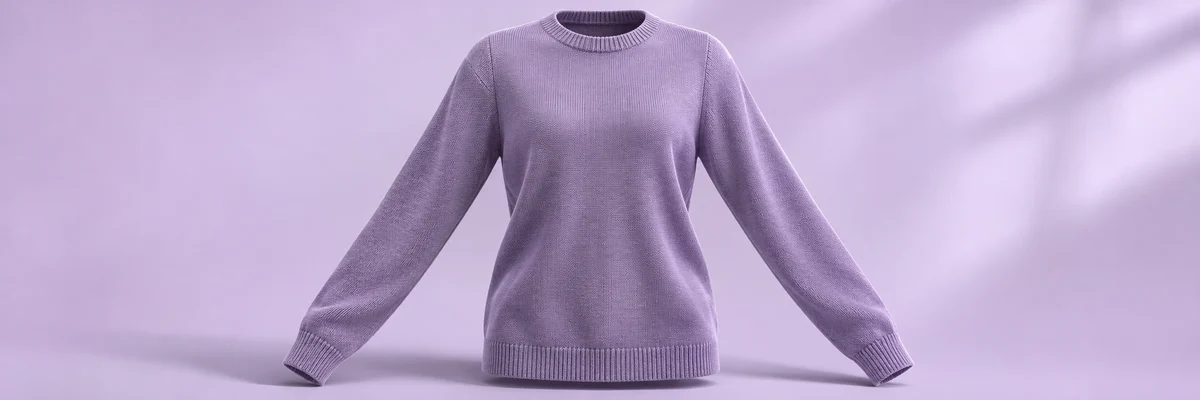
Ghost Mannequin
Another product-photo task
Remove the wearer or mannequin while keeping your garment’s three-dimensional shape and natural drape.
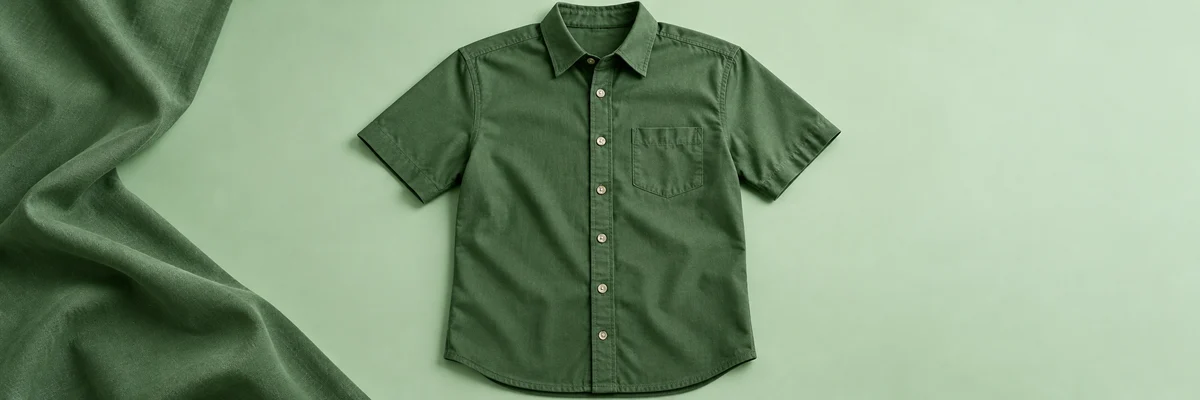
Clothes Wrinkle Remover
Another product-photo task
Reduce distracting creases in a clothing photo while keeping fabric texture, seams and natural shape.
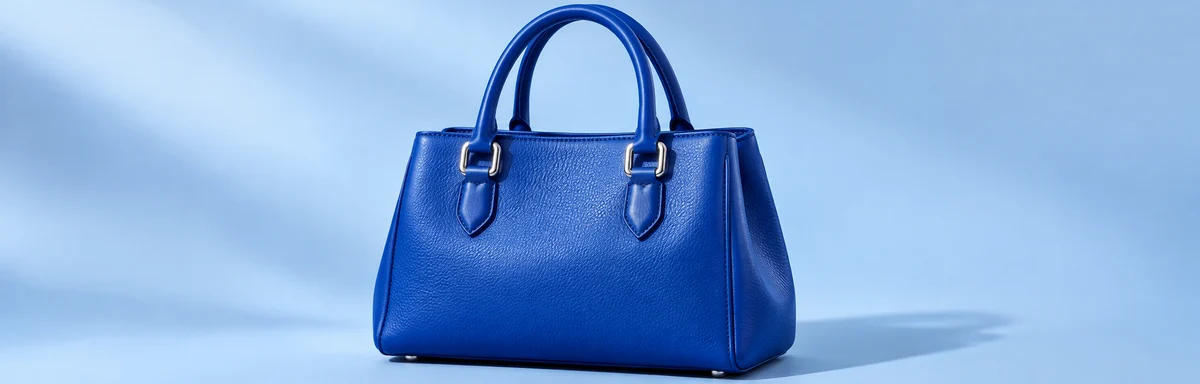
Product Recolor
Another product-photo task
Try a new color on one product while keeping its texture, shape, lighting and surroundings.
AI Image Editor
Describe a different edit
Use a written instruction when your photo needs another kind of change.