One verified reference
The main product photo anchors the product shape, color, materials, packaging, and label across the set.
Create product images and an optional video for your store or marketplace.
Turn one verified product photo into a coordinated main image, supporting gallery, and optional product video for one sales channel.
The main product photo anchors the product shape, color, materials, packaging, and label across the set.
Choose where the product will be sold, then review the relevant image and optional video specifications before creation.
See how many images and videos the Studio will create, along with estimated credits, before approving the plan.
It creates the number of listing images you select and can add one product video when the selected sales channel offers that option. The plan shows the exact output count before creation begins.
No. This Studio accepts one main product photo. You can upload it in the Studio or start with the main photo from saved Product facts.
Yes. Choose a record under Saved product instead of filling in the manual product fields. Its saved main photo fills the photo field when you have not already selected one.
Choose one of the sales channels shown in the Studio. A market selector appears when that channel has regional options, and the image specifications show the rules used for the plan.
No. Product Picture Generator creates one standalone image. AI Product Photography Studio plans and creates a coordinated listing pack.
Use a focused tool when you need to prepare one source image or create one result rather than build a complete listing set.

Product Picture Generator
Create one standalone studio or lifestyle product image.
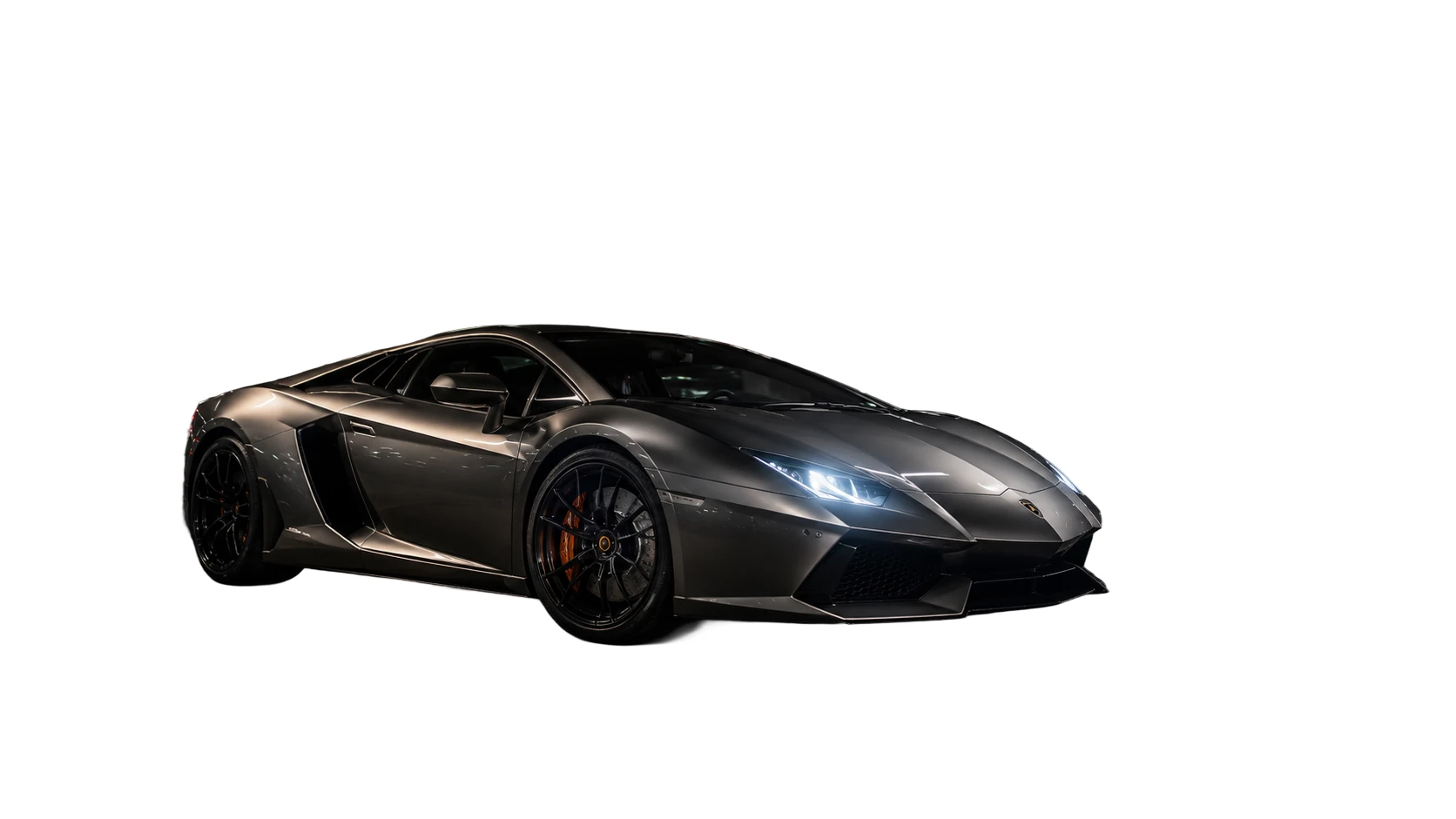
White Background Generator
Place a product on a clean white background for a simple listing image.

Background Remover
Create a transparent product cutout for another design or storefront.

Image Enhancer
Improve the clarity of a product source before using it in a listing workflow.