Platform-specific social media images
Create one mapped image for every selected platform. The plan shows the exact total.
Create one coordinated image per platform, plus optional vertical videos.
Start with one campaign image, choose the publishing platforms, then add one or two optional vertical videos.
Create one mapped image for every selected platform. The plan shows the exact total.
Add one or two vertical campaign videos. Their model, duration, count, and estimated cost appear before approval.
It creates one image for each platform you select. You can also add one or two vertical videos.
The current workflow includes Instagram, Facebook, TikTok, YouTube, and Pinterest. Select any combination that the campaign needs.
It creates one primary image for each selected platform. The setup and review steps show the exact total before creation begins.
Choose one or two vertical videos for the campaign pack. The plan shows the exact total before approval.
Audio availability depends on the selected video model and the generation workflow. This Studio does not require every video to include or exclude sound.
Use a focused tool when you need one standalone post, banner, image, or video instead of a coordinated multi-platform pack.
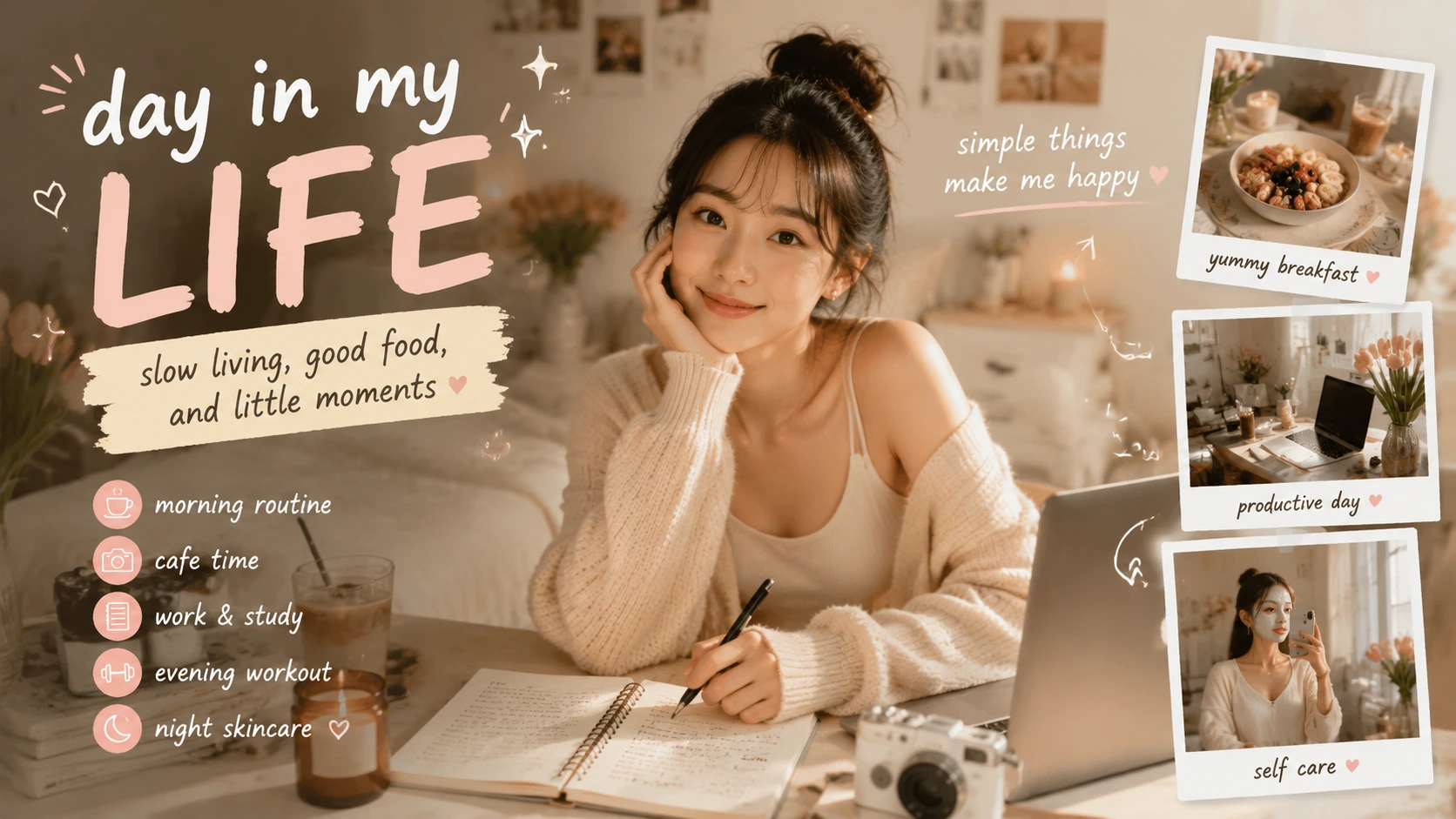
Social Media Post Generator
Create one social post from a message, platform, and visual brief.
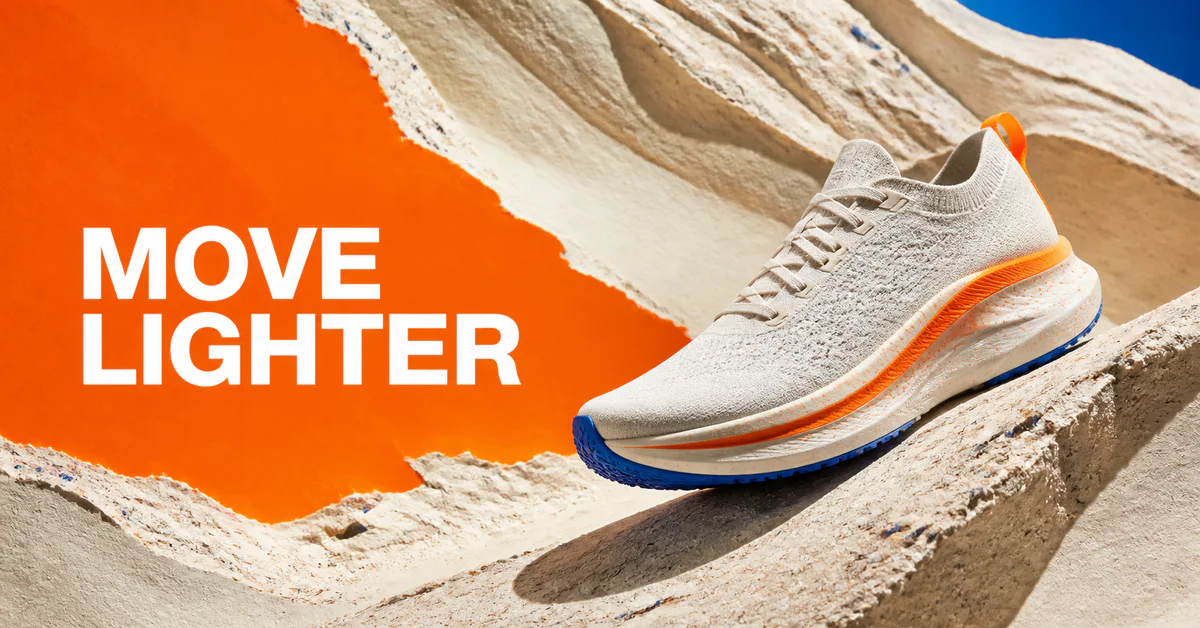
Social Media Banner Generator
Create one platform-sized banner for a social campaign.
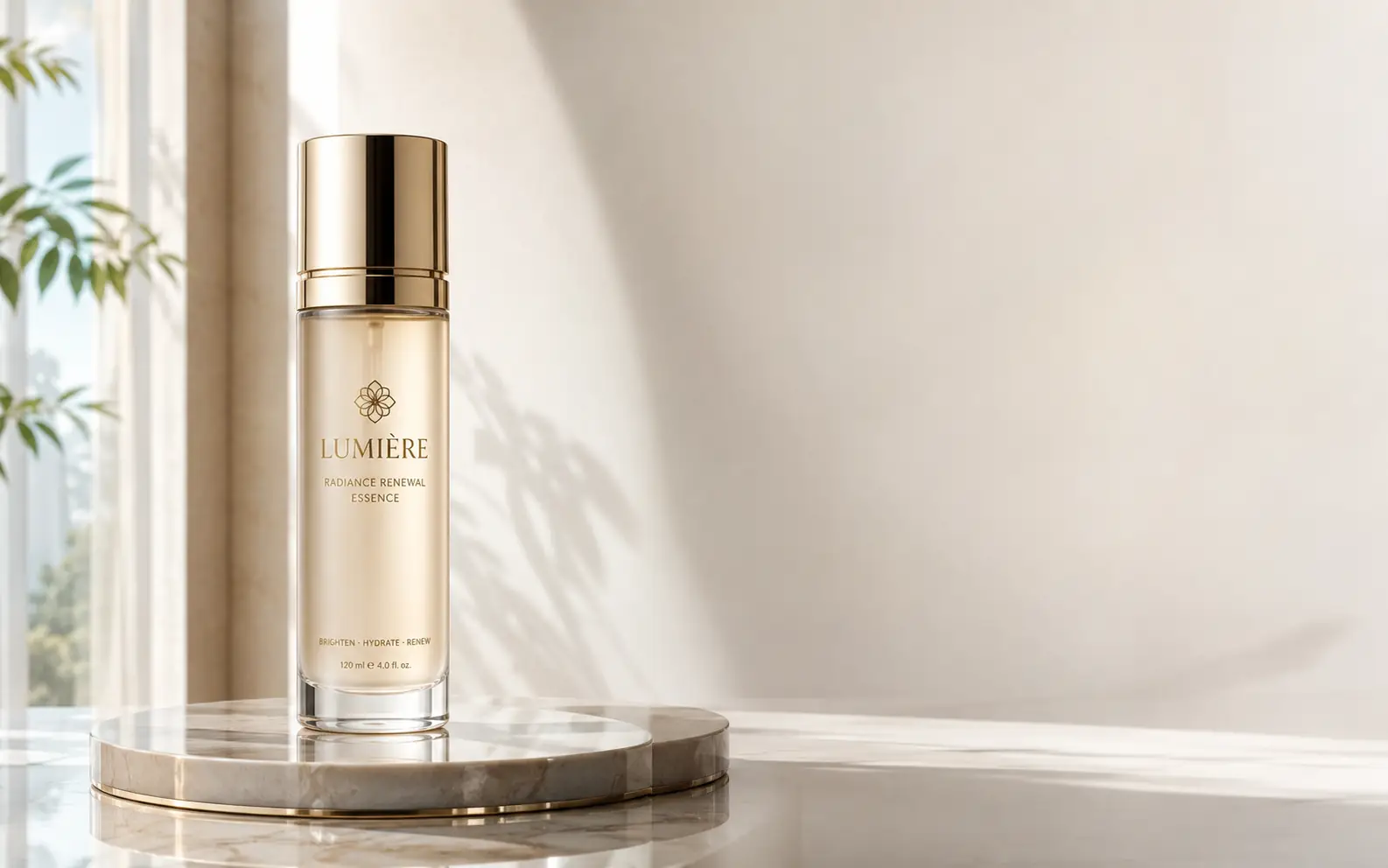
AI Image Generator
Create a standalone image when you do not need a coordinated content pack.

AI Video Generator
Create one standalone video outside a multi-platform campaign workflow.