Image Compressor
Automatically compress an image, compare actual file sizes and download. Choose another format or smaller dimensions when needed.
Sign in to use this tool. No image upload, model request or credits.
Examples
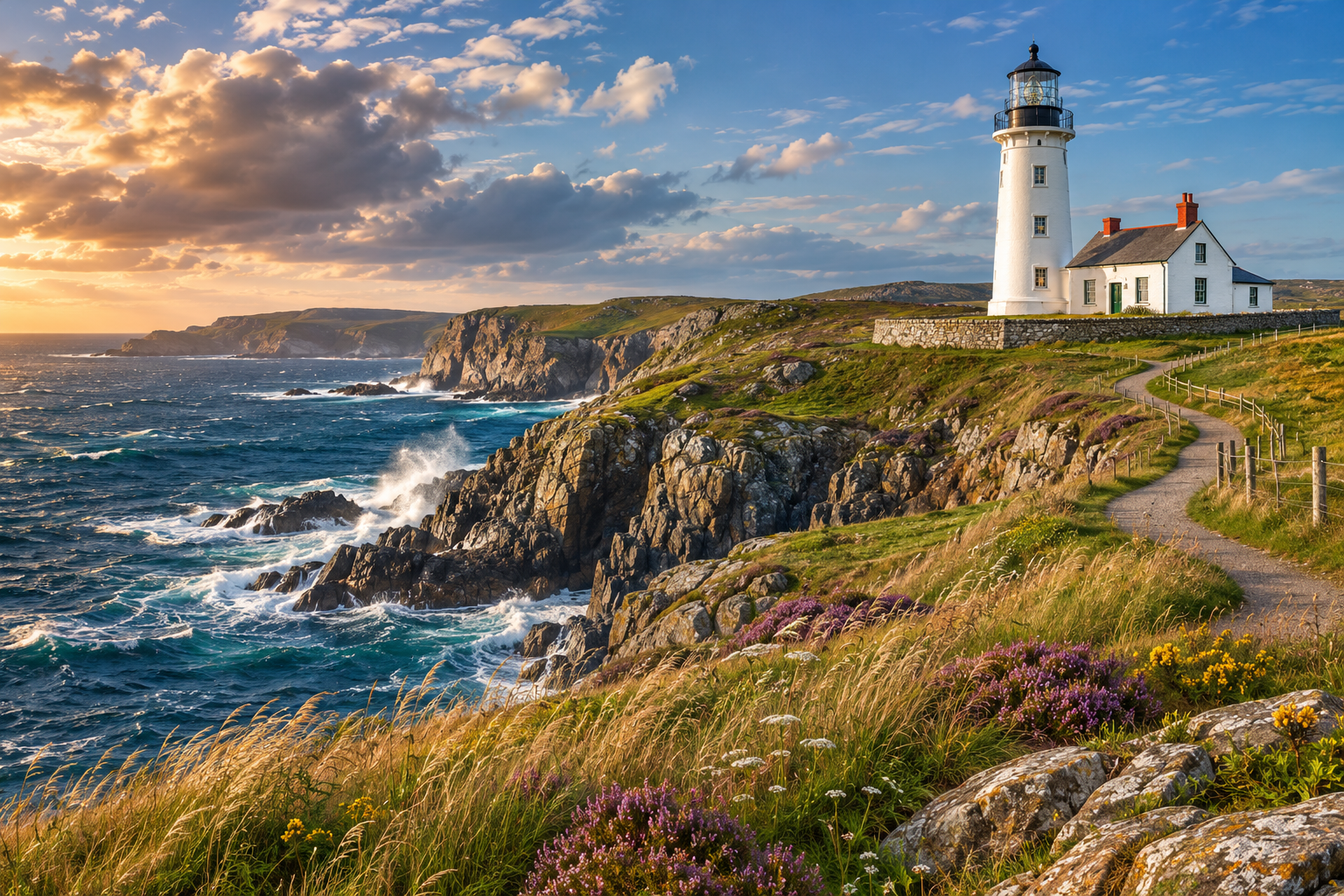
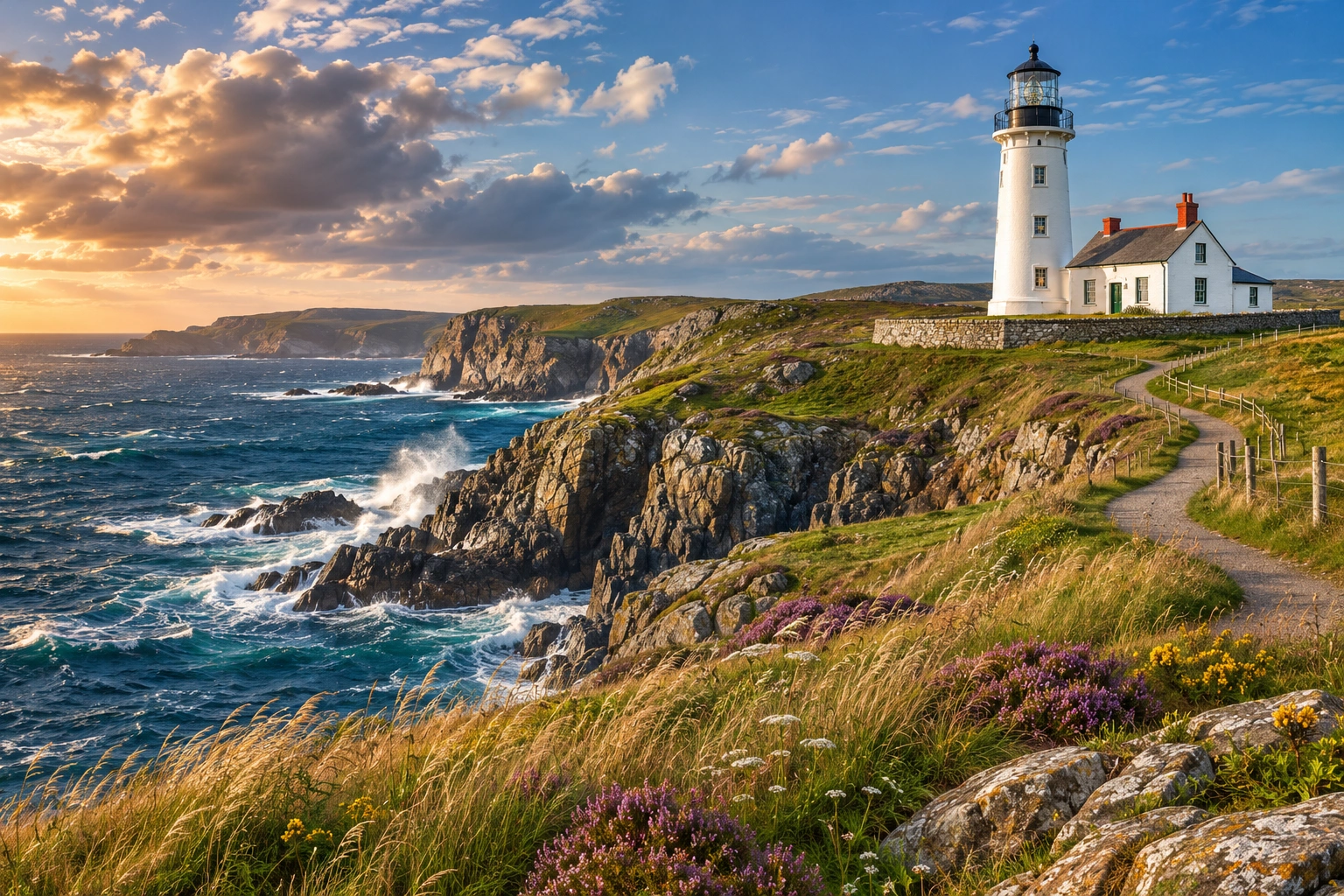
Coastal travel photograph
Compare sea spray, grasses and lighthouse edges.
Original 4,055,858 bytes - Compressed 755,782 bytes - Target 1,419,550 bytes
Smaller image files without guessing a target
Upload a static photograph or graphic and compress it with an automatic balanced setting. The tool reports the actual file size and change rather than promising a fixed percentage or KB result.
With Auto and Original dimensions, the tool keeps the original file if re-encoding saves no space. Explicit format conversion can produce a larger file; the result shows the measured change. Use Advanced options to choose a format or limit the longest edge.
- JPEG, PNG and WebP
- Up to 10 MB and 32 megapixels
- Image processing stays in your browser
Choose a smaller image for your next task
Share photographs
Create a lighter copy for messages or a website and inspect texture and edges.
Convert formats
Choose WebP, lossless PNG, JPEG or JPG to suit the destination. JPEG/JPG place transparent areas on white.
Prepare display images
Explicitly choose a maximum edge for a smaller display copy. Smaller sources are never enlarged.
How to use Image Compressor
- 01
Choose one static image
Use your original photograph or graphic where possible.
- 02
Choose optional format and dimensions
Keep Auto or choose an output format and a maximum edge.
- 03
Compress and compare actual sizes
Check fine details and the measured size change.
- 04
Download your image
Download the resulting image or keep the original if no saving was possible.
Choose your balance of size and detail


Check detail in an interior photo
Drag the divider to compare the wood grain, linen and window light in the original and compressed WebP.
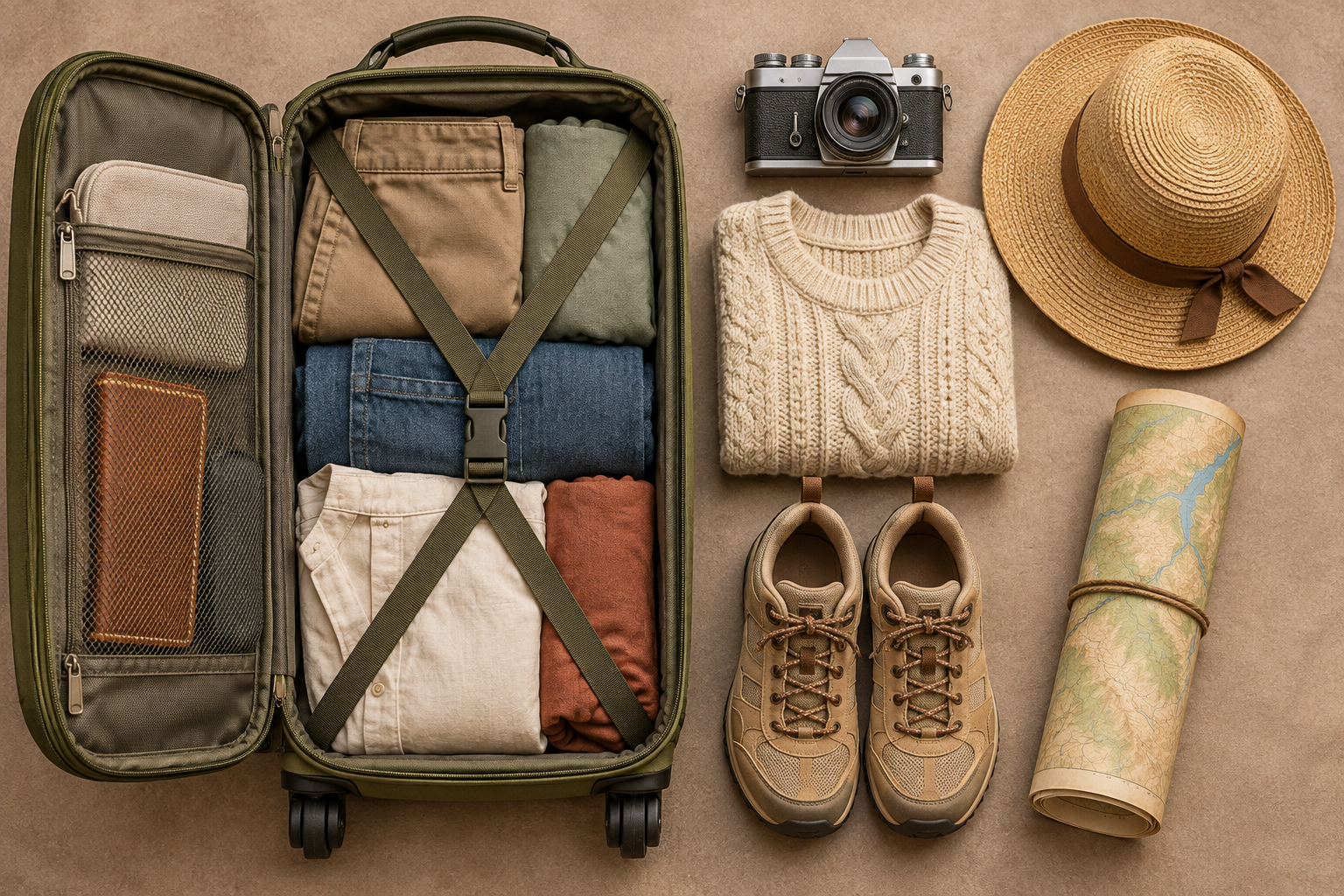
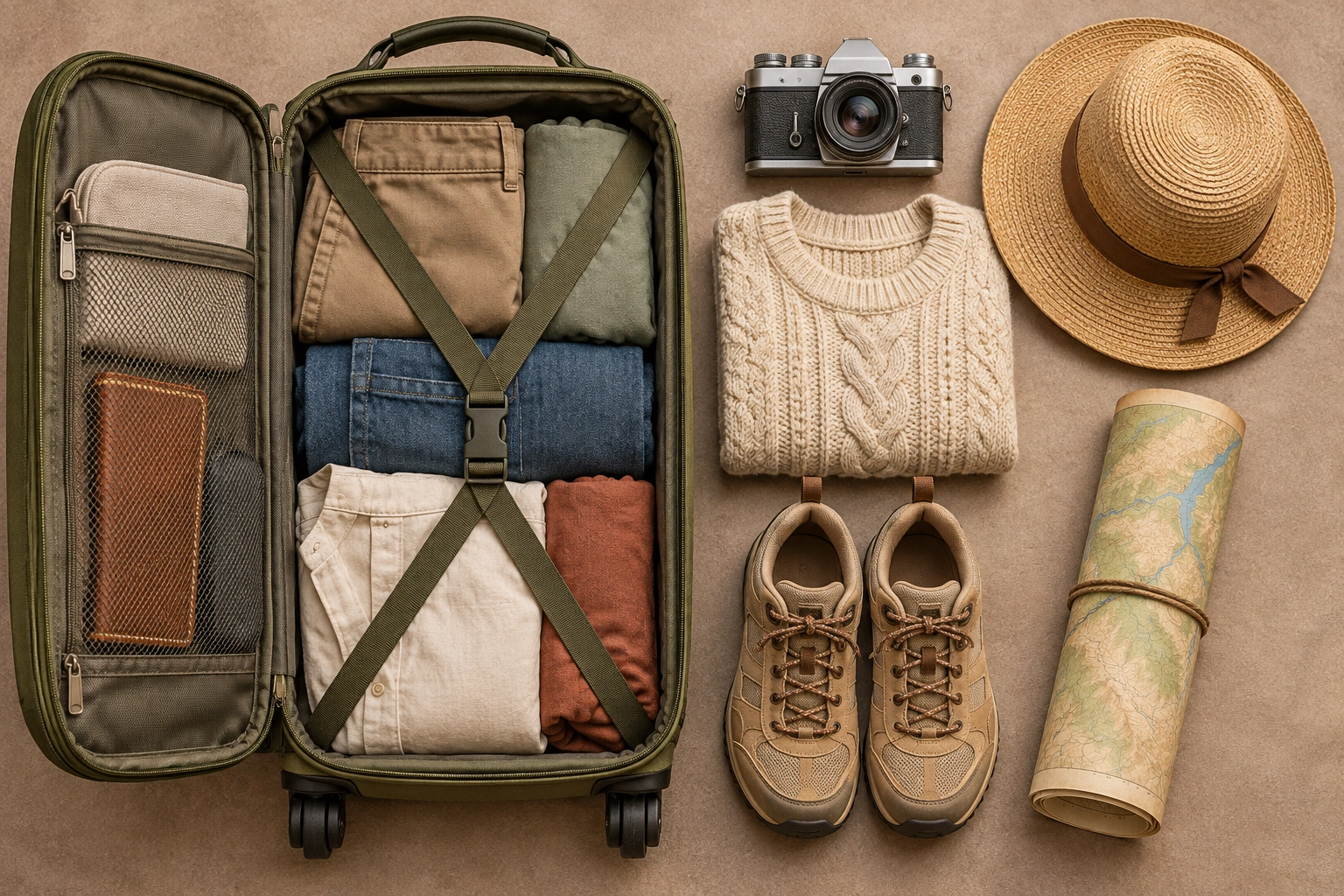
Prepare a lighter travel photo
Compare a PNG of the packed travel gear with its compressed WebP. Check the fabric textures and fine details around the camera and straps.
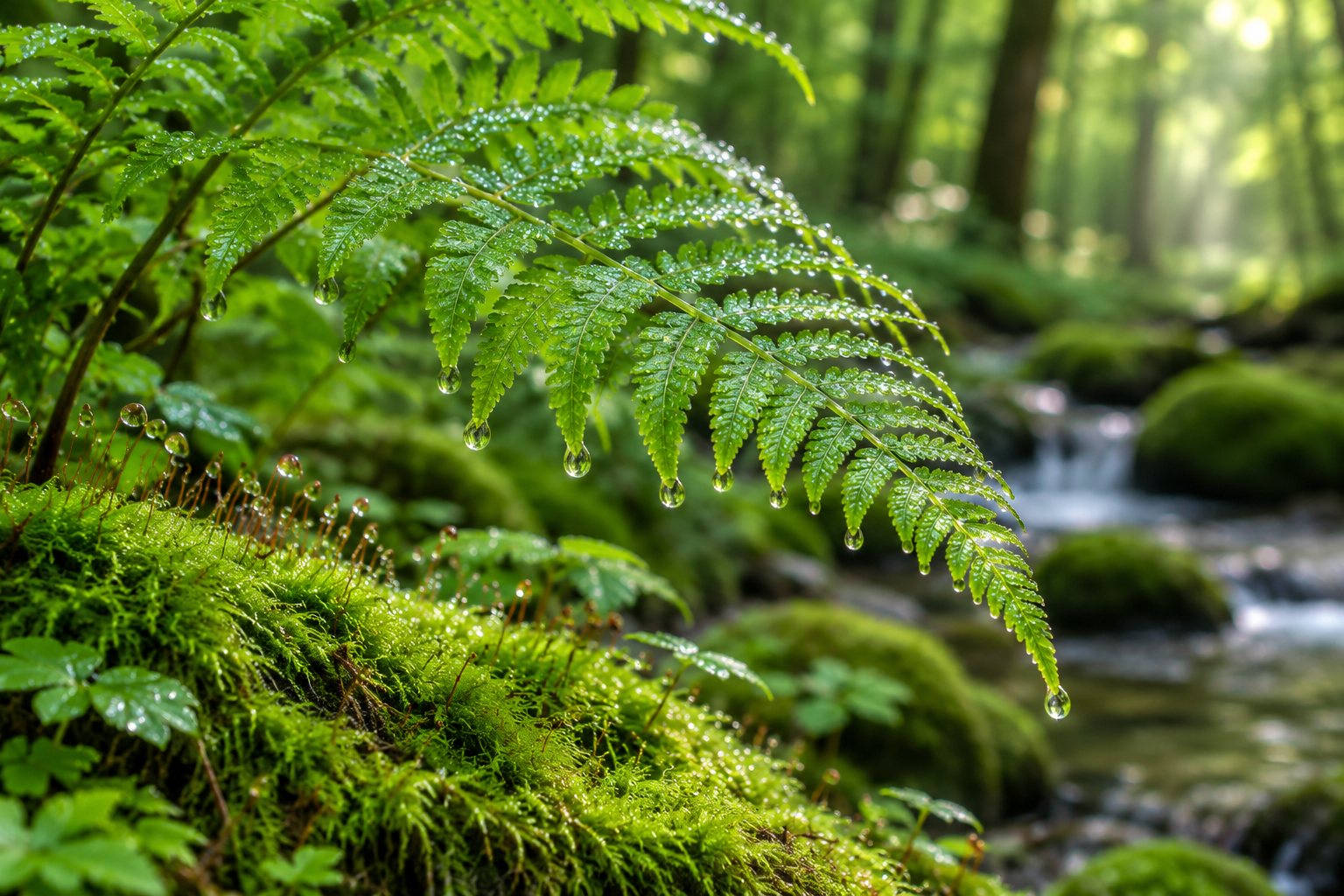
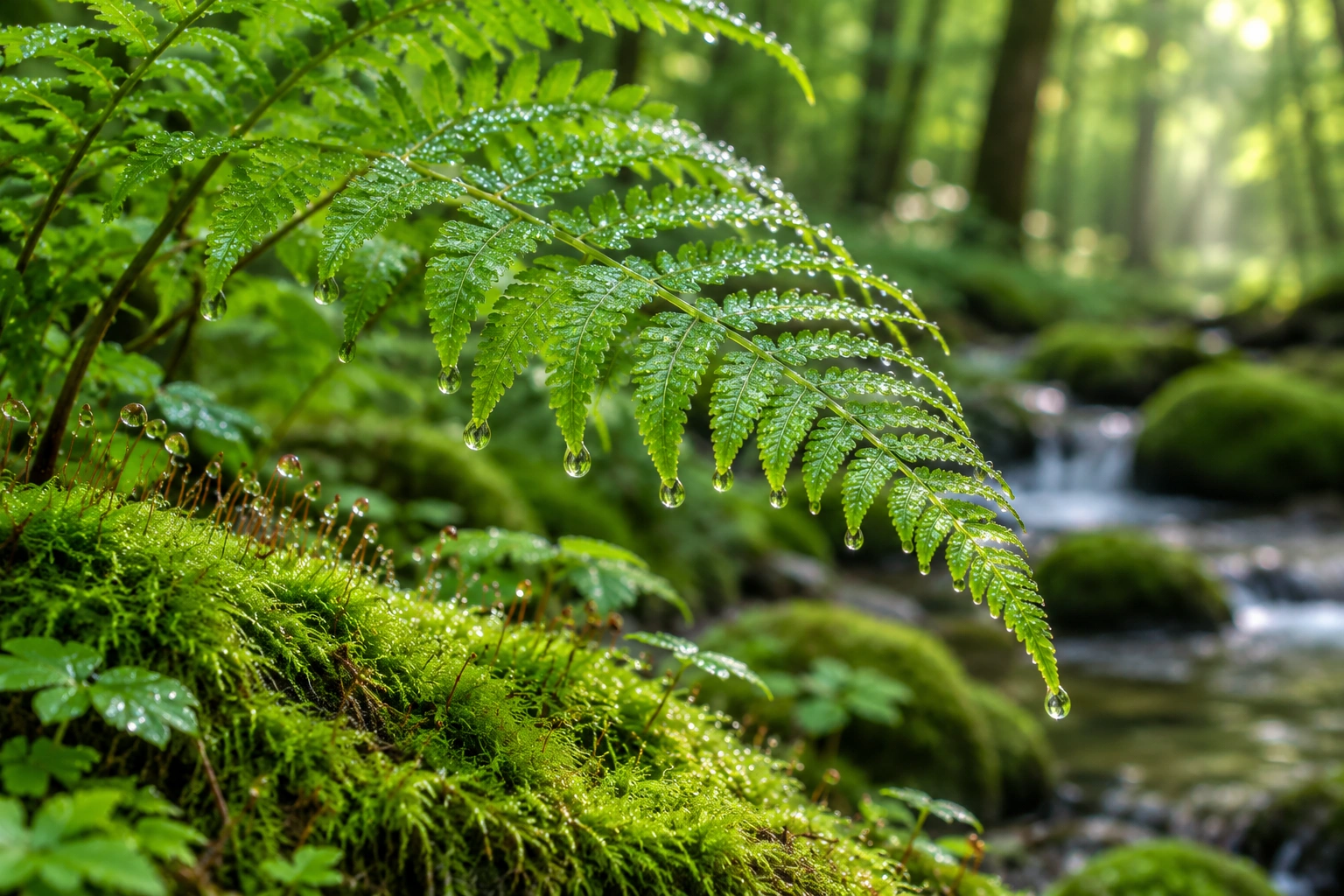
Inspect fine detail in a botanical photo
Compare the fern fronds and moss in the two versions. If your destination also limits dimensions, set Longest edge under Advanced options.
Keep the original, inspect the result
Your source stays available for comparison. Downloads use the latest completed result, with the actual format and dimensions.
Make changes deliberately
Start with Auto and Original dimensions. Set Longest edge if your destination calls for a smaller image.
A practical guide to image compression
Actual savings depend on the image
Detailed photographs, flat graphics and already compressed files respond differently. Automatic compression does not guarantee a fixed reduction or an upload limit.
Keep the original
Lossy JPEG and WebP encoding can change details. Retain the original as a master and check the downloaded copy before publishing.
Ready to use Image Compressor?
Automatically compress images and compare real file sizes. Choose PNG, WebP or JPEG output and optional smaller dimensions, then download for free.
Image Compressor FAQ
Are images uploaded?
No. Sign in to use the tool; compression stays in your browser without model calls or credits.
Can I choose a percentage or exact KB size?
No. Compression is automatic. The actual saving depends on the source and output format. A chosen percentage or fixed file size is not promised.
Will the output always be smaller?
With Auto and Original dimensions, the original is kept if re-encoding saves no space. An explicit format conversion can increase the file size, and the result shows the measured change.
Are dimensions changed?
Only if you select a maximum edge in advanced options. Smaller sources are not enlarged.
What formats can I use?
Select one static PNG, JPEG or WebP up to 10 MB and 32 megapixels. Output options are Auto, PNG, WebP, JPEG and JPG.
Is compression lossless?
PNG encoding is lossless; JPEG and WebP encoding may change detail. Re-encoding can remove metadata.
More to try
Explore your next creative step
Try another image tool, compare image models, or animate an image concept.