
Video Speed Changer
Speed up or slow down the whole video, or set a different speed for each section. Keep the audio in sync or mute it, then export as MP4.
Example
0:00 / 0:00
0:00 / 0:00
Drag the divider to compare. Play either side using its own controls and audio; the other video pauses.
Change the pace of an entire video or a single section
Change video speed online when the timing of a recording matters as much as the picture. Speed up setup footage or a long process, slow down a movement that is hard to see at normal speed, or vary the pace within a single clip. The result is an MP4 with the new timing saved into the file, ready to share or import into a video editor.
Whole video applies one multiplier from the first frame to the last. By segment lets you keep an opening at normal speed, accelerate the parts that need less screen time and slow down a key moment. Choose Sync to retime the main audio track with the picture, or choose Mute if you plan to add a separate soundtrack later.
How to use Video Speed Changer
Upload your video
Choose an MP4, MOV or WebM up to 50 MiB. Play the original to identify the moments you want to speed up or slow down.
Set the speed
Choose a multiplier for the whole video or add up to ten sections. Enter each end time in seconds and let the last section run to the end.
Export and review
Change the speed, watch the saved timing and check how cuts and speech sound. Download the MP4 when the pace is right.
Choose a speed that suits the footage
Keep instructions understandable
Use a faster speed for repeated setup in a tutorial and leave spoken directions or delicate steps at 1×. If you keep audio, listen around the change points to make sure the words are still easy to follow.
Make short actions easier to see
Try 0.5× for a craft detail, an athletic movement or a quick product demonstration. Footage shot at a high frame rate generally retains smoother motion after slowing down.
Plan the runtime before export
A 20-second clip at 0.5× becomes about 40 seconds. A video with 10 seconds at 1× and 10 seconds at 2× becomes about 15 seconds. This is useful when cutting to a fixed presentation or social clip length.
Choose useful section boundaries
Place a speed change at a shot break or when the main subject changes direction. A clear boundary helps viewers follow the action and makes changes in the soundtrack easier to review.
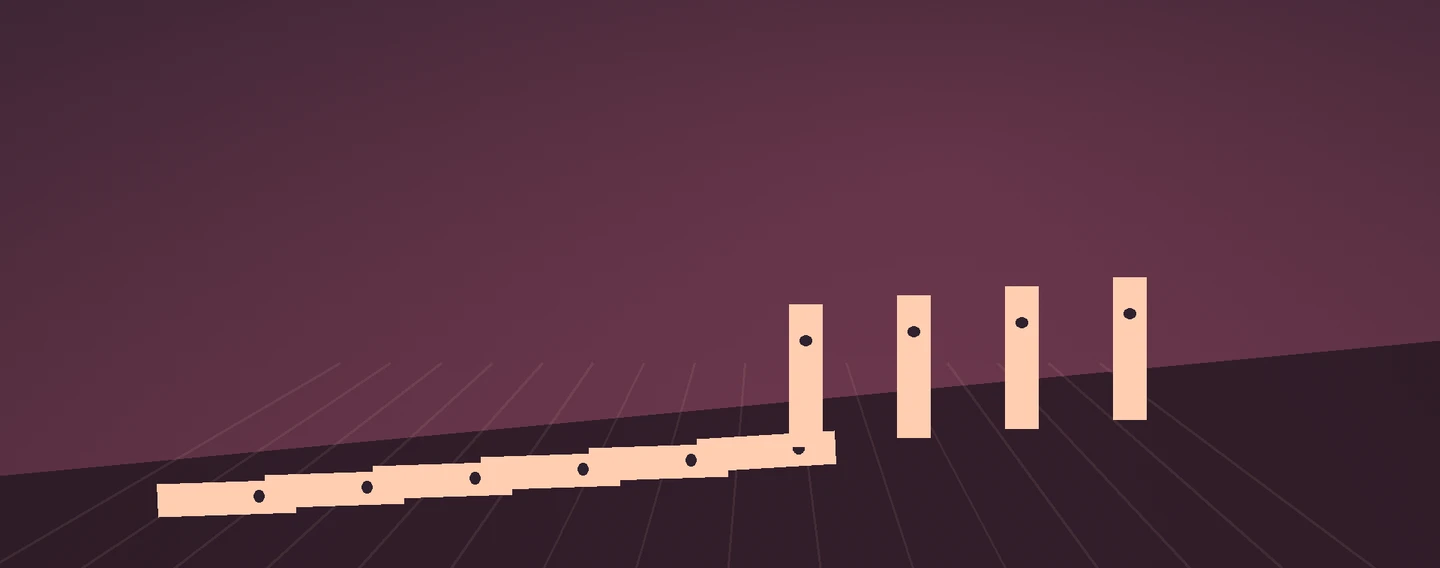
A night train at double speed
The train takes two seconds to cross the frame instead of four.
A paper glider at half speed
Half speed gives the four-second glide eight seconds on screen.
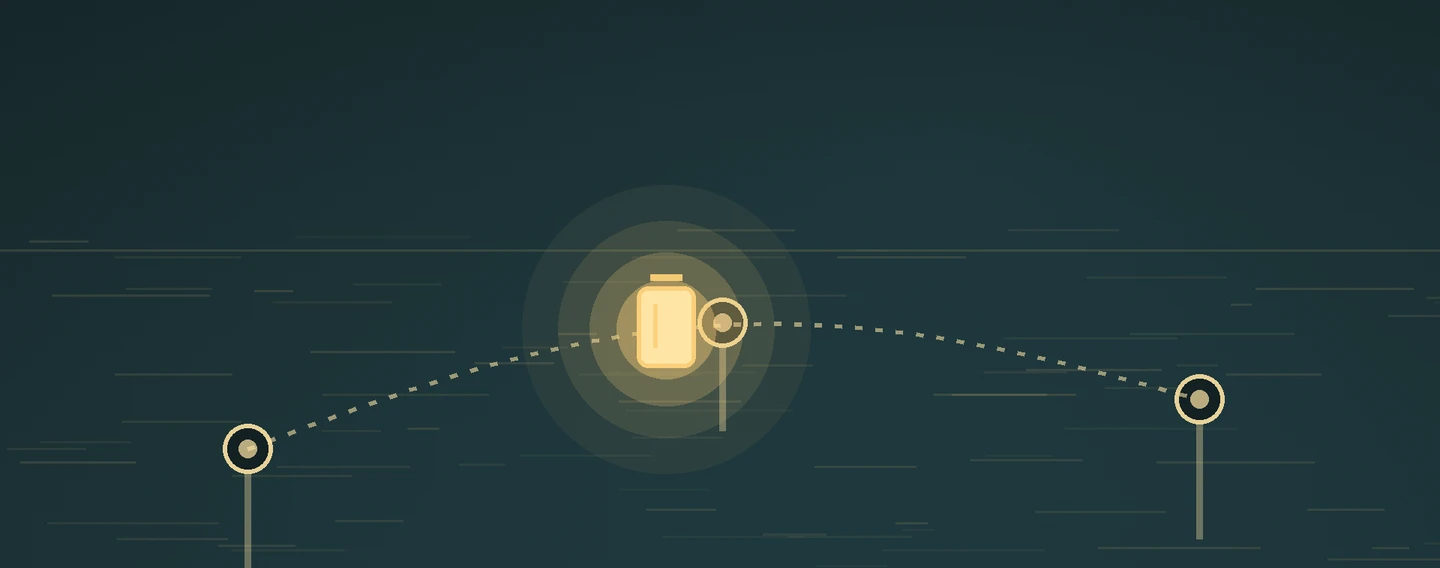
Two speeds for a tidal buoy
The first two seconds run at the original pace, then the remaining two seconds run at 2×.
Change speed
Speed up or slow down the whole video, or set a different speed for each section. Keep the audio in sync or mute it, then export as MP4.
Video Speed Changer FAQ
What speeds are available?
Whole video offers 0.25×, 0.5×, 0.75×, 1×, 1.5×, 2×, 3× and 4×. Choose By segment to enter a custom speed between 0.25× and 4× for each section.
Does the audio follow the new speed?
Sync retimes the main audio track while preserving pitch. Mute exports only the picture.
How do segments work?
Each segment starts where the previous one ends. Set the final end time to the end of the video.
How long will my video be after a speed change?
Divide the original duration by the speed multiplier. A 12-second clip at 2× comes out to about 6 seconds. With segments, add together the adjusted length of each section.
Will slow motion add new frames?
The tool adjusts when the existing frames play. Footage recorded at a higher frame rate generally looks smoother when slowed down.
Which files can I upload and download?
Upload one MP4, MOV or WebM up to 50 MiB. Download the edited clip as MP4. Source and output duration are each limited to 30 minutes.
More to try
Find the right next tool
Find the next tool for generation, restyling, cleanup, extension, or model comparison.
Reverse Video
Video editing
Play a clip backward. Reverse its sound too, or keep the audio in its original order.
Video Looper
Video editing
Repeat a video, fill a target duration, or export a forward-and-back Boomerang as MP4.

Video to GIF
Video editing
Turn 1–15 seconds of video into a looping GIF. Choose the start time, duration, maximum width and frame rate.

Video Compressor
Video editing
Export a smaller video for uploading or sharing.